You push off the wall for the fourth 100 of a set you made up on the deck thirty seconds ago, lose count somewhere around the second turn, and finish with no real idea whether that was faster or slower than last week. Swimming punishes guesswork more than almost any other sport. You cannot glance at a screen mid-stroke, you cannot easily film yourself, and the pool clock only tells you so much. That gap is exactly where a wave of apps now promises an “AI swim coach” in your pocket or on your face.
We are AIToolsBakery, and we sell none of these apps. We make money when readers trust us, not when they buy a subscription, so we have no reason to inflate anyone. That matters here because when you search for the best swimming app, the front page is owned by the vendors themselves and by affiliate roundups that earn a commission on every signup. We are neither. What follows is an honest sort of six tools by the job you actually need done, with one real limitation called out for each.
A quick word on what “AI” means in swimming. Most of these apps are not generating coaching from scratch the way a chatbot writes an email. They use algorithms to build adaptive sets, classify your strokes from accelerometer data, and adjust your plan when you miss a session. That is genuinely useful. It is not a human coach watching your catch. Keep that distinction in mind as you read.
The 30-second answer: Most adults wanting structured, adaptive sets should start with MySwimPro. Swimmers who want real time feedback in the water should look at FORM and its goggles. Swim.com suits simple tracking, FINIS suits drills and tempo work, TriDot suits triathletes, and Garmin suits anyone who already wears the watch.
Quick answer: MySwimPro is the best AI swim app for adaptive sets and structured plans, FORM goggles for real-time in-water feedback, and Swim.com for simple tracking. You are buying structure and a smarter logbook, not a stroke coach, and for most adult swimmers that is the best value upgrade available.
The jobs an AI swim app actually does
Before the tools, here are the four jobs we reviewed each one against. A good pick nails one or two of these. None nails all four.
Adaptive workout and set generation. Can the app build a session for your level, then change it when you are tired, injured, or short on pool time? This is the headline feature for most swimmers and the one that saves you from making up sloppy sets on the wall.
Stroke and technique analysis. Does it classify strokes, count laps reliably, and give you anything resembling form feedback? Wrist sensors are decent at counting and timing, weaker at judging technique. Be skeptical of any claim that an accelerometer can fix your catch.
Pool versus open water. Many apps are built for the black line and fall apart in a lake. If you swim outdoors, GPS and open water handling matter more than anything else.
Wearable and ecosystem integration. Does it talk to your watch, your goggles, and platforms like Strava, Apple Health, or TrainingPeaks? A swim app that strands your data is a dead end.
MySwimPro: best for adaptive sets and structured plans
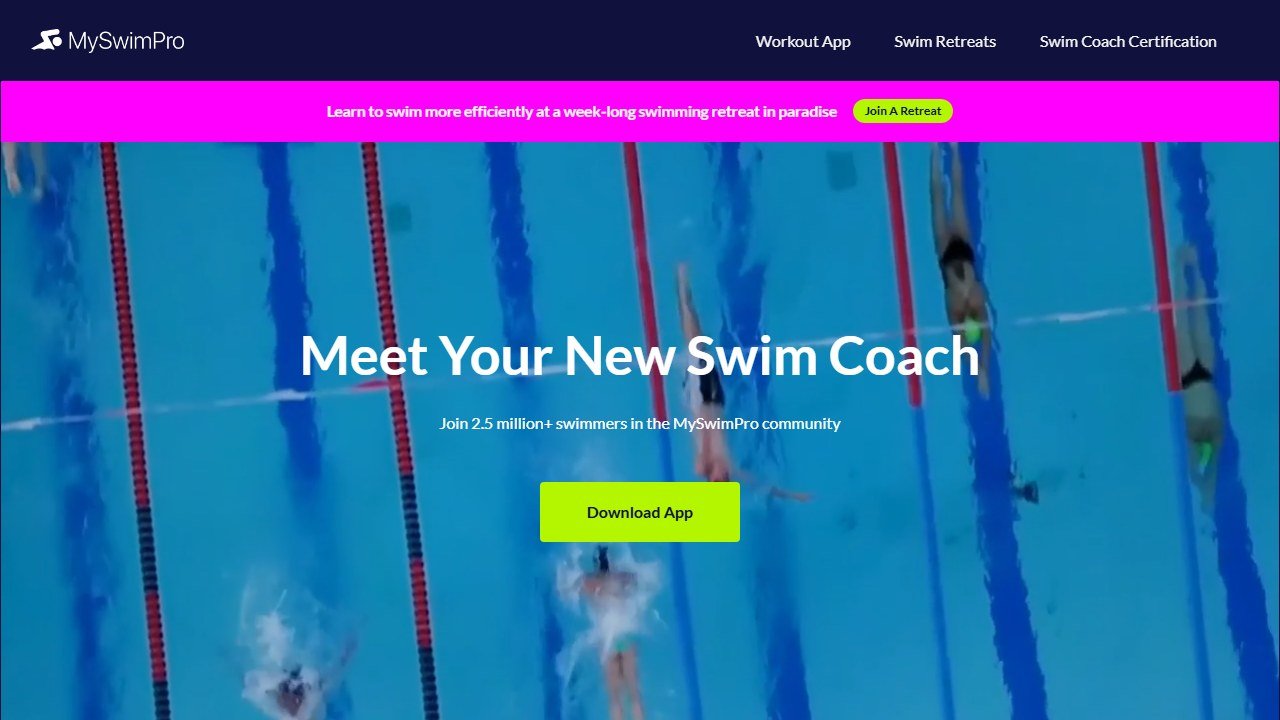
MySwimPro is the closest thing to a pocket coach for the everyday adult swimmer. You set a goal and a level, and it serves a Workout of the Day plus longer training plans that build toward a distance or a time. The standout is its adaptive engine: tell it you are tired, injured, or staring at a closed lane, and it reshapes the plan instead of leaving a guilt-shaped hole in your calendar. It also includes an AI feature that generates one off custom sets when you want something fresh, and technique videos sit alongside the workouts so you know what each drill is for.
Pricing is subscription based, with a free tier that lets you sample workouts and a paid Coach tier (often called Elite) that unlocks the full plans and personalization. Treat any number you see online as a starting point and confirm current pricing on their site, because fitness app pricing moves constantly.
The honest limitation: it works best when paired with a compatible smartwatch, and several users report the in app experience can stutter or drop a workout mid set. The coaching is also generic by design. It does not see your stroke, so it cannot tell you that your left arm is crossing the midline.
If you are coming from land training, our best AI workout apps guide covers the same adaptive logic for the gym.
FORM: best for real time feedback in the water
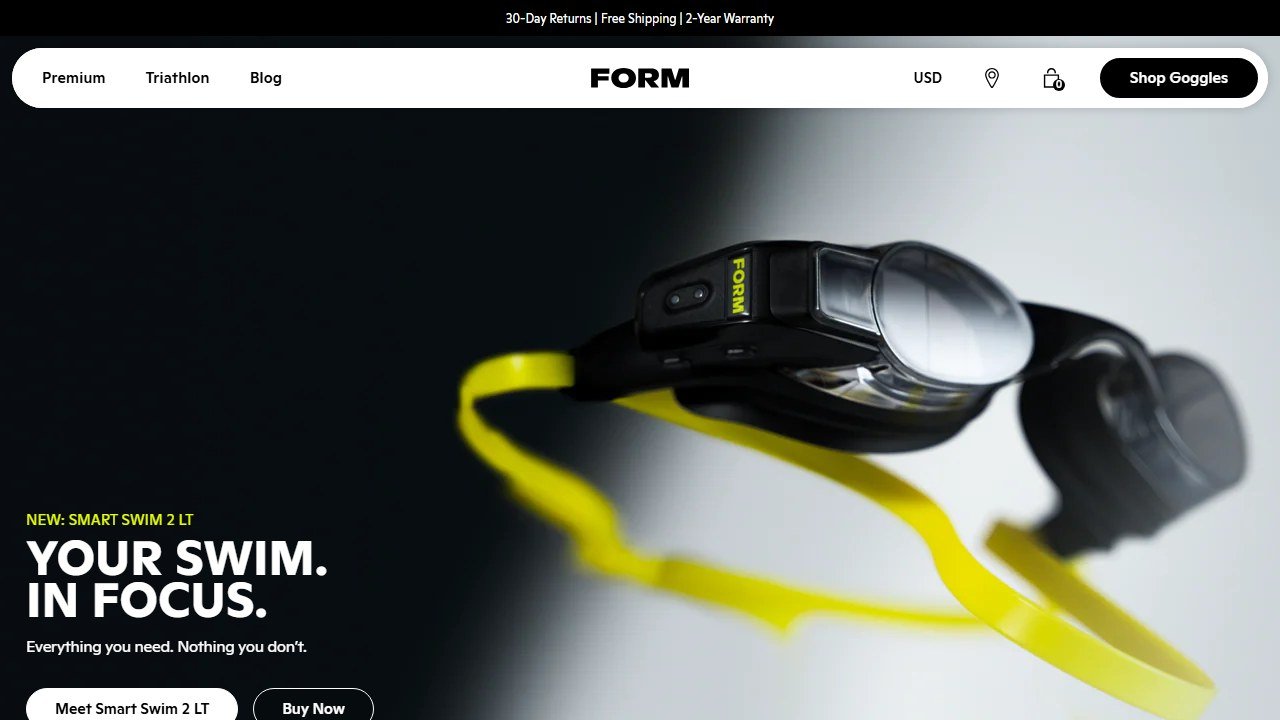
FORM is the one tool here that solves swimming’s core problem, which is that you cannot see data while you swim. The trick is hardware: FORM sells smart goggles with a small heads up display that projects your splits, distance, stroke rate, and more onto a lens while you are mid lap. The companion app then turns that into guided workouts, and the goggles can read sets to you set by set so you never lose count on the wall again. With the right model and a paired watch, it also handles open water with GPS distance and pace.
Pricing here is different from the rest. You buy the goggles outright, which is a real upfront cost, and some advanced features sit behind a subscription on top. Budget for hardware, not just an app fee, and check current goggle prices and what the subscription unlocks before you commit.
The honest limitation: this is the most expensive route by far, and the value collapses if you are not the kind of swimmer who craves live numbers. It also imports structured workouts from platforms like TriDot and TrainingPeaks rather than generating deep adaptive plans on its own, so it is a feedback layer more than a plan builder.
Swim.com: best for simple, no fuss tracking
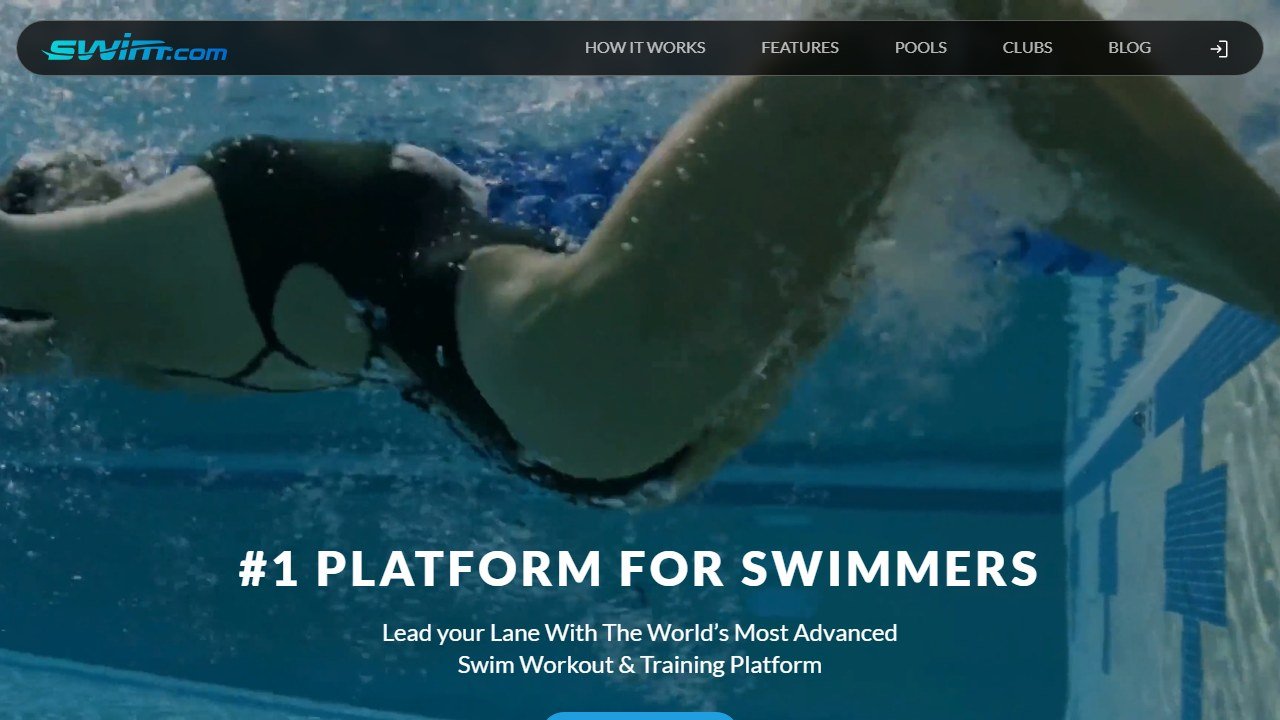
Swim.com is the pick for swimmers who do not want a coach in their ear. It connects to a wide range of smartwatches, logs your swims automatically, and gives you a clean history of distance, pace, and laps over time. It also has a large library of workouts you can load and follow, plus social features and challenges if leaderboards motivate you. For someone who already knows how they want to train and just wants reliable logging, this is the least cluttered option on the list.
It is free to use with the core tracking, and there is a premium tier for deeper analysis and workout access. Confirm what sits behind the paywall on their site, as the split between free and paid features changes.
The honest limitation: the “AI” framing is thin here. This is excellent tracking and a solid workout library, but it does not adapt a plan to you the way MySwimPro does. If you want something that decides your sessions for you, look elsewhere.
FINIS: best for drills, tempo, and stroke work
FINIS comes at this from the equipment side. It is a decades old swim gear company, and its tools shine for the technical work that pure software ignores. The Tempo Trainer device, paired with the FINIS app and ecosystem, lets you set a precise beep for stroke rate or pace so you can drill rhythm with a discipline no general app enforces. For swimmers chasing efficiency rather than just volume, this kind of tempo work is where real gains hide.
FINIS is largely a hardware purchase, with the app supporting the devices. Costs are per device rather than a monthly fee for the core tools, so check current product pricing on their site.
The honest limitation: this is not an adaptive plan generator and it is not for beginners who do not yet know what a drill is for. It rewards swimmers who already have structure and want to sharpen technique. If you need someone to tell you what to do, start with MySwimPro and add FINIS gear later.
TriDot Swim: best for triathletes
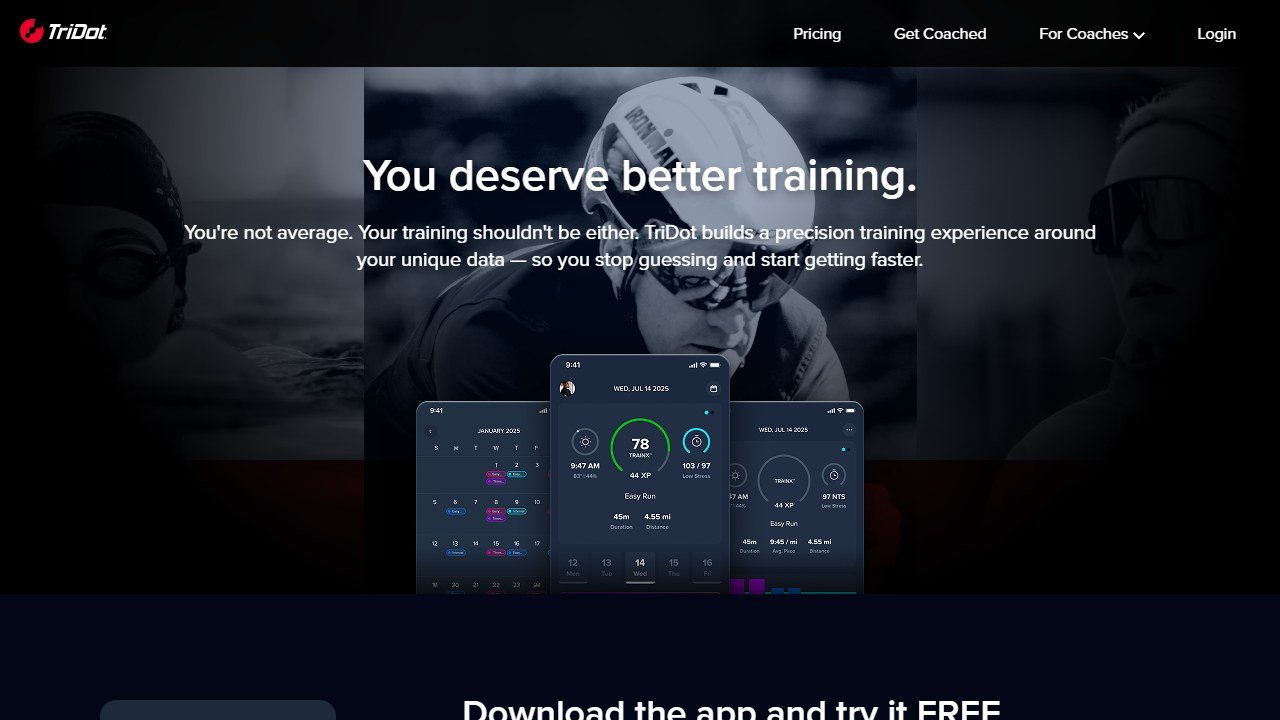
TriDot is built for the three sport athlete, and its swim module is part of a larger data driven training system. It uses your data and assessments to prescribe swim sessions inside a full triathlon plan, so your pool work is balanced against your bike and run load instead of living in isolation. Notably, TriDot workouts can be imported into the FORM goggles, which gives triathletes the rare combination of a smart plan and live in water feedback.
TriDot is a subscription platform, generally priced at the higher end because it covers all three disciplines and ongoing optimization. Confirm the current tiers and what swim specific features each includes on their site before subscribing.
The honest limitation: if you only swim, this is overkill and you are paying for bike and run features you will never open. It is also a heavier, more committed system than a casual lap swimmer wants. For triathlon focused readers, our best AI triathlon training apps guide goes deeper on the whole category.
Garmin: best if you already wear the watch
Garmin earns its spot not because its app is the smartest coach, but because it is already on millions of wrists. Its swim capable watches track pool and open water swims, count laps and strokes, estimate efficiency with metrics like SWOLF, and feed everything into Garmin Connect alongside your other training. Recent watches also include adaptive coaching style suggestions that factor your swims into overall load and recovery. If you own a compatible Garmin, you can get a long way without paying for anything extra.
The core app and Connect platform come free with the watch, so the cost is the hardware you may already own. Newer features sometimes vary by watch model, so check what your specific device supports.
The honest limitation: the swim specific coaching is shallower than a dedicated app like MySwimPro. It tracks beautifully but does not hand you progressive, adaptive swim sets in the same way. Think of it as a superb sensor and logbook, with coaching as a bonus rather than the main event.
How the six compare
One table, the whole picture. Use it to match the job you care about to the right tool.
| App | What it does best | Best for | Price or free tier |
|---|---|---|---|
| MySwimPro | Adaptive sets and structured plans | Adults wanting a pocket coach | Free tier, paid plans |
| FORM | Real time data on a goggle display | Swimmers who crave live numbers | Buy goggles, optional subscription |
| Swim.com | Clean automatic tracking and workouts | Self directed lap swimmers | Free core, premium tier |
| FINIS | Tempo and drill precision | Technique focused swimmers | Per device hardware |
| TriDot | Swim inside a full tri plan | Triathletes | Higher end subscription |
| Garmin | Tracking and ecosystem you own | Existing Garmin wearers | Free with the watch |
A lean way to start
You do not need to buy everything. Here is the path we would follow.
- Log a month of swims with whatever watch you already own, or with Swim.com if you have a compatible one. Get an honest baseline before you pay for coaching. The same baseline first logic shows up in our best AI cycling coach apps guide.
- Add MySwimPro on its free tier and try a few adaptive workouts. If you actually follow the sets, upgrade. If you ignore them, save your money.
- Once you are consistent, add a single technique tool. A FINIS Tempo Trainer for rhythm, or FORM goggles if your budget allows and live feedback excites you.
- If you are training for a triathlon, skip the piecemeal route and evaluate TriDot as your whole system instead.
The point is to earn each purchase with consistency you have already proven, not to buy motivation you hope will arrive.
What these apps still cannot do
Be clear eyed about the ceiling. None of these tools is a human coach standing on the deck. A wrist sensor can count your strokes and time your laps, but it cannot see that your hips are dropping or your breathing pattern is wrecking your balance. The “AI” in most of them builds and adjusts sets from data you give it, which is real and useful, but it is pattern matching, not eyes on your technique.
They also cannot judge your health. Lap counts drift, heart rate from the wrist is approximate in water, and efficiency metrics are estimates. Treat the numbers as trends, not gospel, and never use any of these apps as medical guidance. If you have a heart condition, a shoulder injury, or any health concern about training, talk to a doctor or a qualified coach before you push your volume.
The honest verdict: an AI swimming coach app is the best value upgrade most adult swimmers can make, because structure and consistent data beat guesswork every single time. Just remember what you are buying. You are buying a smarter logbook and an adaptive plan, not a replacement for a real coach’s eyes. Used that way, the right pick from this list will make every lap count for more. For broader endurance training, our best AI running coach apps guide applies the same honest lens to the road.
What AI form checking can and cannot actually see
Pose estimation from a phone camera is genuinely useful and routinely oversold. Knowing where the line sits protects you from both the hype and the injury risk.
It works well on large, planar, well-lit movement
A squat filmed from the side in good light, with the whole body in frame and reasonably fitted clothing, is close to the ideal case. Knee position, hip depth, bar path and tempo are all measurable from that, and feedback on them is real. If your use case looks like that, these tools do what they claim.
It degrades sharply outside those conditions
Accuracy falls away with loose clothing, poor lighting, an angled or moving camera, occlusion where one limb hides another, and any movement that happens largely in the depth axis away from the lens. Rotational movement, anything on the floor, and lifts where the critical detail is spinal position rather than joint angle are all much harder. A tool that is confident in those conditions is not more capable, it is less honest.
It cannot see the things that most often cause injury
A camera does not know your training history, whether that shoulder has been irritable for three weeks, how heavy the bar is relative to your capacity, or that you slept four hours. Most training injuries come from load management rather than from a visibly wrong joint angle in a single rep. Treat form feedback as one input among several rather than as a safety system.
The honest way to use it
Film the same lift from the same angle every few weeks and compare. Consistency of setup matters more than the sophistication of the model, and a fixed camera position turns these tools from a novelty into a genuine progress record. Use the feedback to prompt questions rather than to make decisions, and take anything about pain or persistent discomfort to a physiotherapist rather than to an app.

Written by
FazFaz is the founder of AIToolsBakery. Some tools here are tested hands on. Others are assessed from vendor documentation and pricing verified on the live page, and every review says which one it is. Sponsors can buy a position in a guide. They cannot buy the score, the criticism, or silence about a better option.
How we test and how we make money →Frequently Asked Questions