Every “free AI tools for teachers” list we checked this month had the same problem: the word free doing an enormous amount of unpaid labor. A tool that gives you 15 generations a month is free the way a gym is free during the tour. So we did the thing nobody else bothers to do. We signed into all 12 tools on free accounts, ran them until we hit the walls, and wrote down exactly where each wall is, with numbers, verified in July 2026.
This post is strictly about free tiers. If you want our full ranked roundup of the best AI tools for teachers overall, paid plans included, that lives in our main best AI tools for teachers guide. This one answers a narrower and more practical question: what can you actually get done on $0, what breaks first when you hit each limit, and how do you chain the free tiers together so a whole teaching week costs nothing?
The exact free-tier limits, verified July 2026
Here is the table we wish existed when we started. Every number below was checked against the vendor’s live pricing page or our own free account in July 2026. Free tiers change quietly and often, so treat the date as part of the data.
| Tool | Free tier (verified July 2026) | What breaks first | Cheapest paid |
|---|---|---|---|
| Khanmigo for Teachers | Fully free for US educators via Microsoft partnership | Nothing teacher-facing; student tutor is the paid layer | District pricing for students |
| ChatGPT for Teachers | Free for verified US K-12 educators through June 2027, GPT-4o included | Verification: no US K-12 school email, no free tier | ChatGPT Plus $20/mo |
| MagicSchool | All 80+ teacher tools, standard usage limits | Output history: only your last 5 generations are kept | Plus $8.33/mo (annual) |
| Brisk Teaching | 23 tools free in the Chrome extension | Premium tools and higher volume sit behind Pro | Pro tier, priced on site |
| Diffit | Free core: leveled passages and resources | Export polish and premium formats | Premium $14.99/mo |
| Eduaide | 15 generations per month | The 15/mo cap, usually by mid-month | Pro $5.99/mo |
| Twee | 20 text runs + 10 media runs per month | Media runs (10/mo) go first for listening lessons | Pro $11.95/mo or $7.49/mo annual |
| Curipod | 2 live sessions per week, 1,000-character student responses, 3 test-prep lessons | The 2 weekly sessions if you teach many sections | School plan, quoted |
| Canva for Education | Fully free for verified K-12 teachers, premium features included | Nothing significant once verified | N/A for verified K-12 |
| NotebookLM | 100 notebooks, 50 sources each, 50 chat questions/day, 3 Audio Overviews/day | Audio Overviews (3/day) during podcast-style prep | Plus via Google One AI |
| Perplexity | Unlimited quick searches, 5 Pro searches per day | Pro searches when you need deep sourced research | Pro $20/mo |
| Gemini for Education | Gemini in Classroom free for educators on Google Workspace for Education | Deeper Docs/Slides features vary by district edition | Education Plus, district-level |
The truly free tier: no caps that matter
Three tools in practice earned the label “actually free” without an asterisk. Start here.
Khanmigo for Teachers
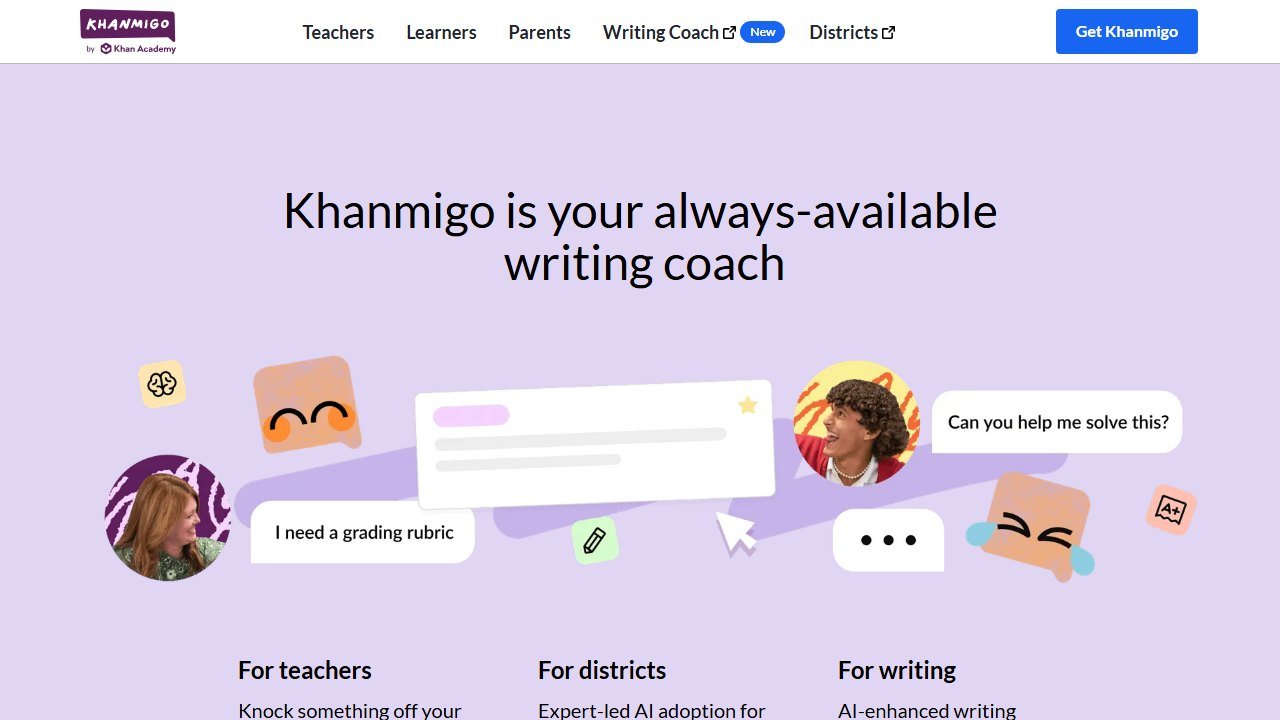
Khanmigo is Khan Academy’s AI assistant, and the teacher-facing side is free across the US because Microsoft is footing the bill. That includes the lesson planning helpers, leveled explanations, rubric support, and refreshers on tricky content. In practice, it was the most pedagogically careful of the twelve: it nudges toward learning objectives rather than just spitting out worksheets.
We used it to build a fraction misconceptions mini-lesson and a set of exit tickets, and the outputs needed less editing than most of the capped tools produced. We cover the platform in full in our Khanmigo review.
What breaks first: honestly, nothing on the teacher side. The wall you eventually notice is that the student-facing tutor, the thing Khanmigo is famous for, is what districts pay for. As a solo teacher on the free tier you get the planning brain, not the classroom tutor.
Who it’s for: any US teacher. This is the first account to create, because there is no meter running.
Limitation: it stays inside Khan Academy’s pedagogical lane. If you want it to write a sarcastic bell-ringer about your school’s Wi-Fi, it will politely decline the vibe.
ChatGPT for Teachers
ChatGPT for Teachers is OpenAI’s dedicated educator workspace, free for verified US K-12 educators through June 2027. You verify with your school email, and you get GPT-4o plus a workspace where your chats are excluded from model training by default, which quietly solves the biggest policy objection most districts had.
In practice, it was the utility infielder: parent email drafts in a warm-but-firm tone, a sub plan at 6:40 am, ten scaffolded discussion questions on a novel chapter, all in one thread. It is not education-specific, so you supply the pedagogy and it supplies the speed.
What breaks first: verification. If you are outside the US, at a college, or your school email fails the check, this tier does not exist for you and you are back on the regular free ChatGPT with its floating usage limits. Also note the date: free through June 2027, not forever.
Who it’s for: verified US K-12 teachers who want one general-purpose assistant with a data policy they can show an administrator.
Limitation: it knows nothing about your standards or your students out of the box. Every prompt starts from zero unless you build up custom instructions.
Canva for Education
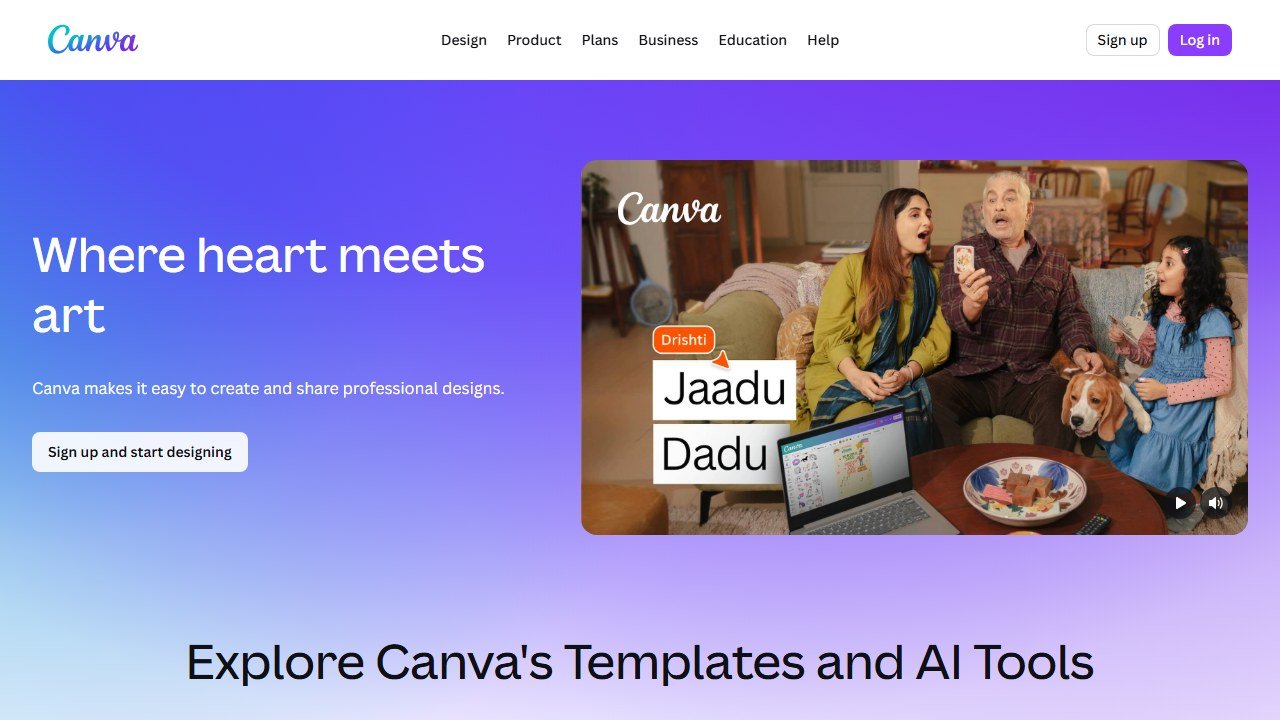
Canva for Education is the quiet outlier: verified K-12 teachers get the premium product free, including the AI features like Magic Write, Magic Design, and the image tools. No generation meter that we could find in normal classroom use.
We built a week of warm-up slides, two posters, and a set of vocabulary cards without touching a limit. The AI is a design assistant more than a lesson brain, but “make this readable and printable” is half the job of teaching materials.
What breaks first: nothing significant once you are verified. The friction is the verification itself, which can take a few days if your school domain is not recognized automatically.
Who it’s for: every teacher who makes anything visual, which is every teacher. Our kindergarten teachers roundup leans on it heavily for picture-based materials.
Limitation: it will not plan instruction. It makes what you already planned look like you had a prep period.
The generous free tiers: real work, real walls
These four give you enough room to work every week, but each has a wall you will eventually meet. Know where it is.
MagicSchool
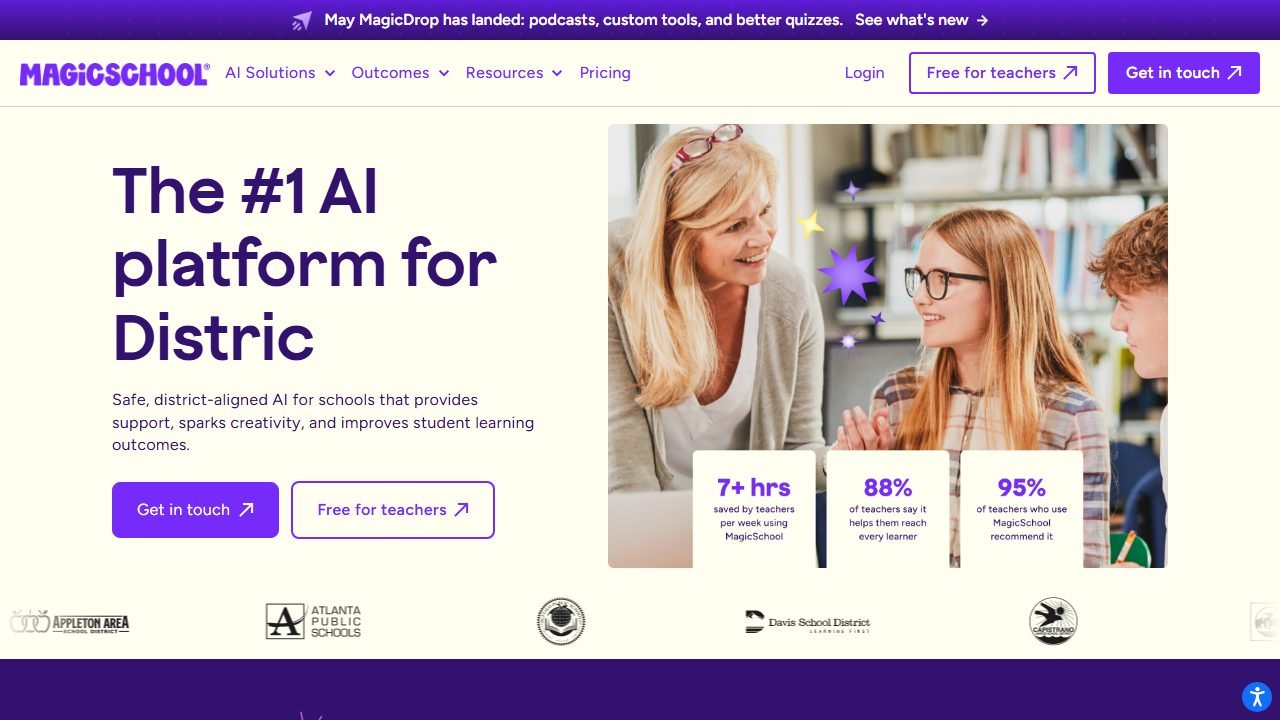
MagicSchool gives free users access to its 80+ teacher tools, and for a teacher generating a few resources a week the free plan is genuinely workable. Lesson plans, rubrics, IEP-adjacent supports, behavior intervention ideas, text leveling: the breadth is the pitch, and we go deep on it in our MagicSchool review.
What breaks first: your output history. The free tier keeps only your last 5 generations. Generate a lesson plan Monday, three exit tickets Tuesday, and a parent email Wednesday, and Monday’s plan is gone. In practice, this bit us exactly once before we learned the rule: copy everything into a doc the moment it generates. Raina, the chatbot, is also rationed on free.
Who it’s for: teachers who want one education-specific platform covering the widest range of tasks at $0.
Limitation: outputs are solid first drafts, not finished products, and the 5-item history makes the free tier feel like writing on a whiteboard someone else erases nightly. Plus is $8.33/month billed annually if that erasure gets old.
Brisk Teaching
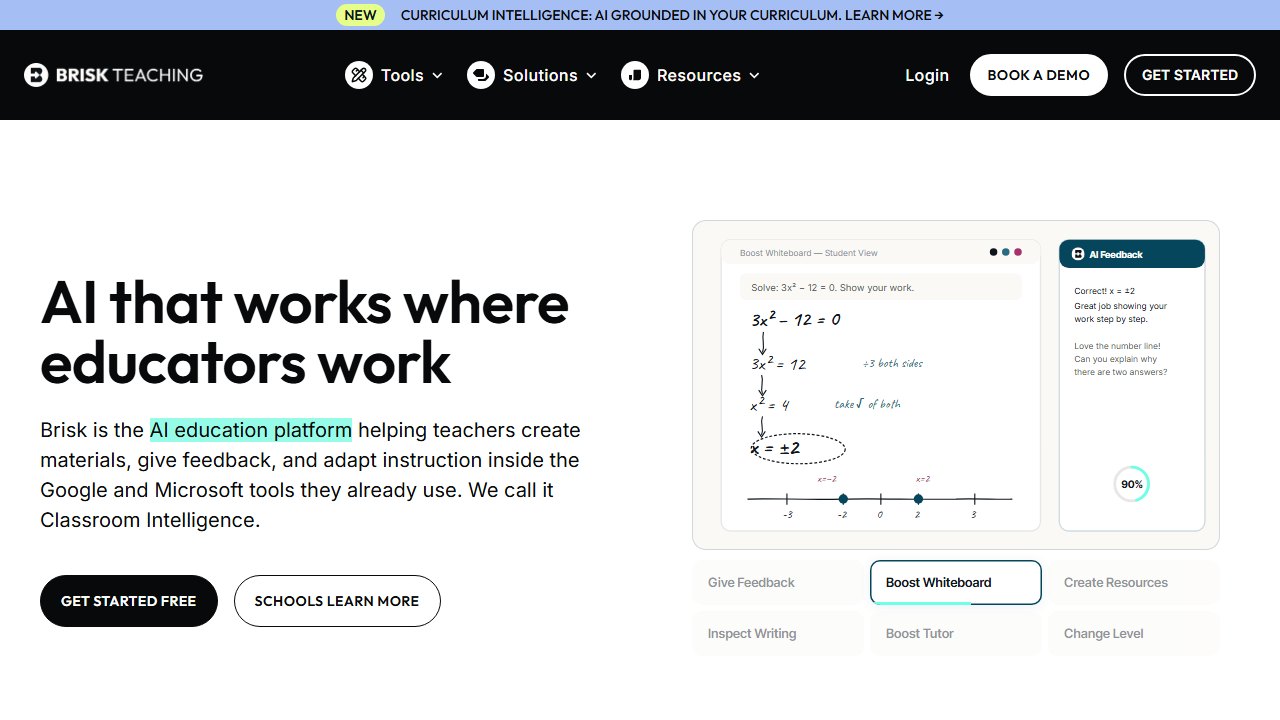
Brisk is a Chrome extension, and 23 of its tools are free. Because it lives inside Google Docs, Slides, and whatever webpage you are on, it wins on workflow: highlight an article, level it, generate questions from it, without ever opening another tab. Our full Brisk review covers the paid tier too.
In practice, the free tools covered the everyday moves: leveling, quiz generation, feedback drafting. It became the default “while I’m already here” tool.
What breaks first: the premium tool list and volume. The 23 free tools are the core, but some of the newer, flashier tools and heavier usage sit behind Brisk Pro. You feel it most when a specific premium tool shows up in the menu greyed out at exactly the moment you want it.
Who it’s for: Google Workspace schools. If your life is Docs and Slides, Brisk removes the copy-paste tax that every other tool on this list charges.
Limitation: it is an extension, so it is only as good as the page you are on. No Chrome, no Brisk, which rules out most phone and iPad workflows.
Diffit
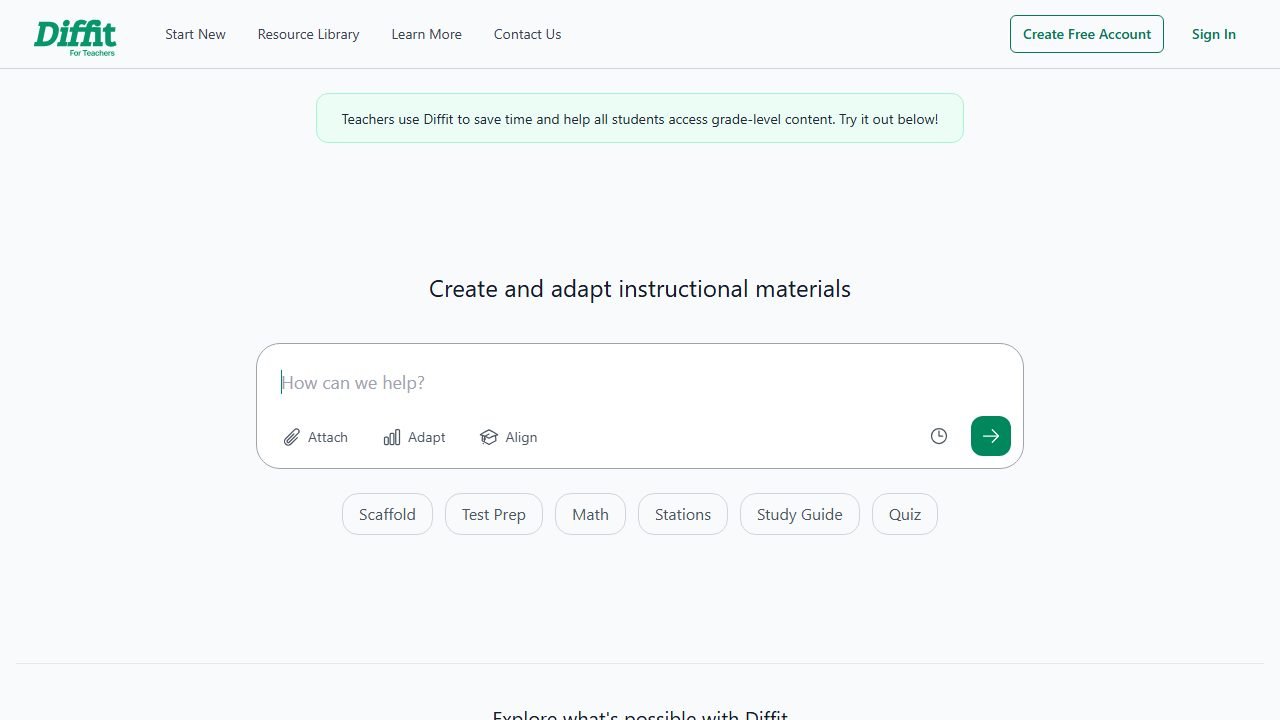
Diffit does one thing better than anything else on this list: take any text, topic, or video and produce a leveled reading passage with vocabulary and questions. The free core covers exactly that, and it is the reason Diffit shows up in nearly every cluster post we write, from our ESL teachers roundup to the Diffit review itself.
In practice, we took one article on coral reefs and produced 3rd, 6th, and 9th grade versions in under four minutes, questions included. That is a differentiation task that used to eat a full prep period.
What breaks first: the export layer. The free core generates the leveled content, but the polished student-ready formats and premium export options are where the $14.99/month Premium tier lives. You can always copy the text out manually, it is just less pretty.
Who it’s for: anyone teaching a class where reading levels span more than two grades, which is statistically everyone.
Limitation: it is a differentiation specialist, not a planner. It levels the text you bring; it will not decide what to teach.
NotebookLM
NotebookLM is Google’s source-grounded research tool, and the free tier is roomy: 100 notebooks, 50 sources per notebook, 50 chat questions a day, and 3 Audio Overviews a day. The killer feature for teachers is that it only answers from the sources you upload, with citations, so hallucination risk drops to near zero.
We loaded a unit’s worth of PDFs, the state standards doc, and two articles, then asked it to draft a study guide and quiz questions grounded only in those materials. The citations let us verify every line in seconds.
What breaks first: Audio Overviews. Three per day sounds like plenty until you discover that turning a chapter into a podcast-style recap is the single most student-pleasing trick in this whole post, and you want one per class period.
Who it’s for: teachers building unit materials from their own trusted sources, and anyone burned by a confident AI fabrication.
Limitation: it cannot create from nothing. Empty notebook, empty answers. It is a synthesis engine, not a generator.
The tightly capped tier: excellent, in small doses
These four are genuinely good tools whose free tiers are best treated as a specialist budget you spend deliberately.
Eduaide
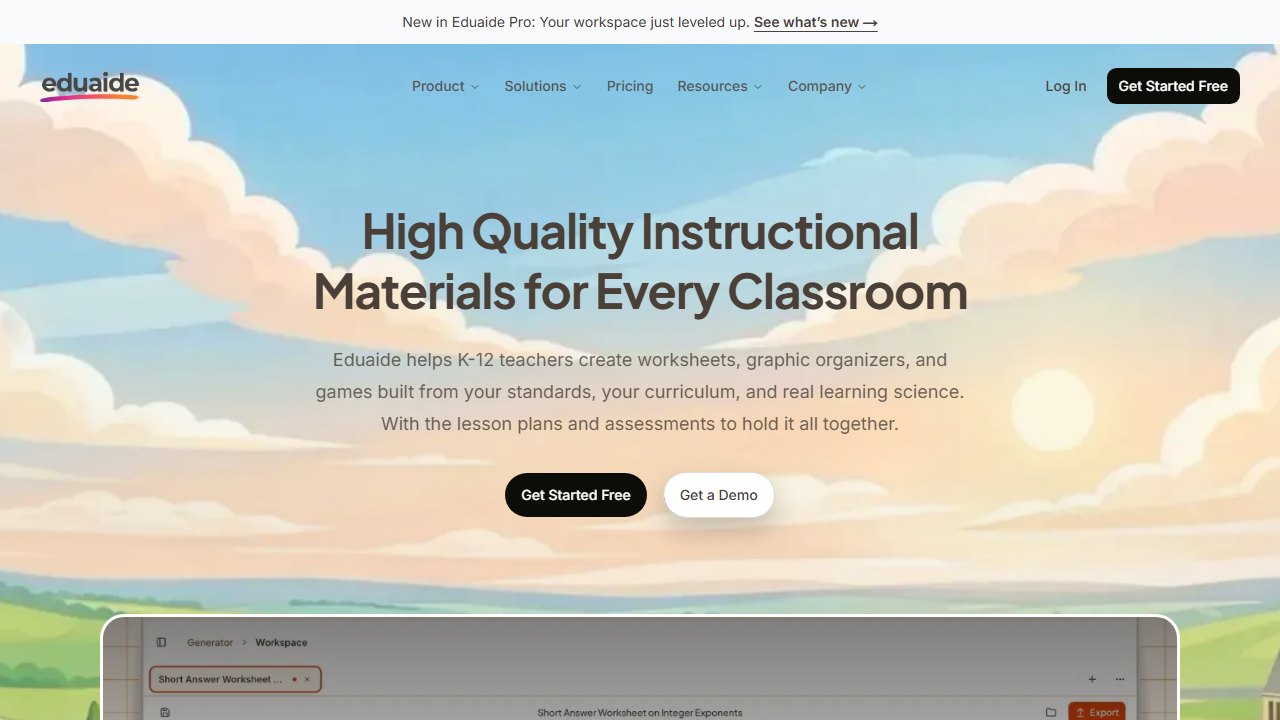
Eduaide has one of the deepest resource-generation catalogs in edtech, with strong instructional-design bones. The free plan allows 15 generations per month, with Pro at $5.99/month.
What breaks first: the cap, obviously, and faster than you think. Fifteen generations is one resource every two school days. In practice, we spent 6 of the 15 in a single planning session without noticing. The move is to save Eduaide for the tasks it does distinctly well, like structured lesson components and specialized item types, and route commodity requests to uncapped tools.
Who it’s for: teachers who want instructional-design depth a few times a month, or who plan to upgrade; at $5.99 it is the cheapest Pro tier on this list.
Limitation: on free, the meter dominates your usage decisions more than the pedagogy does.
Twee
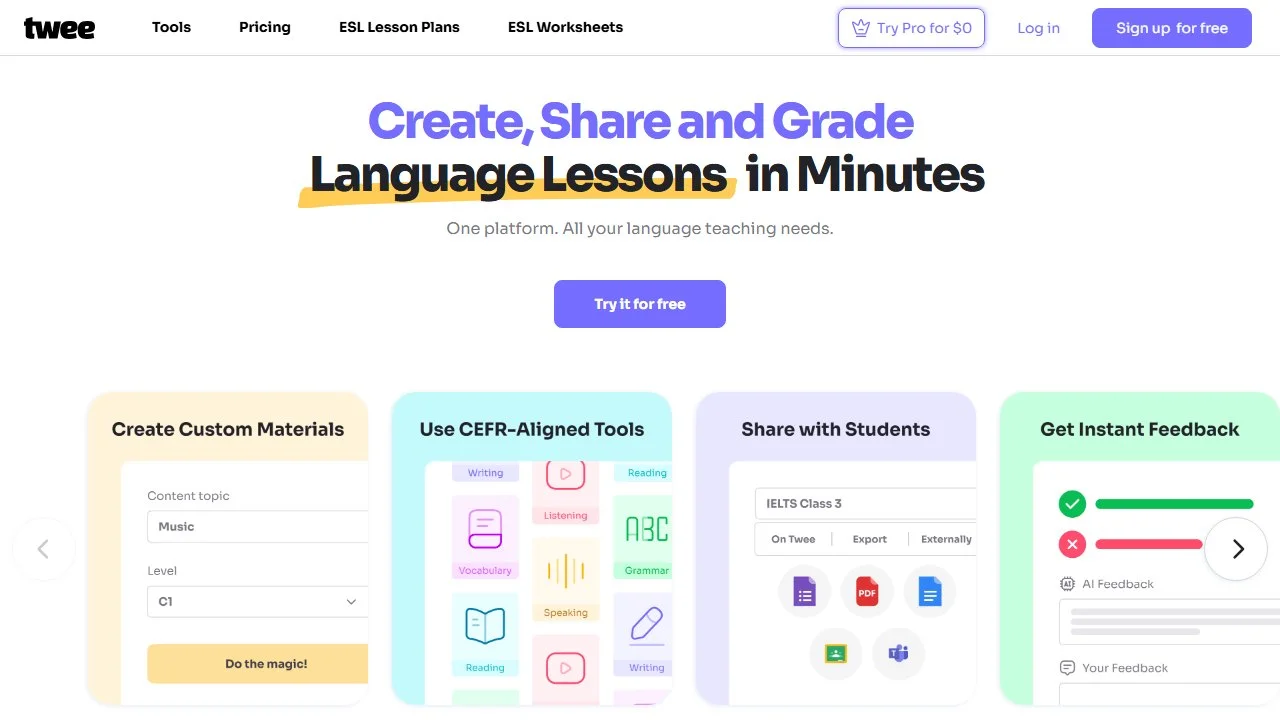
Twee is built for language teachers: dialogues, gap-fills, discussion questions, and lessons built from YouTube videos. The free tier gives 20 text runs and 10 media runs per month; Pro is $11.95/month, or $7.49/month billed annually.
What breaks first: the media runs. Ten per month evaporates because video-based lessons are Twee’s best trick, and one listening lesson can burn multiple runs as you regenerate. The 20 text runs stretch further.
Who it’s for: ESL and world-language teachers. It earned a full section in our ESL tools roundup for its CEFR-aware output.
Limitation: outside language teaching, its templates are less useful than the generalists above, so spend the free runs only on the language-specific formats.
Curipod
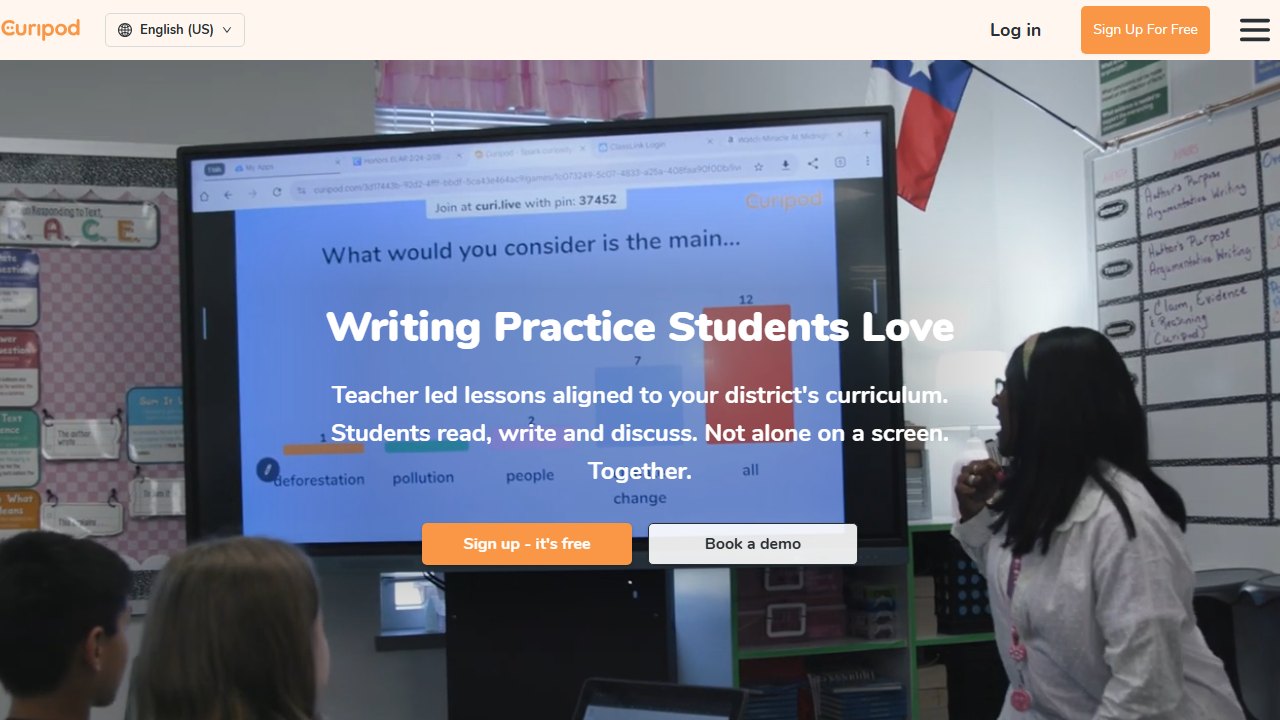
Curipod generates interactive lesson decks with built-in polls, drawings, and word clouds. The free plan’s caps are shaped differently from everyone else’s: you can build and save lessons without limits, but you get 2 live sessions per week, student responses cap at 1,000 characters, and you get 3 standards-aligned test-prep lessons total. Reusing the same lesson across your sections in one week counts as one session, which is a genuinely teacher-friendly rule. Our full Curipod review has the classroom-testing details.
What breaks first: the 2 weekly sessions, the moment you want interactive lessons to be a routine rather than a treat.
Who it’s for: teachers who want one or two high-engagement lessons a week at $0, especially in grades 3 through 9.
Limitation: it is a live-lesson tool. The free tier’s value depends entirely on you actually running the sessions, not just admiring the decks.
Perplexity
Perplexity is the research layer: a search engine that answers with citations. Free users get unlimited quick searches and 5 Pro searches per day, where Pro searches tap the heavyweight models for deeper synthesis.
In practice, quick searches handled “explain the causes of the Dust Bowl with sources” fine, and we saved the 5 daily Pro searches for genuinely hard queries like reconciling conflicting claims across sources for a media-literacy lesson.
What breaks first: Pro searches on research-heavy days, but because the quota resets daily rather than monthly, it never ruins a week the way monthly caps do.
Who it’s for: teachers building lessons on current events or anything where “where did that fact come from” matters in front of students.
Limitation: it is a research tool wearing no teacher clothes at all. No templates, no standards, no rubrics.
The district wildcard
Gemini for Education
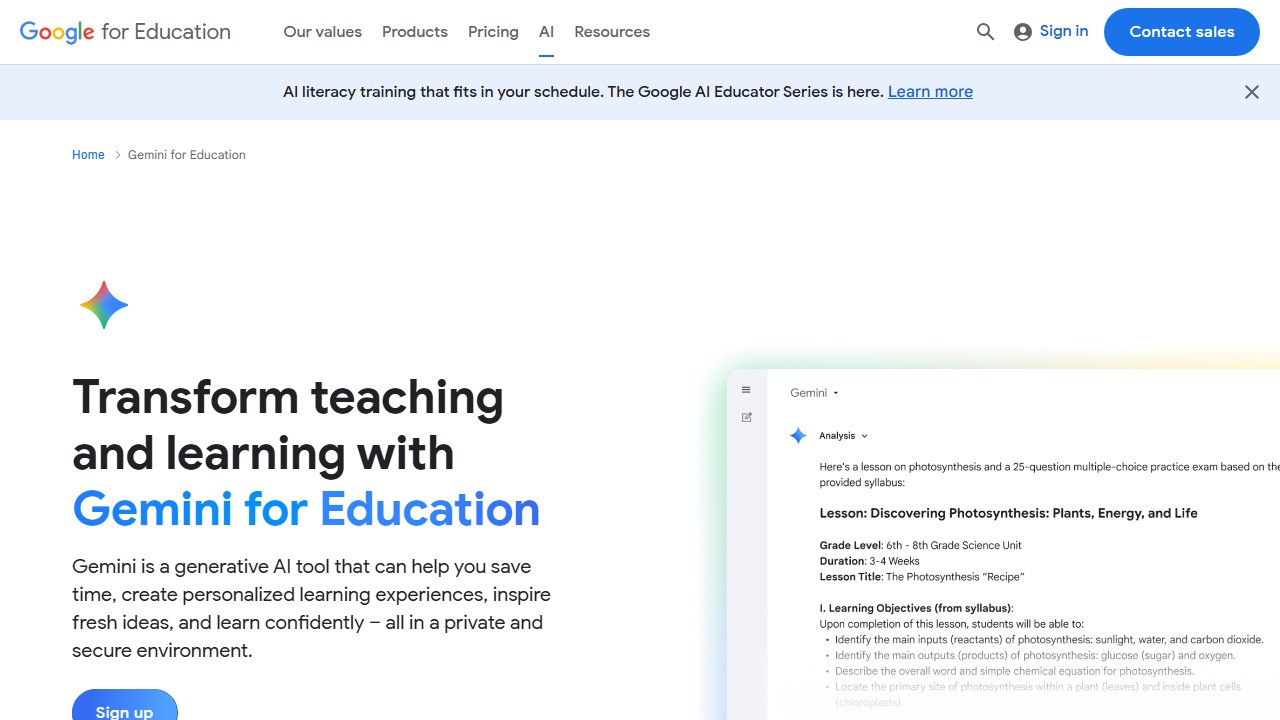
Gemini for Education is Google’s education AI layer, and in 2026 Google made Gemini in Classroom free for educators with Google Workspace for Education accounts, with 30+ teacher features. Gemini also operates as a “school official” under FERPA, with student data contractually protected and excluded from model training, which is the sentence to forward to your tech director.
In practice, the Gmail integration (drafting and summarizing parent threads) was the sleeper hit, and lesson, quiz, and rubric generation worked directly inside the tools we already had open.
What breaks first: nothing you control. Your ceiling depends on your district’s edition: Fundamentals gets the Gmail-level features, while the full Docs, Slides, and Forms suite rides on Education Plus or the Teaching and Learning add-on. Two teachers in neighboring districts can have very different free tiers here.
Who it’s for: teachers in Google districts. If that is you, check what is already switched on before paying anyone else for overlapping features.
Limitation: the feature map is district-dependent and changes fast, so verify in your own account rather than trusting any list, including this one.
The free stack: a full teaching week on $0
Here is how we would actually route a week so no single cap gets hit. The principle: uncapped tools do the daily volume, capped tools do only what they are uniquely best at.
Sunday planning block. Outline the week’s lessons in ChatGPT for Teachers or Khanmigo (both uncapped). Load unit sources into NotebookLM and generate a study guide grounded in your actual materials. Spend 1 or 2 of your 15 monthly Eduaide generations on the one lesson component that needs real instructional-design structure.
Monday. Warm-up slides and any printables in Canva for Education. Level this week’s reading in Diffit for your three groups. Copy everything out of MagicSchool the moment you generate it, remembering the 5-item history.
Tuesday. Run your first of 2 weekly Curipod live sessions on the week’s toughest concept. Use the multi-section rule: the same deck across all your periods still counts as one session.
Wednesday. Feedback day: Brisk’s free tools draft comments on student Docs while you are already in them. Parent emails via Gemini in Gmail or ChatGPT for Teachers.
Thursday. Language or ELL support: one or two Twee media runs for a listening activity (you have 10 for the month, so two per week is the sustainable pace). Quick Perplexity searches for tomorrow’s current-events hook, one Pro search if it is a hard question.
Friday. Second Curipod session as a review game. One NotebookLM Audio Overview (of your 3 daily) as a podcast-style unit recap for students who want to relisten.
Total spend: $0. Caps touched: none.
Verdict: the best free AI tools for teachers in 2026
If you create three accounts today, make them Khanmigo for Teachers, ChatGPT for Teachers (if you can verify), and Canva for Education. Those three are free without asterisks and cover planning, communication, and materials. Add Diffit and Brisk the first week you need differentiation and feedback at volume, and let NotebookLM anchor any unit where accuracy in front of students is non-negotiable.
Treat Eduaide, Twee, and Curipod as specialist budgets: 15 generations, 20 plus 10 runs, and 2 sessions a week respectively, spent only on what each does best. And put a recurring reminder in your calendar for June 2027, because that is when the ChatGPT for Teachers free window is due to close and this whole calculus shifts.
When you are ready to look past the free tiers, our full best AI tools for teachers roundup ranks the paid plans and tells you which upgrades actually earn their subscription. For most teachers, though, the honest answer in 2026 is that $0, routed well, covers the week.

Written by
FazFaz is the founder of AIToolsBakery. Some tools here are tested hands on. Others are assessed from vendor documentation and pricing verified on the live page, and every review says which one it is. Sponsors can buy a position in a guide. They cannot buy the score, the criticism, or silence about a better option.
How we test and how we make money →