Document automation turns your existing templates into smart questionnaires. Instead of copying an old file and manually swapping names, dates, and clauses (the step where mistakes creep in), you answer a set of questions once and the software assembles a clean, error-free document in minutes. For many practices, drafting routine documents is the single biggest time sink, and it is also the easiest work to systematize. Automate it well and you free up billable hours, cut typos and version errors, and make the output consistent no matter who runs it.
The catch is that “document automation” covers a wide range of tools, from a simple Word add-in a solo can set up in an afternoon to an enterprise engine that powers thousands of contract templates across a global firm. The right pick depends on three things: how complex your documents and conditional logic are, whether you want to keep drafting in Microsoft Word or move to web questionnaires, and your budget. Below we rank the leading options by who they actually serve, with honest notes on setup effort and pricing as of 2026.
Top pick: Gavel is the best legal document automation software overall for most firms, a no-code builder for web questionnaires, assembled documents, and client-facing legal products. HotDocs is the best for enterprise and complex logic, and Woodpecker is the best affordable option if you want to automate inside Microsoft Word.
Faz says: The practical move is to start narrow. Do not try to automate every document in the firm at once. Pick your five most-used documents (the engagement letter, the standard NDA, the retainer, whatever you draft weekly) and automate those first. You will see the time savings within a week, and you will learn the tool on documents you actually understand. A no-code builder like Gavel pays for itself fast because a paralegal can build the templates without waiting on a developer. HotDocs is the heavyweight for genuinely complex logic, but do not reach for it if a simpler tool covers your five documents. Match the tool to the job, not to the brochure.
Saru says: Rankings here weigh no-code template building, the power of the conditional logic, whether the tool runs in Word or on the web, integrations with your practice management system, and price. Pricing moves often in this category and several vendors (HotDocs, Contract Express, Josef) are quote-based, so treat every figure below as a starting point as of 2026 and confirm current pricing and your specific state or jurisdiction coverage directly with the vendor before you buy.
How We Ranked These
Document automation lives or dies on how quickly you can turn a real template into a working tool, and how much logic it can handle once you do. We weighted five things:
1. Ease of building templates. The best tools let a non-programmer mark up a document and publish a working questionnaire. If building a template needs a developer, adoption stalls.
2. Power of the logic. Real legal documents branch. Clauses appear or disappear based on the answers, dates calculate, and language changes with the party. We rewarded tools that handle deep conditional logic without breaking.
3. Word versus web. Some firms want to keep drafting in Microsoft Word. Others want browser-based questionnaires they can send to clients. The right answer depends on your workflow, so we flag where each tool runs.
4. Integrations. Pulling client and matter data from your practice management system, and pushing finished documents back, removes double entry. We noted the tools with strong practice-management ties.
5. Price and fit. Costs run from an affordable Word add-in to enterprise quotes. We flag the model so a solo and a 500-lawyer firm can each find their tier.
What Document Automation Actually Does
The core idea is simple. You take a document you already use, mark the parts that change (names, dates, amounts, clauses), and connect each of those to a question. That marked-up file becomes a template. When you or a client answers the questionnaire, the software merges the answers into the template and assembles a finished document. Add conditional logic and a single template can produce very different documents: include a clause only if the client is a company, switch pronouns based on a party, calculate a deadline from a signing date.
AI is now changing the slowest part, which was always building the template in the first place. Newer tools can read an existing document, suggest which fields to make variable, and draft the questionnaire logic for you, turning a task that used to take hours of manual tagging into a much faster first draft you then refine. The assembly itself has always been fast. What AI improves is the setup, plus, in some tools, in-document drafting and redlining help once the template is live.
If what you actually need is AI-assisted contract drafting rather than template automation, start with our guide to the best Spellbook alternatives, which covers that adjacent category in full.
Comparison Table
| Tool | Best for | Where it works | Starting price (as of 2026) |
|---|---|---|---|
| Gavel | No-code automation, all firm sizes | Web, plus Word and PDF templates | Free tier; paid from around $83/mo |
| HotDocs | Enterprise, complex logic | Desktop and server, web delivery | Quote-based |
| Lawyaw | Court forms, Clio users | Web and Word add-in | From $40/mo plus per user |
| Josef | Legal ops, intake, internal chatbots | Web | Quote-based |
| Woodpecker | Affordable Word automation | Inside Microsoft Word | Via MyCase plan |
| XpressDox | Complex logic on a budget | Word, desktop and cloud | From around $59/user/mo |
| Contract Express | Enterprise contract templates | Web and Word | Quote-based |
1. Gavel: Best Overall No-Code Automation
Gavel (formerly Documate) is our best overall pick because it does the most for the widest range of firms without asking you to write code. You mark up a Word or PDF document, build a web questionnaire with conditional logic, and Gavel assembles the finished document from the answers. Where it goes further than most is client-facing work: you can turn a workflow into a productized legal service, complete with an encrypted client intake portal and online billing, so a firm can sell a guided document product rather than just draft internally. It covers common practice areas like estate planning, family law, real estate, and probate, and its AI features help build templates faster and assist with drafting and redlining in Word.
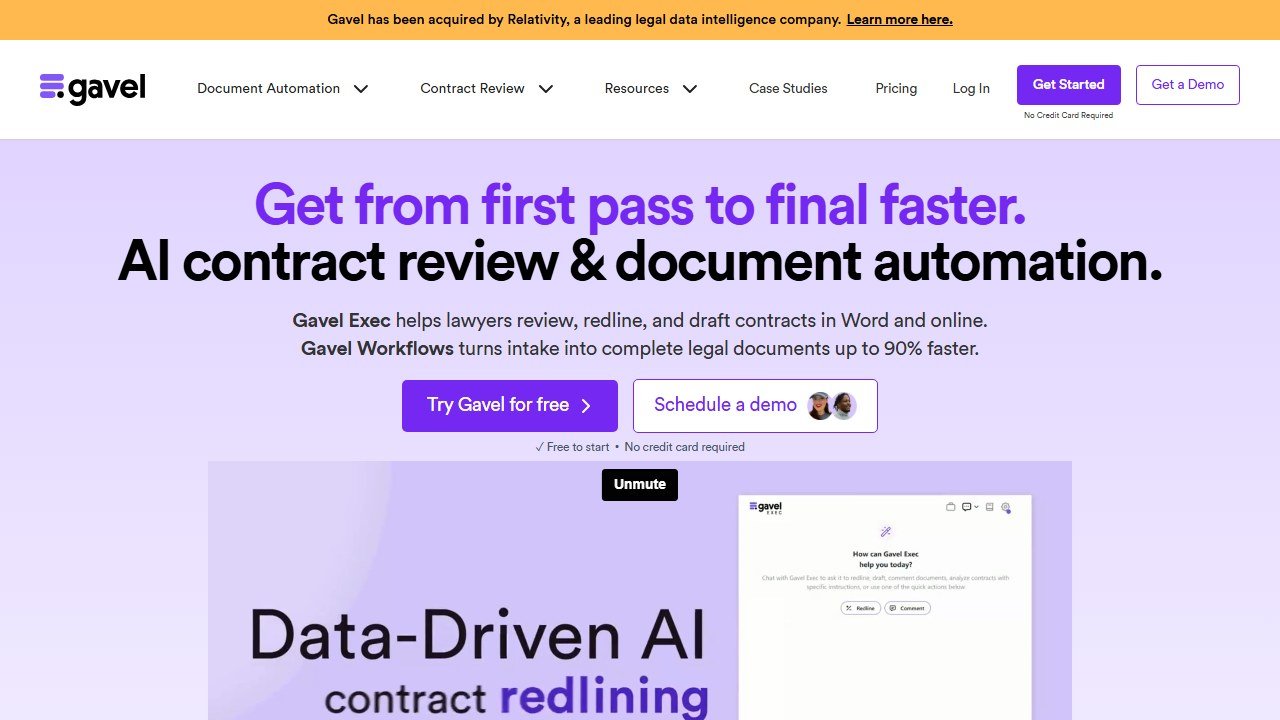
Pricing is accessible for what you get. Gavel offers a free tier for basic automation, with paid plans starting around $83 per month for solo practitioners who need client-facing intake and multi-document generation, scaling up through higher tiers for larger firms, and a free trial is available. For most solos and small-to-midsize firms that want a modern, no-code builder they can grow into, Gavel is the strongest all-round choice.
Best for: firms of any size that want no-code automation and optional client-facing legal products.
Watch out for: the client-facing and higher-volume features live on the paid tiers.
One practice area leans on document automation harder than any other: estate planning. Our guide to the best AI tools for estate planning attorneys covers trust and will drafting platforms, plan-analysis AI, and where Gavel fits after the Relativity acquisition.
2. HotDocs: Best for Enterprise and Complex Logic
HotDocs is the long-standing industry standard for document assembly, and for genuinely complex logic it is still the benchmark. It powers huge template libraries at large firms, corporates, and legal publishers, handling intricate conditional rules and very high document volumes that lighter tools cannot match. If your documents branch in a hundred directions and precision at scale is non-negotiable, HotDocs has the depth.
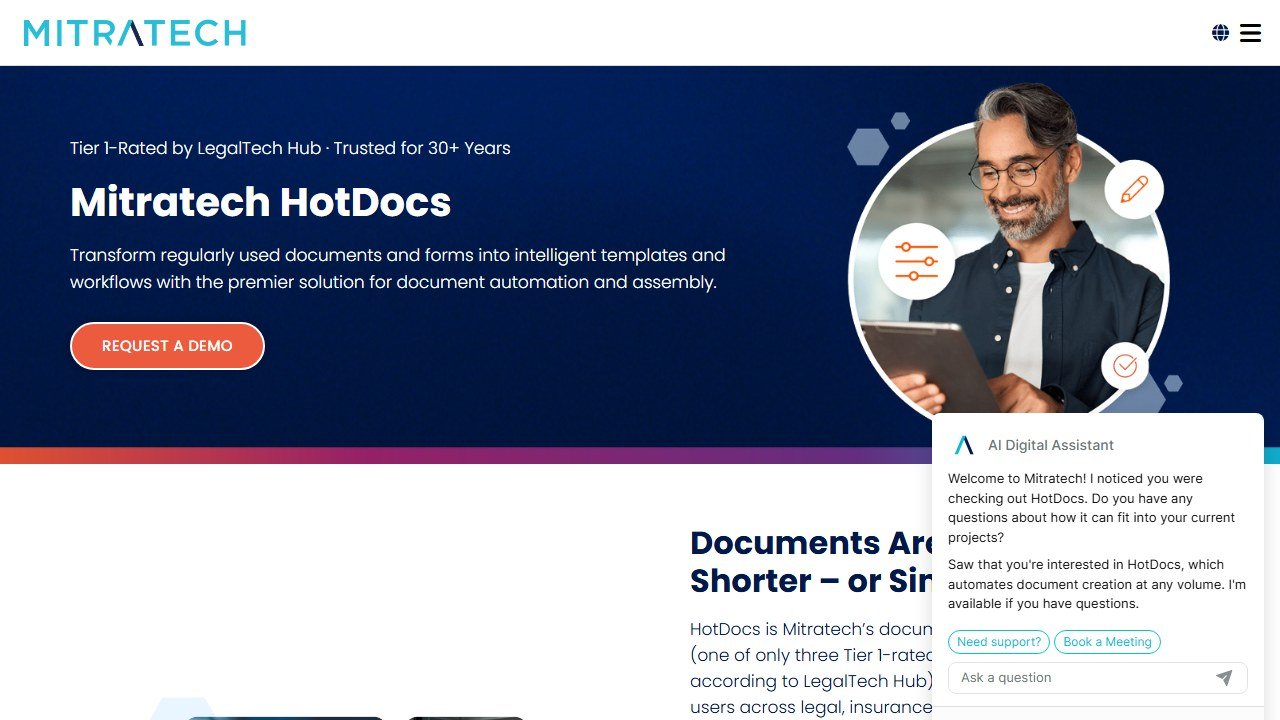
That power comes with weight. Setup is more involved and template building is more technical than the no-code newcomers, so HotDocs is usually the right call when you have the volume, complexity, and resources to justify it, not when a solo needs to automate five documents. Pricing is quote-based, so contact the vendor for a figure tied to your deployment.
Best for: enterprise and large firms with complex, high-volume template libraries.
Watch out for: heavier setup and a steeper learning curve than no-code tools.
3. Lawyaw: Best for Court Forms and Clio Users
Lawyaw, now branded Clio Draft, is the standout when court forms are a big part of your work. It offers thousands of fillable court forms across U.S. states, alongside the ability to turn your own Word files into smart templates with conditional logic, all from the browser or a Word add-in. Because it is a Clio product, it fits naturally into firms already on Clio, pulling client and matter data to auto-populate forms and cut re-entry.
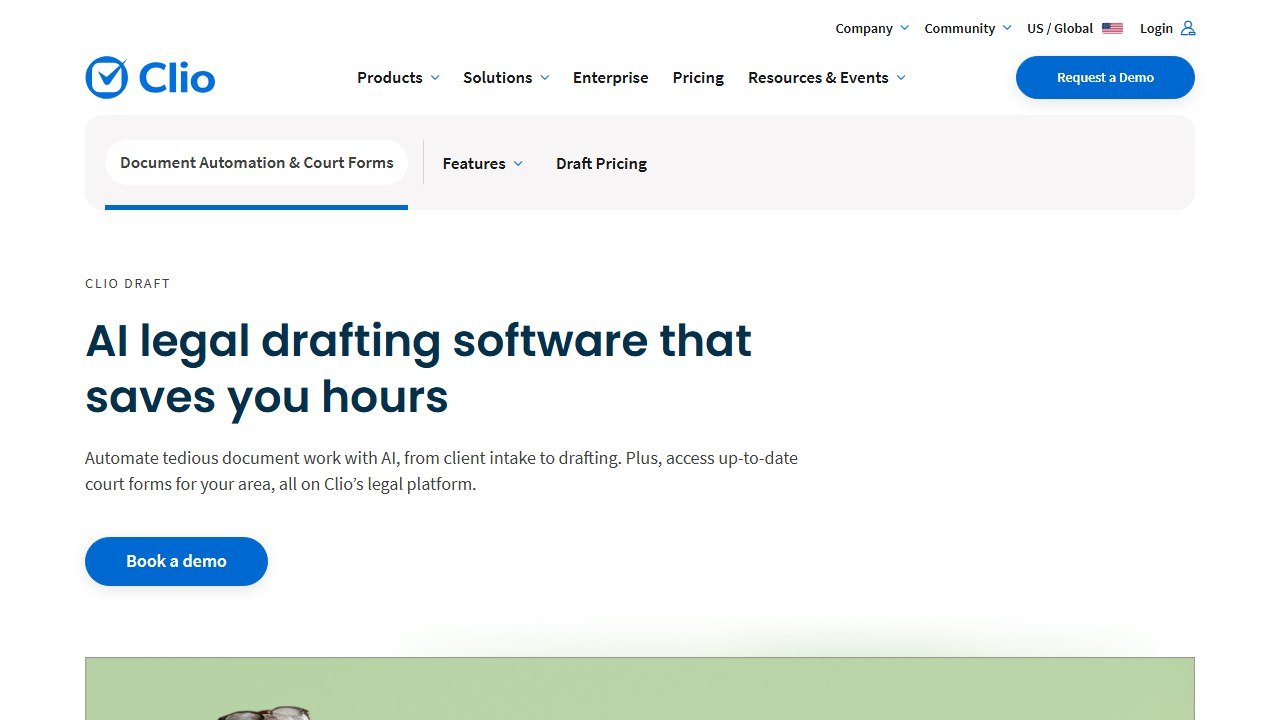
Pricing is modular as of 2026: access to the court forms library starts around $40 per month plus $30 per user per month (so a single user of court forms lands near $70 per month), with additional state libraries and a separate Word template tool priced on top, and an all-features bundle at the higher end. Annual billing carries a discount. If your bottleneck is state court forms, or you already live in Clio, Lawyaw is the natural fit.
Best for: litigation and family-law firms that live in court forms, and existing Clio users.
Watch out for: the modular pricing adds up, and you pay per state library.
Court forms are also the daily reality of immigration practice, where the form volume is relentless. Our guide to the best AI tools for immigration lawyers covers the platforms built for that specific grind.
4. Josef: Best for Legal Ops and Internal Chatbots Plus Documents
Josef approaches automation from the legal-ops angle. Beyond assembling documents, it lets legal and compliance teams build self-service tools and chatbots so the wider business can get answers, generate their own contracts, and kick off workflows like intake and approvals without emailing legal for every request. That makes it a favorite with in-house teams and legal ops functions that are trying to unblock the business at scale, not just speed up a lawyer’s drafting.

If your goal is a document generator for a small practice, Josef is more platform than you need. But if you are an in-house team drowning in repetitive intake and FAQ requests and you want to combine document automation with self-service answers, Josef fits a gap the pure drafting tools do not. Pricing is quote-based, including reduced options for not-for-profit and community legal partners, so contact the vendor.
Best for: in-house legal and legal ops teams automating intake, answers, and documents together.
Watch out for: more than a small firm needs if you only want document assembly; pricing is quote-based.
5. Woodpecker: Best Affordable Microsoft Word Add-In
Woodpecker is the pick when you want to keep working exactly where you already draft: inside Microsoft Word. It is a Word-based automation system that lets a firm turn its existing DOCX templates into smart documents, updating variables, pronouns, and verb tenses automatically from structured input or a questionnaire, without moving to a new web platform or learning heavy new software. That low friction makes it a strong fit for solos and small firms.
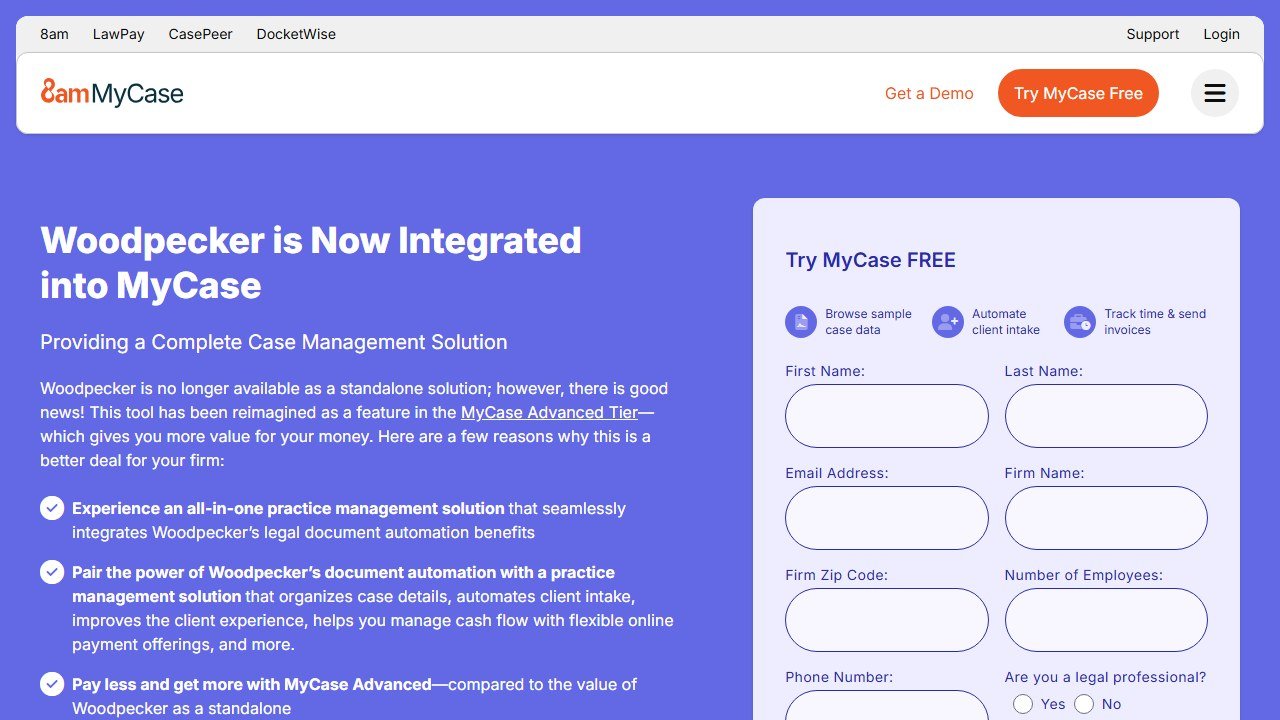
The important 2026 change: Woodpecker is no longer sold standalone. Its document automation is now part of MyCase, available within MyCase’s higher plan tier, so you access it through a MyCase subscription rather than as a separate product. If you are already on MyCase or considering it, that bundles practice management and Word-native automation together. Confirm the current plan and price with MyCase before you commit.
Best for: solos and small firms that want simple automation inside Microsoft Word.
Watch out for: now tied to a MyCase subscription rather than sold on its own.
6. XpressDox: Best for Complex Conditional Logic on a Budget
XpressDox hits a useful middle ground: serious template scripting and conditional logic, at a per-user price well below the enterprise suites. It works with Word templates and runs on both desktop and cloud, and it is frequently pitched as an alternative to heavier classic tools for firms that want power without the enterprise price tag. If your documents need real logic but you cannot justify a HotDocs-scale deployment, XpressDox is worth a demo.
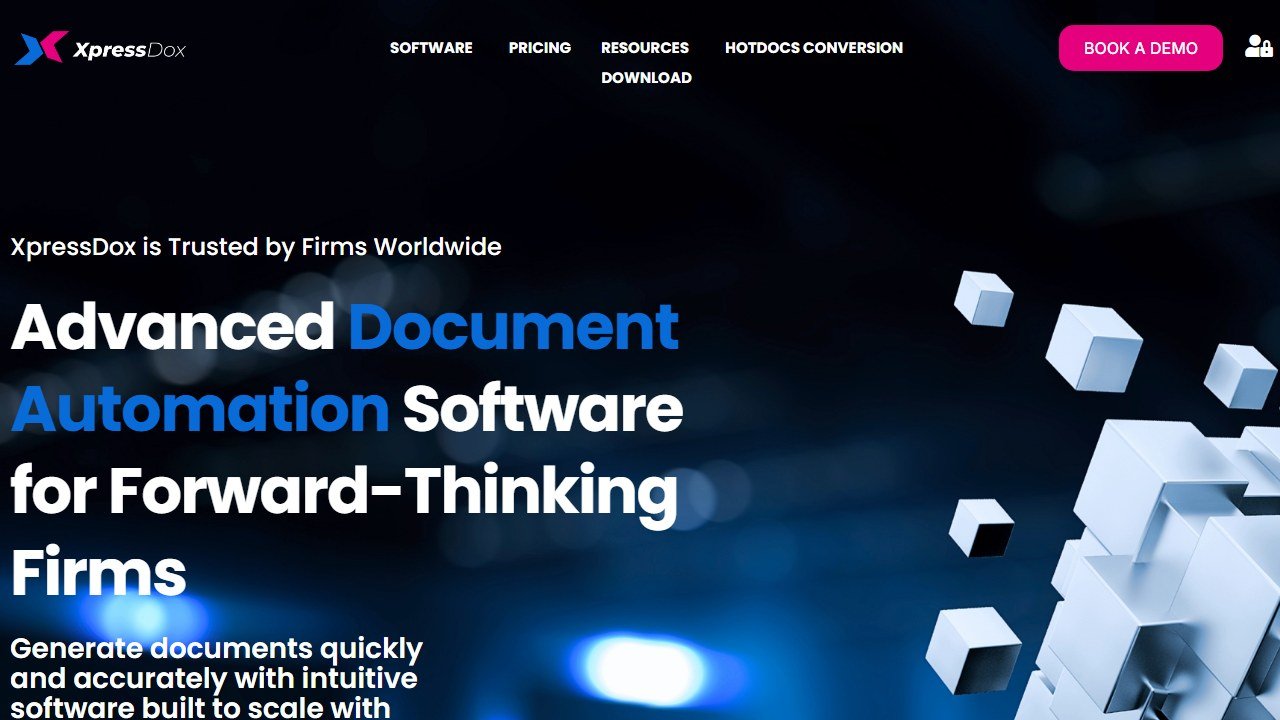
Pricing starts around $59 per user per month for a plan that includes both template design and document generation, with custom enterprise pricing above that, as of 2026. The tradeoff versus the no-code builders is a steeper build experience, since getting the most from its logic rewards a more technical hand, but that is exactly what buys you the depth at this price.
Best for: firms that need powerful conditional logic without enterprise-tier pricing.
Watch out for: a more technical build experience than the no-code tools.
7. Contract Express: Best for Enterprise Contract Templates
Contract Express, from Thomson Reuters, is the large-firm and corporate standard for automating contract templates at scale. It is built for the volume and governance needs of big legal departments and law firms, with robust template management and the backing of the Thomson Reuters ecosystem, and it is a common choice where contract automation has to be reliable, controlled, and enterprise-grade.
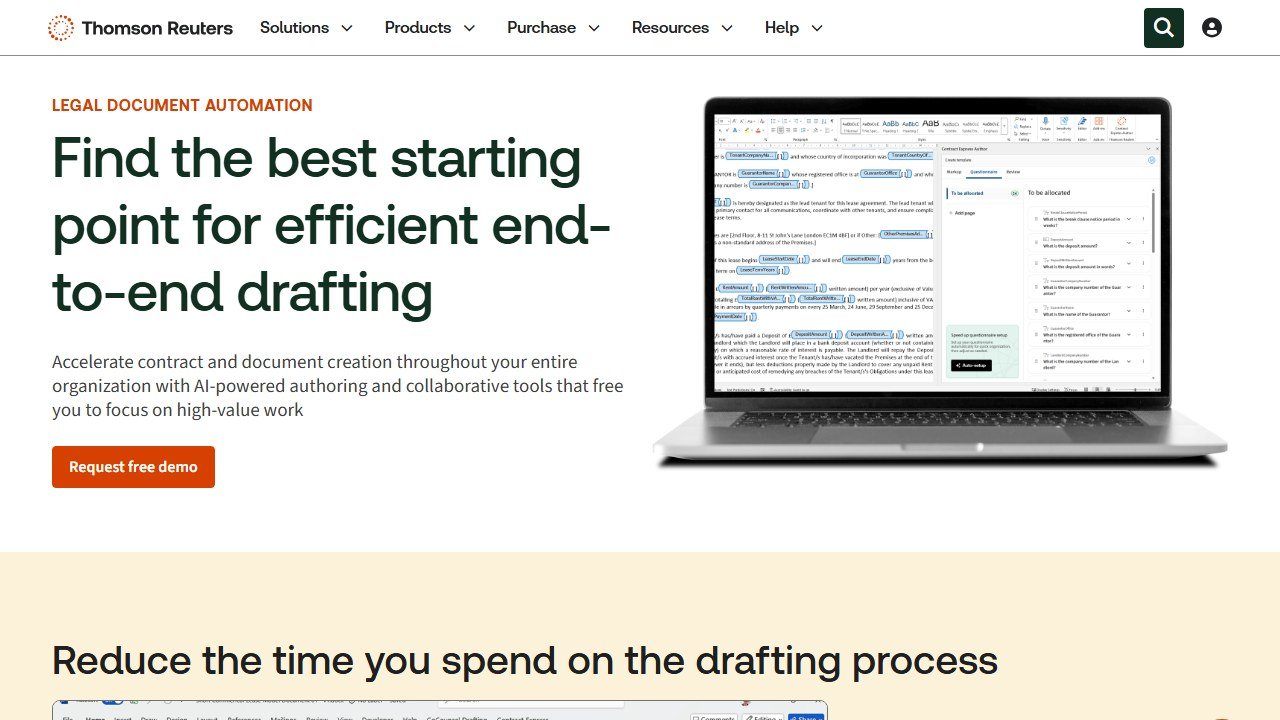
Like the other enterprise tools here, it is quote-based and aimed at organizations with the volume and budget to match. For a solo or small firm it is overkill, but for a corporate legal team standardizing contract drafting across the business, it is a proven, heavyweight option. Contact Thomson Reuters for pricing tied to your deployment.
Best for: large firms and corporate legal teams automating contract templates at scale.
Watch out for: enterprise-only fit and quote-based pricing; too much for small firms.
How to Choose
Start with the complexity of your documents. If they are fairly standard and you draft them in Word, an affordable Word-native tool like Woodpecker (via MyCase) or the budget-friendly power of XpressDox will cover you. If your documents branch heavily and run at high volume across a big team, the enterprise engines (HotDocs and Contract Express) earn their weight and their quote-based price.
Next, decide Word versus web. Firms that want to keep everyone in Microsoft Word lean toward Woodpecker or XpressDox. Firms that want browser-based questionnaires, especially ones they can send to clients, lean toward Gavel or Lawyaw. Then ask whether you want client-facing intake: if you want clients to answer the questionnaire themselves, or you want to productize a legal service, Gavel is built for that, and Josef is the pick if internal self-service chatbots and intake matter as much as the documents.
Finally, set your budget honestly and start small. Gavel’s free tier and low entry price make it the easiest place for most firms to begin, and whatever you choose, automate your five most-used documents first, prove the time savings, then expand. Confirm pricing and your jurisdiction’s form coverage with the vendor before you sign.
Document automation delivers its biggest returns at small firms, where every hour saved is billable time recovered. Our guide to the best AI tools for small law firms shows where automation fits in the wider small-firm stack.
Verdict
Gavel is the best legal document automation software in 2026 for most firms, because it is a no-code builder that covers web questionnaires, document assembly, and client-facing legal products, with AI to speed up template building, and it starts free. For solos through midsize firms, it is the pick.
The alternatives fit specific cases: HotDocs and Contract Express for enterprise depth and complex logic, Lawyaw for court forms and Clio users, Josef for legal ops and internal chatbots, Woodpecker for affordable Word-native automation via MyCase, and XpressDox for powerful logic on a budget. Whatever you choose, automate your five most-used documents first, and confirm pricing and jurisdiction coverage with the vendor before you buy.
For the wider toolkit, see our best AI tools for lawyers pillar, our best legal practice management software roundup for the systems these plug into, and our best AI contract review software guide for the review side of the workflow.

Written by
FazFaz is the founder of AIToolsBakery. Some tools here are tested hands on. Others are assessed from vendor documentation and pricing verified on the live page, and every review says which one it is. Sponsors can buy a position in a guide. They cannot buy the score, the criticism, or silence about a better option.
How we test and how we make money →