Search for the best AI public speaking coach and you get lists that treat every app as the same kind of product. They are not. Some apps listen to you while you are in a real meeting and nudge you privately. Most are rehearsal tools: you speak into your phone or laptop, stop, and get a scorecard. Those two jobs need different software, and the app several lists still recommend for live meetings, Poised, announced it was shutting down on 8 October 2026.
This guide sorts the apps by that split first, then by price, platform and track record. It also covers two things the other lists leave out: what each app does with your voice recordings, and where the same subscription is priced differently depending on whether you buy it in the app or on the website.
How we put this together. We have not used these apps ourselves; this is a research-based comparison. Every price, rating and feature below comes from the vendor’s own website, pricing page, privacy policy or support documentation, or from its US App Store and Google Play listing, all read on 16 October 2026, and we link to each source. App Store prices are US in-app purchase prices in US dollars. Vendor websites showed prices with a dollar sign from our location, and we report them as shown. Nothing here is a test result, no vendor paid to appear, and we are not affiliated with any of these companies.
Live meeting coach or practice app: decide this first
Every app here listens to your voice and measures things like pace and filler words. The real difference is when it listens.
Live meeting coaches
These run during an actual call and show feedback only you can see. They suit people whose speaking happens mostly in video meetings: stand-ups, client calls, interviews over Zoom. The catch is that they hear everyone on the call, not just you, which raises privacy questions for the other people in the meeting. Microsoft’s Speaker Coach in Teams is the clearest live option now, and many work accounts already have it, because Microsoft switches it on by default.
Practice apps
These are rehearsal tools. You record a talk, an answer to an interview question or a free-form ramble, and the app scores it afterwards. Orai, Speeko, Vocal Image and VirtualSpeech all work this way. They suit anyone preparing for a specific moment: a wedding toast, a conference talk, a job interview, a pitch.
Roleplay coaches
A newer group adds an AI that plays the other person. Instead of talking to an empty room, you answer a mock interviewer or push back against a difficult manager, and the AI responds. Yoodli, Wellspoken, Vocal Image and VirtualSpeech all offer this. It matters most for interviews and hard conversations, where the skill is responding, not reciting.
AI public speaking coach apps compared
| App | Type | What it measures (vendor wording) | Price (US) | Free option | Platforms | US App Store rating |
|---|---|---|---|---|---|---|
| Yoodli | Practice and roleplay; video calls per help centre | Pacing, filler words, roleplay feedback | Pro $8/mo, Advanced $20/mo billed annually ($11 and $28 billed monthly) | 5 lifetime sessions | Web | No app found |
| Orai | Practice | Filler words, pace, clarity, energy, confidence, conciseness | $12.99/mo, $49.99/yr, $99.99 lifetime (in app) | 7-day trial | iPhone, Android, web | 4.6 (3,718) |
| Microsoft Speaker Coach | Practice in PowerPoint; live in Teams | Pace, filler words, monotone, inclusive language, reading slides | Free preview in PowerPoint | Yes | PowerPoint web, Windows, Mac, iPhone, iPad, Android; Teams | Part of Office apps |
| Speeko | Practice with guided lessons | Pace, eloquence, intonation, sentiment, talk time, word choice | $24.99/mo in app; annual $79.99 to $99.99 | Basic insights, 7-day trial on annual | iPhone, Mac, Android, web | 4.7 (4,726) |
| Wellspoken | Practice, roleplay, recorded meetings | Structure, conciseness, confidence, pronunciation, filler rate, pace | $12.99 or $17.99/mo; annual $34.99 to $89.99 (in app) | Not stated | iPhone, Android, Mac | 4.8 (6,184) |
| Vocal Image | Voice training and roleplay | Clarity and speed scores, filler words in roleplay | Ten in-app prices, $7.99/week to $129.99/yr | Free tests | iPhone, Android, web | 4.5 (10,503) |
| VirtualSpeech | Practice in simulated rooms, roleplay | Hesitations, words per minute, clarity, named criteria | $45/mo or $399/yr | Not stated | Browser, Meta Quest | No app found |
Prices and ratings read on 16 October 2026. Apple’s in-app purchase lists often show several prices for the same plan, because vendors test offers and keep old price points live, so check the price on your own screen before you subscribe.
How we chose and ordered these
Every app had to analyse your own speech, not just teach speaking theory. We then ordered them by how clearly the vendor explains what its AI measures, how much public evidence there is that the product works at scale (ratings volume, installs and how recently it was updated), how clear the price is, and what the vendor says it does with your recordings. We dropped apps that have shut down, apps not updated in more than a year, and apps we could not verify beyond a store listing.
1. Yoodli: best free start for a specific talk or interview
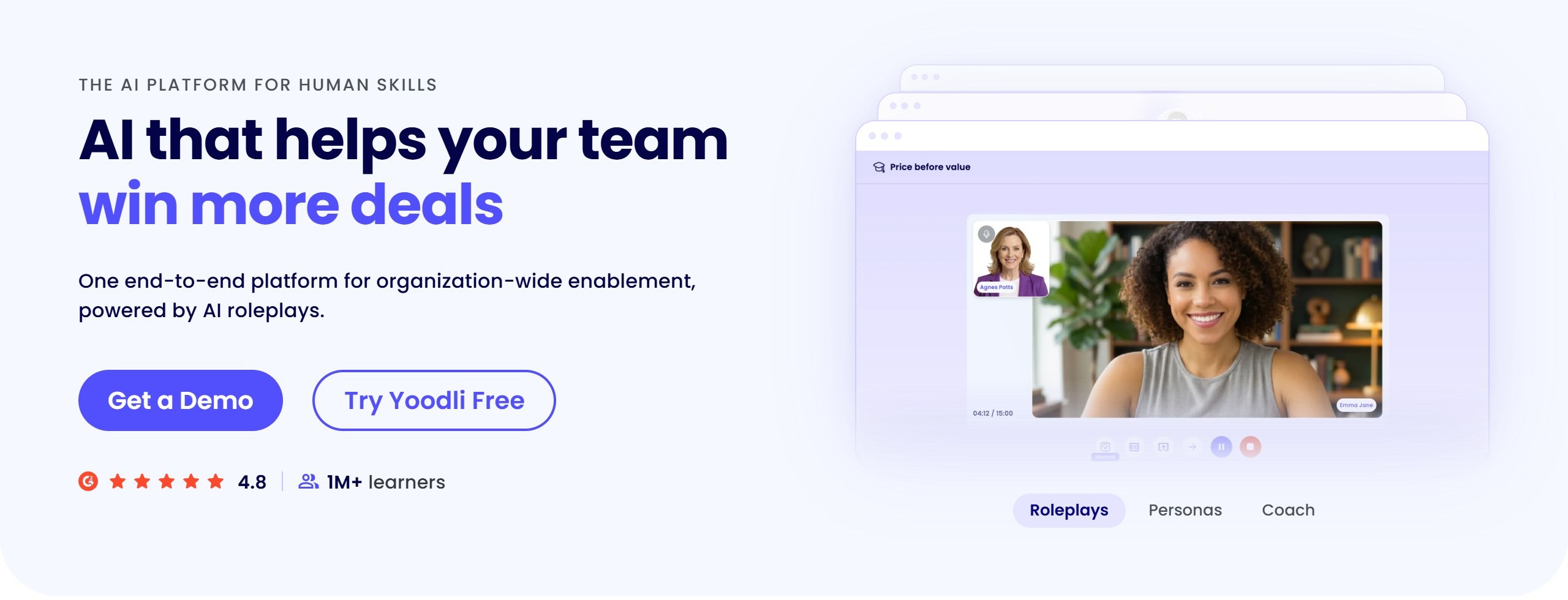
Yoodli began as a public speaking coach and now sells mostly to companies, with its homepage describing “one end-to-end platform for organization-wide enablement” and claiming more than a million learners. Individuals can still sign up for free, and that free plan is the cheapest serious way to rehearse a real presentation or interview with feedback.
Its pricing page lists three individual plans. Starter is free with five lifetime sessions, not five a month, so treat it as a trial with no time limit. Pro is $8 a month billed annually and allows up to 10 roleplays a week, plus live AI roleplays and feedback on uploaded recordings. Advanced is $20 a month billed annually with unlimited roleplays. With the toggle on monthly billing, the same page showed $11 for Pro and $28 for Advanced. Any practice session over 30 seconds counts as one roleplay, including feedback on a recording you upload.
Live meetings: check before you rely on it
Yoodli’s help centre overview, dated 27 August 2026, lists “Yoodli for video calls” as working with Zoom, Microsoft Teams and Google Meet, and one of its use-case pages promises private nudges “to slow down or hit your talking points.” Its pricing page, though, does not list meeting coaching in any individual plan. If live feedback in calls is the reason you want Yoodli, confirm it is in the plan you buy.
Your recordings
Yoodli’s pricing FAQ says session data on Starter and Pro “may be used to improve the platform.” Advanced lists “Data is excluded from AI training.” If you plan to rehearse anything confidential, such as an unannounced product or a board update, that difference is worth $12 a month.
There is no Yoodli phone app in the US App Store or Google Play, so this is a browser tool. For the full plan breakdown see our Yoodli pricing guide, and for the business side, our Yoodli review.
Choose it if you are preparing for one specific talk or interview and want roleplay feedback for free. Skip it if you want to practise on your phone.
2. Orai: best phone app for quick scored practice
Orai has been on the App Store since March 2017 and describes itself as “an AI public speaking coach for presentations, speeches, interviews, meetings, and sales pitches.” You speak, either from a prepared script or freestyle, and after each session Orai scores your filler words, pace, clarity, energy, confidence and conciseness, with a transcript and playback so you can hear where it found each problem.
It has a 4.6 average from 3,718 US App Store ratings and was updated in September 2026. On Google Play it has 4.6 stars from about 2,180 reviews (2.18K) and more than 100,000 installs. It also runs in a browser at app.orai.com.
The price, and a lifetime trap
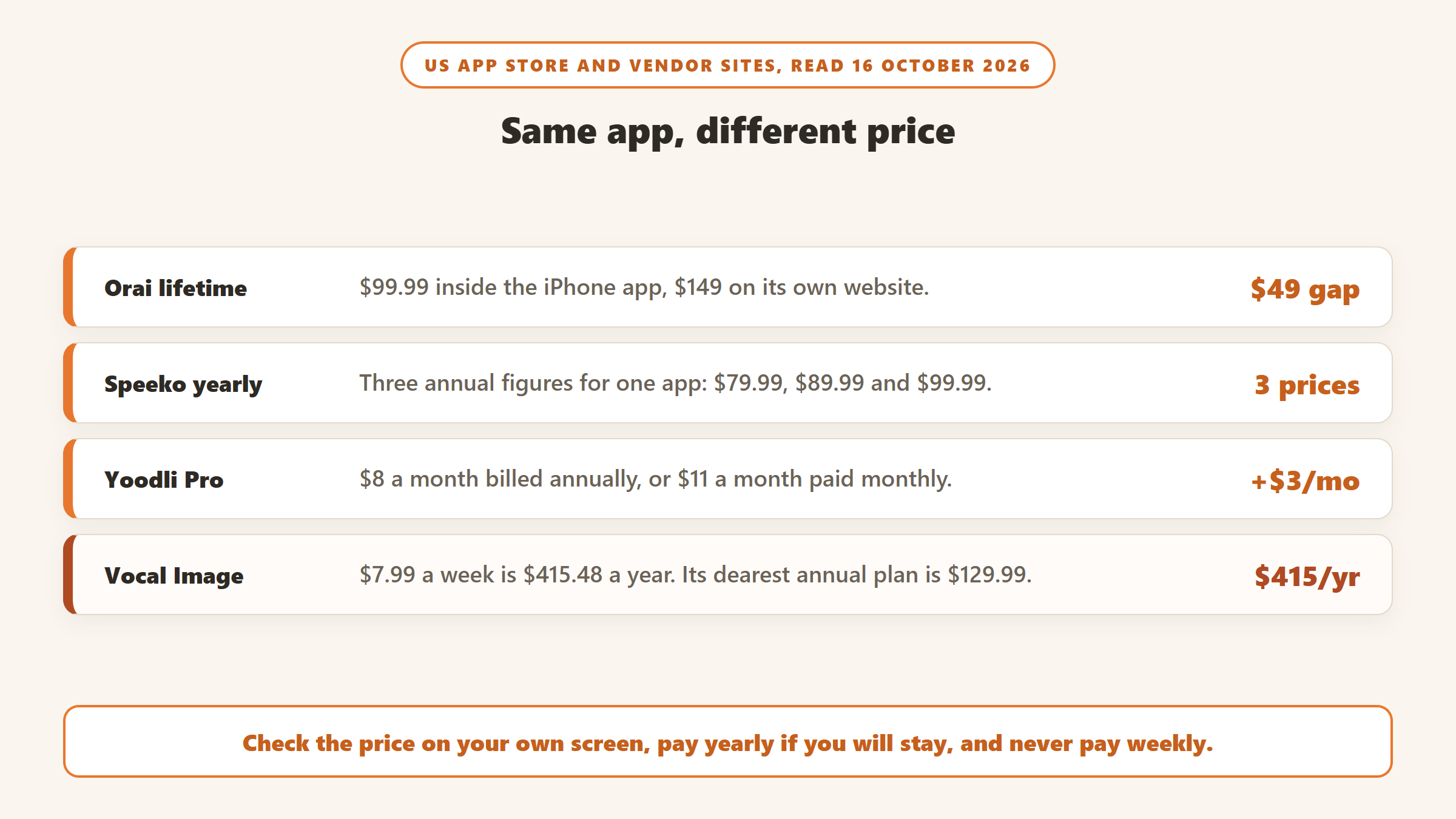
US in-app prices were $12.99 a month, $49.99 a year or $99.99 for lifetime access. Orai’s own pricing page listed $12 a month, $49.99 a year and $149 for lifetime, with a 7-day free trial that needs a card. The lifetime plan was about $49 cheaper inside the iPhone app than on the website on the day we checked. There is no permanent free plan.
Its privacy policy, updated 1 January 2026, says recordings from the app can be uploaded to its cloud and, for non-enterprise users, may be used to “evaluate and improve Orai’s own speech-analysis features.”
Choose it if you want short daily practice on your phone with a clear score each time. Skip it if you want an AI that talks back.
3. Microsoft Speaker Coach: free, and already in your tools
Microsoft has two versions of Speaker Coach, and between them they cover both jobs in this guide.
In PowerPoint: rehearse your actual deck
According to Microsoft’s support page, Speaker Coach “is currently available to everyone in free preview, even if you don’t have an Office subscription.” You start a rehearsal, present to your screen, and get a report. The web version comments on pacing, inclusive language, profanity, filler words and whether you are reading the slide text. The desktop version adds monotone, speech refinement and originality, and the mobile apps add pitch and repetitive language. It only understands English, and pronunciation feedback is US English only. Microsoft says your speech is sent to Microsoft to provide the service.
Its strength is that it works on the talk you are actually giving, with your slides, which none of the standalone apps can match. Duarte’s 2024 review of AI speaking platforms called it a good starting point but noted that it did not keep past reports, so you could not track progress across rehearsals. Microsoft’s page still says the report disappears when you close it unless you take a screenshot.
In Teams: private feedback during real meetings
Speaker Coach in Teams meetings gives private real-time feedback while you speak and a summary report afterwards that only you can see. Microsoft says not even your IT admin or your manager can access it. You turn it on from More actions, then Language and speech. Microsoft’s admin documentation, updated July 2026, says it is on by default, though an organisation’s admins can switch it off. It works in English only and not in channel meetings or Meet now calls.
On privacy, Microsoft says the audio and transcription are “immediately discarded after the meeting.” It also says the feature listens to all unmuted participants, which is worth knowing even though only you see the feedback.
Choose it if you present in PowerPoint or meet in Teams. Skip it if you speak mostly away from a computer, or need coaching in a language other than English.
4. Speeko: guided lessons, with a confusing price
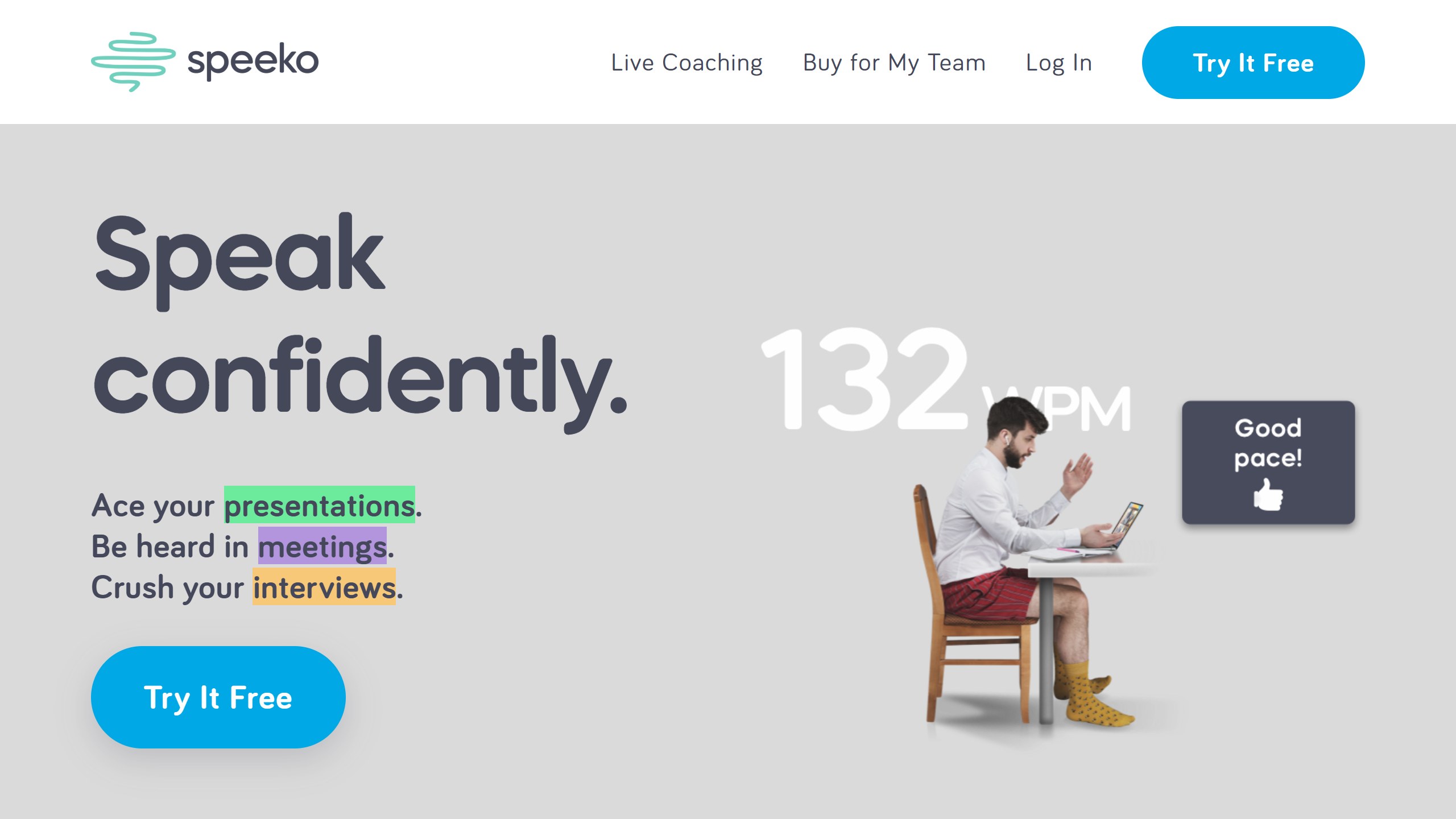
Speeko is the most lesson-driven app here. It promises real-time feedback on “pace, tone, and fillers” during short daily exercises, and lists six measures on its site: pace, eloquence, intonation, sentiment, talk time and word choice. It also carries content from voice coach Roger Love and sells separate one-to-one live coaching.
On iPhone it is strong: a 4.7 average from 4,726 US ratings, updated in September 2026, and on the App Store since 2018. On Google Play the picture is very different, with 1.7 stars from 48 reviews and over 10,000 installs. Speeko lists Android, Mac and web support, but Android users should read those reviews first.
Three annual prices for the same app
Speeko’s iPhone description quotes $24.99 a month or $89.99 a year. Its App Store in-app purchase list showed Full Access Monthly at $24.99, Full Access Annual at $99.99 and a separate Access Annual at $79.99. Its own subscriptions page listed $29.99 a month, an annual plan at $8.33 a month with a 7-day free trial, and lifetime access at $299.99. That is three different yearly figures and two monthly ones. Check which plan your screen offers before you tap subscribe.
On privacy, Speeko’s privacy page is one of the clearer ones: only you can access your audio and transcripts, you can delete them with one tap, and AI training is “opt-out by default.” Its full privacy policy, last updated 4 September 2026, adds that audio is used for training only if you tap “Share with Speeko,” that transcription goes to a third-party provider, and that Speeko “may use aggregated, de-identified data internally to improve AI performance and reliability.”
Choose it if you are on iPhone and want a structured daily habit with lessons. Skip it if you are on Android, or want to rehearse one specific talk.
5. Wellspoken: interview answers and rambling, with meeting analysis
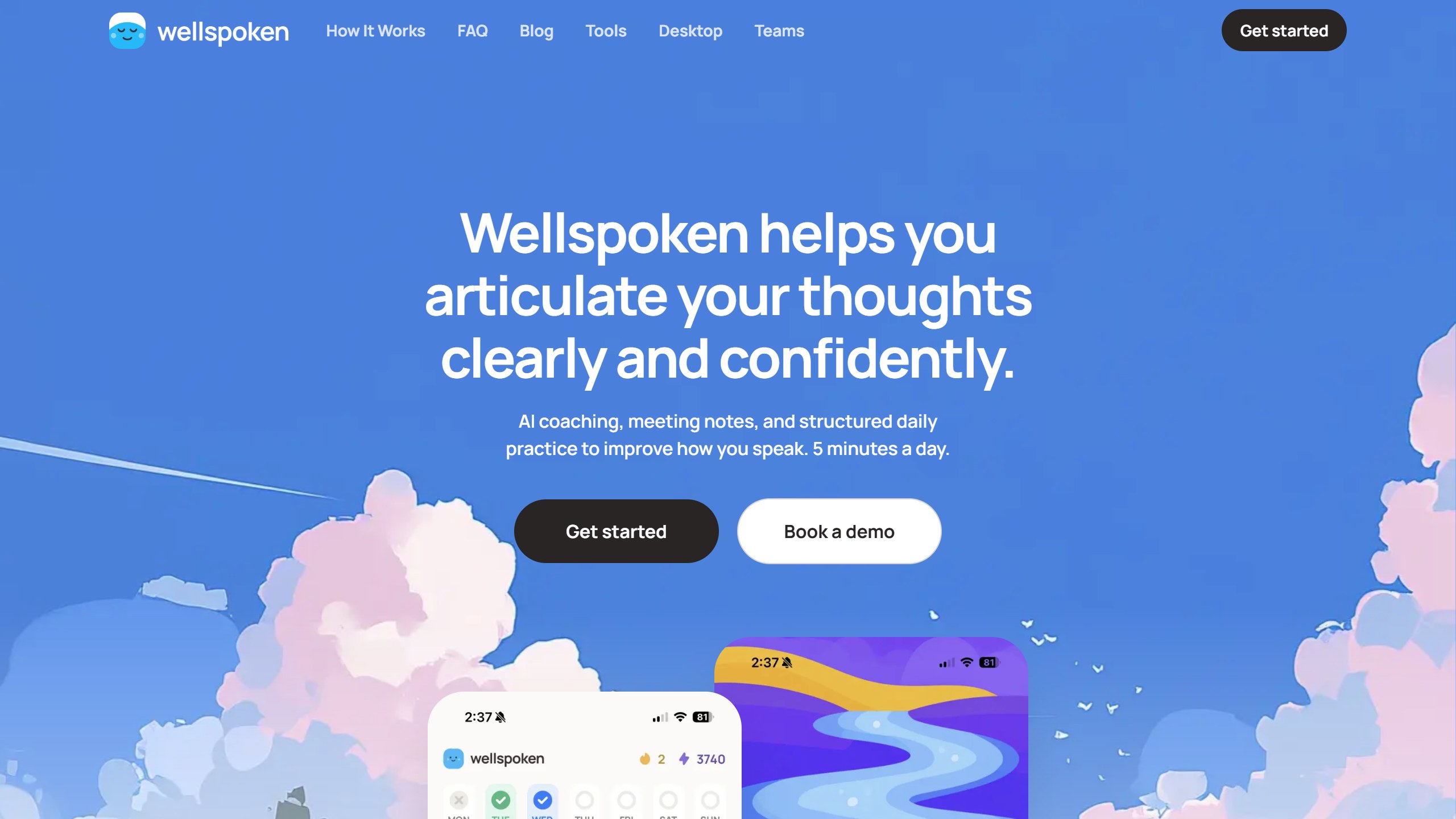
Wellspoken is the newest app here. It reached the App Store in October 2025 and already has a 4.8 average from 6,184 US ratings, with an update in October 2026. It calls itself an “AI articulation coach” and focuses on what goes wrong when you speak off the cuff: rambling, losing your words, filler, hedging.
Its website describes a scoring system called the Wellspoken Index, “a 1000-point scoring system” across structure, conciseness, confidence, pronunciation, filler rate and pace. The app includes mock interviews, practice with the STAR method for behavioural questions, meeting roleplay and impromptu speaking drills. An AI coach called Echo runs mock interviews and hard conversations.
Recorded meetings, and who consents
Wellspoken can also record or upload real meetings and analyse your part in them. Its privacy policy, updated June 2026, says recordings go to Amazon Web Services, that OpenAI, Google Vertex AI and Microsoft Azure Speech process the content and transcription, and that the account holder is “solely responsible for obtaining all necessary consents” from other people on the call. If you record colleagues or clients, getting their consent is your job, not the app’s.
US in-app prices were $4.99 a week, $12.99 or $17.99 a month, and annual plans from $34.99 to $89.99. Its website gives no prices. Besides the iPhone app there is a Mac desktop app for recording Zoom, Teams and Google Meet calls (Windows is listed as coming soon) and an Android app with 4.7 stars from about 7,850 reviews (7.85K) and more than 50,000 installs, updated in October 2026.
Choose it if your problem is answering on the spot, especially in interviews. Skip it if you want a free plan, or you cannot get consent to record the meetings you want analysed.
6. Vocal Image: voice training plus difficult conversations
Vocal Image started as a voice training app and now calls itself an “AI communication and soft skills coach.” Each day it builds a short plan that mixes voice warm-ups, breathing exercises, diction drills with clarity and speed scores, and AI roleplay, where “an AI that plays the other person” pushes back the way a manager or interviewer might. It is the broadest app here, covering salary talks, feedback conversations and mock interviews as well as public speaking.
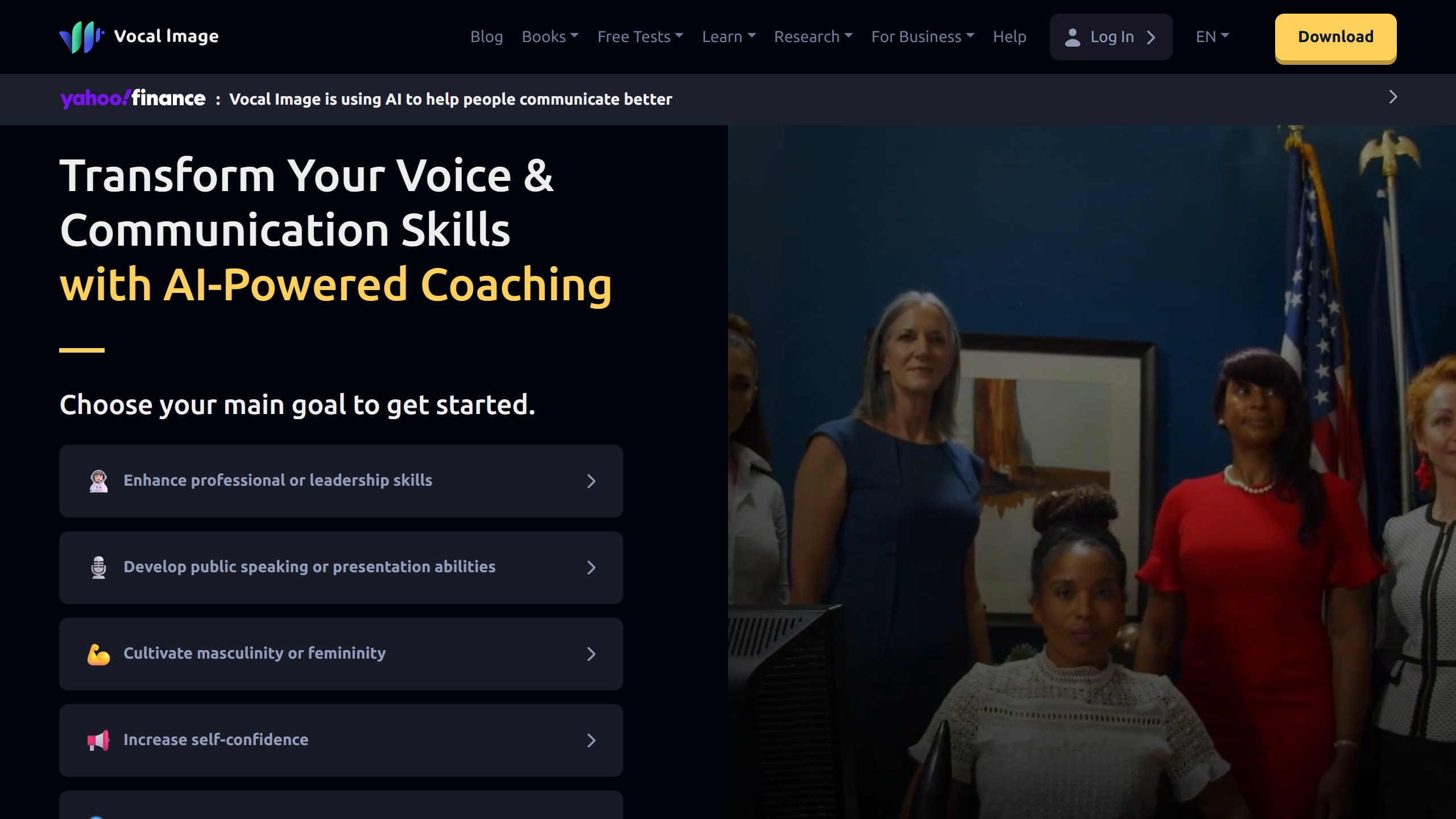
It has the biggest store following of any app in this guide: a 4.5 average from 10,503 US App Store ratings and, on Google Play, 4.2 stars from about 17,100 reviews (17.1K) and more than a million installs. Both apps were updated in October 2026.
Ten prices, including a weekly plan
Its US App Store listing showed ten in-app purchase prices, from a $7.99 weekly subscription and a $12.99 or $19.99 monthly plan up to annual plans between $39.99 and $129.99. The website lists no prices. Avoid the weekly plan: at $7.99 a week, a year costs $415.48, more than three times the dearest annual option.
Vocal Image’s privacy policy, updated 8 October 2026, says it uses voice recordings and ratings “to improve and train our proprietary AI models,” while also stating that it does not share recordings with third parties.
Choose it if you want to work on your voice and on everyday hard conversations, not just presentations. Skip it if you do not want your recordings used for model training.
7. VirtualSpeech: rehearse in a simulated room
VirtualSpeech puts you in front of a simulated audience, in the browser or, optionally, on a Meta Quest headset. You can deliver a presentation “in realistic virtual environments” or hold a roleplay with “AI avatars that respond and push back.” Sessions are scored against named criteria, with interviews judged on “clarity, composure and knowledge of the topic,” and sample reports show hesitations, words per minute and a clarity percentage.
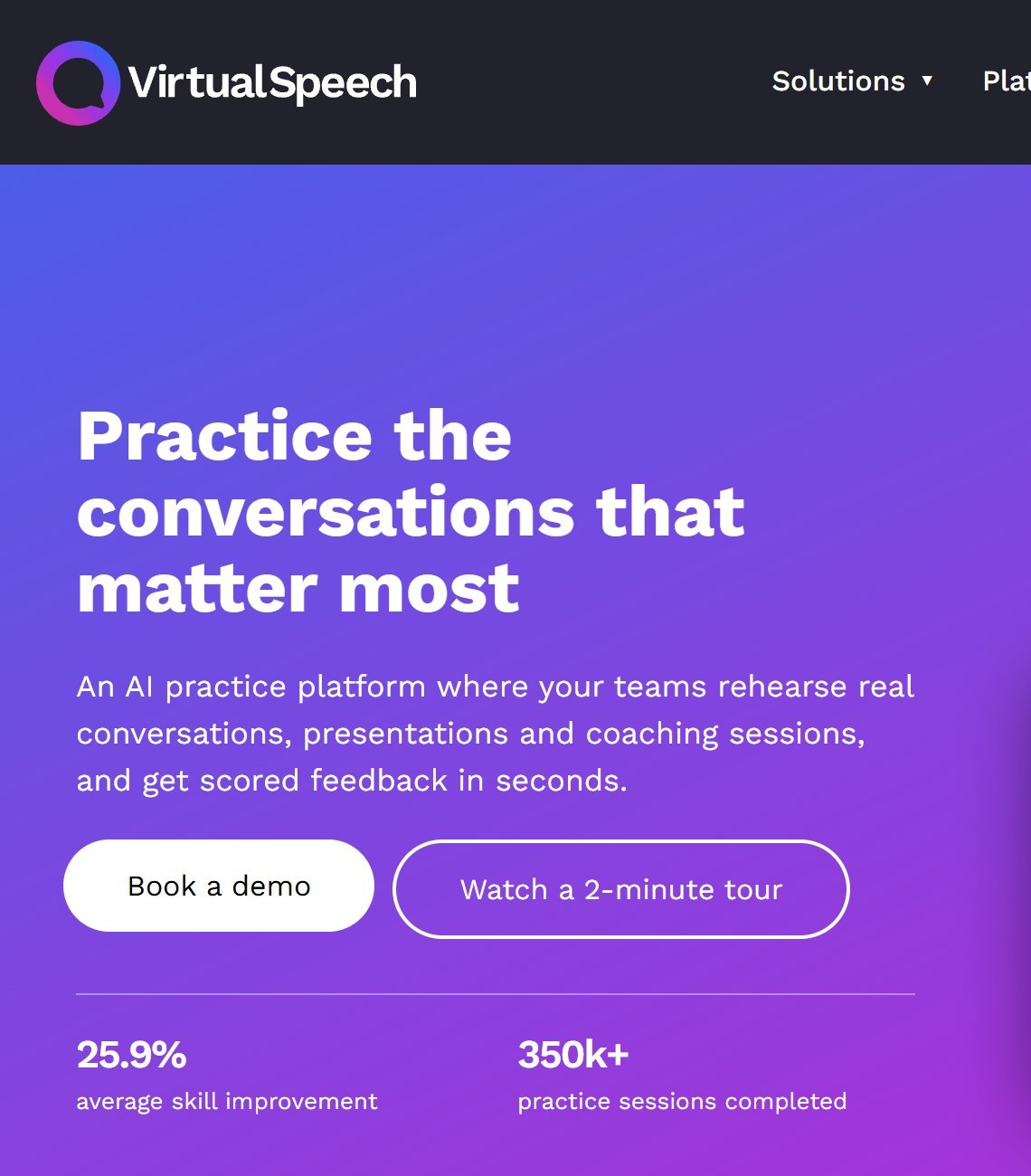
It is aimed mostly at companies and universities, but its pricing page sells individual access at $45 a month or $399 a year, the most expensive individual plan here. We found no phone app in either store. Duarte’s 2024 review praised the realistic settings, including distractions, but found the feedback generic.
Choose it if stage nerves are your main problem and you want to practise in front of a room before the real one. Skip it if you want low-cost daily practice.
What we left out, and why
Poised was, for several years, the standard recommendation for live feedback in video calls, and several current ranking pages still list it. A banner on its homepage on 16 October 2026 read that Poised “is shutting down on 10/8/2026,” which is 8 October 2026, though its pricing page still showed $19 a month or $13 a month billed annually. Do not sign up.
Credible: Speech Coach had a 4.4 average from 241 ratings but had not been updated since November 2024. PatterAI has nearly 6,000 ratings but lists no developer website, so we could not check its claims beyond the store listing. Google’s Interview Warmup page now points to interview practice in Gemini Live, and we could not confirm that the original tool is still offered.
General chatbots are not a substitute yet either. In a CNET experiment published in May 2025, ChatGPT struggled to process a full recording and Yoodli critiqued the wrong speaker because it could not be told which voice to focus on. Dedicated apps work best on recordings of you alone.
Where your voice recordings go
A speaking coach needs your voice, and sometimes your face. Here is what each vendor says, in its own policy, about using it.
- Yoodli: Starter and Pro session data “may be used to improve the platform”; Advanced is excluded from AI training.
- Orai: non-enterprise recordings may be used to improve its speech analysis.
- Microsoft Speaker Coach in Teams: audio and transcription discarded after the meeting; only you see the report.
- Speeko: only you can access your audio; your audio trains its AI only if you share a session, though it may use aggregated, de-identified data to improve its AI.
- Wellspoken: content processed by OpenAI, Google and Microsoft services; you are responsible for other participants’ consent.
- Vocal Image: recordings used to train its own models; not shared with third parties.
Apple’s privacy labels add another view. Orai, Vocal Image and Wellspoken all declare some “Data Used to Track You” on their US App Store pages; Speeko’s listing shows no tracking section. These labels are supplied by the developer and Apple says it has not verified them.
How to choose an AI public speaking coach
Start with where you speak
If most of your speaking happens in Teams meetings, turn on Speaker Coach before you spend anything. If you present slides, rehearse in PowerPoint’s Speaker Coach. If your big moments happen away from a laptop, such as a toast, a sermon, a talk on stage, pick a phone practice app such as Orai or Speeko.
Match the app to the problem
For filler words and pace, any app here will do, and the free tools are enough. For answering questions on the spot, pick a roleplay coach: Yoodli for a specific interview, Wellspoken for daily drills. For nerves in front of a crowd, VirtualSpeech’s simulated rooms are the only real option. For your voice itself, such as projection, monotone or diction, Vocal Image goes furthest. For the job search itself, our guide to AI interview tools covers mock-interview apps in more depth.
Check the price on your own screen
Several of these apps show more than one price for the same plan. Speeko had three annual figures, Vocal Image ten in-app prices, and Orai’s lifetime plan was about $49 cheaper inside the app. Avoid weekly plans, and if you plan to stay for a year, pay yearly.
Read the recording policy if it matters
If you rehearse confidential material, choose an app that keeps recordings out of training, such as Yoodli Advanced or Speeko, or a tool that discards audio, such as Teams Speaker Coach.
Rehearse alone
Most of these apps analyse everything they hear. A recording with two voices, such as an interview you conducted, can produce feedback about the wrong person. Practise solo, or use a tool built for meetings.
Training a team rather than yourself? Our guide to AI roleplay tools for corporate training compares the business platforms, including Yoodli’s team plans.
What AI speaking coaches cannot do yet
These apps are good at counting. They measure pace, pauses, filler words and how much you hedge, and they do it every time without getting tired of you. That is useful, because most speaking habits are invisible until something points at them.
What they cannot judge well is substance. Duarte’s reviewer, a professional speaking coach, concluded in 2024 that the platforms she reviewed suited new speakers but were “not suitable for executives or seasoned speakers.” An app will not tell you that your second point contradicts your first, that your story runs too long, or that your audience needed the conclusion first. Use the app for delivery and a person for content.
Which AI public speaking coach should you pick?
If you want something free today
Microsoft Speaker Coach in PowerPoint or Teams, plus Yoodli’s five free sessions for a specific talk.
If you want daily practice on your phone
Orai for scored sessions, or Speeko on iPhone for guided lessons.
If you have an interview coming up
Yoodli or Wellspoken for mock interviews with an AI that responds.
If nerves are the problem
VirtualSpeech for a simulated audience, or Vocal Image for breathing and voice work.
Sources
- Yoodli: homepage, pricing page and help centre overview.
- Orai: website, pricing page, privacy policy, US App Store listing and Google Play listing.
- Microsoft: Speaker Coach in PowerPoint, Speaker Coach in Teams and Teams admin documentation.
- Speeko: website, subscriptions page, privacy page, US App Store listing and Google Play listing.
- Wellspoken: website, privacy policy, US App Store listing and Google Play listing.
- Vocal Image: website, privacy policy, US App Store listing and Google Play listing.
- VirtualSpeech: website and pricing page. Poised: homepage. Credible: US App Store listing.
- Duarte, review of public speaking AI platforms (April 2024). CNET, AI public speaking experiment (May 2025).
- All vendor pages and store listings read 16 October 2026.

Written by
FazFaz is the founder of AIToolsBakery. Some tools here are tested hands on. Others are assessed from vendor documentation and pricing verified on the live page, and every review says which one it is. Sponsors can buy a position in a guide. They cannot buy the score, the criticism, or silence about a better option.
How we test and how we make money →