Principals get the strangest version of the AI conversation. Teachers get 80-tool platforms built for them. Students get tutors. Principals get told “AI will save you time” and then handed a chatbot with no FERPA agreement, no audit trail, and no connection to the actual work: master schedules, board memos, attendance interventions, observation write-ups, and the 4:45 pm angry-parent email that needs a calm, documented reply.
We spent three weeks running a principal’s real task list through eight AI tools, from purpose-built K-12 platforms to general-purpose assistants. We drafted board communications, built a staff-evaluation narrative from raw observation notes, stress-tested attendance data workflows, stood up a front-office FAQ agent, and built a full board deck from a strategic plan document. We also vetted every tool against the questions a superintendent or records officer will actually ask: where does student data go, who signed what, and what shows up in a public records request.
Here is what held up, what is quote-only (two of our top picks publish no pricing at all, and we will say so plainly rather than invent numbers), and what a realistic admin AI stack looks like in 2026.
| # | Tool | Best for | Admin standout | Pricing |
|---|---|---|---|---|
| 1 | SchoolAI | All-around school AI platform | District oversight dashboards and safety alerts | Free educator tier; district licenses quote-only |
| 2 | Panorama Solara | Attendance and early-warning data work | SIS integration plus Student Success data context | Quote-only |
| 3 | MagicSchool | Staff-wide productivity with governance | Enterprise admin dashboard, SSO, moderation alerts | Free tier; Plus $12.99/mo; Enterprise quoted |
| 4 | Jotform AI Agents | Front-office automation | 24/7 parent FAQ and enrollment agents | Free Starter; paid from $39/mo, 50% education discount |
| 5 | ChatGPT / Copilot | Daily drafting workhorse | ChatGPT free for verified US K-12 educators | Free (educators, through June 2027); Copilot varies |
| 6 | Gamma | Board and community presentations | Document-to-deck in minutes | Free tier; Plus from $8/mo annual |
| 7 | Perplexity | Policy and legal research | Cited answers you can verify | Free tier; Pro $20/mo |
| 8 | Grammarly | Communication quality control | Tone checks on high-stakes messages | Free tier; Education licenses quoted |
How we vetted these tools (the FERPA screen)
Before a single productivity test, every tool went through the same five questions. Steal this list for your own vetting, because it is the difference between a useful pilot and a records-request nightmare.
- Where does student data go? Does the vendor sign a data privacy agreement (DPA)? Do they train models on your inputs? Purpose-built K-12 tools like SchoolAI and Panorama Solara are designed around this. Consumer tools are not, unless you are on an education or enterprise plan with the right terms.
- Is there an audit trail? If a parent asks what the AI said to their child, or a board member asks how a communication was produced, can you answer with logs instead of a shrug?
- Is your AI output FOIA-safe? In most states, emails and documents you produce as a public official are public records, and that includes AI drafts sitting in your account. We drafted everything on the assumption it could be read aloud at a board meeting. That discipline changes what you type into a prompt box.
- Does it have real admin controls? SSO, role-based permissions, the ability to turn features off for students, and usage visibility across the building.
- Is there a signed agreement behind the compliance claims? “FERPA compliant” on a marketing page means nothing without a contract. Panorama, for example, backs its claims with SOC 2 Type II and 1EdTech certification, which is the level of specificity you want to see.
One more thing before the picks. If your district has not adopted a formal AI policy yet, that is now the first task, not an afterthought. Ohio required every district to adopt one by July 1, 2026, and other states are following. We built a complete editable framework in our AI policy template for K-12 districts, and it pairs directly with everything below.
A principal’s week, task by task
We organized testing around the actual calendar, because “AI for administrators” means nothing until it touches a real task:
- Monday: master schedule conflicts and coverage. Structured reasoning over constraints. ChatGPT and Copilot handled what-if coverage scenarios well when we described constraints in plain language.
- Tuesday: observation write-ups. Raw notes to framework-aligned narrative. MagicSchool’s admin tools and ChatGPT both turned 15 minutes of shorthand into a clean draft in under 2 minutes. The judgment stayed ours.
- Wednesday: attendance early-warning review. This is Panorama Solara’s home turf: asking questions of your own student data instead of exporting spreadsheets.
- Thursday: board memo and community newsletter. ChatGPT for the draft, Grammarly for tone, Gamma when it needed to become a deck.
- Friday: the front office. Enrollment questions, bell schedule queries, lost-and-found. Jotform’s AI agent answered them at 6 am without a human touching a keyboard.
That is the shape of the stack: one or two governed platforms for anything touching students, plus general-purpose tools for the writing and thinking work that fills the rest of the week.
The best AI tools for school principals in 2026
1. SchoolAI: the best all-around platform for building-level oversight
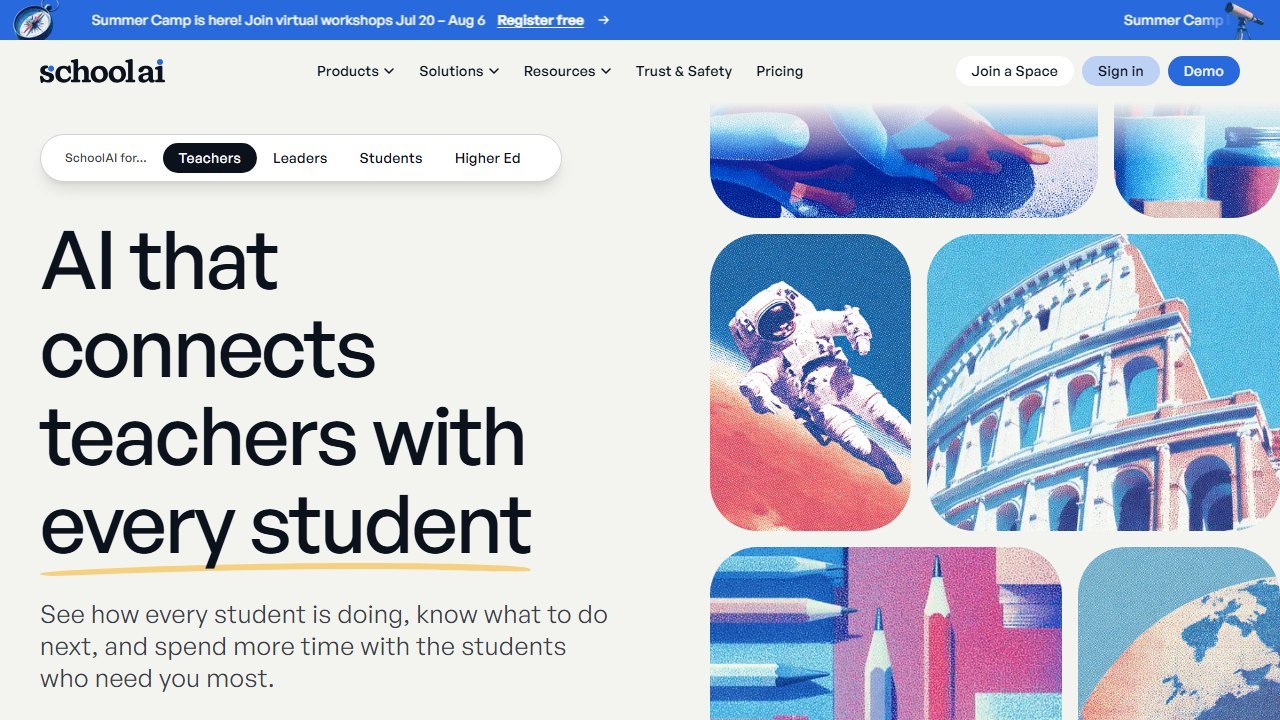
What it does. SchoolAI is a K-12 AI platform built around student-safe “Spaces” (guided AI experiences teachers create), a real-time monitoring dashboard, and, critically for this list, administrator-level rollups of everything happening across the building. Teachers see live student conversations; principals see consolidated usage, adoption, and safety reporting.
Hands-on observations. The feature that earns SchoolAI the top spot for principals is not a generation tool, it is visibility. Automated flags surface concerning student messages (mentions of bullying, self-harm, abuse) and alert staff for follow-up. In practice for the full SchoolAI review, the monitoring dashboard showed every student interaction in real time, and off-topic attempts were redirected rather than indulged. For an administrator, that converts AI from an unknowable risk into something you can actually govern and report on to your board.
Pricing. Teachers can start free. Site and district licenses are quote-only, and SchoolAI does not publish numbers, so plan for a demo-and-quote cycle based on enrollment. We will not guess at a figure, and you should be skeptical of any blog that does.
Who it’s for. Principals who want one governed platform where teacher AI use, student AI use, and admin oversight live in the same place, especially in buildings already piloting student-facing AI.
One honest limitation. SchoolAI is student-and-classroom-first. It will not draft your board memo or crunch your attendance data. It solves governance, not the administrative writing load, which is why it anchors a stack rather than replacing one.
2. Panorama Solara: the data-driven pick for attendance and early warning
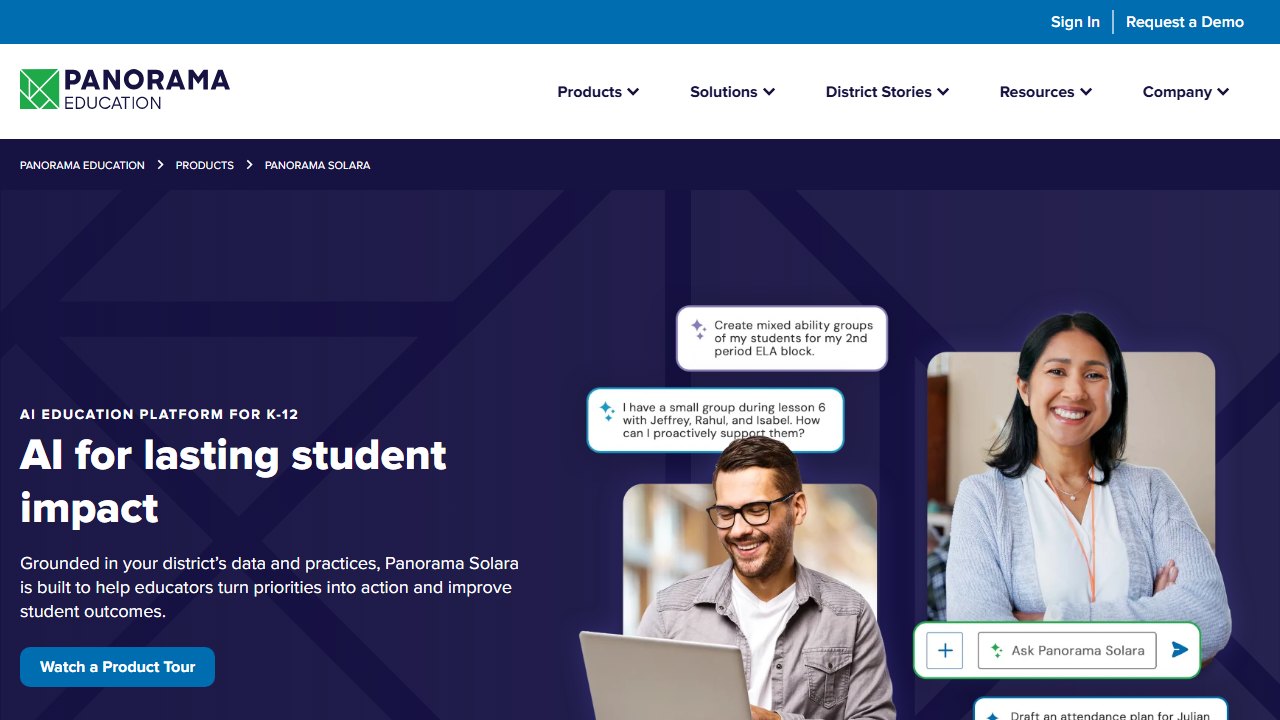
What it does. Panorama Solara is Panorama Education’s K-12 AI platform, named EdTech AI Platform of the Year in the 2026 EdTech Breakthrough Awards. Its differentiator is context: Solara connects to district systems, including your SIS and Panorama’s Student Success platform, so the AI works with your actual data rather than generic knowledge.
Hands-on observations. This is where a principal’s Wednesday changes. Instead of exporting attendance to a spreadsheet and eyeballing it, Solara supports workflows like drafting attendance interventions and personalized family communications grounded in real student context. The admin dashboard shows how AI is being used across schools, with usage themes rolled up for governance. On the compliance question, Panorama is unusually concrete: FERPA and COPPA alignment, SOC 2 Type II, and 1EdTech data-privacy certification. That specificity made it the easiest tool on this list to walk past a records officer.
Pricing. Quote-only. Panorama publishes no pricing for Solara, and contracts typically scale with enrollment and bundle with Panorama’s broader platform. If your district already runs Panorama surveys or Student Success, ask whether Solara is already in your contract before assuming a new line item.
Who it’s for. Principals in Panorama districts, and any leadership team whose top pain is attendance, MTSS, and early-warning work rather than content generation.
One honest limitation. Solara’s value is proportional to the data behind it. In a district without Panorama’s platform or a clean SIS integration, you are buying a chassis without the engine, and the quote-only pricing makes casual experimentation impossible.
3. MagicSchool: staff-wide productivity with an enterprise governance layer
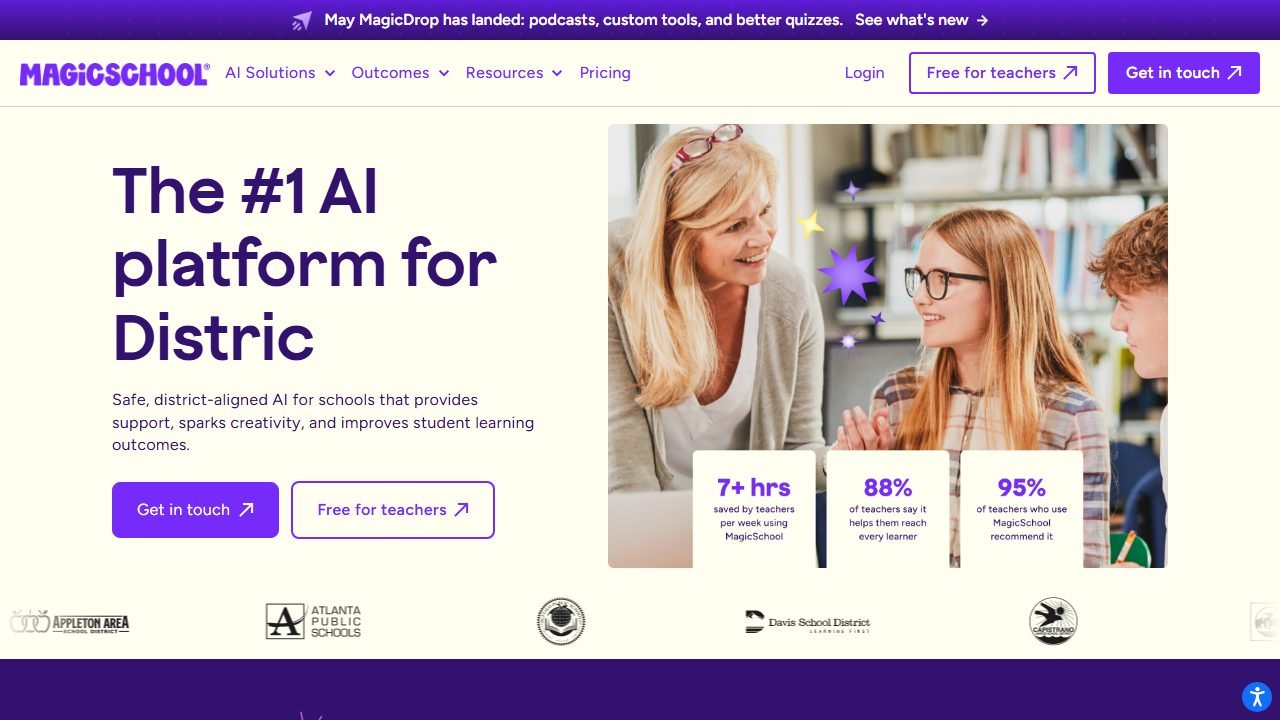
What it does. MagicSchool is best known as the 80-plus tool teacher platform we covered in our MagicSchool AI review, but the Enterprise tier is what belongs on a principal’s radar: district admin dashboards, SSO via Google, Microsoft, Clever, or ClassLink, centralized tool permissions, content moderation with real-time alerts, and usage analytics.
Hands-on observations. For the principal’s own desk, the communication tools carried the week. We fed shorthand observation notes into its professional-communication tools and got framework-aligned narrative drafts that needed maybe five minutes of human editing instead of forty-five minutes of writing. The Enterprise analytics answer the question every board eventually asks: “is anyone actually using this?” with real adoption data instead of anecdotes. As of the June 2026 update, district admins can also build custom student-facing tools aligned to local standards.
Pricing. Free tier for individual educators. Plus runs $12.99/month, or $8.33/month billed annually. Enterprise is custom-quoted per district. Unlike our top two picks, you can pilot meaningfully at zero cost before any procurement conversation.
Who it’s for. Principals who want one platform their whole staff already likes, with enough governance bolted on to satisfy the district office.
One honest limitation. The admin experience is a management layer over a teacher product. You get oversight and moderation, but no student-data intelligence: MagicSchool will not touch your SIS, your attendance patterns, or your early-warning lists.
4. Jotform AI Agents: front-office automation that answers at 6 am
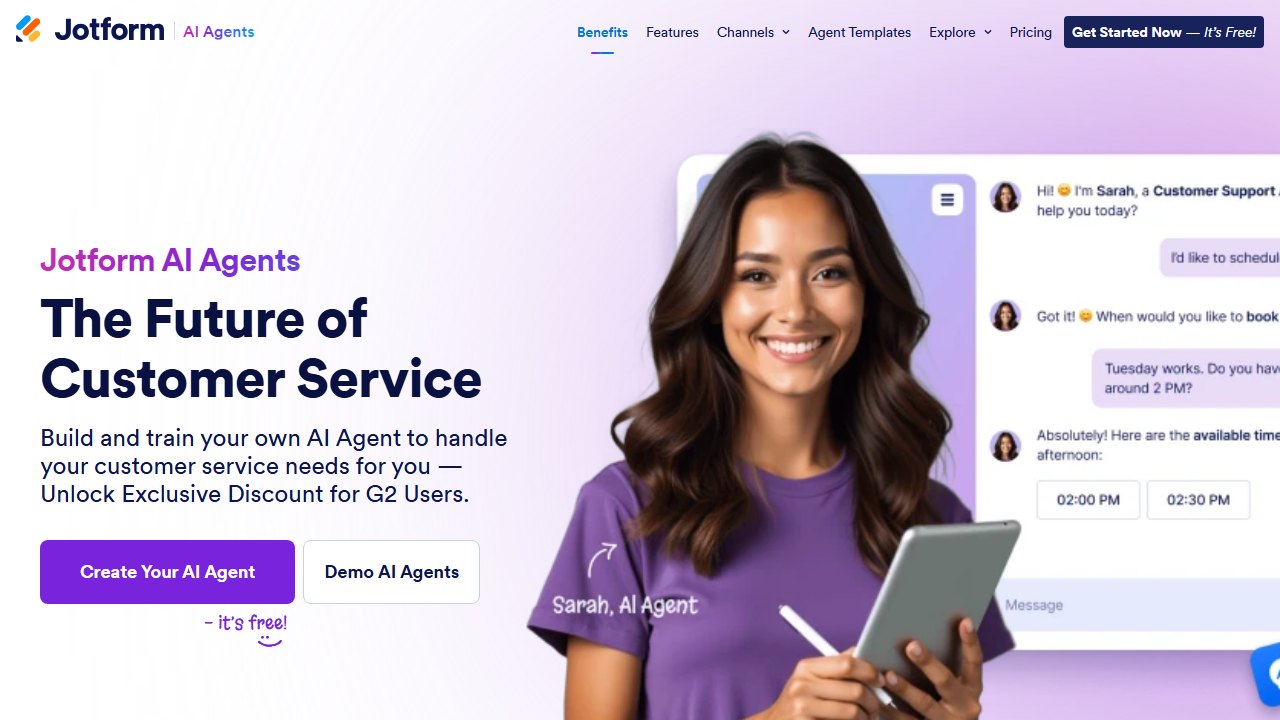
What it does. Jotform AI Agents turns your existing documents into a conversational agent you can put on your school website or attach to forms. Feed it the handbook, bell schedules, enrollment procedures, and calendar, and it answers parent questions around the clock, in multiple languages, and escalates what it cannot handle.
Hands-on observations. We built an enrollment-and-FAQ agent from a student handbook PDF and a bell-schedule page in roughly 40 minutes, most of it spent reviewing test answers. The agent correctly handled schedule questions, immunization document requirements, and “who do I contact about…” routing. The escalation behavior mattered most: when we asked something outside its knowledge base, it collected contact details for follow-up instead of inventing an answer. Every front office we know fields the same 20 questions on repeat; this genuinely removes them.
Pricing. The Starter tier is free (5 agents, 100 conversations/month). Paid plans run from $39/month (Bronze) through $129/month (Gold), and verified schools get 50% off those tiers, with 30% off Enterprise. That education discount makes the Silver tier about $24.50/month, which is cheap relief for a front office.
Who it’s for. Principals and office managers drowning in repetitive parent contact, especially in multilingual communities.
One honest limitation. It only knows what you feed it, and stale knowledge is worse than none. Someone must own updating the agent every time the bell schedule, calendar, or enrollment process changes, or it will confidently recite last semester.
5. ChatGPT and Microsoft Copilot: the daily drafting workhorses
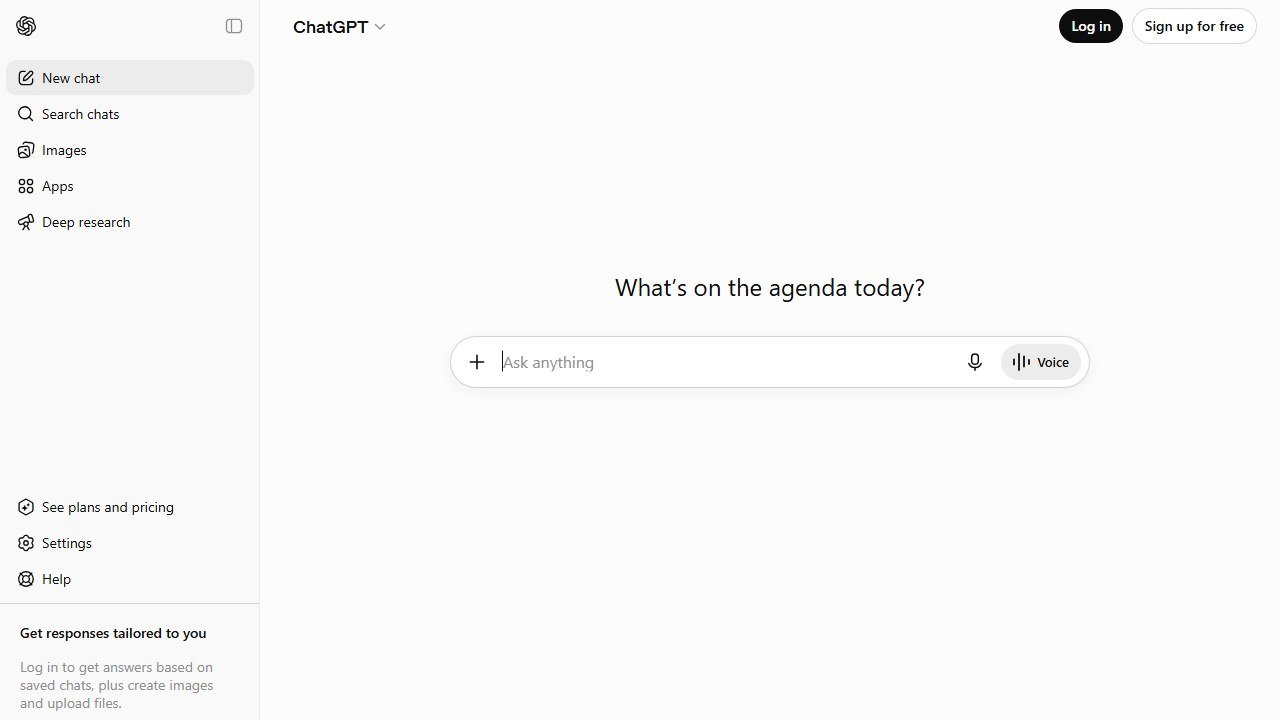
What it does. ChatGPT and Microsoft Copilot are the general-purpose engines for everything that is not student data: board memos, grant narratives, master-schedule what-ifs, difficult-conversation prep, policy summaries, and the hundred small drafts in a principal’s week.
Hands-on observations. The headline for 2026: ChatGPT for Teachers is free for verified US K-12 educators through June 2027, and workspace content is not used for model training, which addresses the biggest historical objection. In practice, ChatGPT was the strongest pure drafter on this list: a board memo on a cell-phone policy change went from bullet points to a defensible draft in one pass. Copilot’s edge is living inside Outlook, Word, and Excel, where most district business already happens; if your district runs Microsoft 365, drafting inside the document beats copy-pasting between tabs. For coverage scenarios, we described staffing constraints in plain language and got usable what-if options in minutes.
Pricing. ChatGPT for Teachers: free for verified US K-12 educators through June 2027. Copilot has a free tier; organization-wide Microsoft 365 Copilot licensing is priced per user through your Microsoft agreement, so check with your district IT before assuming a number.
Who it’s for. Every administrator, for every task that involves zero student PII.
One honest limitation. These are consumer-grade tools by default, and the FOIA point cuts hardest here: your prompts and drafts about school business are plausibly public records. Write every prompt as if a reporter will read it, because one day one might.
6. Gamma: board decks from documents in minutes
What it does. Gamma generates polished presentations from a prompt, an outline, or a pasted document. For principals, that means the strategic plan update, the data presentation, and the back-to-school-night deck stop consuming Sunday afternoons.
Hands-on observations. We pasted a three-page school improvement plan summary and got a 12-card board deck in under 3 minutes, with sensible structure and clean visuals. The edit loop is the real win: “make slide 4 a two-column comparison” works as a sentence instead of ten minutes of dragging boxes. Output needed a branding pass and one factual correction (it padded a bullet with a generic claim we had not made, which is exactly why you proofread AI decks line by line before a board sees them).
Pricing. Free tier with 400 one-time credits, enough for several real decks. Plus is $8/month billed annually ($10 monthly) and removes the Gamma badge; Pro is $15/month annually ($20 monthly) with heavier limits and custom fonts.
Who it’s for. Any administrator who presents to boards, staff, or families more than once a month and is tired of fighting slide software.
One honest limitation. Gamma fills gaps confidently. When your source document is thin, it invents plausible-sounding filler, so every generated deck needs a line-by-line accuracy pass, particularly for anything with numbers a board member might quote back to you.
7. Perplexity: cited research for policy and legal questions
What it does. Perplexity is an AI answer engine that cites its sources on every claim. For administrators, that distinction is everything: “what are neighboring districts’ cell-phone policies” or “what does our state’s new attendance statute actually require” are questions where an uncited answer is a liability.
Hands-on observations.Perplexity returned answers with clickable citations we could verify against primary sources, which is the workflow difference between “the AI said” and “per the state board’s model policy, section 4.” When a citation pointed somewhere weak (a blog summarizing a statute rather than the statute), that was visible immediately, which is precisely the point.
Pricing. Solid free tier. Pro is $20/month for more powerful models and heavier research usage. Most principals will be fine on free.
Who it’s for. Administrators who regularly need defensible answers to policy, legal, and comparative questions and do not have time to be their own research librarian.
One honest limitation. Citations make errors visible, not impossible. Perplexity occasionally leans on secondary sources of mixed quality, so for anything with legal weight, click through to the primary document before you act on it.
8. Grammarly: the last check before you hit send
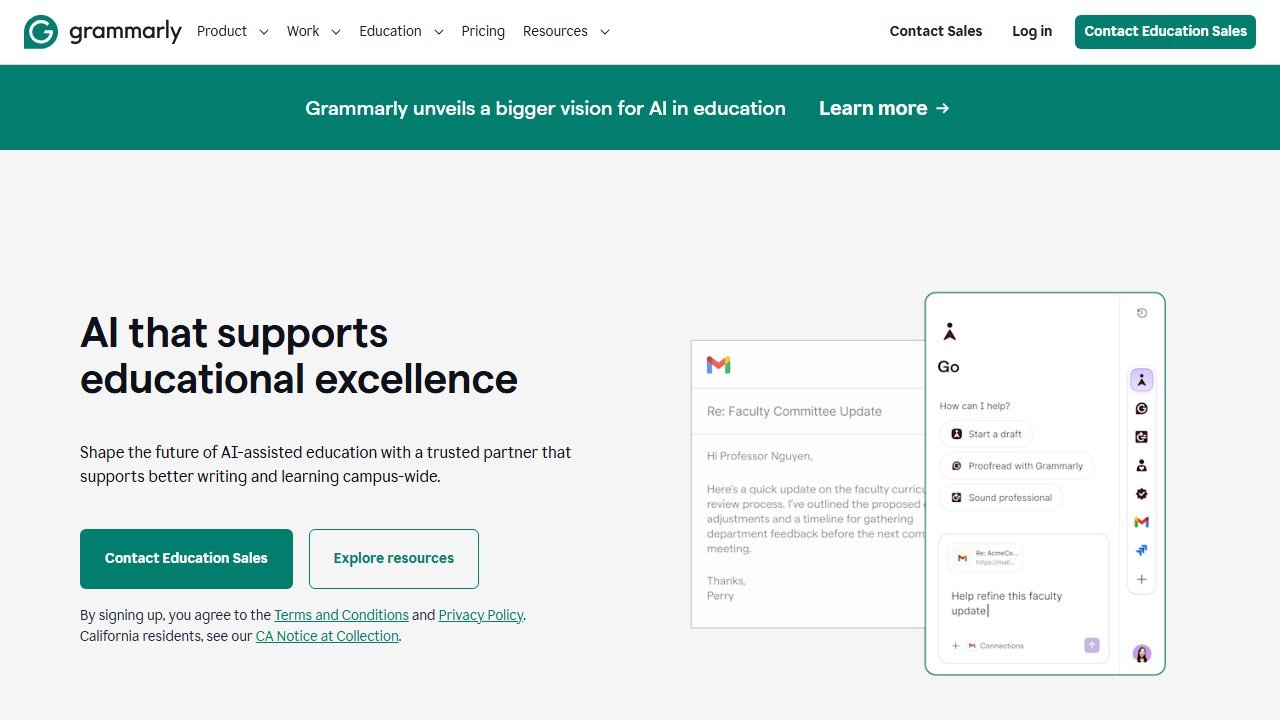
What it does. Grammarly sits across your email, documents, and browser, checking grammar, clarity, and, most usefully for a principal, tone. Grammarly for Education extends this institution-wide with admin controls.
Hands-on observations.The tone detector earned its place on this list during the angry-parent-email test. We drafted a reply to a heated complaint, and Grammarly flagged the draft as sounding defensive before we sent it; two suggested rewrites later, the same facts read as calm and documented. For high-stakes, high-volume written communication, a tone check that fires before send is cheap insurance.
Pricing. Capable free tier. Individual Pro plans start around $12/month billed annually. Grammarly for Education institutional licenses are quote-only through their sales team, so district-wide pricing is a conversation, not a checkout page.
Who it’s for. Any administrator whose reputation rides on written communication, which is all of them.
One honest limitation. Grammarly polishes, it does not draft or think. It is the quality-control layer on top of a stack, and if budget allows only a few tools, it is the one a strong writer can most easily skip.
Verdict: build a stack, not a silver bullet
No single tool covers a principal’s job, and the vendors that claim otherwise are the ones to distrust. The pattern that worked in practice:
- One governed platform for anything touching students. SchoolAI if your priority is classroom AI oversight; Panorama Solara if it is attendance and early-warning data. Both are quote-only, so start the procurement conversation early and demand the DPA in writing.
- MagicSchool Enterprise if you want staff productivity and governance from the same vendor your teachers already use (many already do; see our teachers roundup for why).
- The free layer for everything else. ChatGPT for Teachers for drafting, Jotform for the front office, Gamma for decks, Perplexity for research, Grammarly for the final read.
And before any of it scales past a pilot, get the policy in place. The tools are the easy part; the governance is what protects your students, your staff, and your own signature on the purchase order.
How we reached this verdict: this guide is research-based. We compare each tool against its published documentation, pricing pages and terms, and we do not claim hands-on testing we have not done.

Written by
FazFaz is the founder of AIToolsBakery. Some tools here are tested hands on. Others are assessed from vendor documentation and pricing verified on the live page, and every review says which one it is. Sponsors can buy a position in a guide. They cannot buy the score, the criticism, or silence about a better option.
How we test and how we make money →