Kindergarten is the grade level AI tool roundups forget. Most “AI for teachers” lists assume your students can read the worksheet, type a response, or at minimum sit still while you demo something on the board. Kindergarten teachers work under a different set of constraints: pre-readers who need picture-based everything, circle time that lives or dies on pacing, twenty-plus families expecting weekly updates, and a hard rule that no app touches the kids themselves.
So we reviewed with those constraints in mind. Every tool below is teacher-facing. Nothing in this list gets handed to a five-year-old, nothing collects student data, and nothing requires a student login. The AI does the grown-up work: differentiating read-alouds for pre-readers, generating picture-heavy center materials, planning circle time, and handling parent communication at kindergarten volume, including translation for multilingual families.
What follows is what actually held up. For the all-grades view, our mainbest AI tools for teachers roundup covers the broader field.
How the 9 tools compare
| Tool | Best kindergarten job | Free tier | Paid option |
|---|---|---|---|
| MagicSchool | All-round planning, leveling, parent emails | Yes, core tools with standard limits | Plus $12.99/mo, or $8.33/mo billed yearly |
| Diffit | Leveling read-aloud texts for pre-readers | Yes, free core | Premium $14.99/mo |
| Canva for Education | Picture-based centers, visual schedules | Fully free for verified K-12 teachers | None needed |
| Brisk Teaching | Materials from inside Google Docs and Slides | Yes, 23 free tools | Paid tiers for higher limits |
| Curipod | Interactive circle-time and whole-class slides | Yes, 2 sessions per week | School and district plans, quote only |
| Khanmigo for Teachers | Lesson planning and standards alignment | Free US-wide via Microsoft | None for the teacher tools |
| ChatGPT for Teachers | Flexible drafting, translation, custom requests | Free for verified US K-12 educators through June 2027 | Not required during the free window |
| Twee | Song lyrics, picture-prompt discussion questions | Yes, 20 text and 10 media runs per month | Pro $11.95/mo, or $7.49/mo billed annually |
| ClassDojo Sidekick | Parent messages where K families already are | Free with a ClassDojo account | None for Sidekick |
Why “teacher-facing only” is the rule in kindergarten
Before the picks, one framing note, because it shapes every recommendation here. COPPA, the US children’s privacy law, kicks in when an online service collects personal information from children under 13. Kindergartners are five and six. The cleanest way to stay on the right side of that line, and of your district’s AI policy, is simple: the AI never meets the kids.
Every tool below follows that rule as we recommend using it. You type, the AI drafts, you print or project. Student names stay out of prompts. If a tool offers a student-facing mode, we flag it and tell you to skip it at this grade level. Your district may go further, so check local policy first. Ours is a practicality argument as much as a legal one: at this age the teacher is the interface anyway.
The 9 best AI tools for kindergarten teachers in 2026
1. MagicSchool: the all-round K workhorse
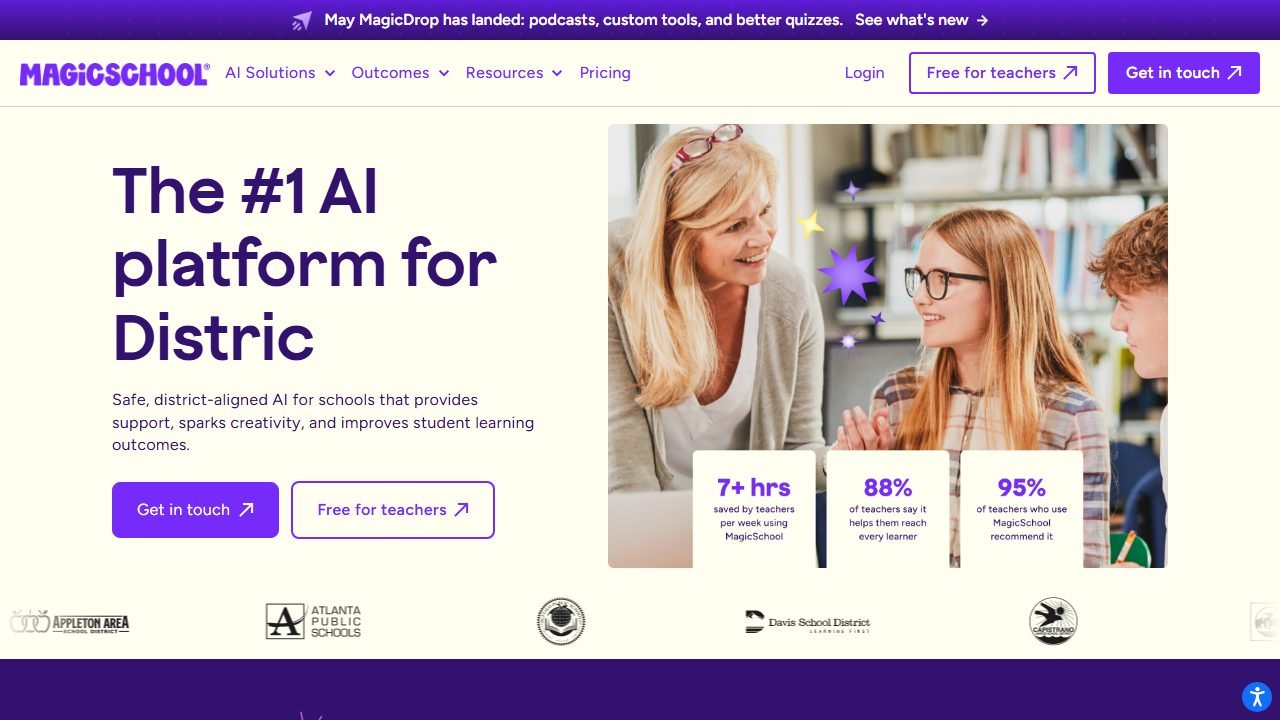
MagicSchool is the platform we recommend first to almost every teacher, and kindergarten is no exception. It bundles dozens of purpose-built tools behind one login: a text leveler, lesson plan generator, behavior intervention suggester, report card comment writer, parent email drafter with translation, and a lot more. Our full MagicSchool review covers the whole platform; here we focus on what matters at K.
In practice, the difference maker was that MagicSchool’s tools accept “kindergarten” as a real grade setting rather than treating it as an afterthought. We asked the Text Leveler to bring a short nonfiction passage about ladybugs down to a kindergarten read-aloud level, and it returned short sentences, repeated sight words, and a suggestion to pair each sentence with a picture. The Behavior Intervention tool gave age-appropriate suggestions for a child struggling with carpet-time transitions, including a visual timer and a specific praise script, rather than the reward-chart boilerplate we half expected.
The parent email writer earned its keep at kindergarten volume. We drafted a “your child bit a classmate” note, always the hardest email of the week, and the output was factual, warm, and blame-free. One click translated it into Spanish. We still edited both versions, but the blank-page problem was gone.
Pricing: the free plan includes the core tools with standard generation limits. MagicSchool Plus runs $12.99 per month, or $8.33 per month billed yearly, and mainly raises limits and unlocks output history. Most kindergarten teachers we know stay on free.
Who it’s for: any K teacher who wants one login that covers planning, differentiation, behavior, and family comms.
The honest limitation: MagicSchool also sells student-facing rooms, and at kindergarten you should ignore that entire half of the product. The output quality also drifts generic on creative asks like center ideas, where Canva and Twee did better.
2. Diffit: pre-reader differentiation for read-alouds
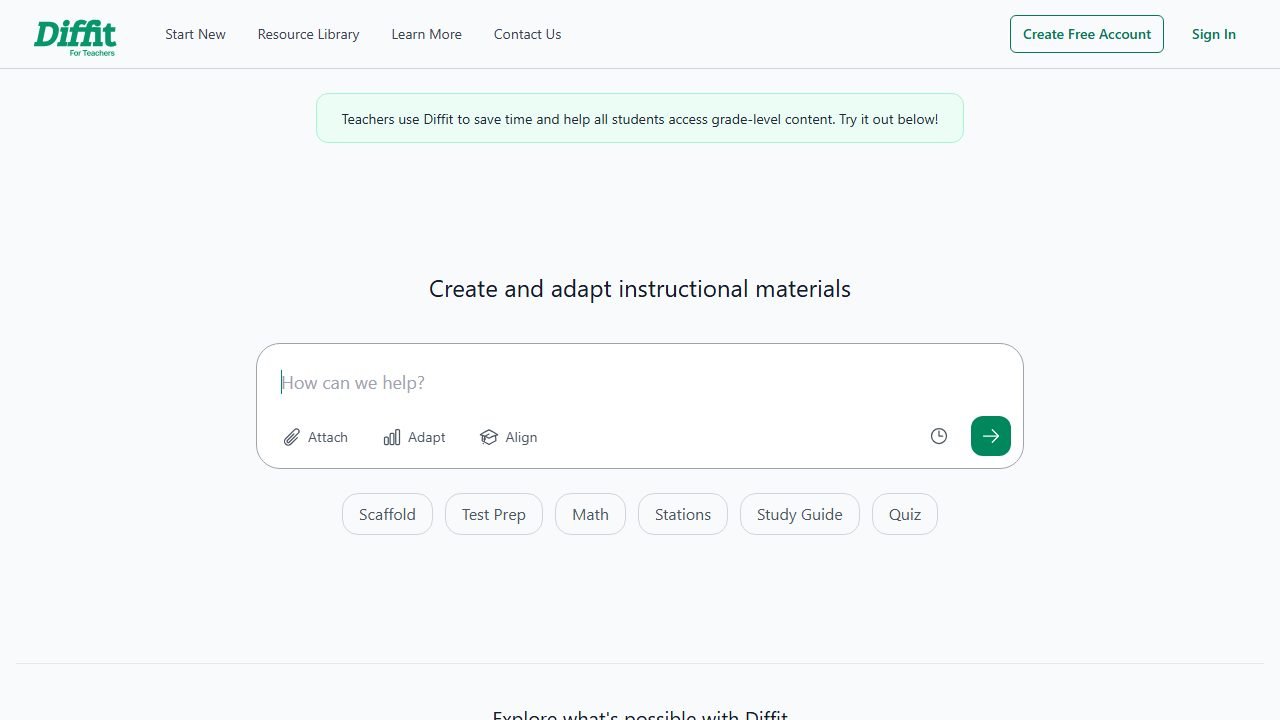
Diffit does one thing extremely well: take any text, topic, or article and rebuild it at the reading level you choose, with vocabulary support and questions attached. We use it constantly for older grades, as our Diffit review details, and it turns out to have a genuinely useful kindergarten mode.
Here is the K workflow that worked for us. Your science theme is “animals in winter.” Type that topic into Diffit, set the level to kindergarten, and it generates a short, simple passage plus vocabulary words and discussion questions. You are not handing that passage to students; you are using it as a read-aloud companion, a source of accurate age-pitched language, and a question bank for after the story. In practice, the winter-animals passage came back with three-to-six-word sentences and a vocabulary list of five words, each with a kid-friendly definition we could read aloud verbatim.
Diffit’s translation support also matters here. We generated the same passage in Spanish in one click, which gave us a send-home page for a newcomer family so a parent could preview the week’s theme in their home language. That workflow overlaps with what we recommend in our AI tools for ESL teachers roundup, and at kindergarten it doubles as family engagement.
Pricing: the core product is free, and Premium is $14.99 per month, which adds export formats and higher limits. Free covered everything we needed for K use.
Who it’s for: K teachers who build thematic units and want accurate, level-pitched text and questions without writing them from scratch.
The honest limitation: Diffit is text-first in a grade that is picture-first. It will not generate the images your materials need, so plan on pairing it with Canva.
3. Canva for Education: picture-based everything
Canva for Education is completely free for verified K-12 teachers, and for kindergarten specifically it might be the highest-value tool on this list, because kindergarten materials are visual materials. Visual schedules, center signs, letter-of-the-week posters, name tags, matching cards: this is the grade where the laminator runs hot, and Canva is where those things get made.
The AI layer is what puts it in this roundup. Magic Write drafts text inside any design, and the image-generation and Magic Media tools create custom pictures on demand. In practice, we built a set of four center signs, each with a generated illustration and a one-word label, in about twelve minutes. We also generated a picture sequence for a visual schedule: arrival, carpet, centers, snack, recess, story, home. The generated images were consistent enough in style to look like a set, which matters when the whole point is that pre-readers decode the pictures.
One practical note from testing: generated images of people can come out slightly off, and kindergartners notice. We got better results generating objects, animals, and scenes than faces, and swapping Canva’s stock illustrations in whenever a generated image looked uncanny.
Pricing: free for verified K-12 teachers and their students, with the education tier including the premium features individual users pay for. Verification took us one school email and about a day.
Who it’s for: every kindergarten teacher, honestly. If you make visual materials, and at K you do, this is the tool.
The honest limitation: Canva is a design tool with AI inside it, not a planning brain. It will not sequence your week or differentiate a text, and the AI image generator needs supervision before anything goes on a classroom wall.
4. Brisk Teaching: AI inside the Google tools you already use
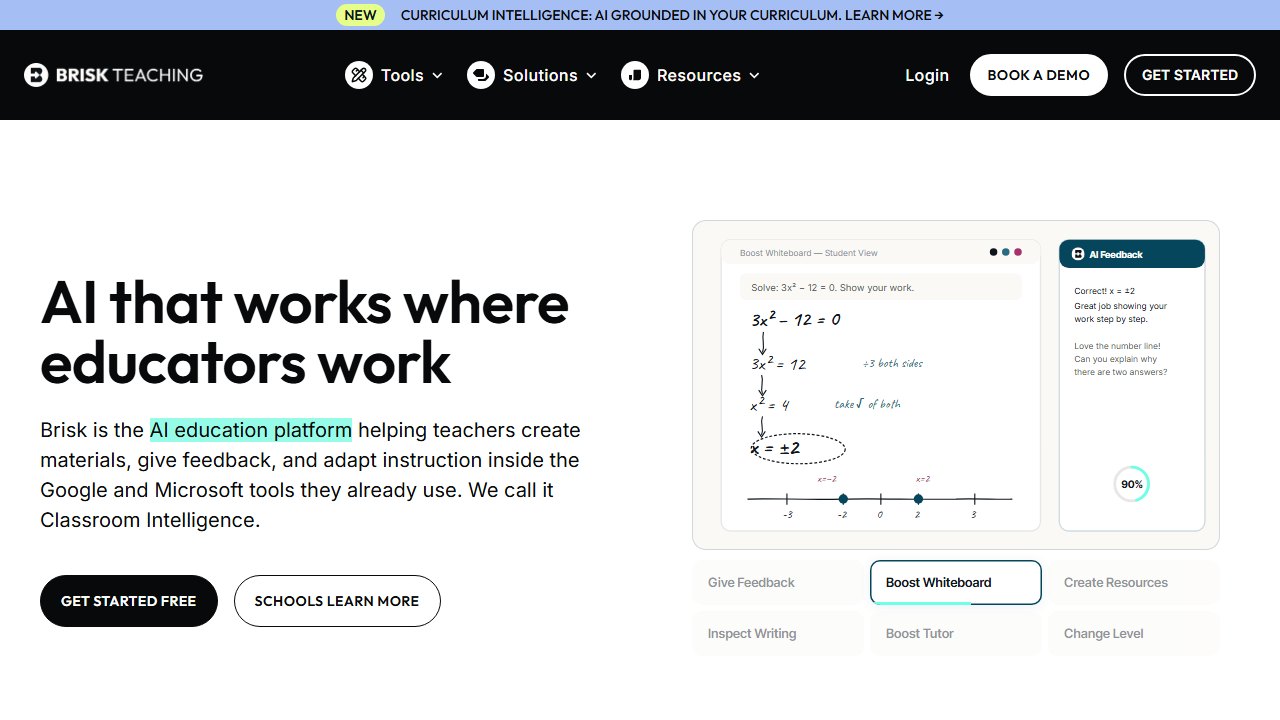
Brisk Teaching is a Chrome extension that adds AI actions inside Google Docs, Slides, and whatever webpage you have open. No new tab, no new login ritual: you click the Brisk icon and pick a tool. It offers 23 free tools, and our Brisk review walks through the full set.
For kindergarten, Brisk’s value is speed on the documents you already live in. We opened a blank Google Slides deck and had Brisk generate a presentation for a letter-of-the-week introduction, which gave us a scaffold of simple slides we then stripped down and filled with pictures. We used the leveling tool on a district-provided family newsletter template to simplify the language, and the feedback tools, which dominate Brisk usage in upper grades, we mostly ignored, because nobody is leaving written feedback on a kindergartner’s essay.
The standout K use was actually parent communication. Brisk can draft a message from whatever is on screen, so we opened our week’s plan and asked for a family newsletter summarizing it. The draft captured the theme, the letter, and the field trip reminder in plain language. Two minutes of edits and it was ready to paste wherever families read it.
Pricing: 23 tools free, with paid tiers raising limits. The free tier was never the bottleneck in a week of K-level testing.
Who it’s for: K teachers whose school runs on Google Workspace and who want AI where they already work instead of another destination site.
The honest limitation: Brisk’s toolset skews toward grades where students write, so a chunk of its 23 tools are simply irrelevant at K. You are buying convenience on a subset, not the whole box.
5. Curipod: circle time on the big screen
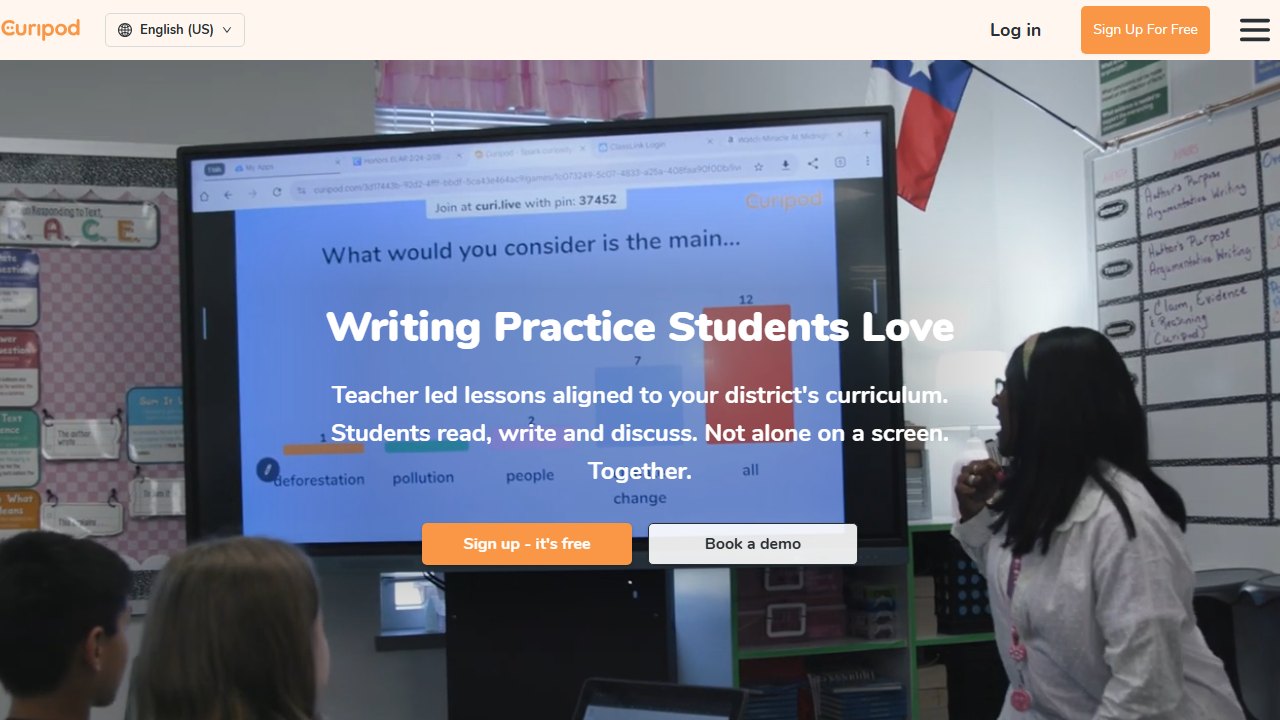
Curipod generates interactive slide lessons with built-in activities, polls, and drawing prompts. Type a topic and grade, and it assembles a ready-to-present deck. Our Curipod review covers it in depth for older grades, where students respond on their own devices. Kindergarten obviously does not work that way, so we reviewed it differently: as a whole-class, teacher-driven circle-time tool.
Used that way, it surprised us. We generated a “community helpers” lesson at the kindergarten setting and got a deck with discussion prompts, a draw-your-answer activity, and a short story hook. Projected on the board, the drawing prompt became a carpet activity with mini whiteboards, and the poll became a hands-up vote. The AI did the sequencing; we did the facilitation. Prep time was about five minutes for a fifteen-minute block.
The free plan gives you 2 sessions per week, and running the same lesson across multiple groups in one week counts as one session. That cap is workable at kindergarten, where one strong interactive block per day is plenty and most of your day is not on the projector anyway.
Pricing: free plan with the weekly session cap. School and district plans exist, and pricing there is quote-only, so we will not put a number on it.
Who it’s for: K teachers who want a fresh interactive anchor for circle time or a theme launch without building slides by hand.
The honest limitation: Curipod is built around student devices you will not be using, so you are deliberately using a fraction of the product. The 2-session weekly cap also means it cannot be your daily driver on the free plan.
6. Khanmigo for Teachers: free planning with a pedigree
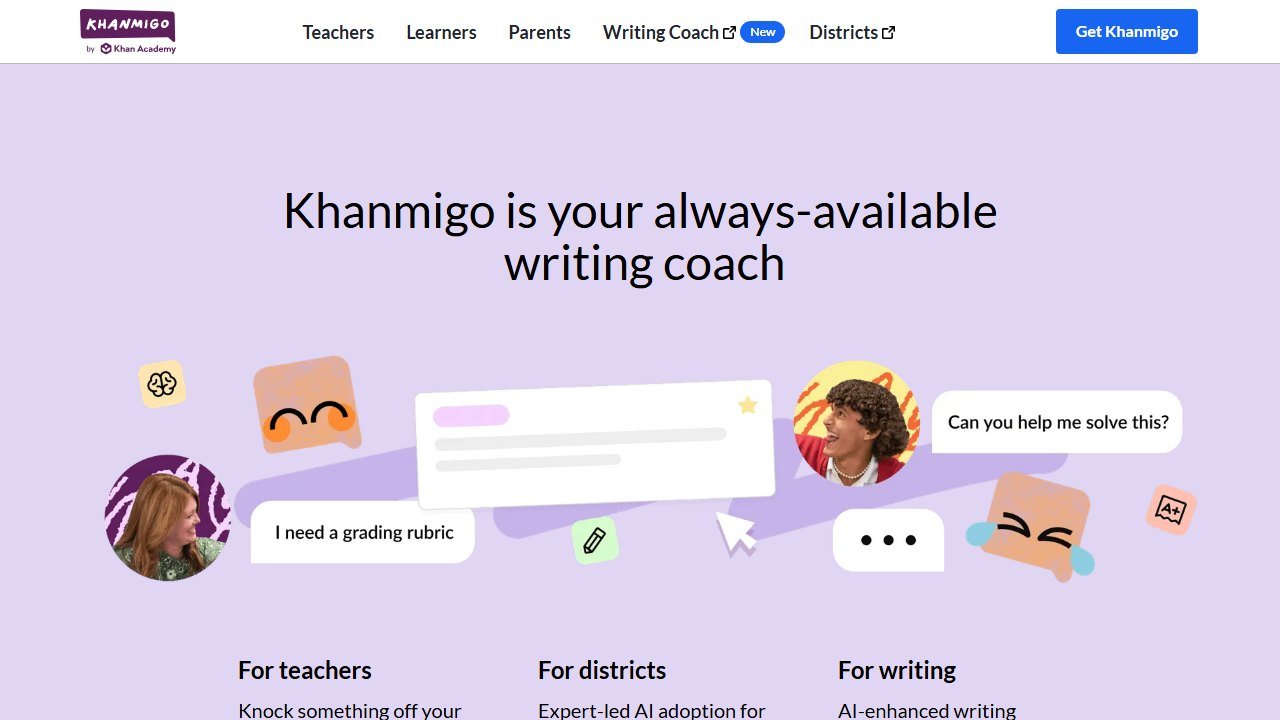
Khanmigo for Teachers is Khan Academy’s AI assistant, and the teacher-facing side is free for US educators thanks to Microsoft’s sponsorship. Our full Khanmigo review covers the student tutor, which is aimed well above kindergarten. The teacher tools are the K story here.
Khanmigo’s lesson planning tools took our vaguest prompt of the test, “a week of kindergarten activities about plants and growing,” and returned a coherent five-day arc: seed observation, parts-of-a-plant chant, a planting activity, a growth-tracking routine, and a wrap-up share. Each day came with a suggested read-aloud tie-in and a materials list. It was the most structurally sound multi-day plan any tool produced in practice, and it needed the least reordering.
It also handles the paperwork layer: leveling text, drafting an exit-ticket alternative appropriate for pre-readers (we asked, and it sensibly suggested a thumbs-up routine and a draw-and-tell), and writing standards-aligned objectives, which matters if your district requires posted objectives even at K.
Pricing: free US-wide for the teacher tools via the Microsoft partnership. No paid tier required for anything we reviewed.
Who it’s for: K teachers who want the strongest free lesson-planning brain and trust Khan Academy’s pedagogy-first tone.
The honest limitation: Khanmigo is tuned to Khan Academy’s content universe, which starts getting rich around early elementary math and reading but is thin on kindergarten-specific play-based content. The plans are sound; the linked resources often are not for your grade.
7. ChatGPT for Teachers: the flexible generalist
ChatGPT for Teachers is OpenAI’s education workspace, free for verified US K-12 educators through June 2027. Verification runs through your school email. What you get is ChatGPT with workspace controls, which matters because the general chatbot is still the most flexible tool on this list: it does whatever the purpose-built tools do not.
Our kindergarten testing kept landing on the same pattern: ChatGPT wins on the weird requests. A song about lining up, to the tune of a song the class already knows. Twelve rhyming clues for a letter-sound scavenger hunt. A social story about fire-drill day for an anxious student, written in first person with short sentences (no student name in the prompt, ever). A parent note translated into Vietnamese, then back-translated so we could sanity-check the tone. None of those live as a button in MagicSchool or Brisk. All of them came out usable in one or two turns.
The tradeoff is that ChatGPT has no guardrails pointing it at your grade. Purpose-built tools default to age-appropriate output; ChatGPT gives you what you ask for, so your prompt has to carry the “kindergarten, pre-readers, five-year-olds” context every time. We keep a saved instruction block for exactly that.
Pricing: free for verified US K-12 educators through June 2027. No card required during the free window.
Who it’s for: K teachers comfortable writing their own prompts who want one tool for every request the buttons do not cover.
The honest limitation: it is the least kindergarten-aware tool here out of the box, and it will confidently produce a developmentally wrong activity if your prompt lets it. The teacher’s judgment is the safety feature.
8. Twee: songs, chants, and picture prompts
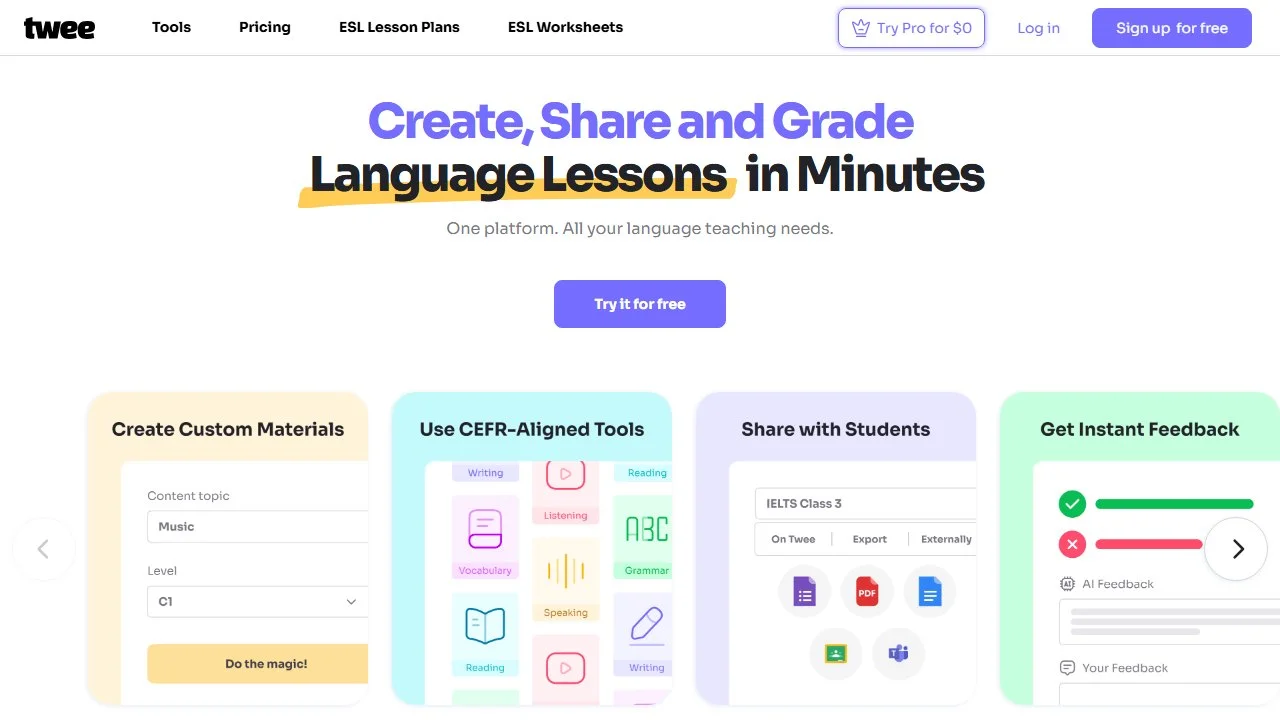
Twee was built for English language teachers, and we recommend it heavily in our ESL roundup. It earns a kindergarten slot for one reason: it is unusually good at the oral-language genre kindergarten runs on. Songs, chants, dialogues, discussion questions from a picture, vocabulary games: Twee has dedicated generators for each, where general tools need coaxing.
In practice, the picture-based question generator was the sleeper hit. Upload or pick an image, and Twee generates discussion questions about it. Pointed at a busy farm scene, it produced a ladder of questions from “what animals do you see?” up to “why do you think the farmer wakes up early?”, which is exactly the comprehension-question ladder a K teacher builds by hand for picture walks. The song and chant generator gave us a clean-up chant with a repeating structure the class could pick up in one round.
Pricing: the free plan includes 20 text generations and 10 media generations per month. Pro is $11.95 per month, or $7.49 per month billed annually. The monthly caps are real: 20 text runs is roughly one generation per school day for a month, so free-tier users should spend them on the oral-language tools that Twee does best.
Who it’s for: K teachers heavy on songs, chants, and picture talks, and any K teacher with newcomer ELL students.
The honest limitation: the free tier’s caps make it a specialist, not a workhorse, and its worksheet-style outputs assume readers, so half the tool catalog is not for your grade.
9. ClassDojo Sidekick: parent comms where K families already live
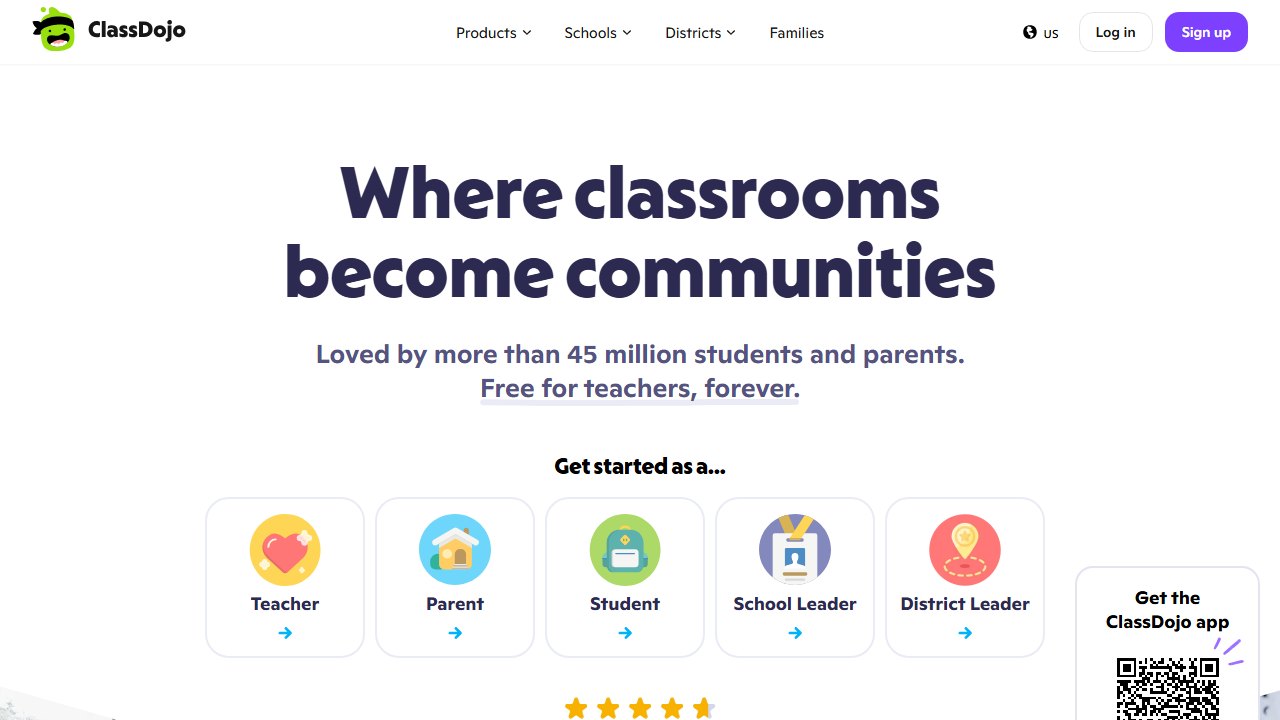
ClassDojo is already the default home-school app in a huge share of American kindergarten classrooms, which is exactly why its AI assistant matters. Sidekick is ClassDojo’s free AI assistant for teachers, available on the web in the US, Canada, and the UK, with no extra login and no extra cost. We verified the feature set at draft time: it drafts messages and replies to families, writes report card comments, plans classroom activities, creates simple assessments, and can even build your class roster from a photo of a printed list.
The kindergarten case is concentrated in one job: family communication at K volume. Kindergarten parents message more than any other grade’s parents, and they deserve the fastest, warmest replies you can manage. In practice, Sidekick drafted a Story post recapping the week and a reply to a “how is she settling in?” message, both in a voice that needed only light editing, and both without leaving the app where the conversation was already happening. That last part is the whole advantage over drafting in ChatGPT and pasting across.
ClassDojo publishes a parent-facing AI transparency note explaining how these features work, which is a genuinely useful link to have ready when a family asks whether a robot wrote their newsletter. The honest answer is that a robot drafted it and you approved it, and the transparency page backs you up.
Pricing: Sidekick is free with a ClassDojo teacher account.
Who it’s for: any K teacher whose classroom already runs on ClassDojo. If your families are there, this is the lowest-friction AI win on the list.
The honest limitation: Sidekick is web-only for now and only available in the US, Canada, and the UK, and if your school does not use ClassDojo, nothing here justifies switching platforms for the AI alone.
The kindergarten AI stack we would actually run
If we were setting up a K classroom this August, here is the stack, all free: MagicSchool as the daily workhorse for leveling, behavior scripts, and parent emails. Canva for Education for every printed and projected visual. ClassDojo Sidekick for family messages, since the families are already there. Khanmigo when a multi-day theme needs a plan. ChatGPT for Teachers for everything without a button.
That is five tools and zero dollars, which is fitting for the grade level that spends the most personal money on supplies. If budget appears, Diffit Premium and Twee Pro are the two upgrades that changed our week, in that order. And if you want the strictly-free view across all grades, with exact limits on every free tier, our best free AI tools for teachers guide has the full table.
Verdict
MagicSchool is our overall pick for kindergarten teachers: it is the only tool where every major K job, from pre-reader differentiation to the hard parent email, works well on a free plan. Canva for Education is the co-pick, because kindergarten materials are pictures and Canva makes pictures. ClassDojo Sidekick is the easiest single win if your class already runs on Dojo.
The bigger takeaway from our research: kindergarten is where “teacher-facing AI” stops being a compromise and becomes the whole point. Nothing here touches your students. It touches your Sunday afternoon, your laminator queue, and your inbox, and after a few weeks of running this stack, those all look meaningfully better.
How we reached this verdict: this guide is research-based. We compare each tool against its published documentation, pricing pages and terms, and we do not claim hands-on testing we have not done.

Written by
FazFaz is the founder of AIToolsBakery. Some tools here are tested hands on. Others are assessed from vendor documentation and pricing verified on the live page, and every review says which one it is. Sponsors can buy a position in a guide. They cannot buy the score, the criticism, or silence about a better option.
How we test and how we make money →