Search “AI tools for history teachers” right now and you will find something odd: four of the top eight results are published by Humy.ai, ranking Humy.ai first. That is not a review. That is a brochure.
So we did what nobody in this SERP has bothered to do. We spent two weeks actually testing the tools history teachers keep asking us about: the historical figure chatbots, the primary-source levelers, the DBQ generators. We leveled the same Frederick Douglass excerpt for three reading levels. We priced everything against the free tiers teachers actually get.
One housekeeping note before the rankings, because the marketing makes this genuinely confusing: Humy.ai and Hello History are the same company, FACING IT International AB of Sweden. Hello History is the consumer app, Humy is the classroom platform. Some listicles count them as two separate tools and rank both. We cover them as one entry, because that is what they are.
If you teach a different subject or want the whole-toolbox view, our broader roundup of the best AI tools for teachers covers the general-purpose landscape. This post stays on history and social studies.
| Rank | Tool | Best for | Free tier | Paid plan |
|---|---|---|---|---|
| 1 | Humy.ai | Historical figure chats with teacher controls | Teacher Explore (limited tools and tutors) | Teacher Pro $129/yr; school pricing on quote |
| 2 | Diffit | Leveling primary sources for mixed readers | Free core tools | Premium $14.99/mo |
| 3 | MagicSchool | DBQ scaffolds, lesson hooks, rubrics | Generous free tier | Plus tier available |
| 4 | Brisk Teaching | Feedback on essays, inspecting student writing | 23 free tools | Pro tier available |
| 5 | Eduaide.ai | Volume generation of history resources | 15 generations/mo | Pro $5.99/mo |
| 6 | ChatGPT for Teachers | Flexible custom prompting | Free for verified US K-12 educators through June 2027 | n/a for eligible teachers |
| 7 | Khanmigo | Student-facing tutoring with guardrails | Free for US teachers via Microsoft | n/a for US teachers |
| 8 | Character.AI | Caution entry: not school-safe | Free (adults) | Not recommended for classrooms |
How we reviewed
Three things separate a history-classroom AI tool from a generic one, so we reviewed all three.
First, the anachronism test. We fed every historical figure chatbot the same bait prompts: we asked “Abraham Lincoln” for his opinion on the telephone, asked “Cleopatra” to compare herself to figures who lived centuries after her, and pressed “Napoleon” with a false premise about a battle that never happened. A good classroom chatbot declines gracefully or corrects the premise. A bad one plays along and invents quotes.
Second, the primary-source workflow. We took the same excerpt from Frederick Douglass’s 1852 speech and asked each capable tool to level it for grades 5, 8, and 11 while preserving the original meaning, then to generate sourcing and corroboration questions in the style of a DBQ.
Third, the boring stuff that decides whether you keep using a tool: free-tier limits, privacy posture, and how much prep time it actually saves on a real unit.
1. Humy.ai (includes Hello History)
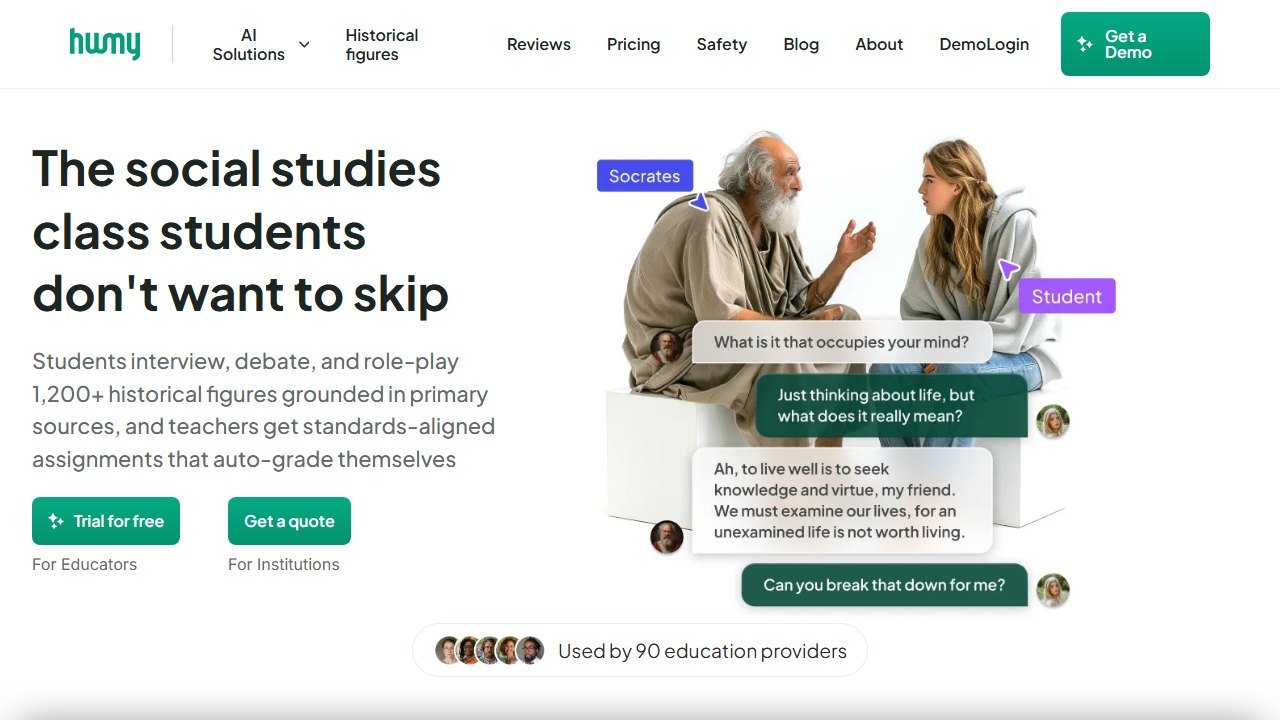
Humy.ai is the only tool on this list built specifically for history and social studies classrooms, and it shows. The core product is a library of AI historical figures, several hundred on the paid tier, wrapped in a teacher layer: you assign a conversation as a lesson, students chat inside your classroom space, and you can see the transcripts. There are also AI tutors and lesson-building tools around the figure chats.
The Hello History clarification, one more time because their own marketing blurs it: FACING IT International AB ships two products. Hello History is the consumer app, aimed at anyone who wants to chat with a historical figure on their phone. Humy is the school platform with curriculum framing, teacher controls, and the privacy posture a district will actually sign off on. If a listicle ranks both as separate tools, that tells you the author never looked past the app store listing.
In practice, Humy’s figures handled the anachronism bait better than any consumer chatbot. Our “Lincoln” redirected the telephone question to what communication was like in his era rather than improvising an opinion. It was not perfect: sustained pushing got us some softly speculative answers, and younger students will not push politely. The transcripts feature is the real safety net here, because you can review what was actually said.
Pricing: the Teacher Explore plan is free with a limited set of tools and tutors. Teacher Pro is $129 per year and unlocks the full figure library and multiple classrooms. School and district pricing is quote-based.
Who it’s for: history and social studies teachers who want figure conversations as a recurring engagement layer, not a one-off novelty.
The honest limitation: it is a specialist tool. Humy will not level your reading passages, grade essays, or plan your non-discussion lessons, so it is an addition to your stack, not the stack. And the free tier is genuinely limited; treat it as a trial.
2. Diffit
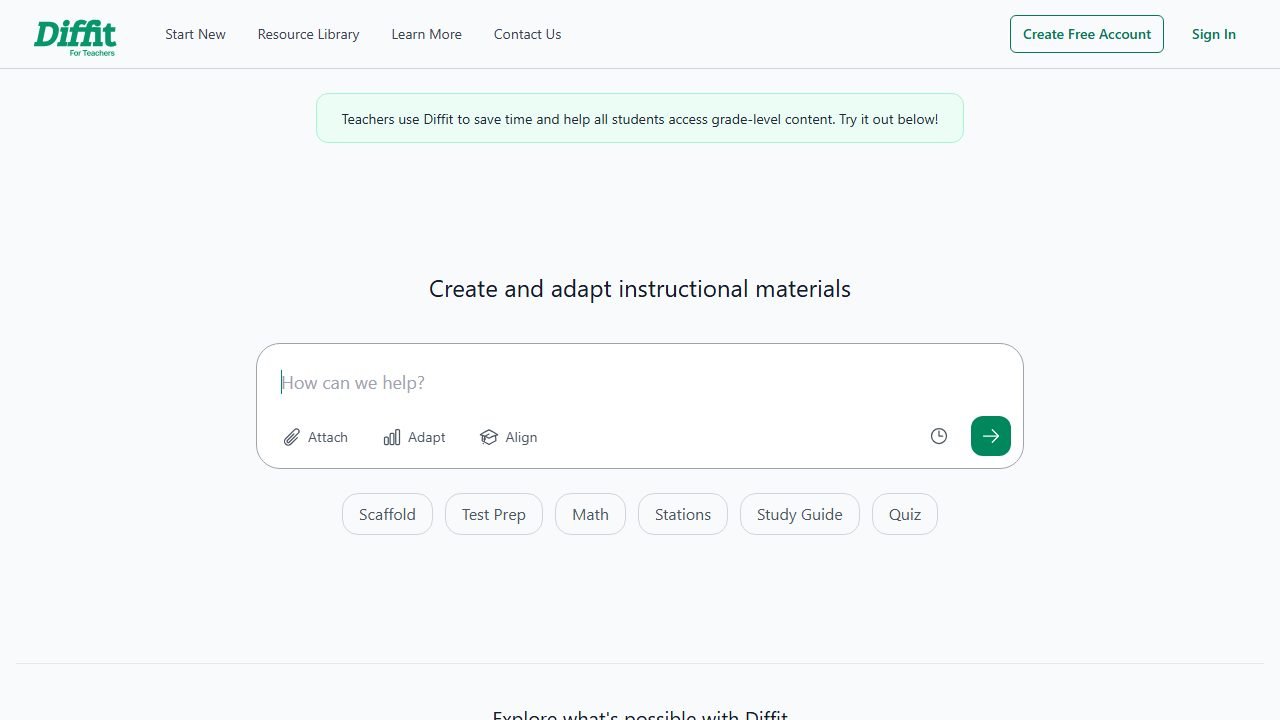
Diffit is the workhorse of this list. Paste in any text, or a URL, or just a topic, and it produces a leveled version at the reading level you choose, plus vocabulary, comprehension questions, and export-ready formats. For history teachers, the killer use is primary sources.
Here is the workflow that changed prep for us. Pull your primary source yourself from a trusted archive like the Library of Congress or the National Archives. Paste the excerpt into Diffit. Generate versions for your grade level and for your below-level readers. In our Douglass test, the grade 5 version kept the argument’s spine intact while trading the 1852 syntax for readable sentences, and it flagged vocabulary like “denounce” with student-friendly definitions. The grade 11 version stayed close to the original with light scaffolding. That is a mixed-ability DBQ block sorted in about four minutes.
The reason we insist you supply the source text: asking any AI tool to recall a primary source from memory is how fabricated quotes end up on worksheets. Diffit working on text you provide is on much firmer ground than Diffit inventing text. Our full Diffit review goes deeper on accuracy across subjects.
Pricing: the core tools are free, and Premium is $14.99 for features like larger exports and saved libraries.
Who it’s for: any history teacher with a reading-level spread in the room, which is to say every history teacher.
The honest limitation: leveling is lossy by nature. A simplified Douglass is no longer Douglass’s voice, and rhetoric is often the point of the document. For rhetoric-focused lessons, hand out the original alongside the leveled version and make the comparison part of the task.
3. MagicSchool
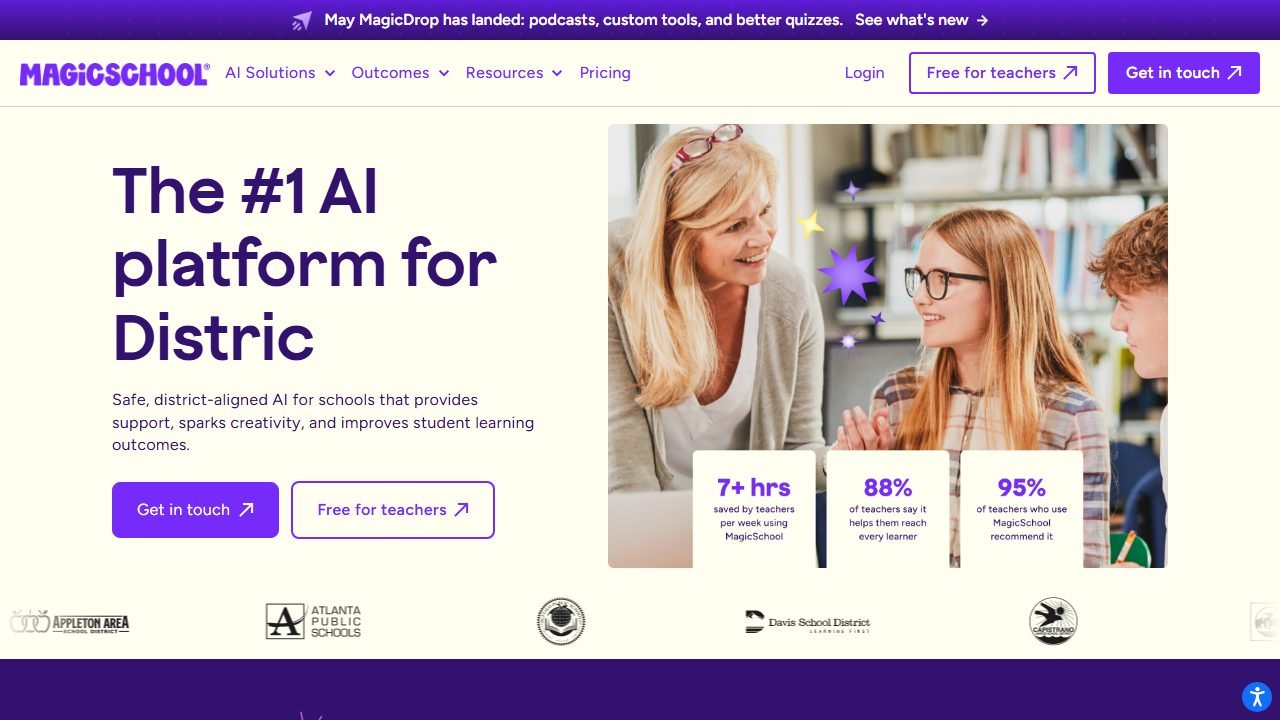
MagicSchool is the general-purpose teacher platform with the deepest bench of tools that happen to serve history well: a DBQ question generator, a text-leveler, rubric and lesson-plan builders, historical character chat rooms on the student side, and dozens more. If Humy is the specialist and Diffit is the workhorse, MagicSchool is the Swiss Army knife.
In practice, the DBQ scaffolding was the standout. We gave it our Douglass excerpt and asked for sourcing, contextualization, and corroboration questions. What came back was maybe 80 percent usable: the sourcing and context questions were solid, while one corroboration question referenced a second document we had not provided, which is exactly the kind of thing you catch in a two-minute read-through. The student-facing character chats held up reasonably in the anachronism test, declining our false-premise Napoleon question, though the personas are thinner than Humy’s.
We also like MagicSchool’s position for schools that want one vetted platform instead of eight browser tabs. It has the training materials and admin controls that make a department-wide rollout realistic. Our MagicSchool review covers the full platform.
Pricing: the free tier is genuinely generous for individual teachers. A paid Plus tier and school plans exist for unlimited use and admin features.
Who it’s for: teachers who want one login covering DBQs, leveling, rubrics, and safe student chat activities.
The honest limitation: breadth over depth. The history-specific outputs are good scaffolds, not finished lessons, and the figure chats will not match Humy’s depth of persona or transcript-first design.
4. Brisk Teaching
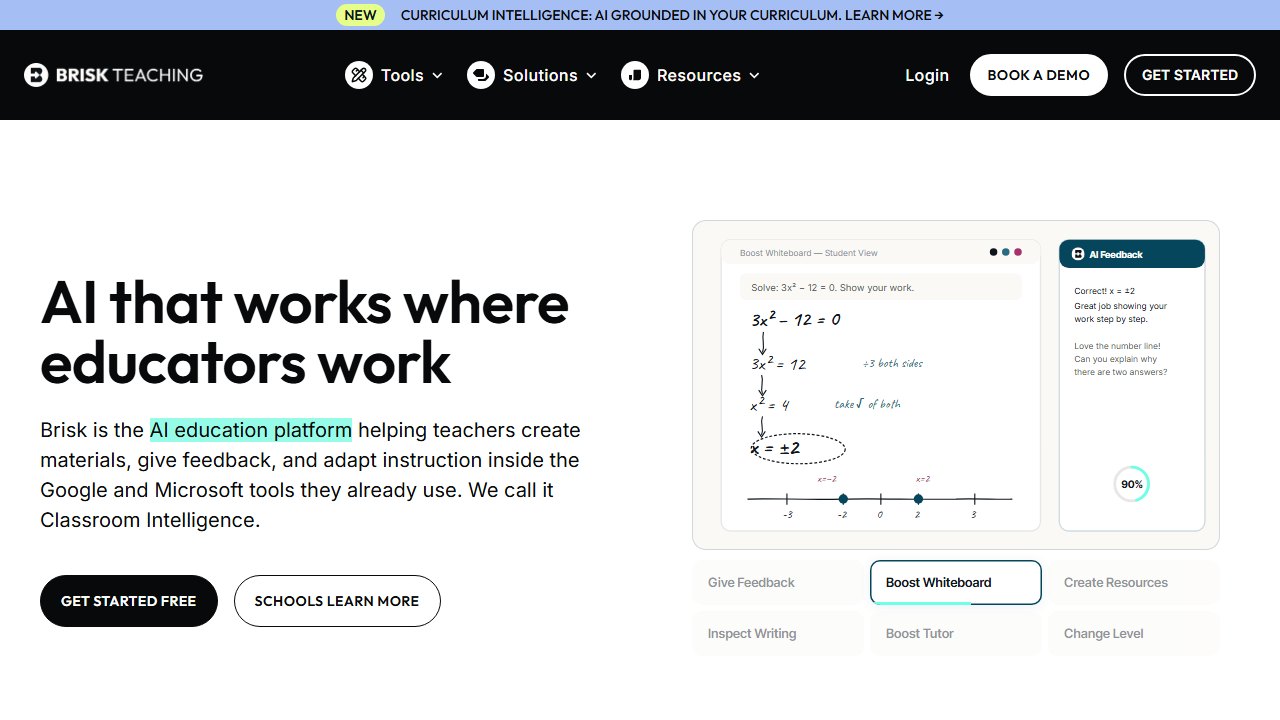
Brisk Teaching is a Chrome extension that lives where history teachers already work: Google Docs, Slides, and the open web. Highlight any article or document and Brisk can level it, build questions from it, or turn it into a resource. On the student side, its feedback and inspect features are the draw: targeted comments on essays in your voice, and a writing-process replay that shows how a draft came together.
For history specifically, two uses earned their spot in our week. First, turning web sources into instant activities: we pointed Brisk at a museum page on the transatlantic slave trade and had leveled guiding questions in the sidebar without leaving the tab. Second, essay feedback at DBQ-grading volume. Brisk drafted specific, evidence-focused comments on argument essays that we then edited rather than wrote from scratch. It is a feedback assistant, not a grader, and that is the right division of labor.
The writing-inspection feature deserves an honest framing: it shows a document’s revision history as a replay, which is useful context in an AI-writing era, but it is an indicator, not proof, and we would never use it as a standalone accusation. Our Brisk review digs into how the feedback tools perform across subjects.
Pricing: 23 tools are free, which covers everything described above. A Pro tier exists for higher usage and premium features.
Who it’s for: Google Classroom schools, and any history teacher drowning in essay feedback.
The honest limitation: it is Chrome-and-Google-shaped. If your school runs Microsoft or locks down extensions, Brisk loses most of its magic.
5. Eduaide.ai
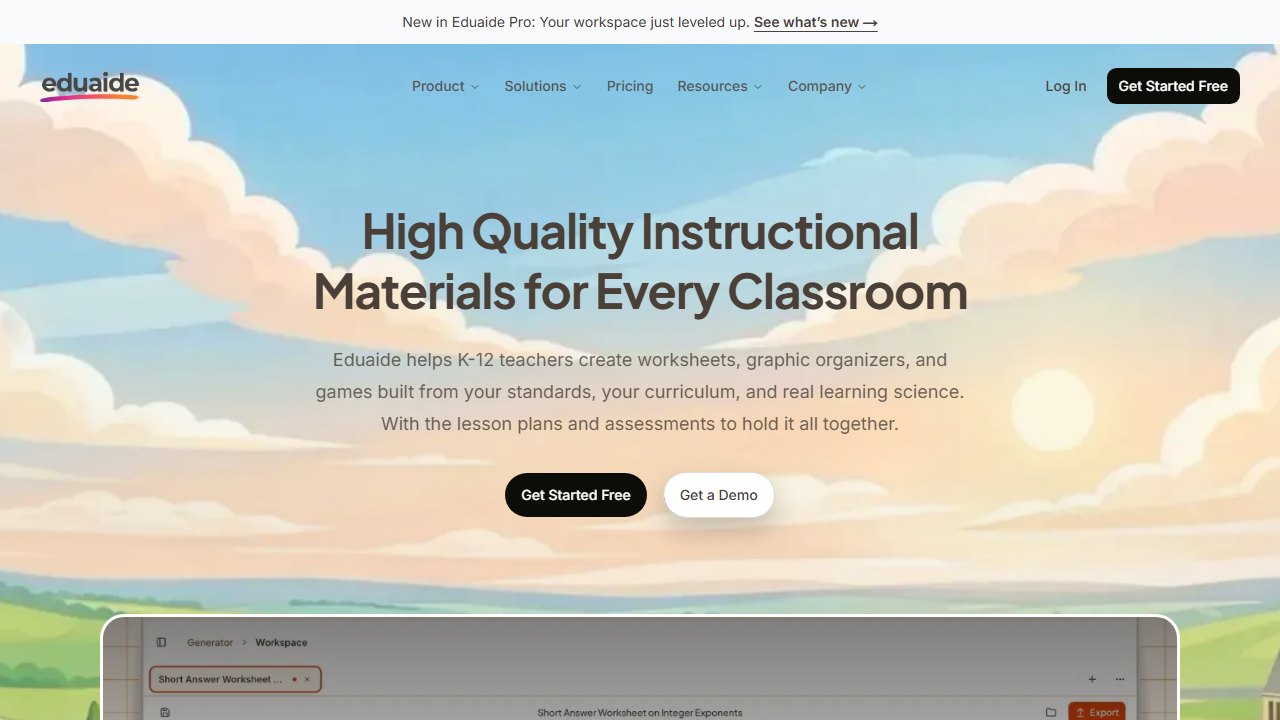
Eduaide.ai is the volume generator: over a hundred resource types spanning lesson seeds, graphic organizers, primary-source discussion guides, assessments, and games. Where MagicSchool feels like a collection of single-purpose tools, Eduaide feels like a planning bench where you drag pieces into a workspace and assemble a unit.
In practice, the history outputs were consistently mid-to-good with occasional sparkle. A “cause and effect” organizer for the fall of Rome was classroom-ready as generated. A stations activity on the Silk Road needed twenty minutes of editing but saved us the blank-page hour. The primary-source discussion prompts were solid when we pasted in the source text, in line with our rule above: supply the document, let the AI build around it.
The catch is the free tier. You get 15 generations per month, verified as of July 2026, and a working history teacher will burn through those in week one. Pro is $5.99 per month, one of the cheapest paid tiers in edtech, so the wall is low, but the wall is real. If staying at zero dollars matters, our free AI tools for teachers roundup ranks the tools by exactly where each free tier breaks.
Who it’s for: planners. Teachers who build units from components and want a big menu of generators in one workspace.
The honest limitation: that 15-generation monthly cap makes the free tier a demo, not a daily driver, and output quality varies enough by resource type that everything needs a proofread.
6. ChatGPT for Teachers
ChatGPT for Teachers is OpenAI’s education offering, free for verified US K-12 educators through June 2027, with a workspace that comes with admin-friendly data handling. It is the un-opinionated option: no history-specific buttons, just the most capable general model on this list and whatever prompt you bring.
That cuts both ways, so here is where it won in practice. Anything the specialist tools do not have a button for: drafting a mock trial of King George III with role cards, writing three competing historiographical takes on Reconstruction for students to evaluate, generating a decades-menu of research questions for National History Day. When we role-played historical figures directly in ChatGPT, the anachronism test results were the most prompt-dependent of any tool here. With a carefully constrained system-style prompt, it held character and declined the bait. With a lazy one-liner, our “Lincoln” cheerfully discussed the telephone. The tool is exactly as safe as your prompt.
That is the real difference from everything above: Humy, MagicSchool, and Khanmigo ship their guardrails; ChatGPT ships you the steering wheel. For teacher-side prep that is fine. For student-facing use, the purpose-built platforms are the better call.
Pricing: free for verified US K-12 educators through June 2027.
Who it’s for: confident prompters, and anyone whose ideas outrun the button-based tools.
The honest limitation: no history-specific scaffolds, no student management layer, and quality swings on your prompting skill. It also remains the tool most likely to fabricate a plausible-sounding quote if you ask it to recall sources from memory, so keep the supply-your-own-documents rule sacred.
7. Khanmigo
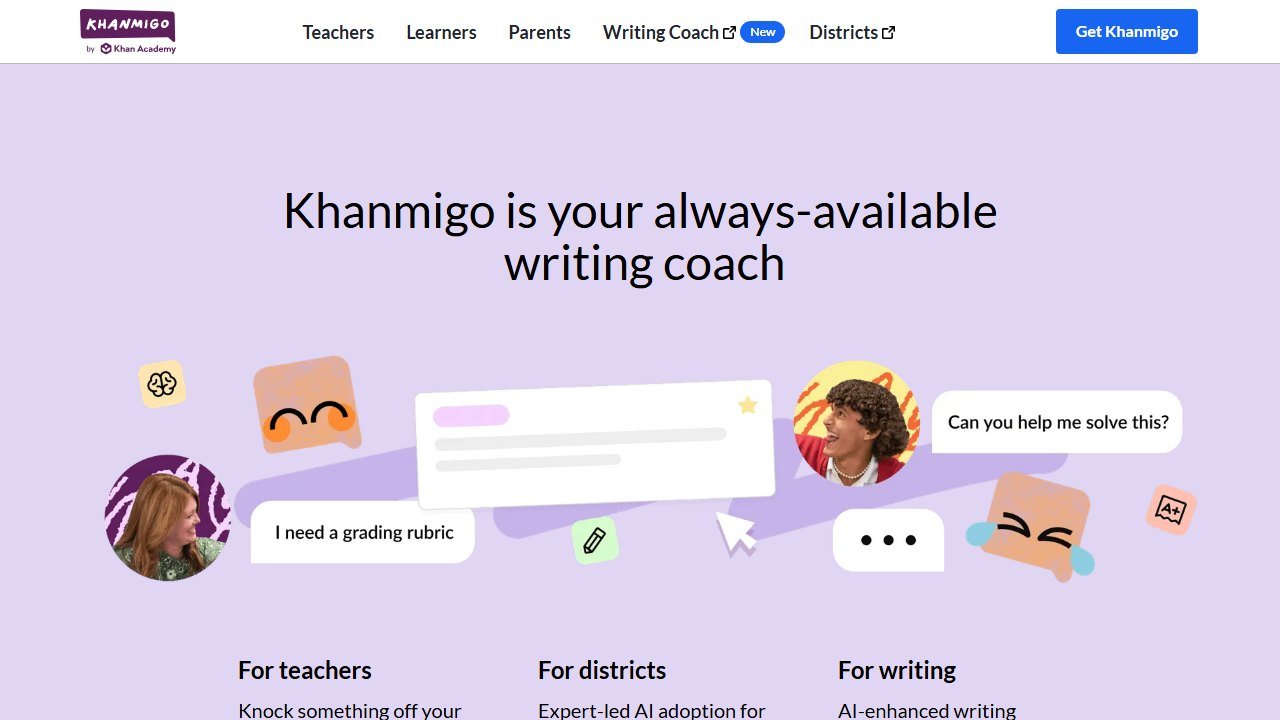
Khanmigo is Khan Academy’s AI tutor, free for teachers across the US thanks to Microsoft’s sponsorship. For history teachers it offers two distinct things: teacher tools for planning, and a student-facing tutor with the strongest pedagogical guardrails we have reviewed. Khanmigo is built to ask students questions rather than dispense answers, which is the correct default for a tutoring tool in an academic-integrity era.
Its history-relevant party trick is chatting with historical figures inside Khan Academy’s environment. In our anachronism runs, Khanmigo’s figures were the most conservative of the bunch: the “Cleopatra” persona repeatedly steered back to her own era and toward Socratic questions. The flip side is that the personas are also the most restrained, with less color and improvisational energy than Humy’s. Safe and slightly beige is a reasonable trade for student-facing use.
For the deep dive on the tutor’s behavior across subjects, our full Khanmigo review covers it; this entry stays scoped to the history use case.
Pricing: free for US teachers via the Microsoft partnership.
Who it’s for: teachers who want a student-facing AI they do not have to babysit, especially in districts already using Khan Academy content.
The honest limitation: history is not Khanmigo’s center of gravity. The tool is strongest where Khan Academy’s content is strongest, which is math, and the history figure chats are a feature, not the product. Teacher-side prep tools are thinner than MagicSchool’s or Eduaide’s.
8. Character.AI: the caution entry
We include Character.AI because history teachers keep asking about it, students definitely know about it, and older listicles still recommend it for classroom figure chats. Our verdict is simple: do not use it for school.
The factual state of play as of this writing: in late November 2025, Character.AI removed open-ended chat for users under 18 entirely, enforced through age verification, following lawsuits and regulatory scrutiny. So the classroom use case older articles describe, students chatting with a Napoleon bot, is no longer even possible for most students on the platform, and it was never a good idea. There is no teacher dashboard, no transcript review, no content vetting, no student privacy agreement, and the user-created characters range from thoughtful to unhinged with no way to tell before you are mid-conversation.
The community-made historical figures failed it more colorfully than any education tool: our “Napoleon” engaged enthusiastically with the fabricated battle premise and improvised details. Entertaining, and exactly what you do not want cited in a student essay.
Who it’s for: adults, entertainment, and possibly your own curiosity about what the fuss is.
The honest limitation is the entry itself: this is a consumer entertainment product, and everything school-shaped about it is absent by design. If figure chat is the draw, Humy.ai and Khanmigo exist precisely to do this safely.
The workflow that ties it together
The tools above are not eight competing answers; they are stations in one prep pipeline. Here is the unit-prep workflow we settled on by the end of testing, using the free tiers wherever possible.
Start with the document, not the AI. Pull your primary sources from the Library of Congress, the National Archives, or a university collection. This one habit eliminates the entire category of fabricated-source problems.
Level with Diffit. Paste each excerpt and generate versions for your readers, keeping the original alongside for voice and rhetoric work.
Scaffold with MagicSchool or Eduaide. Generate DBQ-style sourcing, contextualization, and corroboration questions from the leveled text, then edit the 20 percent that misses.
Engage with Humy or Khanmigo. A vetted figure conversation as the hook or the closer, with transcripts you can review.
Assess with Brisk. Feedback-first comments on the resulting essays, edited in your voice.
And teach the failure mode as content. The single best history lesson AI enables is the one where it gets history wrong. Run an anachronism test live with your class, let students catch the chatbot inventing a quote, and you have taught sourcing, corroboration, and healthy skepticism in one period. Historical thinking is source criticism, and AI chatbots are the most motivating unreliable narrator your students will ever cross-examine.
What “free for teachers” actually means
Almost every tool in this category leads with a free tier, and they are not equivalent. The limit is where the product design shows.
The limits that are published, and therefore checkable
Chalkie states five full lessons or activity sheets every seven days. CoGrader states 100 student submissions a month. Curipod and MagicSchool both publish free plans without a headline cap on the pricing card. Verified 4 September 2026. A published cap is much easier to plan around than an unpublished one, because you can work out in advance whether it covers a normal week for you rather than discovering it in the middle of one.
Work out your real weekly volume before choosing
Count what you actually produce in a normal week: how many worksheets, how many class sets to grade, how many lesson plans. Teachers routinely underestimate this and then hit a cap on a Sunday evening. If your week is five lesson resources, a five-per-week free tier is exactly on the line and you will exceed it in any week with a cover lesson or a new unit.
Free for you may not be free for the school
A teacher signing up personally sits outside whatever approval process the school has for student data, which matters as soon as student work goes into the tool. That is not an argument against the tool; it is an argument for telling somebody. Most districts would far rather approve a tool a teacher is already using than discover it in an incident.
The commercial logic, stated plainly
Generous teacher tiers exist because teachers are the route to a district contract, which is where the revenue is. That is a perfectly reasonable model and it has a consequence worth knowing: the free tier is likely to stay usable, because it is the marketing. What is less predictable is whether the feature you come to depend on stays on the free side of the line. Do not build a department-wide process on a free tier of best ai or anything else without a fallback.
Verdict
Humy.ai is our top pick because it is the only platform on this list that treats history teaching as the whole job rather than a use case, and its teacher controls passed our safety checks where consumer apps failed. Just remember what it is: one company, FACING IT International AB, whose blog posts dominate this search result ranking itself first. Our independent testing happens to agree it belongs at the top, but with a smaller gap than their own listicles suggest.
The practical stack for most history teachers: Diffit and MagicSchool free tiers for daily prep, Humy’s free Teacher Explore to trial figure chats (upgrading to the $129 per year Pro if they become a fixture), Brisk for essay feedback, and ChatGPT for Teachers for everything without a button. Khanmigo slots in wherever you want student-facing AI with the safest defaults. Character.AI stays home.
Total cost to run that whole stack at trial depth: zero dollars. Total cost at full depth: about $11 a month. Two weeks of testing says that is one of the better trades in edtech right now.
How we reached this verdict: this guide is research-based. We compare each tool against its published documentation, pricing pages and terms, and we do not claim hands-on testing we have not done.

Written by
FazFaz is the founder of AIToolsBakery. Some tools here are tested hands on. Others are assessed from vendor documentation and pricing verified on the live page, and every review says which one it is. Sponsors can buy a position in a guide. They cannot buy the score, the criticism, or silence about a better option.
How we test and how we make money →