Search for an AI typing tutor and you get two kinds of result. The first is AI keyboards, such as SwiftKey, Grammarly and Wispr Flow, which write or dictate for you and teach you nothing about typing. The second is long lists of typing websites with “AI” in the headline, where many of the tools listed do not describe any AI on their own product pages.
That matters because the clever part of a good typing tutor is old. Finding the keys that slow you down and feeding you more of them is a statistics job, and typing tutors such as Keybr do it with a plain algorithm. Generative AI adds something narrower: practice text written on the fly, built around your weak spots or a topic you pick. This guide checks seven popular typing tutors against their own websites and app listings, read on 24 October 2026, and sorts them into three groups: generative AI, adaptive algorithms, and plain lessons or tests. It also checks where the AI runs and what each company says about children’s data, because a lot of typing practice happens at school.
How we put this together. We have not used these apps ourselves; this is a research-based comparison. Every price, rating and feature below comes from the vendor’s own website, privacy policy, refund page or product announcements, the app’s US App Store listing, or the project’s public GitHub page, read on 24 October 2026, and each source is linked. Where a site loads its prices with JavaScript we read it in a normal browser from Mumbai. Typesy and the App Store showed prices in US dollars; Keybr showed its premium price in a format we could not tie to a currency, so we do not quote it. We did not sign up for anything, so prices that appear only after signing in or asking for a quote are marked as not published. None of these companies paid to appear on this page.
Adaptive is not the same as AI
Before the lineup, it helps to know what the words on these sites actually mean, because “adaptive”, “smart” and “AI” get used as if they were the same thing.
What an adaptive typing tutor does
An adaptive tutor records how fast and how accurately you hit each key, and sometimes each pair or trio of letters. It then shows you more of what you are bad at. Keybr’s help page describes its method plainly: it “employs statistics and smart algorithms to automatically create typing lessons that match your current skill level.” It starts you on six common letters, E, N, I, T, R and L, and adds new ones such as S as you get faster, building “random but readable and pronounceable words” from the letters you have. Typesy’s product page calls the same idea an “Adaptive algorithm to optimize learning”, and Typing.com calls its keyboarding lessons “Gamified, adaptive, and comprehensive”. Keybr and Typesy’s product pages do not claim AI for this. Typing.com adds a separate AI feature on top, covered below.
What generative AI adds
Generative AI writes new text. In a typing tutor, that means a passage built to repeat the letter pairs you fumble, or a paragraph about football or cooking because you asked for one. TypeQuicker’s TypeAnything mode is described by the company as “ChatGPT but for typing practice”, Typing.com says its TypeAI feature writes stories “predominantly made up of the letters your students are struggling with”, and ClickClack’s on-device generator makes “unique practice passages from various topics”. This is useful for keeping practice interesting, and for advanced typists who find made-up words dull. It is not required for the core job of finding and drilling weak keys.
Why the difference matters for your data
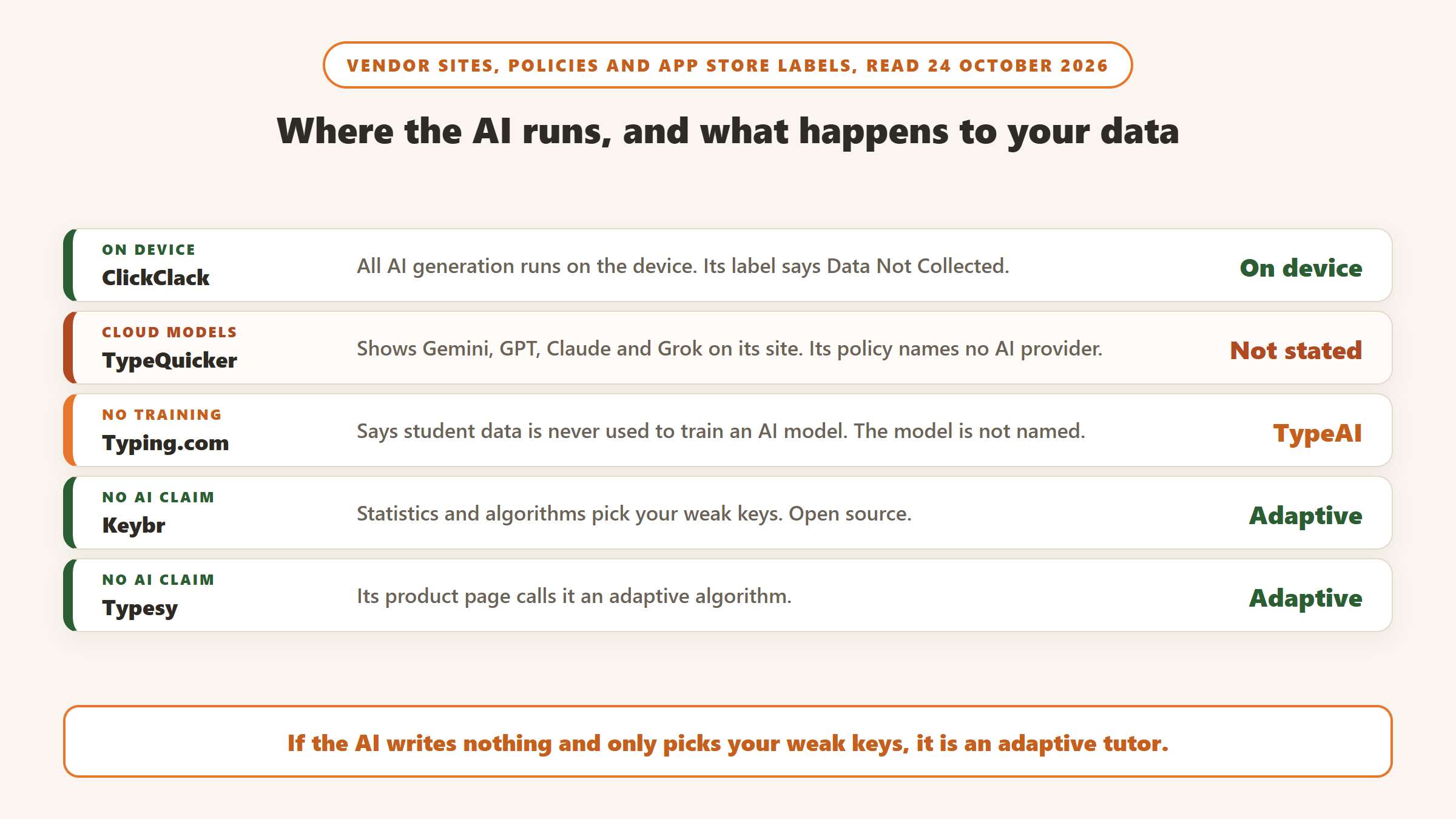
An algorithm that counts your keystrokes can run anywhere, cheaply. A large language model usually runs on someone’s servers, which means text about you, or produced for you, may leave your device. That is why it is worth reading where the AI runs. Of the three AI tools here, one says it does all of it on your device, one names four outside AI model families on its website, and one says student data is never used to train an AI model without naming the model it uses.
AI typing tutors compared
| Tutor | Type | What it does with your typing | Price (24 October 2026) | Platforms | Rating or project data |
|---|---|---|---|---|---|
| TypeQuicker | Generative AI | Weak letter pair stats; AI writes practice text for them or on any topic | Free tier; no live individual pricing page. Its own comparison pages, dated 30 March 2026, say paid plans start at $12.50 a month billed yearly or $15 monthly. Schools from $6 per student per year | Web | No app |
| ClickClack | Generative AI, on device | AI passages and typing insights through Apple Intelligence; n-gram drills | Free; Pro Access $8.99 one time | iPhone, iPad, Mac | 4.4 iOS (1,940) |
| Typing.com | Adaptive lessons plus generative AI (TypeAI) | Graded curriculum, games, teacher portal; TypeAI writes stories around each student’s problem keys | Free with ads and one TypeAI topic; PLUS by quote, 30-day free trial | Web | No app reviewed |
| Keybr | Adaptive algorithm | Unlocks letters as you improve; pronounceable practice words | Free with ads; one-time premium removes ads (price not quoted, see below) | Web | Open source, AGPL-3.0 |
| TypingClub | Lessons | Lesson plans, games, videos, typing playback | Free; optional paid School Edition | Web | No app reviewed |
| Typesy | Adaptive algorithm | Adaptive lessons, courses, ergonomics and dictation training | $84 a year or $11 a month; 7-day free trial | Windows, Mac, iPad, Android tablet, web, Chromebook | No app reviewed |
| Monkeytype | Speed test | Custom tests and stats | Free | Web | Open source, GPL-3.0 |
Prices and ratings read on 24 October 2026. The ClickClack rating is rounded to one decimal, with the number of US ratings in brackets. TypeQuicker’s individual pricing page redirected to its homepage on that date, so its consumer price comes only from the company’s own comparison pages dated 30 March 2026; check the price at checkout.
How we chose and ordered these
We started from the tools that show up in search results and roundups for AI typing tutors and typing practice, then read each one’s own site. Generative AI tools come first, because that is what the search is for, ordered by how clearly the vendor explains what the AI does and where it runs. The adaptive and lesson-based tutors follow as benchmarks, because they set the bar the AI tools have to beat, and several of them are free. Every product had to be live on 24 October 2026, and every app had to have an App Store update within the last 12 months. Tools we left out are listed near the end with the reason.
The seven typing tutors
Three generative AI tutors first, then four benchmarks without generative AI.
1. TypeQuicker: AI practice text built around your weak letter pairs
TypeQuicker is a clear example of a generative AI typing tutor. Its comparison pages say it tracks characters, bigrams and trigrams, which means single letters, pairs and trios, and it offers three AI modes. SmartPractice is described as “We analyze your typing history, identify your weak points and create personalized typing exercises just for you.” TargetPractice lets you click a weak statistic, such as a letter pair you often get wrong, and “our AI will create a natural text that maximizes the usage of that sequence.” TypeAnything is the free-topic mode: “This is ChatGPT but for typing practice. Create typing content on topics of your interest.” It also has a code typing mode for programmers, and its page for that mode says it is “Powered by the latest AI models” and shows Gemini, GPT, Claude and Grok.
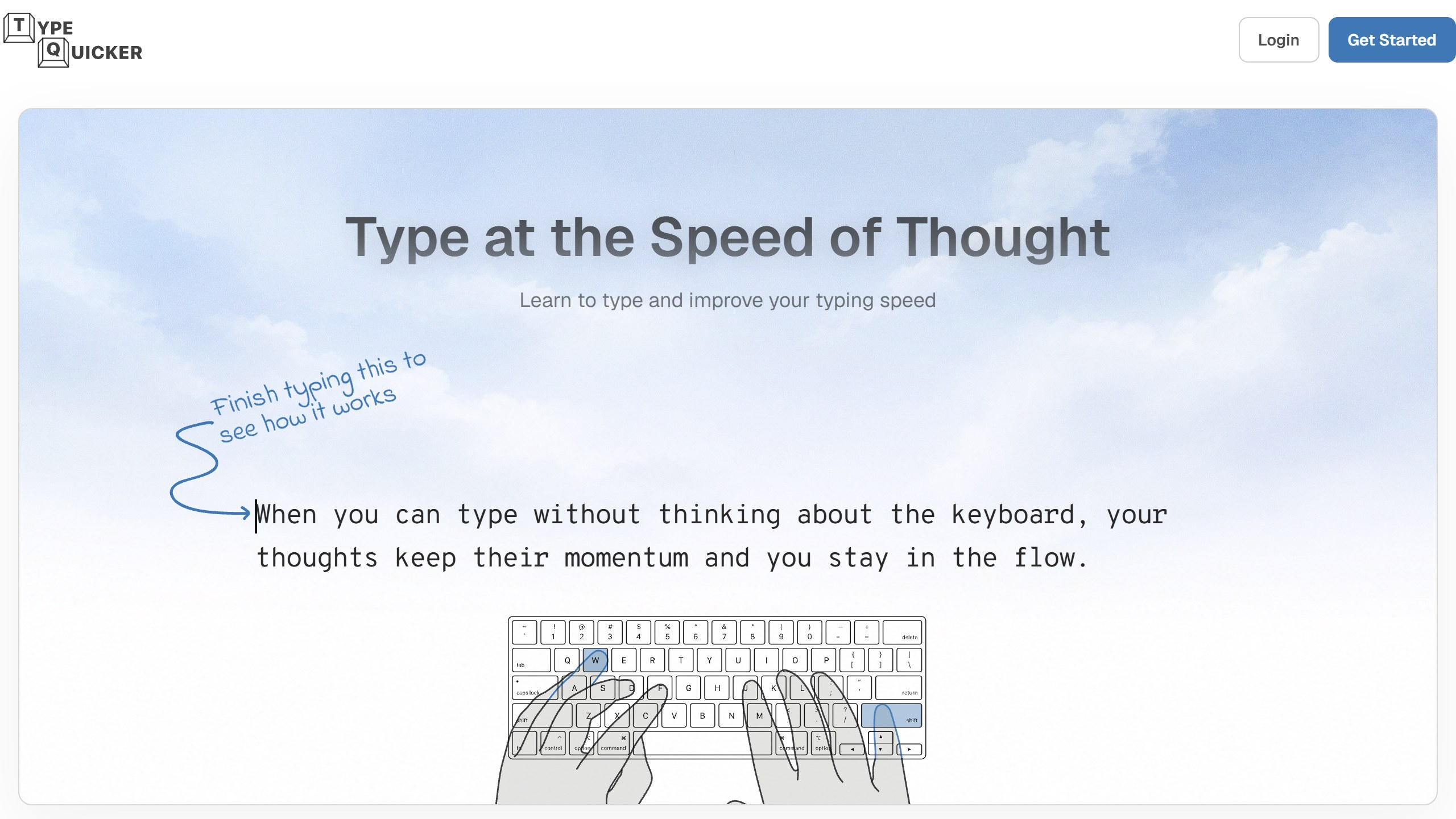
The homepage claims you can “Improve 2x faster with AI-powered typing practice”, without saying how that was measured. Treat it as marketing.
Pricing is hard to pin down
On 24 October 2026, TypeQuicker’s individual pricing page redirected to the homepage, and the site menu linked only to School Pricing. The homepage’s own structured data lists the product as free “with Premium Options”, and its FAQ says the premium version adds “advanced analytics, unlimited practice, and additional content”. The only individual prices we could find are on the company’s comparison pages, dated 30 March 2026 and marked as based on information “as of March 2026”, which say paid plans start at “$12.50/mo (annual) or $15/mo”. The school pricing page is clearer: “Starting at $6/student/year” with a minimum of 50 seats, falling to $4.80 per student per year on a five-year commitment, and unlimited SmartPractice, TargetPractice and TypeAnything.
Read the refund policy before you pay. It offers a “14-day money-back guarantee for initial purchases”, but “Recurring subscription renewals and subsequent billing charges are non-refundable”, and subscriptions renew automatically at the end of each monthly, quarterly or yearly cycle. If you buy a year and forget, the renewal is yours to keep.
Privacy: four AI model names, no AI provider in the policy
TypeQuicker’s privacy policy, effective 17 January 2025, lists Google, GitHub and Discord for sign-in, plus unnamed analytics and payment providers. It does not name any AI provider, even though the code page names four AI model families, and it does not say whether your typing history or your chosen topics are sent to them. It says profiles are public by default, with your username and leaderboard rankings visible to other users. It also says nothing about children or COPPA, the US children’s privacy law. For an adult practising at home this may not matter much. For a school buying seats, ask the company in writing before rolling it out to students under 13.
Choose it if you are an adult or a programmer who wants AI-written practice text aimed at your weak letter pairs. Skip it if you need a published price and a children’s privacy statement before you sign up.
2. ClickClack: on-device AI for iPhone, iPad and Mac
ClickClack is a native Apple app from developer Alfian Losari, and it handles AI differently. Its App Store listing describes an “On-Device AI Text Generator & Typing Insights (Requires iOS 26 & Apple Intelligence Enabled)” that can “Instantly generate unique practice passages from various topics and supported languages”, plus AI analysis of your speed after each session, with “deeper accuracy and consistency insights in Pro”. The key line is this one: “All AI generation and analysis run locally on-device with zero data collection.” The listing’s privacy label says “Data Not Collected”.
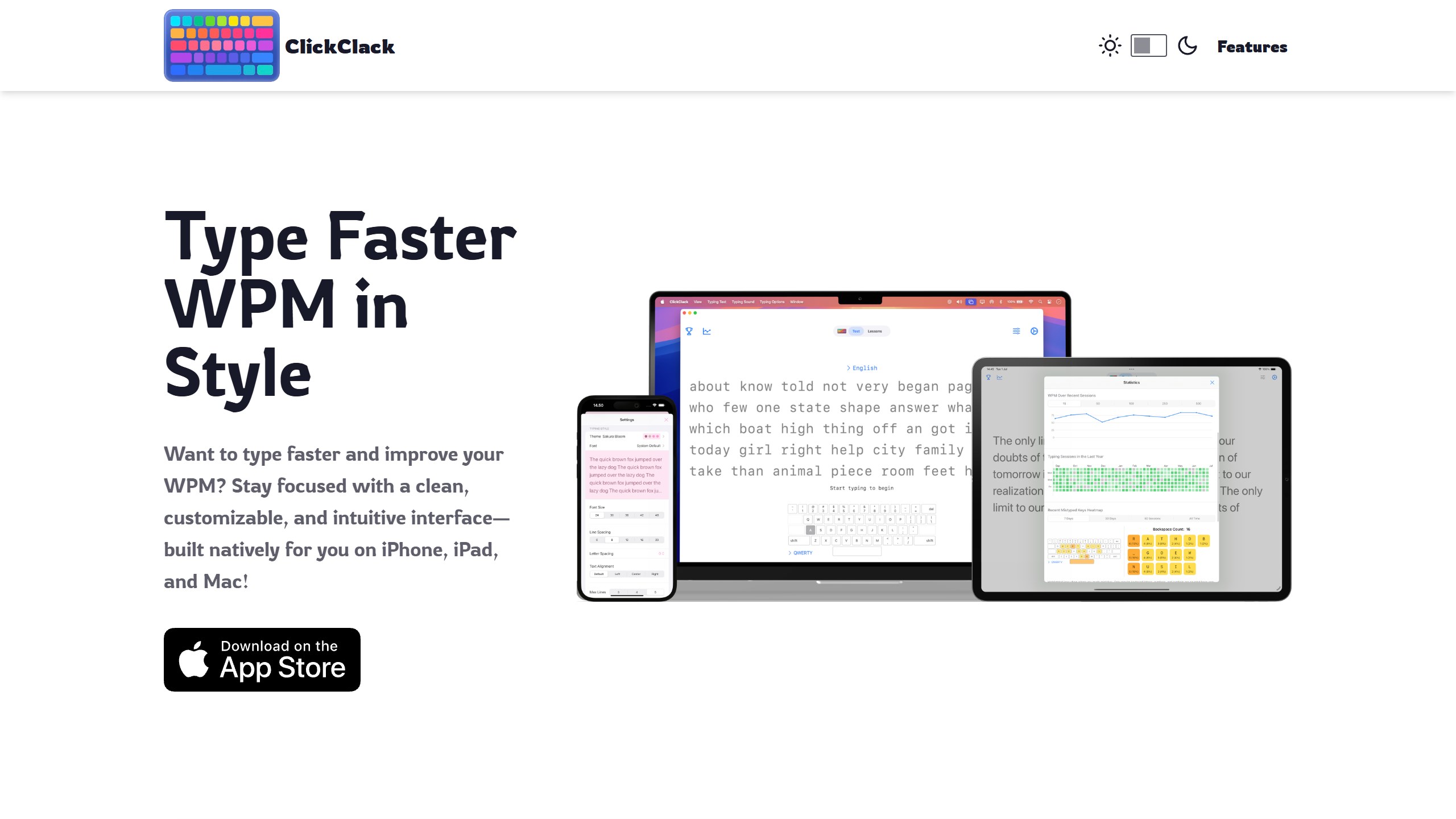
Beyond the AI, it has structured lessons for the home, top and bottom rows, symbols and numbers, an “N-Gram Word Focus Lab” that drills the letter sequences you get wrong, with Targeted and Smart Mix drill modes reserved for Pro, a race against computer opponents with a Smart Difficulty setting, and 60-second online matches through Game Center. You can also import your own practice text from a web page.
The app is free, and the US App Store lists one in-app purchase, Pro Access at $8.99, which the listing calls “Lifetime Pro”. That is a single unlock rather than a subscription. It had a 4.4 rating from 1,940 US ratings and was updated on 20 October 2026. It runs on iPhone and iPad with iOS 17.5 or later and on Mac with macOS 14.5 or later, but the AI features need a newer system with Apple Intelligence switched on: iOS 26 on iPhone and iPad, and, per the Mac App Store listing, macOS 26 on a Mac. That rules out older devices that cannot run Apple Intelligence. Its website mentions iPhone, iPad and Mac only, and we found no Android or Windows version linked there. The App Store rates it 13+.
One practical point: typing on an iPhone screen is not touch typing. To build keyboard skills you will want an external keyboard with the iPad version, or the Mac app.
Choose it if you use Apple devices and want AI practice text without your typing leaving the device. Skip it if you are on Windows, Chromebook or Android, or your devices cannot run Apple Intelligence.
3. Typing.com: free school curriculum with AI-written practice
Typing.com is a free, standards-aligned typing curriculum with lessons, tests and games, plus a free teacher portal with, in its words, “Unlimited students, unlimited classes, unlimited teachers, unlimited schools.” Its keyboarding lessons are described as “adaptive”, and it also uses generative AI. Its product announcement of 13 May 2024 says Personalized Practice “now uses AI to create unique and engaging typing passages for your students, designed to help them master their problem keys.” The feature, called TypeAI, takes each student’s two to four problem keys and a topic, such as cars, sports or nature, and writes a story around them. Free users see one TypeAI topic; the full set of topics is for PLUS members. A February 2026 update added AI storytelling lessons with AI-generated illustrations, also powered by TypeAI.
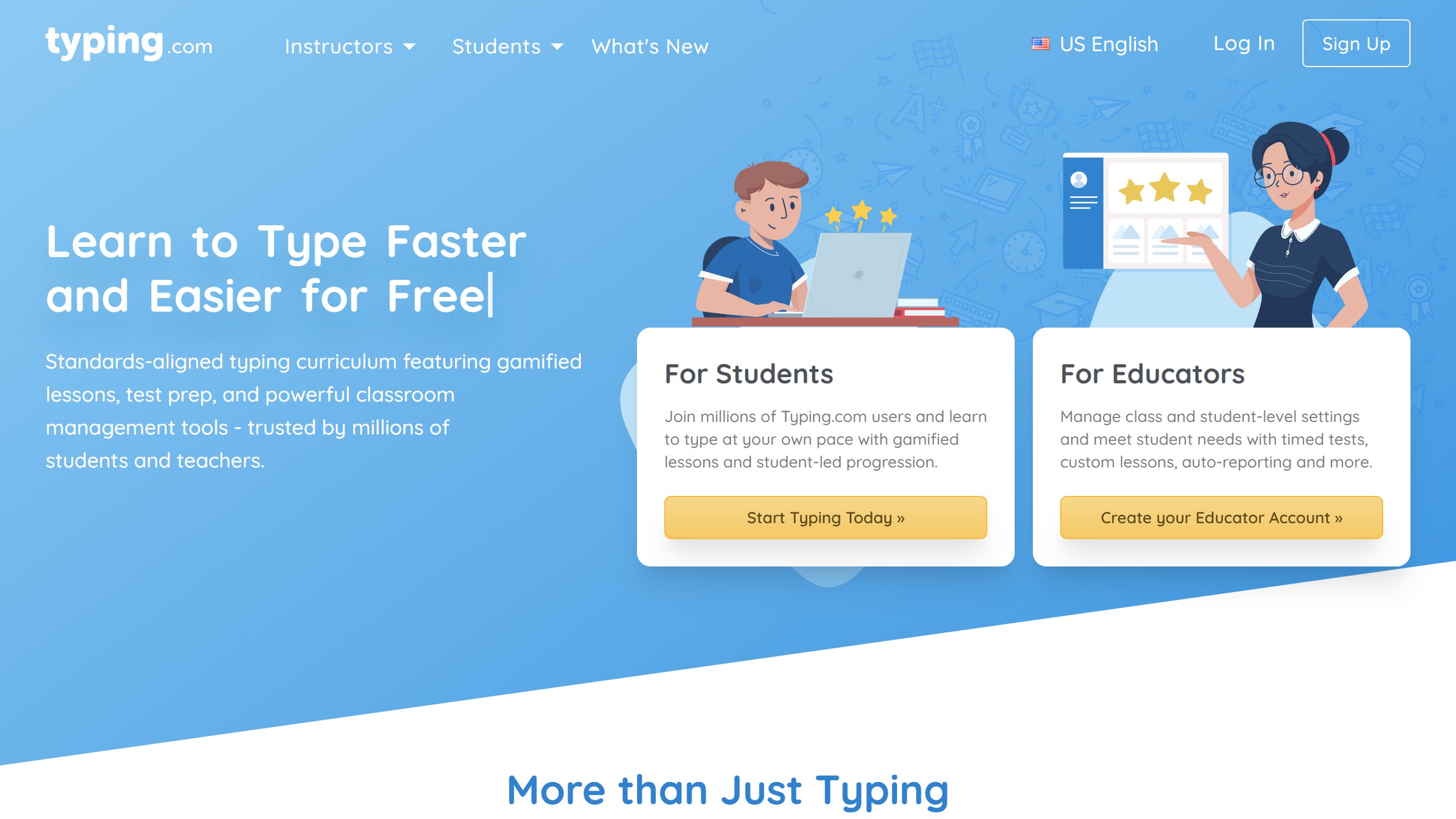
It is explicit about AI and student data. Its homepage says “Your data is never given to or used to train an AI model”, and that personal information is never required and never shared or sold. Its privacy policy, updated June 2025, does not name the AI service behind TypeAI. Its PLUS Edition page also lists an AI Literacy unit with “Age-appropriate lessons on how AI works, where it helps, and how to use it responsibly and effectively”, so AI is both a subject to learn about and a tool that writes practice text.
The free edition shows ads and keeps data for 70 days. PLUS removes the ads, keeps data with “Unlimited data retention”, and adds units on digital citizenship, computer applications and test prep. PLUS pricing is by quote, with a 30-day free trial. On children, Typing.com’s privacy policy says “Children under the age of 13 are not permitted to create their own free student account on Typing.com without consent from a parent, legal guardian, or teacher.”
The same company runs Nitro Type, a racing game it describes as “a free, school-safe game built to accelerate typing skill development”. Students race each other in typing races to build speed once they have learned the keys.
Choose it if you are a teacher or parent who wants a free curriculum, clear data rules and some AI-written practice. Skip it if you are an adult who wants AI text on any topic you type in.
4. Keybr: the free adaptive benchmark
Keybr is here as a benchmark, not as an AI tool. Its site and help page make no AI claim. What it does is the thing many “AI” tutors advertise: it measures each key and builds lessons around the ones holding you back. Per its help page, it begins with a handful of letters, unlocks new ones as your speed on the current set improves, and generates practice words that follow the spelling patterns of your language, so you never type letter pairs that do not occur in real words.
Keybr is free to use, with ads. Its account page offers a premium account with “No ads” and “No trackers”, and says “It is a single time payment that provides lifetime access. It is NOT a recurring subscription.” From Mumbai the page showed a price as “$15.292,19”, a format we could not match to a currency, so we do not quote it; check the price shown to you before paying. The code is public on GitHub under the AGPL-3.0 licence, with 4,806 stars and a latest code push on 28 September 2026.
Keybr is spare. There are no videos, no games for young children and no teacher portal, so it suits teenagers and adults who already know where the keys are and want to get faster.
Choose it if you want weak-key practice for free, with no subscription. Skip it if you want AI-written text on topics you choose, or a course for a young child.
5. TypingClub: free lessons with no account needed
TypingClub, from EdClub, is a free, web-based typing course. Its homepage says it “is (and will always be) free for both individuals and schools. There is an optional paid school edition.” You do not need an account, though you can create a profile to save your progress. Features include games, videos, a voice-over option that reads each word aloud as you type, and Typing Playback to review past attempts.
Its lesson plans include Jungle Junior, a plan made for young learners, Dvorak and one-handed plans, and full series in Spanish, French and German. Its homepage makes no AI claim and does not describe adaptive lessons.
EdClub’s privacy policy, effective 25 May 2018, says US children under 13 and EU children under 16 “are not permitted to use the Individual Edition without the consent of a parent or legal guardian.” The School Edition price was behind a login, so it is not listed here.
Choose it if you want a structured free course, including for young children or in another language. Skip it if you are an experienced typist chasing speed.
6. Typesy: the paid adaptive course
Typesy, from Ereflect, is a paid typing course whose individuals page describes an “Adaptive algorithm to optimize learning” and “Adaptive lessons and real-time feedback”. That page does not claim AI. A November 2025 post on the company blog, titled “Now You Can Personalize Your Typing Lessons with AI”, talks about AI tutors in general but does not name a Typesy feature that uses generative AI, so we list it as adaptive. Beyond typing, the plan includes typing courses, ergonomics training, dictation training and what the company calls 600+ hours of software and productivity training.
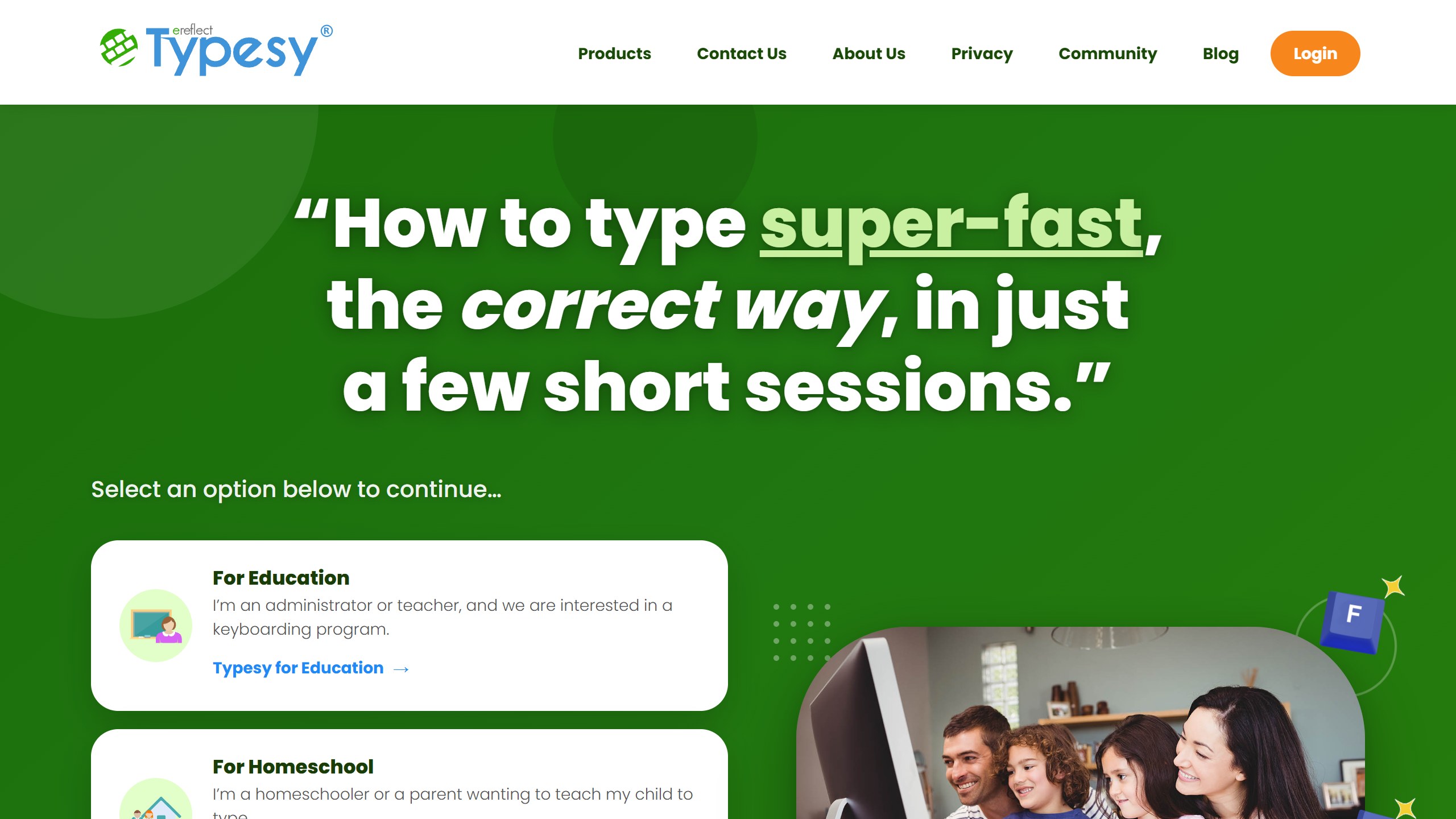
On its individuals page on 24 October 2026, read from Mumbai with prices labelled USD, the yearly plan was “$7/month” billed as “USD $84 paid yearly”, which the page says saves 36% against monthly, and the monthly plan was “USD $11/month”. Both start with a 7-day free trial, and the page says “Cancel anytime before renewal.” One price covers “unlimited installations on Windows, Mac, iPad, Android Tablet, Web, and Chromebook”. Its FAQ also makes a promise: with 7 minutes of practice a day, it says “We guarantee that you will triple your typing speed (for untrained typists) or increase it by 35% (for previously trained touch typists)”. It is the company’s own claim, so measure your own speed rather than rely on it.
Its privacy policy says children under 13 in the US cannot create their own account without the consent of a parent or legal guardian, and that Typesy EDU depends on the school meeting its FERPA and COPPA duties.
Choose it if you want a paid, structured course across many devices. Skip it if you only want weak-key drills, which free tools cover.
7. Monkeytype: a free speed test to measure progress
Monkeytype is not a tutor and has no AI. It is a free, open-source typing test, described on its GitHub page as “The most customizable typing website with a minimalistic design and a ton of features.” It is here as a free way to check whether any course is working. The project is licensed GPL-3.0, had 20,935 GitHub stars, and had its latest code push on 23 October 2026.
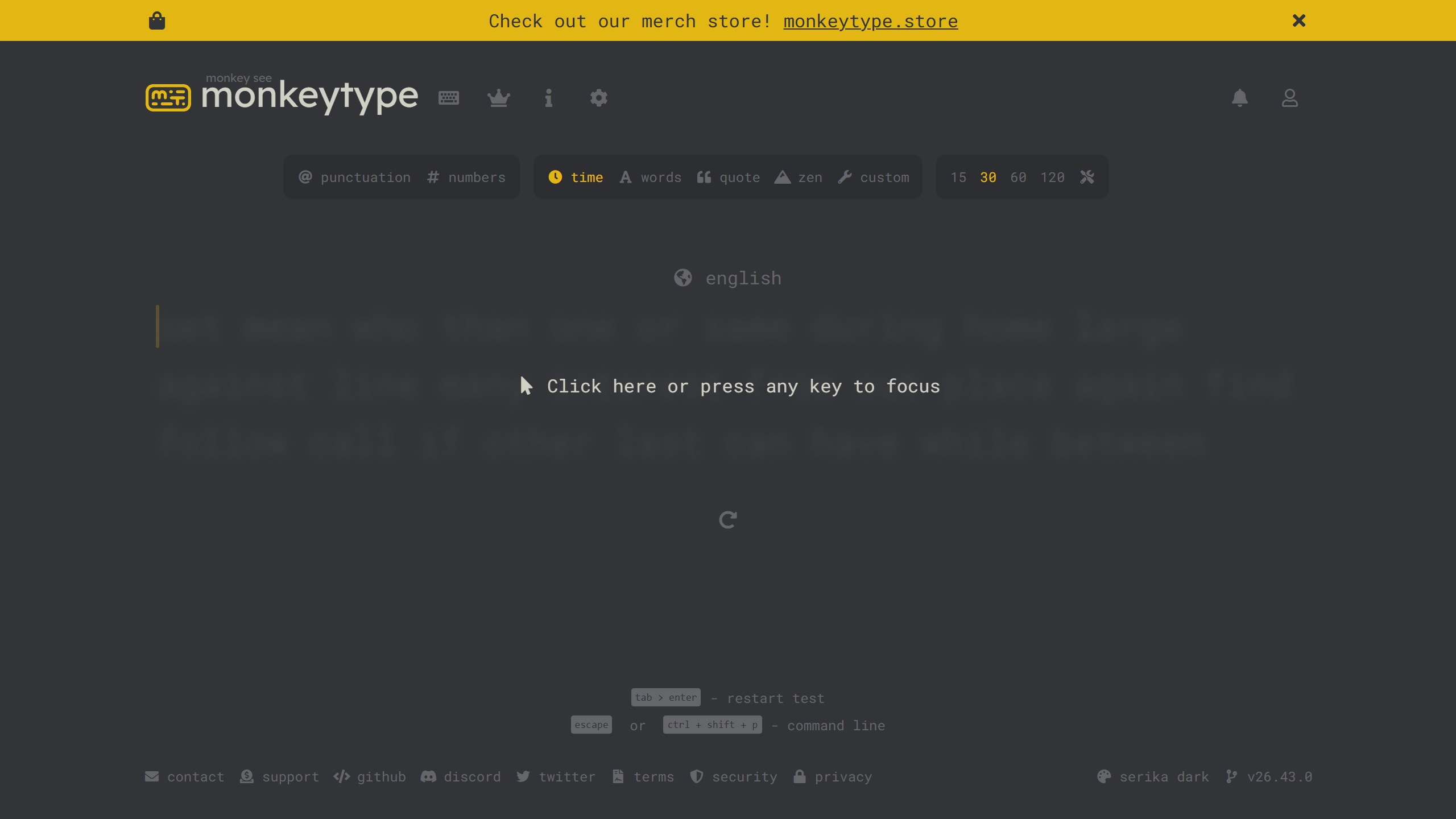
A simple routine is to take a Monkeytype test before you start a tutor, then once a week after, using the same settings. If your number does not move after a month, the tutor is not doing its job, AI or not.
Choose it if you want a free, honest way to measure progress. Skip it if you need lessons.
What we left out, and why
KeystrokePro describes an adaptive desktop trainer with “an optional AI coach” in its Premium tier, but its site said it was “launching soon” on 24 October 2026. AI-Powered Typing Practice for iPhone writes practice texts on topics you choose, but had only 6 US ratings. TapTyping was last updated in May 2017 and Type Fast in August 2022. Ratatype is a free online tutor, but its homepage makes no AI or adaptive claim and its privacy policy was last modified in February 2019. Speed Typer is a well-rated speed test app with no AI claim. Several smaller AI typing projects appeared only on directory or launch sites, with too little public information to verify. AI keyboards such as SwiftKey and Grammarly fill many “AI typing” searches, but they write or correct for you rather than teach you to type.
How to choose an AI typing tutor
Decide whether you need AI at all
If your goal is to stop looking at the keyboard and lift your speed, an adaptive tutor covers it. Keybr does this for free, and Typing.com and TypingClub add structured free courses. Generative AI earns its place when made-up words bore you, when you want to practise on topics you care about, or when you are a programmer who wants realistic code.
Check where the AI runs
ClickClack says its AI runs on your device and collects no data. TypeQuicker names outside AI model families but its privacy policy does not say what is shared with them. Typing.com says student data is never given to or used to train an AI model, but its privacy policy does not name the AI service behind TypeAI. If privacy matters to you, prefer the tool that answers the question in writing, and ask the others.
For children, start with the privacy policy
Typing.com, TypingClub and Typesy each have a children’s section in their privacy policy and say US children under 13 need consent before using an account: from a parent or legal guardian, or, on Typing.com, also a teacher. Typing.com goes further and says student data is never used to train an AI model. TypeQuicker’s policy does not mention children, and the App Store rates ClickClack 13+. For classroom choices, our guides to AI tools for students and AI tools for high school students cover the wider picture.
Watch renewals and refunds
TypeQuicker refunds only your first payment within 14 days; renewals are non-refundable. Typesy’s monthly plan costs $11 against $7 a month on the yearly plan, so a short course of practice may be cheaper monthly, while a year of practice is cheaper yearly. ClickClack’s Pro Access is a one-time $8.99 and Keybr’s premium is a lifetime payment, so neither renews. Put a reminder in your calendar a few days before any subscription renews.
Measure, do not trust the marketing
Claims such as “Improve 2x faster” or “triple your typing speed” come from the vendors themselves. Take a free Monkeytype test before you start and repeat it weekly with the same settings. Your own numbers beat any headline figure.
If you are looking for help with schoolwork beyond typing, our comparison of AI tutoring apps covers maths, reading and other subjects.
Sources
- TypeQuicker: homepage, TypeQuicker vs Keybr (dated 30 March 2026), school pricing, code typing page, privacy policy (effective 17 January 2025), refund policy.
- ClickClack: website, US App Store listing, Mac App Store listing.
- Keybr: homepage, help page, account page, GitHub repository.
- Typing.com: homepage, TypeAI announcement (13 May 2024), PLUS Edition, privacy policy (updated June 2025);Nitro Type.
- TypingClub: homepage, EdClub privacy policy.
- Typesy: individual plans, AI blog post (3 November 2025), privacy policy.
- Monkeytype: website, GitHub repository.
- Left out: KeystrokePro, AI-Powered Typing Practice, TapTyping, Type Fast, Ratatype, Speed Typer.
- All store listings, repositories and web pages read 24 October 2026.

Written by
FazFaz is the founder of AIToolsBakery. Some tools here are tested hands on. Others are assessed from vendor documentation and pricing verified on the live page, and every review says which one it is. Sponsors can buy a position in a guide. They cannot buy the score, the criticism, or silence about a better option.
How we test and how we make money →