Every high schooler now has a small army of AI tools within reach, and every teacher and parent has the same worry buzzing in the background. Will these things help a teenager actually learn, or just hand over finished homework with a smile? The honest answer is that it depends entirely on which tool you pick and how you use it. Some AI products are built to tutor: they slow down, ask questions, and refuse to spit out the final answer. Others are answer machines that scan a problem and return a solution in three seconds, which is fantastic for checking work and terrible for building understanding.
This guide looks at the nine AI tools most likely to land on a high school student’s phone or laptop in 2026, and it scores each one on a study help versus cheating risk axis. We care about two things: does the tool build real understanding, and how easy is it to abuse for shortcuts that backfire on test day. We also flag age fit, safety controls, and what each tool actually costs, described by pricing model rather than a dollar figure that goes stale the moment a company runs a back to school promo. The verdict at the bottom names the tools we would hand a teenager without hesitation, and the one or two we would only allow with a parent or teacher watching.
A quick word on how AIToolsBakery works, because trust matters more on a topic like this. We are an independent review site. We are not owned by any of the companies below, we earn nothing if you sign up for any of these tools, and none of this post is sponsored. When we do run a sponsored placement anywhere on the site, it is clearly labelled as sponsored, and a payment never changes a score or a verdict. The rankings here reflect what we think genuinely helps a student learn while keeping them on the right side of academic integrity, full stop.
The short answer: Khanmigo and Khan Academy are the safest, most learning focused picks for high schoolers because they tutor and quiz rather than hand over answers. NotebookLM and ChatGPT Study Mode are excellent for understanding when used honestly. Photomath and photo solvers carry the highest cheating risk.
Quick answer: For high schoolers, Khanmigo is the best AI tutor because it guides instead of giving answers, Khan Academy is the free backbone to start with, and NotebookLM is best for studying from your own notes. Use them to learn faster, and stay honest about academic integrity.
Comparison table
| Tool | Score (X/5) | Best for | Cheating risk | Pricing model |
|---|---|---|---|---|
| Khanmigo | 5/5 | A patient AI tutor that won’t just give answers | Very low | Low cost subscription, free for teachers |
| Khan Academy | 5/5 | Free structured practice and mastery learning | Very low | Free, nonprofit funded |
| NotebookLM | 5/5 | Studying from your own notes and sources | Low | Generous free tier, paid upgrades |
| ChatGPT (Study Mode) | 4/5 | Guided explanations and Socratic tutoring | Medium | Free tier, optional paid plans |
| Knowt | 4/5 | Free AI flashcards from your own notes | Low | Free core, optional premium |
| Quizlet | 4/5 | Flashcards and practice tests for memorization | Low to medium | Free browsing, paid for study modes |
| Grammarly | 3/5 | Catching writing mistakes and learning from them | Medium | Free tier, paid Pro features |
| Socratic by Google | 3/5 | Explanations and resources from a photo | Medium to high | Free |
| Photomath | 2/5 | Checking math work with step by step solutions | High | Free basics, paid Plus features |
Khanmigo: the AI tutor built to refuse easy answers
Score: 5/5
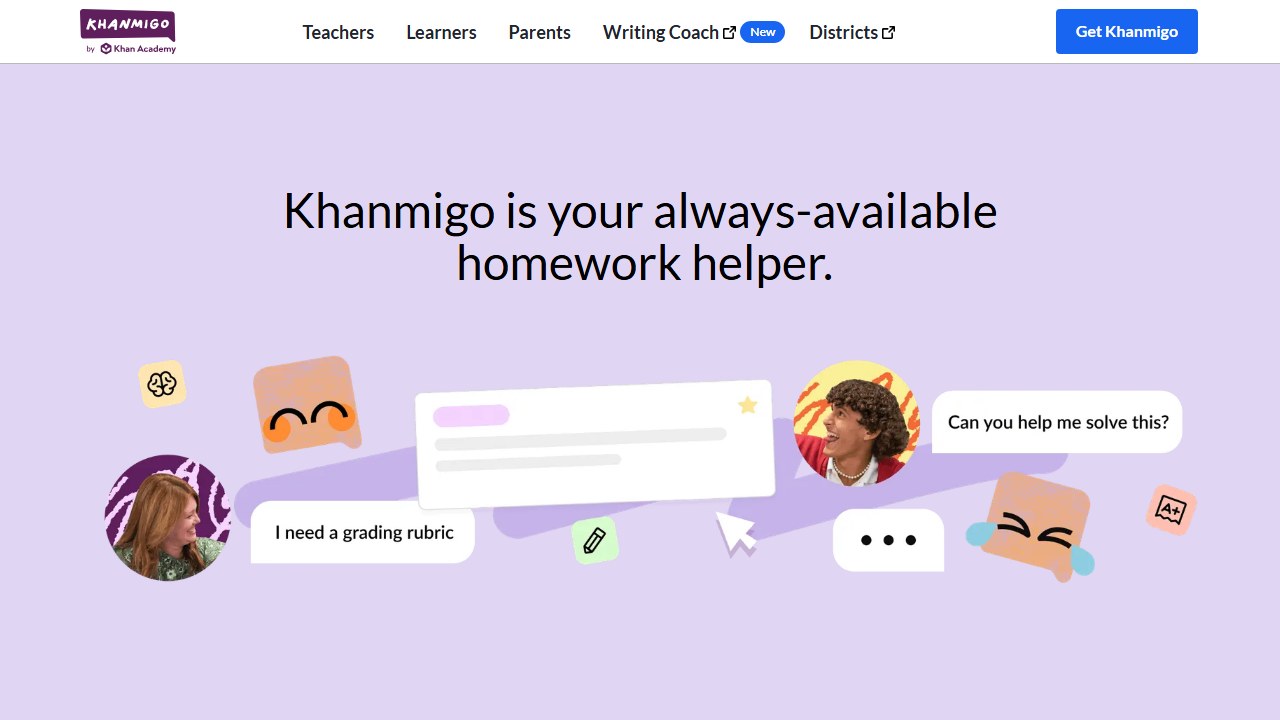
Khanmigo is Khan Academy’s AI tutor, and it is the rare AI product designed from the ground up to resist cheating. Ask it for the answer to a math problem and it will not give it to you. Instead it asks what you have tried, walks you through the reasoning, and nudges you toward solving it yourself. It can act as a tutor across math, science, humanities, and even debate practice, and it can play roles like a historical figure or a writing coach. For a high schooler who genuinely wants to understand a topic rather than just finish an assignment, this is close to ideal.
The strengths here are obvious. The Socratic, question first approach is exactly what learning scientists recommend, and it is the single biggest reason a parent can relax about a student using it. Khanmigo plugs straight into Khan Academy’s enormous library of lessons and practice, so the tutoring connects to structured content rather than floating in a vacuum. It is also among the safest options for teenagers, with content controls and the institutional backing of an education nonprofit rather than a consumer chatbot company.
The honest weaknesses are mild. Because it refuses to hand over answers, an impatient student may find it slower than a quick chatbot, and some will bounce off that friction. Its coverage is strongest in core academic subjects and thinner for niche electives. And while the underlying model can still occasionally be wrong, the tutoring frame makes that less dangerous than a flat answer would be.
Pricing follows a low cost subscription model for learners and parents, with separate family pricing, while it is free for teachers and Khan Academy’s core content library remains permanently free. Some regions and school districts also get it at no cost through statewide or district agreements. Official site: Khanmigo. For our full hands on test, see our Khanmigo review.
Faz says: If you only adopt one tool from this list, make it Khanmigo. It is the only one on the page that will actually argue with a student who wants the shortcut, and that friction is the whole point. Learning is supposed to feel like a little work.
Khan Academy: the free backbone every student should start with
Score: 5/5
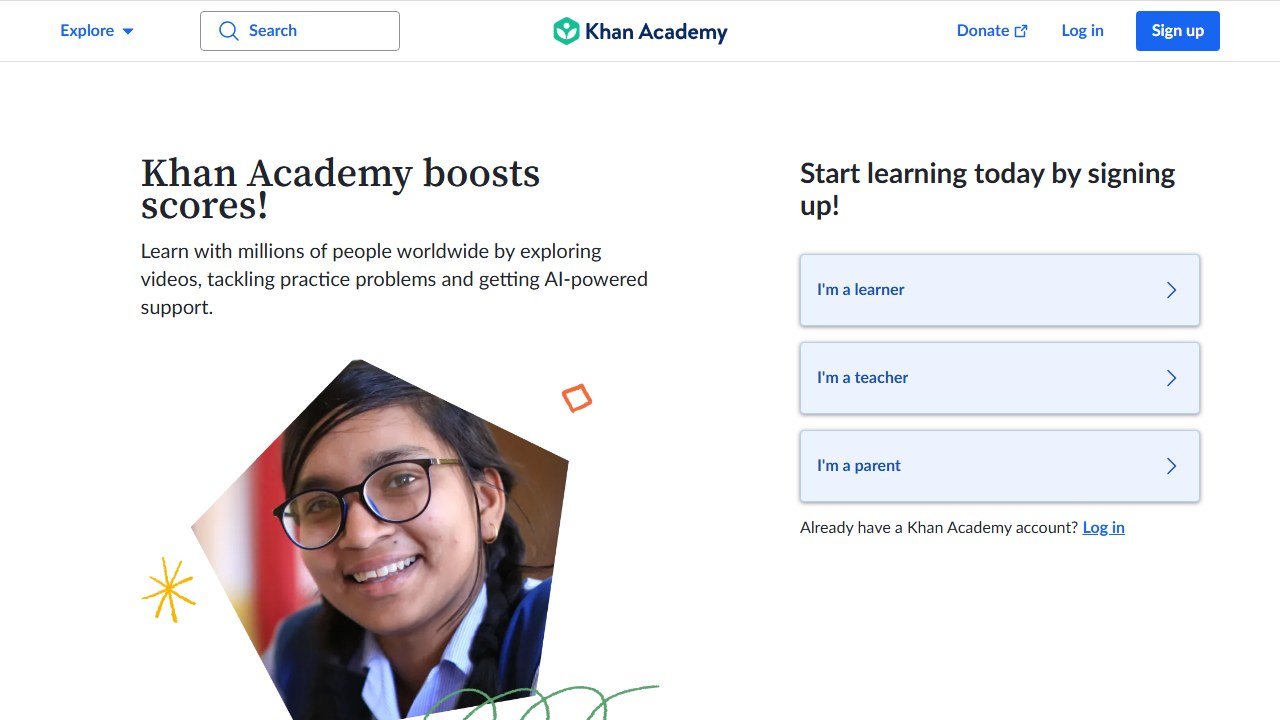
Before any AI tutor enters the picture, Khan Academy is the free, nonprofit learning platform that has quietly powered millions of students through math, science, history, economics, and test prep for years. The AI layer (Khanmigo) sits on top of it, but the core platform stands on its own: video lessons, structured practice problems, instant feedback, and a mastery system that tracks what a student actually understands rather than just what they have watched. For exam prep in particular, the practice problem banks are a genuinely powerful resource.
The strengths are hard to overstate for a budget conscious family. It is completely free, it is built by an education nonprofit with no incentive to sell a student anything, and the mastery model rewards genuine understanding over speed. Cheating risk is essentially nil, because the platform is about doing practice problems and watching explanations, not generating finished work. It is also about as safe an environment as exists online for a teenager who wants to learn.
The weaknesses are about scope rather than quality. It follows a fairly standard curriculum, so a student in an unusual or advanced course may outrun the available content. The practice can feel repetitive, and without the AI tutor layer a struggling student sometimes needs more hand holding than a video provides. None of that undermines the core value.
Pricing is simple: it is free, funded by donations and philanthropy, with the optional Khanmigo AI tutor available on a low cost subscription. Official site: Khan Academy. For more learning platforms, see our roundup of the best AI tools for students.
NotebookLM: study from your own sources, not the open internet
Score: 5/5
NotebookLM is Google’s research and study assistant, and what makes it special for academic integrity is that it works only from sources you give it. You upload your class notes, a textbook chapter, lecture slides, or a set of PDFs, and it builds study guides, summaries, FAQs, and timelines grounded in that material. Its standout feature is the Audio Overview, which turns a pile of reading into a conversational podcast between two AI hosts that a student can listen to on the bus. Because every answer is tied to the student’s own materials, it is far less of an answer machine than a general chatbot.
The strengths line up beautifully with honest studying. It summarizes and organizes the student’s actual coursework, it cites which source a claim came from so a student can verify it, and the generated study guides and practice questions push active recall rather than passive rereading. The audio and video overviews are a genuine accessibility win for students who absorb material better by listening. Cheating risk is low because it is built for digesting your own readings, not for producing essays from thin air.
The weaknesses are practical. It is only as good as the sources you feed it, so garbage in means garbage out. It can still misread or oversimplify a dense source, so a student should treat the study guide as a draft to check against the original. And the free tier, while generous, has daily caps on audio overviews and queries that a heavy user will eventually hit.
NotebookLM is available to users 13 and up where local rules allow, with stricter content policies applied to under 18 accounts, and it is offered as a core service for schools through Google Workspace for Education. Pricing uses a generous free tier with paid upgrades for higher limits, bundled into broader Google AI subscriptions. Official site: NotebookLM.
Saru says: NotebookLM is the sleeper pick for exam season. Feed it your own notes and the night before a test you have a custom study guide, a quiz, and a podcast, all built from material your teacher actually assigned. That is studying, not cheating.
ChatGPT with Study Mode: a powerful tutor that demands honesty
Score: 4/5
ChatGPT is the tool every teenager already knows, and the addition of Study Mode is what earns it a place this high on a list about staying honest. When you switch on Study Mode (the study and learn option in the tools menu), ChatGPT stops behaving like an answer machine and starts behaving like a tutor: it asks questions, checks understanding, and walks through concepts step by step instead of jumping to the solution. Used this way, it is one of the most capable explainers available to a student, able to break down a confusing topic in a dozen different ways until something clicks.
The strengths are real. Study Mode’s guided, Socratic approach turns the most popular chatbot on the planet into a legitimate learning aid, and it is free on every plan including the free tier. The breadth is unmatched, covering essentially any subject a high schooler studies. OpenAI has also added teen specific protections, age prediction that switches on extra safety settings for likely under 18 accounts, and parental controls that let a parent link accounts and manage features.
The honest weaknesses are why this is a 4 and not a 5. Study Mode is a setting, not a wall, so the same account can be flipped back to plain answer mode in one tap, which makes it trivially easy to misuse for homework. It can also confidently state wrong information, so a student must verify rather than trust. And free tier usage is capped during busy periods. This is a powerful tool that rewards an honest user and quietly enables a dishonest one.
ChatGPT requires users to be at least 13, and under 18s need a parent or guardian’s permission. Pricing follows a freemium model: a capable free tier plus optional paid plans for higher limits and newer models. Official site: ChatGPT.
Knowt: the free flashcard tool students switched to
Score: 4/5
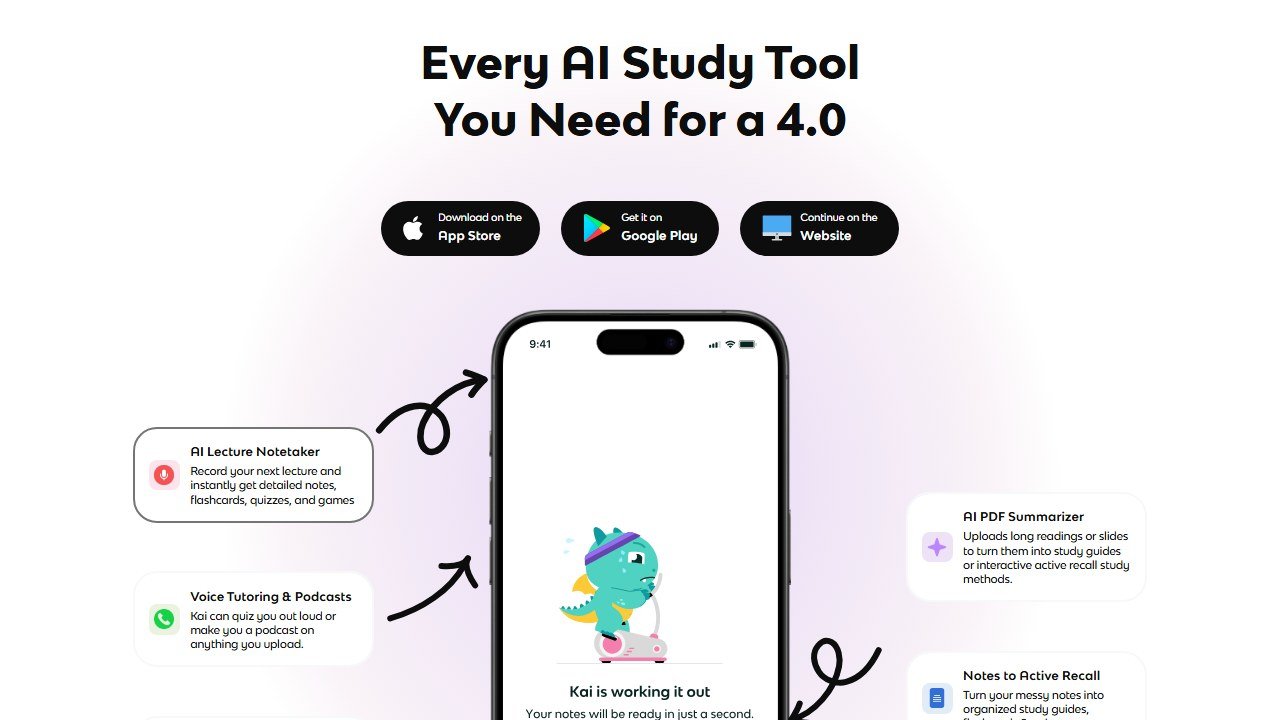
Knowt has become the tool many students land on after Quizlet started locking its best features behind a paywall. It turns class notes, PDFs, and lecture material into flashcards and quizzes automatically, then runs you through them with proper study modes and spaced repetition. For a high schooler cramming vocabulary, dates, formulas, or AP review, it does the tedious part (building the deck) and leaves the actual learning to the student. Because it generates study materials from the student’s own content and then tests them on it, the cheating risk is low.
The strengths center on value and learning design. The core platform is free with unlimited flashcards, AI generation from notes, study modes, and practice quizzes, which is a striking contrast to competitors that meter those features. Spaced repetition and active recall are exactly the techniques that work for retention, so the tool is pushing students toward effective studying rather than passive cramming. It is widely used for SAT, AP, and other standardized test prep.
The weaknesses are modest. AI generated flashcards occasionally miss nuance or phrase a card awkwardly, so a careful student should review the deck before trusting it. The interface and ecosystem are smaller than the biggest incumbents, and some of the most advanced features and the unlimited AI chat assistant sit behind paid tiers.
Pricing is a free core platform with optional premium and ultra subscriptions that add advanced stats, customization, and unlimited AI chat. Official site: Knowt. For more options, see our guide to the best AI flashcard apps.
Quizlet: the classic flashcard app, now with AI and a paywall
Score: 4/5
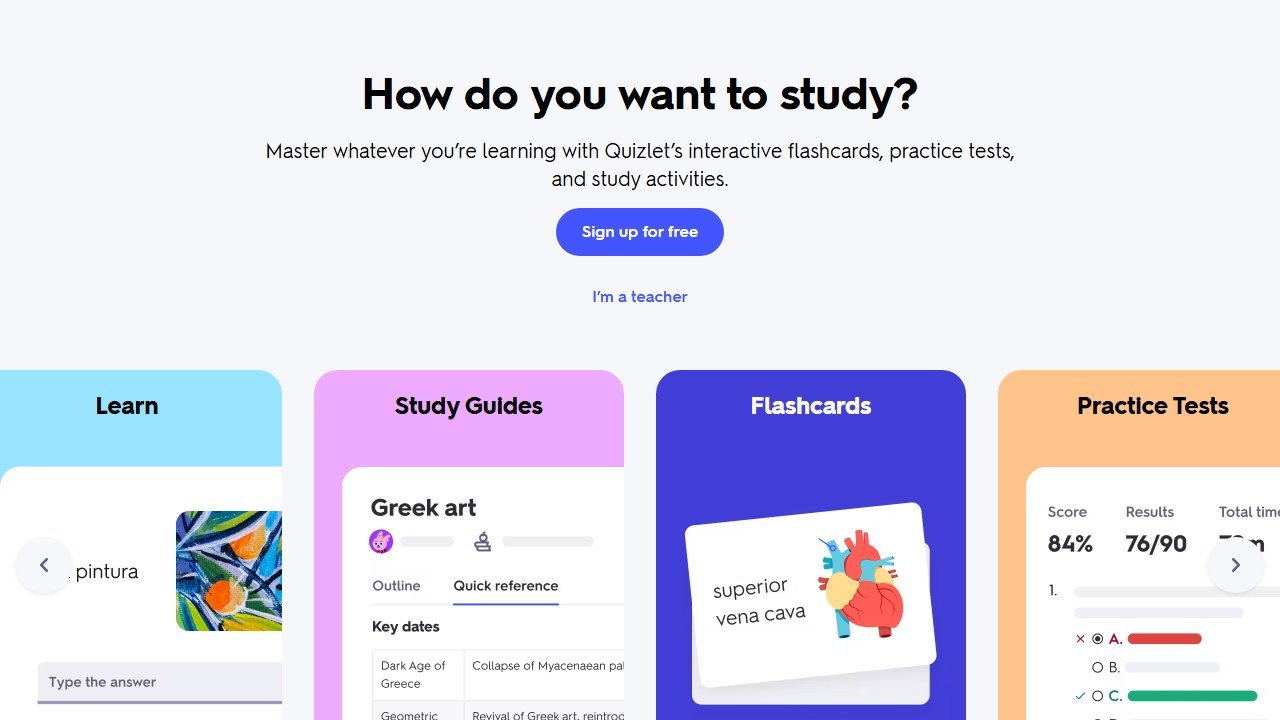
Quizlet is the flashcard app most students have used at some point, and it remains a strong tool for memorization heavy subjects. Its AI features, Magic Notes and Q Chat, let a student upload notes and turn them into flashcards, practice tests, and an AI study assistant. For vocabulary, terminology, formulas, and facts that simply have to be memorized, Quizlet’s practice modes and huge library of existing study sets are genuinely useful, and the act of drilling flashcards is studying in the purest sense.
The strengths are familiarity and depth. The Learn mode and practice tests are well designed for retention, the existing set library means a student can often find a ready made deck for their exact textbook, and the AI note conversion saves time. Cheating risk sits in the low to medium range: drilling flashcards is honest work, though the AI assistant can drift toward just answering questions if a student leans on it that way.
The weaknesses have grown sharper. Several features that were once free, including Learn mode, now sit behind a subscription, which has driven real frustration in the student community and pushed many toward free alternatives. The free tier is now mostly limited to browsing and creating cards. Quality on user created sets varies, since anyone can make a deck and some contain errors.
Pricing is freemium with a meaningful catch: browsing and creating cards are free, but the core study modes and AI features require a Quizlet Plus subscription, with separate teacher pricing. Official site: Quizlet.
Flashcards are only one layer of studying. Our roundup of the best AI tools for studying and summarizing covers the full workflow from messy notes to exam-ready review.
Grammarly: a writing coach that can teach or tempt
Score: 3/5
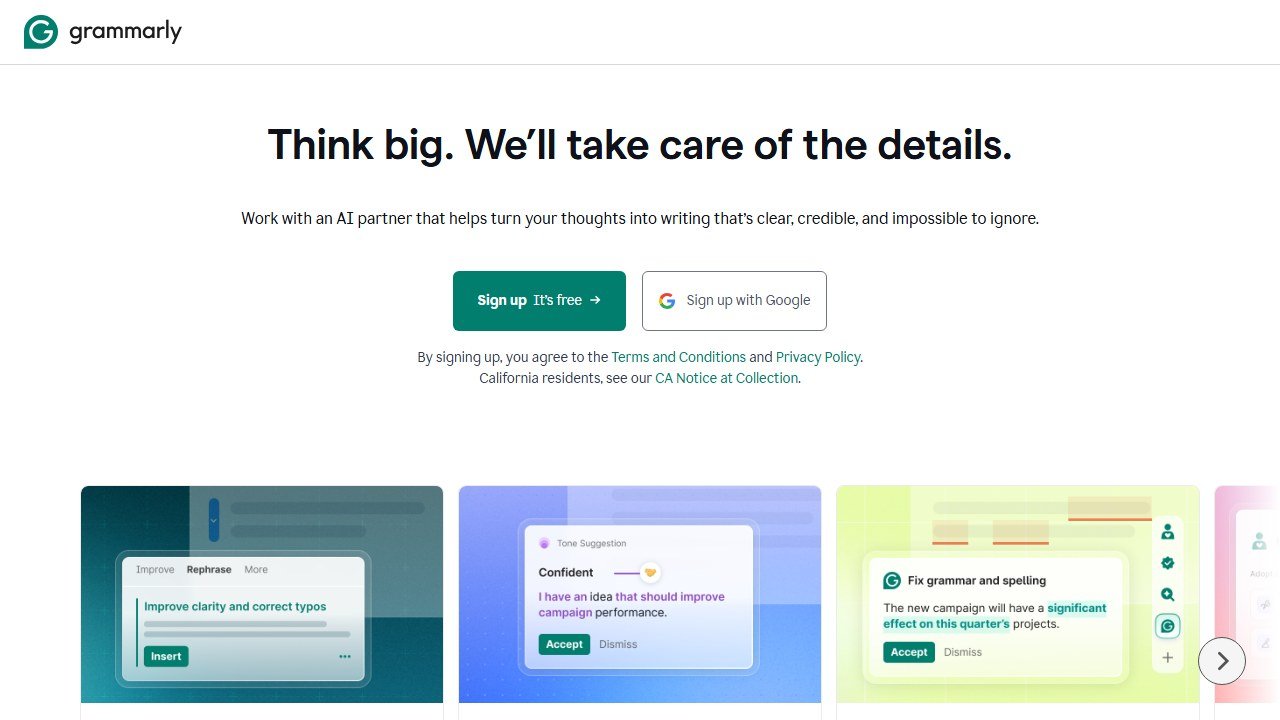
Grammarly is the AI writing assistant that catches grammar, spelling, punctuation, clarity, and tone issues as a student writes, working across browsers, Google Docs, email, and most apps. Used the right way, it is a teaching tool: a student writes their own essay, Grammarly flags a comma splice or a clunky sentence, and the student learns to fix it and avoids the mistake next time. The free tier handles the core proofreading that most high schoolers need, which makes it an easy recommendation for cleaning up writing the student actually produced.
The strengths are convenience and gentle instruction. It works everywhere a student writes, the explanations behind each suggestion can genuinely improve writing over time, and the free tier is useful on its own. It also includes a limited monthly allowance of AI prompts for rewriting and brainstorming.
The weaknesses are why it scores a 3. The paid Pro tier adds full sentence rewrites and generative features that can cross from polishing a student’s own work into writing it for them, which is squarely a cheating risk for essays. There is a meaningful difference between fixing your grammar and letting the tool rewrite your paragraph, and the line is easy to slide across. The most useful academic features, including the plagiarism checker, sit behind the subscription.
Pricing is freemium: a genuinely useful free tier, a paid Pro tier that unlocks rewrites, tone adjustment, and plagiarism detection, plus student discounts. Official site: Grammarly.
Faz says: The rule I give students with Grammarly is simple. If it is fixing words you wrote, that is studying. If it is writing words you did not, that is the other thing. Same tool, two very different outcomes, and your teacher can usually tell which one happened.
Socratic by Google: explanations from a photo, with a catch
Score: 3/5
Socratic by Google is a free homework help app that lets a student snap a photo of a question, typed or handwritten, or ask by voice or text, and get explanations, concept overviews, and links to curated resources and educational videos. It covers math, science, literature, and more, and at its best it does something valuable: instead of just printing an answer, it points a confused student toward the underlying concept and trustworthy material to learn it. For a student who is genuinely stuck and wants to understand, that is a solid use.
The strengths are accessibility and breadth. It is completely free, it works from a photo so there is no retyping a messy equation, and the way it surfaces explanations and resources rather than only a final answer leans it toward learning. The curated video and article links can be a better study path than a bare solution.
The weaknesses are why caution applies. The photo of a worksheet workflow is the same one students use to shortcut homework, and nothing stops a student from grabbing the explanation, copying the gist, and moving on without learning anything. Coverage and depth can be uneven across subjects, and as a lighter weight app it is less of a structured tutor than Khanmigo or ChatGPT’s Study Mode. It helps an honest student and tempts a tired one.
Pricing is straightforward: the app is free. Official site: Socratic by Google.
Photomath: the answer machine to use with care
Score: 2/5
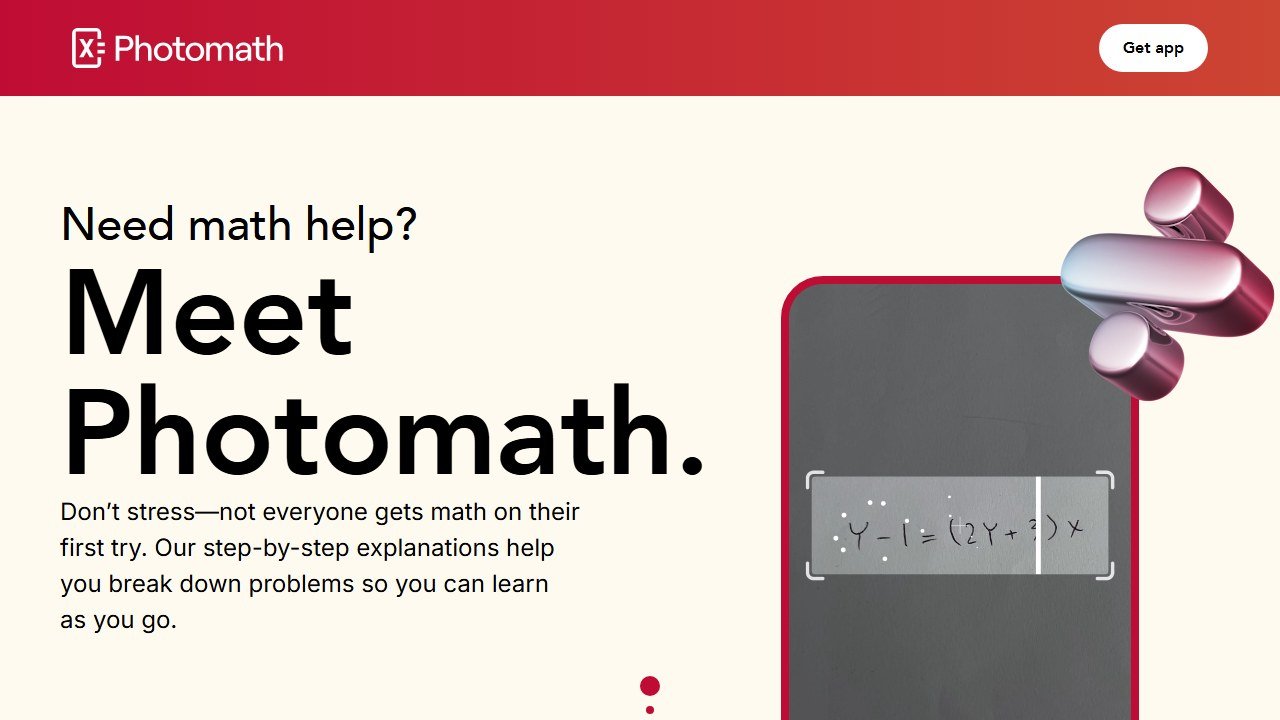
Photomath is the tool that best captures this whole guide’s tension. Point a camera at a math problem and it returns a full step by step solution in seconds, across arithmetic, algebra, geometry, trigonometry, calculus, and statistics, with a forgiving scanner that reads handwriting. As a tool for checking your own work after you have attempted it, or for seeing the steps when a textbook leaves them out, it is genuinely helpful. The problem is that the exact same feature is the cleanest cheating tool on this list: scan, copy the steps, done, with zero understanding required.
The strengths are speed and clarity for verification. The step by step breakdowns can teach a method when a student studies them honestly, the scanner is accurate, and the free tier handles a lot of problems without limits or even an account. For a student who solves first and checks second, it is a useful safety net.
The weaknesses dominate the integrity question. Photomath gives the answer immediately, which makes it the highest cheating risk and highest over reliance risk tool here. A student who leans on it stops building the problem solving muscles that exams test, and the gap shows up the moment a phone is not allowed in the room. The richest explanatory features, including animated tutorials and an AI tutor, sit behind the paid Plus tier.
Pricing is freemium: unlimited basic step by step solutions for free, with a Photomath Plus subscription for animated tutorials, textbook solutions, and the AI tutor. Official site: Photomath.
Saru says: Photomath is fine as the second thing you open, never the first. Solve the problem yourself, then scan it to check. If you scan before you try, you are not studying, you are outsourcing the part of your brain the test is going to grade.
The line between help and cheating
The single most useful thing a student, parent, or teacher can do is stop asking whether AI is allowed and start asking what the AI did. The same tool can be a tutor or a cheat depending on one question: did the student do the thinking, or did the machine do it for them.
Legitimate study help looks like this. The student attempts the work first, then uses AI to check it, explain a concept they did not understand, quiz themselves, summarize their own notes, or fix grammar in writing they wrote. In every one of those cases the student is still doing the cognitive work that learning requires, and the AI is removing friction, not removing the learning. Khanmigo, Khan Academy, NotebookLM, Knowt, and an honestly used Study Mode all sit comfortably here.
Cheating looks like the opposite. The AI produces the finished answer or essay, and the student copies it without understanding, or scans a problem before attempting it, or pastes an AI written paragraph into work they claim is their own. The tools that make this easiest are the answer machines: Photomath, photo solvers, and any chatbot flipped out of tutoring mode into plain answer mode. The tool is not the villain. The shortcut is.
It also helps to name the gray zone honestly, because most real situations live there rather than at the clean extremes. Asking AI to explain why your answer was wrong is clearly fine. Asking it to outline an essay you then write yourself is usually fine but worth checking. Asking it to write the essay and then changing a few words is not fine, no matter how much you tell yourself you edited it. When a use feels like it needs a justification, that hesitation is usually the answer.
A few ground rules keep students safe. First, always check the assignment’s own policy, because what is fine in one class is banned in another, and an honest student asks before assuming. Second, never submit something you could not explain to your teacher out loud, which is the cleanest personal test of whether you actually learned it. Third, remember that AI gets things wrong, sometimes confidently, so anything it produces is a draft to verify, not a fact to trust. And fourth, parents and teachers should focus less on banning tools and more on coaching the habit of attempt first, verify second.
Our verdict
For a high school student in 2026, the safest and most genuinely useful starting point is the Khan Academy and Khanmigo combination. Khan Academy gives free, structured practice that builds real mastery, and Khanmigo adds an AI tutor that is built to refuse the shortcut, which is exactly the behavior you want a teenager to internalize. Both score a 5 out of 5, both are about as safe as online tools get for minors, and neither one will write a student’s homework for them.
For studying smarter, pair those with NotebookLM and an honestly used ChatGPT Study Mode. NotebookLM turns a student’s own notes into study guides, quizzes, and audio overviews, with low cheating risk because it works from assigned material. Study Mode is a remarkably capable explainer when a student keeps it in tutoring mode, though its one tap escape into answer mode is why it lands at a 4 and why a little adult awareness helps. Knowt and Quizlet round out the kit for memorization heavy subjects, with Knowt the better value thanks to a more generous free tier.
The tools to use with care, not to ban outright, are Grammarly, Socratic, and especially Photomath. Each is genuinely helpful for the honest use case, checking, explaining, and verifying, and each makes cheating a little too frictionless for comfort. The right move with these is supervision and clear ground rules rather than a blanket no. Solve first, check second, and never submit what you cannot explain. Get that habit right and AI becomes the best study partner a high schooler has ever had. Get it wrong and it quietly hollows out the learning the whole exercise was supposed to produce. The tools are ready. The integrity is the part that still has to come from the student.
For deeper dives, see our full guides to the best AI tools for students, the best AI tutoring apps, and the best AI flashcard apps.
What these tools actually cost, vendor by vendor
Education software prices unlike anything else, because the buyer is often a teacher paying personally while the vendor is really selling to a district. That produces a free tier that is genuinely usable and an enterprise tier with no published figure. Here is each alternative to ai tools, read at source on 4 September 2026.
Chalkie, the most completely published rate card here
Chalkie publishes a free plan at US$0.00 a month covering five full lessons or activity sheets every seven days, then US$6.65 a month at US$79.80 paid yearly, and US$12.99 a month at US$155.88 yearly. Its annual toggle is marked as three months free and the arithmetic holds. Publishing the free tier’s exact limit, five resources per week rather than a vague “limited”, is rarer than it should be and worth rewarding.
Khanmigo, the cheapest paid option in this guide
Khanmigo publishes $44 a year, saving $4 against monthly billing, which works out around $4 a month. That is an order of magnitude below most of this category and reflects its position as a non-profit-backed product tied to an existing content library rather than a general purpose teacher toolkit. Judge it on whether that library matches your curriculum, because the price is not the deciding factor at that level.
MagicSchool and Curipod, free tiers with paid steps
MagicSchool publishes a free plan and Plus at $12.99 a month billed monthly, with a lower per user rate billed annually and volume-based discounts on district Enterprise licences that are quoted rather than published. Curipod publishes free at $0 a month and paid from $24 a month, with a yearly toggle marked as saving 21% and stated as $60 off against monthly. Both make the teacher tier genuinely usable, which is the commercial model rather than generosity.
CoGrader, where the free tier has a hard number on it
CoGrader publishes a free plan covering 100 student submissions a month with rubric building and FERPA compliance, then $15 a month billed annually. A hundred submissions is roughly three or four class sets, which makes the free tier a real trial for one teacher and clearly insufficient for a department. That is an honest place to draw the line and it lets you test properly before spending anything.
The ones that publish nothing, and what that tells you
Brisk Teaching publishes a free teacher plan at $0 but we could not read figures for its paid tiers. SchoolAI publishes tier names, Free Trial, Pro and Scale, with no figures attached, which is district-quoted pricing by design. Gradescope now sits on a Turnitin domain and its page is headed “Gradescope for Your Institution” with no rates. We also could not read pricing for Diffit, Quizlet, Photomath or Gauth. We are not claiming those publish nothing; a failed read is not evidence of absence.

Written by
FazFaz is the founder of AIToolsBakery. Some tools here are tested hands on. Others are assessed from vendor documentation and pricing verified on the live page, and every review says which one it is. Sponsors can buy a position in a guide. They cannot buy the score, the criticism, or silence about a better option.
How we test and how we make money →Frequently Asked Questions