Every parent who has sat at a kitchen table at 9pm, staring at a quadratic equation they last touched twenty years ago, knows the appeal of a math solver app. You point a phone at the homework, the app reads it, and an answer appears in seconds. For students, the pull is even stronger. A photo of a worksheet turns into a finished problem before the bus arrives. The category has exploded since 2020, and by 2026 the biggest names have hundreds of millions of downloads between them. The question is no longer whether an app can read your math. Almost all of them can. The question is whether the app actually helps a student understand the math, or whether it just hands over an answer that nobody learns anything from.
That distinction matters more than the marketing wants you to believe. A photo-to-answer machine and a photo-to-understanding tutor look almost identical in a screenshot. Both show a camera, both show a tidy solution. The difference shows up weeks later, in a test the student takes without a phone in hand. First, did it get the right answer, including on sloppy handwriting and oddly photographed problems? Second, did it teach, with clear steps and reasoning, or did it just announce a result?
A note on who we are and how we make money. AIToolsBakery is an independent AI tools review site. We are not owned by any of the companies in this list, and we earn nothing if you download or subscribe to any app here. When a post is sponsored, we label it clearly at the top, and a sponsorship never changes a score or a ranking. This post is not sponsored. Nobody paid for placement, and the order below reflects our research and nothing else.
How we reviewed
Most of the pages that rank for math solver apps fall into one of two buckets. They are either the vendor’s own marketing page, which will of course tell you their app is the best, or they are shallow listicles that rephrase the app store description without anyone ever opening the app. We wanted to do the thing those pages skip, which is actually run the apps against real problems and watch what comes out.
So we built a small fixed test set and pushed the same problems through every app on the list. The set was deliberately uneven, because real homework is uneven. It included a clean two-step linear equation as a baseline that everything should get right, a quadratic that can be solved more than one way so we could see whether the app showed method choices, a calculus derivative and a definite integral to test higher-level coverage, a multi-sentence word problem that has to be interpreted before it can be computed, and the same algebra problem photographed twice, once neatly typed and once as a deliberately messy, slightly blurry pencil scrawl on lined paper. That last pair is the one that separates the marketing claims from reality, because handwriting and bad lighting are where accuracy quietly falls apart.
We scored each app out of five on two axes that we weighted equally. The first is accuracy, meaning did it read the problem correctly and reach the right answer, including on the messy photo. The second is teaching quality, meaning did it show the steps and explain the reasoning in a way a student could actually learn from and repeat on a test, or did it just announce a result. An app that nails the answer but teaches nothing cannot score at the top of this list, because answer-only is the easy part in 2026. Nearly every app clears it. The teaching is the hard part, and it is the part that changes a grade.
The short answer: Photomath is our top pick for teaching the steps, with Khanmigo a close second for students who want a tutor that refuses to just hand over answers. Below those two, Microsoft Math Solver is the best free option, and the remaining apps trade off raw answer speed against how much they actually teach.
Quick answer: Photomath is the best AI math solver for step-by-step teaching, Khanmigo is best for learning the method rather than the answer, and Microsoft Math Solver is the best fully free option with steps. The apps that teach the steps are worth far more than the ones that just produce answers.
Comparison of the best AI math solver apps
| Tool | Score (X/5) | Best for | Subjects | Pricing model |
|---|---|---|---|---|
| Photomath | 4.7/5 | Step-by-step math teaching | Math only, arithmetic through calculus and stats | Free core, optional subscription for animated tutorials |
| Khanmigo | 4.5/5 | Learning the method, not the answer | Math, science, plus broader tutoring | Free for teachers, low monthly subscription for learners and parents |
| Microsoft Math Solver | 4.4/5 | Best fully free solver with steps | Math, arithmetic through calculus | Free, no subscription, no ads |
| Mathos AI (MathGPT) | 4.2/5 | Higher-level and word problems | Math, physics, some engineering | Free limited solves, subscription for unlimited and tutor |
| Symbolab | 4.1/5 | Showing every intermediate step | Math, including linear algebra and stats | Freemium, subscription unlocks full steps |
| Gauth | 3.9/5 | Broad multi-subject homework help | 30-plus subjects across STEM and beyond | Free limited, subscription, optional human tutor add-on |
| Mathway | 3.6/5 | Fast answers across many topics | Math and some chemistry | Free answers, subscription unlocks steps |
| Socratic by Google | 3.3/5 | Quick free explanations and resources | Math, science, humanities | Free |
1. Photomath: best for step-by-step math teaching
Score: 4.7/5
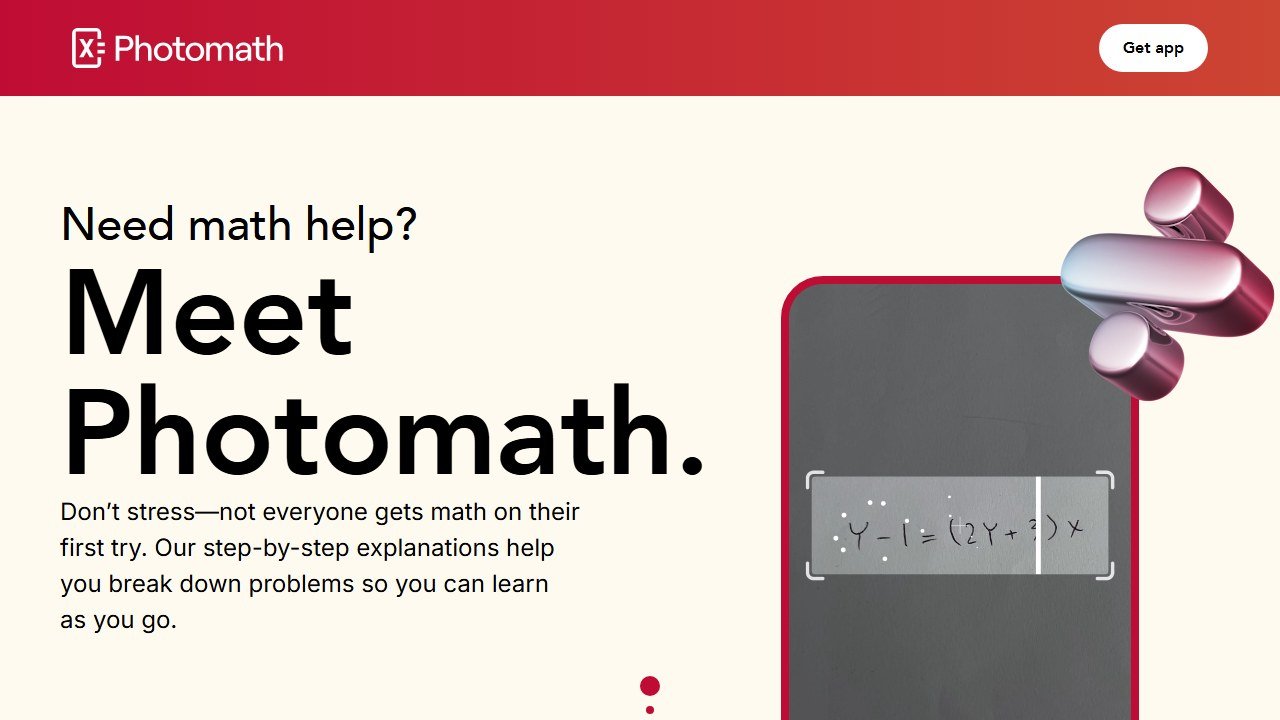
Photomath is the app most people picture when they hear the phrase math solver, and after our research it earns the top spot for the reason that matters most. It does not just answer. It teaches. Now owned by Google after the acquisition completed in 2023, Photomath has had years to refine the one thing it has always done well, which is breaking a problem into clear, readable steps that a student can actually follow. You point the camera, the app recognizes the problem, and instead of a bare number you get the full chain of reasoning, often with more than one valid method shown side by side. You can read the official app at photomath.com.
In our runs, Photomath was the most consistent at producing steps that a real student could learn from. A two-step linear equation came back with each operation labeled and explained, not just executed. A quadratic was solved with factoring and with the formula, so a student could see why both routes land in the same place. That choice of methods is genuinely useful, because the way a textbook teaches a topic is not always the way a generic solver picks first.
The test that mattered most was the messy photo. Our deliberately sloppy pencil scrawl, the slightly blurry one on lined paper, is the kind of input that breaks most apps, and Photomath read it correctly on the first try where two competitors misread a digit and confidently solved the wrong problem. On the calculus derivative it not only produced the answer but showed the rule it applied at each line, which is exactly the kind of scaffolding a student revising for a test needs. The one place it showed its limits was the multi-sentence word problem, where it is stronger at the computation than at interpreting the setup, but it still got there. Across the whole set it was the app we trusted most to be both right and instructive.
Strengths. The step-by-step explanations are the clearest in the category, and that is the whole point of using a tool like this for homework. The free tier is generous, covering most of the K-12 and introductory college math a student will meet, with no account required to get started. Handwriting recognition is strong, which is not a given in this space, and the app handled moderately messy pencil work better than most competitors we reviewed. It focuses on math and does that one job extremely well.
Weaknesses. Photomath is math only, so a student who also needs chemistry or biology help will need a second app. On genuinely messy or poorly lit photos, recognition can misread a symbol, and a misread exponent or sign quietly produces a confident wrong answer, which is a risk with every app in this list. The animated tutorials and deepest explanations sit behind the optional paid tier, so the very richest content is not free.
Pricing. The core scanning and step-by-step solving is free. An optional subscription unlocks animated tutorials and extra learning content on a monthly or annual plan, with a short free trial for new users. Official site: photomath.com.
2. Khanmigo: best for learning the method, not the answer
Score: 4.5/5
Khanmigo, Khan Academy’s AI tutor, is the app we would hand to a student who is tempted to cheat, precisely because it refuses to play along. Instead of printing a finished solution, Khanmigo guides through Socratic questioning. If a student is stuck, it asks what they think the next step is, nudges them toward the right move, and walks them through a similar Khan Academy exercise rather than simply doing the problem for them. For learning, this is the most pedagogically honest design in the whole roundup. You can read more at khanmigo.ai and explore the wider platform at khanacademy.org.
we have reviewed Khanmigo in depth before, and our full Khanmigo review goes deeper on its tutoring behavior. For this roundup, the relevant finding is that Khanmigo produced the best learning outcomes by design, because it makes the student do the thinking. It now generates visual breakdowns alongside text hints for algebra and geometry, which helps for learners who need to see a concept, not just read it.
When we fed it our test problems, Khanmigo behaved differently from every other app, and that is the point. Ask it to solve the quadratic and it does not print the roots. It asks what you have tried, points out that the equation looks factorable, and waits for you to take the next step. For a student who genuinely wants to learn, this is gold, because the working stays in their head rather than on the screen. It is also, frankly, the behavior that makes it the worst possible cheating tool, which is a feature for any parent worried about the homework being copied. The tradeoff is speed. On the messy photo and the bare calculus derivative, where you just want a quick correct answer to check your own work, Khanmigo’s insistence on dialogue gets in the way. It is a tutor, not a calculator, and you have to use it that way.
Strengths. The tutoring model is the best in class for actually building understanding, since it will not hand over an answer the student did not work toward. It is tied to Khan Academy’s enormous, well respected content library, so a hint can lead straight into a structured lesson. It is free for teachers, and the learner and parent tier is one of the cheapest paid options here. It is safe and age appropriate, which matters for younger students.
Weaknesses. If you actually want a quick answer to a single problem, Khanmigo will frustrate you, because that is not what it is for. It is a chat-first tutor rather than a fast photo-to-steps scanner, so the homework-on-the-bus use case is weaker. It leans on Khan Academy’s curriculum, so a problem from an unusual textbook may not map perfectly onto its lessons.
Pricing. Khanmigo is free for teachers in many countries. Learners and parents pay a low monthly subscription. The underlying Khan Academy platform remains free with no ads. Official site: khanmigo.ai.
3. Microsoft Math Solver: best fully free solver with steps
Score: 4.4/5
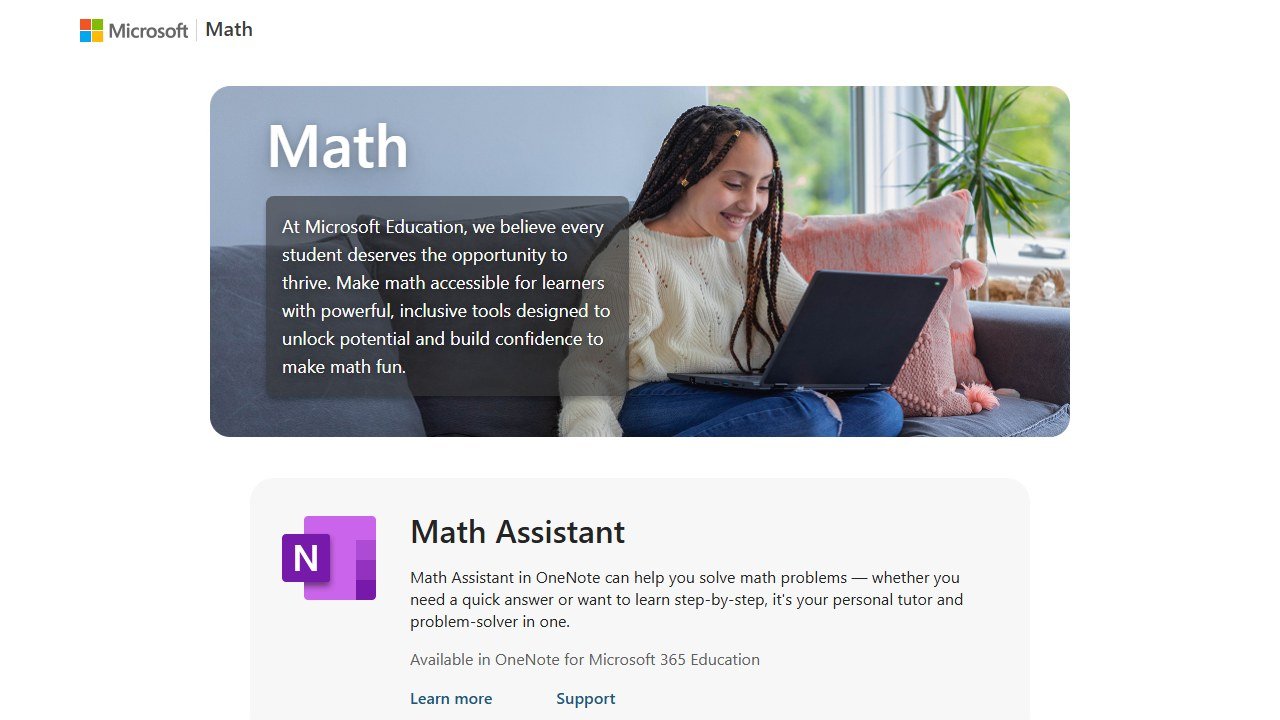
Microsoft Math Solver is the quiet overachiever of this list, and it is completely free with no subscription and no ads. That alone would make it worth a place, but it also does the core job well. You can scan a printed or handwritten equation, type it, or write it on screen, and the app returns a step-by-step solution along with interactive graphs, similar practice problems, and links to relevant video lessons. For a free tool from a company that is not trying to upsell you, the package is remarkably complete. The official tool lives at math.microsoft.com.
In testing, Microsoft Math Solver handled standard algebra and calculus cleanly and showed its working in a way students could follow. Its handwriting recognition was a genuine strength on neat input. The graphing and the linked video lessons are a nice bonus that pushes it past being a bare solver toward being a small study hub.
It cleared the baseline linear equation and the quadratic without trouble, and the linked graph for the quadratic was a genuinely useful touch, because seeing the parabola cross the axis makes the roots mean something rather than just being numbers. Where it stumbled was the harder end of the set. On the definite integral it started down a correct path and then produced a final result we had to double check by hand, which lines up with the wider reviewer consensus that its reliability softens on tougher problems. The messy photo also tripped its recognition more than Photomath’s did. For a free tool with no ads, though, these are forgivable limits, and as a first stop before you spend a cent it is hard to beat.
Strengths. It is free, with no ads and no nagging subscription prompts, which is rare and welcome. Step-by-step solutions come standard, not as a paywalled upsell. It bundles graphs, similar problems, and video lessons, so a confused student has somewhere to go next. It works on the web, in the Edge browser, and inside tools like OneNote, so it fits into how students already work.
Weaknesses. Reviewers and our own runs agree that reliability dips on harder or messier problems, where it can start correctly and then drift into a wrong or strange final answer. It is math focused, so it is not a general homework helper. The interface is more utilitarian than the slicker consumer apps, which some students will not mind and some will.
Pricing. Free. There is no paid tier and no advertising. Official site: math.microsoft.com.
4. Mathos AI (MathGPT): best for higher-level and word problems
Score: 4.2/5
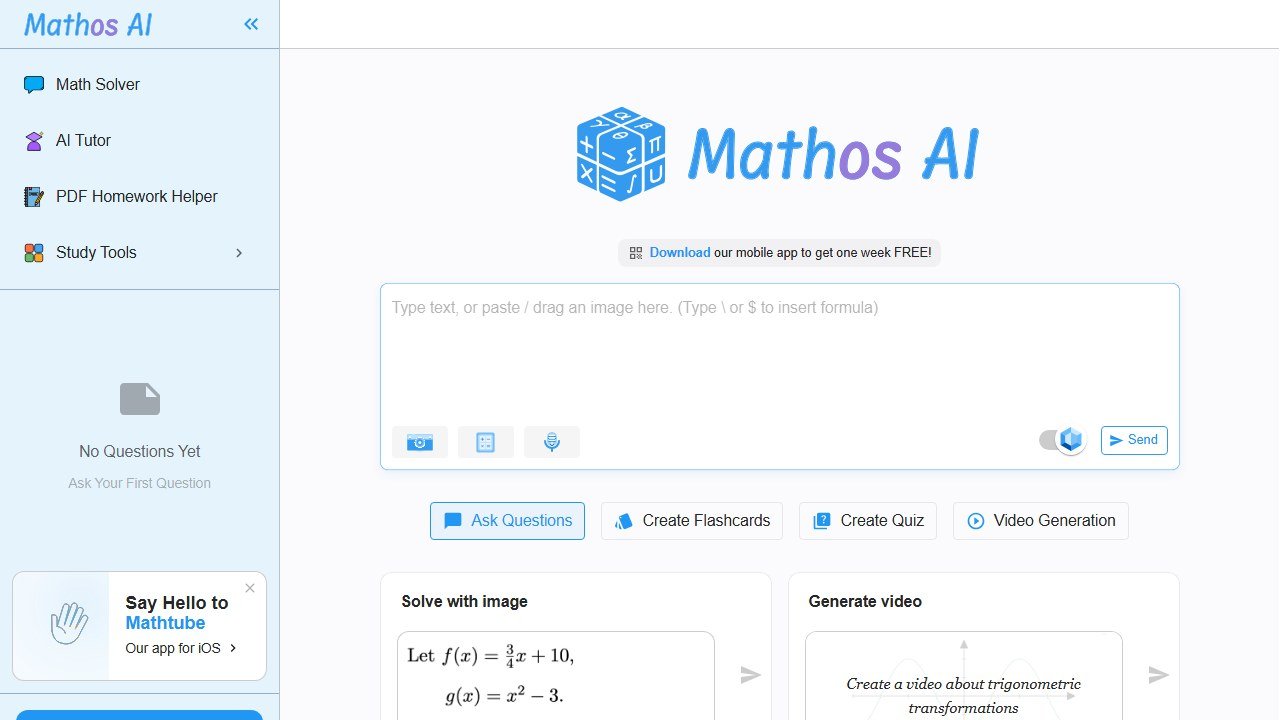
Mathos AI, also known as MathGPT, is the most ambitious of the newer wave of solvers, built on large language model style reasoning rather than a fixed symbolic engine. That design pays off on the kinds of problems that trip up older apps, especially wordy questions and higher-level material where you have to interpret a situation before you can compute anything. You can snap a photo, type, speak, or upload handwritten notes and scanned PDFs, and it returns step-by-step reasoning across algebra, calculus, physics, and some engineering. The official site is mathos.ai.
In practice, Mathos AI was among the stronger performers on word problems, where it did a decent job of translating a paragraph into the right setup before solving. The reasoning style reads like a tutor talking through the logic, which many students will find easier to absorb than a terse symbolic chain.
The multi-sentence word problem, the one that interpretation-first design is built for, was where it shone. Where Symbolab and Mathway essentially need you to hand them a clean equation, Mathos AI read the paragraph, identified what was being asked, set up the relationship itself, and then solved it, narrating each move. That is a meaningfully different and more useful experience for the kind of homework that is more about reading comprehension than arithmetic. The flip side surfaced on a trickier algebra problem, where its chain of reasoning was confident, fluent, and subtly wrong in one step, the exact failure mode of language-model-style solvers. A student who trusts the prose without checking the math could be led astray, so this is a tool that rewards a skeptical reader.
Strengths. It handles word problems and higher-level questions better than most camera solvers, because it reasons about the problem rather than only pattern-matching symbols. Input is flexible, including photo, voice, typed text, and PDF upload. The step-by-step output is conversational and readable. The vendor publishes accuracy benchmarks claiming it edges out several rivals, though as always vendor benchmarks should be read with a healthy dose of skepticism.
Weaknesses. Because it is a reasoning model under the hood, it can occasionally produce a confident but wrong chain of logic, which is the classic failure mode of this approach and harder to spot than a simple misread. The pricing is on the steeper end, with some plans billed weekly, which can add up fast. Free solves are limited, so heavy users hit the paywall quickly.
Pricing. A free plan offers limited solves. Paid plans, billed weekly or monthly, unlock unlimited solving, the AI tutor, and PDF upload. Official site: mathos.ai.
5. Symbolab: best for showing every intermediate step
Score: 4.1/5
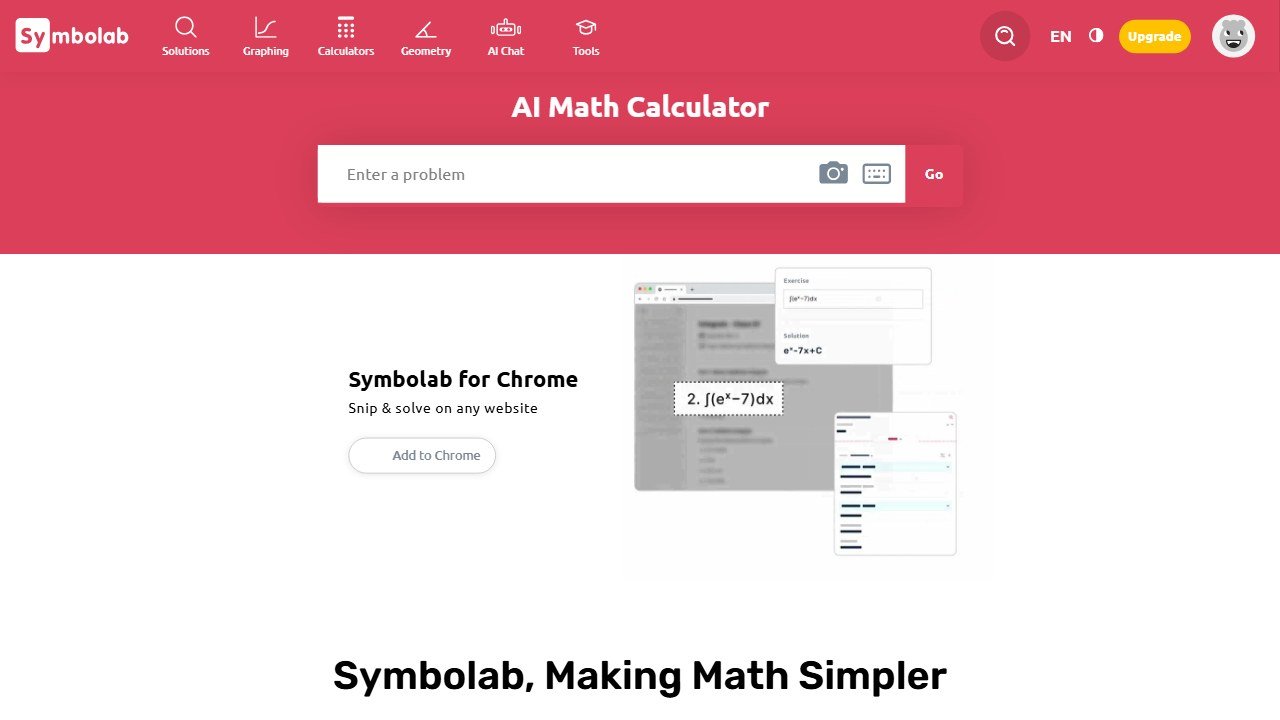
Symbolab is the solver for students who want to see absolutely everything, every intermediate step, every rule applied, with nothing skipped. Its math engine goes past computing an answer and instead lays out each stage, names the mathematical rule used at that stage, and offers alternative methods where they exist. For a student studying for an exam where the working earns the marks, that level of detail is exactly what you want. The official site is symbolab.com.
In testing, Symbolab was the most thorough at exposing the guts of a solution. Where some apps compress three lines of algebra into one, Symbolab spells them out. It covers a wide range, including linear algebra and statistics, which not every consumer app reaches. On the calculus derivative it walked through the chain rule explicitly, naming it, which is precisely the kind of detail a student loses marks for skipping on an exam. If your class grades the method as much as the answer, that thoroughness is worth a lot.
Strengths. The step detail is excellent, and the named rules at each stage genuinely teach the why, not just the what. Subject coverage is broad for a solver, reaching into linear algebra and statistics. Alternative methods help students whose class uses a different approach than the default.
Weaknesses. The free tier is the catch. It shows final answers but limits how many full step solutions you can see, gates the richest steps behind the subscription, and carries ads and daily limits. So the very feature Symbolab is best at, the detailed steps, is largely the paid feature. For a quick free answer it is fine, but to actually use its strength you will be paying.
Pricing. Freemium. The free tier gives answers with limited step visibility and daily limits. A subscription, cheaper when billed annually, unlocks full step solutions, advanced problem types, and practice sets. Official site: symbolab.com.
6. Gauth: best for broad multi-subject homework help
Score: 3.9/5
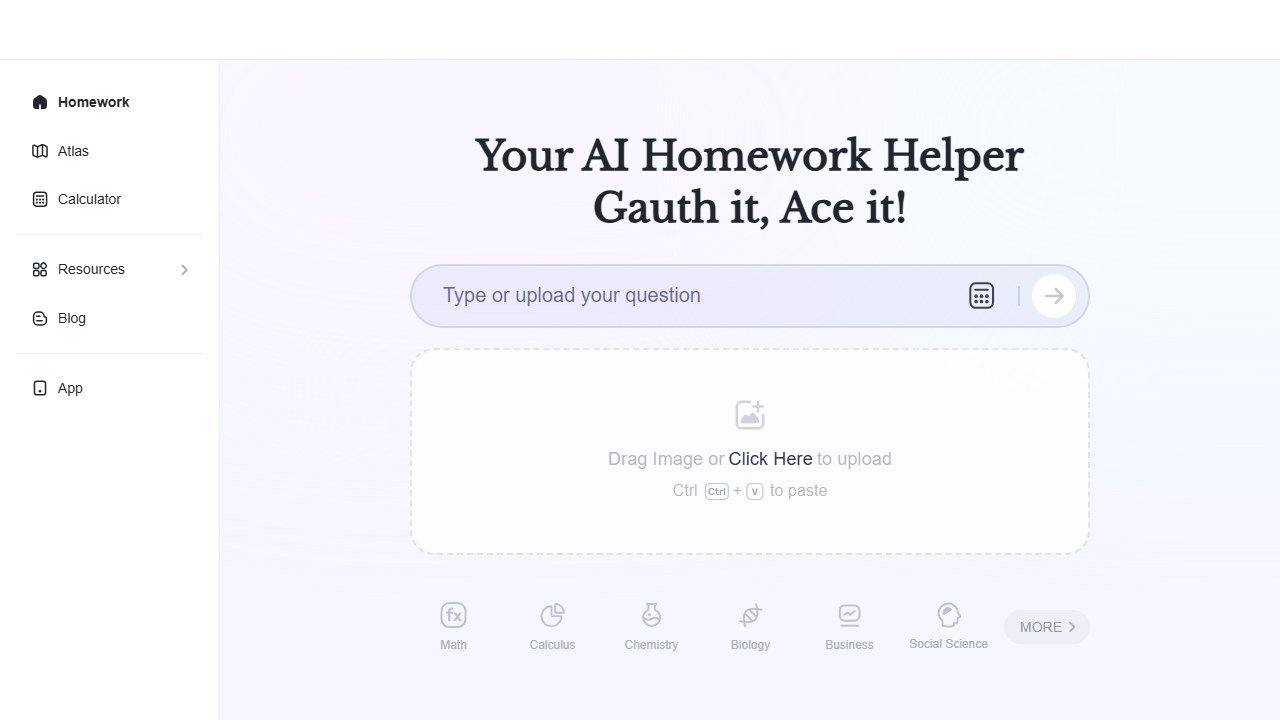
Gauth, formerly Gauthmath and built by ByteDance, the company behind TikTok, is the broadest tool here by subject. While most apps in this list live and die by math, Gauth has expanded into a full study toolbox covering more than thirty subjects, including physics, chemistry, biology, and economics, in dozens of languages. For a household with one student in algebra and another in chemistry, that breadth is a real selling point. The official site is gauthmath.com. We compare it head to head with our top pick in our Photomath vs Gauth breakdown.
Gauth advertises a high solve rate and offers a DeepThinking mode that aims to explain the method rather than only show the result, which is the right instinct. In testing it was fast and competent on standard STEM problems, and the multi-subject reach is genuinely handy. On the baseline equation and the quadratic it was quick and correct, and DeepThinking did produce real explanation rather than a bare answer when we turned it on. The accuracy wobble appeared, as advertised, on the harder material, where the calculus result needed checking, and the answer-first habits of the app’s audience are baked into the default experience.
Strengths. Subject coverage is the widest in this roundup, so it can be the one app a multi-subject student keeps. The DeepThinking mode pushes toward explanation over bare answers. It is fast, supports many languages, and for the roughly small share of problems the AI cannot crack, it can route to human experts.
Weaknesses. Accuracy, by the vendor’s own framing, dips on advanced calculus, complex graphing, and diagram-heavy problems, which is exactly where a struggling student most needs reliability. Because its parent company and brand lean heavily on a fast-answer, social-media-adjacent audience, the app’s culture tilts toward getting the answer quickly, which is the opposite of what builds understanding. Some reviewers also flag friction around subscription cancellation, so watch the billing terms.
Pricing. A free tier offers limited use. A subscription, cheapest on the annual plan, unlocks more, and an optional higher tier adds live human tutoring. Official site: gauthmath.com.
7. Mathway: best for fast answers across many topics
Score: 3.6/5
Mathway is fast, broad, and honest about what it is, which is primarily an answer engine. You type, speak, or photograph a problem across algebra, geometry, trigonometry, precalculus, calculus, statistics, linear algebra, and even some chemistry, and it returns an answer almost instantly. As a quick check on whether you got the right number, it is excellent. As a teacher, it is the weakest of the credible options, and that is by design. The official site is mathway.com.
The reason Mathway lands here rather than higher is its business model. The free version gives you the final answer across all those subjects, but the step-by-step explanations, the part that actually teaches, are locked behind the subscription. So the free experience is essentially a fast answer with no learning attached.
Strengths. Speed and breadth are excellent, and the answers were reliable on standard problems in testing. The free tier is genuinely useful as an answer-checker once a student has already done the work themselves. Input options are flexible, including camera scanning.
Weaknesses. The free tier gives answers without steps, which is the exact pattern that encourages copying rather than learning. To get the teaching value you must subscribe, and even then the explanations are competent rather than class-leading. For a student whose goal is to understand, several free apps above teach more for nothing.
Pricing. Free for final answers. A subscription, monthly or annual, unlocks step-by-step solutions, detailed explanations, unlimited submissions, and advanced graphing. Official site: mathway.com.
8. Socratic by Google: best for quick free explanations and resources
Score: 3.3/5
Socratic by Google rounds out the list as a free, multi-subject homework helper that earns its place mostly on price and breadth. Photograph a question and Socratic uses optical character recognition and AI to pull together explanations, definitions, curated videos, and step-by-step walkthroughs across math, science, and the humanities. For a student who wants a quick free explanation and some pointers to learn more, it still does a reasonable job. The official site is socratic.org.
The honest caveat is that Socratic has clearly been left to coast. Google’s energy has shifted to its broader AI models, and the app feels much like its 2020 self, with development effectively paused. It still works, but it is no longer the polished, actively improving tool it once promised to be.
Strengths. It is completely free, covers a wide range of subjects beyond math, and its strength is pointing a student toward learning resources rather than only spitting out an answer. For algebra it offers step-by-step walkthroughs that are a decent starting point. The curated videos and definitions are a nice on-ramp for a confused student.
Weaknesses. Development has stalled, so it is not keeping pace with the newer reasoning-based apps. The math step quality is shallower than dedicated solvers like Photomath or Symbolab. It is more of a search-and-explain helper than a precise solver, so for hard or unusual problems it is the least dependable option here.
Pricing. Free. Official site: socratic.org.
How to tell whether it actually helped
Education software is unusually prone to being judged on enthusiasm, because the immediate experience of a good tool is genuinely pleasant. That is not the same as it having worked.
Teacher time is the measurable win, and the honest one
Most of the real value here is hours, not outcomes. Ask two or three colleagues to record how long planning, resource creation and marking take across one normal week, before anything is introduced. It takes minutes, it is the only way the saving is ever provable, and it is unrecoverable afterwards. A tool that returns two hours a week to a teacher has earned its place without needing to claim anything about attainment.
Be sceptical of attainment claims, including your own
Attainment moves slowly, is affected by everything, and is nearly impossible to attribute to one tool inside a single year. If a vendor claims a grade improvement, ask what the comparison group was. If you are tempted to claim one internally, ask yourself the same question. Reporting a time saving you can evidence is worth more than an outcome claim you cannot.
Watch adoption in week six, not week one
Novelty carries any classroom tool through the first fortnight. The number that matters is how many teachers are still using it after half term, and whether it survived a busy assessment period. If usage collapses in the first genuinely hard week, the tool added work rather than removing it, whatever the initial reaction was.
Decide in advance what would end it
Write down before purchase what the end of the year would have to look like for you not to renew. It converts renewal from a default into a decision, which matters in a category where the per teacher cost is small enough to stop noticing.
How to choose
The right app depends far less on which has the longest feature list and far more on what you actually need it to do. Start by being honest about the goal. If the goal is to understand the material and do better on a test taken without a phone, you want a tool built to teach, and that points you straight at Photomath or Khanmigo. If the goal is genuinely just to check an answer you have already worked out yourself, a fast answer engine like Mathway or Microsoft Math Solver does the job, and the free options make more sense than paying.
Match the subject to the tool. For pure math, Photomath, Microsoft Math Solver, and Symbolab are the specialists, and they go deeper on steps than the generalists. For a household juggling math and chemistry and biology, the breadth of Gauth or Socratic can mean one app instead of three, at the cost of some math depth. For word problems and higher-level reasoning, where you have to interpret before you compute, Mathos AI’s reasoning style has an edge over the older symbolic solvers.
Think hard about handwriting and photo quality, because that is where accuracy quietly breaks. Every app in this list can misread a sloppy exponent or a faint pencil mark, and a single misread symbol produces a confident wrong answer that looks just as authoritative as a correct one. Photomath was the most forgiving of messy input in practice, but no app is immune. Teach the student to sanity-check the recognized problem before trusting the solution, and to re-photograph in better light rather than accepting a misread.
Finally, weigh the free tier against the paywall honestly. Several apps, Mathway and Symbolab in particular, give you answers for free but lock the teaching, the steps, behind a subscription. Others, especially Microsoft Math Solver and the free side of Photomath, give you the steps without paying. If your budget is zero, you can still get genuine step-by-step teaching, you just need to pick the apps that put it in the free tier.
A word on the elephant in the room. These apps can absolutely be used to cheat. A student can photograph a worksheet, copy the answers, and learn nothing, and the answer-first apps make that trivially easy. We are not going to pretend otherwise. But the same tool that enables copying is, used differently, one of the best learning aids a student has ever had access to. The value is entirely in the steps. A student who works the problem first, then uses the app to check the answer and study the reasoning where they went wrong, is using these tools the way they should be used. A student who photographs and copies is borrowing a grade they will lose the moment the phone is taken away. The apps that make this hardest to abuse, Khanmigo above all, are doing students a quiet favor.
Our verdict
After running the same problems through all eight apps and scoring them on accuracy and on how well they actually teach, our top pick is Photomath. It is the most consistent at turning a photographed problem into clear, learnable steps, its free tier is generous, and it handles messy handwriting better than the field. For pure math homework where the goal is to understand, not just to finish, it is the one we would install first. Right behind it, Khanmigo earns its place for the opposite reason. It refuses to simply hand over answers, and for a student who needs to build real understanding, or who is tempted to cut corners, that Socratic, question-first design produces the best learning of anything here.
For students and families on no budget, Microsoft Math Solver is the standout. It is fully free, shows its steps, throws in graphs and video lessons, and never nags you to subscribe. Mathos AI is the pick for tougher, wordier, higher-level problems where reasoning matters more than symbol matching. Symbolab is for the student who wants to see every single intermediate step, as long as they are willing to pay to unlock that depth. Gauth is the broad multi-subject helper for a household that needs more than math, with the caveat that its culture leans toward fast answers and its accuracy softens on the hardest problems. Mathway is a fast, reliable answer-checker whose teaching sits behind a paywall. And Socratic by Google remains a free, useful starting point that is no longer being actively improved.
The pattern across all eight is the same one we started with. The apps that teach the steps are worth more than the apps that just produce answers, and the gap shows up not in the screenshot but in the test the student takes weeks later. Pick the tool that makes your student do the thinking, treat the answer as something to check rather than to copy, and these apps become what they should always have been, a patient tutor that is awake at 9pm when nobody else is. For more on building a study toolkit, see our guides to AI tools for math teachers and the best AI tools for students.
How we reached this verdict: this guide is research-based. We compare each tool against its published documentation, pricing pages and terms, and we do not claim hands-on testing we have not done.

Written by
FazFaz is the founder of AIToolsBakery. Some tools here are tested hands on. Others are assessed from vendor documentation and pricing verified on the live page, and every review says which one it is. Sponsors can buy a position in a guide. They cannot buy the score, the criticism, or silence about a better option.
How we test and how we make money →Frequently Asked Questions