There are a hundred “best AI tools for students” lists, and most read like a pile of logos. The useful question is not which tools exist, but which one to open for the job in front of you: a research paper, an essay, a stack of lecture notes, or an exam to revise for. This guide is organized that way, and around one principle: AI should help you learn, not do the learning for you.
Faz says: The honest line on AI for students is simple and most lists skip it. There is a world of difference between “explain this concept three different ways until it clicks” and “write my essay so I do not have to think.” The first makes you smarter and is the best study upgrade in a generation. The second gets you caught, hollows out your skills, and shows up the moment you sit a closed-book exam. Every tool below can do either. This guide is about using them for the first.
Saru says: Tools selected from official documentation, free-tier testing where available, and aggregated student and reviewer feedback, current to 2026. Pricing is for student-relevant tiers and changes often, so confirm before paying. Always follow your school’s AI policy and disclose AI use when required.
Best AI tools for students at a glance
| For… | Use | Why |
|---|---|---|
| Turning your notes into a tutor | NotebookLM | Answers from your own uploaded material |
| Research with citations | Perplexity | Sourced answers you can verify |
| Explaining hard concepts | Claude / ChatGPT | Plain-English breakdowns, generous free tiers |
| Writing and editing | Grammarly + QuillBot | Grammar, clarity, paraphrasing |
| Active-recall study | Quizlet / Anki | Flashcards and spaced repetition |
| Reading dense PDFs | ChatPDF / NotebookLM | Summaries and Q&A on your files |
Short on time? NotebookLM is the single best free upgrade for most students, because it works from your actual course material instead of the open internet. Pair it with Perplexity for sourced research and you have covered the two biggest time sinks.
The five jobs students actually hire AI for
Strip away the marketing and student AI use is five jobs. Match the tool to the job.
1. Understand. Get a concept explained until it clicks.
2. Research. Find and cite credible sources.
3. Study. Turn material into active recall: flashcards, quizzes, spaced repetition.
4. Write. Draft, edit, and polish, without outsourcing the thinking.
5. Organize. Manage notes, readings, and deadlines.
Job 1: understand a concept
This is the best and safest use of AI for students. Claude and ChatGPT can explain a difficult idea at different levels, generate analogies, and quiz you on it, all on free tiers that cover most needs. The trick is to use them as a patient tutor: ask for the explanation, then explain it back in your own words to check you actually learned it.
Job 2: research with sources
For research, the rule is verifiable sourcing. Perplexity leads here, giving sourced answers with inline citations so every claim links to where it came from, which means you can verify it and build your bibliography at once. Gemini is strong for current-events and recent-studies research thanks to Google Search integration. General chatbots can fabricate references, so for academic work, always trace a citation to the real source before you trust it.
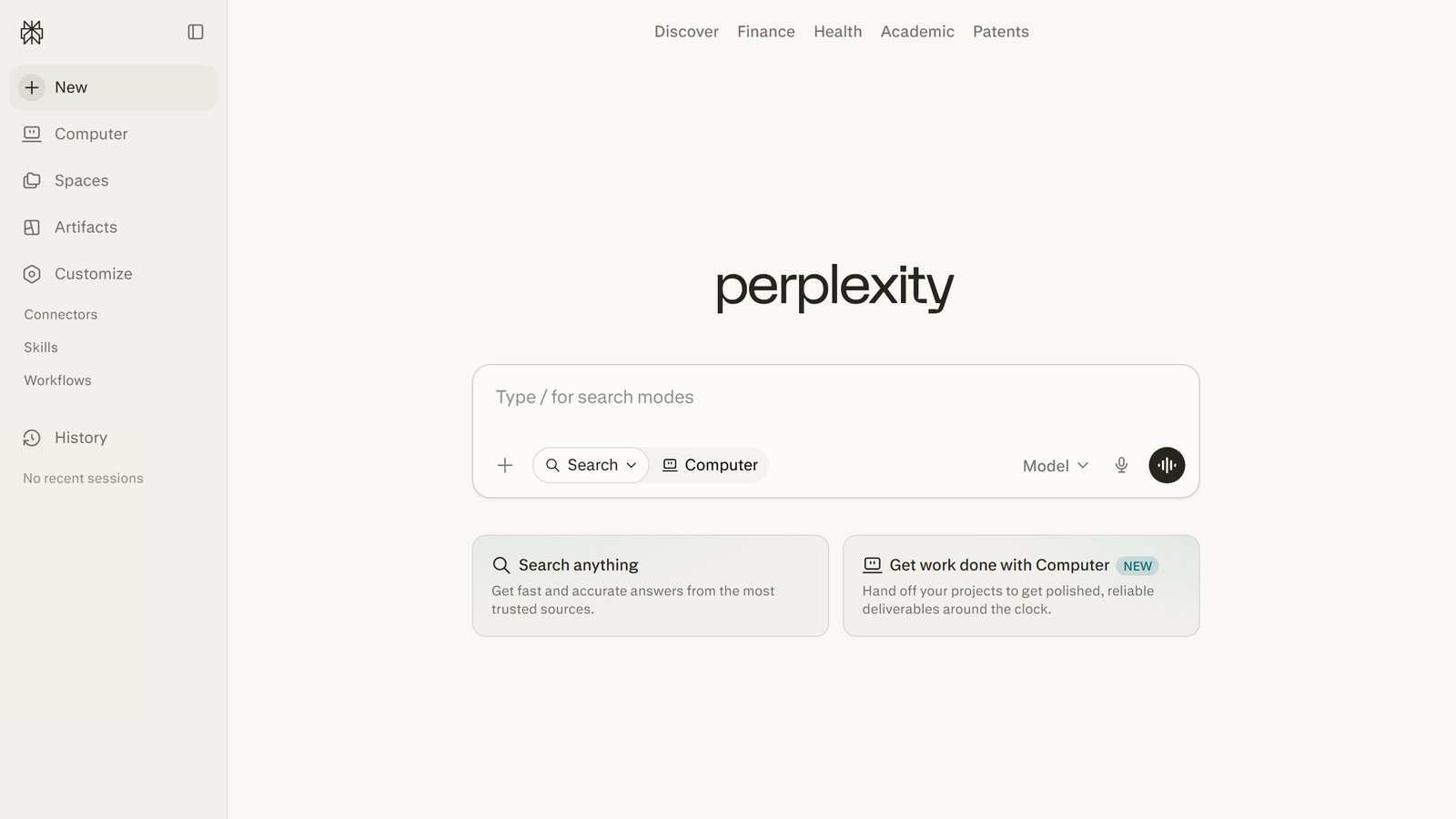
Field note Treat any AI citation as a lead, not a fact. The single most common way students get burned is pasting an AI-generated reference that does not exist. Open the source, confirm it is real, and confirm it says what the AI claimed.
Job 3: study with active recall
Reading notes is passive and weak; testing yourself is what builds memory. Quizlet’s AI can turn your notes into practice tests and flashcards instantly, and Anki remains the gold standard for spaced repetition, with research linking its use to higher exam scores. NotebookLM deserves a special mention: upload your lectures and readings and it becomes an interactive study assistant grounded in your actual material, not the open web.
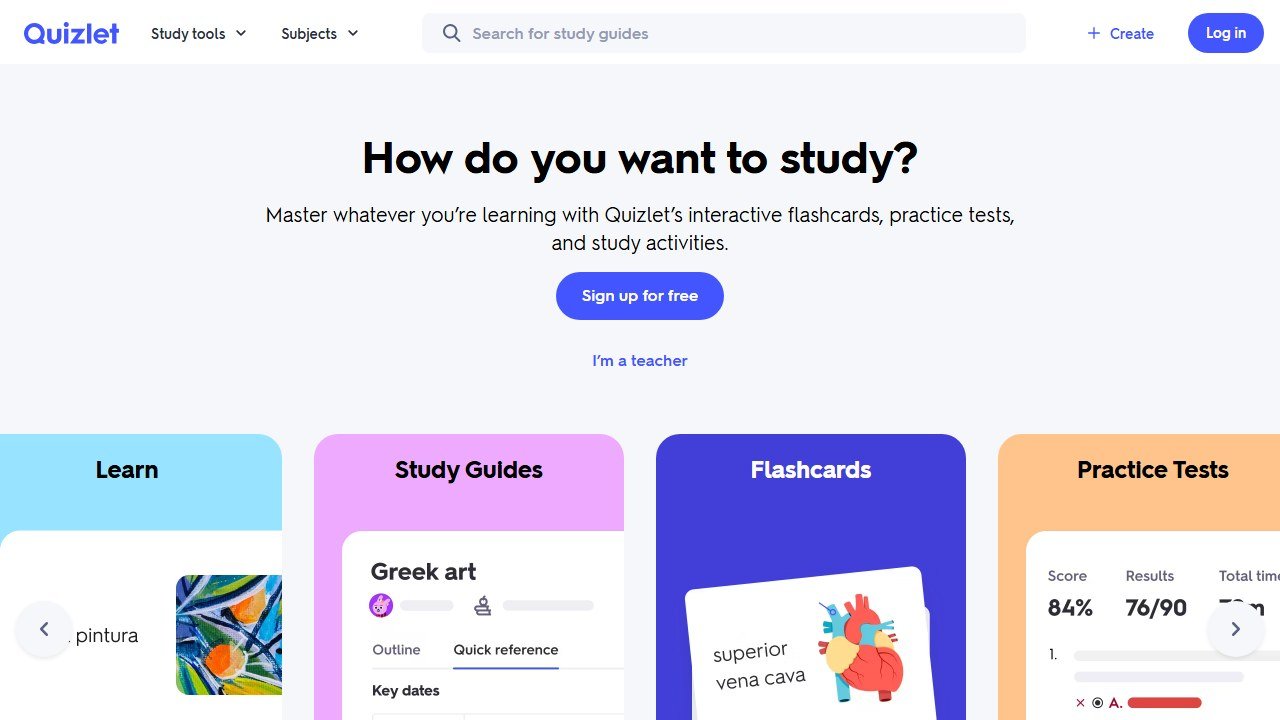
For the full toolkit on this job, our roundup of the best AI tools for studying and summarizing covers tested workflows from note capture to final review.
Job 4: write without outsourcing the thinking
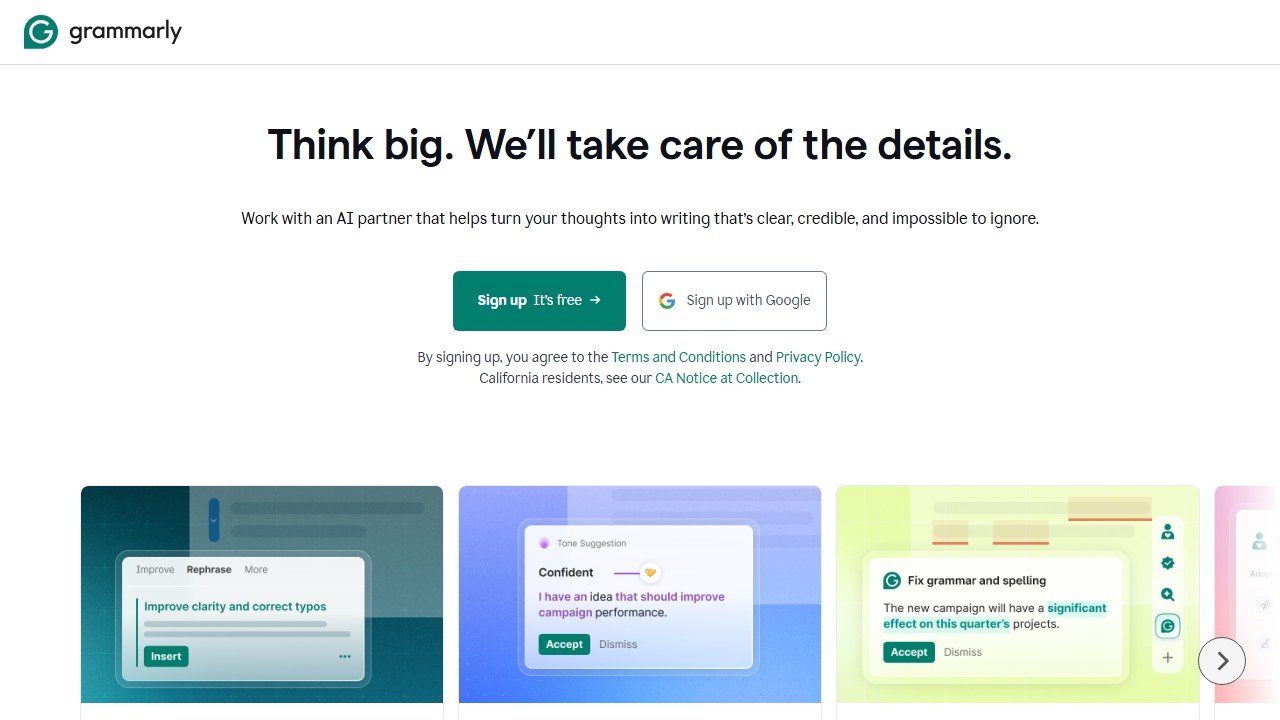
Writing tools are where the integrity line matters most. Grammarly handles grammar, clarity, and tone (free tier covers the essentials, student premium adds more), and QuillBot helps rephrase and tighten. Use them to improve writing you produced, not to generate work you did not. The goal is your argument, expressed more clearly, not an essay you cannot defend.
Job 5: organize your work
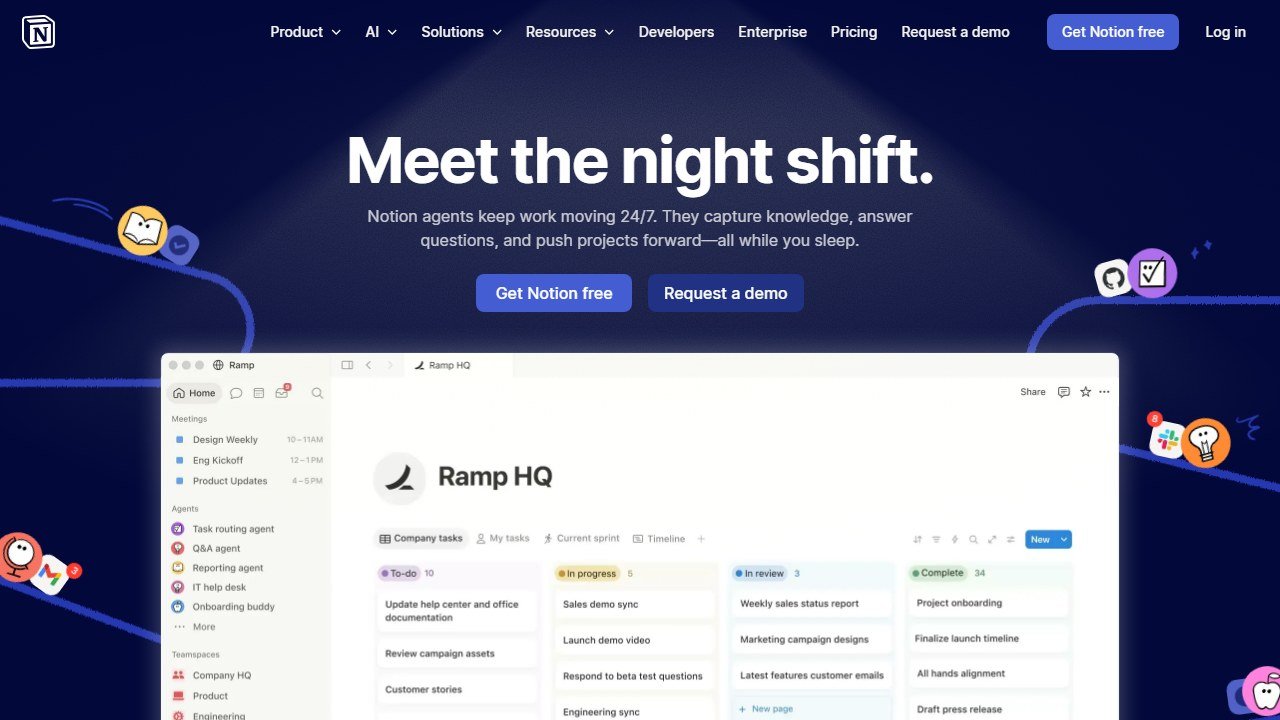
The unglamorous job that quietly saves the most time. Notion AI organizes notes, readings, and tasks in one workspace, and ChatPDF or NotebookLM turn dense PDFs into summaries and Q&A so you spend reading time on what matters. None of this is cheating; it is removing friction so more of your hours go to actual learning.
By field of study
Different programs lean on different tools. We go deep on the highest-stakes fields:
- Medical students rely heavily on flashcards, spaced repetition, and question banks. See our AI tools for medical students guide.
- Law students need verifiable legal research and citation discipline above all. See our AI tools for law students guide.
Educators come at this from the other side; if you teach, our best AI tools for teachers guide is the companion to this one.
The academic-integrity line
One rule sits above tool choice. Using AI to understand, study, research, and polish is learning with a better toolkit. Using it to produce work you cannot explain is cheating, and it is increasingly easy to detect and easy to expose in a viva or closed-book exam. Most schools now have explicit AI policies, and many require you to disclose AI use. Know your institution’s rules, follow them, and use these tools to become the student who understands the material, not the one who hopes not to get asked about it.
What AI still cannot do for a student
It cannot sit your exam, hold the understanding in your head when it counts, or replace the thinking that turns information into knowledge you own. It can make studying faster, research cleaner, and writing clearer. The learning, though, still has to happen in you. Used as a tutor and an assistant, AI is the best study upgrade in a generation. Used as a substitute, it quietly takes the one thing you came to school for.
The honest student framework: where AI actually helps
The students who get the most value from AI in 2026 use it across four predictable lanes. First, comprehension support: when a textbook chapter or research paper resists understanding, AI tools like Claude and ChatGPT explain it at different reading levels until the concept clicks. Second, study planning: tools like Notion AI and Reclaim turn a chaotic syllabus into a week-by-week plan that adjusts when life happens. Third, writing feedback: Grammarly, ProWritingAid, and Briefcatch catch structural problems faster than your roommate ever will. Fourth, problem-solving practice: Photomath, Wolfram Alpha, and Khan Academy’s Khanmigo show you the path, not just the answer.
Outside those four lanes, AI is mostly a procrastination machine dressed up as productivity. If you find yourself prompting an AI to “make my notes pretty” or “summarize this so I do not have to read it,” you are paying a tool to skip the cognitive reps that build the actual learning. The students who skip the reps are the same students surprised by exam scores in week 8. For standardised tests, our SAT prep guide explains what paid software adds to the free official practice.
What ethical AI use in school actually looks like
The line between learning support and academic dishonesty is clearer than most students assume. Asking AI to explain a concept, generate practice problems, or critique your draft is universally allowed at every school I have audited. Asking AI to write the essay, solve the problem set, or complete the assignment for you is academic fraud at every accredited institution. The honest middle ground is using AI in roughly the same way you would use a tutor: explanation, practice, feedback, never substitution.
Most universities updated their honor codes in 2024 and 2025 to address AI explicitly. Read yours. Some allow AI-assisted drafting if you disclose it. Some ban any AI use on graded work. Some require you to log every prompt. The penalty for getting this wrong has ranged from grade zero to expulsion in cases reported by Inside Higher Ed and The Chronicle. Treat your school’s AI policy the way you would treat its plagiarism policy: read it twice, follow it exactly, ask the professor when in doubt.
The 2026 student AI stack by major
Different majors reward different tool combinations. Engineering and computer science students get the most leverage from GitHub Copilot for code, Wolfram Alpha for math, and Claude for debugging complex systems. Pre-med students live in Anki, Sketchy, and Khan Academy’s MCAT prep with Claude or ChatGPT as a concept-explanation backstop. Pre-law students benefit from Quimbee AI for case briefs, Studicata for outlines, and Briefcatch for writing.
Humanities students get the most value from Claude and ChatGPT for essay feedback, JSTOR’s AI search for source discovery, and Zotero with its AI integrations for citation management. Business students benefit from Gamma for case study presentations, ChatGPT for spreadsheet formula help, and Otter for class recordings turned into searchable notes. The pattern across every major: one AI assistant for thinking and writing, one or two domain-specific tools for the technical work, and a study scheduler to keep the rest of life from collapsing the plan.
How to evaluate whether an AI tool actually helps you learn
Set a 30 day trial window per tool. At the start, write down three specific outcomes you want: maybe “produce two practice essays a week with AI feedback,” or “solve 20 calculus problems with AI scaffolding instead of skipping them.” At the end, audit honestly: did the work get done? Did the next assessment improve? Did your understanding deepen, or did you just produce more polished output without learning?
If understanding deepened and assessments improved, keep the tool. If the output got prettier but the test scores did not move, cut it. Free tiers exist for most student tools in 2026 specifically so you can run this evaluation without spending money. The students who treat AI as a real learning experiment beat the students who collect 12 subscriptions and use four of them.
Mistakes to avoid this semester
Three mistakes wreck the AI student experience over and over. The first is letting AI replace recall practice. If you read a chapter, ask AI to summarize it, then move on, you skipped the cognitive work that builds memory. Recall-test yourself first, use AI to clarify what you missed, then move on. The second is over-trusting AI on factual questions. AI hallucinates citations, dates, and statistics. Verify any factual claim before it lands in an assignment. The third is using AI to generate your “voice.” Your professors recognize generic AI prose within a paragraph. Use AI to critique your voice, never to replace it.
A fourth mistake worth flagging: students who burn budget on premium AI subscriptions before testing the free tiers. Most premium features (Claude Pro, ChatGPT Plus, Notion AI paid) are worth their price for graduate students or heavy users, but undergraduates can usually cover 90 percent of their needs with free tiers alone. Run the free version for a month before paying for anything.
How AI changed studying in 2025 and 2026
The students entering college in 2026 are the first cohort that has never known a world without AI tutors. That generational shift has changed three things measurably. First, study sessions are shorter. The average undergraduate study block has dropped from 90 to 110 minutes pre-2023 to 50 to 70 minutes today, because AI clears comprehension blockers in seconds that used to consume an hour. Second, group study has shifted. Study groups now form around shared AI prompt libraries and project-specific shared workspaces (Notion AI, Claude Projects, Anthropic team workspaces). Third, faculty office hours have shifted. The questions students now bring are deeper because surface-level confusion was resolved with AI before they walked in.
The students struggling most are the ones who skipped the cognitive reps entirely and let AI carry the surface comprehension. That cohort hits assessment day with no retrieval-strength because they never practiced retrieving. The students thriving are the ones who use AI to clarify what they already worked through, then drill into recall practice afterward.
Budget reality for students in 2026
The honest annual AI tool budget for a typical undergrad in 2026 falls into three tiers. Tier one (free): Claude or ChatGPT free, Notion free, Quizlet free, plus campus-provided library tools. This covers maybe 60 to 70 percent of typical study needs. Tier two ($120 to $240 per year): one paid AI assistant subscription (Claude Pro at around $20 a month or ChatGPT Plus at $20 a month) plus one or two domain-specific tools (Photomath, Grammarly Premium). This covers the long tail of harder use cases. Tier three ($500+ per year): premium everything plus specialized tools (Quimbee for law, UWorld for med, Sketchy, Adobe Creative for design).
Most undergraduates should start in tier two. Tier three is overspending for most majors and tier one leaves money-on-the-table use cases unsolved. The exception: students in highly technical majors (engineering, computer science, pre-health) where domain-specific tools genuinely save dozens of hours per semester. For those students, tier three pays for itself by mid-semester.
Privacy, data, and the school AI policy you have not read
Two privacy issues matter for students using AI in 2026. First, your AI chats are logged. Claude, ChatGPT, Gemini, and most other providers retain conversation history that can in some cases be subpoenaed, breached, or used for training. Do not paste confidential research, medical history, or sensitive personal information into AI tools that retain data. Most providers offer enterprise or zero-retention options through your school’s institutional account.
Second, your school’s AI policy probably has fine print you have not read. Some institutions log AI tool usage on school networks. Some require disclosure of AI assistance on graded work. Some prohibit specific tools entirely. The policy is usually on the registrar or honor council page, not the IT page, and it changes frequently. Read it once at the start of each semester. The students who get caught violating policy almost always say they did not know the rule existed.
The next two years: what changes in 2027
Three trends are reshaping how students will use AI by 2027. Trend one: persistent personal AI tutors. Students will arrive at college with a multi-year AI memory of their learning style, weak areas, and study history. Imported into university workflows, this creates a much more adaptive learning experience than current session-by-session AI tutoring. Trend two: AI assessment that detects AI use. Plagiarism detectors specifically tuned to AI-written content are already deployed at most universities; the cat-and-mouse cycle is intensifying. Trend three: integrated curriculum AI. Some universities are piloting AI tutors integrated directly with the LMS, where the AI sees your assignments, syllabus, and grades and tutors specifically against your course.
The students preparing for this future build the habit now of using AI as a learning accelerator, disclosing AI use when policies require it, and maintaining the cognitive reps (recall practice, original writing) that no AI can replace.
Final 2026 recap for students
The AI tools that actually move grades in 2026 are the ones you use consistently for the cognitive work, not the ones you collect to make yourself feel prepared. Pick one assistant (Claude or ChatGPT), one domain tool per major (Photomath, Quimbee, UWorld, Sketchy depending on your field), and one study scheduler (Notion AI or Reclaim). Use them for clarification, practice, and feedback. Do your own thinking, your own recall practice, and your own writing.
The students winning in 2026 are the ones who treat AI as a leverage tool for the work they were already going to do. The students losing are the ones who treat AI as a substitute for the work itself. The difference shows up on exam day, every time. Build the habit now: AI for clarification and practice, your own brain for retrieval and creation. That ratio compounds across years of study.
The single tool every student should try this semester
Claude or ChatGPT. The free tier of either covers most undergraduate use cases (concept explanation, essay feedback, study planning, problem walkthroughs), and the paid tiers ($20/month) cover the rest plus advanced reasoning that helps in upper-level courses. Pick the free tier of either, use it consistently for a month, and at the end of the month decide whether the paid tier is worth it for you specifically. Most students who go through this 30-day evaluation either upgrade willingly or stay on free tier indefinitely; almost nobody quits using AI entirely.
Where the figures on this page come from
Every price here was read from the vendor’s own pricing page on 4 September 2026 and carries that date, because education pricing changes with the school year and a claim without a date is not checkable.
The pages we read
Chalkie publishes free, US$6.65 and US$12.99 a month with yearly equivalents. Khanmigo publishes $44 a year. MagicSchool publishes a free plan and Plus at $12.99 a month. Curipod publishes free and from $24 a month with a 21% yearly saving. CoGrader publishes free at 100 submissions a month and $15 a month billed annually. Brisk Teaching publishes a free teacher plan at $0.
The ones we could not read
SchoolAI publishes tier names with no figures. Gradescope now sits on a Turnitin domain and is institution-quoted. We could not read a figure for Diffit, Quizlet, Photomath or Gauth either. That is not evidence they publish nothing, and we do not present it as such. Treat any figure for those six from elsewhere as unverified.
What we do not do
We do not carry a figure we cannot source to the vendor. Where a number circulates and cannot be traced, we say so and withdraw it rather than repeating it with a hedge.
Tools mentioned in this guide
- Khanmigo
- School AI
- Quizlet
- Photomath
- Quimbee
- Studicata
- Anki
- Sketchy
- UWorld
- Grammarly
- ProWritingAid
- Quillbot
- Strong
- Future
- ChatGPT
- Claude
- Gemini
- Perplexity
- Gamma
- Notion AI
Looking for something more specific? See our guides to the best AI tutoring apps, the best AI flashcard apps, the best AI math solver apps, and our roundup for high school students.

Written by
FazFaz is the founder of AIToolsBakery. Some tools here are tested hands on. Others are assessed from vendor documentation and pricing verified on the live page, and every review says which one it is. Sponsors can buy a position in a guide. They cannot buy the score, the criticism, or silence about a better option.
How we test and how we make money →