Quick answer: For academic writing, Elicit leads for literature search and evidence synthesis, paired with a general model like Claude or ChatGPT for drafting and a dedicated citation tool for accuracy. Use them to buy back time, then spend it thinking harder, and never let AI invent sources.
8 Best AI Tools for Academic Writing and Thesis Research in 2026
The right AI does not write your thesis. It clears the busywork so you can think. The hard part of graduate research was never typing, it was reading 200 papers, tracking every citation, and turning a tangle of notes into an argument that survives peer review.
In 2026 the tooling has split into clear lanes. Some tools search and synthesize the literature. Some manage references. Some help you draft and rephrase. Some polish your final manuscript for a journal. No single app does all four well, and the marketing that claims otherwise usually does each part badly.
This guide covers eight tools we keep recommending, grouped by the job they actually do. We are honest about pricing, about the one place each tool fails, and about the integrity line you should not cross. These tools assist scholarship. They do not replace it, and pretending they can is how careers end.
A blunt word on academic integrity
Before the picks, the warning. Citation fabrication is the single biggest failure mode of AI in academic writing. Tools that generate references from a language model rather than retrieving them from a real paper database will invent plausible-looking sources that do not exist. Reviewers catch this. Supervisors catch this. Plagiarism software catches paraphrase-laundering.
Three rules keep you safe. First, only trust citations that come from a real indexed corpus, then open and read the source yourself. Second, never paste AI prose into your thesis as your own argument, use it to draft then rewrite in your voice. Third, disclose your AI use per your institution’s policy. Surveys in 2026 show only 28 percent of researchers feel very comfortable disclosing AI use, which tells you the norms are still forming. Get ahead of them.
With that settled, here are the picks. If you are earlier in your studies, our broader roundup of the best AI tools for students covers note-taking and study apps too.
Literature search and evidence synthesis
This is where AI earns its keep. Reading is the bottleneck of any thesis, and these four tools attack it differently.
Elicit
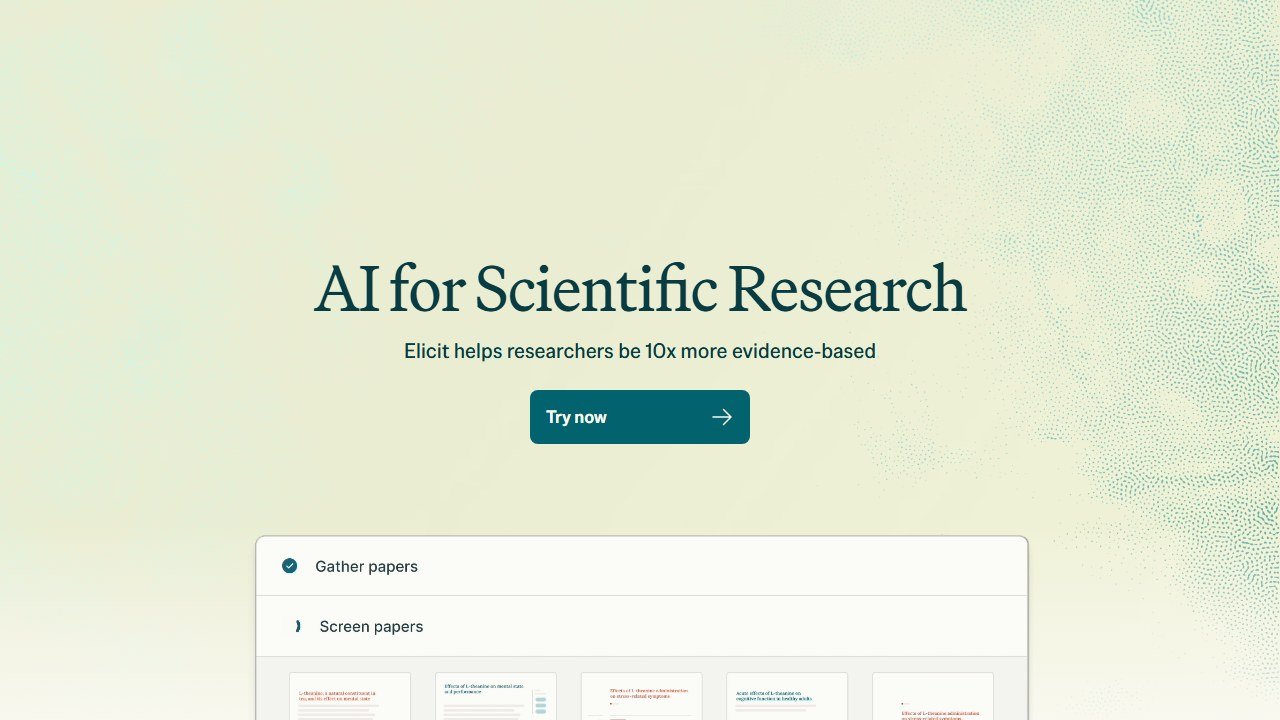
Elicit turns a research question into a structured evidence table. Ask it something specific, and it pulls relevant papers from a large academic corpus, then extracts findings, sample sizes, methods, and outcomes into columns you can scan in minutes instead of days.
Verdict: The strongest tool for systematic and semi-systematic review workflows, where structured screening across dozens of papers matters more than freeform answers.
Who it is for: PhD students and researchers running literature reviews, meta-analyses, or any project where you need to compare findings across many studies in a defensible, repeatable way.
Pricing reality: A usable free plan exists. Plus runs around 12 dollars per month, and the Pro tier with full systematic review features sits near 49 dollars per month. The jump to Pro is steep but cheaper than the weeks it saves.
One honest limitation: Coverage skews heavily toward empirical and biomedical literature. Humanities, law, and theory-heavy fields get thinner, less reliable extraction.
Consensus
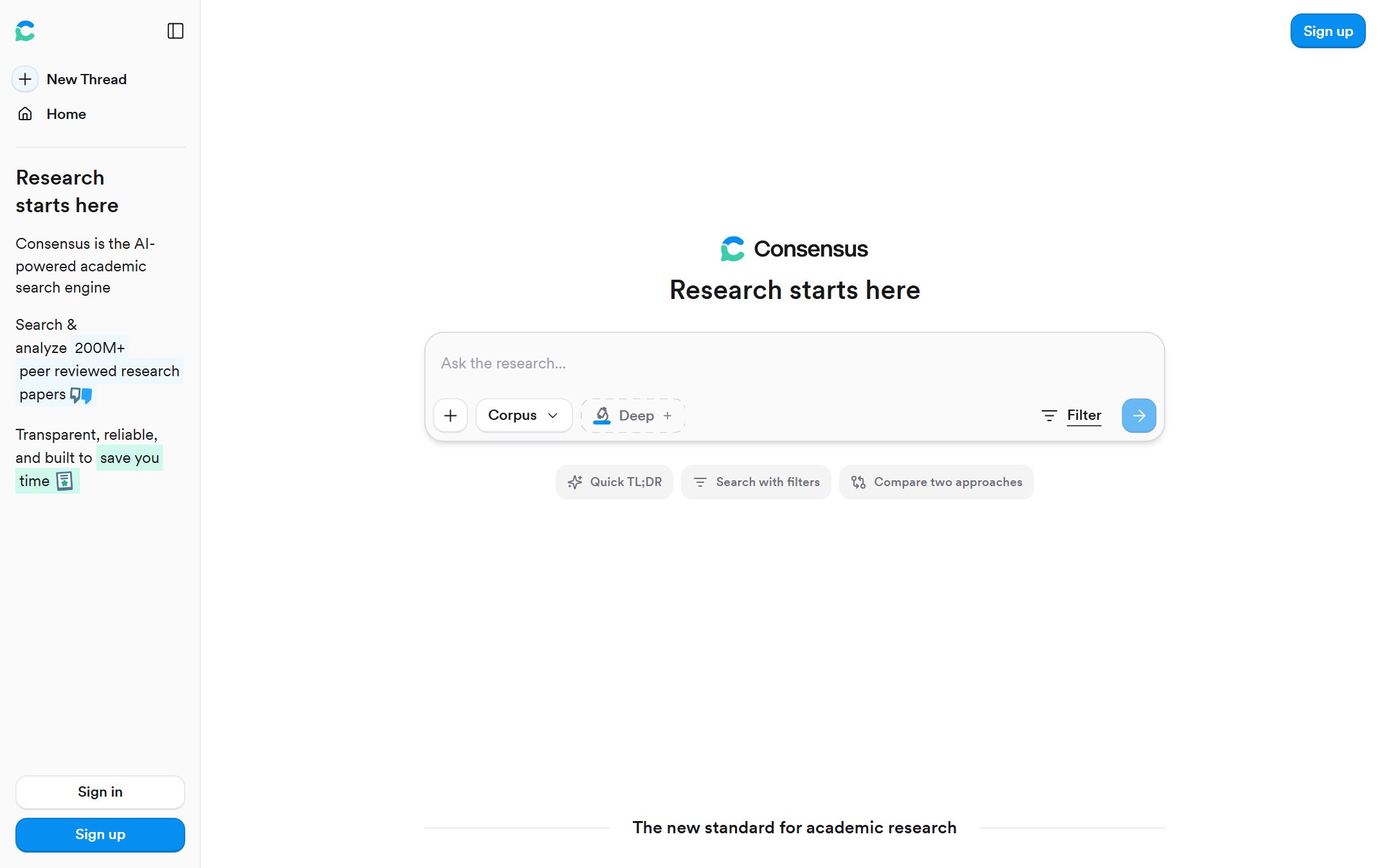
Consensus is an AI search engine built on more than 200 million peer-reviewed papers. You ask a yes-or-no or comparative question, and it answers with a synthesized summary plus a consensus meter showing how much the literature agrees, every claim linked to a real study.
Verdict: The fastest way to gauge where the evidence stands on a question before you commit to a deep dive.
Who it is for: Researchers scoping a topic, clinicians and students who need an evidence-grounded answer quickly, and anyone tired of wading through abstracts to find consensus.
Pricing reality: Free tier with limits. Pro starts around 15 dollars per month and unlocks unlimited searches and the better synthesis features.
One honest limitation: The consensus meter flattens nuance. A clean agreement bar can hide methodological flaws across studies, so you still have to read the papers before you cite them.
Scite
Scite does one thing no other tool here matches: it tells you how a paper was cited later. For any study, it shows whether subsequent work supported, mentioned, or contrasted its findings, so you can spot a retracted or disputed source before you build an argument on it.
Verdict: The citation-intelligence layer your bibliography needs. Indispensable for vetting the credibility of sources you plan to lean on.
Who it is for: Anyone writing a literature review who wants to avoid citing discredited work, and reviewers checking whether claims hold up across the field.
Pricing reality: Free and paid options, with paid plans starting around 12 dollars per month for full smart-citation access.
One honest limitation: It evaluates how a paper is cited, not whether the original conclusion was correct. A widely supported paper can still be wrong, so treat the signal as one input, not a verdict.
SciSpace
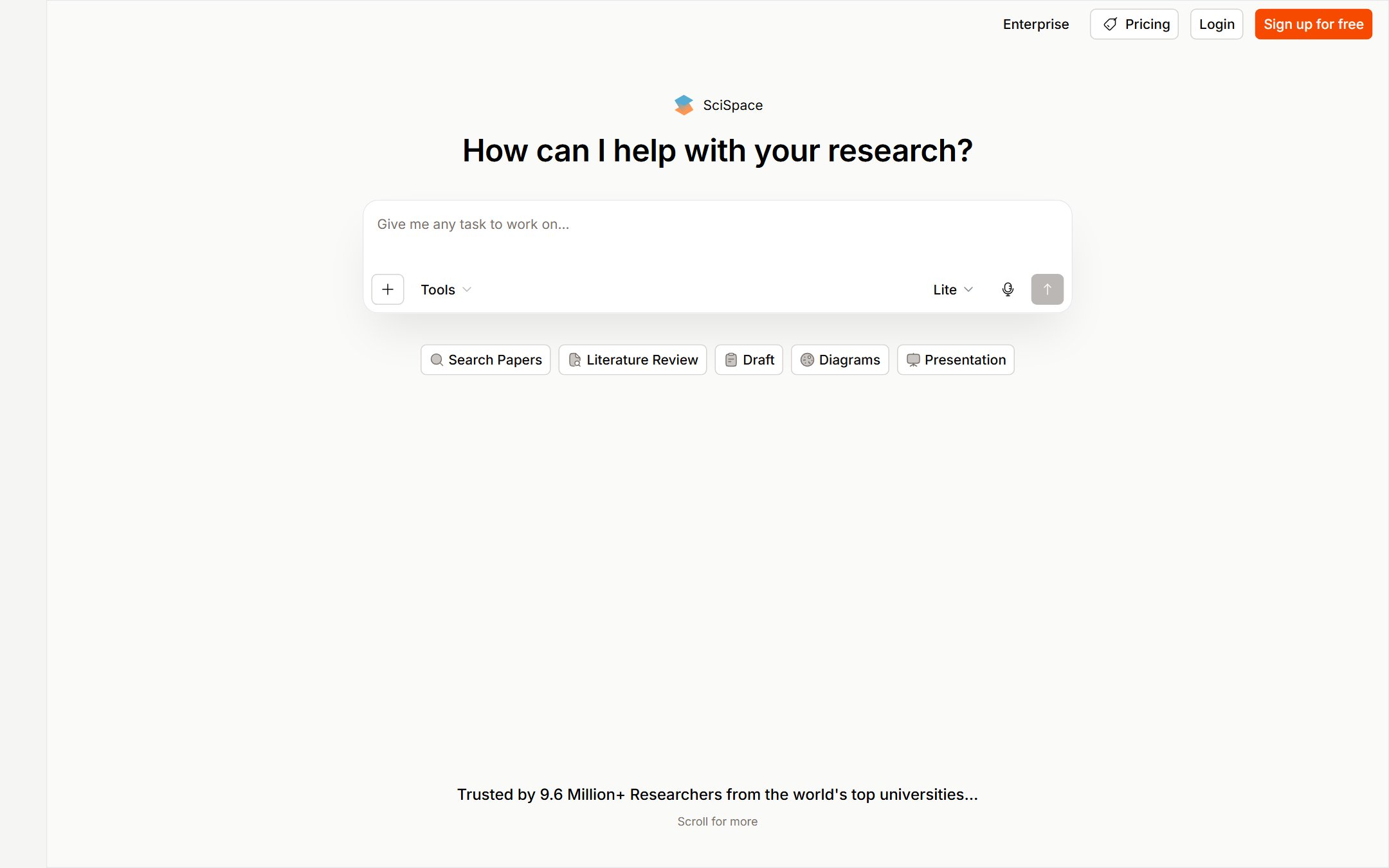
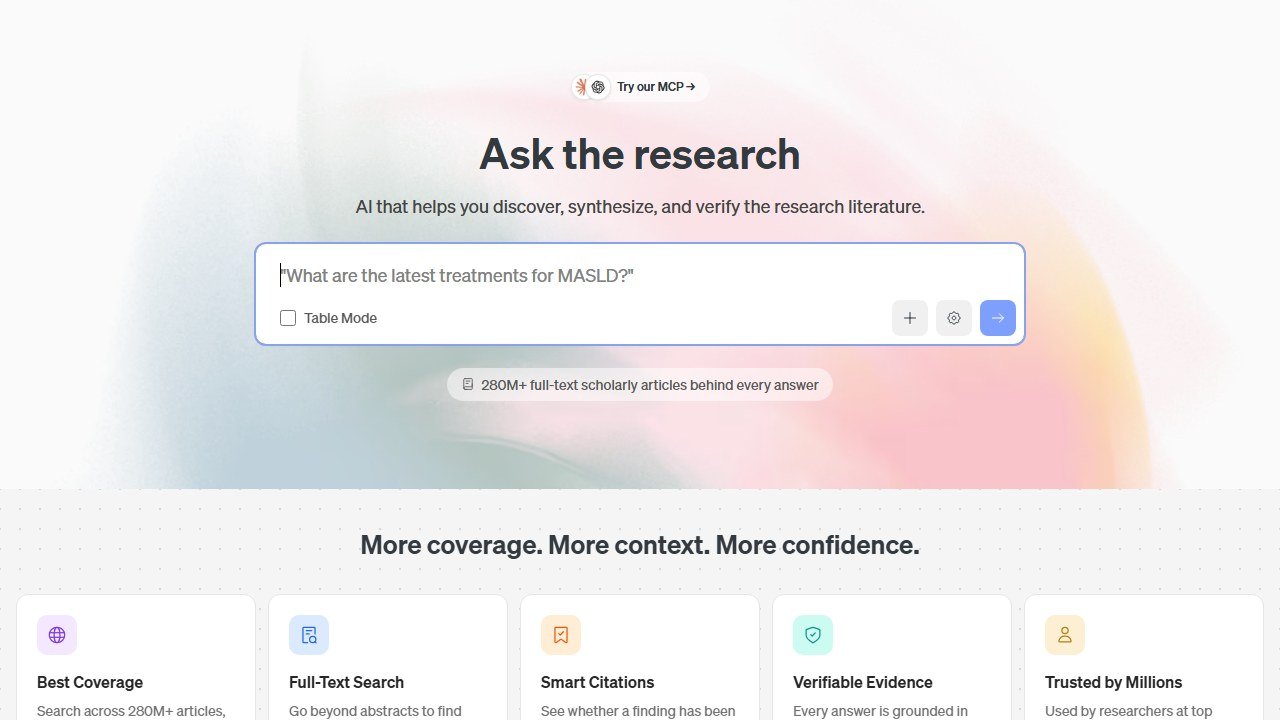
SciSpace is the closest thing to an end-to-end research platform on this list. It pairs a 280-million-plus paper database with AI search, a “chat with PDF” reader that explains dense passages, structured data extraction, and a built-in writer.
Verdict: The best pick for broad exploratory research, especially when you want discovery, reading help, and drafting under one roof.
Who it is for: Researchers who want a single workspace to find papers, understand them, and start writing, rather than juggling four separate tabs.
Pricing reality: Free plan available. Paid plans start around 12 dollars per month.
One honest limitation: Doing many jobs means no single one is best in class. For rigorous systematic screening, a focused tool like Elicit is sharper.
Scholarcy
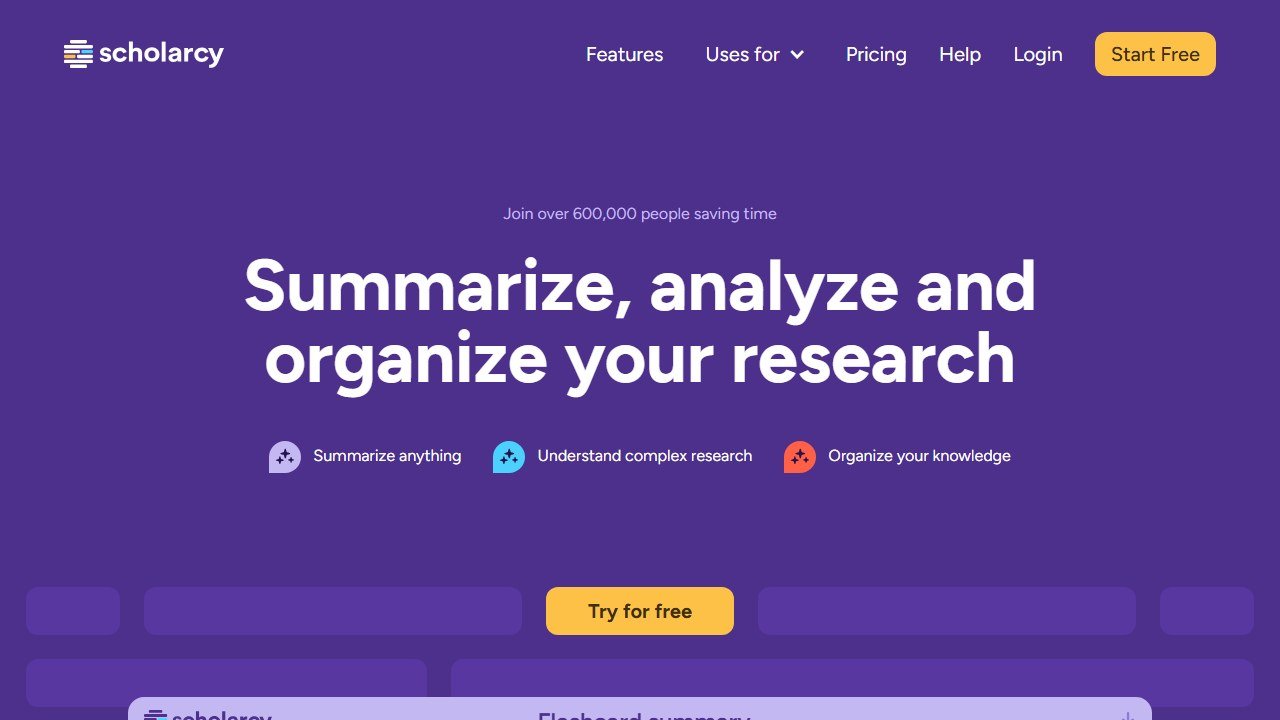
Scholarcy reads a paper and hands you a summary flashcard: the key claims, the figures that matter, the methods, and a clean extracted reference list. It is the triage tool for a reading pile you will never finish at full length.
Verdict: The most useful tool for deciding fast which papers deserve a full read and which you can summarize and move past.
Who it is for: Students and researchers buried under PDFs who need to extract the gist of 30 papers in an afternoon without losing the citations.
Pricing reality: A limited free browser extension exists. The full library subscription runs roughly 10 dollars per month billed annually.
One honest limitation: Summaries are a starting point, not a substitute for reading. For anything you intend to cite directly, you still need the original in front of you.
Citation and reference management
Synthesis is half the battle. The other half is never losing a source and formatting 80 references without going insane.
Zotero with AI
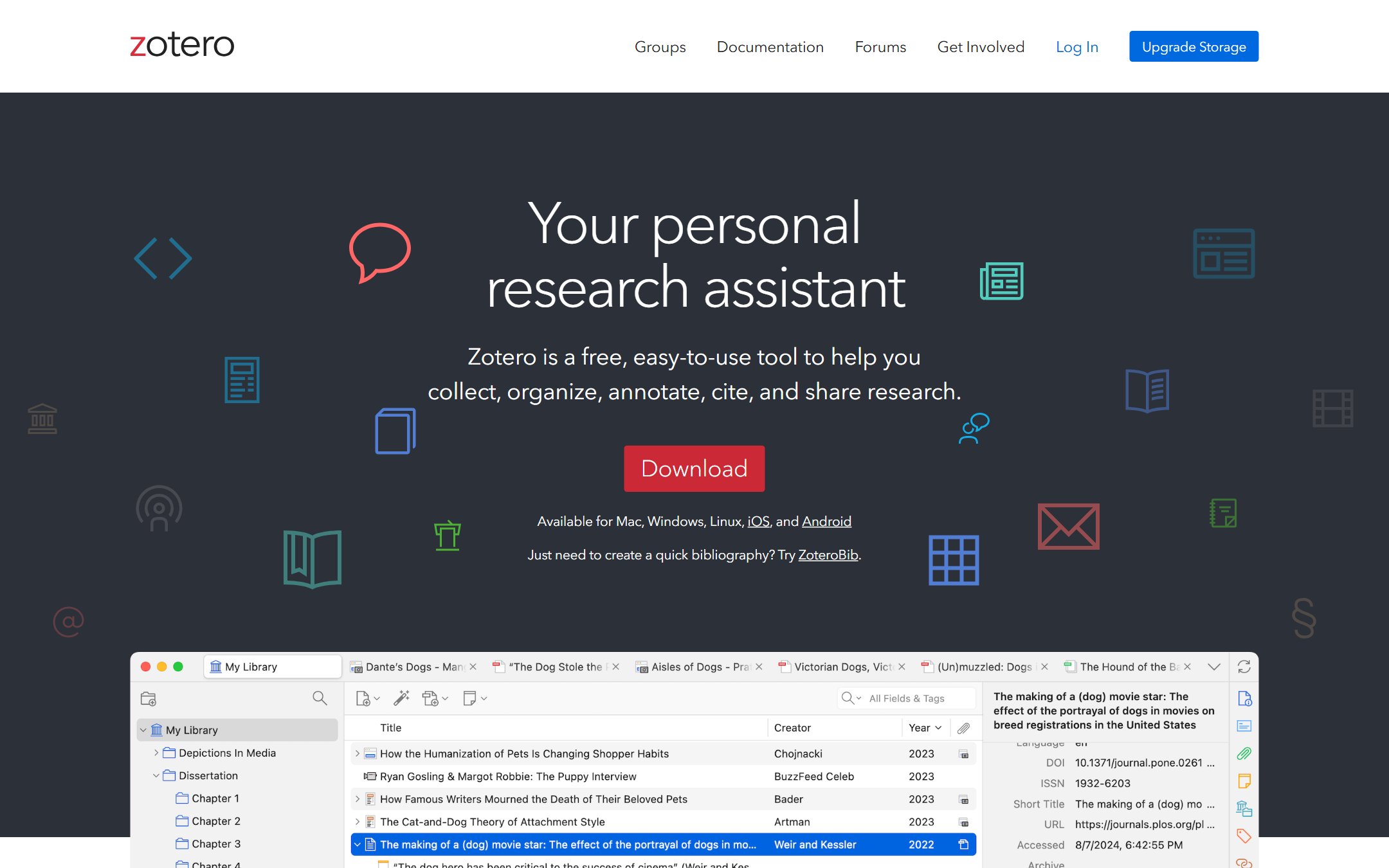
Zotero remains the reference manager serious researchers trust, and it is free and open source. Recent AI-assisted additions, through built-in features and a healthy plugin ecosystem, now pull metadata cleanly, suggest tags, and help organize large libraries that used to need manual curation.
Verdict: The reference manager to build your thesis on. Free, durable, integration-friendly, and not trying to upsell you.
Who it is for: Every graduate researcher, full stop, especially anyone who distrusts subscription lock-in and wants their library to outlive any one app.
Pricing reality: The software is free. You pay only for extra cloud storage above the generous free quota, and even that is cheap.
One honest limitation: The AI features are bolt-ons, not a polished native experience. Expect to install plugins and tinker, and expect the cleverer automation to be hit or miss.
Drafting and paraphrasing
This is the lane where integrity risk is highest. Used well, these tools beat the blank page. Used lazily, they get you flagged.
Jenni AI
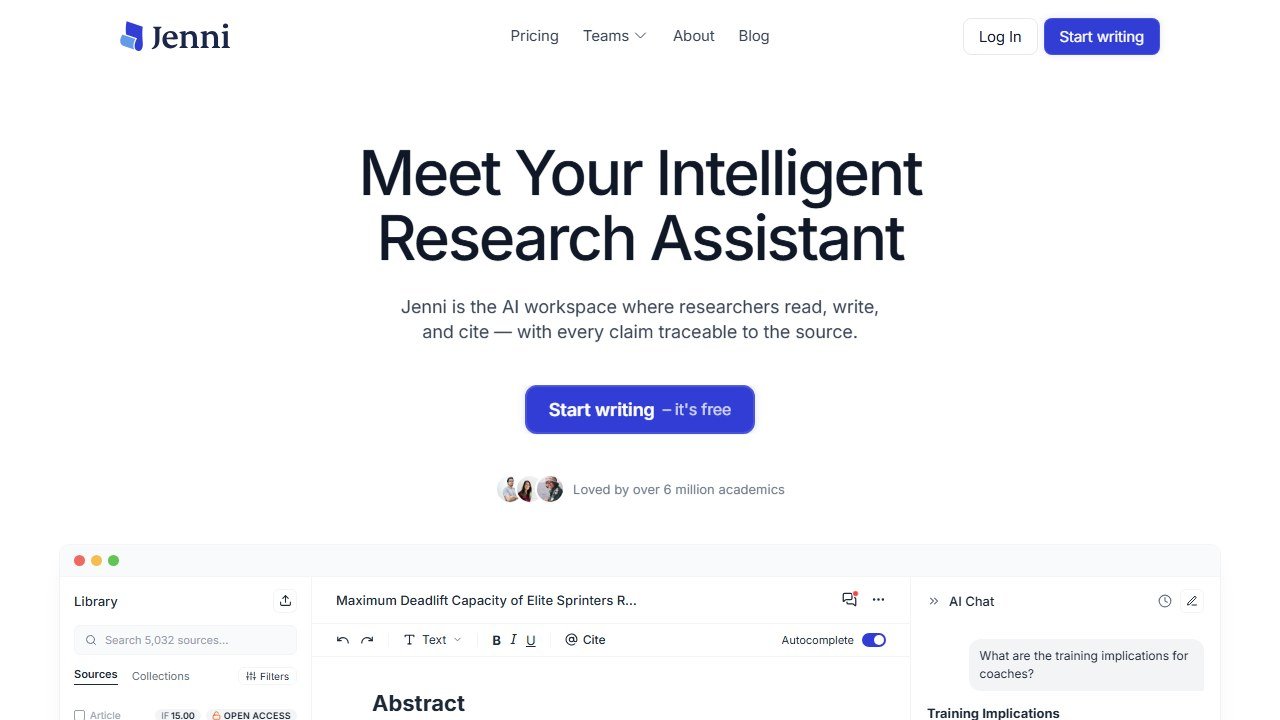
Jenni AI is an academic writing assistant with autocomplete, paraphrasing, and in-editor citation insertion. It is built to keep you moving past the blank page and into a first draft.
Verdict: Genuinely useful for breaking writer’s block and structuring early drafts, but it demands close supervision.
Who it is for: Writers who freeze at a blank page and want momentum, provided they treat every output as a draft to rewrite, not text to keep.
Pricing reality: Free tier with a daily word cap. Unlimited plans run roughly 20 dollars per month or less when billed annually.
One honest limitation: In testing, Jenni‘s paraphrasing has silently removed manually inserted citations and made unrequested changes. That is a real integrity hazard. Check every edit, and never trust it to preserve your references.
Polishing and submission
You have the argument and the sources. Now make the prose journal-ready without changing your meaning.
Paperpal
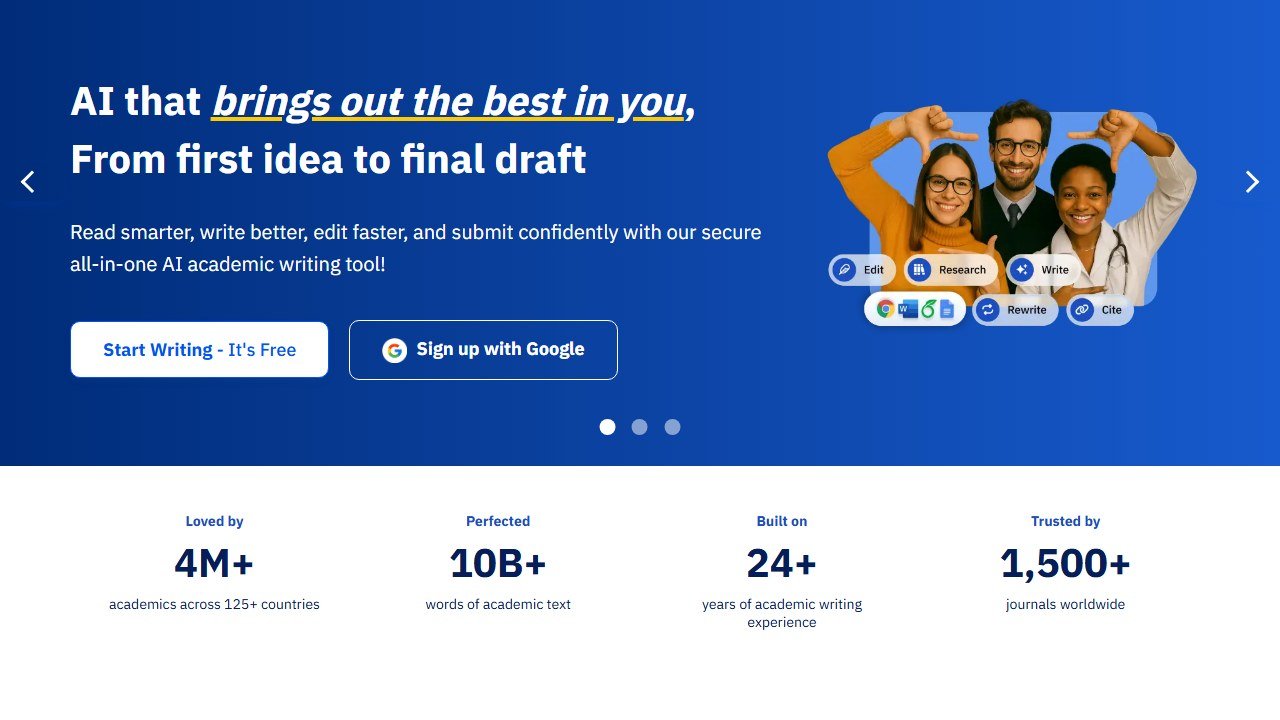
Paperpal is a late-stage editing and manuscript-polishing tool aimed squarely at academic writing and journal submission. It catches the grammar, register, and consistency issues that trip up non-native English speakers, and it surfaces submission-compliance checks. Crucially, it presents edits as tracked changes you approve, which keeps you in control.
Verdict: The best tool for the final polish before submission, and the most integrity-conscious option here thanks to its transparent, approve-each-change model.
Who it is for: Researchers preparing a manuscript for a journal, and especially non-native English speakers who want publisher-grade language without losing their own voice.
Pricing reality: Free tier with limited monthly suggestions. Paid plans start around 12 dollars per month.
One honest limitation: It is a polishing tool, not a research or drafting engine. Bring it a finished argument; it will not build one for you.
If your polish needs lean more toward long-form clarity and reporting, our ProWritingAid review covers a strong general-purpose alternative.
How to build a workflow that holds up
The pattern that works: search and synthesize with Elicit, Consensus, Scite, or SciSpace, then triage your reading with Scholarcy, store every source in Zotero, draft with Jenni only as a momentum tool you rewrite, and polish with Paperpal before submission. No single app owns the pipeline, and that is fine.
Two habits matter more than any tool. Read the sources you cite, all the way through. And keep your own thinking at the center, because the argument is the one thing AI genuinely cannot do for you. If your field is specialized, our guides on AI tools for medical writing and AI tools for law students go deeper into discipline-specific needs.
Use these tools to buy back your time, then spend that time thinking harder. That is the only edge that survives peer review.
Academic writing: what these tools can safely do, and where the line is
Academic use is the highest-stakes application in this category and the one where a wrong answer costs the most. Here is a practical read on where ai for academic writing and its alternatives fit.
What the academic-facing tools price and meter
Jenni AI publishes Free at $0 a month with 10 AI autocompletes and 10 PDF uploads a day, Plus at $12 a month with 5,000 autocompletes, unlimited PDF uploads, 500 AI edits and 500 AI chats a month, and Pro at $29 with unlimited autocompletes. It states on the page that prices are in USD with local currency available in the app. The free tier includes citation styles and unlimited citations, which is more generous than the category norm.
Citation generation is the feature that needs checking, every time
A language model can produce a reference that is correctly formatted, plausibly titled, attributed to real authors who work in the field, and does not exist. This failure is well documented and it is the specific thing that ends careers. Every reference a tool generates must be opened and read before it goes in a bibliography. A tool that pulls citations from an uploaded PDF you already have is materially safer than one generating them from a prompt, which is why the PDF upload limit on the free tier is worth more attention than the autocomplete count.
The line most institutions actually draw
In practice the distinction is between assistance with expression and substitution for thought. Editing your own argument for clarity, checking grammar, reformatting citations and summarising a paper you have read are generally accepted. Generating an argument you have not made, a literature review you have not read, or an analysis you cannot explain is not. The reliable test is whether you could defend every sentence in a viva without the tool present.
Say what you used
Disclosure requirements vary by institution, journal and even by supervisor, and they change faster than the guidance documents do. Read your own institution’s current policy rather than a general summary, including this one, and when it is ambiguous, ask and keep the answer in writing. The cost of asking is a short email. The cost of assuming is your degree.
One practical safeguard
Keep the machine draft and your edited version as separate files. If a question is ever raised, being able to show what the tool produced and what you changed is a far better position than reconstructing it afterwards, and it takes no effort at the time.
Credits, words and articles: the meter decides your bill, not the tier
Almost every tool here charges a monthly subscription, and almost none of them charge for the same unit. That is the reason two people with the same plan report wildly different costs. Here is how each meter behaves, checked on 5 September 2026, and how it compares to ai for academic writing.
Credits per month, which are not words
Sudowrite publishes $10, $22 and $44 a month with 225,000, 450,000 and 2,000,000 credits a month, and says unused credits roll over for twelve months. Worth flagging: its middle card displayed two credit figures at once, 1,000,000 and 450,000, which is a promotional allowance shown against a base. Confirm which applies at checkout. NetusAI publishes $0, $14, $30, $59 and $99 a month for 50, 1,500, 10,000, 40,000 and 100,000 credits respectively, or $97, $215, $419 and $710 a year, which it displays as $8.08, $17.91, $34.91 and $59.16 a month.
Why rollover changes the maths more than the rate
Writing is bursty. You draft nothing for three weeks and then produce forty thousand words in four days. A plan that expires unused credits every month prices you for your peak while charging you all year; a plan that rolls them over prices you for your average. Sudowrite’s twelve month rollover is worth more than a small difference in headline rate to anyone whose output is uneven, which is most people who write.
Workflow credits are a third unit again
Copy.ai meters workflow credits at the business tiers, 20,000 a month at $1,000, 45,000 at $2,000 and 75,000 at $3,000, alongside unlimited words in chat. That distinction matters: unlimited chat and metered workflows means the cost lands on automation rather than on writing. If your use case is a person typing, that plan is mispriced for you. If it is a pipeline running unattended, the credit number is the only figure on the page that matters.
The one meter you can budget against directly
SEOWriting AI prices per article, up to 50, 250, 500 and 1,000 a year at its four tiers. That is the only unit in this category that maps onto a plan you would actually write down, and it lets you calculate a true cost per piece before you buy. Everything else requires you to estimate a conversion between the vendor’s unit and your work.
The question to ask before subscribing
Ask what happens when you run out mid-month. Some vendors throttle, some stop, some sell a top-up, and some quietly degrade to a smaller model. That answer, not the headline rate, determines what the tool costs you on the week you actually need it.

Written by
FazFaz is the founder of AIToolsBakery. Some tools here are tested hands on. Others are assessed from vendor documentation and pricing verified on the live page, and every review says which one it is. Sponsors can buy a position in a guide. They cannot buy the score, the criticism, or silence about a better option.
How we test and how we make money →