Law school rewards two things AI can genuinely help with, fast research and clear writing, and punishes one thing AI is dangerously bad at: inventing case law that sounds real. The best AI tools for law students are the ones that respect that line, plus the discipline to verify everything.
Faz says: There is one rule that matters more than any tool choice in law school: a general AI will invent case citations that look perfectly real, and lawyers have been sanctioned for filing them. As a student, that habit will sink you in a memo or a moot. So the right stack is purpose-built legal AI for anything that touches authority, general AI only for explanation and drafting, and your own eyes on every citation before it leaves your screen. Get that discipline early and AI is a huge advantage.
Saru says: Tools selected from official documentation, free-tier and school-access checking, and aggregated student feedback, current to 2026. Most law schools provide free LexisNexis access. Verify all citations independently, and follow your school’s AI policy, including disclosure where required.
The law student AI stack at a glance
| For… | Use | Why |
|---|---|---|
| Legal research | Lexis+ AI | Validated, often free via your school |
| Affordable research + templates | LegesGPT | Student-priced, broad case and statute base |
| Contract and document review | Spellbook | Lives in Word, built for legal drafting |
| Writing and citation checks | Claude for Word | Tracked edits, citation verification |
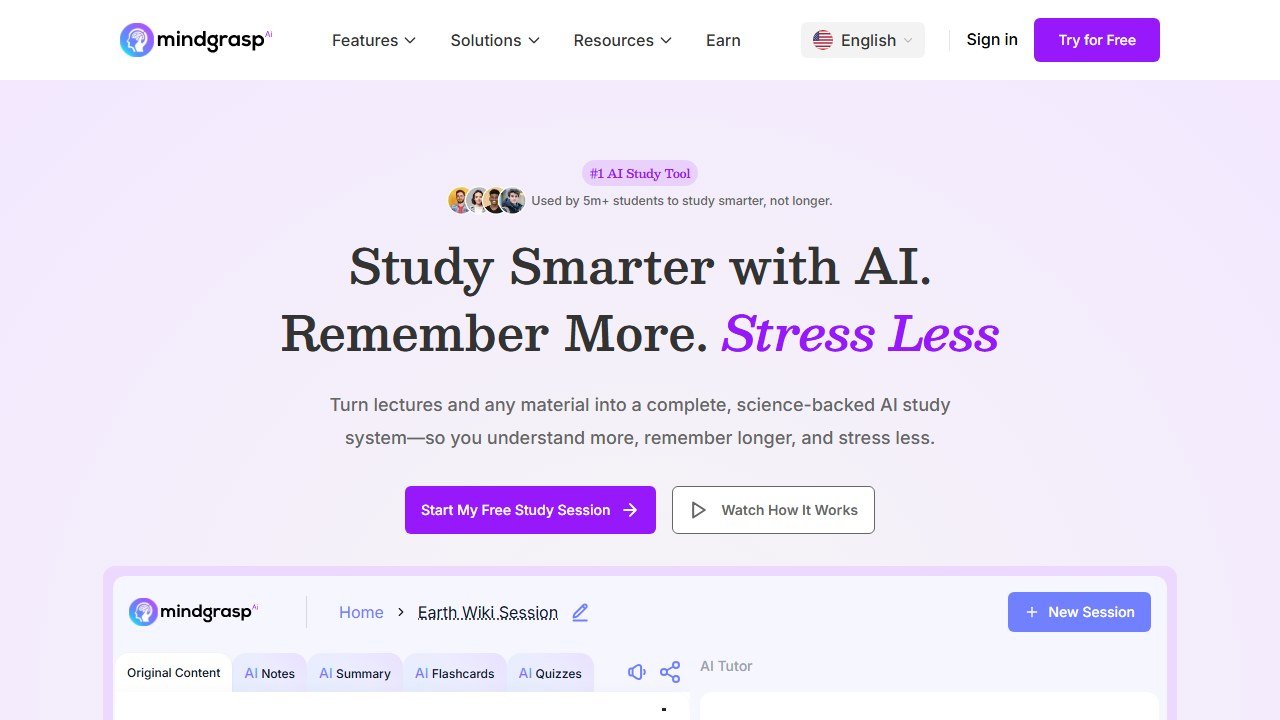
| Study from case readings | Mindgrasp | Summaries, flashcards, quizzes from materials |
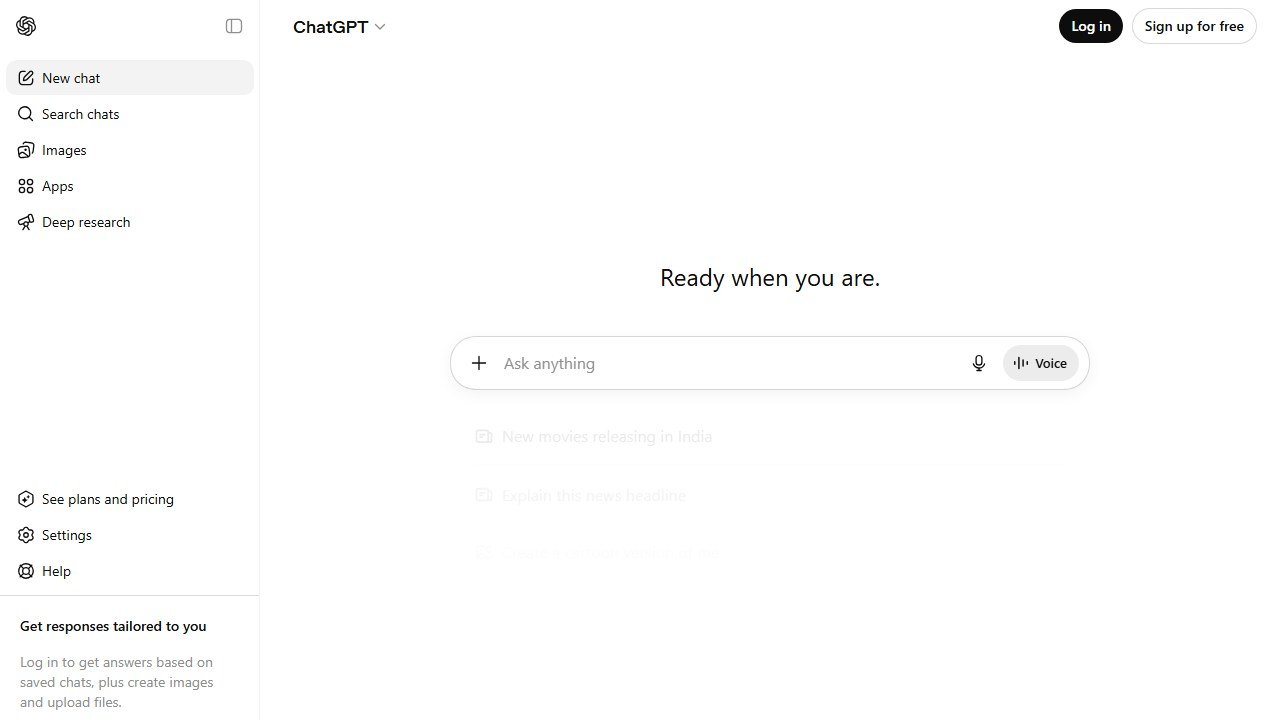
| Concept explanation | ChatGPT (with care) | Plain-English breakdowns, never for authority |
Short on time? Use Lexis+ AI for research (check whether your school provides free access first), Spellbook or Claude for writing inside Word, and reserve general chatbots for explaining concepts, never for citing law. That covers most of 1L.
The one rule that comes before any tool
Before tools, the discipline: general-purpose AI fabricates legal authority. ChatGPT and similar models will generate confident, well-formatted citations to cases that do not exist, and practitioners have faced real sanctions for filing AI-invented case law. For a student, the same error tanks a memo, a brief, or a moot. So the framework is simple: purpose-built legal AI for anything involving authority, general AI only for explanation and drafting, and independent verification of every citation, every time. Internalize that in 1L and AI becomes a genuine edge instead of a liability.
Task 1: legal research
Research is where purpose-built legal AI earns its keep. Lexis+ AI offers validated, conversational legal research with predictive insights, and crucially, most law schools provide free LexisNexis access, making it one of the most powerful tools available to students at no cost. For an affordable all-rounder covering research, document review, and templates, LegesGPT draws on a large base of court cases, statutes, and legal articles at a student-friendly price. Both keep you on real authority rather than invented cases.

Field note Check your school’s free access before paying for anything. Most law schools include LexisNexis and often Westlaw in tuition. Paying out of pocket for legal research as a student is usually a mistake; you likely already have the gold-standard tool.
Task 2: writing and document review
Legal writing is precise, and AI helps when it stays inside your tools. Spellbook runs inside Microsoft Word with real-time suggestions, clause comparisons, and redlines, built for transactional and contract work. Claude for Word can read text, suggest tracked-change edits, and check citations, and has performed well on litigation tasks like citation verification and formatting. Use these to sharpen writing you produced, with you reviewing every substantive change.

Task 3: study and outlining
The volume of reading in law school rewards good study tools. Mindgrasp transforms case readings, statutes, and lecture materials into summaries, flashcards, and quizzes, which supports the active recall that actually prepares you for exams. General tools like ChatGPT are useful for explaining a doctrine in plain English, generating practice hypotheticals, or building a study schedule, as long as you never treat their output as legal authority.
Task 4: exam preparation
Exams reward applied reasoning, not memorized rules. Use AI to generate practice fact patterns and issue-spotting hypotheticals, to quiz yourself on doctrine, and to pressure-test your outlines by explaining concepts back. The work of reasoning through an exam answer still has to be yours, but AI is an excellent sparring partner for building toward it.
Academic integrity and disclosure
Most law schools allow AI-assisted research and study as long as you verify all citations independently and disclose AI use when required. The professional stakes are higher than in most fields: the habits you build now carry into practice, where filing AI-fabricated authority is a sanctionable, career-denting error. Treat law school as where you learn to use these tools the way a responsible attorney must, with verification and disclosure as default, not afterthoughts.
What AI still cannot do for a law student
It cannot guarantee a citation is real, hold the doctrine in your head during a closed-book exam, or reason through a novel issue the way a trained lawyer must. It can accelerate research, sharpen writing, and turn dense readings into study material. The judgment, the verification, and the analysis remain yours, and in law, that is precisely the skill you are there to build.
The honest workflow: how law students actually use AI in practice
The AI tool category has matured for law students through 2024-2026, but the productive workflow for a student is still narrower than the category vendors suggest. Honest description of how law students at top US schools are actually using AI tools in 2026.
1L year: AI tools are most useful for understanding doctrine. A student reading a confusing case opinion uses Claude or ChatGPT to explain the reasoning in plain English, then re-reads the opinion with the explanation in mind. Time saved per case: 15-30 minutes. AI is not writing the case brief; it is helping the student understand the case so the student can write the brief.
2L year: AI tools become useful for outlining and exam preparation. Students use AI to produce first-pass outline structures from their notes, then refine the outlines based on what the professor emphasized in class. Time saved per outline: 4-8 hours per course. AI is not producing the outline that gets used on the exam; it is producing a skeleton that the student refines.
3L year: AI tools become useful for legal writing. Memo drafts, brief drafts, motion drafts. The student uses AI for first-pass structural drafting then heavily edits for tone, citation precision, and argument refinement. Time saved per writing assignment: 30-50 percent versus pure-from-scratch drafting.
Across all three years, AI tools are not useful for: anything involving specific legal authority claims, case citations, or factual statements about cases. AI hallucinates these confidently and dangerously. Every fact, case citation, and legal authority claim must be verified by the student against actual sources. Treat AI as a useful idiot for ideation and structure; never as an authority on substance.
The five things AI tools cannot do for a law student in 2026
1. Cite cases accurately. AI hallucinates case citations confidently. Westlaw and Lexis remain mandatory for legal research; never trust an AI-generated citation without independent verification.
2. Replace cold-call preparation. Reading and briefing cases yourself is the practice that builds the legal-reasoning muscle that gets tested in cold calls and on exams. Skipping the case brief by reading an AI summary leaves the muscle untrained and is detectable when the professor calls on you.
3. Write your exam answer. AI-generated exam answers read as AI-generated to anyone who reads law school exams regularly. The structure is too clean, the legal-reasoning is too smooth, the case citations are often wrong. Professors and graders detect AI writing reliably. Use AI for outlining preparation; never for the actual exam.
4. Replace mooting and clinic experience. The skills that distinguish strong lawyers from competent ones (cross-examination, negotiation, on-your-feet legal argument) develop through repeated practice in mooting and clinics. No AI tool simulates these effectively.
5. Provide career guidance worth trusting. AI tools can summarize career-path information but cannot evaluate your specific situation, the market dynamics of your target practice area, or the political reality of any specific firm or organization. Use AI for general background; rely on humans (mentors, career services, working attorneys) for the actual decisions.
The legal-tech-specific AI tools worth knowing in 2026
Beyond general-purpose AI tools, several legal-specific AI tools have matured for law students by 2026. Quick honest read on each.
Lexis+ AI: integrated within the Lexis legal research platform. Useful for legal research summarization and case analysis within the Lexis ecosystem. Students with free Lexis access through their law school should explore this; do not pay for it personally as a student.
Westlaw Precision with AI: similar integration in the Westlaw platform. Same calculus: useful if your school provides Westlaw access (most do), not worth personal subscription cost.
Casetext (now part of Thomson Reuters): the original AI-legal-research tool. Maturing into integration with Westlaw under Thomson Reuters ownership. Worth experimenting with through school-provided access.
Spellbook: AI for contract drafting and review. Useful for transactional-track students working in business law clinics or internships. Less useful for litigation-track students.
Harvey AI: enterprise legal AI used by major law firms. Students will likely encounter this in their summer associate work at large firms; familiarity with the category is useful for interview preparation.
For most law students, the general-purpose tools (Claude, ChatGPT) plus the school-provided legal research tools (Westlaw, Lexis) cover the practical use case fully. Personal subscriptions to legal-specific AI tools rarely make sense at the student stage.
The ethics rule every law student should internalize before 1L
The legal profession’s ethical rules around AI are evolving rapidly through 2025-2026. The American Bar Association and state bar associations have issued guidance that students should internalize before they encounter these issues in practice.
The general rule: lawyers (and lawyers-in-training) are responsible for the work product that goes out under their name. AI-generated content that contains errors, hallucinations, or unverified claims is the lawyer’s responsibility, not the AI’s. The classic 2023 case where a lawyer cited AI-hallucinated cases in a federal court filing and was sanctioned is the cautionary tale every student should know.
The student-specific application: AI tools are useful for learning, outlining, structuring, and editing. They are dangerous as substitutes for actual legal research, citation verification, and substantive legal analysis. Every case citation in any document you produce must be independently verified in Westlaw or Lexis. Every factual claim about doctrine must trace back to actual cases or authorities you have read yourself.
Most law schools in 2026 permit AI use for non-graded work (outlines, study aids, drafts of writing assignments) but require disclosure or prohibit AI for graded assessments (exams, final papers). Know your specific school policy. The schools that have caught students misusing AI on graded work have responded with serious academic sanctions; the risk is real.
Final guidance: build the legal-reasoning muscle first
The competitive advantage in law school in 2026 is not access to AI tools (every student has access). It is the legal-reasoning muscle that comes from doing the hard work yourself even when AI tools could shortcut parts of it. Students who use AI as a shortcut to avoid case briefing, outlining, and exam preparation graduate with less developed legal-reasoning skills than students who use AI as a tool to deepen their understanding of cases they have already read themselves.
The right student workflow: do the hard cognitive work yourself first, then use AI to verify your thinking, expand your perspective, or polish your output. The wrong workflow: skip the hard work and ask AI to do it for you. The first workflow produces a strong young lawyer; the second produces a student who passes law school but underperforms in practice.
Treat AI as you would treat a brilliant study partner who has no real-world legal experience: useful for testing your thinking, dangerous as a substitute for it. The students who internalize this distinction will be the strongest associates in 2027-2029 hiring cycles.
If your path after graduation leads to a solo practice or a small firm, it is worth knowing the professional toolkit early. Our guide to the best AI tools for small law firms covers what practicing lawyers at lean firms actually run.
How to tell whether it actually helped
Education software is unusually prone to being judged on enthusiasm, because the immediate experience of a good tool is genuinely pleasant. That is not the same as it having worked.
Teacher time is the measurable win, and the honest one
Most of the real value here is hours, not outcomes. Ask two or three colleagues to record how long planning, resource creation and marking take across one normal week, before anything is introduced. It takes minutes, it is the only way the saving is ever provable, and it is unrecoverable afterwards. A tool that returns two hours a week to a teacher has earned its place without needing to claim anything about attainment.
Be sceptical of attainment claims, including your own
Attainment moves slowly, is affected by everything, and is nearly impossible to attribute to one tool inside a single year. If a vendor claims a grade improvement, ask what the comparison group was. If you are tempted to claim one internally, ask yourself the same question. Reporting a time saving you can evidence is worth more than an outcome claim you cannot.
Watch adoption in week six, not week one
Novelty carries any classroom tool through the first fortnight. The number that matters is how many teachers are still using it after half term, and whether it survived a busy assessment period. If usage collapses in the first genuinely hard week, the tool added work rather than removing it, whatever the initial reaction was.
Decide in advance what would end it
Write down before purchase what the end of the year would have to look like for you not to renew. It converts renewal from a default into a decision, which matters in a category where the per teacher cost is small enough to stop noticing.
Where the figures on this page come from
Every price here was read from the vendor’s own pricing page on 4 September 2026 and carries that date, because education pricing changes with the school year and a claim without a date is not checkable.
The pages we read
Chalkie publishes free, US$6.65 and US$12.99 a month with yearly equivalents. Khanmigo publishes $44 a year. MagicSchool publishes a free plan and Plus at $12.99 a month. Curipod publishes free and from $24 a month with a 21% yearly saving. CoGrader publishes free at 100 submissions a month and $15 a month billed annually. Brisk Teaching publishes a free teacher plan at $0.
The ones we could not read
SchoolAI publishes tier names with no figures. Gradescope now sits on a Turnitin domain and is institution-quoted. We could not read a figure for Diffit, Quizlet, Photomath or Gauth either. That is not evidence they publish nothing, and we do not present it as such. Treat any figure for those six from elsewhere as unverified.
What we do not do
We do not carry a figure we cannot source to the vendor. Where a number circulates and cannot be traced, we say so and withdraw it rather than repeating it with a hedge.
Related student resources
For the full student AI stack, see our Best AI Tools for Students guide. For other major-specific guides, see AI Tools for Medical Students. The strongest AI assistants for law students are covered in our Best AI Rewriting Tools and Best Jasper AI Alternatives guides for writing tasks.

Written by
FazFaz is the founder of AIToolsBakery. Some tools here are tested hands on. Others are assessed from vendor documentation and pricing verified on the live page, and every review says which one it is. Sponsors can buy a position in a guide. They cannot buy the score, the criticism, or silence about a better option.
How we test and how we make money →