Search for AI study tools and you will mostly find vendors reviewing themselves. Half the “best summarizer” listicles on page one are written by the companies that sell one, and they all reach the same conclusion: buy ours. We do not sell a summarizer. We spent two weeks running the same lecture recordings, PDFs, and textbook chapters through nine tools to find out which ones actually help you learn, not just compress text.
One framing shaped everything in this guide. Summarizing is only step two of studying. The full pipeline is capture the material, compress it into something reviewable, then actively test yourself on it. Decades of learning research, including the landmark Dunlosky review in Psychological Science in the Public Interest, rate self testing among the most effective study techniques, while re-reading and highlighting rank near the bottom. A perfect AI summary you passively re-read is still a low value study session. So we judged every tool on where it fits in that pipeline and how cleanly it hands off to the next stage.
How the nine tools compare
| Tool | Pipeline stage | Best for | Cites sources? | Free tier |
|---|---|---|---|---|
| NotebookLM | Summarize + interrogate | Grounded, cited summaries of your own materials | Yes, inline | Fully free, roughly 50 sources per notebook |
| Mindgrasp | Summarize + generate recall material | Long lectures and heavy PDFs | Partial | Trial only, then subscription |
| ChatPDF | Interrogate PDFs | Quick Q&A on readings and papers | Yes, page references | 2 PDFs/day, 120 pages each, 50 questions/day |
| Knowt | Active recall | Turning notes into free spaced repetition | No | Free core, paid for higher upload limits |
| Otter.ai | Capture | Lecture transcription and auto summaries | Timestamps | Free plan with monthly minute caps |
| NoteGPT | Summarize | Fast free summaries of YouTube and PDFs | No | Free quota, paid plans above it |
| Quizlet | Active recall | Polished mainstream flashcards and practice | No | Basic free, AI gated behind Quizlet Plus |
| Notion AI | Organize + summarize | Students who already live in Notion | No | Small trial allowance, then paid plans |
| Wordtune | Polish + condense | Rewriting and tightening your own notes | No | Free daily rewrites, premium above |
The pipeline: lecture or PDF, then summary, then active recall
Every tool below slots into one of three stages.
Stage 1: capture. Get the raw material into digital form. For readings you already have this. For lectures, a transcription tool like Otter.ai turns 50 minutes of talking into searchable text.
Stage 2: compress and interrogate. This is where summarizers live. The critical split in 2026 is between tools that ground their output in your uploaded sources and cite where each claim came from, and tools that generate fluent text you have to take on faith. In practice, source grounded tools were dramatically easier to trust because errors were checkable in one click.
Stage 3: retrieve. Turn the compressed material into questions and test yourself over spaced intervals. This is the stage most students skip and the one the research says matters most. We are not re-ranking flashcard apps here; we already did that testing in our best AI flashcard apps guide, and the recall picks below stay consistent with it.
One scope note: we deliberately skipped the wave of unproven micro apps in this space. New “AI study buddy” tools launch weekly, most with no track record, no clear data policy, and no certainty they will exist next semester. Nothing made this list without a real user base and a product we could test end to end.
1. NotebookLM: the best summarizer because you can check its work
Score: 4.8/5
NotebookLM is Google’s source grounded research and study tool, and it is the anchor of this entire guide. You create a notebook, upload your materials, and it answers questions, builds summaries, study guides, briefing docs, and even an audio overview, using only what you gave it. A free notebook accepts roughly 50 sources: PDFs, Google Docs, slides, pasted text, web pages, and YouTube links.
What it does: grounded summarization and interrogation. Ask it to summarize chapter 4, explain a concept, or generate a study guide, and every sentence in the answer carries a numbered citation that jumps to the exact passage in your source.
Hands-on observations: in practice, this citation behavior is the difference between a study tool and a liability. We fed it a 60 page course reader and asked for a summary of a section that did not exist; it told us the sources did not cover it instead of inventing one. General chatbots we tried the same trick on happily fabricated an answer. The auto generated study guide, with short answer questions and a glossary, was strong enough to use as a stage 3 starting point, and the audio overview feature turned a dense reading into a surprisingly listenable two host discussion for commute review.
Pricing: free. Higher limits ship through Google’s paid AI subscriptions, but we never hit the free ceiling during a full simulated course load.
Who it’s for: any student with a pile of PDFs, slides, and readings who wants summaries they can verify. It is the default stage 2 tool for this pipeline.
One honest limitation: it only knows what you upload. NotebookLM will not fill gaps with outside knowledge, which is exactly the right behavior for studying but means a thin set of sources produces thin answers. It also does not do spaced repetition, so you still need a stage 3 tool.
2. Mindgrasp: strongest generator for long lectures and heavy PDFs
Score: 4.4/5
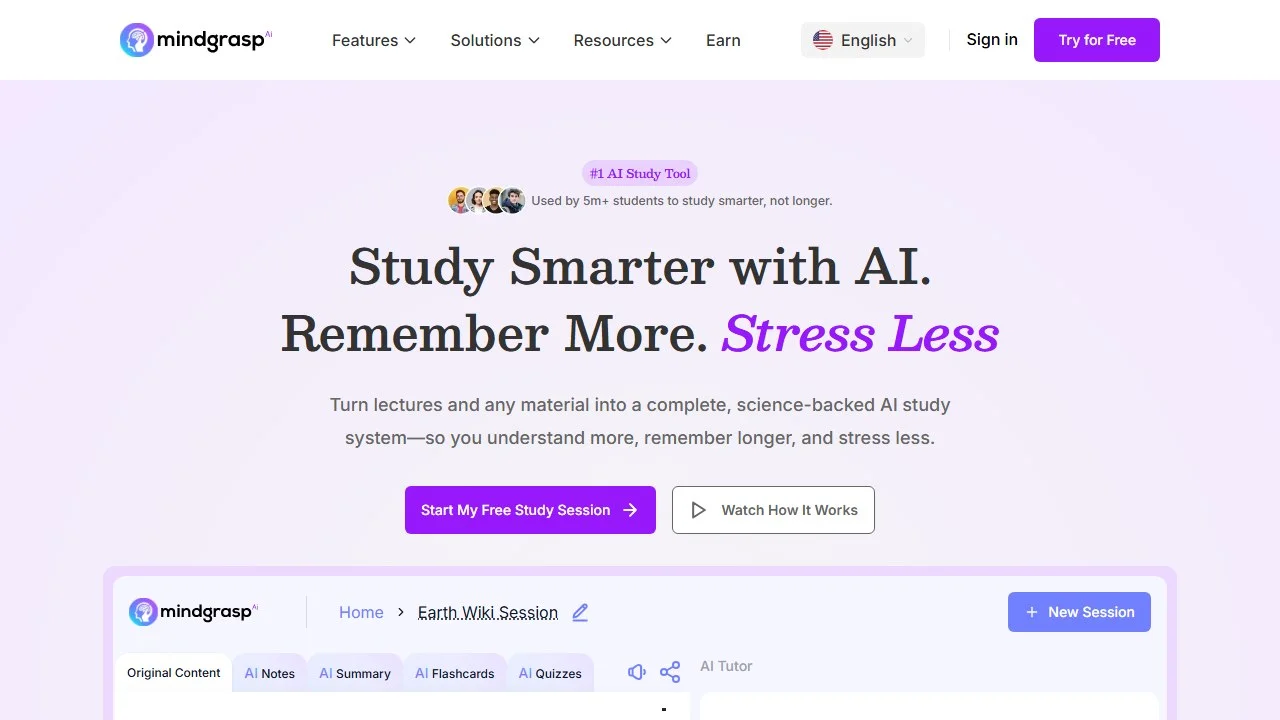
Mindgrasp is the all in one workhorse of the list. Upload PDFs, slides, images, YouTube videos, or lecture audio and it produces summaries, notes, quizzes, and flashcards from the same upload.
What it does: compresses long, messy source material into study assets across stages 2 and 3. Its distinguishing strength is resilience at length.
Hands-on observations: this matches what we found when testing it for our flashcard apps guide, and the verdict has not changed. Most generators degrade as the source grows; feed them a 40 page reading and they summarize the first few pages and quit. Mindgrasp held quality across full length documents, and it was the only tool in our earlier testing that turned raw recorded lecture audio into usable study material without us cleaning up a transcript first. Its summaries skew comprehensive rather than tight, which we prefer for exam prep, and the CSV export means you can move generated flashcards into a stronger recall engine and never get locked in.
Pricing: subscription with monthly tiers after a trial. There is no permanent free study tier, which is the main thing separating it from NotebookLM. We are not quoting exact figures because its plan pricing has shifted more than once; check the site.
Who it’s for: students whose weekly load is three hour lectures and chapter length PDFs, and who want one paid tool covering summarization and recall generation together.
One honest limitation: everything meaningful sits behind the subscription, and its built in spaced repetition is lighter than a dedicated recall app. Best used as the generation layer with your reviewing done elsewhere.
3. ChatPDF: the fastest way to interrogate a reading
Score: 4.3/5
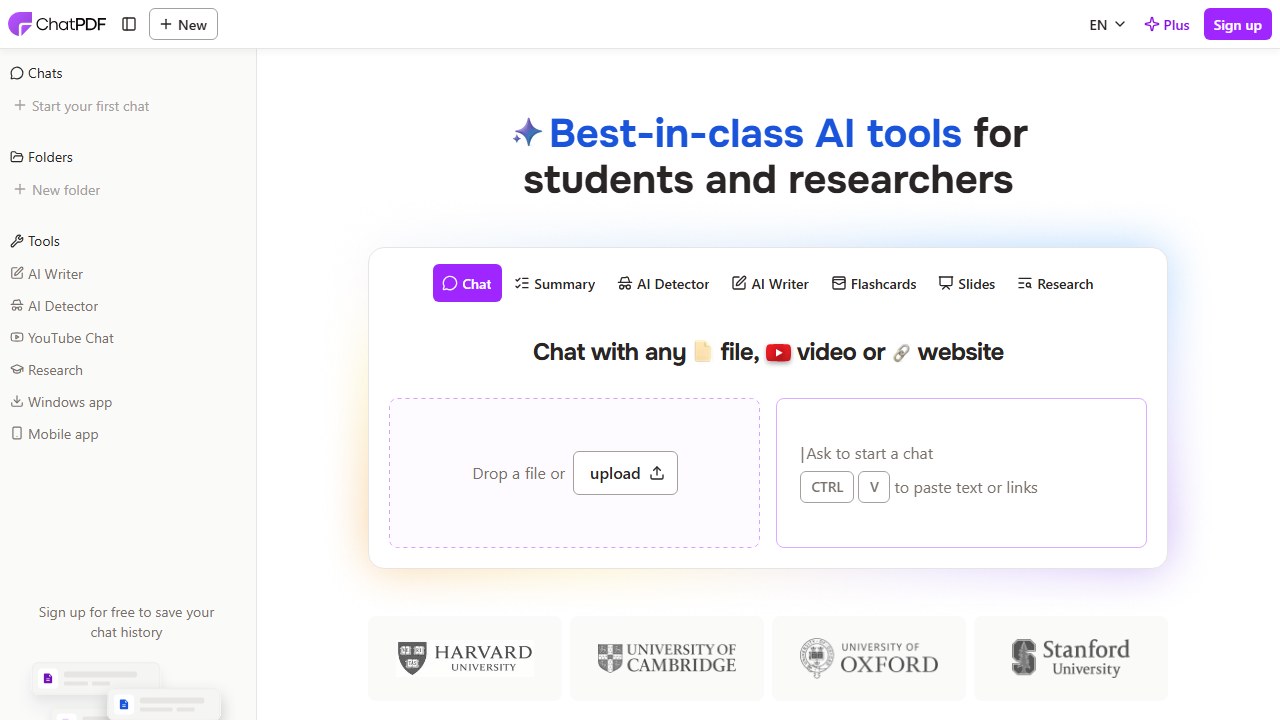
ChatPDF does one thing: you upload a PDF and chat with it. Ask for a summary, ask what the methodology section actually says, ask it to explain a figure.
What it does: stage 2 interrogation, scoped to PDFs. Answers include page references back into the document, which puts it on the right side of the citation split.
Hands-on observations: we put ChatPDF and Humata head to head for this slot, since they are the two names students actually search. ChatPDF won on the math that matters to a student. Its free tier allows 2 PDFs per day at up to 120 pages each, with 50 questions daily and a 10 MB file cap. That comfortably covers reviewing two research papers or one long chapter every day without paying. Plus is $5 per month and raises the ceiling to 2,000 pages per PDF and 1,000 questions per day. Humata is the more enterprise flavored alternative; its free plan is a tight 60 pages per month, though its $1.99 per month Student plan for verified .edu emails is genuinely cheap if you clear that bar. In practice, ChatPDF’s answers were fast and accurate on direct questions, and the page citations made verification quick.
Pricing: free tier as above; Plus at $5 per month.
Who it’s for: students drowning in assigned readings who want quick, checkable answers from specific documents without building a whole notebook.
One honest limitation: it is single document thinking. ChatPDF cannot synthesize across your whole course the way NotebookLM does, and on a “summarize everything” prompt it skews shallower than a targeted question deserves. Ask it specific questions and it shines; treat it as a book report machine and you will get book report quality.
4. Knowt: the free bridge from summary to recall
Score: 4.3/5
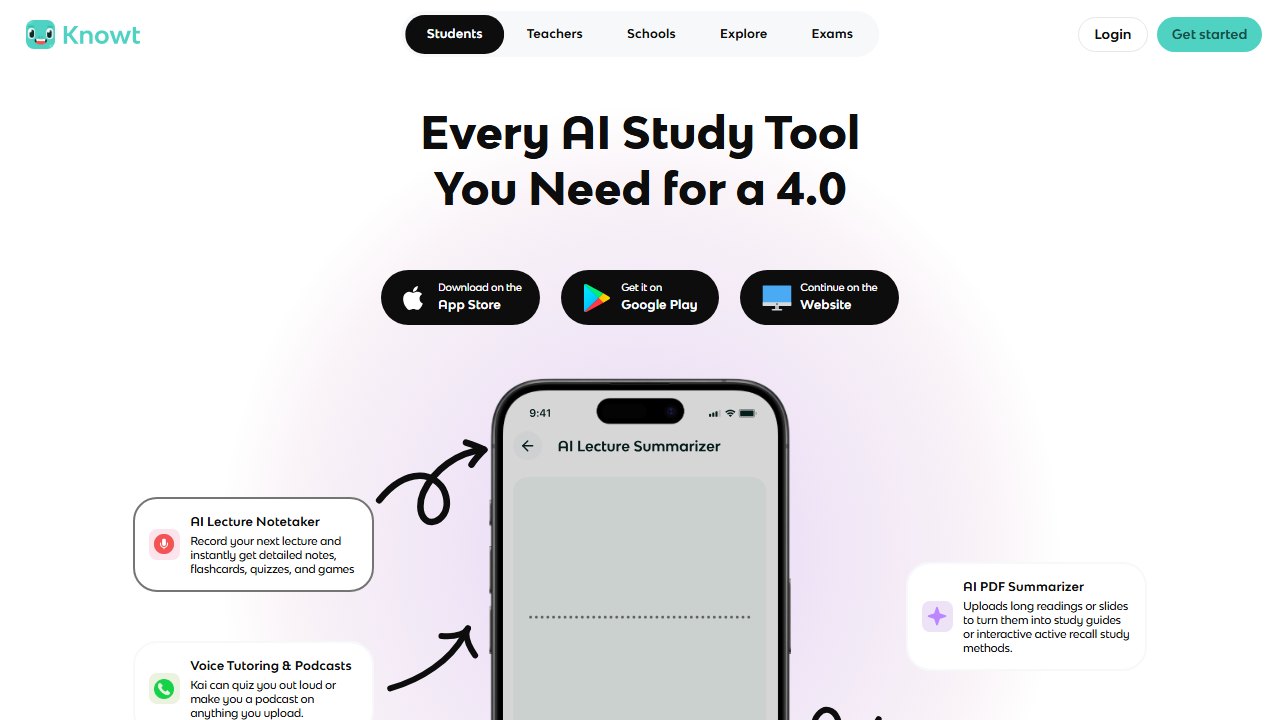
Knowt is where the pipeline’s third stage starts. Paste notes, upload a PDF, or drop in a lecture video, and it generates flashcards plus practice questions, then schedules them with a real spaced repetition mode.
What it does: converts your stage 2 output into active recall material and manages the review schedule, free.
Hands-on observations: Knowt is our top overall pick in the best AI flashcard apps roundup, and we are not re-litigating that ranking here; read that guide for the full head to head against Anki, Quizlet, and the rest. What matters for this post is the handoff: taking a NotebookLM study guide or an Otter lecture summary, pasting it into Knowt, and getting a scheduled review deck in under two minutes. That workflow closes the loop the research cares about. The testing effect literature is blunt about it: students who self test retain dramatically more than students who re-read, and Knowt makes the self testing step free.
Pricing: core features, including AI generation and the study modes, are free. A paid tier adds higher upload limits and priority processing; most students never need it.
Who it’s for: anyone finishing this pipeline without a budget. If you use one recall tool alongside NotebookLM, make it this one.
One honest limitation: generation quality from very long or messy sources trails Mindgrasp, so for a 40 page reading you may want to summarize first and generate cards from the summary rather than the raw document.
5. Otter.ai: capture the lecture so the rest of the pipeline has something to eat
Score: 4.1/5
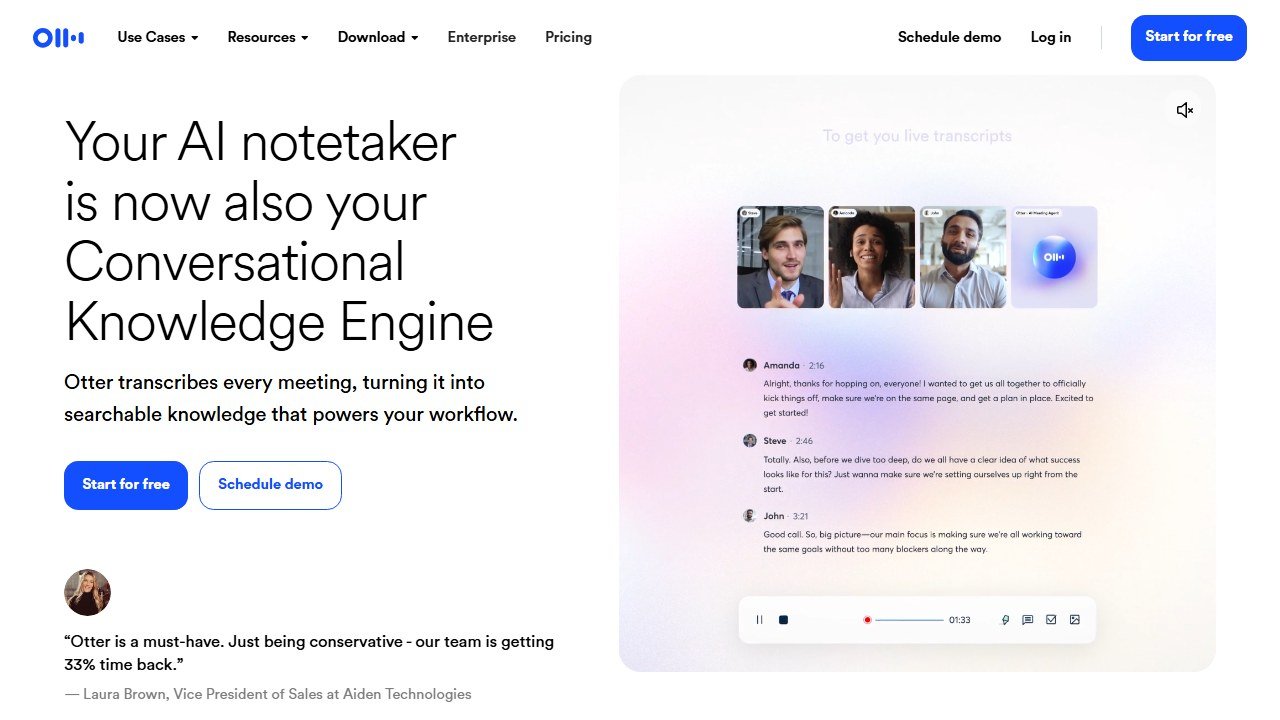
Otter.ai is the stage 1 tool. It records live lectures or joins virtual ones, produces a real time transcript, and generates an automatic summary with highlights afterward.
What it does: turns spoken lectures into searchable, summarizable text with timestamps, so a 50 minute class becomes a document the rest of your stack can process.
Hands-on observations: in practice on recorded lectures, transcription accuracy on a clear speaker was strong, though it wobbled on technical vocabulary; “eukaryotic” survived, niche proper nouns often did not, so skim the transcript the same day while memory can fix errors. The auto summary is a decent skeleton but too thin to study from alone. The winning move is exporting the transcript and uploading it to NotebookLM as a source, which turns your entire semester of lectures into a cited, questionable knowledge base.
Pricing: free plan with monthly transcription minute caps and per conversation limits; paid plans raise them. Otter changes these caps often enough that we are not printing numbers; check the pricing page before relying on the free tier for a five course load.
Who it’s for: students in lecture heavy courses, and anyone whose professor talks faster than they type. Check your institution’s recording policy and ask permission where required.
One honest limitation: it is built for meetings, not classrooms, so you will ignore a layer of business features, and heavy accents or bad room audio degrade the transcript enough that the downstream summary inherits the damage.
6. NoteGPT: the fast free summarizer for video first studying
Score: 3.9/5
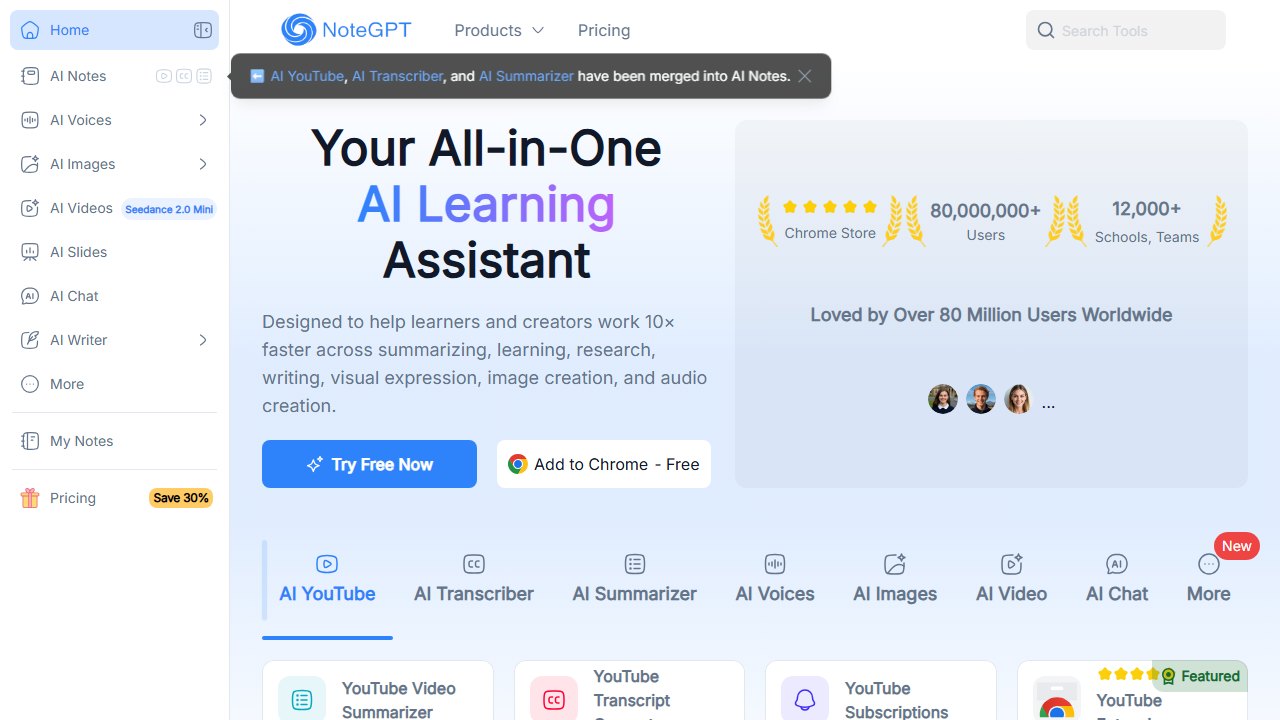
NoteGPT is the quick draft tool of the group. Paste a YouTube link or upload a PDF and it returns a summary, notes, and optional flashcards in seconds.
What it does: fast stage 2 compression with a bias toward video. Its YouTube summarization is the standout: timeline anchored notes from long educational videos with almost no friction.
Hands-on observations: for a 45 minute YouTube lecture, NoteGPT produced a usable outline faster than anything else we reviewed, and for a quick “is this video worth my hour” triage it is excellent. On dense academic PDFs its summaries were serviceable but noticeably shallower than NotebookLM’s, and without source citations you are trusting rather than verifying. We caught it flattening a hedged claim in a paper into a confident one, exactly the kind of quiet error a cited tool would have exposed.
Pricing: free quota that covers casual use, with paid plans above it. Limits shift; check the site for current numbers.
Who it’s for: students whose course material lives on YouTube, and anyone who wants a free, fast first pass summary before deciding what deserves deep work.
One honest limitation: no source grounding. Treat its output as a draft to verify, not a study document to memorize.
7. Quizlet: mainstream recall with AI behind the paywall
Score: 3.8/5
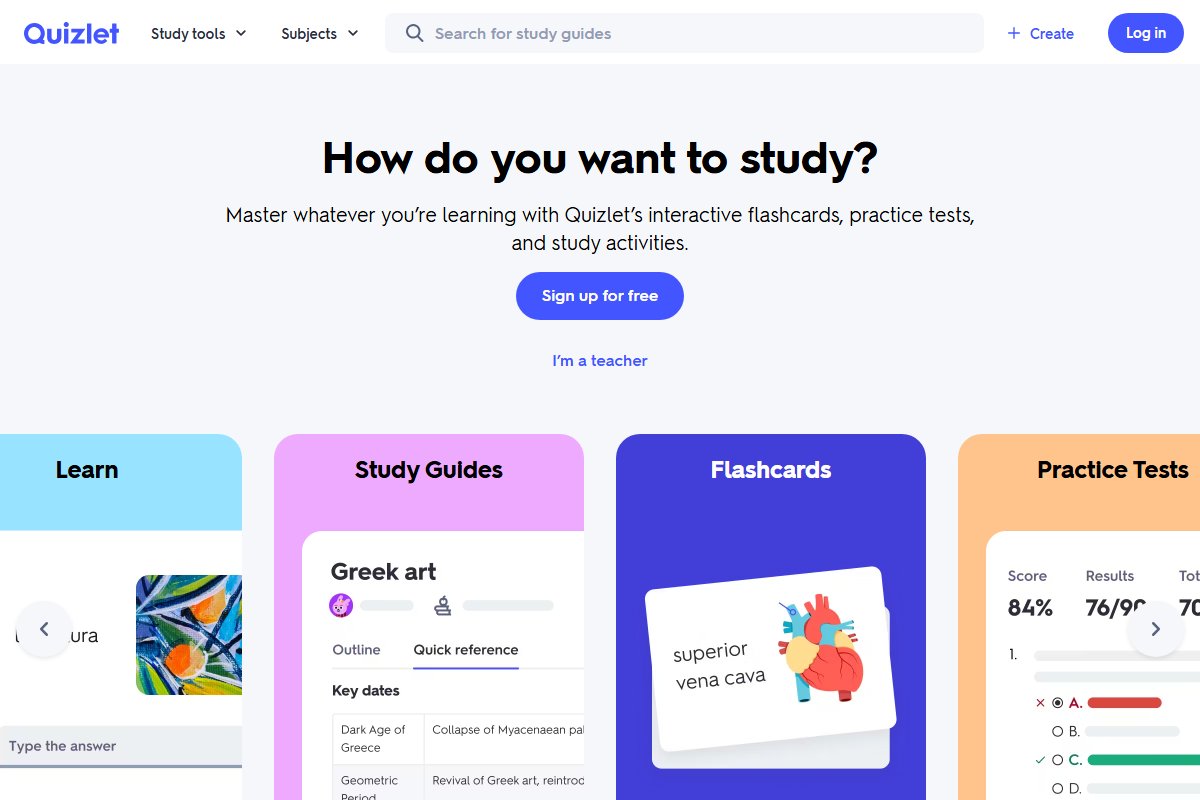
Quizlet is the app most students already have, and its AI features have matured: Magic Notes turns uploaded PDFs or pasted notes into flashcards, practice tests, and outlines.
What it does: stage 3 recall with the industry’s most polished interface and an enormous library of pre made study sets, which for common courses can mean zero generation work at all.
Hands-on observations: consistent with our flashcard apps testing, Magic Notes is quick and clean but skews shallow on dense material, capturing vocabulary more reliably than conceptual relationships. Its Learn mode is adaptive practice tuned for the next exam rather than true long interval spaced repetition. Where Quizlet still beats everyone is the library: for an intro psychology or anatomy unit, a good shared set probably already exists and surfaces in one search. For an AI tutor style alternative to flashcard drilling, see our Khanmigo review.
Pricing: basic flashcards are free. The AI generation and best study modes sit behind the Quizlet Plus subscription.
Who it’s for: students who value polish and a huge ready made library over best in class scheduling, and who are comfortable paying for the AI half.
One honest limitation: the free tier no longer includes the features that would put it higher on this list, and shared set quality varies wildly, so audit any deck you did not make before trusting it with your grade.
8. Notion AI: the summarizer for students who already live in Notion
Score: 3.7/5
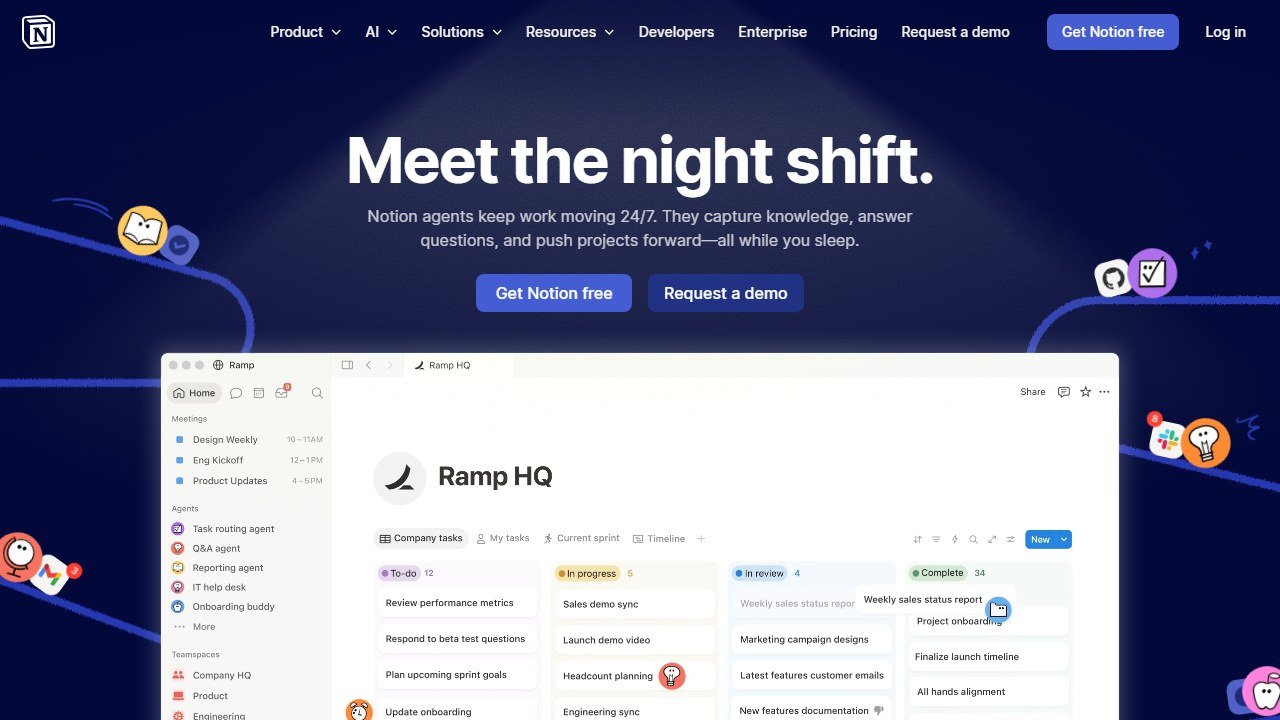
Notion AI is not a dedicated study tool; it is an AI layer inside the workspace where many students already keep their notes, and that placement is its whole argument.
What it does: summarizes pages, answers questions across your workspace, tidies messy lecture notes into structured outlines, and drafts study checklists without leaving the app your semester is organized in.
Hands-on observations: in practice the killer feature was cleanup, not summarization. Pointing it at a page of frantic mid lecture typing and asking for a structured outline with key terms bolded produced something genuinely reviewable in one step. Its Q&A across a workspace of course notes was useful but less trustworthy than NotebookLM on the same material, because answers arrive without citations back to specific passages. It complements rather than replaces a grounded summarizer.
Pricing: AI capability is bundled with Notion’s paid plans, with only a small trial allowance on the free plan. If you are not already paying for Notion, do not start for the AI alone.
Who it’s for: students whose notes, schedules, and readings already live in Notion and who want summarization where the material already is.
One honest limitation: no source citations and no recall features, so it covers the middle of the pipeline only, and only economically if you were paying for Notion anyway.
9. Wordtune: polish and condense your own writing
Score: 3.5/5
Wordtune is the narrowest tool here and earns its slot for one stage nothing else on the list covers well: making your own notes and summaries tighter.
What it does: rewrites sentences for clarity, shortens bloated paragraphs, and offers a summarizer for pasted text and web pages. It operates on prose you already have rather than raw course material.
Hands-on observations: where it fit our pipeline was the final compression pass. Taking a NotebookLM study guide section and running the wordy paragraphs through Wordtune’s shorten function produced cleaner, more memorizable summary sheets. Students writing summary based assignments, where you must submit the summary itself, got the most value; the rewrite suggestions read naturally and preserved meaning in almost all of our runs. As a primary summarizer of long PDFs it is outclassed by everything above it.
Pricing: free plan with daily rewrite limits; premium unlocks unlimited rewrites and longer summaries.
Who it’s for: students who produce written summaries as deliverables, and non native English speakers who want their notes to read cleanly.
One honest limitation: it improves text you give it and does nothing for capture or recall, so it is a pipeline accessory, never the pipeline.
Our verdict: the free pipeline beats any single paid tool
The best setup we found in 2026 is not one app; it is three free ones chained together. Otter.ai captures the lecture, NotebookLM compresses readings and transcripts into cited summaries and study guides, and Knowt turns those summaries into a scheduled self testing routine. Total cost: nothing. That stack outperformed every all in one subscription we reviewed, because each tool is the best available at its single stage.
If you want one paid tool to cover more of the pipeline, Mindgrasp is the pick for lecture and PDF heavy course loads, and ChatPDF Plus at $5 per month is the cheap upgrade for reading heavy ones. And whatever you choose for summarizing, close the loop with retrieval: the research is unambiguous that testing yourself beats re-reading every time. For the broader toolkit beyond studying, our best AI tools for students guide covers writing, math, and research picks too.
What “free for teachers” actually means
Almost every tool in this category leads with a free tier, and they are not equivalent. The limit is where the product design shows.
The limits that are published, and therefore checkable
Chalkie states five full lessons or activity sheets every seven days. CoGrader states 100 student submissions a month. Curipod and MagicSchool both publish free plans without a headline cap on the pricing card. Verified 4 September 2026. A published cap is much easier to plan around than an unpublished one, because you can work out in advance whether it covers a normal week for you rather than discovering it in the middle of one.
Work out your real weekly volume before choosing
Count what you actually produce in a normal week: how many worksheets, how many class sets to grade, how many lesson plans. Teachers routinely underestimate this and then hit a cap on a Sunday evening. If your week is five lesson resources, a five-per-week free tier is exactly on the line and you will exceed it in any week with a cover lesson or a new unit.
Free for you may not be free for the school
A teacher signing up personally sits outside whatever approval process the school has for student data, which matters as soon as student work goes into the tool. That is not an argument against the tool; it is an argument for telling somebody. Most districts would far rather approve a tool a teacher is already using than discover it in an incident.
The commercial logic, stated plainly
Generous teacher tiers exist because teachers are the route to a district contract, which is where the revenue is. That is a perfectly reasonable model and it has a consequence worth knowing: the free tier is likely to stay usable, because it is the marketing. What is less predictable is whether the feature you come to depend on stays on the free side of the line. Do not build a department-wide process on a free tier of best ai or anything else without a fallback.

Written by
FazFaz is the founder of AIToolsBakery. Some tools here are tested hands on. Others are assessed from vendor documentation and pricing verified on the live page, and every review says which one it is. Sponsors can buy a position in a guide. They cannot buy the score, the criticism, or silence about a better option.
How we test and how we make money →