Quick answer: Document360 is the best AI knowledge-base and SOP platform, ClickHelp is best for structured single-source manuals, and Mintlify is best for developer docs and API references. Underneath, pair Claude for long dense docs with ChatGPT for quick drafts. The winning setup is rarely one tool.
7 Best AI Tools for Technical Writing in 2026
Best overall pick by job: choose Mintlify if you publish developer and API docs, Document360 for support knowledge bases and SOPs, Scribe for fast step capture, and Claude or ChatGPT for raw drafting. There is no single winner. Technical writing in 2026 is too varied for one tool.
Technical writing now spans four very different jobs. You might be publishing an API reference, writing internal SOPs, maintaining a customer knowledge base, or drafting a user manual from scratch. Each job rewards a different tool. We looked across docs platforms with built in AI, API documentation generators, step capture and SOP makers, and the general purpose models writers actually lean on, working from vendor documentation, published pricing, and verified user reviews. Below are seven tools that earn their place, grouped by the job they do best, with an honest limitation for each so you know what you are signing up for.
If your writing leans into regulated fields, see our companion guides on AI tools for legal writing and AI tools for medical writing, where accuracy and citation discipline matter even more.
Document360: best AI knowledge base and SOP platform
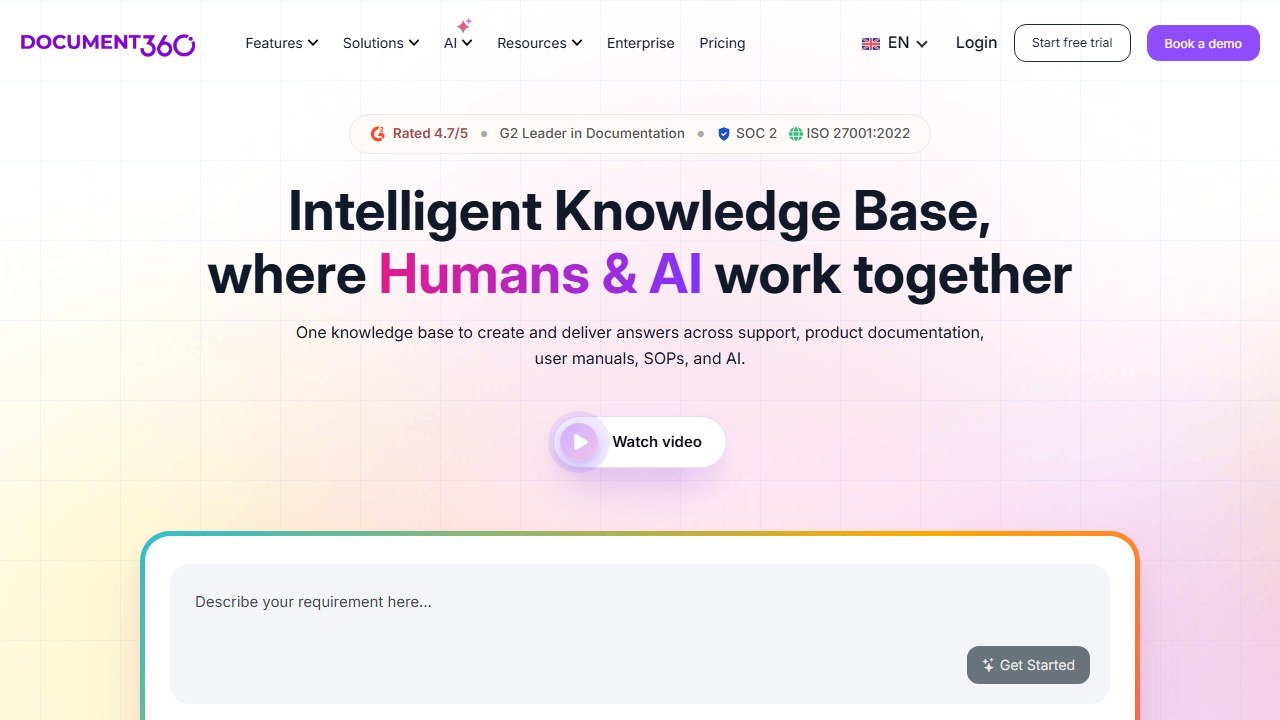
Document360 is an AI powered documentation and knowledge base platform that covers software docs, help articles, internal SOPs, and user manuals from one place. The reader side AI is the standout: in product search, a chatbot that answers from your content, article summarizers, and text to audio. On the author side you get editorial workflows, version control, and built in analytics that tell you which articles fail readers.
Verdict: The strongest all rounder for support and operations teams that publish a lot of prose and need governance around it.
Who it is for: Documentation teams, support leads, and ops managers building customer knowledge bases or internal SOP libraries that need review workflows and analytics.
Pricing reality: A free tier exists for tiny projects. Real teams land on paid plans that scale by project and reader volume, and the price climbs quickly once you add AI features and multiple knowledge bases. Budget for a per project annual commitment, not a few dollars a month.
One honest limitation: It is less developer first than API focused tools. If your primary output is API references and code examples, the docs as code workflow is not native here and you will feel the friction.
ClickHelp: best for structured, single source manuals
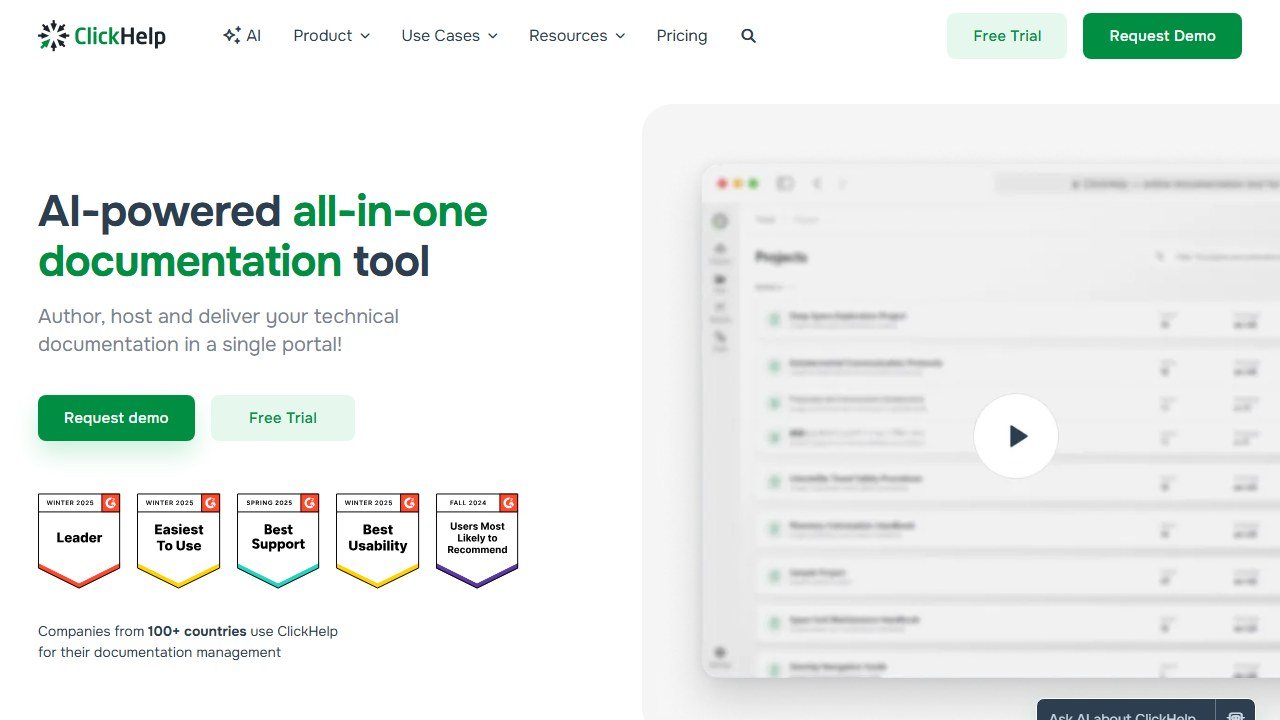
ClickHelp is a help authoring tool built for topic based writing and heavy content reuse. If you maintain multi version user manuals, conditional content for different audiences, or publish the same source to PDF, web, and print, this is where ClickHelp shines. It manages internal guides, software manuals, FAQs, knowledge bases, and API docs under one roof, with single sourcing that legacy tools like Word and wikis cannot match.
Verdict: A specialist tool for serious manual writers who live and breathe single sourcing and conditional output.
Who it is for: Professional technical writers and documentation teams producing versioned product manuals, especially in hardware, software with many editions, or compliance heavy industries.
Pricing reality: Priced per author seat with tiers based on portal size and features. It is a professional tool with professional pricing, so expect a meaningful monthly cost per writer rather than a free hobby plan.
One honest limitation: The learning curve is real. Topic based authoring and conditional content take time to master, and the AI assistance is lighter than newer AI native platforms. You adopt ClickHelp for structure and reuse, not for cutting edge generative features.
Mintlify: best AI docs platform for developers and API references

Mintlify is the strongest end to end platform for technical teams that ship frequently and need docs to keep pace. You get docs as code authoring with GitHub sync, a web editor for non Git contributors, automatic API reference generation from OpenAPI specs, semantic search, AI assisted drafting, and a Workflows agent. In 2026 it leans into a new reality: AI assistants increasingly read your docs to write integration code, and Mintlify is built for that machine readable future.
Verdict: The default choice for developer documentation and API first products in 2026.
Who it is for: Engineering and developer relations teams documenting SDKs, APIs, and developer tools where docs as code and GitHub workflows are non negotiable.
Pricing reality: A free starter tier covers small projects and personal sites. Growth and enterprise plans scale by editors, custom domains, and advanced AI features, and the jump to paid is where API reference generation and analytics unlock.
One honest limitation: It is opinionated toward developer audiences. If you write customer facing support content or non technical SOPs, the docs as code paradigm and Git based workflow are overkill and may alienate non technical contributors.
DocuWriter.ai: best for generating docs straight from source code
DocuWriter.ai attacks the part of technical writing developers hate most: documenting code that already exists. Point it at your source and it generates production ready documentation, API descriptions, parameter tables, and code comments. For engineering teams sitting on a mountain of undocumented functions, it turns a dreaded backlog into a first draft you can edit, rather than a blank page you avoid.
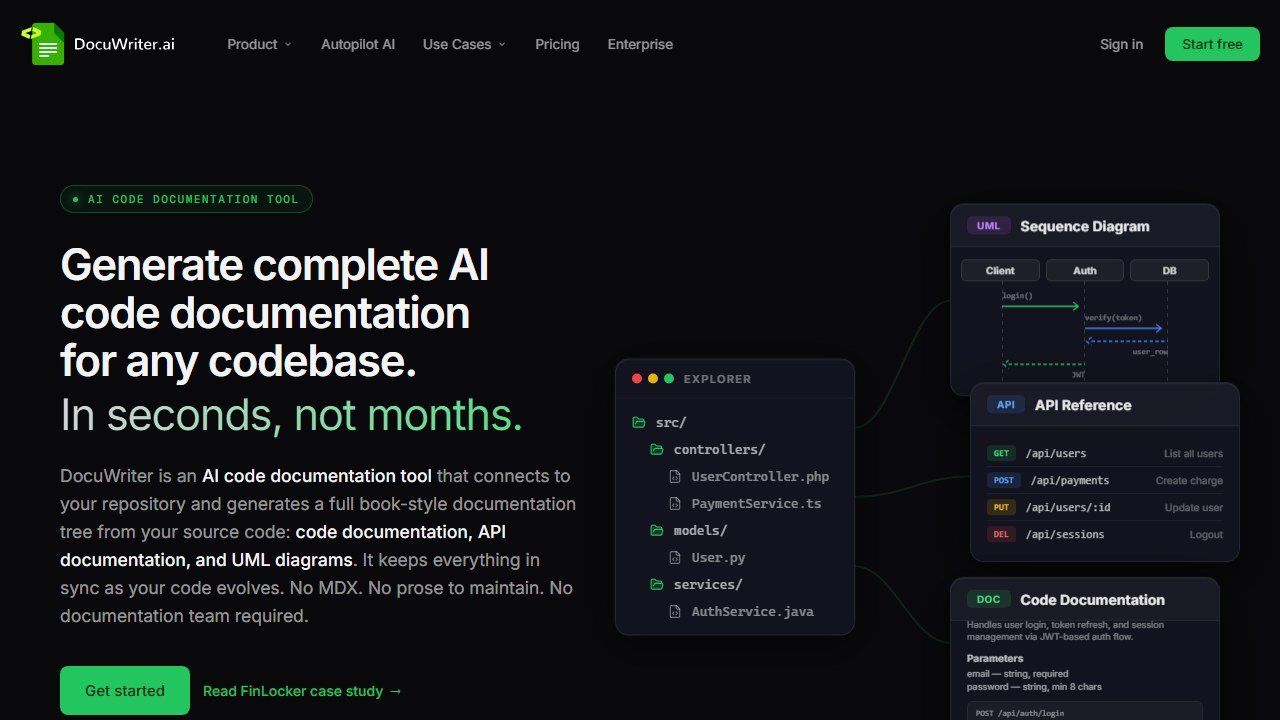
Verdict: A focused accelerator for code level documentation, best paired with a publishing platform like Mintlify.
Who it is for: Developers and small engineering teams who need to document existing codebases fast and do not have a dedicated technical writer.
Pricing reality: Subscription based with usage tiers tied to how much code you process. The free or trial allowance is enough to evaluate quality before you commit to a monthly plan.
One honest limitation: It generates a draft, not a finished narrative. The output describes what the code does, but it will not explain why a developer should care or how a feature fits a larger workflow. A human still owns the storytelling and conceptual docs.
Scribe: best for fast step by step SOPs and how-to guides
Scribe automatically captures your clicks and keystrokes as you perform a task, then turns them into a step by step guide complete with annotated screenshots. For SOPs, onboarding docs, and process how-tos, it collapses an hour of screenshotting and writing into a couple of minutes. Scribe reports users save an average of 41.6 hours per month on documentation, and the bottom up, low barrier model is why it spreads through teams organically.
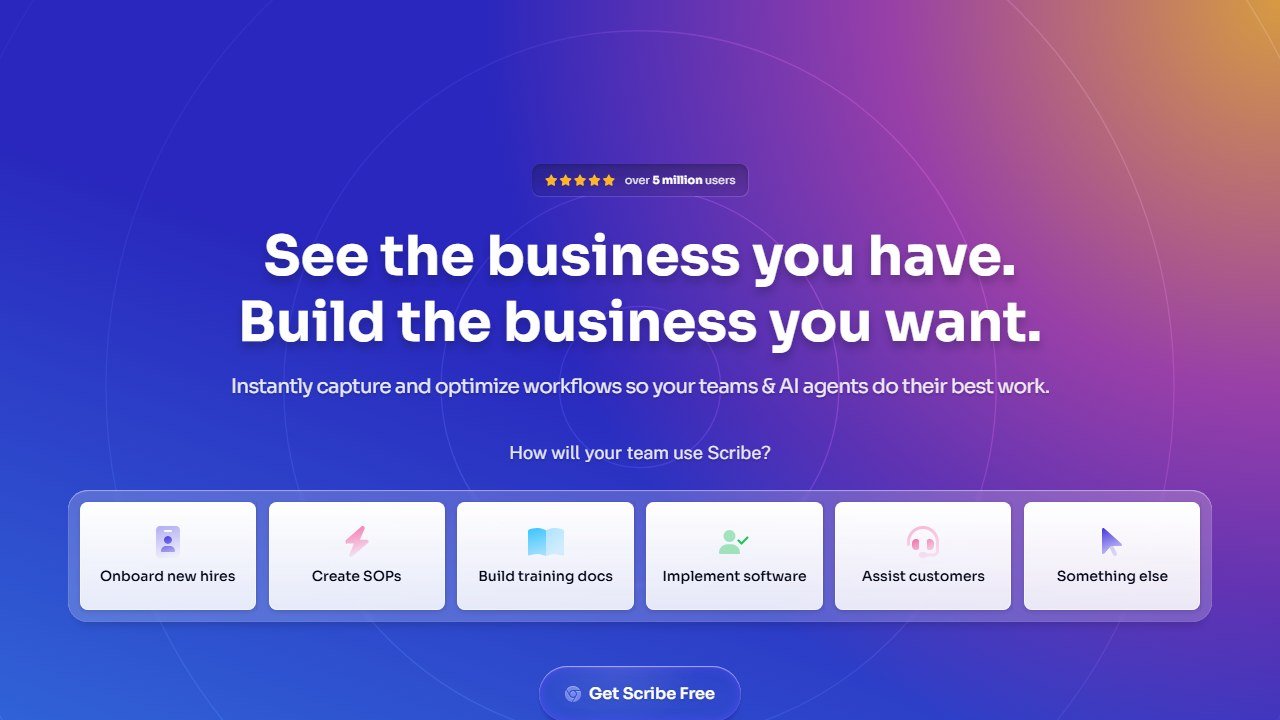
Verdict: The fastest path from doing a task to documenting it, unbeatable for click based SOPs.
Who it is for: Operations, support, HR, and any team that documents repeatable software processes and wants guides created in the flow of work.
Pricing reality: A genuinely useful free tier exists. Pro Personal runs about 23 dollars per user per month billed annually, and Pro Team is roughly 12 dollars per seat per month with a five seat minimum. Enterprise is custom.
One honest limitation: It is simple by design. There is no native video or audio, and complex conceptual documentation, anything that is not a linear click sequence, falls outside what Scribe does well.
Whatfix: best for in-app guidance and adoption at enterprise scale
Whatfix is less a writing tool and more a digital adoption platform. Instead of publishing a static manual, you build interactive overlays, tooltips, and walkthroughs that guide users inside the application itself. For complex enterprise software where users will never read a PDF, in context guidance is often the documentation that actually gets used.
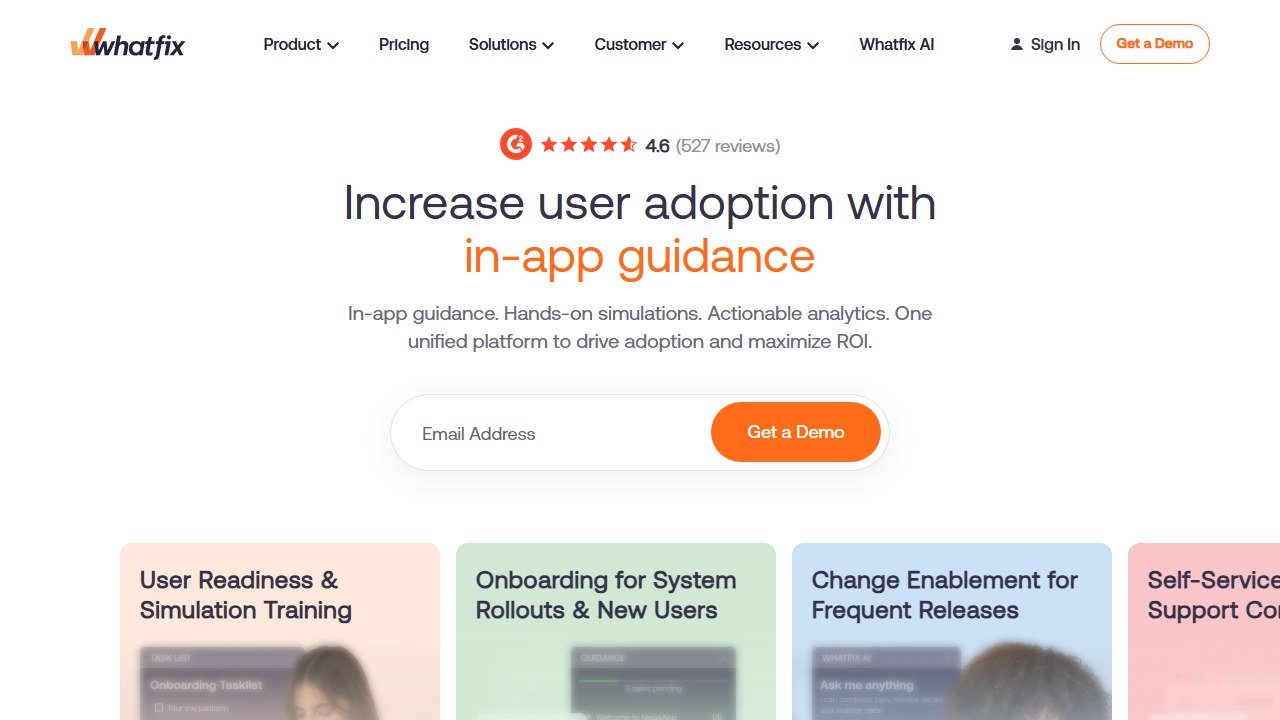
Verdict: The right answer when adoption matters more than a published document, at companies with the budget to back it.
Who it is for: Large organizations rolling out enterprise software, where reducing support tickets and driving feature adoption justifies a serious platform investment.
Pricing reality: Top down enterprise sales with annual contracts that often run into the tens of thousands of dollars. There is no self serve plan, so expect a sales call and a procurement cycle.
One honest limitation: Cost and weight. It is overkill and unaffordable for small teams, and standing up guidance content requires meaningful implementation effort before you see value.
Claude and ChatGPT: best general purpose drafting and editing engines
No technical writer in 2026 works without a general purpose model in the loop. Claude is the standout for long form, nuanced documentation: its large context window lets you paste an entire spec or codebase and get structured, accurate prose back. ChatGPT is the versatile workhorse for outlining, rewriting, and quick explanations. Together they handle the blank page problem that dedicated docs platforms do not solve. Pair them with a grammar layer for polish, much like the workflow we cover in our ProWritingAid review.
Verdict: Essential drafting and editing engines that sit upstream of every other tool on this list.
Who it is for: Every technical writer, developer, and ops person who needs to turn rough notes, specs, or transcripts into a clean first draft.
Pricing reality: Both offer capable free tiers. Paid plans run around 20 dollars per month for higher limits and the best models, with team and enterprise options above that.
One honest limitation: They will confidently invent details. Every factual claim, API parameter, version number, and command must be verified against a source. These tools accelerate writing; they do not absolve you of accuracy, which is doubly true if your work touches research, as covered in our guide to AI for academic writing.
Regulated writing: where a fluent wrong sentence costs real money
Legal, medical and technical writing share a property that marketing copy does not: a confident, well-written, incorrect sentence causes harm. That changes how ai for technical writing and every alternative should be used.
The failure mode is fluency, not error rate
These models are optimised to produce text that reads as correct. In most writing that is exactly what you want. In regulated writing it removes the signal you would normally use to catch a mistake, because badly-understood material no longer sounds badly understood. A drafter reviewing machine output is checking prose that gives no external sign of which parts are invented, which is a fundamentally harder review task than editing a junior colleague’s draft.
What is safe to delegate
Structure, first drafts of sections you will rewrite, summarising a document you have already read, converting notes into prose, adjusting register for an audience, and consistency checks across a long document. These are all jobs where the model is working from material you supplied and you are able to verify the output against something concrete.
What is not
Anything stating a rule, a dose, a limit, a citation, a standard or a deadline. Not because the model is usually wrong about those, but because when it is wrong it is wrong invisibly, and in these fields the consequence is not an awkward sentence. Every such statement needs a named person with the relevant qualification to verify it against the source, and that verification needs to be recorded rather than remembered.
Confidentiality is the other half of it
Client matters, patient records and unreleased technical specifications should not be pasted into a general consumer subscription. Check where the data goes, whether it trains a model, what the retention period is, and whether your professional obligations or your employer’s contracts permit it at all. Several vendors here publish business tiers with different data terms from their consumer plans, and the consumer plan is what most people sign up to first.
A workflow that holds up
Draft with the tool, verify with the source, and record who verified what. Keep the verification step attached to the document rather than to a person’s memory, because the question will be asked long after the drafting is forgotten. This costs perhaps ten minutes per document and it is the difference between a defensible process and an incident.
Three of these tools quoted us rupees, and almost no comparison mentions it
This is the single most useful thing we can tell you about pricing in this category, and it is the thing every roundup gets wrong. On 5 September 2026 we read each vendor’s own pricing page from one connection on one day. Three of the biggest names served us a rate card in Indian rupees without being asked.
Grammarly shows an India flag and prices in INR
Grammarly’s plans page displayed a country flag at the top and then quoted Free at ₹0 INR a month and Plus at ₹392 INR per member per month billed annually, or ₹1,000 when billed monthly. The currency code is written out on the page. This is not an artefact of our reading: Grammarly is deliberately serving a local rate card, and the dollar figure quoted in most articles is the United States one. The monthly-to-annual gap here is unusually wide, close to two and a half times, which makes the annual commitment more consequential than at a vendor offering a flat twenty percent.
QuillBot does the same, behind a URL that does not exist
QuillBot is harder to research than it should be. The obvious address, quillbot.com/pricing, returns a 404, and hitting it repeatedly returns a 429. Its own footer link labelled “Pricing” points at /upgrade and its header button at /premium, which is where the plans actually sit. There we were shown Free at ₹0 a month and Premium at ₹200 against a struck-through ₹334 per month billed annually, under a “Get 40% off” banner. A struck-through list price is a promotional display, so ask what it renews at rather than what it costs today.
ProWritingAid prices its free tier in dollars and its paid tiers in rupees
ProWritingAid showed us Free at $0 per month, in dollars, and then quoted Premium and Premium Pro in rupees across three separate billing views: monthly, yearly and a one-time lifetime payment. The two figures we could read cleanly, without digits being split across page elements, were annual totals of ₹4,950 and ₹5,940. Because we cannot separate the per-month rupee figures reliably, we do not publish them. It also gives premium features free to K-12 educational organisations, which none of the others here publish.
What this means for you, practically
Regional rates are set deliberately. They are not a currency conversion, so you cannot recover your own price with an exchange rate, and the ratio between two markets often differs from the ratio between the currencies. Three things follow. Check the page yourself from the country the subscription will be billed in. Treat any article quoting a single global figure for these three as having described one country. And if you are buying for a distributed team, ask the vendor which market the billing entity sits in, because that, not where the user sits, is usually what sets the rate.
Not everyone does this
Jenni AI takes the opposite approach and says so on the page: its plans are listed at $0, $12 and $29 a month with a note reading “Prices in USD. Local currency available in app.” That is the honest version of the same practice, because you can compare it against anything else without first working out which country you are looking at.
How to choose the right tool for your job
Start with the job, not the brand. If you publish developer and API docs, Mintlify is your platform and DocuWriter.ai is your code level accelerator. If you run a support knowledge base or an SOP library that needs governance, Document360 leads, with ClickHelp as the pick when single sourcing and versioned manuals dominate your work. For fast, click based process guides, nothing beats Scribe, while Whatfix takes over when in app adoption at enterprise scale is the real goal.
Underneath all of them sits the same drafting layer: Claude for long, dense documentation and ChatGPT for quick versatile output. The winning setup in 2026 is rarely one tool. It is a general purpose model for the first draft, a specialized platform for publishing and governance, and a human who verifies every fact before it ships. Pick the platform that matches your dominant job, bolt on the drafting engine, and keep a strict review habit. That combination beats any single product on this list.

Written by
FazFaz is the founder of AIToolsBakery. Some tools here are tested hands on. Others are assessed from vendor documentation and pricing verified on the live page, and every review says which one it is. Sponsors can buy a position in a guide. They cannot buy the score, the criticism, or silence about a better option.
How we test and how we make money →