Quick answer: Spellbook is the best overall for contract drafting, CoCounsel for research-backed legal writing, and Harvey for BigLaw and enterprise teams. A general assistant can polish tone once the substance is locked, but it is no substitute for legal-specific tools or your own judgment.
6 Best AI Tools for Legal Writing and Contract Drafting in 2026
Spellbook is our top pick for most firms in 2026: it drafts and redlines inside Microsoft Word at a sane price. One caution that applies to every tool here: AI invents fake case citations, and courts have sanctioned lawyers for filing them. A human attorney must verify every cite.
That caution is not theoretical. Since mid-2023, researchers have documented more than 300 cases of AI-driven legal hallucinations, with at least 200 logged in 2025 alone. In the first two weeks of August 2025, three separate federal courts sanctioned lawyers for AI-generated fabrications, including one attorney who relied on a well-known legal research database that still produced invented citations. Penalties have escalated past warnings into monetary fines, mandatory training, bar referrals, and public reprimands.
So treat every tool below as a drafting assistant, never an authority. The hallucination categories courts keep flagging are consistent: citations to cases that do not exist, fabricated cites to real cases, and real quotes that fail to support (or directly contradict) the proposition they are attached to. The fix is boring but absolute: pull and read every cited source before anything leaves your office.
If you want broader context first, our guides on AI tools for law students and AI for technical writing cover adjacent workflows. Now to the six tools.
Spellbook: Best overall for contract drafting
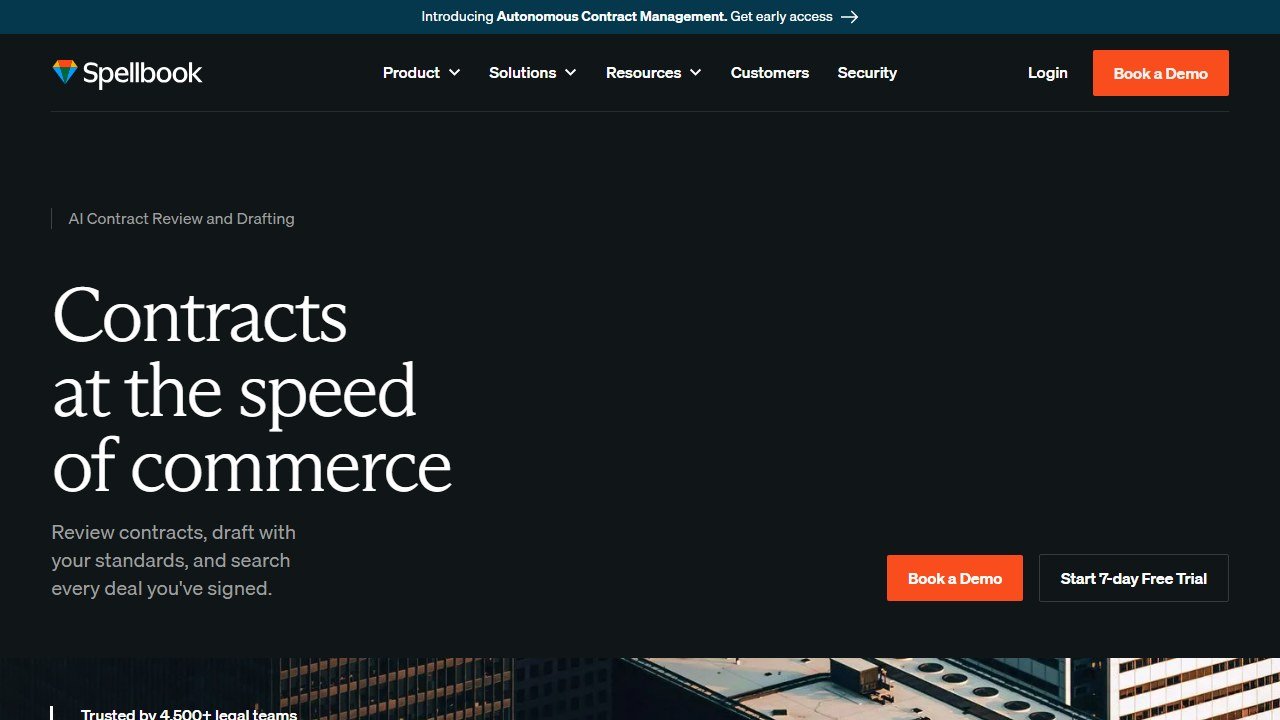
Spellbook lives inside Microsoft Word, which is where most lawyers already draft. It suggests clause language, flags missing provisions, detects unusual terms, and runs AI redlining without forcing you into a new platform. For transactional attorneys who spend their days in agreements rather than briefs, that native fit is the whole pitch, and it lands.
Verdict: The most practical pick for firms whose core work is drafting and negotiating contracts. Low friction, fast adoption.
Who it is for: Solo practitioners, small firms, and in-house counsel who draft in Word and want help without changing tools.
Pricing reality: Roughly 100 to 300 dollars per user per month depending on tier. That makes it one of the more affordable serious options, well below the enterprise platforms.
One honest limitation: It is built for transactional drafting, not deep case-law research. If your work is brief-writing that leans on citations, Spellbook is not the engine for the research half of the job.
Wondering how Spellbook holds up against the enterprise heavyweight? Our Spellbook vs Harvey comparison runs the two drafting rivals head to head.
CoCounsel (Thomson Reuters): Best for research-backed writing

CoCounsel’s edge is data. It is wired into Thomson Reuters proprietary content including Westlaw and Practical Law, so its answers can lean on citation-backed material rather than the open web. For research-heavy writing where the source matters as much as the prose, that grounding is the reason to choose it.
Verdict: Strong for litigators and researchers who need answers tied to a trusted legal database, not just fluent text.
Who it is for: Mid-size and large firms already inside the Thomson Reuters ecosystem, and research-led practices.
Pricing reality: Tiered from about 75 dollars per user per month (On Demand) to 225 (Core) and 500 (All Access). Mid-market pricing that scales with how much you use it.
One honest limitation: Even a database-grounded tool can misattribute or misquote. The August 2025 sanctions involving a major research database are a direct warning: grounding reduces hallucination risk, it does not remove the duty to verify.
Harvey: Best for BigLaw and enterprise legal teams

Harvey is the tool large firms name first. It is built for enterprise-scale legal work across drafting, research, and analysis, and it is positioned for organizations that can absorb the cost inside high billing rates. The capability is genuinely broad; the question is always whether your firm is the right size to justify it.
Verdict: The strongest broad-capability platform for BigLaw, wasted on anyone smaller.
Who it is for: Large firms and enterprise legal departments with the volume and budget to make per-seat economics work.
Pricing reality: Enterprise only, commonly cited at 60,000 dollars or more per year, which works out to roughly 1,000 dollars or more per user per month. That is about 100 times the cheapest tool on this list.
One honest limitation: The price is a hard wall for solos and small firms. Below a certain billing volume there is no honest case for it, and the same verification duty still applies regardless of spend.
Harvey publishes no pricing at all, which makes budgeting a guessing game. Our Harvey AI pricing guide pieces together what firms actually pay from reported contract data.
Lexis+ AI: Best for firms inside the LexisNexis ecosystem
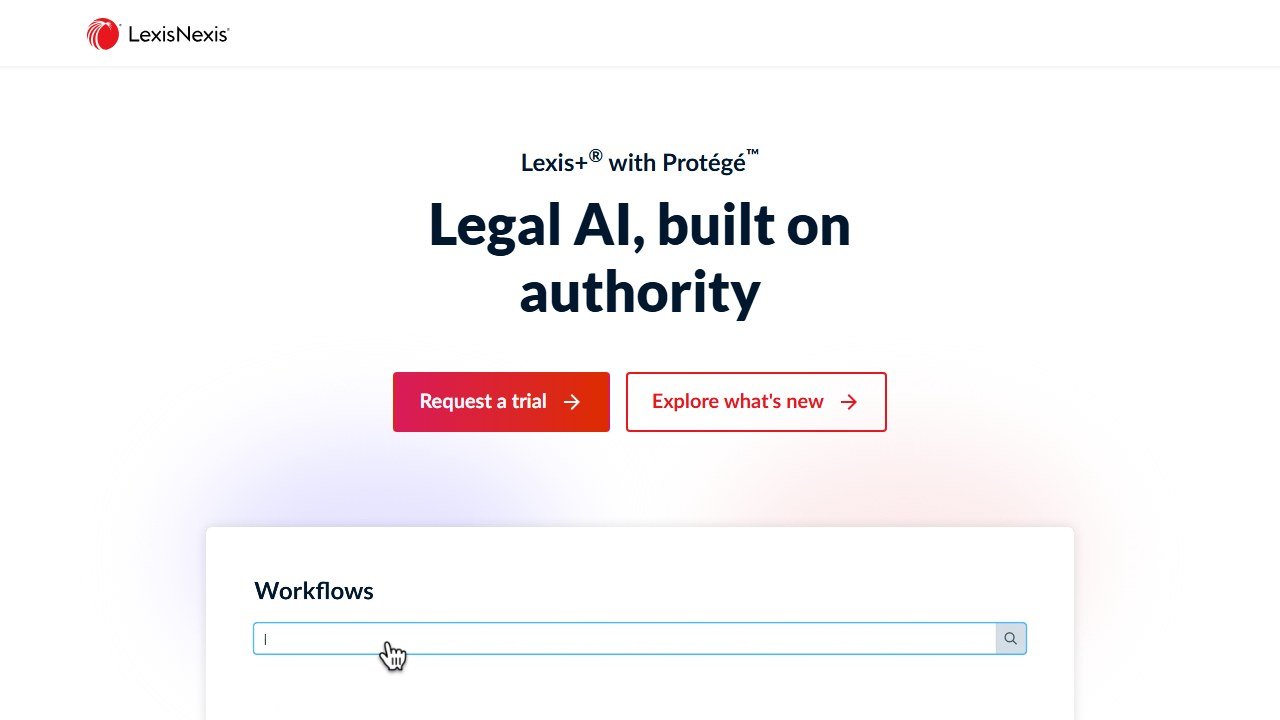
Lexis+ AI brings generative assistance into the LexisNexis research environment, so drafting and research sit beside the case-law library many firms already license. If LexisNexis is your system of record, this keeps the AI layer in the same place rather than bolting on a separate subscription.
Verdict: A logical choice when your firm already runs on LexisNexis and wants AI without leaving it.
Who it is for: Firms and departments standardized on LexisNexis for research and citation.
Pricing reality: Around 200 dollars or more per month, typically bundled with a LexisNexis subscription. Priced similarly to CoCounsel and far below Harvey.
One honest limitation: Value depends on already paying for LexisNexis. Outside that ecosystem the math is weaker, and database grounding still does not excuse skipping a manual cite check.
Clearbrief: Best for citation accuracy and brief verification
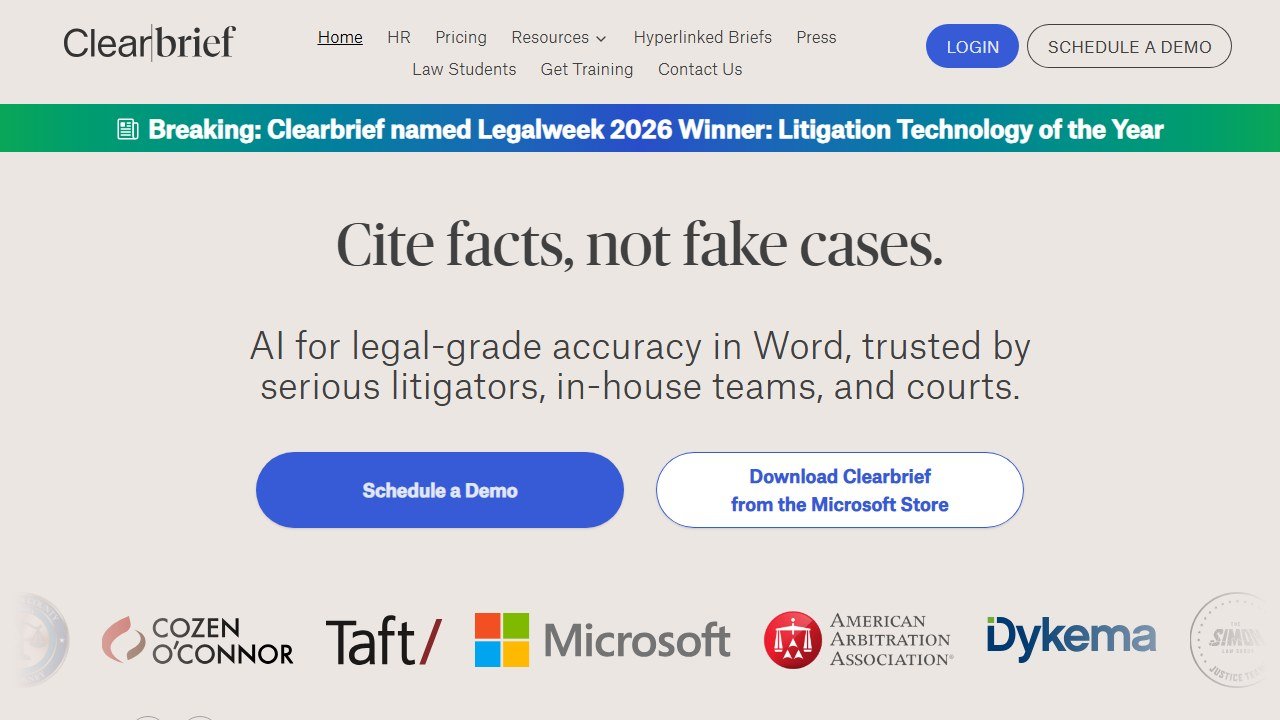
Clearbrief flips the usual pitch. Instead of generating prose, it checks it. The tool verifies factual statements against the record and links every assertion to its source, which directly targets the failure mode that gets lawyers sanctioned. In a year defined by fake-citation penalties, a tool whose job is catching them is worth a seat at the table.
Verdict: Less a writing engine, more a safety net. Pair it with a drafting tool rather than expecting it to replace one.
Who it is for: Litigators and paralegals who file briefs and want machine-assisted verification before anything reaches a judge.
Pricing reality: Subscription pricing aimed at litigation teams; request a current quote, as published numbers shift and often run per-seat.
One honest limitation: It does not draft your argument. It verifies and links, so you still need a separate tool or your own writing for the first draft.
Genie AI: Best for accessible contract drafting and templates
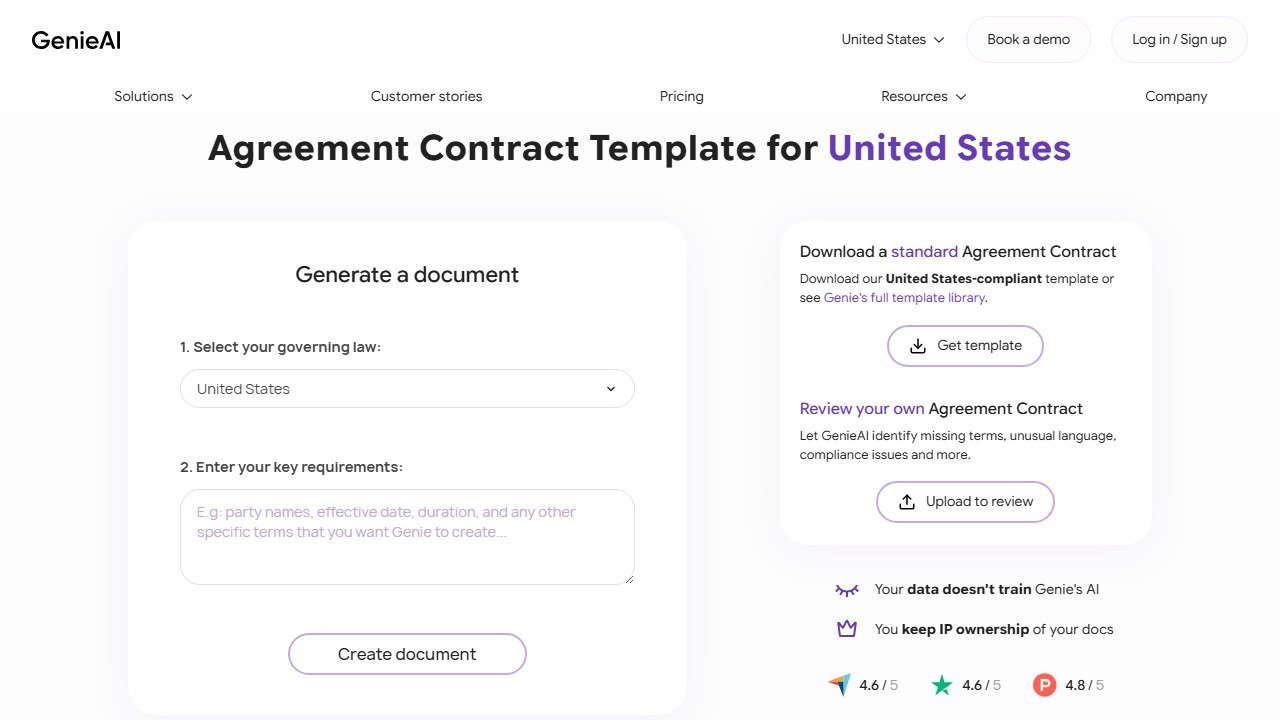
Genie AI focuses on contract creation through a large template library and AI assistance, with an accessible entry point that suits smaller teams and businesses without a deep legal-tech budget. It leans toward getting a workable agreement drafted quickly rather than handling complex litigation writing.
Verdict: A solid, approachable option for straightforward contract drafting on a modest budget.
Who it is for: Startups, small businesses, and legal ops teams handling routine agreements who want templates plus AI assistance.
Pricing reality: Accessible tiering with a low entry point, including limited free access, scaling up for teams and heavier use. Confirm current limits before committing.
One honest limitation: Best on routine, templated agreements. For bespoke, high-stakes, or heavily negotiated contracts it can run out of depth, and template output still needs a lawyer’s review.
Drafting tools are only one corner of a lean firm’s stack. Our guide to the best AI tools for small law firms covers the full toolkit for teams of one to ten lawyers.
Drafting needs get sharper inside a practice area. For trusts, wills, and plan analysis specifically, our guide to the best AI tools for estate planning attorneys covers the dedicated EP platforms these general drafters cannot match.
Regulated writing: where a fluent wrong sentence costs real money
Legal, medical and technical writing share a property that marketing copy does not: a confident, well-written, incorrect sentence causes harm. That changes how ai tools for legal writing and every alternative should be used.
The failure mode is fluency, not error rate
These models are optimised to produce text that reads as correct. In most writing that is exactly what you want. In regulated writing it removes the signal you would normally use to catch a mistake, because badly-understood material no longer sounds badly understood. A drafter reviewing machine output is checking prose that gives no external sign of which parts are invented, which is a fundamentally harder review task than editing a junior colleague’s draft.
What is safe to delegate
Structure, first drafts of sections you will rewrite, summarising a document you have already read, converting notes into prose, adjusting register for an audience, and consistency checks across a long document. These are all jobs where the model is working from material you supplied and you are able to verify the output against something concrete.
What is not
Anything stating a rule, a dose, a limit, a citation, a standard or a deadline. Not because the model is usually wrong about those, but because when it is wrong it is wrong invisibly, and in these fields the consequence is not an awkward sentence. Every such statement needs a named person with the relevant qualification to verify it against the source, and that verification needs to be recorded rather than remembered.
Confidentiality is the other half of it
Client matters, patient records and unreleased technical specifications should not be pasted into a general consumer subscription. Check where the data goes, whether it trains a model, what the retention period is, and whether your professional obligations or your employer’s contracts permit it at all. Several vendors here publish business tiers with different data terms from their consumer plans, and the consumer plan is what most people sign up to first.
A workflow that holds up
Draft with the tool, verify with the source, and record who verified what. Keep the verification step attached to the document rather than to a person’s memory, because the question will be asked long after the drafting is forgotten. This costs perhaps ten minutes per document and it is the difference between a defensible process and an incident.
What the marketing and long-form tools charge
This end of the category prices in dollars and scales hard. Here is where ai tools for legal writing sits against each alternative, read at source on 5 September 2026.
Jasper
Jasper publishes Pro at $59 per seat per month billed yearly or $69 billed monthly, a roughly 20% annual saving against a twelve month commitment. Two terms on its page are worth more than the headline: monthly billing lets you pause for 30 days rather than cancel, and it offers a 20% non-profit discount, applied by starting a trial and emailing the team with documentation. Business plans are quoted rather than published.
Copy.ai, where the tiers stop being comparable
Copy.ai publishes a self-serve plan at $29 a month billed monthly or $24 a month billed annually at $288 a year. Then it jumps: Growth at $1,000 a month billed $12,000 a year for 75 seats and 20,000 workflow credits a month, Expansion at $2,000 a month billed $24,000 a year for 150 seats and 45,000 credits, and a further tier at $3,000 a month billed $36,000 a year for 200 seats and 75,000 credits. Note copy.ai/pricing redirects to /prices. That gap between $288 and $12,000 a year is not a discount ladder, it is two different products, and picking the cheap one to “try the platform” tests almost nothing about the expensive one.
Rytr, the cheapest published plan in the category
Rytr showed us $0, $7.50 and $24.16 a month. Its page carries toggles labelled “Monthly (cancel anytime!)” and “Yearly (get 2 months free!)”, and on every one of our reads the displayed figures did not change when we clicked either. Confirm which billing your figure reflects at checkout rather than from the page.
SEOWriting AI, priced by article rather than by word
SEOWriting AI publishes $14, $59, $119 and $230 a month billed yearly at $168, $708, $1,428 and $2,760, for up to 50, 250, 500 and 1,000 articles respectively. Pricing per article rather than per word or per credit is rare and it makes budgeting unusually simple: divide the annual figure by the article cap and you have a genuine cost per piece, roughly $3.36 at the entry tier and $2.76 at the top. It also lets you try three articles without a card.
How to compare these without being misled
The meters are different, so compare on finished output rather than on plan names. Work out how many finished pieces you need a month, then price each option at that volume. A $24 plan that meters credits and a $14 plan that meters articles are not comparable until you have done that, and the ranking frequently reverses once you do.
Three of these tools quoted us rupees, and almost no comparison mentions it
This is the single most useful thing we can tell you about pricing in this category, and it is the thing every roundup gets wrong. On 5 September 2026 we read each vendor’s own pricing page from one connection on one day. Three of the biggest names served us a rate card in Indian rupees without being asked.
Grammarly shows an India flag and prices in INR
Grammarly’s plans page displayed a country flag at the top and then quoted Free at ₹0 INR a month and Plus at ₹392 INR per member per month billed annually, or ₹1,000 when billed monthly. The currency code is written out on the page. This is not an artefact of our reading: Grammarly is deliberately serving a local rate card, and the dollar figure quoted in most articles is the United States one. The monthly-to-annual gap here is unusually wide, close to two and a half times, which makes the annual commitment more consequential than at a vendor offering a flat twenty percent.
QuillBot does the same, behind a URL that does not exist
QuillBot is harder to research than it should be. The obvious address, quillbot.com/pricing, returns a 404, and hitting it repeatedly returns a 429. Its own footer link labelled “Pricing” points at /upgrade and its header button at /premium, which is where the plans actually sit. There we were shown Free at ₹0 a month and Premium at ₹200 against a struck-through ₹334 per month billed annually, under a “Get 40% off” banner. A struck-through list price is a promotional display, so ask what it renews at rather than what it costs today.
ProWritingAid prices its free tier in dollars and its paid tiers in rupees
ProWritingAid showed us Free at $0 per month, in dollars, and then quoted Premium and Premium Pro in rupees across three separate billing views: monthly, yearly and a one-time lifetime payment. The two figures we could read cleanly, without digits being split across page elements, were annual totals of ₹4,950 and ₹5,940. Because we cannot separate the per-month rupee figures reliably, we do not publish them. It also gives premium features free to K-12 educational organisations, which none of the others here publish.
What this means for you, practically
Regional rates are set deliberately. They are not a currency conversion, so you cannot recover your own price with an exchange rate, and the ratio between two markets often differs from the ratio between the currencies. Three things follow. Check the page yourself from the country the subscription will be billed in. Treat any article quoting a single global figure for these three as having described one country. And if you are buying for a distributed team, ask the vendor which market the billing entity sits in, because that, not where the user sits, is usually what sets the rate.
Not everyone does this
Jenni AI takes the opposite approach and says so on the page: its plans are listed at $0, $12 and $29 a month with a note reading “Prices in USD. Local currency available in app.” That is the honest version of the same practice, because you can compare it against anything else without first working out which country you are looking at.
How to choose without getting burned
Match the tool to the work, not the hype. Transactional drafting points to Spellbook or Genie AI. Research-heavy writing points to CoCounsel or Lexis+ AI, depending on which database you already pay for. Enterprise breadth at enterprise budget points to Harvey. And whatever you draft, Clearbrief sits on top as a verification layer.
The price spread is enormous, from accessible monthly plans up to Harvey’s roughly 1,000 dollars per user per month, a gap of about 100 times. Bigger spend buys breadth and integration, not immunity from error. None of these tools removes your professional duty.
That duty is the through-line of 2026. With an estimated 712 court decisions worldwide addressing hallucinated content and roughly 90 percent of them written in 2025, the message from the bench is settled: AI drafts, lawyers verify. Read every cited case. Confirm every quote supports its proposition. Treat the AI’s output as a first draft from a fast but unreliable junior, never as filed-ready work.
A plain-English assistant like Grammarly can still help polish tone and clarity once the substance is locked, but it is no substitute for legal-specific tools or for your own judgment. Used with discipline, the tools above genuinely shorten the path from blank page to solid draft. Used carelessly, they are how careers end up in a sanctions order.
For the wider legal-AI landscape, see our guide to the best AI tools for lawyers, and for reviewing existing contracts rather than drafting new ones, our roundup of the best AI contract review software.

Written by
FazFaz is the founder of AIToolsBakery. Some tools here are tested hands on. Others are assessed from vendor documentation and pricing verified on the live page, and every review says which one it is. Sponsors can buy a position in a guide. They cannot buy the score, the criticism, or silence about a better option.
How we test and how we make money →Frequently Asked Questions