It is 8:45 on a Sunday night. You have circle time in the morning, a transportation theme half-planned, twelve name labels to remake because two kids moved tables, and a parent newsletter that was due Friday. You do not need a chatbot to “revolutionize early learning.” You need the laminator-adjacent grunt work off your plate so you can be present with three- and four-year-olds who cannot tie their shoes yet.
That is the honest gap most AI articles miss. Search “AI tools for preschool teachers” and the top results are written by the platforms selling the tools: childcare apps, lesson-plan generators, the big education suites. We are AIToolsBakery. We are independent and we sell none of these tools. We have no affiliate deal riding on whether you sign up for anything below.
The other thing those lists skip: almost every “AI for teachers” tool is built for kids who can read. Preschool is pre-literacy. A lot of what gets recommended for K-12 simply does not fit a room of pre-readers, and we will tell you plainly where that line falls.
The 30-second answer: Use a general AI model (ChatGPT, Claude, or Gemini) for activity ideas, lesson scaffolds, parent notes, and song or story prompts. Use Canva for printables, labels, and visuals. Most K-12 “teacher AI” tools skew older than pre-K. Never enter a child’s identifying details. AI drafts; you decide.
The honest truth about “AI for teachers” and pre-K
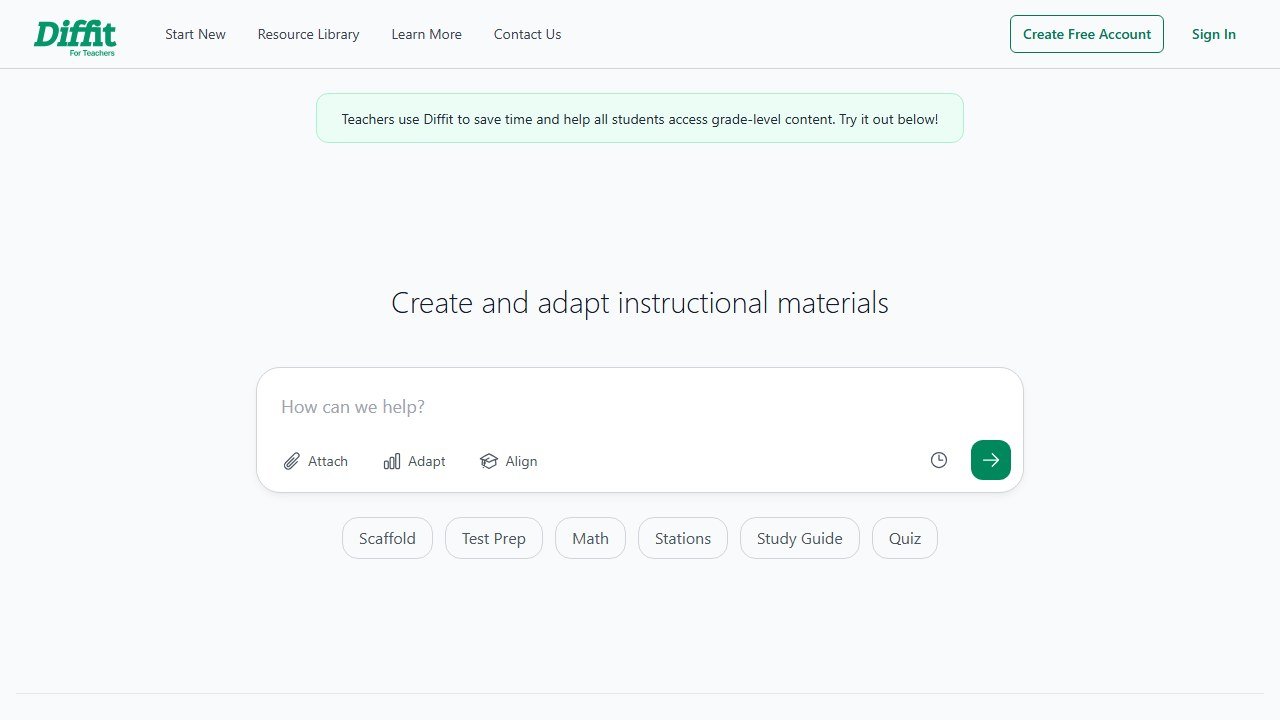
Tools like MagicSchool, Diffit, and Curipod are genuinely good, and you will see them on every list. But read what they actually do. Diffit levels reading passages. Curipod builds interactive slide decks with polls and quick-writes. MagicSchool generates rubrics, IEP language, and tiered reading activities. All of that assumes students who read and type.
Your learners are three. They are learning that the squiggle on their cubby is their name. The “differentiation” and “leveled text” features that make these tools shine in fourth grade have little to do with a pre-K morning.
That does not make them useless. MagicSchool has a wide tool library, and some pieces (a quick parent email, a newsletter blurb, a song-lyrics generator, a simple social-story draft) work for any age because they are really just writing helpers. If you want the full breakdown, our MagicSchool AI review digs into where it earns its keep and where the free tier runs out. The point: pick the feature that fits early years, ignore the grade-school marketing around it.
Activity and lesson-plan ideas (the highest-value use)
This is where AI actually saves a preschool teacher real time. A general model like ChatGPT, Claude, or Gemini is excellent at turning a theme into a week of developmentally-appropriate options.
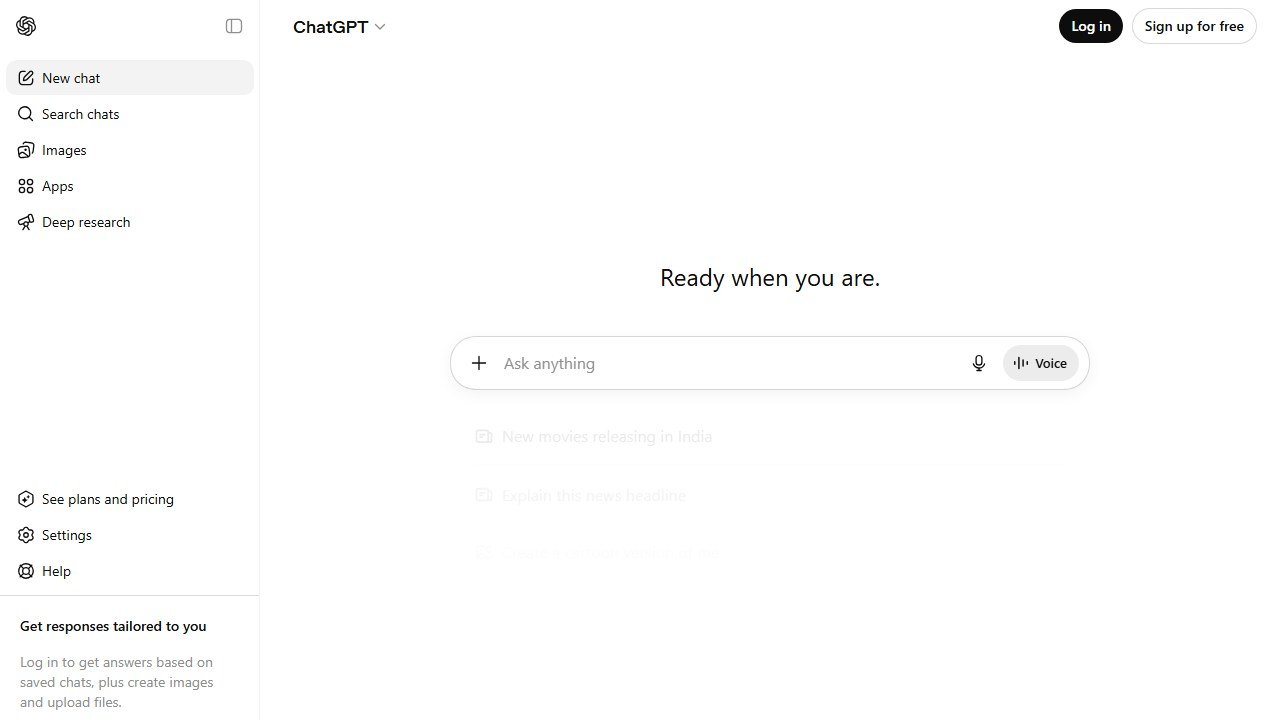
The trick is the prompt. Vague in, vague out. Instead of “give me preschool activities,” try: “I teach a mixed group of three- and four-year-olds. Theme is ‘things that go.’ Give me six hands-on activities across fine motor, gross motor, sensory, early math, language, and art. No worksheets. List the materials a typical classroom already has.” You get a usable scaffold in seconds.
What to keep doing yourself: judging whether an idea is safe and developmentally right. AI will cheerfully suggest small beads for a “counting” activity or a craft that needs scissors skills your group does not have. You are the filter. Treat every suggestion as a first draft from an enthusiastic student teacher who has never met your kids.
For a deeper look at the planning category across all grade bands, our guide to the best AI lesson planning tools compares the dedicated planners. For pre-K specifically, a chat model usually beats them, because preschool planning is about play, not standards alignment.
Printables, worksheets, and visuals
Canva is the workhorse here, and Canva for Education is free for verified teachers. It has thousands of preschool templates and an AI image generator (Magic Media) plus text and design helpers built in.
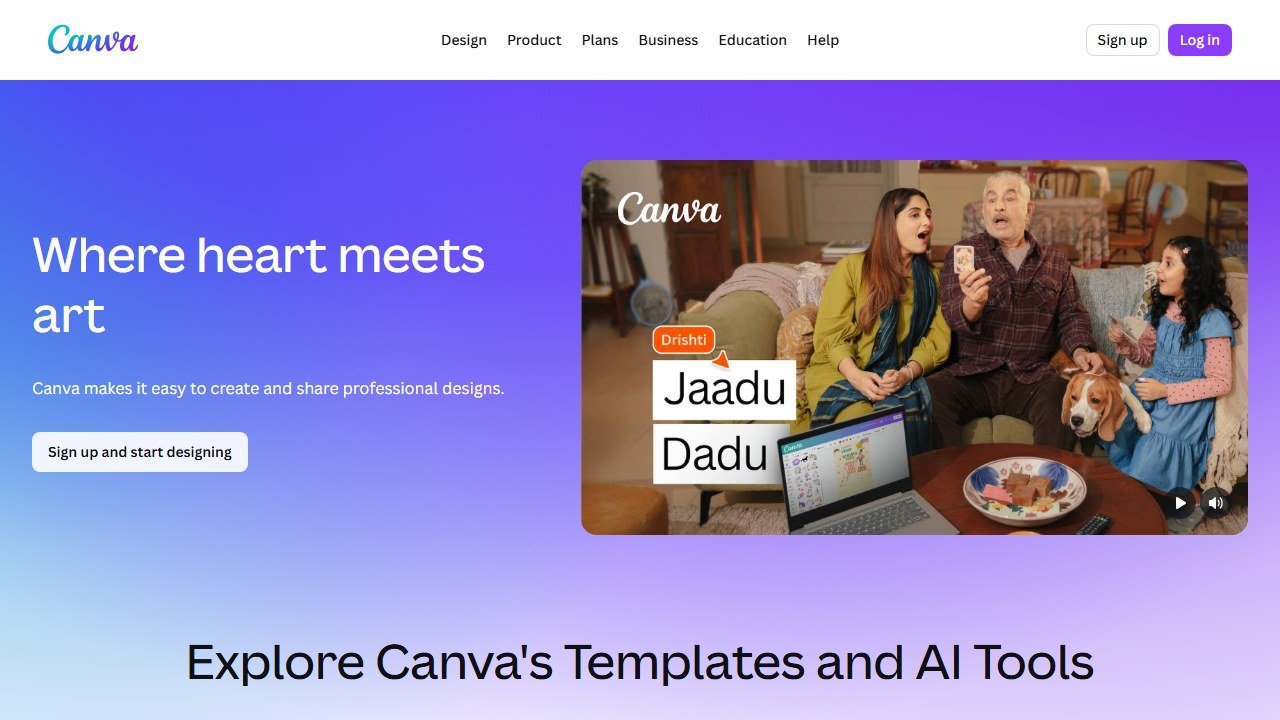
Real jobs Canva handles well:
- Name labels, cubby tags, and table signs you can restyle in minutes when the roster shifts
- Classroom visuals: daily schedule cards, a feelings chart, a hand-washing sequence, line-up spots
- Simple tracing and matching pages, with the giant caveat that worksheets are a small part of a good pre-K day
- Parent-facing one-pagers and sign-up sheets
On AI-generated images for the classroom: useful for a quick themed border or a clip-art-style prop, shaky on anything that needs to be accurate. Generated images still mangle letters, fingers, and counts. If you make a “count the apples” card, count the apples yourself before you print it.
Parent communication and newsletters
This is the safest, fastest win, because it is pure writing. Paste your rough notes (“this week: fall walk, leaf rubbings, started sharing songs, picture day Thursday, send a jacket”) into any chat model and ask for a warm, plain-language newsletter at a parent’s reading level. Ask for a Spanish version and you have bilingual communication in one more click. Always read translations before sending; machine translation is good, not perfect, and tone matters with families.

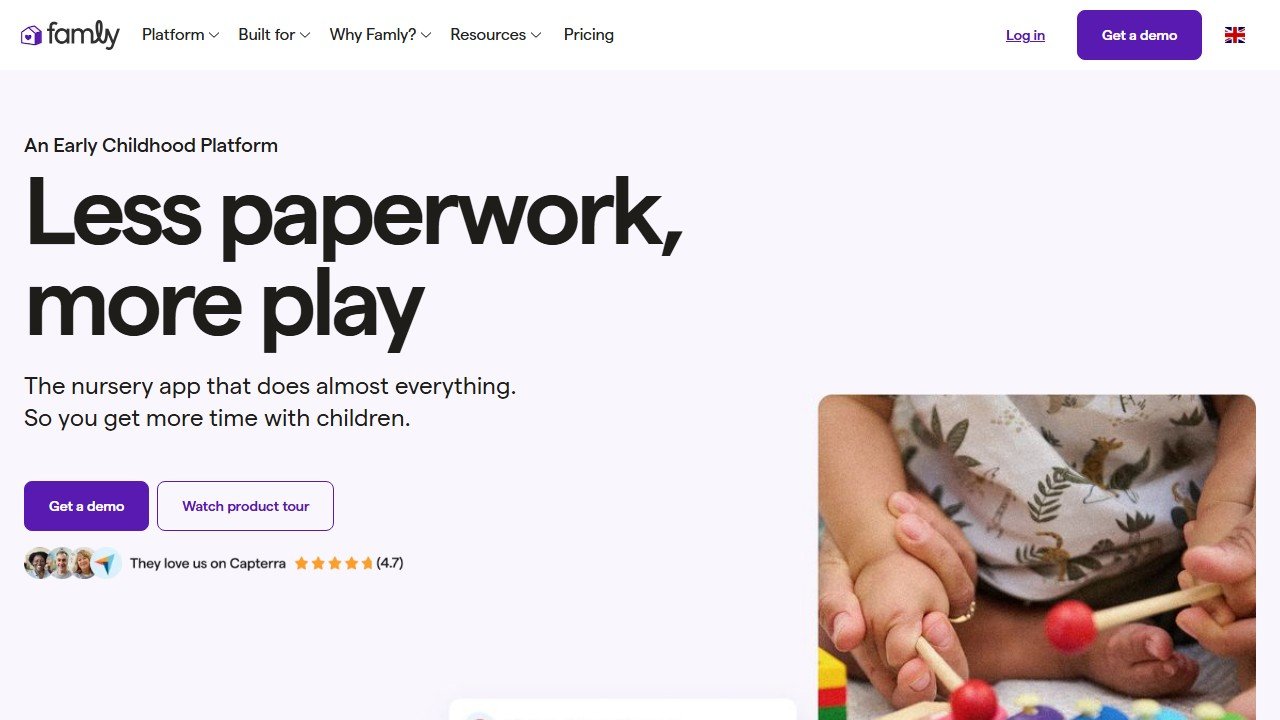
Childcare platforms such as Brightwheel and Famly have started adding AI helpers for daily reports and family messages inside the apps your center may already use. They are convenient because they live where your data already is. The same privacy rules apply, which we cover below.
The hard line: keep individual children out of group messages. “Several friends practiced sharing today” is fine. Naming a specific child’s behavior in a class-wide note, or pasting a child’s full name and details into an external chatbot to “write a nice update,” is not. More on that next.
Observation and documentation help
Teachers ask AI to help turn quick observation jottings into the longer narrative that portfolios and frameworks (EYFS, Creative Curriculum, Montessori records) want. This works, with a firm boundary.
Do this: write your observation in de-identified terms (“a child stacked five blocks, then rebuilt after it fell, narrating the steps”) and ask AI to help phrase it against developmental domains. You get cleaner documentation language and keep your professional voice.
Do not do this: paste a child’s name, date of birth, photo, family situation, diagnosis, or any identifying detail into a public AI tool. And never let AI assess the child. AI does not know your kids, cannot observe a room, and has no business deciding whether a child is “behind.” It can help you write up what you saw. The seeing, and every judgment that follows, stays with you.
Songs, stories, and circle-time ideas
A genuinely fun, low-risk use. Chat models are great at:
- Making up a simple call-and-response chant for clean-up or transitions
- Writing new verses to a familiar tune (set “Wheels on the Bus” in a farm, a forest, the ocean)
- Generating a short, repetitive story for your theme, with a predictable refrain pre-readers can chime in on
- Brainstorming finger plays, movement games, and brain breaks for the wiggly stretch before lunch
Sing it through yourself first. AI does not hear rhythm, so a “song” may not scan. You will fix it in ten seconds, but you have to actually try it. The same goes for stories: read the draft aloud and trim any sentence that a three-year-old would lose halfway through. Short lines, big repetition, one clear idea per page. That is what holds a circle together, and it is the part you, not the model, can feel landing in the room.
Differentiation for early learners
In K-12, “differentiation” means leveled text. In pre-K it means meeting a wide developmental range in the same play activity. AI helps you plan the range, not deliver it to a screen.
Ask: “How do I set up a single block-play invitation that works for a child still mouthing objects, a child building towers, and a child ready for simple patterns?” A good model gives you tiered prompts and extension ideas for one shared activity. That is real, useful differentiation for three-year-olds, and it keeps every child in the same play, which is the point. The dedicated “differentiation” AI tools built for reading levels mostly do not apply here.
Comparison: which tools actually fit preschool
| Tool | What it does | Best for in pre-K | Free tier |
|---|---|---|---|
| ChatGPT / Claude / Gemini | General writing and ideation | Activity ideas, newsletters, songs, documentation phrasing | Yes, capable free plans |
| Canva | Design and printables | Labels, visuals, schedule cards, simple worksheets | Yes, free for verified teachers |
| MagicSchool | Teacher tool library | Parent emails, social-story drafts; skews older overall | Yes, limited |
| Curipod | Interactive lesson slides | Limited; built for kids who read and respond on devices | Yes, limited |
| Diffit | Leveled reading passages | Rarely; pre-readers do not need leveled text | Yes, limited |
| Brightwheel | Childcare management + AI helpers | Daily reports, family messaging inside the app | App-based, paid plans |
| Famly | Childcare management + AI helpers | Daily reports, parent communication | App-based, paid plans |
A lean starter stack (what we would actually use)
You do not need seven subscriptions. For most preschool teachers, the honest setup is two free tools and a habit:
- One general AI model (ChatGPT, Claude, or Gemini, free tier). This covers activity ideas, newsletters, songs, social stories, and documentation phrasing. Learn to write a detailed prompt and you have replaced most “teacher AI” products.
- Canva for Education (free, verified). This covers every printable, label, and classroom visual you will make.
- Whatever your center already uses for communication (Brightwheel, Famly, or similar). Use its AI helpers if present, but do not add a tool just for AI.
- A privacy habit: de-identify before you paste. Make it automatic.
Add a paid tool only when a specific, repeating task is still eating your evenings and the free stack genuinely cannot do it. That is rare in early years.
If you also manage or work alongside home-based care, our guides to AI tools for nannies and AI tools for daycare centers cover adjacent workflows, and the broader best AI tools for teachers roundup is worth a look if you teach across older grades too.
On child safety and data privacy (read this part)
This is non-negotiable, so we will be blunt.
Never put a child’s identifying details into an AI tool. That means no full names, birth dates, addresses, photos, family circumstances, medical or diagnostic information, or anything that could identify a specific child. Public chatbots are not covered by your center’s privacy agreements, and text you paste can be retained or used to train models. De-identify everything. “A child” and “a friend in my group” are your default words.
AI assists your planning. It does not assess children and it does not make decisions about them. It cannot screen, diagnose, flag, or evaluate a child, and you should never let it try. Those are professional judgments that require a human who knows the child, the family, and the context. Developmentally-appropriate judgment stays with the teacher, every time.
When in doubt, check your program’s and your district’s AI and data policies before using any tool with anything school-related. If your center uses a platform with a signed privacy agreement, keep child-specific work inside that platform rather than a public chatbot.
What AI still cannot do for a preschool teacher
AI can draft your newsletter. It cannot notice that the quiet child by the window has been quiet for three days in a new way, and crouch down to find out why.
It cannot read a room of fourteen three-year-olds and feel the tantrum building before it lands. It cannot scoop up a crying child, mean it, and become the safe adult that child needs for the next ten minutes. It does not know that today is the day a particular family is moving, or that one child only eats if you sit beside them.
Preschool is relationship work. Co-regulation, attachment, the thousand tiny reads you make every hour, the way you adjust a plan because the energy in the room changed: none of that lives in a tool. AI is genuinely useful for the paperwork and the prep, and using it there is smart, because it gives you back the minutes that the real job needs. But the real job is the warm, attentive, developmentally-tuned human in the room. That is you, and nothing on this page replaces it.

Written by
FazFaz is the founder of AIToolsBakery. Some tools here are tested hands on. Others are assessed from vendor documentation and pricing verified on the live page, and every review says which one it is. Sponsors can buy a position in a guide. They cannot buy the score, the criticism, or silence about a better option.
How we test and how we make money →