It is 11pm on a Tuesday. You have a venue walkthrough at 9am, a client who wants the proposal “by end of week,” three vendors who have gone quiet, and a run-of-show that still has gaps. The wedding next month is fine. The corporate offsite the week after is not. Somewhere in there you are also supposed to post on Instagram and answer the lead who DM’d you on Sunday.
That is the real job. Not the highlight reel. And it is exactly the part where AI tools for event planners actually earn their keep, or waste your money pretending to.
We are AIToolsBakery. We are independent and we sell none of the tools below. That matters here, because nearly every “best AI tools for event planners” list at the top of Google is published by an event-software company that happens to rank its own platform at number one. This guide is organized around the jobs you actually do, with honest pricing and a clear note on where each tool falls short.
The 30-second answer: Use a general AI model (Claude or ChatGPT) for proposals, emails, and run-of-show drafts. Canva for design, a real CRM (HoneyBook or Dubsado) for client admin, Otter for capturing client calls, and Prismm for layouts. Skip the all-in-one “AI event platform” until you outgrow this stack.
The writing job: proposals, emails, run-of-show
Event planning is a writing business in disguise. Proposals, vendor briefs, client recap emails, timelines, scripts for the MC, post-event reports. This is where a general AI model saves the most hours, and it is the one category the vendor lists undersell because they would rather sell you a platform.
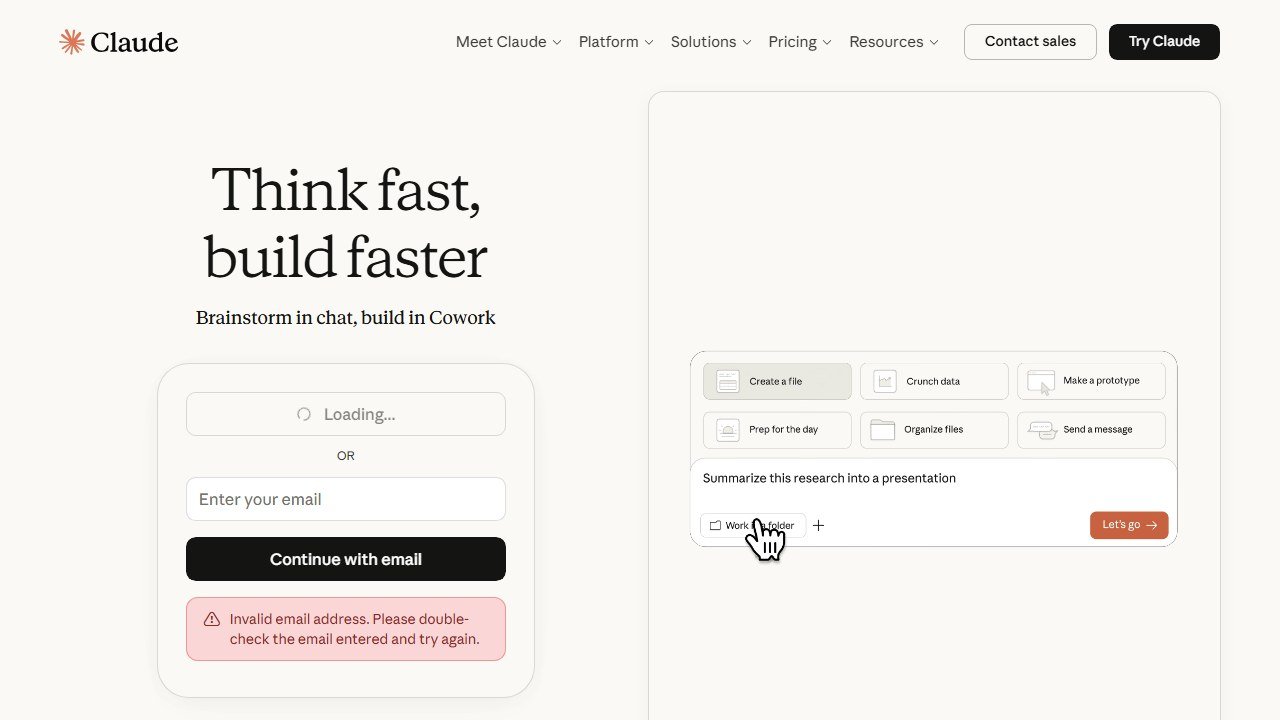
Claude and ChatGPT both do this well. Paste in your messy notes from a discovery call and ask for a first-draft proposal in your tone. Turn a bullet list into a polished run-of-show. Rewrite a firm-but-kind email to a vendor who missed a deadline. Draft seven variations of an Instagram caption in the time it takes to make tea.
Pricing is the same shape for both: a usable free tier, and a paid plan around 20 dollars a month that gives you longer context and the better model. For event work the paid tier is worth it, because you will be pasting in long briefs and want the model to hold the whole event in its head.
The honest limitation: the model does not know your vendors, your margins, or your contracts unless you tell it. It will confidently invent a catering price if you let it. Treat every draft as a first draft from a fast, tireless junior who has never worked an event. You are still the editor.
Venue and vendor sourcing
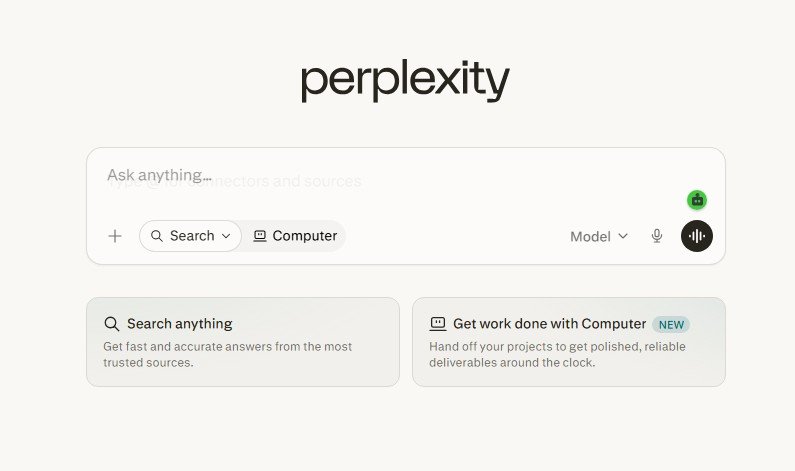
Sourcing is research plus outreach plus comparison, and AI helps with the first and last, not the middle. Use Perplexity to pull venue specs, capacity numbers, vendor shortlists, and “what permits do I need for a 200-person outdoor event in this county” answers, with citations you can click and verify. It is faster than ten browser tabs.
A general model is excellent at the comparison step: drop in three venue quotes and ask for a clean side-by-side that flags hidden fees, service charges, and what is missing. It reads the fine print faster than you will at midnight.
There are AI-first sourcing platforms aimed at corporate work, like Nowadays and Cvent’s vendor marketplace, which automate RFP distribution to multiple venues at once. They are built for high-volume meeting planners and priced accordingly, often by quote or enterprise contract. For a boutique planner doing 20 to 40 events a year, they are overkill. We cover that distinction in more depth in our guide to AI tools for corporate event planning.
A practical tip that saves real hours: build a reusable AI prompt that contains your standard sourcing criteria (budget band, capacity, must-have amenities, dealbreakers) and run every new venue option through it. You get a consistent first-pass assessment instead of re-explaining your standards from scratch each time. Save the prompt in your CRM or Notion and treat it as a piece of your business, not a one-off.
The limitation worth saying out loud: AI can shortlist a venue, but it cannot tell you the loading dock is a nightmare, that the in-house AV team is impossible to work with, or that the “stunning garden” backs onto a train line. That intel lives in your relationships and your site visits, not in a model. Use AI to narrow the field to three; then go look with your own eyes.
Client and guest admin: CRM and intake
This is the category that quietly decides whether your business scales or drowns you. A proper CRM handles the lead form, the contract, the invoice, the payment reminders, and the client portal in one place, and most now bolt AI onto the workflow.
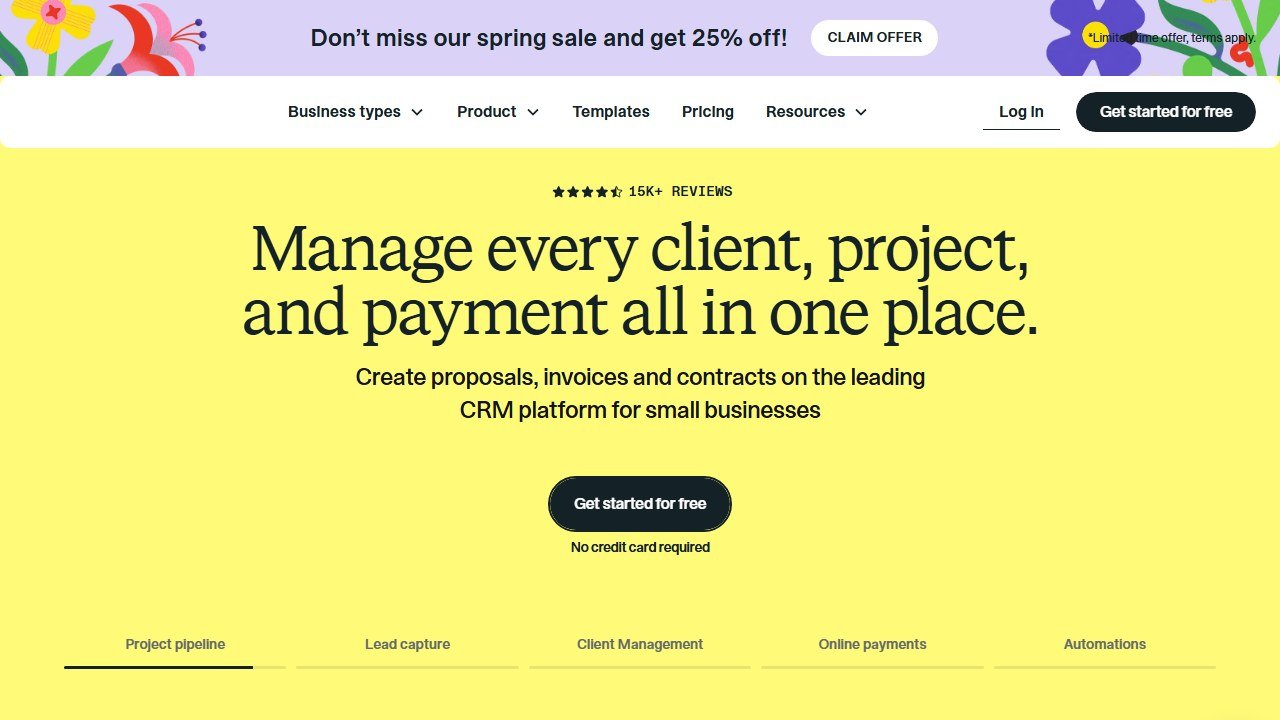
HoneyBook is the easy on-ramp. Clean branding, smooth client experience, plans starting around 36 dollars a month, with AI features that draft replies and summarize project activity. Dubsado is the customization pick at roughly 40 dollars a month for the starter tier and 70 for premier. It is more flexible for planners who do both weddings and corporate, because it does not force you into wedding-only workflows. Aisle Planner, around 59 dollars a month and priced by active project count, leans hardest into all-in-one event project management with timelines and design tools built in.
Honest take: do not buy the most powerful one. Buy the one you will actually configure. Dubsado’s flexibility is wasted if you never set up the workflows, and HoneyBook’s simplicity is a feature, not a compromise. Our AI tools for wedding planners guide goes deeper on the wedding-specific side of these platforms.
Capturing the conversation: transcription
Discovery calls, vendor negotiations, planning meetings. You cannot take good notes and actually listen at the same time. Otter.ai records and transcribes, then gives you a searchable record and an AI summary with action items. The free tier covers 300 minutes a month, and Otter Pro is around 17 dollars monthly, or roughly 8 dollars if you pay annually.
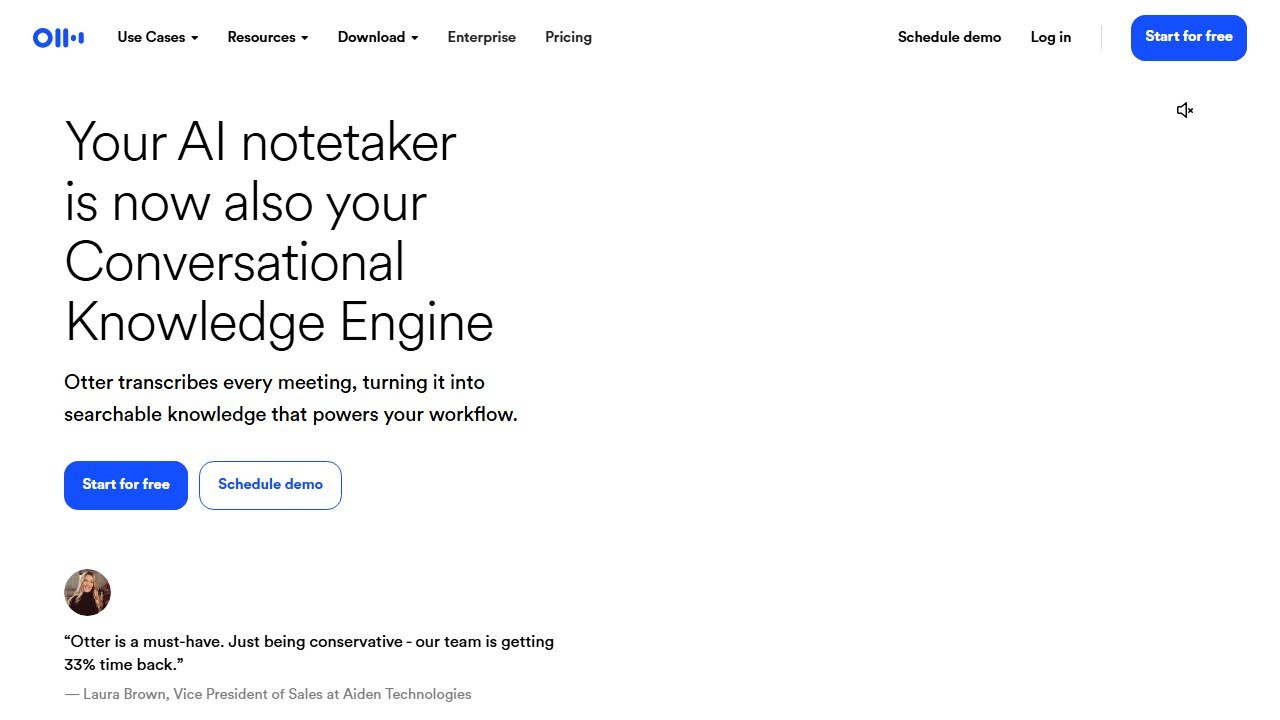
The workflow that pays off: record the client call (with consent), let Otter transcribe, then paste the transcript into your AI model and ask for a proposal scope, a follow-up email, and a timeline. You go from a one-hour call to three drafted deliverables before the client has parked their car.
Privacy note that is non-negotiable: you are recording people, often about money and sometimes about deeply personal events. Always get explicit consent before recording, tell clients where the recording is stored, and do not paste anything sensitive into a free AI tool whose data-handling you have not checked. Treat client conversations as confidential by default.
Design: invites, signage, mood boards, and renders
Canva is the workhorse here, and its AI features (Magic Design, background removal, text-to-image) make it the fastest path to invites, signage, social graphics, and seating cards that look intentional. The free tier is genuinely useful; Canva Pro runs about 15 dollars a month and unlocks brand kits and the heavier AI tools. For most planners, Canva plus a general model for the copy covers 90 percent of design needs.
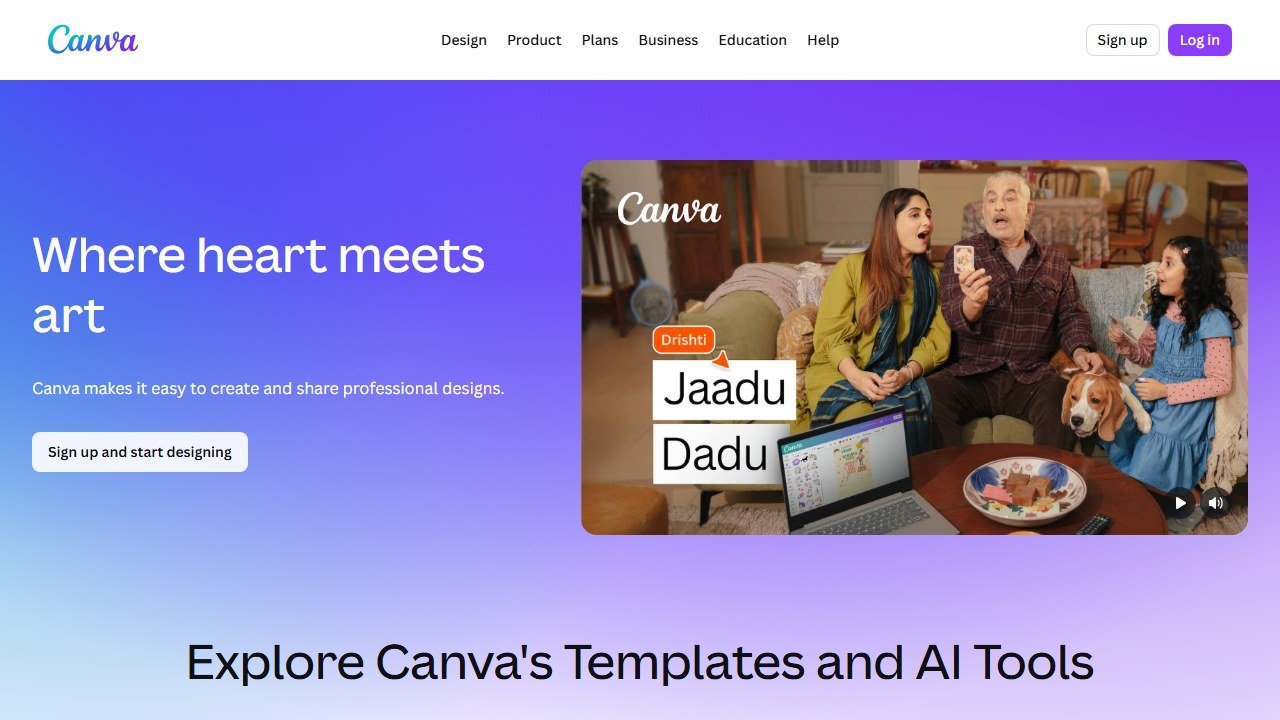
For mood boards and concept visuals, a general image model or Canva’s text-to-image can rough out a “this is the vibe” board in minutes, which is great for aligning a client early without booking a designer.
For actual spatial design, Prismm (formerly AllSeated, now part of Cvent) is the serious tool: 3D floor plans, seating charts, and photorealistic renders you can drop into a proposal or share with the client. Its “Dress the Space” AI feature speeds up styling a layout. Pricing is by quote based on venue and features, so it is an investment, not an impulse buy. The payoff is a client who can see the room before a single chair is placed.
Limitation: AI renders sell the dream beautifully, which is exactly the risk. A photorealistic render of a flawless ballroom sets an expectation you and your vendors then have to deliver in real light, on a real budget. Use renders to align, not to overpromise.
Budgeting and project management
For budgets, a spreadsheet plus an AI model still beats most “AI budgeting” features. Paste your line items and ask the model to flag where you are over a typical percentage for catering or florals, or to model a 10 percent guest-count increase. It is a fast sanity check, not a finance department.
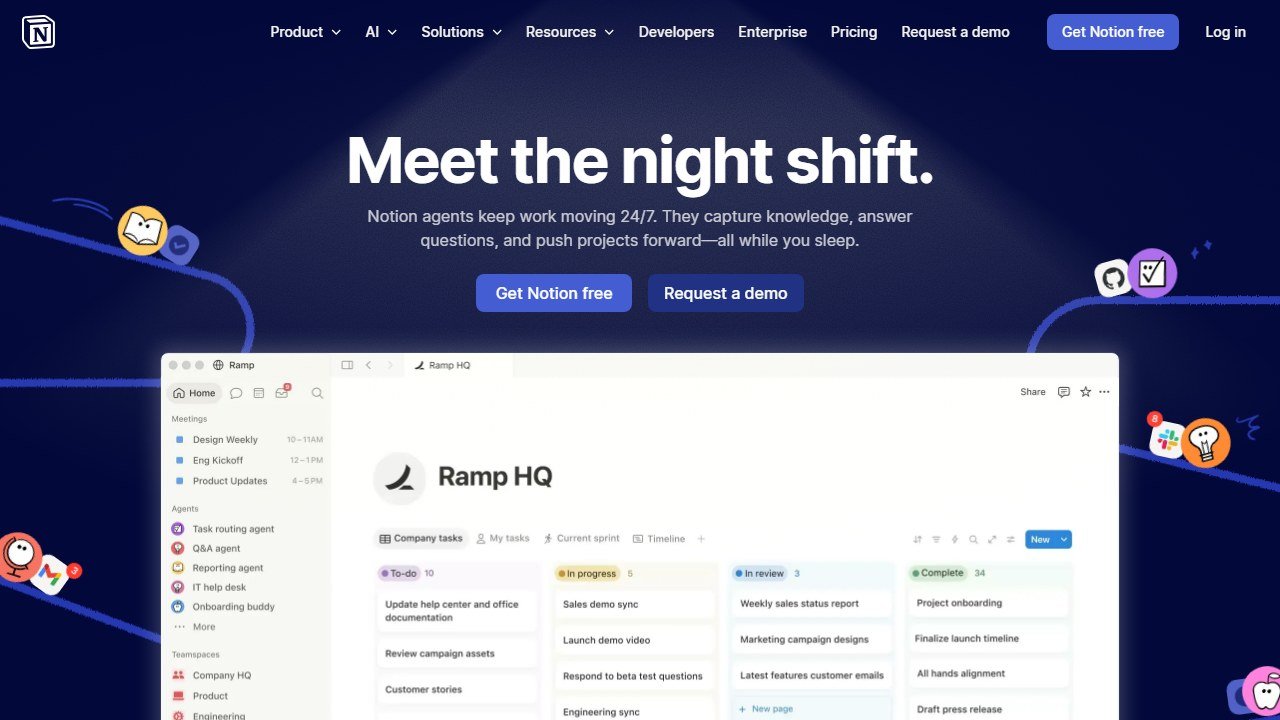
For project management and timelines, Notion with its built-in AI is a strong, affordable hub: client databases, run-of-show docs, vendor trackers, and a template you reuse for every event. The free plan works for solo planners; paid AI features run a few dollars a month per user. The real unlock is building one master event template once, then duplicating it per booking so nothing falls through the cracks. ClickUp and Monday.com offer heavier AI-assisted project management if you have a team coordinating many events at once, but for a solo or small studio, Notion is usually enough.
The honest limitation across all of these: AI can build the timeline and flag the gaps, but it does not understand that load-in has to finish before the photographer’s golden-hour window, or that the cake cannot sit in a hot tent for two hours. The logic of a real event lives in your head. The tool keeps the list; you keep the wisdom.
Marketing and social
The same general model that writes your proposals writes your captions, blog posts, and email newsletters. Canva handles the visuals. The realistic win here is consistency: AI removes the “I do not know what to post” friction so you actually show up weekly. The party-and-social-event angle, where marketing leans more personal, is something we dig into in our AI tools for party planners guide.
One caution: AI-written social copy reads generic if you ship it raw. Your voice and your real photos from real events are the differentiator. Use AI for the first draft and the scheduling grind, never as the final voice.
The tools compared
| Tool | What it does | Best for | Free tier |
|---|---|---|---|
| Claude / ChatGPT | Proposals, emails, run-of-show, scripts | The bulk of your writing | Yes; paid around 20 dollars/mo |
| Perplexity | Cited research, venue and vendor specs | Sourcing and fact-checking | Yes; Pro around 20 dollars/mo |
| HoneyBook | CRM, contracts, invoicing, portal | Solo planners wanting simplicity | Trial; from around 36 dollars/mo |
| Dubsado | CRM with deep customization | Mixed wedding and corporate work | Trial; from around 40 dollars/mo |
| Otter.ai | Call transcription and summaries | Discovery and vendor calls | Yes; Pro around 17 dollars/mo |
| Canva | Invites, signage, social, mood boards | All visual design | Yes; Pro around 15 dollars/mo |
| Prismm | 3D floor plans and renders | Layout and client visualization | Quote-based |
| Notion | Timelines, trackers, event hub | Project management for small studios | Yes; AI a few dollars/mo |
A lean starter stack
You do not need all of the above. Most working planners thrive on a deliberately small kit:
- One general AI model (Claude or ChatGPT), paid tier, for all writing. This is the highest-leverage 20 dollars you will spend.
- One CRM (HoneyBook if you want easy, Dubsado if you want flexible) for contracts, invoices, and client flow.
- Canva Pro for every visual you produce.
- Otter for capturing calls so you stop typing and start listening.
- Notion (or your CRM’s project tools) as the single home for timelines and run-of-show.
Add Perplexity when sourcing eats your week, and Prismm when clients start asking to “see it” before they sign. Resist the all-in-one AI event platform until your volume genuinely justifies the cost and the migration.
What AI still cannot do for event planners
AI can draft the proposal, but it cannot read the room when a mother of the bride goes quiet and you realize the real concern is not the flowers. It cannot feel the temperature shift when a corporate sponsor is unhappy and decide, in the moment, whether to address it now or after the keynote.
It cannot build the trust that makes a venue manager move heaven and earth for you at 6pm when the linens are wrong. It cannot stand calm in front of a panicking client and be the steady person in the room. It cannot taste the catering, judge whether the lighting actually feels warm or just looks warm in a render, or know that this particular couple needs the timeline to breathe.
And it cannot take responsibility. When something goes wrong at 7pm with 200 guests arriving, no model owns that. You do. The judgment, the relationships, the grace under pressure, and the accountability are the job. AI handles the hours of admin around the job so you have more of yourself left for the part that is unmistakably, irreplaceably human.

Written by
FazFaz is the founder of AIToolsBakery. Some tools here are tested hands on. Others are assessed from vendor documentation and pricing verified on the live page, and every review says which one it is. Sponsors can buy a position in a guide. They cannot buy the score, the criticism, or silence about a better option.
How we test and how we make money →