AI upscalers turn a small or soft image into a larger, sharper one. People use them to rescue old photos, to make AI-generated art big enough to print, to prepare product shots, and to sell on Etsy or print-on-demand sites, where a 1024-pixel image is nowhere near enough.
Many of the pages that rank for this search are written by upscaler vendors. Freepik is now Magnific, which not every list reflects, and some quote prices that no longer match the vendors’ own pages. None of them answers the two questions that decide what you should buy: what it costs over a few years at the volume you actually use, and whether the result is big enough to print. This guide answers both.
How we put this together. We have not used these tools ourselves, and we have not compared the quality of their results; this is a research-based comparison of prices, limits and terms. Everything below comes from each vendor’s own pages, read on 13 October 2026. Pages were viewed from India: Magnific, Clipdrop and Adobe showed us prices in Indian rupees, which we report as regional and do not convert. All cost totals are our own arithmetic.
Three ways to pay for upscaling
Subscription
A monthly or yearly fee for unlimited upscales, or a monthly allowance. Topaz Gigapixel, Let’s Enhance, Magnific, Krea and Leonardo all sell this way. It suits people who upscale every week.
Per image
Pay only for what you upscale, either through credit bundles or an API. Let’s Enhance sells bundles that never expire, and Replicate charges per image for open models. It suits occasional or bursty use, and developers.
Free and local
Upscayl is free, open-source software that runs on your own computer. You pay nothing per image, but you need a capable graphics card and you do the work on your own machine.
What three years of upscaling costs
We priced each option at two volumes over three years: 20 upscales a month (720 in total) and 200 a month (7,200). We assume a square 1024-pixel image upscaled 4x, and prices held flat for three years, which they will not be. The quality of the results is not compared here.
| Tool and plan | Price read | 3 years at 20 a month | 3 years at 200 a month |
|---|---|---|---|
| Upscayl, desktop | Free | $0 | $0 |
| Replicate Real-ESRGAN | $0.002 per image | $1.44 | $14.40 |
| Replicate Topaz model | $0.05 or $0.08 per unit | $36.00 to $57.60 | $360 to $576 |
| Let’s Enhance, pay as you go | $39 for 120 credits | $234 | $2,340 |
| Let’s Enhance Starter, annual | $9 a month, 100 credits | $324 | Not enough credits |
| Leonardo Essential, yearly | $11 a month | $396, if upscales average 425 tokens or less | Not enough tokens |
| Topaz Gigapixel Personal, annual | $149 a year, unlimited | $447 | $447 |
| Let’s Enhance Pro, annual | $24 a month, 300 credits | $864 | $864 |
| Topaz Gigapixel Personal, monthly | $29 a month | $1,044 | $1,044 |
How we got these numbers
- Replicate Real-ESRGAN: its model page says “$0.002 per image output”, so 720 images cost $1.44 and 7,200 cost $14.40.
- Replicate Topaz: Topaz’s official model on Replicate states $0.08 per unit in its header but $0.05 for a 12 to 24 MP output in its own table, and a 4x upscale of a 1024-pixel image is about 16.8 MP, one unit. We show both.
- Let’s Enhance: its pricing page says one image is one credit. Six bundles of 120 credits cover 720 upscales; Starter’s 100 credits a month cover 20 a month but not 200.
- Leonardo: its Pro Upscaler help page says one upscale costs from 73 to 1,211 tokens, depending on settings. Essential’s 8,500 tokens a month cover 20 upscales only if they average 425 tokens or less.
- Topaz: the Gigapixel page lists Personal at $149 billed annually, $19 a month on annual billing paid monthly, or $29 month to month, all with unlimited local and cloud image rendering.
What the table tells you
If you upscale a lot, a Topaz annual plan is the cheapest subscription in the table: at 200 a month, $447 over three years is about $0.06 an upscale, against $864 for Let’s Enhance Pro. At 20 a month it works out to about $0.62 an upscale, more than Let’s Enhance Starter at about $0.45. If you upscale occasionally, Let’s Enhance’s bundles beat its own subscription, because bundle credits never expire: $234 against $324 at 20 a month. And if you are comfortable with an API, Replicate’s Real-ESRGAN does three years of heavy use for $14.40, though nothing here tells you whether its results are as good.
Will it print? Sizes at 300 and 150 DPI
Print shops and print-on-demand sites usually ask for 300 dots per inch for sharp prints, while large posters viewed from a distance can get away with 150. Here is what each upscale gives you from two common AI image sizes. This is pure arithmetic: inches equal pixels divided by DPI.
| Source | Upscale | Output pixels | Megapixels | Inches at 300 DPI | Inches at 150 DPI |
|---|---|---|---|---|---|
| 1024 px | 2x | 2048 | 4.19 | 6.83 | 13.65 |
| 1024 px | 4x | 4096 | 16.78 | 13.65 | 27.31 |
| 1024 px | 8x | 8192 | 67.11 | 27.31 | 54.61 |
| 1536 px | 2x | 3072 | 9.44 | 10.24 | 20.48 |
| 1536 px | 4x | 6144 | 37.75 | 20.48 | 40.96 |
| 1536 px | 8x | 12288 | 150.99 | 40.96 | 81.92 |
A 1024-pixel image needs a 4x upscale to print about 13.65 inches square at 300 DPI. An 8x upscale of a 1536-pixel image is a 151-megapixel file, and that is where the tools start to differ.
Which tools can reach those sizes
- Leonardo’s Pro Upscaler outputs up to 105 MP, so it cannot produce the 151 MP file.
- Magnific’s own model goes “up to 10K”, which covers 8,192 pixels but not 12,288.
- Topaz Studio lists a 32 MP cloud export limit, which its footnote applies to the Bloom and Image Web products only, while Topaz Web Pro lists 256 MP.
- Adobe’s Super Resolution is 2x only, and its generative upscale with Topaz does 2x or 4x per pass.
- Topaz on Replicate offers 2x, 4x and 6x, with no 8x.
- Krea’s paid plans go “up to 22K”, and Let’s Enhance Starter allows up to 256 MP.
The 9 upscalers
1. Topaz Gigapixel: unlimited, for regular use
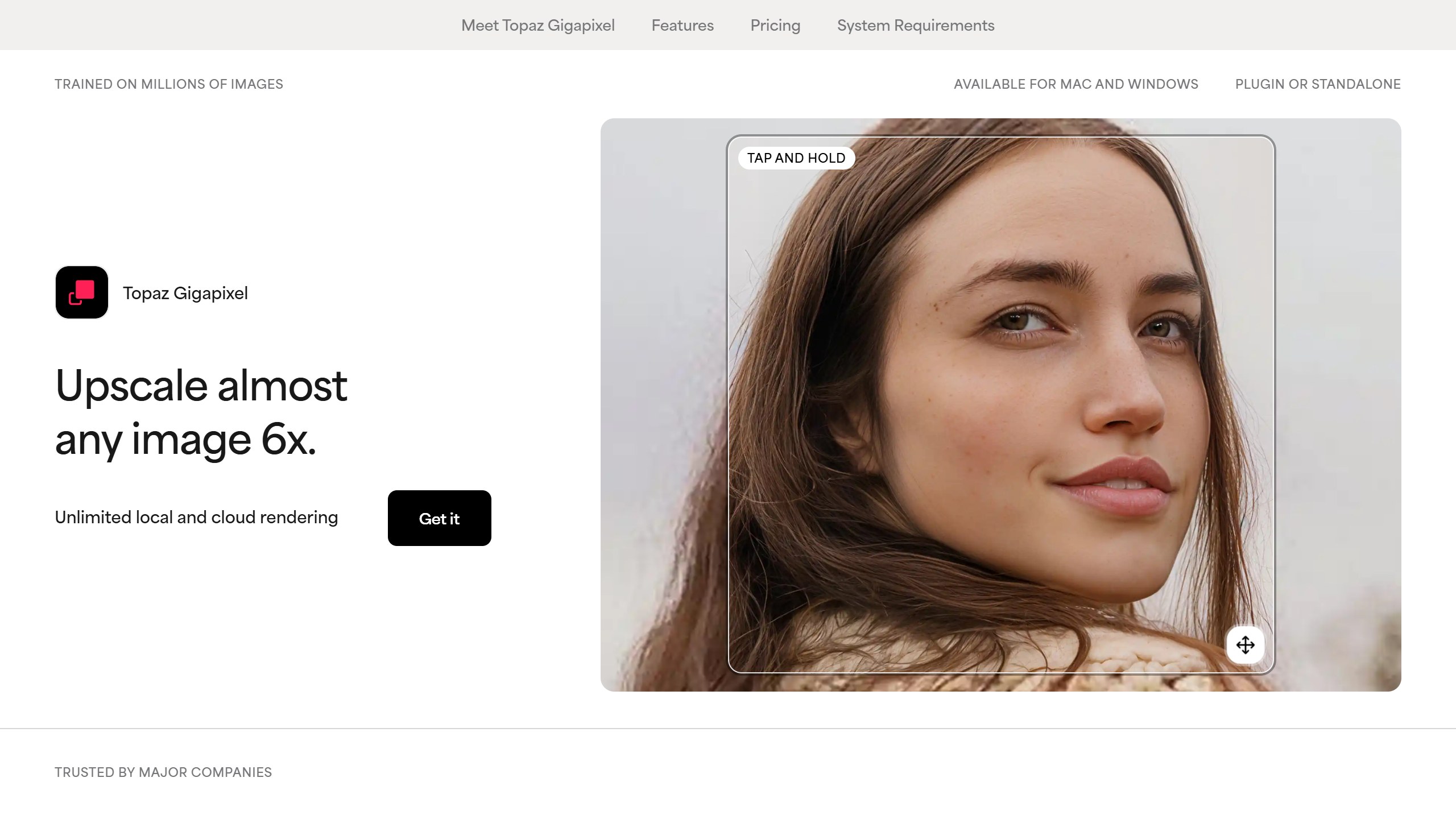
Topaz Gigapixel is sold by subscription only, with “Unlimited local rendering” and “Unlimited cloud image rendering” on every plan. Personal is $149 a year, $19 a month billed monthly over 12 months, or $29 month to month. The fine print: Personal allows “Limited commercial use”, defined as “Personal and commercial use for orgs under $1M USD annual revenue”. Above that you need Pro at $499 a year. Its headline says it can “Upscale almost any image 6x”. It runs on your computer and in the cloud.
Best for: photographers and sellers who upscale every week.
2. Let’s Enhance: credits that never expire
Let’s Enhance sells both. Subscriptions run from Starter at $9 a month billed annually for 100 credits, to Pro at $24 for 300 and Max at $34 for 500, and subscription credits roll over while you stay subscribed, up to six months’ worth. Pay as you go bundles never expire: 20 credits for $9, 50 for $19 or 120 for $39. One image is one credit, and Starter allows outputs up to 256 MP. Free outputs carry a watermark. Cancelling a subscription loses its remaining credits at the end of the paid period.
Best for: occasional upscaling without a monthly commitment.
3. Magnific (formerly Freepik): creative upscaling
Freepik and Magnific are now the same company: Magnific’s own FAQ says “Freepik is now Magnific”, so any list that ranks them separately is out of date. Magnific’s pricing was shown to us in rupees, so we report it as regional: Premium was ₹910 a month billed annually, and Premium+ ₹2,250, which adds Topaz upscalers. Its upscaler page says Premium+ and Pro upscales are unlimited except with Magnific’s own models, whose credit cost is shown only when you hover over the button. One conflict to check: the pricing card lists Magnific’s upscalers on Premium, while the upscaler page says its model is “Only for Premium+ users”. Magnific says uploads are never used to train its models.
Best for: AI art where you want the upscaler to add detail, not just size.
4. Krea: if you already generate there
Krea’s Pro plan is $21 a month billed yearly or $35 monthly, with paid upscalers including Topaz Standard and outputs “up to 22K”. The free plan upscales to 2K, and its upscaler FAQ says images upscaled by free users “are not licensed for commercial use”, the stricter statement, since its pricing page lists a commercial licence line on every plan. Krea does not publish how many units an upscale uses, so we could not price it per image.
Best for: people already making images in Krea.
5. Leonardo: generate and upscale in one place
Leonardo runs from Essential at $11 a month billed yearly or $12 monthly, with 8,500 tokens a month, to Ultimate at $48 yearly or $60 monthly. Its Pro Upscaler, on paid plans, costs 73 to 1,211 tokens per upscale and outputs up to 105 MP. Its yearly toggle says “Up to 20% off”, but by our arithmetic the saving is 8% on Essential and only reaches 20% on Ultimate.
Best for: people making AI images who want upscaling in the same tool.
6. Upscayl: free and private
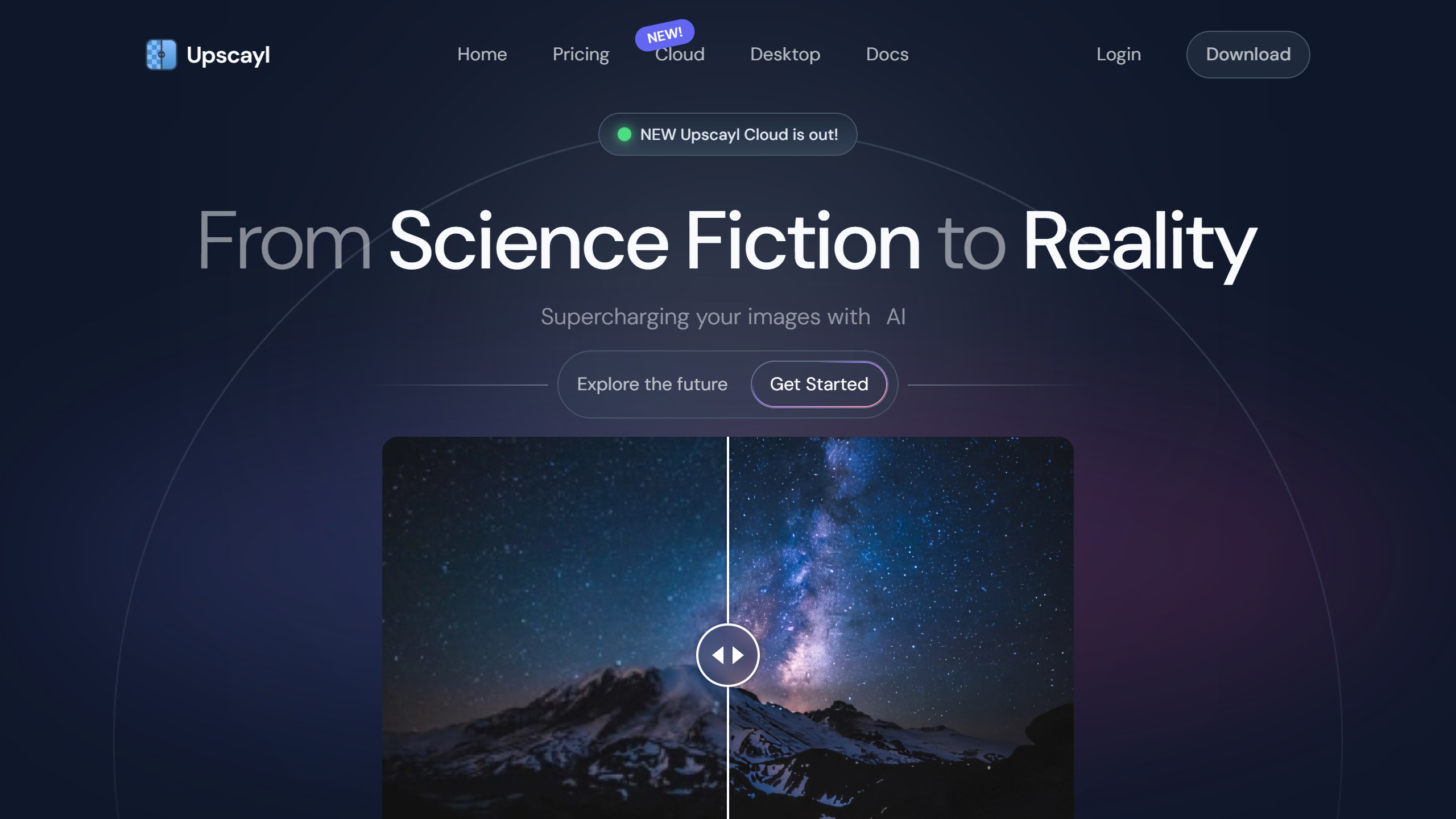
Upscayl is free, open-source desktop software for Windows, macOS and Linux that upscales “up to 16x” using models such as Real-ESRGAN, running offline on your own computer. It needs a Vulkan-compatible graphics card and “won’t work with most iGPUs or CPUs”. When we checked its GitHub releases, the latest desktop release was v2.15.0, dated 25 December 2024, so check for updates. Upscayl also sells a separate paid cloud service.
Best for: anyone with a decent graphics card who wants it free and offline.
7. Replicate: per-image pricing for developers
Replicate hosts upscaling models you call through an API. Real-ESRGAN costs $0.002 per image, or 500 images for $1, and allows scales up to 10. Topaz’s official model offers 2x, 4x and 6x, priced by output size, with the $0.05 versus $0.08 conflict noted above. Another popular model, Crystal Upscaler, shows no price on its own page, so we left it out.
Best for: developers and anyone batch-processing thousands of images.
8. Clipdrop: quick free 2x fixes
Clipdrop, now part of Jasper, gives free users a 2x upscaler for 20 images a day, and Pro was ₹1,350 a month as shown to us, regional pricing, for up to 16x and 1,000 images a day. Its API pricing button now opens a contact form saying Clipdrop “is now part of Jasper”, so lists still recommending the Clipdrop API are out of date.
Best for: occasional quick 2x fixes in a browser.
9. Adobe Photoshop and Lightroom: if you already pay
Adobe has two upscalers. According to its Lightroom help page, Super Resolution does 2x only and uses no generative credits, while generative upscale with Topaz Gigapixel does 2x or 4x and costs 10 credits for outputs up to 25 MP and 20 credits above that. The Photoshop plan includes 25 generative credits a month, which by our arithmetic covers two Topaz upscales at 25 MP or less, or one above that. Photoshop was ₹599 a month for the first year as shown to us, regional pricing including GST, then ₹733.96, for new subscribers only.
Best for: existing Adobe subscribers who need an occasional larger file.
What an upscaler can and cannot do
An AI upscaler does not recover detail that was never captured. It predicts what plausible detail would look like at a larger size, based on what it learned from other images. That is why results can look sharp and convincing at a glance and still get small things wrong: lettering, fine patterns, the shape of an eye, the texture of fabric. For AI-generated art this rarely matters, because there was no “true” detail to begin with. For a photo of a real person, a product label or a document, it can matter a great deal, and the larger the upscale factor, the more the model has to invent.
Some tools lean further into this than others. Magnific markets a creative upscaler that deliberately adds detail, which suits illustration and concept art. Others aim to stay faithful to the original. Neither approach is better in general; the right one depends on whether you want a bigger version of the same image or a more detailed reinterpretation of it.
Local or cloud: what it means for your images
Cloud upscalers process your image on the vendor’s servers, so check what they do with it. Magnific says uploads are never used to train its models; most others say less on their pricing pages. Local options such as Upscayl and Topaz’s desktop rendering keep the image on your own computer, which matters for client work, unreleased products or personal photos. The trade-off is hardware: local upscaling needs a capable graphics card and takes your machine’s time, while cloud upscaling takes neither.
The fine print most lists skip
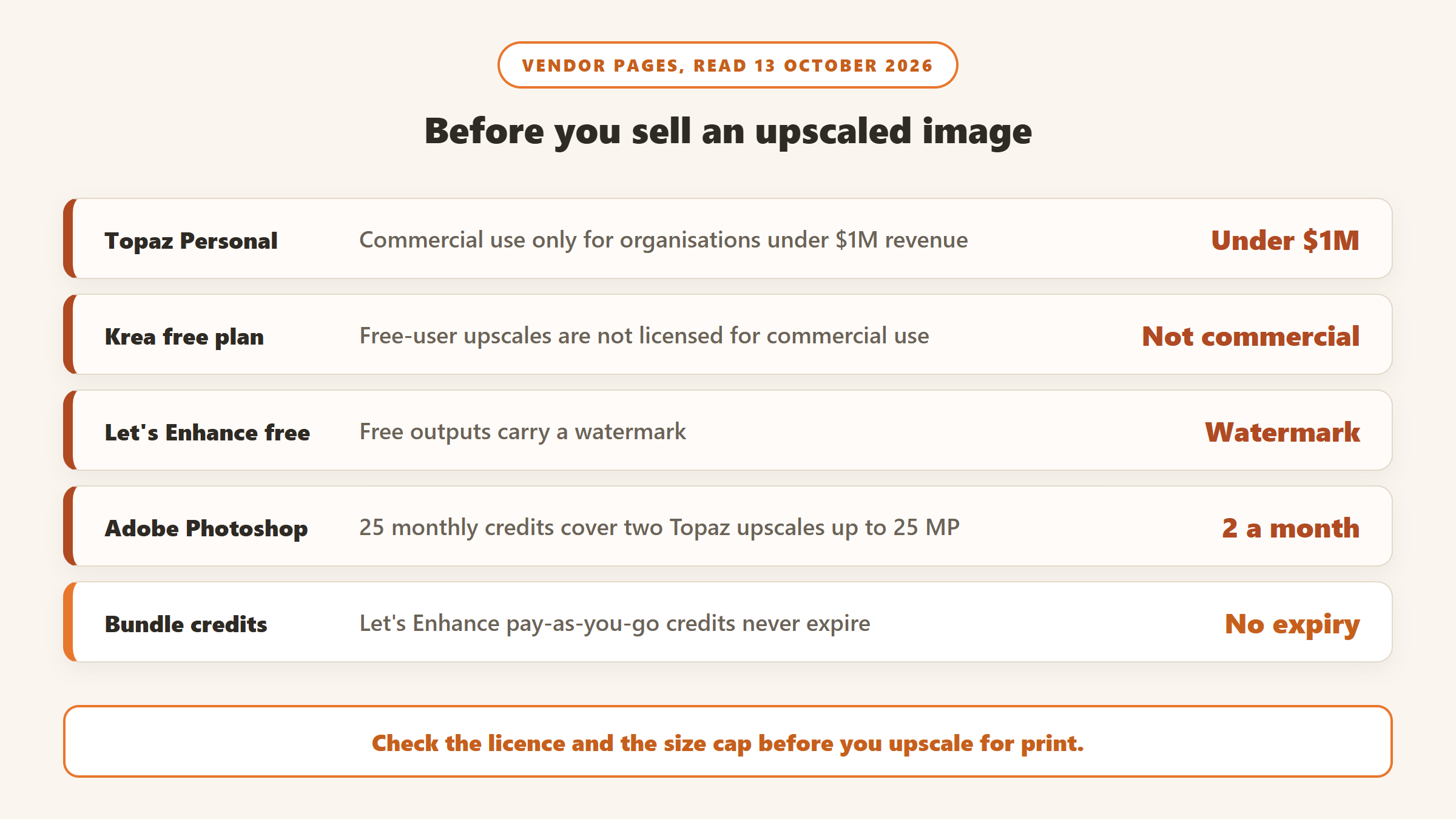
- Commercial use depends on your revenue at Topaz. Personal covers organisations under $1M a year; above that, Pro is $499 a year.
- Free upscales are not always yours to sell. Krea says free-user upscales are not licensed for commercial use.
- Credits can vanish. Let’s Enhance subscription credits go when you cancel; its bundles do not expire. Leonardo’s top-up tokens never expire but need an active subscription.
- Adobe’s included credits are thin. By our arithmetic, 25 a month covers two Topaz upscales at 25 MP or less.
- Size caps differ by plan. Topaz lists a 32 MP cloud export limit for its Bloom and Image Web products, but 256 MP on Web Pro.
How to get a good print from an upscale
- Work out the print size first. Multiply the inches you need by 300 to get the pixels, then divide by your source size to get the upscale factor.
- Upscale once, to the size you need. Upscaling an already upscaled file can add artefacts.
- Check the tool’s cap before you pay. A 151 MP file is beyond several tools’ limits.
- Look at faces and text closely. These are where upscalers can invent detail.
- Keep the original. Models improve, and you may want to upscale again later.
Black Friday on AI upscalers
No upscaler vendor showed a Black Friday 2026 offer on its own pages on 13 October. Topaz was showing a “Limited time offer, save up to 50%” pop-up that was not labelled Black Friday. Third-party sites reported Topaz offering 43% off Studio and 15% off single apps, including Gigapixel, from roughly 19 November to 3 December 2025, and Leonardo 20% off, which matches Leonardo’s standing yearly discount on Ultimate. We list confirmed offers on our AI tools Black Friday deals page.
Which upscaler should you pick?
If you upscale every week
Topaz Gigapixel Personal on an annual plan, or Pro if your business makes $1M or more.
If you upscale now and then
Let’s Enhance bundles, which never expire.
If you want it free
Upscayl, if you have a capable graphics card.
If you are a developer
Replicate’s Real-ESRGAN at $0.002 an image.
For related image tools, see our guides to free AI image-to-video tools and AI headshot generators.
Sources
- Topaz Gigapixel and Topaz pricing, Let’s Enhance pricing, Magnific pricing and upscaler page, Krea pricing and upscaler FAQ.
- Leonardo pricing and Pro Upscaler help, Upscayl and releases, Replicate Real-ESRGAN and Topaz model.
- Clipdrop pricing, Adobe Photoshop and Lightroom generative upscale FAQ.
- All read 13 October 2026, viewed from India. Cost totals and print sizes are our arithmetic.

Written by
FazFaz is the founder of AIToolsBakery. Some tools here are tested hands on. Others are assessed from vendor documentation and pricing verified on the live page, and every review says which one it is. Sponsors can buy a position in a guide. They cannot buy the score, the criticism, or silence about a better option.
How we test and how we make money →