Pick up a single 24kg bell on a Tuesday morning and the hard question is not which swing variation to do. It is how heavy, how many, and whether today should push or back off. A good kettlebell program answers that for you, week after week, without you having to guess. That is exactly the job most apps fumble, because a bell is awkward for software: the same tool is a grind press for one person and a cardio finisher for another, and very few apps know the difference.
We went looking for the apps that actually adapt to a lifter swinging real iron, not the ones that just bolt “AI” onto a static PDF. A quick note on who we are. AITB is independent. We sell none of these apps, take no cut, and run no affiliate funnels. If you search “ai kettlebell workout app” today, the first page is mostly the vendors talking about themselves or affiliate roundups that rank whoever pays best. We are neither, so we can tell you where each app is genuinely good and where it quietly falls short.
Below are the five we kept coming back to, organized by the decisions that actually matter when you train with bells: adaptive programming, single bell versus double bell, form coaching, and whether the app fits a beginner or a more advanced lifter.
The 30-second answer: Fitbod and Dr. Muscle adapt hardest to your logged sets, so pick those if progressive overload is the goal. Caliber adds real human coaching. Ladder is best for guided, coach-led kettlebell classes. Onnit 6 suits beginners who want a fixed six-week plan. Confirm current pricing on each vendor page.
Quick answer: Fitbod is the best adaptive engine for kettlebell work, Dr. Muscle for the hardest autoregulation, Caliber for adaptive plans plus a real human coach, and Ladder for coach-led programs. Buy the one that matches the job you need, and confirm the price before subscribing.
What “AI” actually means in a kettlebell app
Before the list, a quick reality check, because the marketing blurs this badly. Real adaptive programming means the app reads what you logged last session, your reps, your load, sometimes your rated effort, then changes the next session in response. Push hard and it adds work. Miss reps and it backs off. That is the feature worth paying for.
What most “AI kettlebell” apps actually ship is a smart filter: you tell it your equipment and goal, and it assembles a pre-built routine from a library. Useful, but it is selection, not adaptation. We flag which camp each app sits in, because it changes who should buy it.
There is also a second axis that matters for bells specifically: single bell versus double bell. A lot of apps quietly assume you own a matched pair, and they program double cleans and double front squats that you simply cannot do with one bell. The apps below mostly let you set how many bells you own, but the quality of single-bell programming varies, so we note it where it matters. If you train at home with one 24kg bell, an app that defaults to double-bell complexes will frustrate you fast.
Fitbod: the best adaptive engine for bell work
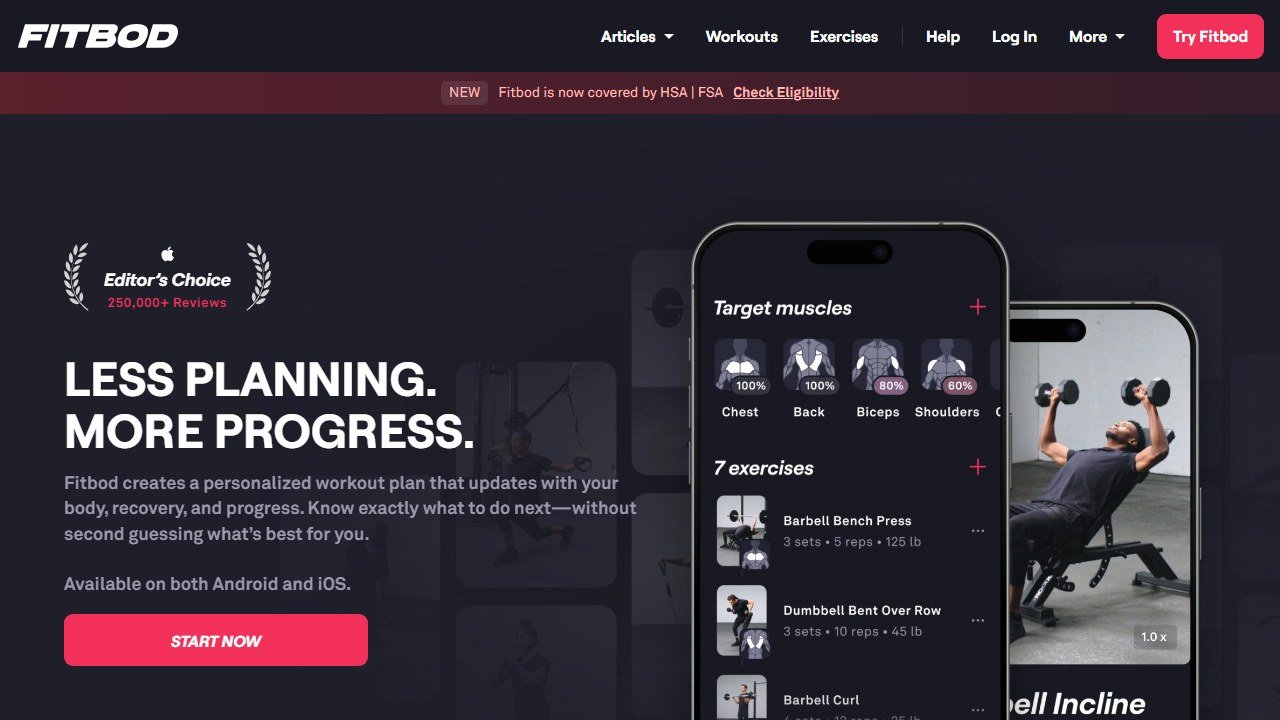
Fitbod (fitbod.me) is the closest thing to a true adaptive strength engine that also handles kettlebells well. You set a minimal-equipment profile, tell it you own one or two bells and what weights, and it builds sessions around progressive overload using your logged history. Every set you record, the reps, the load, the missed days, feeds the next workout. Train harder and it ramps; recover slower and it eases off. That feedback loop is the whole point of paying for software instead of following a free YouTube flow.
The catch is that Fitbod is a general strength app, not a kettlebell specialist. It knows swings, goblet squats, cleans, and presses, but it does not understand kettlebell sport nuance like long-cycle pacing or the breathing ladders a dedicated coach would program. It also leans toward hypertrophy and straight strength logic, so pure conditioning days can feel underbaked. If your bell training is mostly strength and you want the engine to manage your loading automatically, it is hard to beat.
On the single versus double bell question, Fitbod handles it well: set your exact bell inventory and it will program around what you own rather than assuming a matched pair. That alone puts it ahead of several flashier “kettlebell” apps that quietly expect two bells. Where it stays weakest is conditioning logic, so if your goal is dense kettlebell cardio rather than building strength, the engine has less to offer.
Pricing is subscription based, billed monthly or yearly with the annual plan cheaper per month, and there is a short free trial. Confirm the current numbers on Fitbod’s site, since fitness app pricing moves constantly. For a fuller breakdown of how the engine behaves over months, our Fitbod review goes deeper.
Dr. Muscle: hardest autoregulation, smallest hand-holding
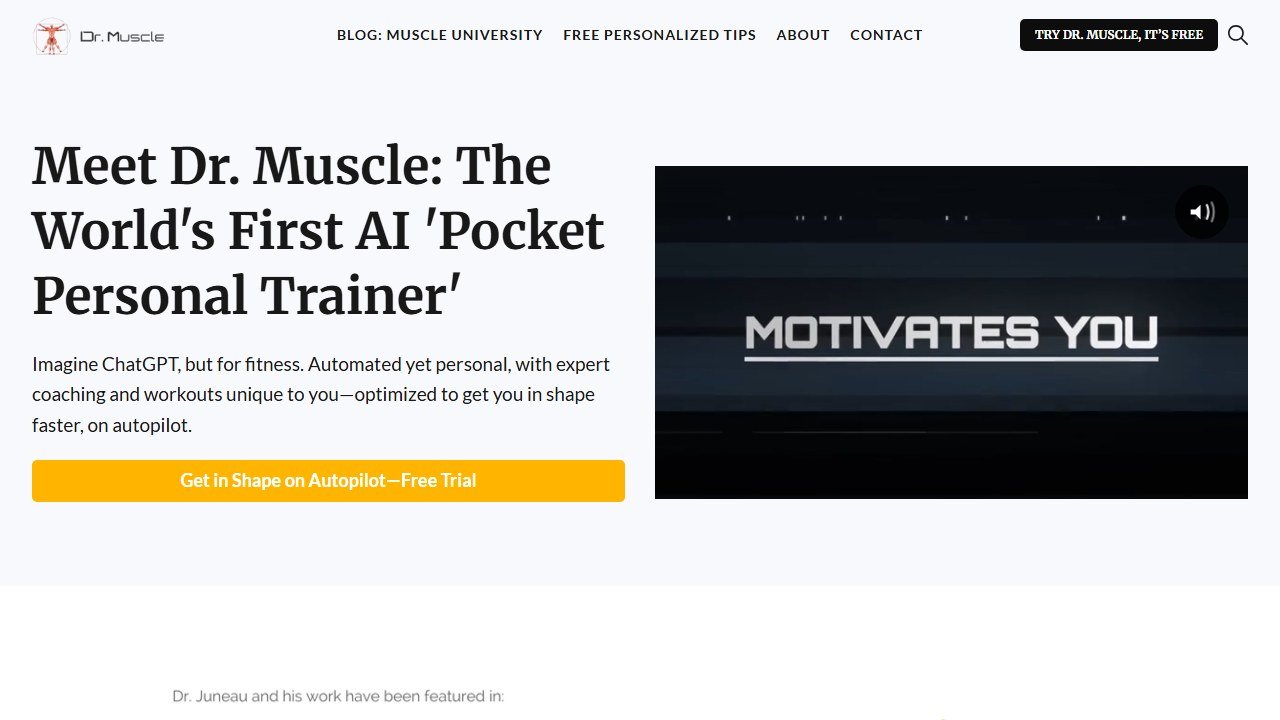
Dr. Muscle (dr-muscle.com) is built around autoregulation, which is the science word for “the program adjusts itself to your daily capacity.” It uses plus sets, where you push a set to near failure, to learn your true strength, then recalibrates every following session. For a lifter who wants the app to make the hard loading decisions, this is the most aggressive adaptation on the list. It supports weighted and bodyweight movements and lets you add custom exercises, so building a bell-centric program is doable.
Two honest limits. First, kettlebell-specific intelligence is thin: you can program presses, cleans, and squats with bells, but the app reasons about them more like dumbbell lifts than like ballistic bell work, so swings and snatches do not get specialist treatment. Second, the interface is dense and clinical, and the autoregulation can feel relentless if you like predictable sessions. It rewards lifters who trust the algorithm and log honestly.
For single-bell training it is workable but not purpose-built: you can substitute and add bell exercises, yet you will be doing more manual setup than in Fitbod to get a clean single-bell program. The payoff is that once it is dialed in, the loading decisions are genuinely off your plate.
Pricing is a subscription with a trial period; check the vendor page for the current rate. If you want the deepest dive on its adaptive logic, see our Dr. Muscle review.
Caliber: adaptive plans plus a real human coach
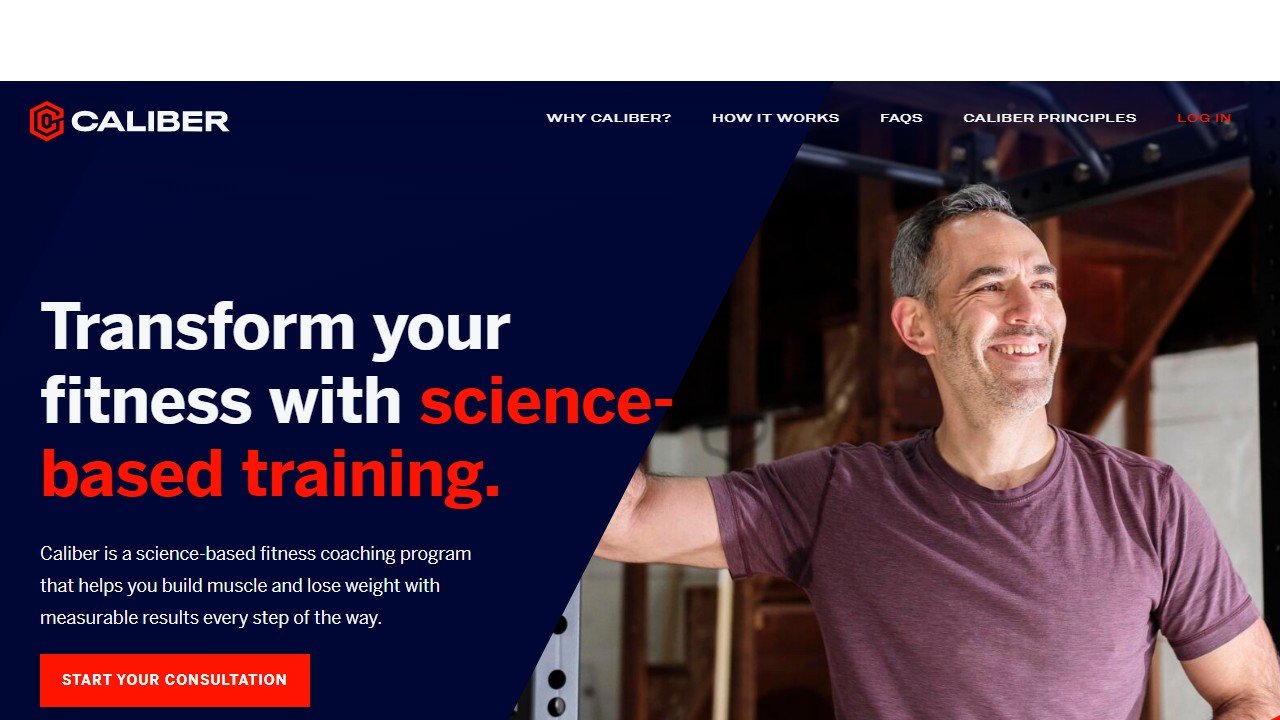
Caliber (caliberstrong.com) splits the difference between software and a trainer. The free tier gives you a structured, progressive plan and a clean logging experience with kettlebells among the supported equipment. The paid tier adds a real certified coach who reviews your form videos, messages you, and adjusts your programming around your goals and schedule. That human layer is what the pure-algorithm apps cannot match, and it matters most for the awkward bell lifts where a wrong hip hinge is easy to miss.
The honest limit: the genuinely adaptive, hands-on experience lives behind the coached tier, which is meaningfully more expensive than a standard app subscription. The free and lower tiers are good logging and templated programming, but the day-to-day “it changed because of what I did” intelligence is lighter than Fitbod or Dr. Muscle. You are partly paying for a person, not just code.
Pricing ranges from free to a premium coached plan that costs considerably more; confirm tiers on Caliber’s site. If you are still deciding between coach-led and self-directed apps in general, our best AI personal trainer apps for beginners guide is a useful companion.
Ladder: coach-led kettlebell programs done well
Ladder (joinladder.com) is not an autoregulating engine, and it does not pretend to be. It is a library of structured, coach-built programs, several of them genuinely kettlebell-focused, with new sessions each week, in-ear audio coaching, and clear video demos. Programs like its functional bell-and-barbell tracks are written by named coaches who give beginner, intermediate, and advanced load options inside each session. For people who hate decision fatigue and want to press play and follow a strong coach, this is the most enjoyable app here.
The trade-off is the obvious one: Ladder does not rewrite your plan based on your logged numbers. The progression is the coach’s design, the same for everyone on that track, and you self-select the load. That is a feature for people who want guidance and a flaw for people who want the software to manage their overload. It is closer to a premium group class than a personal trainer. The upside is motivation: following a named coach week to week, with audio cues in your ear, keeps a lot of people consistent in a way that a bare logging app never does, and consistency beats clever programming you abandon in three weeks.
Pricing is a single subscription with a free trial; check the site for the current rate. There is no free forever tier, so it is a commitment to the class model.
Onnit 6: the simplest start for a true beginner
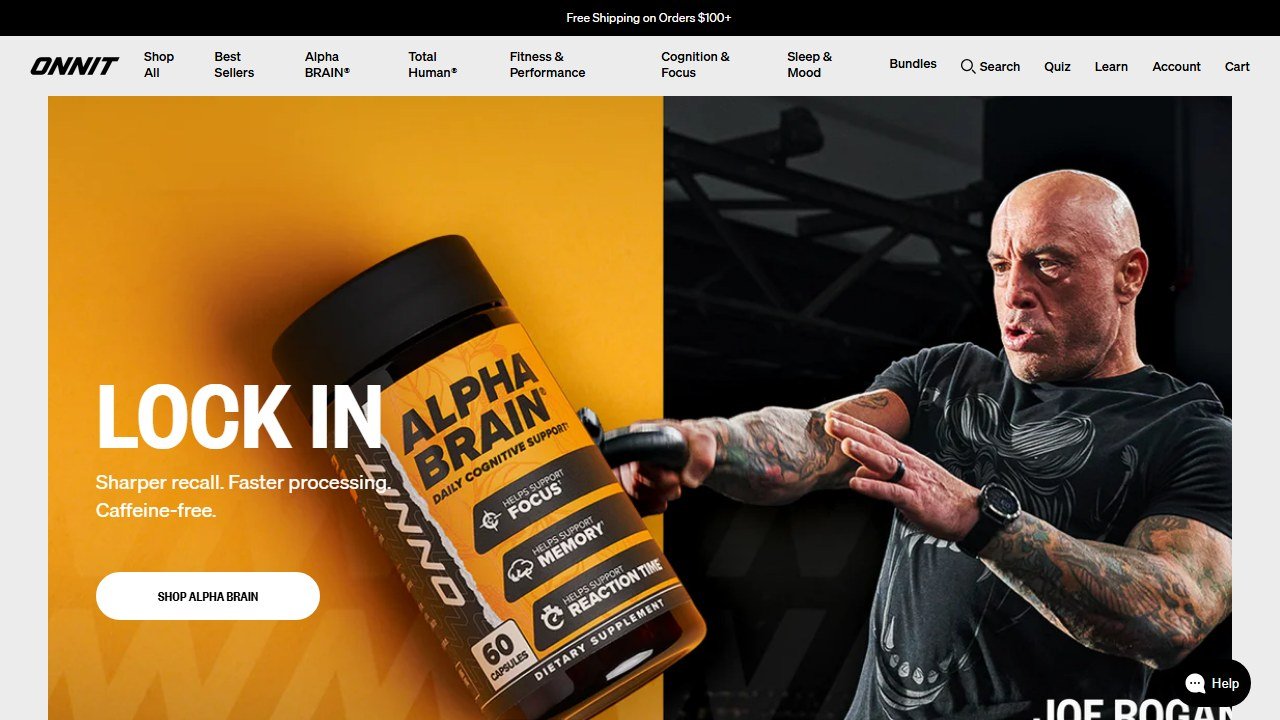
Onnit 6 Kettlebell (onnit.com/six-kettlebell) is the outlier here, and we kept it for a reason. It is a fixed six-week, video-led program rather than an adaptive app, with three difficulty levels per movement so a complete beginner and a returning lifter can run the same plan at different intensities. If you have one bell, no idea where to start, and you find open-ended apps paralyzing, a structured “do this for six weeks” plan gets you moving. The coaching cues on the foundational lifts are clear and easy-to-use.
The limits are real and worth stating plainly. There is zero adaptation: the plan does not change based on your performance, so once you outgrow it you are done with it. It is also a one-time program purchase or part of Onnit’s wider offering rather than an ongoing intelligent coach, so do not expect it to grow with you. Think of it as a well-made on-ramp, not a long-term home.
Pricing is typically a one-time program cost; confirm current availability and price on Onnit’s site, since their catalog shifts.
How these AI kettlebell apps compare
One table, the four things we actually care about.
| App | What it does best | Best for | Price or free tier |
|---|---|---|---|
| Fitbod | True adaptive overload from your logged sets | Strength-focused lifters who want the engine to manage loading | Subscription, free trial, no full free tier |
| Dr. Muscle | Hardest autoregulation via plus sets | Lifters who trust the algorithm and log honestly | Subscription, trial period |
| Caliber | Adaptive plan plus a real human coach | People who want form review and accountability | Free tier, premium coached tier costs much more |
| Ladder | Coach-led kettlebell programs, weekly sessions | Press-play guidance without decision fatigue | Subscription, free trial only |
| Onnit 6 | Fixed easy-to-use six-week plan | Total beginners who want structure, not choices | One-time program purchase |
Pricing and features change fast, so treat this as a map, not a quote. Confirm the live numbers on each vendor page before you commit.
A lean way to start
You do not need five apps or a rack of bells. Here is the order we would actually follow.
- Buy or borrow one bell you can press for about five reps, often 16kg for many women and 24kg for many men, then drop a size if the press is a grind.
- Pick one app from above that matches your need: Fitbod or Dr. Muscle if you want adaptation, Ladder if you want a coach to follow, Onnit 6 if you are brand new.
- Run the free trial honestly for a full week and log every set; an adaptive app is only as smart as the data you give it.
- Add a second bell only after you can comfortably swing and clean the first for sets of ten.
- Reassess at four weeks. If you are not progressing or not enjoying it, switch apps before you switch goals.
If you want to see how kettlebell-specific apps stack up against the broader market, our best AI workout apps pillar covers the general field, and for muscle-building specifically the best AI bodybuilding apps roundup is worth a look.
What these apps still cannot do
Be clear-eyed about the ceiling here. None of these apps can see your form in real time the way a coach in the room can. They cannot tell that your shoulder is shrugging on every press or that your hinge has turned into a squat, and a kettlebell punishes sloppy mechanics faster than most tools. The form videos and, in Caliber’s case, the async coach review help, but they are not live correction.
They also cannot tell you when to stop. An app does not feel your nagging elbow or your bad night of sleep unless you tell it, and even the autoregulating ones only know what you log. None of this is medical advice. If you have a history of back, shoulder, or wrist issues, or you are pregnant, postpartum, or returning from injury, talk to a qualified coach or a physical therapist before you load a swing. Software is a fantastic programming assistant. It is not a diagnosis, and it is not a substitute for a human who can watch you move.
Used for what they are good at, managing your loading and keeping you consistent, the best of these apps genuinely earn their keep. Just buy the one that matches the job you actually need done, and confirm the price before you tap subscribe.
How to tell whether the tool was worth it
Fitness software is easy to evaluate honestly because the numbers are countable and small. The reason most coaches cannot say whether a platform helped is that nobody wrote down where they started.
Pick the metric the tool is supposed to move
For a coaching platform it is clients per coach and hours spent on programming and admin per client per week. For a consumer app it is sessions completed per week and adherence over eight weeks. For form checking it is whether you are still filming in month three. Each of those is countable and each needs a figure from before.
Record the time cost this month, before anything changes
Ask yourself or your coaches to log how long programming, check-ins and admin take across one normal week. It takes minutes and it is the only way the time saving is ever provable. Most of the honest value in this category is hours rather than revenue, and hours are measurable in advance and unprovable afterwards.
Give it two client cycles
Retention and adherence move slowly and seasonally. A four week read tells you about novelty rather than value. Judge a coaching platform over at least two full client cycles, and say so at the outset so an unremarkable first month is understood as expected.
Name the result that would end it
Write down before you subscribe what twelve months would have to look like for you not to renew. It converts renewal from a default into a decision, which matters more in a category where the monthly figure is small enough to stop noticing.

Written by
FazFaz is the founder of AIToolsBakery. Some tools here are tested hands on. Others are assessed from vendor documentation and pricing verified on the live page, and every review says which one it is. Sponsors can buy a position in a guide. They cannot buy the score, the criticism, or silence about a better option.
How we test and how we make money →Frequently Asked Questions