Here is a number worth sitting with: 92% of nonprofits now use some form of AI. But only 7% report major fundraising impact.
Update, 4 September 2026: Fundraise Up no longer publishes a percentage. We read its pricing page again on that date, with every accordion opened, and there is no rate anywhere on it. The page now reads “performance-based pricing” and asks for a demo. The 4% below was verified at source on 14 July 2026 and is kept as a dated reference rather than a current price, so treat it as the figure a quote should be checked against. Its published donor fee coverage claim has also moved, from 87% to 80%. Full detail in our Fundraise Up pricing breakdown.
That 85-point gap is not a technology problem. It is a workflow problem. The organizations seeing real results are not using AI because it is trendy. They are using it in specific, documented, repeatable ways that change how their development teams operate. The organizations seeing no impact are mostly using AI the same way they use Google: one-off prompts, no system, forgotten by next week.
This guide is about closing that gap. It covers what AI is genuinely useful for in fundraising, what to avoid automating, and how to build simple workflows your team can actually use starting this week.
Saru on the adoption gap data: The 92% adoption / 7% impact split comes from the Virtuous/Fundraising.AI 2026 report. Digging into the data explains the gap. Of nonprofits currently using AI, 65% describe their use as “reactive and individual,” meaning one person occasionally prompts ChatGPT. Only 18% report operational use across team workflows. Only 4% have documented, repeatable AI workflows.
Additional context: 60% of nonprofits say they lack in-house expertise to assess AI tools. Only 4% have AI-specific training budgets. Nearly half of nonprofit professionals report feeling uncomfortable using AI.
The implication: the competitive advantage right now is not using AI. It is using AI systematically while most organizations are still figuring out how. The organizations building workflows today are building a compounding advantage.
Last updated: April 22, 2026.
Related: See also: Best AI fundraising tools 2026 | Givebutter review | Fundraise Up review
What AI Is Actually Useful for in Fundraising
Before we get into specific workflows, it helps to have a clear map of where AI adds genuine value and where it does not.
High-value applications:
- Writing first drafts of fundraising appeals, thank-you letters, and stewardship emails
- Donor prospect research and wealth screening (with purpose-built tools)
- Segmenting donor lists for targeted communications
- Generating social media content variations from a single campaign message
- Summarizing donor giving history for personalized outreach
- Optimizing online donation forms and suggested gift amounts
- Drafting grant proposals and discovering grant opportunities
Moderate-value applications:
- Brainstorming campaign themes and subject lines
- Creating templates for recurring communications
- Analyzing appeal performance and suggesting edits
- Building donor engagement schedules
Low-value or risky applications (handle with care):
- Major donor relationship management (AI can support, not replace)
- Board communications and board member thank-you calls
- Crisis communications and sensitive donor situations
- Anything where authenticity is the entire point
We will cover the high-value applications in depth, and come back to what not to automate at the end.
Section 1: AI for Fundraising Appeals and Donor Communications
Fundraising appeals are the highest-volume, highest-stakes writing task most development teams face. A typical mid-sized nonprofit sends dozens of appeals per year: end-of-year campaigns, emergency appeals, program-specific asks, peer-to-peer campaign communications, monthly donor upgrades, and more.
AI does not replace the writer. It replaces the blank page. There is a meaningful difference.
How to Use ChatGPT or Claude for Appeal Drafts
Step 1: Build a context document for your organization. For ready-made prompts that mark what is safe to paste, see our ChatGPT prompts for fundraising.
Before you write a single appeal with AI, create a reference document with:
- Your mission statement and key programs
- Your voice/tone guidelines (formal, conversational, urgent, warm?)
- 3-5 sample paragraphs from your best past appeals
- Key statistics and impact data you use regularly
- Your top donor personas (who gives, why they give)
Save this document and paste relevant sections into your AI prompt at the start of each session. This is the manual version of what Grantable does automatically with organizational memory.
Step 2: Write a structured appeal prompt.
Generic prompts produce generic appeals. Structured prompts produce usable drafts. Here is a template:
“`
You are helping me write a fundraising appeal for [Organization Name].
Our mission: [one sentence]
Our tone: [conversational/formal/urgent/warm]
This appeal is for: [program, campaign, or cause]
The ask amount range: [$X to $Y]
The hook/story: [brief description of the story or situation this appeal opens with]
Key impact stat I want to include: [stat]
Deadline or urgency element: [if any]
Word count target: [300-500 words for email, 400-600 for direct mail]
Write a fundraising appeal that opens with the story, connects to the mission, makes the ask clearly, and closes with a reminder of the impact.
“`
Step 3: The human editing layer (non-negotiable).
AI drafts require editing. This is not optional. The editing layer is where your voice, your relationships, and your specific donor knowledge enter the draft. A good AI draft saves you from staring at a blank page; a good editor turns that draft into something donors respond to.
Specifically look for:
- Generic phrases that sound like every other nonprofit (“change lives,” “make a difference,” “your gift will help”)
- Factual claims about your programs that need verification
- Tone inconsistencies (AI sometimes shifts register mid-draft)
- Missing specificity (real stories with real names and real outcomes beat abstractions)
Expect to spend 20-30 minutes editing an AI draft that would have taken 90 minutes to write from scratch. That is real time savings.
How to Use Fundwriter for Faster Content Production
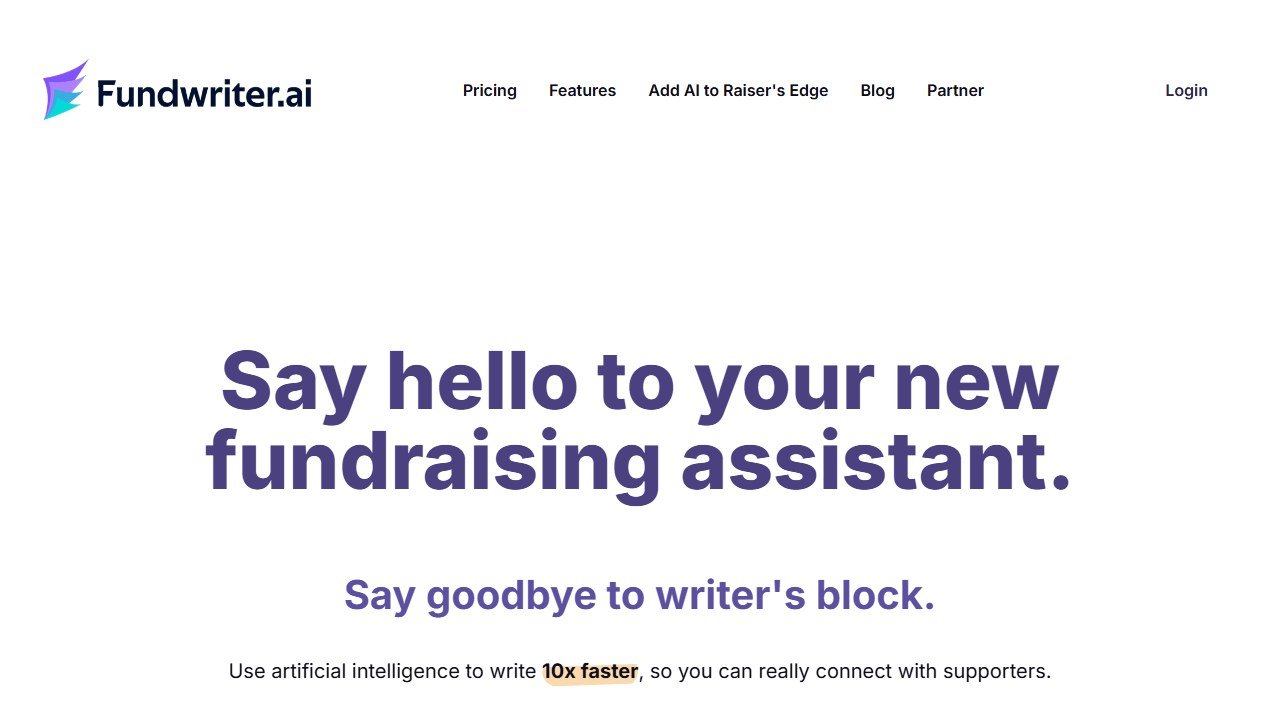
Fundwriter is a purpose-built AI writing tool for nonprofits with 30+ specialized writing models. Unlike general AI, it includes templates specifically for:
- Fundraising appeals (email and direct mail)
- Grant proposals
- Personal emails to major donors
- Thank-you letters
- Social media posts
- Newsletter articles
At $29/month ($22/month billed annually), it costs less than a single hour of a copywriter’s time.
When Fundwriter beats general AI: When you need volume. If you are producing a full end-of-year campaign with an appeal, a segmented follow-up, social posts, a thank-you email, and a newsletter article, Fundwriter’s models handle each format with appropriate framing. General AI treats them all the same.
When general AI (ChatGPT/Claude) beats Fundwriter: When you need flexibility or your use case is unusual. General AI handles edge cases and unusual requests better than purpose-specific tools with fixed templates.
Section 2: AI for Donor Research and Prospect Identification
Major gifts drive a disproportionate share of nonprofit revenue. Finding the right prospects and approaching them at the right time with the right ask is the job of prospect research, and AI has changed this field significantly.
Disclosure: Zilwaris, the consultancy run by AI Tools Bakery’s founder, does paid advisory work for Gratefully, which did not pay for any placement on this page and is assessed on the same criteria as everything else on this site.
How Gratefully Turns Your Existing Data Into a Daily Action List
Before you screen a single new prospect, there is a faster win sitting in the donors you already have. Gratefully is an AI donor-intelligence platform that unifies your CRM, emails, documents, and staff notes into one knowledge graph, then works your whole portfolio overnight and hands your team a ranked list each morning of who to contact and why, with the reason cited to a real record. Its assistant, Grace, answers plain-English questions about any donor, and it generates handover dossiers when staff leave so institutional memory stays with the organization. Where DonorSearch looks outward to size up net-new prospects, Gratefully looks at the relationships you already have and tells you which ones need attention today. See our AI tools for donor retention guide for where it fits.
How DonorSearch AI Works
DonorSearch AI (now part of EverTrue following an acquisition in September 2025) is the industry standard for wealth screening and prospect research. At its core, it does three things:
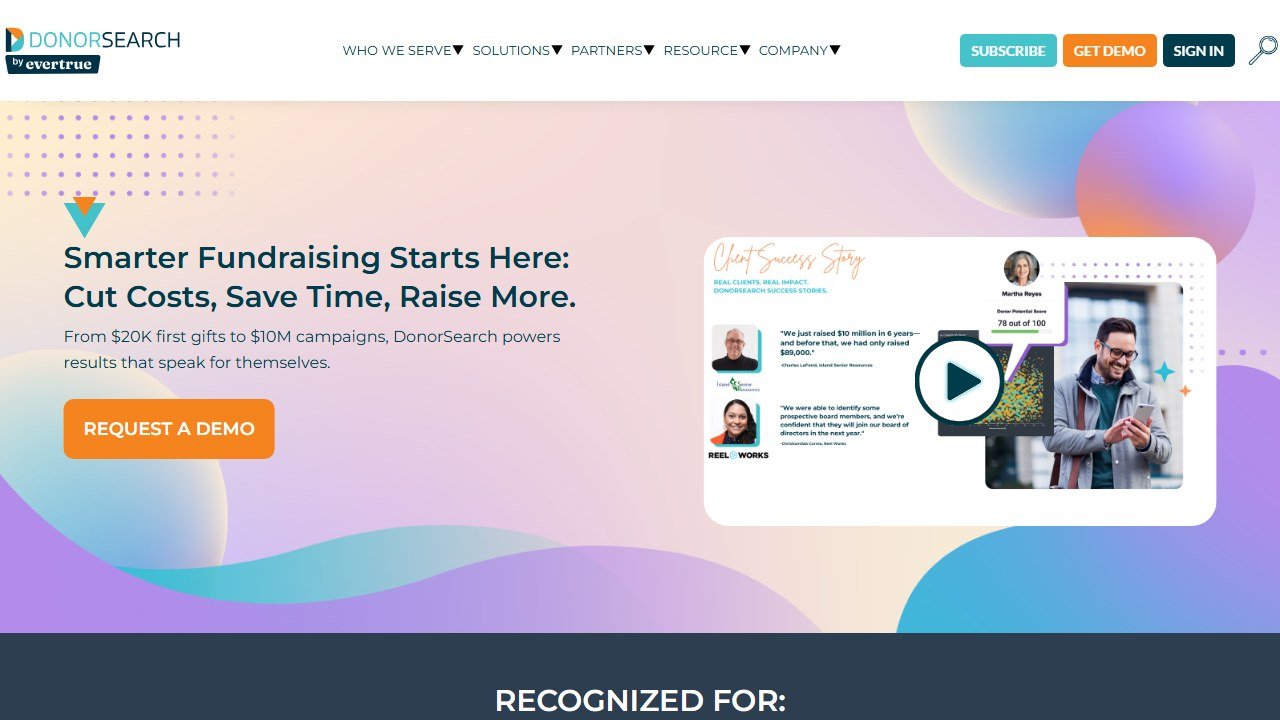
Wealth screening: Cross-references a prospect’s name against public records, real estate data, business ownership, SEC filings, and other wealth indicators to estimate giving capacity.
Philanthropic history: Checks the prospect’s giving history to other nonprofits, foundations they support, and causes they prioritize. This is different from wealth screening. Someone can be wealthy and not give to nonprofits, or give modestly but with deep commitment. Philanthropic history is often more predictive than net worth.
Predictive scoring: Machine learning models that identify who in your database is most likely to make a first gift, upgrade their giving, or make a major gift. The models improve as your organization provides feedback on actual outcomes.
DonorSearch AI clients report an 85% increase in response rate and 81% accuracy on repeat donor prediction. Those numbers reflect mature deployments with sufficient data to train the predictive models.
How to use it practically: Prospect researchers at larger nonprofits run new contacts through DonorSearch AI before they enter the cultivation pipeline. This prevents wasted time cultivating prospects with low major gift potential and surfaces unexpected capacity in existing donors who have not been asked appropriately.
Using AI Tools for Wealth Screening
Several options exist at different price points. DonorSearch AI is the established leader (pricing on request, typically several hundred to thousands annually). iWave serves 3,500+ nonprofits with a similar wealth screening focus. Bloomerang includes some prospect intelligence built into their CRM.
For small nonprofits that cannot afford dedicated wealth screening tools, here is a practical workaround:
- Use free sources (LinkedIn, local business news, public foundation 990s on ProPublica Nonprofit Explorer) to research warm prospects manually
- Use ChatGPT or Claude to summarize the information you find and identify relevant patterns
- Focus your limited research capacity on the 20-30 donors most likely to be major gift prospects
This is not a substitute for professional wealth screening at scale, but it works for organizations managing a small major gifts pipeline.
Ethical Considerations
Prospect research involves collecting personal financial and philanthropic information about individuals. A few principles worth following:
Use data that is publicly available. Wealth screening tools pull from public records, not private databases. That is the standard to hold.
Be transparent with donors about data practices. Your privacy policy should reflect how you research prospects. Donors increasingly expect this.
Do not let screening override relationships. Wealth screening identifies capacity, not propensity. The best major gift officers use prospect research as a starting point, not a conclusion. Genuine relationship-building drives major gifts. AI can inform that work; it cannot replace it.
Section 3: AI for Donation Optimization
The donation form is a conversion tool, and AI has meaningfully improved what good donation form optimization looks like.
Fundraise Up’s AI Donation Suggestions
Fundraise Up uses real-time behavioral AI to adjust suggested donation amounts based on individual donor signals. Instead of showing every donor the same $25/$50/$100/$250 matrix, the AI analyzes device type, referral source, previous giving history (if available), and behavioral signals to generate a personalized suggested amount matrix for each donor.
The reported impact is 10-15% more revenue and 2x donor acquisition when AI suggestions are enabled. These numbers come from Fundraise Up’s own reporting, but they are consistent with what conversion rate optimization research shows about the value of personalized vs. generic suggested amounts.
How to implement: Fundraise Up replaces your existing online donation form. The setup involves embedding their form on your site and configuring the integration with your CRM. Their onboarding team handles most of this. The 4% platform fee applies; 87% of donors choose to cover all costs including platform fees.
How Givebutter Uses AI
Givebutter includes AI-suggested donation amounts and AI-powered tools for communications. The donation AI is a simpler implementation than Fundraise Up’s real-time behavioral model, but it is included in the free platform. For small nonprofits where the primary goal is accessible, functional online giving, Givebutter’s AI is good enough.
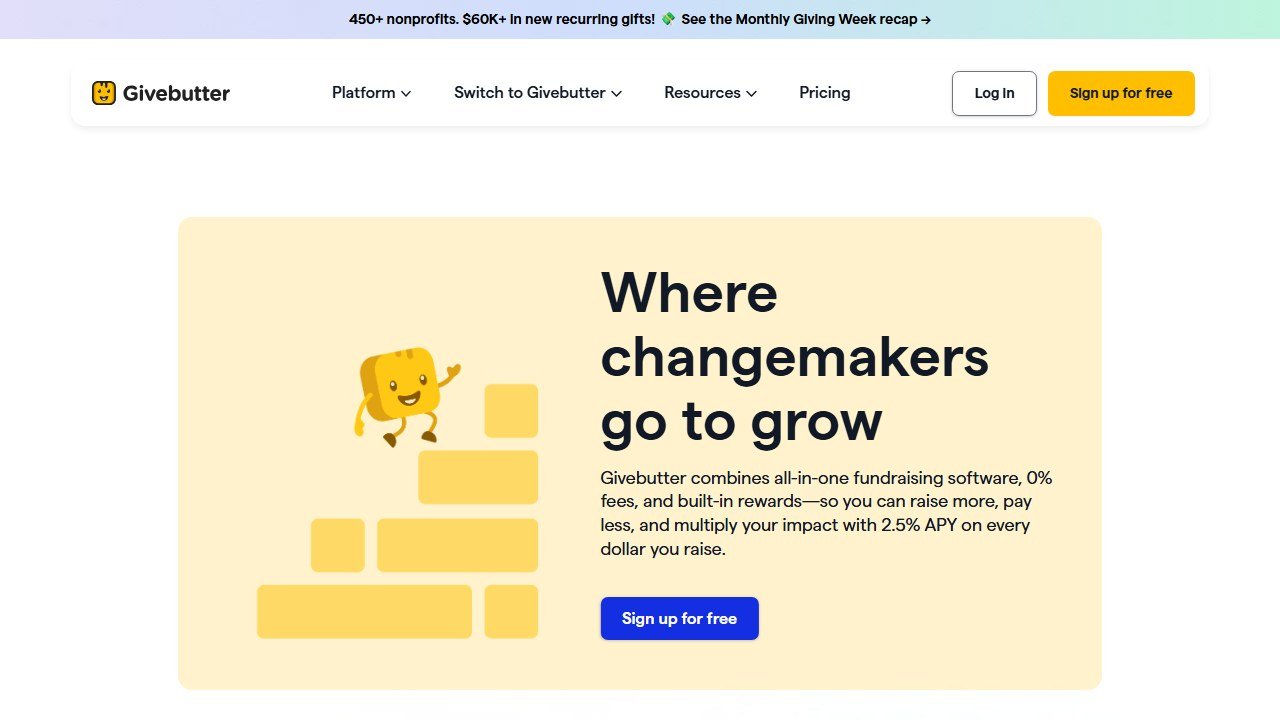
Givebutter Plus adds automation tools that use AI to personalize donor communications based on giving history and engagement patterns.
Faz on the biggest mistake nonprofits make with AI fundraising: The mistake I see most often is using AI to produce more content without changing how that content gets reviewed and edited. Organizations start publishing AI-drafted appeals, social posts, and newsletters that all sound the same. Donors notice, even if they cannot articulate why.
AI is a first draft tool. The organization’s voice, relationships, and specific knowledge are the editing layer. When teams skip the editing layer because “AI wrote it well enough,” they lose the authenticity that makes donors give. I have seen open rates drop after teams went AI-heavy without maintaining editorial standards.
Use AI to go faster. Use your judgment to go well.
Section 4: Building a Simple AI Workflow for Your Development Team
Theory is useful; workflows are what actually change behavior. Here are three practical AI workflows you can implement this week.
Workflow 1: The 30-Minute Appeal Draft
When to use this: Any time you need to write a fundraising appeal email or direct mail piece.
Time saved: Approximately 60-90 minutes per appeal compared to writing from scratch.
Step-by-step:
- Open your organization context document (the one you built in Section 1). 5 minutes.
- Identify the story, the ask, and the urgency element for this specific appeal. 5 minutes.
- Paste your context + appeal brief into ChatGPT, Claude, or Fundwriter. Use the structured prompt from Section 1. 2 minutes.
- Review the draft. Mark what to keep, what to cut, what to expand. 10 minutes.
- Edit the draft in your own words, replacing generic phrases with specific language. 8 minutes.
Total: 30 minutes. A good appeal that sounds like your organization.
Workflow 2: The End-of-Year Campaign Package
When to use this: Building a full campaign with multiple touchpoints.
Time saved: 8-12 hours compared to writing everything from scratch.
Components:
- Initial appeal (30-minute workflow above)
- Matched gift/urgency follow-up variant (15 minutes, starting from the initial draft)
- Thank-you email for first-time donors (20 minutes)
- Thank-you email for returning donors (15 minutes, variant of first-time version)
- Social media posts: 5 versions for different platforms (20 minutes using Fundwriter or ChatGPT)
- Newsletter feature article (45 minutes: prompt for 800 words, edit significantly)
Total AI-assisted production time: approximately 2.5-3 hours for a complete campaign package that would otherwise take 12-15 hours.
Workflow 3: Monthly Stewardship Email Workflow
When to use this: Ongoing donor stewardship for your monthly giving program or major donor list.
Why it matters: Retention is more cost-effective than acquisition. Well-executed stewardship emails reduce churn in monthly giving programs and warm major donors for upgrade conversations.
Step-by-step:
- At the start of each month, identify the stewardship theme (program update, impact story, behind-the-scenes).
- Gather 2-3 specific facts, quotes, or outcomes from that program.
- Prompt: “Write a stewardship email for [Org] monthly donors sharing this update: [facts]. Tone: warm and personal. Goal: reinforce their impact, not make an ask. 200-300 words.”
- Edit for voice and personalization. Add the real name of a program participant or staff member if possible.
- Segment your list: long-tenure donors and new donors often warrant different versions.
Total: 25-40 minutes per month for a stewardship touch that most organizations skip entirely.
Section 5: What NOT to Automate
Not everything in fundraising should be AI-assisted. Here is where the human touch is not just preferred but genuinely necessary.
Major donor relationships. A handwritten note, a personal phone call, and a face-to-face conversation are the tools that build major gift relationships. AI can help you prepare for those conversations (summarizing giving history, suggesting topics), but the conversation itself must be human. No AI can replicate the trust built by a development officer who has known a donor for five years.
Board communications. Your board members are partners, not broadcast recipients. Communications to the board about sensitive organizational matters, challenges, or strategy should reflect genuine voice and judgment, not AI polish.
Crisis response. When something goes wrong at your organization, authenticity is everything. AI-drafted crisis communications often sound like managed corporate responses, which is exactly the wrong tone when donor trust is at stake.
Grant application narratives for funders who know you. For funders with whom you have an existing relationship, proposals where they know your work personally, AI-drafted narratives can undercut the relationship by sounding generic. Use AI for structure and research; write the relationship context yourself.
Donor acknowledgment calls and handwritten notes. These are high-value stewardship touches precisely because they are personal and time-intensive. Automating them negates the point.
Saru on realistic time savings: The research on AI productivity in knowledge work suggests 20-40% time savings on writing-heavy tasks. For development teams specifically, here is what the data supports:
Fundraising appeals: 60-90 minutes saved per appeal (from ~90 minutes to ~30 minutes)
Grant proposals: 40-70% time reduction on first drafts (from 15-20 hours to 5-9 hours for foundation grants)
Stewardship emails: 30-45 minutes saved per communication
Donor research summary prep: 45-60 minutes saved per prospect using AI to synthesize sources
At 15 communications per month (appeals, stewardship emails, donor summaries), a development director using AI systematically can save 12-20 hours monthly. That is 2-3 days per month redirected to relationship-building, major gift calls, and strategy.
The 15-20 hours/week admin savings cited in broader AI adoption data likely overstates what development-specific teams see. 10-15 hours/week is a more realistic ceiling for a fully AI-integrated development function. Still, 10-15 hours per week back to your most experienced fundraiser changes what is possible.
Section 6: Free AI Tools That Work Right Now
You do not need to spend money to start using AI for fundraising. Here are tools that are genuinely free and genuinely useful.
ChatGPT (free plan): GPT-4o is available on the free plan. For appeal drafts, stewardship emails, subject line testing, and donor communication templates, the free plan is sufficient for most small nonprofit teams.
Claude (free plan): Anthropic’s Claude is available free at claude.ai. It tends to write with more nuance than ChatGPT and handles longer, more complex writing tasks particularly well.
Funraise AppealAI: Completely free, no Funraise subscription required. Includes models specifically for fundraising appeals, email drafts, social posts, and campaign content. This is purpose-built for nonprofit fundraising content and the free access is not a trial.
Grantboost (free tier): Includes 40 monthly AI boosts and access to basic templates. For small grant programs, 40 boosts/month covers more than you think if you use them strategically.
Givebutter (free plan): Full fundraising platform including AI-suggested donation amounts, unlimited campaigns, and CRM. No financial risk to start.
For a comprehensive list of free options, see our best free AI tools for nonprofits guide.
Faz’s realistic expectations: I want to push back on the most common AI fundraising pitch you will encounter, which sounds like: “AI will transform your fundraising and let a two-person development team raise what used to require a team of ten.”
That is mostly marketing. Here is what is actually true:
AI will save your development team real time on writing and research tasks. That time, if redirected to relationship-building and major gift cultivation, can meaningfully increase revenue. The limiting factor in most nonprofit fundraising is not writing speed; it is relationship depth and donor pipeline quality. AI helps with the writing. It does not build relationships.
What AI genuinely changes: small and mid-sized nonprofits can now produce professional-quality appeals and communications without a dedicated copywriter. That is not nothing. For organizations that previously skipped stewardship emails because nobody had time, AI makes consistent stewardship possible. That has a real retention impact.
What AI does not change: the quality of your donor relationships, the strength of your case for support, the trust you have built with major gift prospects, and whether your board members open doors. Those are still human work.
Use AI for the writing. Do the relationship work yourself.
Nonprofit AI cluster guides
See our pillar guides for the wider nonprofit AI category:
- best AI tools for nonprofits. cross-functional pillar
- best AI fundraising tools for nonprofits. fundraising platform comparison
- best AI grant writing tools. grant writing AI roundup
References & further reading
For deeper data and primary sources on nonprofit fundraising and donor research:
- Candid (Foundation Center + GuideStar). authoritative nonprofit financial and grant data, the source most donor-research tools build on
- M+R Benchmarks Study. annual fundraising performance benchmarks across email, advertising, web, and donor metrics
- Nonprofit Quarterly. investigative reporting on nonprofit operations, governance, and fundraising effectiveness
Tools mentioned in this guide

Written by
FazFaz is the founder of AIToolsBakery. Some tools here are tested hands on. Others are assessed from vendor documentation and pricing verified on the live page, and every review says which one it is. Sponsors can buy a position in a guide. They cannot buy the score, the criticism, or silence about a better option.
How we test and how we make money →