Quick answer: Givebutter is the best Classy alternative for most nonprofits because it is free and all-in-one, with Donorbox strong for simple recurring donations and Zeffy for a genuinely zero-fee model. The math almost always favors leaving Classy; start with a free tier and run one real campaign.
10 Best Classy (GoFundMe Pro) Alternatives in 2026
Classy was always built for big, established nonprofits, and the price tag shows it. It publishes no price at all: the pricing page is a request form, and the company says only that the model combines an annual upfront subscription with a transaction fee per donation. Figures in the region of $300 a month circulate widely, but they are not GoFundMe Pro’s numbers and we cannot source them. That opacity, plus the 2025 rebrand to GoFundMe Pro, left a lot of teams wondering what they actually signed up for. If you are a small or mid-size org, you are paying enterprise rates for features you may never touch.
The good news: the 2026 market is full of platforms that are cheaper, faster to launch, and often a better fit. Some are genuinely free. This guide covers the 10 strongest alternatives, sorted by who each one actually serves.
Best overall pick: Givebutter, an all-in-one platform that is free to start with no platform fee. Cheapest pick: Zeffy, which is 100% free for nonprofits at any volume. For the full breakdown of the incumbent, see our Classy review.
1. Givebutter
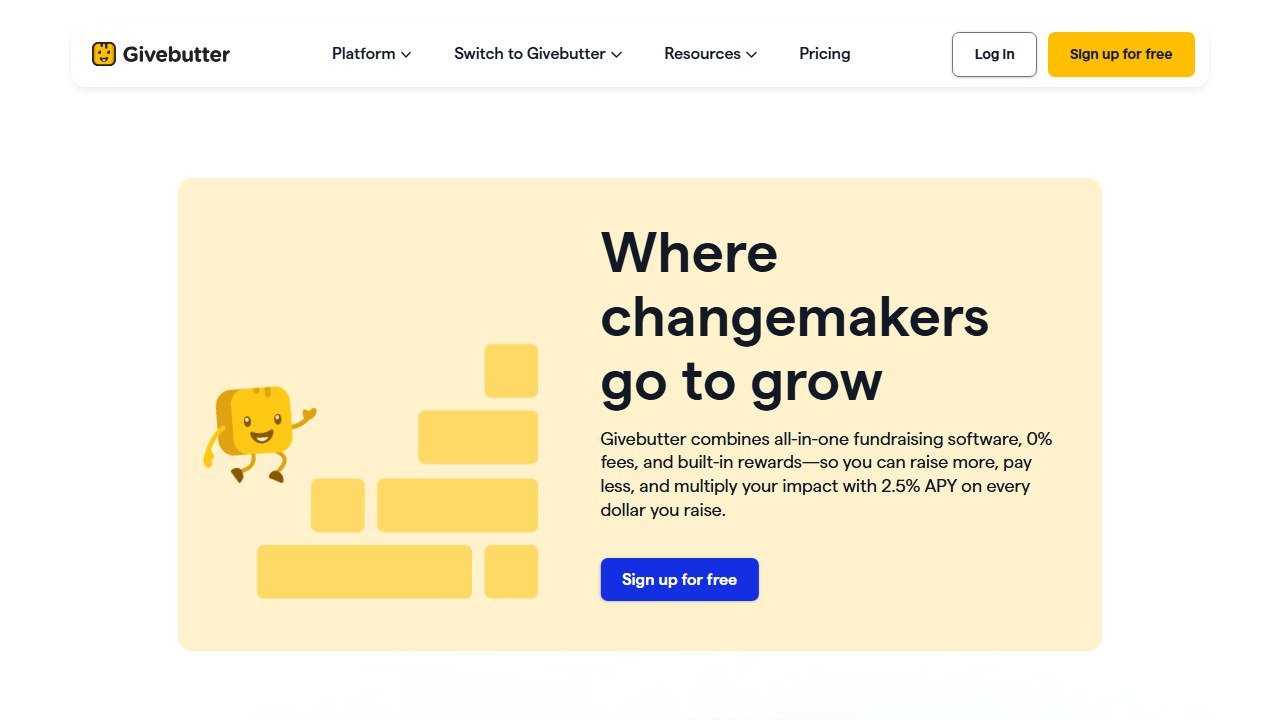
One-line verdict: the best all-around free alternative for small and mid-size nonprofits that want donations, events, and a CRM in one place.
Who it is for: teams that want everything bundled without an enterprise contract or a long onboarding. Givebutter handles donation pages, peer-to-peer campaigns, events, and ticketing from day one. Our Givebutter review digs into the campaign tools in detail.
Pricing reality: $0 to start with no platform fee. Givebutter runs on optional donor tips, plus standard processing of 2.9% and $0.30 per transaction. A Plus plan adds advanced CRM features from $29 a month. Most small orgs never need it.
Honest limitation: the tip-based model means a chunk of your donors get nudged to tip Givebutter at checkout, which some teams find awkward. You can adjust the default, but you cannot remove the prompt entirely.
2. Donorbox
One-line verdict: the fastest way to put a polished, recurring-donation form on an existing website.
Who it is for: nonprofits that already have a site and just want a clean, embeddable donation form live in an afternoon. Donorbox is strong on recurring gifts, text-to-give, and memberships. Read our Donorbox review for the setup walkthrough.
Pricing reality: the Standard tier is free to use with a 1.75% platform fee on top of Stripe or PayPal processing. The Pro tier is $139 a month and drops the platform fee to 1.5%. For low-volume orgs the free tier is plenty.
Honest limitation: the percentage platform fee on the free tier adds up fast once you cross roughly $5,000 a month in donations, at which point a flat-fee or zero-fee platform may cost you less.
3. Zeffy
One-line verdict: the only genuinely 100% free platform, with zero fees at any fundraising volume.
Who it is for: budget-conscious nonprofits that want to keep every dollar. Zeffy charges nonprofits nothing: no subscription, no platform fee, no processing cut. It covers donation forms, events, ticketing, e-commerce, and a basic CRM.
Pricing reality: free, full stop. Zeffy makes money by asking donors for an optional tip at checkout. If a donor declines, you still pay nothing.
Honest limitation: the optional-tip ask is set at a high default, so some donors think the tip goes to your cause rather than to Zeffy. You will want to coach donors on the difference, and the platform is less customizable than paid tools.
4. Fundraise Up
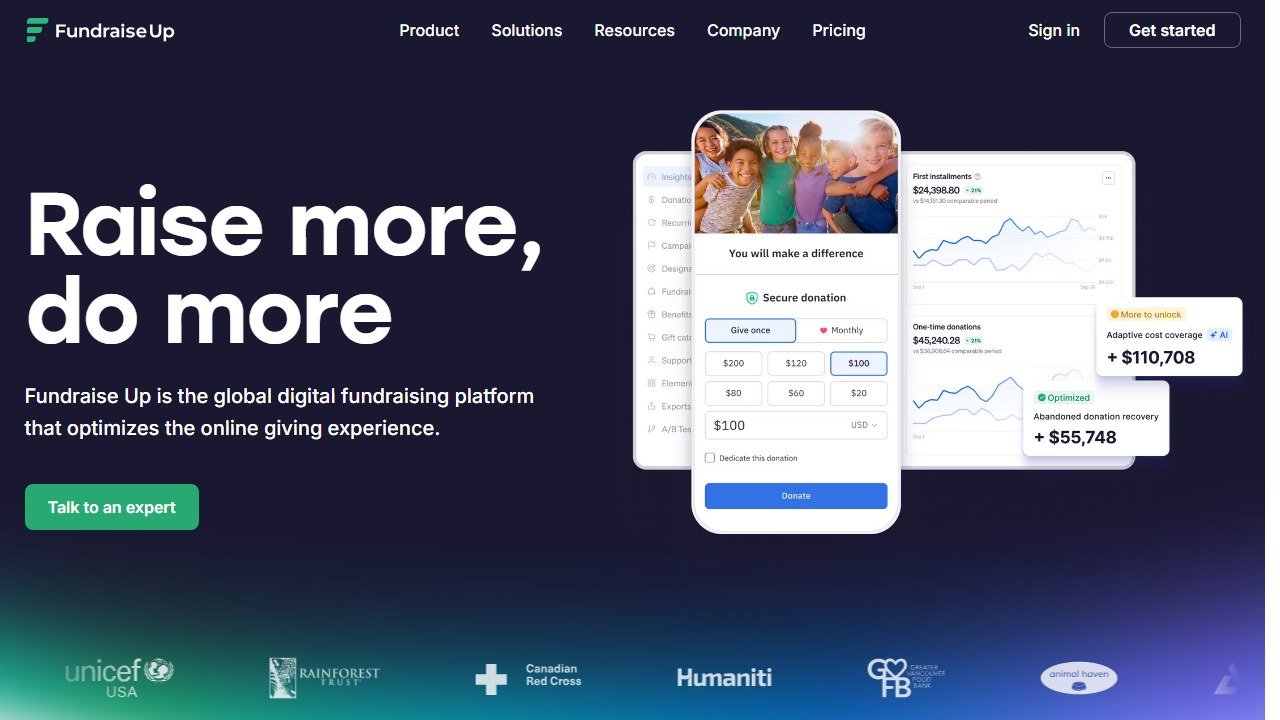
One-line verdict: the conversion-optimization specialist that lifts donation rates with a smart, fast checkout.
Who it is for: mid-size and larger orgs that already drive traffic and want to squeeze more revenue from the same visitors. Fundraise Up leans on AI-assisted ask amounts, one-click giving, and a checkout built to reduce drop-off. It supports multiple currencies and languages for global campaigns. If you are weighing it against Donorbox, our Fundraise Up vs Donorbox comparison breaks down the trade-offs.
Pricing reality: Fundraise Up uses a percentage platform fee on funds raised rather than a flat monthly subscription, so cost scales with your donation volume. There is no free public tier, and you typically book a demo for exact numbers.
Honest limitation: because the fee is a percentage of everything you raise, high-volume orgs can end up paying more than they would on a flat-fee tool, and the lack of transparent published pricing makes budgeting harder upfront.
5. Funraise
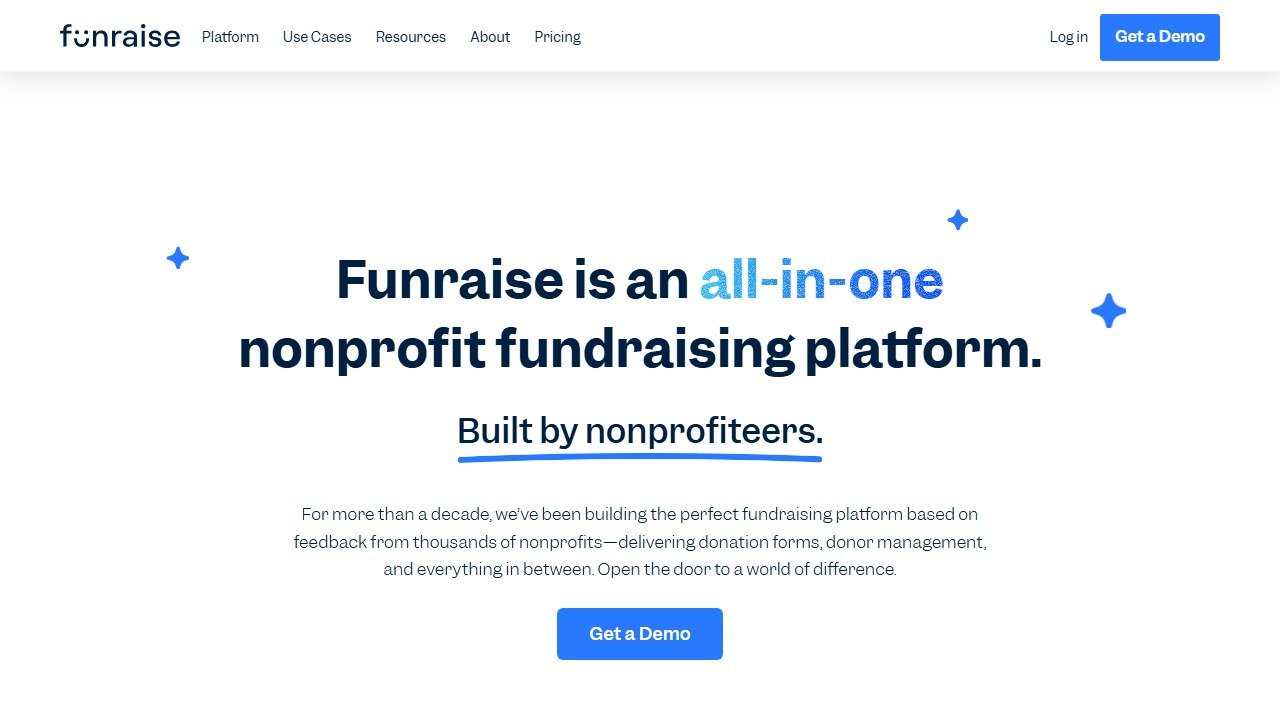
One-line verdict: the closest like-for-like Classy competitor, with a free entry tier for smaller orgs.
Who it is for: growing nonprofits that want Classy-style campaign pages, peer-to-peer, and donor management without the Classy contract. Our Funraise review covers the platform end to end.
Pricing reality: the Essentials plan is $0 a month for nonprofits raising under $1 million annually. Premium plans start around $99 a month billed annually, and it is a published number you can budget against rather than a quote.
Honest limitation: the most useful automation and reporting features sit behind the Premium tier, so once you grow the cost climbs, and the free plan caps you at that $1M raised threshold.
6. Bloomerang
One-line verdict: the donor-retention CRM for orgs that care more about keeping donors than acquiring them.
Who it is for: small and mid-size nonprofits that want a database built around relationship tracking, engagement scoring, and retention reporting, with fundraising tools layered on top.
Pricing reality: Bloomerang is quote-based and scales with your number of records, generally starting in the low hundreds per month for smaller databases. It now folds in the former Qgiv fundraising tools (see below).
Honest limitation: it is primarily a CRM, not a campaign-first platform, so if your main need is flashy peer-to-peer or event pages you will rely more on the bundled Qgiv side than on Bloomerang itself.
7. Neon One
One-line verdict: a modular all-in-one suite for orgs that want CRM, fundraising, events, and memberships under one roof.
Who it is for: established nonprofits that have outgrown a simple donation form and want connected systems without jumping to true enterprise pricing. Neon CRM handles donor management, peer-to-peer, volunteers, and memberships together.
Pricing reality: Neon CRM starts at $99 a month on Neon One’s own published pricing page, and the meter is your annual fundraising revenue, not your contact count. Modules for memberships, events and volunteers add 10% to 20% of the subscription each, and it stays well under Classy enterprise rates.
Honest limitation: the modular structure means costs and complexity grow as you add pieces, and the interface feels more utilitarian than the polished campaign builders from Givebutter or Funraise.
8. DonorPerfect
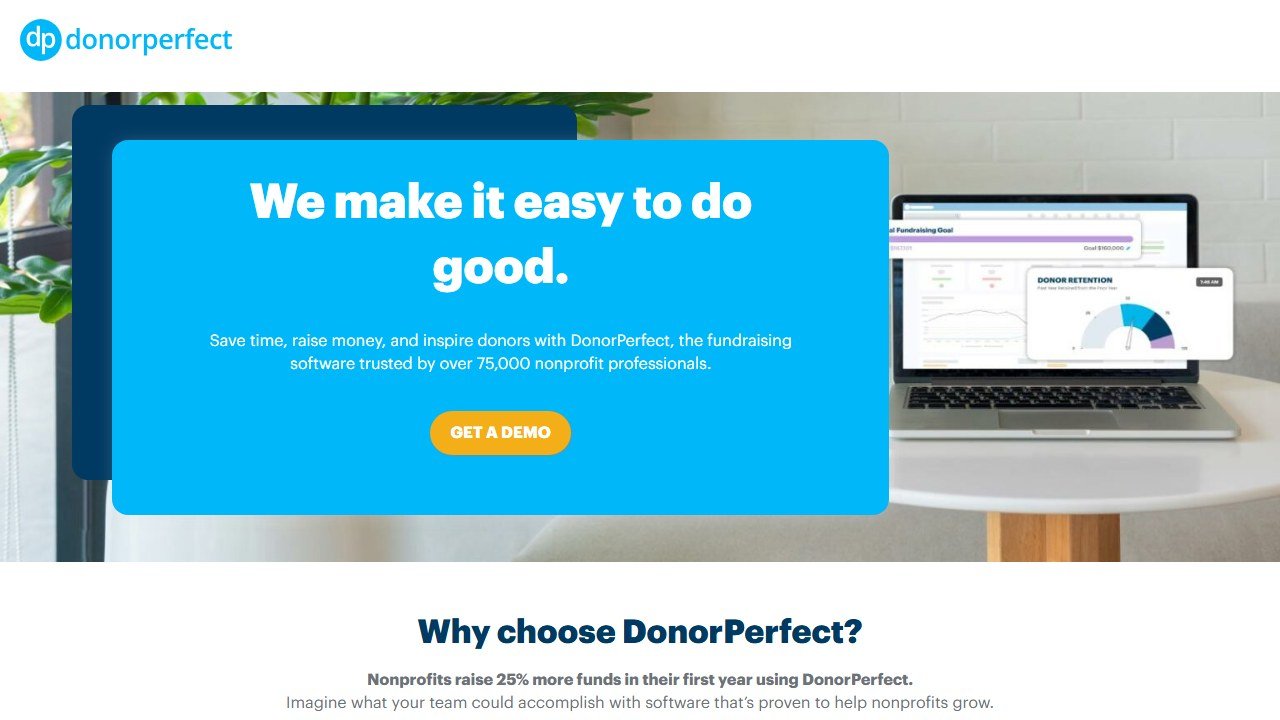
One-line verdict: a battle-tested donor database for orgs that want deep reporting and have a multi-year horizon.
Who it is for: nonprofits that prioritize a robust, mature CRM with strong reporting, moves management, and integrations over a modern campaign-page experience.
Pricing reality: plans are quote-based and scale with your donor count. Reported starting points range from roughly $89 to $99 a month for the Lite tier up to around $119 a month and higher as your database grows.
Honest limitation: the interface shows its age compared with newer tools, and because pricing climbs with record count, large databases can get expensive over a multi-year contract.
9. Qgiv
One-line verdict: an affordable, fundraising-first toolkit that is especially strong on events and peer-to-peer.
Who it is for: orgs that run a lot of campaigns, auctions, and peer-to-peer events and want flexible tools at an entry price. Qgiv is now part of the Bloomerang family, so the two increasingly work as one stack.
Pricing reality: Qgiv starts around $25 a month for entry plans, with higher tiers unlocking events, auctions, and text fundraising. That makes it one of the cheaper paid options on this list.
Honest limitation: now that it sits inside Bloomerang, the standalone Qgiv roadmap is less clear, and getting the full value increasingly assumes you also use the Bloomerang CRM.
10. Bonterra
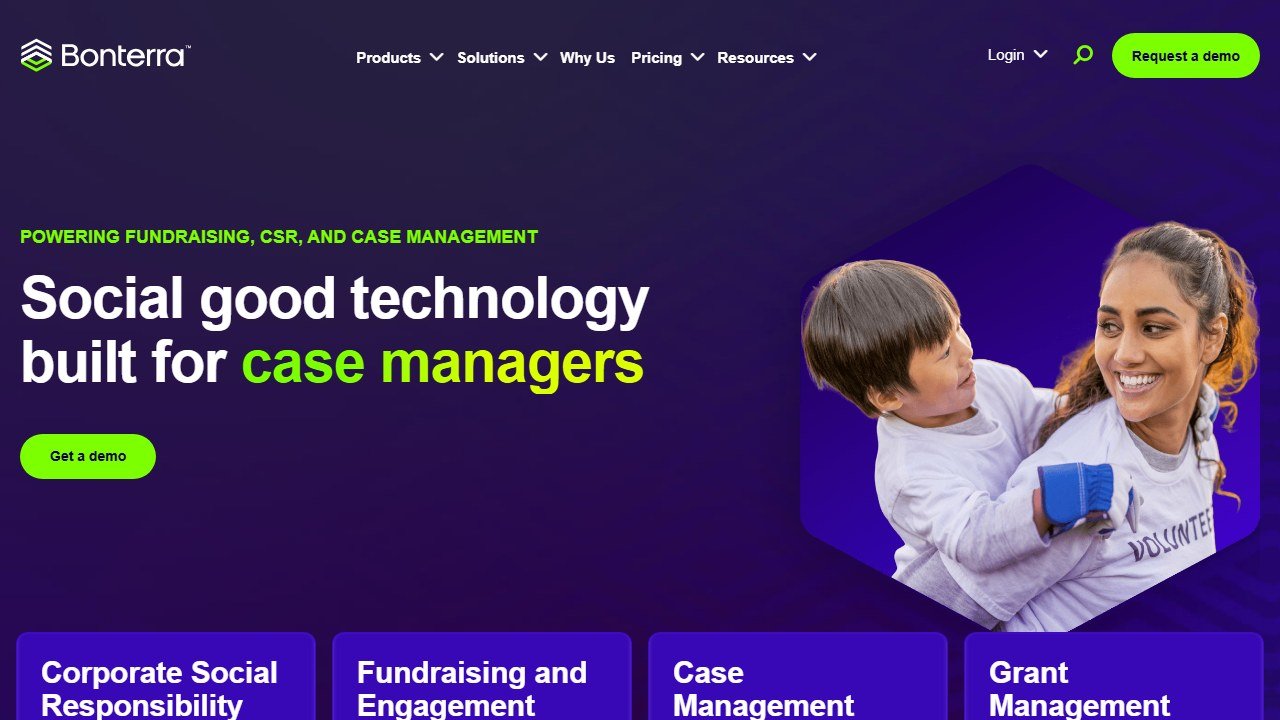
One-line verdict: the enterprise option for large nonprofits that genuinely need scale, and the one most likely to rival Classy on price.
Who it is for: big organizations and federated nonprofits that need fundraising, case management, and engagement tools across many programs and users.
Pricing reality: Bonterra is custom-quoted and starts around $109 per feature per month, with full deployments commonly landing near or above $5,000 a year. It is the priciest pick here and overlaps most with Classy’s target customer.
Honest limitation: the cost and implementation overhead make it overkill for most small and mid-size orgs, so it only makes sense if you are operating at real scale.
Classy built its reputation on peer-to-peer campaigns, so if that is the feature you are replacing, start with our dedicated roundup of the best peer-to-peer fundraising software.
What the rest of the giving platforms charge, and what they meter on
Every platform here takes a cut of donations, which means the bill grows with the thing you are trying to grow. What separates them is where the cut sits and who is asked to pay it. Here is each alternative to GoFundMe Pro, read from its own pricing page on 4 September 2026.
Donorbox, free to start, and the fee falls as you pay more
Donorbox publishes the clearest ladder in the category. Standard is free with a platform fee of 2.95% to 3.95%. Pro is $150 a month and drops the fee to 1.75% to 2%. Premium is quote only at 1.6% to 2%. Because the subscription buys a lower rate, there is a crossover volume below which paying is a loss: on $100,000 raised the fee saving is roughly $1,575 against an $1,800 subscription, so the free plan wins. On $200,000 the same shift is a clear gain. Work out your own crossover before upgrading, because the sales conversation will not.
Givebutter, 0% if your donors tip, 3% if they do not
Givebutter charges no platform fee at all when donor tips are enabled, and a flat 3% when they are switched off. Its paid tier, Plus, starts at $29 a month or $348 a year. The model is genuinely free to the organisation, but it is not free in the room: the form suggests a tip by default, so a supporter giving $100 can be charged noticeably more than $100. Whether that is a fair trade is a decision about your donors rather than your budget, and it is worth making deliberately rather than by leaving a default alone.
Fundraise Up, which has stopped publishing a rate
Fundraise Up published a single flat 4% per transaction when we read it on 14 July 2026. On 4 September 2026 the percentage is gone. We loaded the page, waited for it to render, opened every accordion and read the source: nine percentages remain and every one is a conversion rate or a case study result. The page now says “performance-based pricing” and asks for a demo. Treat any 4% you see quoted elsewhere, including our own dated figure, as the number a current quote should be checked against.
The processors underneath, which nobody escapes
Whatever the platform charges, a card processor charges too, and Donorbox publishes the nonprofit rates plainly: Stripe at 2.2% plus 30 cents and PayPal at 1.99% plus 49 cents for eligible organisations. The fixed component is the part that hurts small gifts. On a $20 donation, 30 cents is another 1.5 percentage points on top of whatever rate was quoted, so a platform that looks competitive on a $250 gift can be expensive on your actual median.
The line that is missing from almost every comparison
International giving. Donorbox states that its currency conversion defaults to 2% above the optimal rate. On a $1,000 gift from overseas that is $20, on top of the platform band and the card processing, and it appears in no comparison table we have seen. If any meaningful share of your donors give from abroad, ask every platform on your shortlist for its FX markup in writing and add it to the model.
Donor fee coverage, the single variable that decides the answer
Every percentage model in this category lives or dies on one number: the share of donors who choose to cover fees at checkout. It swings the effective cost by a factor of five, and it is the number vendors quote most confidently and evidence least.
What the vendors claim
Fundraise Up publishes that 80% of donors cover transaction costs, having previously claimed 87%. Givebutter states that 92% of donors leave a tip. Donorbox says donors can be asked to cover over 90% of processing fees. Those are averages across every customer the vendor has, weighted towards the large and sophisticated ones, and none of them is a commitment to you.
Why your number will be different
Coverage depends on things the vendor cannot control and you can: how the option is worded, whether it is pre-ticked, where it sits in the flow, your median gift size, and above all who your donors are. A digitally engaged urban donor base behaves nothing like a rural mail-acquired file. Two organisations on the same platform can sit thirty points apart, which is the difference between a 1.3% effective cost and a 6.5% one.
Model both ends, not the vendor average
Take a percentage model and run it twice: once at zero coverage and once at the vendor’s claimed rate. If the decision holds at both ends, buy with confidence. If it only works at the claimed rate, you are betting your budget on a number you have never observed. Then run the subscription alternative alongside, because a fixed fee is the option that does not care how your donors behave.
The ethical question nobody puts in the table
Fee coverage and tipping both work by moving your cost onto the person giving you money. That may be entirely reasonable, and many donors genuinely prefer that the full gift reaches the cause. It becomes a problem when the default does the deciding, when the amount is not obvious, or when a $100 gift quietly becomes a $115 charge. Look at your own checkout as a donor would, on a phone, and decide whether you are comfortable with what you see. That is a board level question, not a finance one.
How to run the procurement so a quote means something
Get every quote onto the same basis before comparing
Ask each vendor, including GoFundMe Pro, for the same seat count, the same contract length, implementation quoted separately from subscription, every add-on itemised, and payment processing stated as inside or outside the platform fee. A single blended annual number cannot be compared against anything, and vendors know it.
Establish the total first-year cost, not the subscription
Onboarding, data migration, integration work and training are frequently larger than the first year of licence fees in this category and are rarely in the headline figure. Ask for the all-in number, then ask which parts of it are one-off and which recur.
Negotiate the renewal before you sign the first contract
This is the single most valuable term and the one most often left out. A capped renewal uplift, stated as a percentage, is worth more than a bigger first-year discount, because at renewal the vendor knows your usage, your dependency and your switching cost while you have no public rate card to argue against.
Insist on a trial with your own data
A demo runs on a dataset chosen because the product handles it well. Ask to load a sample of your own records, including the messy ones: duplicate households, lapsed donors with old addresses, a recurring gift that failed. How a platform handles your actual data quality is the thing that decides whether staff use it, and it is invisible in a scripted walkthrough.
Name the person who will own it
Every platform in this category rewards an owner and punishes shared responsibility. Before signing, name the person whose job description includes this system and check they have the hours. Software does not create that role, and its absence is the most common reason a nonprofit CRM purchase disappoints.
How to choose the right Classy alternative
Match the tool to your stage, not to a feature checklist. If you want to keep every dollar and accept a tip-based model, Zeffy is unbeatable on price and Givebutter is the best free all-rounder. If you just need a clean form on an existing site, Donorbox gets you live the fastest. Orgs focused on squeezing more from existing traffic should test Fundraise Up, while Funraise is the closest Classy-style replacement with a free entry tier.
On the CRM side, pick Bloomerang for donor retention, Neon One for a connected modular suite, and DonorPerfect for deep reporting on a long horizon. Qgiv is the budget fundraising-first pick, and Bonterra is the only one here built to go head to head with Classy at true enterprise scale.
Whatever you pick, the math almost always favors leaving Classy: most of these platforms publish a price you can read before you speak to anyone, and several cost nothing at all. Start with the free tiers, run one real campaign, and let your donors tell you which checkout converts best.

Written by
FazFaz is the founder of AIToolsBakery. Some tools here are tested hands on. Others are assessed from vendor documentation and pricing verified on the live page, and every review says which one it is. Sponsors can buy a position in a guide. They cannot buy the score, the criticism, or silence about a better option.
How we test and how we make money →