It is a Tuesday session at the local bouldering gym. You have been stuck on the same V5 for three weeks, your fingers feel weak on small crimps, and your phone is full of half finished training notes that you never look at again. Somewhere in an app store there is supposed to be a tool that fixes all of this, builds you a plan, watches your hangboard numbers, and tells you exactly what to work on. So which one actually earns a spot on your phone, and which ones are marketing with a login screen?
We are AIToolsBakery, an independent review site. We sell none of these apps, take no cut from any of them, and have no climbing brand to protect. That matters here because if you search “best climbing training app” you mostly get two kinds of pages: the vendors themselves telling you they are the best, and affiliate roundups that earn a commission on whichever subscription you buy. We are neither. We climb, we have paid for several of these, and we will tell you where the word “AI” is doing real work and where it is mostly a buzzword bolted onto a workout timer.
Here is the honest framing before we start. Climbing is not running or cycling, where a watch and an algorithm can model your effort cleanly. A huge part of climbing improvement is technique, fear management, and reading the wall, none of which an app can see. So the genuinely smart tools cluster around the things that are measurable: finger force, load over time, structured progression, and logging. We have organized this guide around those jobs, not around brand loyalty.
The 30-second answer: For structured plans that adapt, use Lattice. For free, science backed sessions, use Crimpd. For real force and load data, pair the Tindeq Progressor. For logging and projecting on a spray wall, use Stōkt or KAYA. Most strong climbers run two of these together, not one.
Quick answer: Lattice is the AI climbing app that behaves most like a real coach, Crimpd is the best free science-backed session library, Tindeq Progressor gives real force data, and Stokt is the spray-wall and projecting brain. No app replaces time on the wall with climbers stronger than you.
What “AI” really means in a climbing app
Let us be blunt about the marketing. Very few climbing apps use machine vision to watch your movement and coach your technique the way a golf or running app might. The “intelligence” you are paying for is usually adaptive programming: the app takes your logged sessions, your assessment numbers, and your goals, then adjusts the next block of training. That is genuinely useful, and it is closer to what a human coach does than a static PDF plan. But it is not a robot watching you climb.
A second, quieter kind of smart is the data layer. Force sensors and crowd graded boards generate real numbers, and the better apps turn those into trends you can act on. That is where the most defensible value sits in 2026, so weight your money toward it.
The practical upshot is that the apps split into three camps. Some plan your training, some measure your physical inputs, and some log what you actually climbed. The mistake we see climbers make is buying one tool and expecting it to do all three. It will not. A plan app does not log your spray wall sessions, and a logbook does not tell you when to deload. Read each entry below for the job it genuinely does well, then build the smallest combination that covers your gaps.
Lattice: the adaptive plan that behaves most like a coach
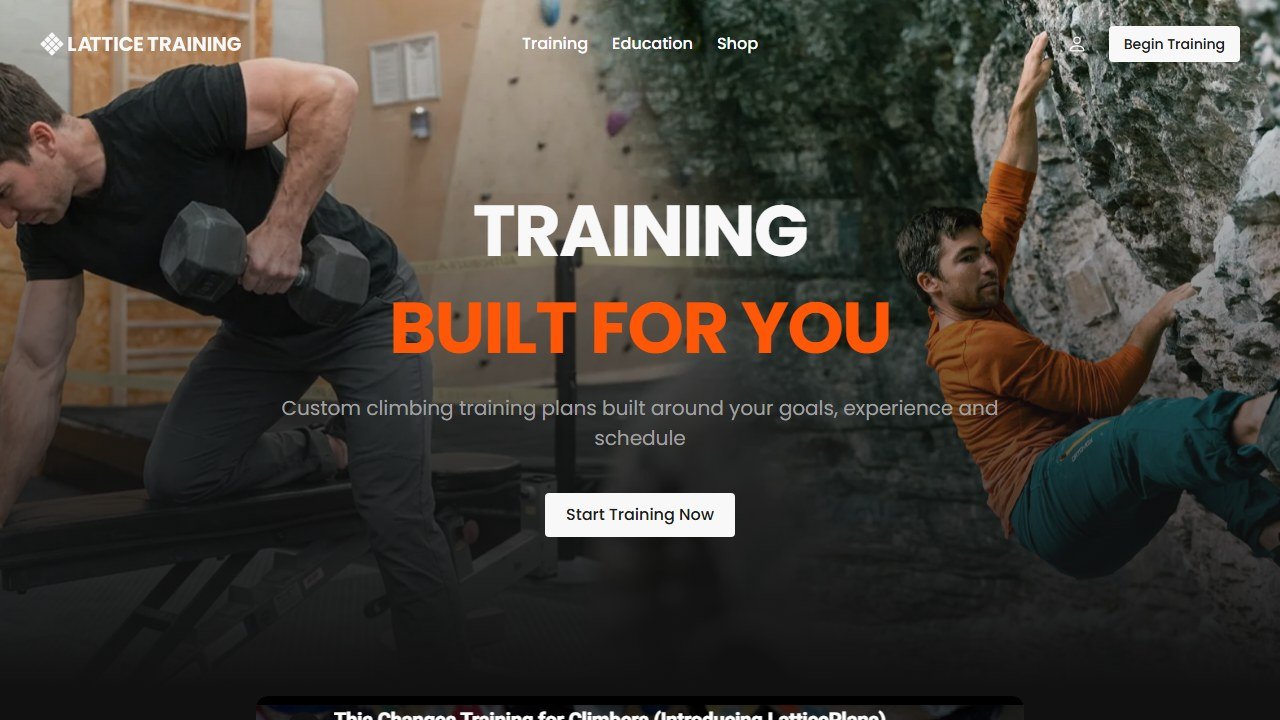
Lattice Training is the closest thing on this list to a human coach in software form. Its app hosts LatticePlans, which build a structured program from a physical assessment and then adjust as you log sessions. The company sits on a large body of coaching data and a long track record working with competitive climbers, and that depth shows up in how the plans periodize finger strength, power, and endurance rather than throwing random workouts at you.
What it does best: long term, adaptive programming for a climber who wants to commit to a full training cycle and actually follow it.
The honest limitation: it costs more than the others, and it largely ignores on the wall technique, which is a big driver of grades for most climbers below the elite level. You are paying for physical progression, not movement coaching. Confirm current pricing on the vendor page, because their plan tiers change.
Official site: latticetraining.com
Crimpd: the free, science backed session library
Crimpd is the app we recommend most often to climbers who are not ready to commit to a paid plan. Its workouts are designed by professional coaches, including people connected to Lattice, and the free tier alone gives you a solid library of structured sessions with built in timers and progress tracking. The paid Crimpd+ tier unlocks a larger workout library, structured plans, and a custom plan builder.
What it does best: getting a beginner or intermediate climber doing real, sequenced training today, for free, instead of doom scrolling Instagram workouts.
The honest limitation: the free version is a collection of excellent individual sessions, not a long term program that progresses you over a cycle. You either chain sessions together yourself or step up to the paid plan builder. For a lot of people that DIY freedom is a feature, not a bug.
Official site: crimpd.com
Tindeq Progressor: real force data, not a guess
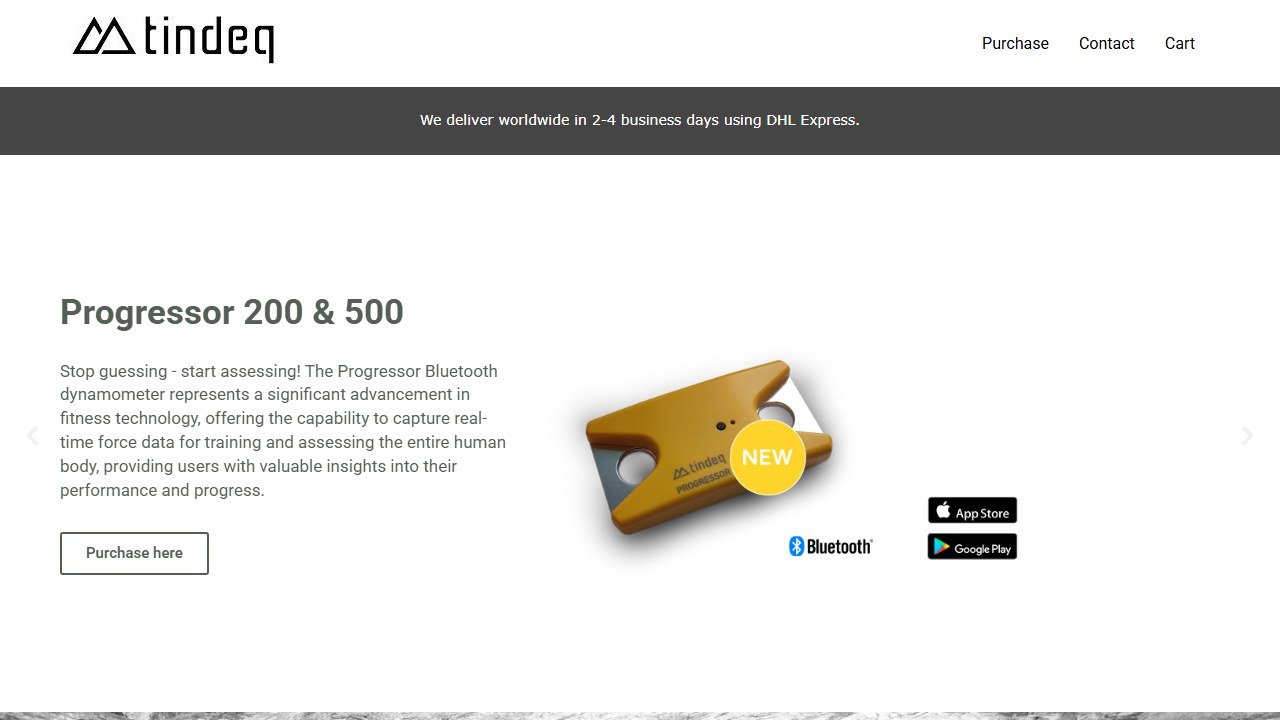
This is the most genuinely data driven entry, with one catch: it needs hardware. The Tindeq Progressor is a small wireless load sensor that hangs between you and any free hanging grip, then streams precise force readings to a free companion app on iOS or Android. Instead of guessing whether you added weight or got stronger, you see actual numbers in kilograms, track maximum pulling force, and run protocols like critical force tests that estimate your finger endurance.
What it does best: turning hangboarding from a vibe into measured, repeatable load data you can progress week over week.
The honest limitation: the app is only as useful as the device, and the device is a real purchase. It also measures force, not technique, so it tells you nothing about why you fell off the crux. For climbers who want to train finger strength seriously, it is the most honest “AI in fitness” entry here, because the intelligence is grounded in real measurement rather than a model guessing your effort.
Official site: tindeq.com
Stōkt: the spray wall and projecting brain

Stōkt is not a coaching app, and it does not pretend to be. It is a logging and problem sharing tool built for any training wall, and it shines on spray walls where there is no fixed set of graded problems. You photograph your wall, mark holds for a problem, and the community grades it through a crowd system where everyone submits their own grade feel, which is then averaged into a consensus grade. You can build circuits, track sends, and never forget that brilliant problem you set last month.
What it does best: capturing, sharing, and projecting problems on home and gym spray walls, with crowd grading that is more honest than one setter’s opinion.
The honest limitation: this is social and organizational software, not training intelligence. It will not tell you what to work on or build you a plan. Note too that the app is free for climbers, while wall owners pay to host their walls.
Official site: getstokt.com
KAYA: logging, beta, and tracking across gyms and crags
KAYA is the other big logging app, and it leans harder into the social and discovery side. It hosts a very large library of outdoor climbs and partners with many gyms, so you can log sends indoors and outside in one place, watch beta videos, and track your progress over time. For climbers who care about a clean history of everything they have sent, it is one of the most complete logbooks available.
What it does best: a unified send log and beta library across gyms and outdoor crags, with strong discovery.
The honest limitation: like Stōkt, it is a tracker and a community, not a coach. The smartest thing it does is surface your own trends and beta from others. Several features, including some logging gestures, sit behind the paid KAYA Pro tier, so check what is free before you rely on it.
Official site: kayaclimb.com
Tension Board and Moonboard: standardized boards with their own apps
Two of the most popular training boards ship their own apps, and they belong in any honest roundup because the app is how you actually use the board. The Moonboard app drives the well known Moon Board, letting you search and filter thousands of standardized problems, log ascents, and follow benchmark grades on a wall that is identical worldwide. The Tension Board app does the same for the Tension Board, with a wood hold set many climbers find kinder on the skin.
What they do best: standardized, app driven board climbing, where the same problem at the same angle exists in every gym that owns the board, so your progress is comparable and benchmarked.
The honest limitation: you need access to the physical board, which is a gym or a serious home setup, and the “training” is really structured problem climbing rather than a coached plan. These pair beautifully with a programming app like Lattice or Crimpd that tells you when and how hard to climb on the board.
Official sites: moonboard.com and tensionclimbing.com
The comparison table
One table, the whole field at a glance. Pricing is qualitative on purpose, because every one of these vendors changes tiers, and you should confirm on their page before paying.
| App | What it does best | Best for | Price or free tier |
|---|---|---|---|
| Lattice | Adaptive, periodized training plans | Committed climbers wanting a full cycle | Paid, premium tier, free trial varies |
| Crimpd | Science backed session library | Beginners to intermediates training today | Strong free tier, optional Crimpd+ |
| Tindeq Progressor | Precise finger force and load data | Serious hangboard and finger training | Free app, requires the hardware device |
| Stōkt | Spray wall problem capture and crowd grading | Home and gym spray wall projecting | Free for climbers, wall owners pay |
| KAYA | Unified send log and beta library | Tracking sends across gyms and crags | Free core, paid KAYA Pro for more |
| Moonboard | Standardized benchmarked problems | Comparable board training worldwide | Low cost app, needs the physical board |
| Tension Board | Standardized board with kinder holds | Board training with wood holds | Low cost app, needs the physical board |
A lean way to start
You do not need all seven. Most strong climbers run a small stack. Here is a sane starting point that costs almost nothing.
- Install Crimpd and pick one strength session and one endurance session you can repeat. That is your free structured base.
- Add Stōkt or KAYA to log every send, so you have real data on what you climb instead of vague memory.
- Give it four weeks. If you are consistent and want more structure, then consider a Lattice plan or a Tindeq Progressor for measured finger training.
- Only buy hardware or a premium plan once you have proven you will actually train. Consistency comes first, gear second.
This order keeps your money in your pocket until the habit is real, which is exactly the opposite of what the vendor pages want you to do.
If you are newer to training in general and want the broader picture, our best AI personal trainer apps for beginners guide covers the same “start lean” philosophy for whole body fitness, and our main best AI workout apps pillar is a good reference for how adaptive plans work across sports. Climbers who also lift will find the best AI bodybuilding apps roundup useful for off the wall strength work, and endurance focused climbers can borrow ideas from our best AI running coach apps comparison, since critical force testing borrows heavily from endurance science.
What these apps still cannot do
Here is the part the marketing skips. None of these apps can watch you climb and fix your technique, which for most climbers is the single biggest lever on grades. They cannot see that you are over gripping, dropping your heel, or hesitating on a dynamic move. The “intelligence” is in programming and measurement, not movement coaching, and that gap is real.
They also cannot manage injury risk for you. Finger pulleys, shoulders, and elbows get hurt when climbers push hangboard or board volume too hard, too soon, and an app chasing your numbers will not feel the twinge you ignore. None of this is medical advice. If you have pain, a recurring tweak, or you are returning from injury, see a physiotherapist or a doctor who understands climbing before you trust a plan that pushes load.
Finally, no app replaces time on the wall with people who climb harder than you. The best training tool here is still the one that gets you climbing more, more consistently, and more honestly about your weaknesses. Pick the smallest stack that does that, confirm the current pricing on each vendor page before you pay, and spend the rest of your energy actually pulling on holds.
How consumer fitness apps are priced, and why the figures are hard to pin down
Consumer training apps behave differently from coaching platforms, and it makes them genuinely harder to compare honestly.
Most of them price through the app stores
We attempted to read pricing pages for several of the best known consumer apps on 4 September 2026, including Fitbod, Dr. Muscle, Hevy, Whoop and Oura, and could not extract a rate from any of them with the same method that read every coaching platform above. That is largely because subscriptions are sold inside the app rather than on the web, so the price you see depends on your store, your region and sometimes your device. We will not quote a figure we could not source.
What that means for any price you read elsewhere
Treat every specific consumer app price on the internet, including in comparison articles, as unverified unless it names a date and a source. Store pricing also changes by country and moves with local currency, so a figure that was right in one market can be wrong in yours by a wide margin. The reliable move is to open the app store listing on your own device before deciding.
The one that does publish clearly
JuggernautAI publishes on the web: $34.99 a month or $349.99 a year, with a two week free trial, which works out at roughly two months free on the annual plan. That is at the premium end of consumer training apps and it is aimed at serious strength athletes rather than general fitness, which is the honest framing for whether it is expensive.
Free trials in this category are short and auto-renewing
Two week and one month trials are the norm and almost all of them convert automatically. If you are testing several apps, note the conversion dates somewhere other than the app itself. This is mundane advice and it is the single most common way people end up paying for three training apps they stopped opening in February.

Written by
FazFaz is the founder of AIToolsBakery. Some tools here are tested hands on. Others are assessed from vendor documentation and pricing verified on the live page, and every review says which one it is. Sponsors can buy a position in a guide. They cannot buy the score, the criticism, or silence about a better option.
How we test and how we make money →Frequently Asked Questions