IEP paperwork is the part of special education that eats evenings. Case managers routinely carry 20 to 30 students, and each IEP means a present levels statement, a set of measurable annual goals, benchmarks, accommodations, and impact language that all have to align with each other and survive a compliance review.
AI drafting tools now handle a real chunk of that writing. But this category has two traps that generic “AI for teachers” roundups skip. First, an IEP is a legal document under IDEA, so a tool that produces vague, unmeasurable goals creates compliance risk, not time savings. Second, IEPs are stuffed with the most sensitive student data in the building, so how a tool handles (or refuses to handle) student PII matters as much as output quality.
We reviewed seven AI IEP writing tools on both axes: quality of the drafted language against IDEA’s measurability standard, and what each tool does with student data. One scope note before we start: this post covers IEP writing only. For the broader landscape of assistive tech, behavior tools, and communication supports, see our full roundup of AI tools for special education teachers. That post owns the wide view; this one goes deep on the document itself.
How the 7 tools compare
| Tool | Scope | Student data handling | Verified pricing | Best for |
|---|---|---|---|---|
| Playground IEP CoPilot | Full drafting: PLAAFP feedback, goals, impact statements, BIPs | Anonymous input, no student PII collected, no login | Free | Case managers who want the whole document supported |
| MagicSchool IEP Generator | Full draft sections: needs, goals, accommodations | PII warnings in-app; district FERPA agreements available | Free tier (history capped at 5 outputs); Plus $99.96/yr | Teachers already on MagicSchool |
| Goalbook Toolkit + Threads AI | PLAAFP to goals to SDI alignment checks | District-governed; Threads can be disabled per policy | District/school license only, quote-based; no free individual tier | Districts standardizing IEP quality |
| Monsha IEP Generator | Goals, accommodations, services, progress monitoring | No identifiable student data required; FERPA-aligned | Free for individual teachers; school plans paid | Free full-scope drafting with export options |
| GoalGenius.ai | Goals and quarterly objectives only | Generic student descriptors, no records | Free yearly goal generation; premium unpublished (quote the site) | Standards-tied goal banks |
| Varsity Tutors AI IEP Generator | Goal statements only | No student records; shareable output links | Free | Fast single-goal drafts, no signup friction |
| Easy-Peasy AI IEP Goal Generator | Goal statements only | Template inputs, no student records | Free plan (limited); paid from $8/mo | Quick SMART phrasing on a budget |
How we reviewed
We ran the same three scenarios through every tool: a 4th grader with a specific learning disability in reading fluency (baseline 62 wcpm), a 7th grader with autism working on self-advocacy and task initiation, and a kindergartner with a speech-language impairment. For each output we checked four things: is the goal measurable as written, does it include a baseline-to-target structure, does it generate benchmarks or short-term objectives, and would it pass the “stranger test” (could a new teacher pick it up and know exactly what to measure).
On the privacy side, we read each tool’s data handling claims and checked whether the workflow ever asks for a student name, ID, or uploaded records. Our standing rule, and the one we recommend to every case manager: no real student PII goes into any AI tool, ever, unless your district has a signed data privacy agreement that covers it.
1. Playground IEP CoPilot: best overall

Playground IEP CoPilot is a free AI drafting suite from Playground IEP, the special education case management platform. To be precise about the name, because it matters: this is Playground IEP, the special education company, not the childcare management software also called Playground. They are different products from different companies.
What it does. IEP CoPilot covers more of the document than anything else we reviewed at any price. It generates SMART, standards-aligned annual goals with scaffolded objectives and measurable benchmarks, and it has all 50 states’ standards built in so goals can be tied to grade-level expectations. It also reviews a PLAAFP statement you paste in and returns feedback on clarity, objectivity, and effectiveness, drafts disability impact statements, and writes full behavior intervention plans from a description of the target behavior.
Hands-on observations. Our reading fluency scenario came back with a goal that passed the stranger test on the first generation: baseline stated, target stated, measurement condition specified, and three benchmark checkpoints that stepped up sensibly. The PLAAFP feedback feature is the sleeper hit. We fed it a deliberately weak present levels paragraph (vague language, no data, opinion statements) and it flagged the exact sentences a compliance reviewer would circle, then suggested data-anchored rewrites. No other free tool does PLAAFP review at all.
Privacy. This is where CoPilot separates from the field. The tool is built for anonymous generation: no login required, no student personal data collected. You describe the learner generically and it drafts from that. For a teacher in a district that has not yet approved specific AI tools, this is the lowest-risk way to get AI help on an IEP.
Pricing. Free. The company monetizes its broader case management platform, and CoPilot works standalone in the browser.
Who it’s for. Any case manager or special education teacher who wants AI support across the whole document, and anyone whose district has strict or unsettled AI policies.
One honest limitation. CoPilot drafts components, not a finished file in your state’s IEP system. You will still copy each piece into your district’s IEP platform (SEIS, Embrace, Frontline, etc.) and reconcile formatting there. There is no direct integration with the major IEP systems.
2. MagicSchool IEP Generator: best inside an all-in-one platform
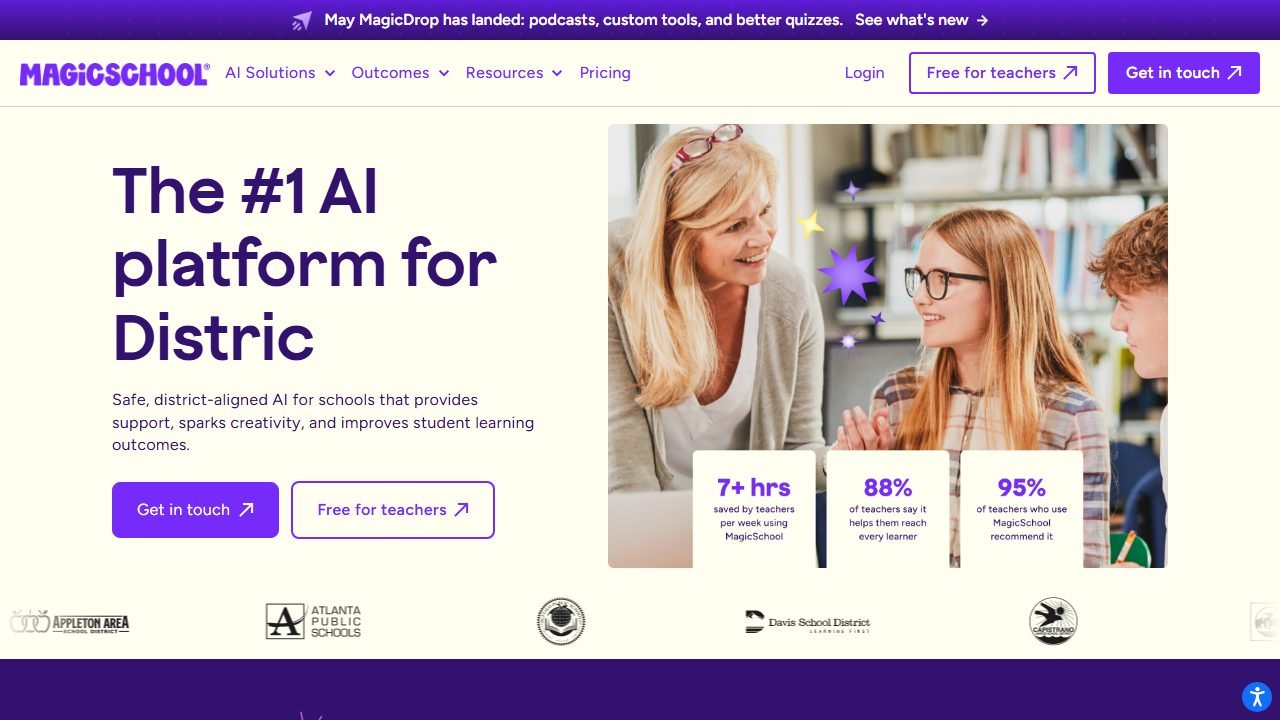
MagicSchool’s IEP Generator is one of 80-plus tools on the most widely adopted AI platform for teachers. If your school already runs MagicSchool, this is the path of least resistance; we cover the whole platform in our MagicSchool AI review.
What it does. You enter grade level, disability category, present levels of performance, and areas of concern, and it drafts the connected sections: a needs and impact of disability statement, suggested measurable goals and objectives, and suggested accommodations and modifications, all written to align with the present levels you provided. Related MagicSchool tools (behavior plan writer, accommodation suggester, text leveler) sit one click away, which makes it easy to build out supporting pieces in the same session.
Hands-on observations. Output quality on goals was solid but a notch below Playground IEP CoPilot on measurability: in our autism scenario, two of four generated goals needed us to add explicit mastery criteria before they were audit-ready. The accommodations list was the strongest part, well-matched to the described needs rather than generic. The big workflow win is coherence: because it drafts needs, goals, and accommodations together, the sections actually reference each other, which is exactly what IEP reviewers look for.
Privacy. MagicSchool prompts you not to enter personally identifiable student information and offers district-level agreements for schools that adopt it formally. Used as designed, with generic student descriptions, it fits inside most district AI policies that have approved MagicSchool.
Pricing. The free tier includes all tools, but output history is capped at your last five generations, so export anything you want to keep. MagicSchool Plus runs $99.96 per year with a 15-day trial.
Who it’s for. Special education teachers in MagicSchool schools, and anyone who wants IEP drafting plus lesson planning and differentiation tools in one login.
One honest limitation. The five-generation history cap on the free tier is genuinely annoying for IEP work, where you often iterate on a goal across a week. Lose track of an output and it is gone.
3. Goalbook Toolkit + Threads AI: best district-license option
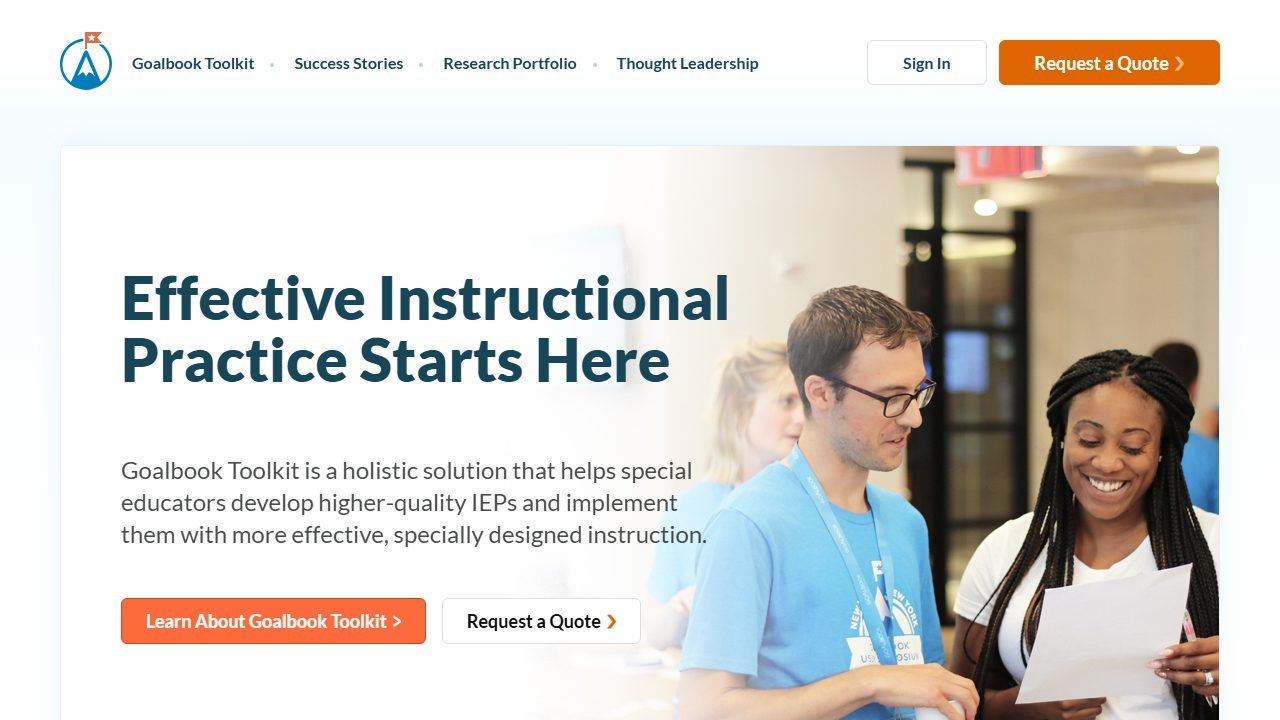
Goalbook Toolkit is the veteran in this space: a research-backed library of standards-aligned goals, success criteria, and instructional strategies that districts have licensed for over a decade. Threads is its AI layer, and it takes a different approach from every generator on this list.
What it does. Instead of writing your IEP from a prompt, Threads evaluates what you wrote. It reviews each section of the IEP, checks that present levels, goals, and specially designed instruction (SDI) actually connect to each other, and offers research-backed suggestions for improvement. Think of it as a compliance-literate editor sitting on top of Goalbook’s goal library rather than a blank-page drafting engine.
Hands-on observations. For the alignment problem, the number one thing that gets IEPs flagged in state audits, this is the strongest tool we reviewed. We fed it an IEP where the goals did not trace back to the stated present levels, and it caught the disconnect and pointed at the specific sections. The underlying Toolkit library also means goal language starts from vetted, research-based templates instead of raw model output. Notably for cautious districts, Threads can be switched off entirely to match a local AI policy while keeping the Toolkit.
Privacy. As a district-procured platform, Goalbook operates under signed district data agreements, which is a fundamentally different (and for administrators, more comfortable) posture than consumer tools.
Pricing. District and school license only, quote-based, and there is no free individual tier. Public board records give a sense of scale: one North Carolina district approved a $90,000 one-year subscription for its special education staff. If you are an individual teacher, this one is a request to your director, not a signup form.
Who it’s for. Special education directors and districts that want to raise IEP quality across a whole team, with procurement-grade privacy paperwork.
One honest limitation. The price point and district-only model put it out of reach for individual teachers, and the AI is an evaluator more than a drafter. If you want something to write the first draft from scratch, pair it with one of the free generators above.
4. Monsha IEP Generator: best free full-scope drafting
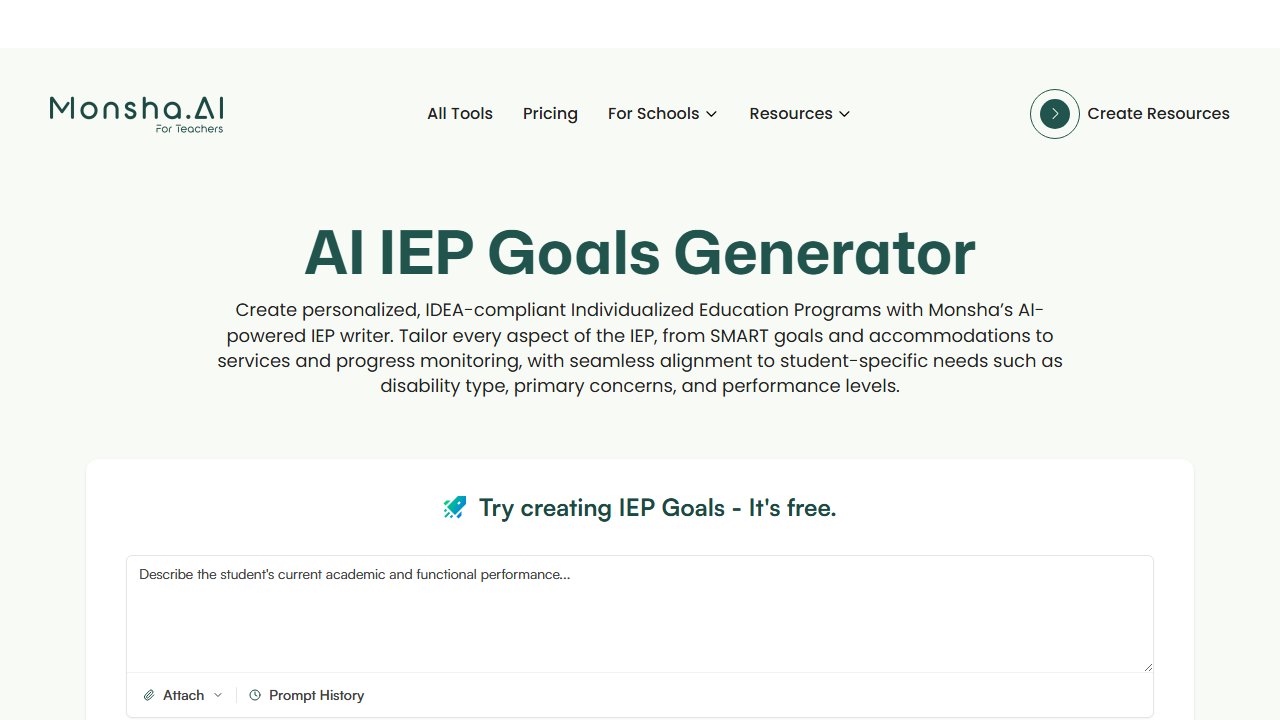
Monsha’s IEP Generator comes from a lesson planning platform, but its IEP tool is surprisingly complete, and it is free for individual teachers.
What it does. Monsha drafts across the document: SMART goals, recommended accommodations, services, and progress monitoring approaches, tailored to inputs like disability type, primary concerns, and performance levels. It is the closest free alternative to the full-document scope of Playground IEP CoPilot, with the bonus that outputs land in Monsha’s editor for reworking and export.
Hands-on observations. In our kindergarten speech-language scenario, Monsha produced the most complete package of any free tool except CoPilot: goals plus matched accommodations plus a progress monitoring suggestion in one pass. Goal measurability was good, though we noticed it defaults to 80 percent accuracy criteria almost everywhere, which you should adjust to the student rather than accept as a magic number. The editing workspace is a real advantage over tools that just print text to the screen.
Privacy. Monsha does not require identifiable student data, and the company states alignment with FERPA, COPPA, and GDPR, with generation working independently of student records. Same rule as everywhere: keep inputs generic anyway.
Pricing. Free for individual teachers, including IEP goal generation. Schools can upgrade to paid plans for collaboration and shared curriculum features.
Who it’s for. Teachers who want full-scope drafting plus an editor and export workflow without paying, especially if they also use Monsha for planning.
One honest limitation. No PLAAFP review or BIP writing, so it covers less of the document than CoPilot, and the accuracy-criteria defaults need a human pass on every goal.
5. GoalGenius.ai: best standards-tied goal generator
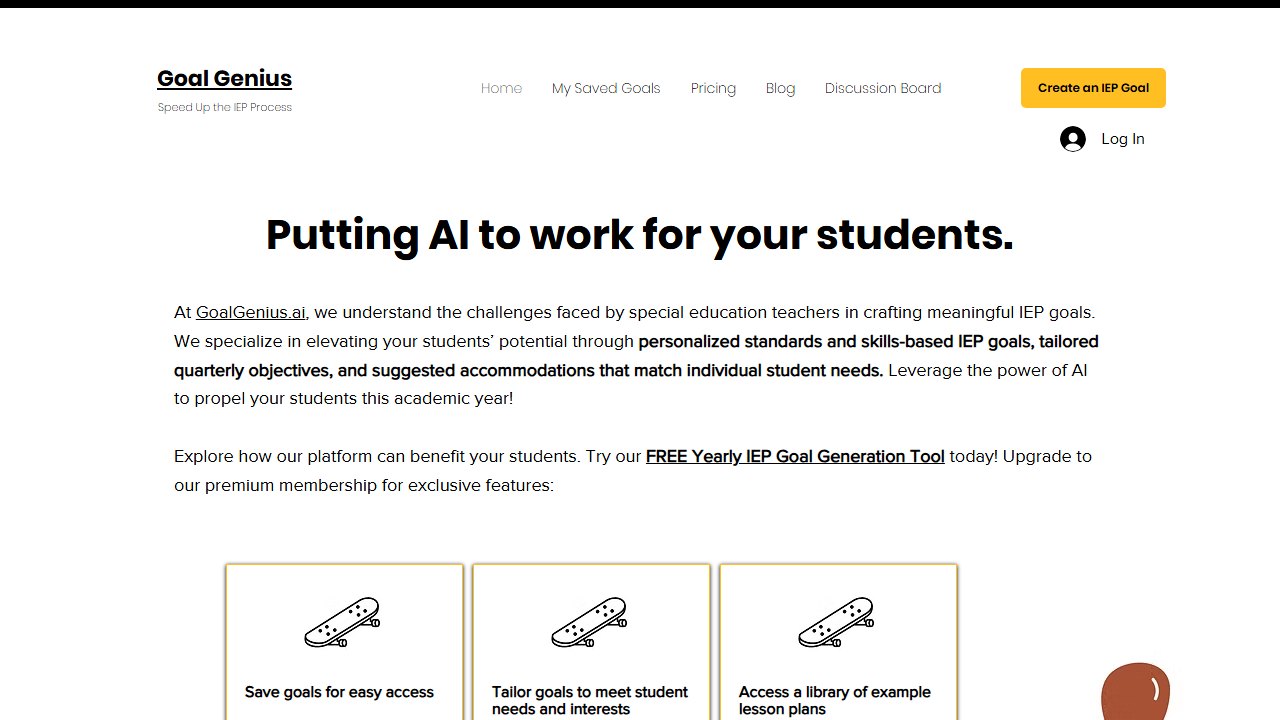
GoalGenius.ai is a specialist: it does IEP goals and objectives, and nothing else, but it does them with more structure than the other goal-only tools.
What it does. GoalGenius creates annual goals plus quarterly objectives, ties goals to grade-level standards, and lets you adjust mastery levels, accuracy expectations, and timelines before generating. That customizable-criteria step is the differentiator: instead of accepting whatever percentage the model picks, you set the bar and it writes to it.
Hands-on observations. The quarterly objective breakdowns were the best of the goal-only tools, stepping logically from baseline toward the annual target rather than just slicing the goal into four identical pieces. Standards alignment worked well for academic goals; for our self-advocacy scenario (a functional, non-academic goal) the standards framing was less useful and the output leaned generic.
Privacy. Input is generic student descriptors only; the tool has no student record features.
Pricing. Yearly IEP goal generation is free. A premium membership with additional features exists, but pricing is not published, so check the site for current terms.
Who it’s for. Case managers who write a high volume of academic goals and want objectives and mastery criteria structured for them.
One honest limitation. Goals only. No PLAAFP, accommodations, or impact language, and functional/behavioral goals get weaker output than academic ones.
6. Varsity Tutors AI IEP Generator: best for zero-friction single goals
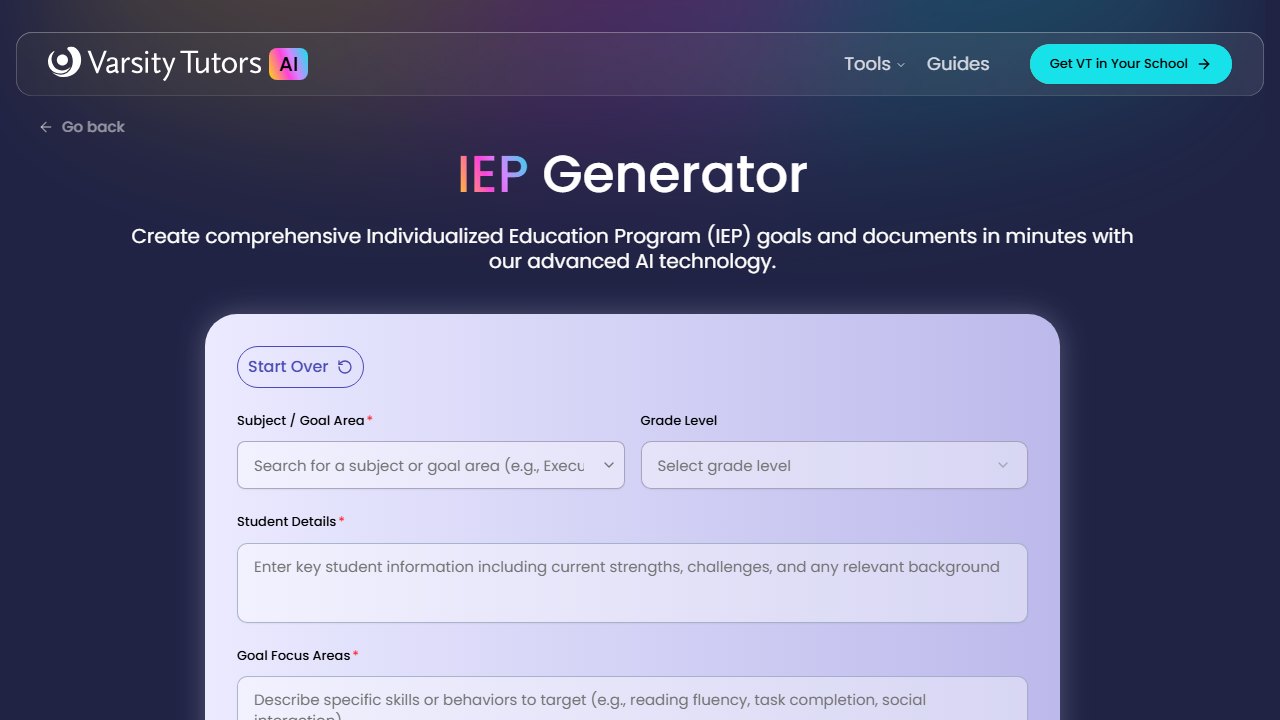
Varsity Tutors’ AI IEP Generator is part of the company’s free AI tool suite for educators, and it optimizes for one thing: speed to a usable goal draft.
What it does. You describe the focus area (communication, behavior, academic skills), pick subject, grade, and skill area, and it produces a structured goal draft. Output can be saved and shared via link with colleagues or parents, which is a small but genuinely useful touch for IEP team collaboration.
Hands-on observations. This was the fastest path from blank page to draft in practice, under a minute per goal with no account friction. Quality was serviceable: our reading fluency goal came back measurable, but without benchmarks or objectives, and the drafts run more generic than GoalGenius or CoPilot. It is a first-draft machine, best used when you know exactly what you want the goal to say and need the SMART scaffolding written around it.
Privacy. No student records involved; inputs are subject, grade, and skill descriptions. Note that shareable links mean you should keep drafts generic, since anything in the draft is in the link.
Pricing. Free.
Who it’s for. Teachers who need one decent goal draft right now, and IEP teams that want a quick shared starting point to react to.
One honest limitation. Goal statements only, no objectives or benchmarks, and the output needs more individualization work than the specialist tools before it is document-ready.
7. Easy-Peasy AI IEP Goal Generator: budget SMART phrasing
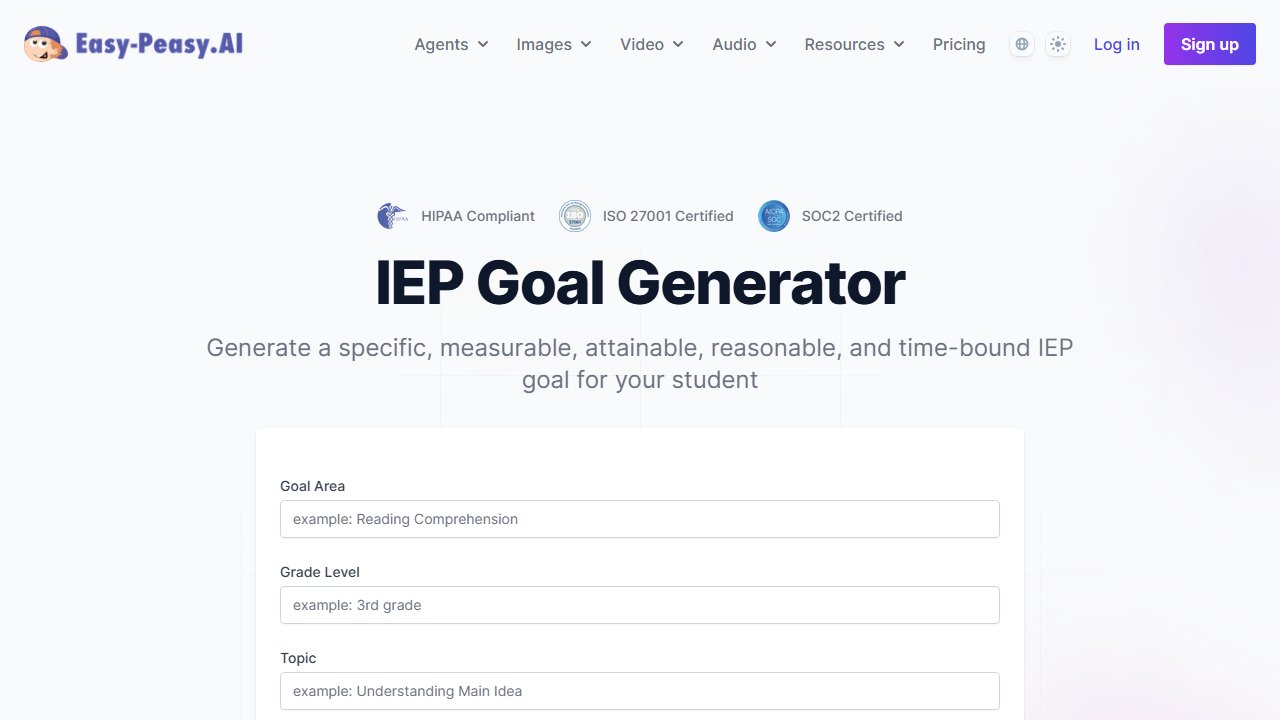
Easy-Peasy AI’s IEP Goal Generator is one template inside a general-purpose AI writing platform. It is the lightest tool on this list, which is both its appeal and its ceiling.
What it does. A structured template takes goal area, grade level, and measurable outcome details and returns well-worded SMART goal statements. It is built for fast phrasing support: you bring the substance, it supplies clean goal language.
Hands-on observations. For teachers who already know their baseline and target and just want the sentence constructed properly, it delivers. Our fluency goal came out correctly structured on the first try. But the tool has no special education depth behind it: no standards library, no objectives, no awareness of IDEA conventions beyond what the template enforces. Of the seven tools we reviewed, this one most needs an expert human on the other end.
Privacy. Template inputs only, no student records.
Pricing. There is a free plan with limited credits. Paid plans start around $8 per month, with higher tiers at roughly $12 and $16.50 per month for heavier usage, which buys you the whole Easy-Peasy writing platform, not just this template.
Who it’s for. Teachers who occasionally need SMART goal phrasing help and may already use Easy-Peasy for other writing tasks.
One honest limitation. It is a generic writing tool wearing an IEP template. There is no special-education-specific intelligence, so treat every output as raw material.
The compliance layer: what AI cannot do for you
Every tool above will tell you the same thing in its fine print, and it is worth saying plainly. Under IDEA, an IEP is developed by the IEP team based on the individual child’s evaluation data. AI can draft language; it cannot individualize, and individualization is the legal core of the document. Three practical rules from our research:
- Baseline in, quality out. Type real (but anonymized) present-levels data into the prompt. Every tool’s output quality tracked directly with the specificity of the baseline we provided.
- Audit the measurability yourself. Check every AI goal for condition, behavior, criterion, and timeline before it enters the document. Tools defaulting to “80 percent accuracy” on everything is the most common tell of an unedited AI goal.
- Follow your district’s AI policy, and if there is not one yet, use anonymous-input tools. Districts nationwide are formalizing AI policies right now, and IEP data is the highest-stakes category they cover. Playground IEP CoPilot’s no-PII design is the safe default while your district decides.
If budget is the constraint across your whole workflow, not just IEPs, our roundup of the best free AI tools for teachers maps every verified free tier, and the general best AI tools for teachers guide covers the platforms these IEP tools live inside.
Buying at school or district level, and why teacher pilots stall
The gap between a teacher loving a tool and a district paying for it is where most education software dies, and it is a process problem rather than a product one.
Find out who actually approves before you pilot
Curriculum, IT, data protection and procurement usually all have a say, and in most districts nobody has told teachers which of them is the blocker. Ask early. A pilot that has to be re-run after the data protection review because the first one used real student work is a term lost, and it is entirely avoidable.
Price the thing you will actually deploy
Published teacher rates and district rates are different products. MagicSchool publishes Plus at $12.99 a month and quotes Enterprise with volume discounts. SchoolAI publishes tier names only. Gradescope, now on a Turnitin domain, is institution-quoted. That means a per teacher figure multiplied by staff count is a rough upper bound rather than a quote, and it is still the number worth calculating before a call, because it anchors the conversation.
Run the pilot on the thing that fails, not the thing that demos
The demo will be a well-formed lesson plan for a well-behaved topic. Your pilot should include the awkward cases: a mixed ability class, a subject with heavy notation, a student with an access arrangement, a topic where the source material is contested. How a tool handles those decides whether teachers keep using it in November.
Name who owns it after the pilot
Every tool in this category rewards an owner and punishes shared enthusiasm. Before best ai or anything else goes past a pilot, name the person whose job includes it and confirm where the hours come from. If the answer is that the keen teacher will keep doing it, the tool leaves when they do.
Verdict
Playground IEP CoPilot wins this category and it is not particularly close: full-document scope (goals, PLAAFP feedback, impact statements, BIPs), all 50 states’ standards, anonymous input with no student PII, and a price of free. MagicSchool’s IEP Generator is the right call if your school already runs the platform and you want needs, goals, and accommodations drafted as a coherent set. For districts buying at scale, Goalbook Toolkit with Threads AI is the only tool here that audits IEP alignment the way a state reviewer would, at a district-license price to match.
Among the goal-only tools, GoalGenius.ai offers the most structure, Varsity Tutors the least friction, and Easy-Peasy AI the cheapest paper-over for phrasing. Whichever you pick, the same rule holds: AI writes the scaffold, you write the student into it. In practice, the difference between an audit-ready goal and a compliance flag was never the tool. It was the baseline data and the human edit.

Written by
FazFaz is the founder of AIToolsBakery. Some tools here are tested hands on. Others are assessed from vendor documentation and pricing verified on the live page, and every review says which one it is. Sponsors can buy a position in a guide. They cannot buy the score, the criticism, or silence about a better option.
How we test and how we make money →