Every AI rubric generator promises the same thing: type in your assignment, get a classroom-ready rubric in seconds. So we stopped reading marketing pages and ran a bake-off instead. We fed one identical prompt to eight tools: an 8th grade argumentative essay rubric aligned to CCSS W.8.1, four performance levels, analytic format. Same assignment, same standard, same ask. Then we compared the outputs side by side: criteria quality, standards fidelity, level descriptors, export options, and how much editing each rubric needed before we would actually hand it to a 13-year-old.
One scope note before we start. This post covers rubric creation only. If you want the rubric to score the essays for you afterward, that is a grading workflow, and we rank those tools separately in our guide to the best AI grading tools. A couple of tools below sit in both camps, and we flag exactly where creation ends and grading begins.
How the eight tools compare
| Rank | Tool | Best for | Feeds into grading? | Free tier | Paid plan |
|---|---|---|---|---|---|
| 1 | MagicSchool Rubric Generator | Best overall output quality | No, standalone | Yes, limited generations | Plus $8.33/mo annual or $12.99/mo monthly |
| 2 | CoGrader | Rubrics that flow into AI grading | Yes | Yes, rubric builder free + 30 pre-built rubrics | Standard $15/mo billed annually |
| 3 | Kira | Standards-aware rubrics inside a full platform | Within Kira’s platform | Yes, free for teachers | District analytics priced per district |
| 4 | CK-12 Rubric Designer | Holistic, analytic, and single-point formats | No, standalone | Yes, fully free (nonprofit) | None, everything is free |
| 5 | Eduaide | Rubrics inside a broader resource workflow | No, standalone | Yes, 15 generations/mo | Pro $5.99/mo |
| 6 | Brisk Teaching | Building rubrics without leaving Google Docs | No, standalone | Yes, part of 23 free tools | Paid upgrade available |
| 7 | Kuraplan | Fastest no-signup rubric with clean PDF export | Yes, in full platform | Yes, rubric tool 100% free, no signup | Pro $9/mo, Schools $99/teacher/yr |
| 8 | ChatGPT (baseline) | Full control via prompting | No | Yes; free for verified US K-12 teachers through June 2027 | Plus tiers available |
Our test: one prompt, eight tools
Here is the exact brief we gave every tool, adapted only to fit each interface:
“Create an analytic rubric for an 8th grade argumentative essay aligned to CCSS.ELA-LITERACY.W.8.1. Four performance levels. Criteria should cover claim, counterclaim, evidence and reasoning, organization, and conventions.”
W.8.1 is a good stress test because it has specific sub-requirements: students must acknowledge and distinguish opposing claims, use credible sources, and maintain a formal style. A generic “essay rubric” misses those. A genuinely standards-aligned rubric catches them. That gap is exactly where the eight tools separated.
We scored each output on four things: did it capture the counterclaim requirement (the most commonly missed element of W.8.1), were the four level descriptors actually distinct rather than “excellent, good, fair, poor” with synonyms swapped, was the language 8th-grade appropriate, and how many minutes of editing it needed before classroom use.
The bake-off results, tool by tool
1. MagicSchool Rubric Generator: best overall output
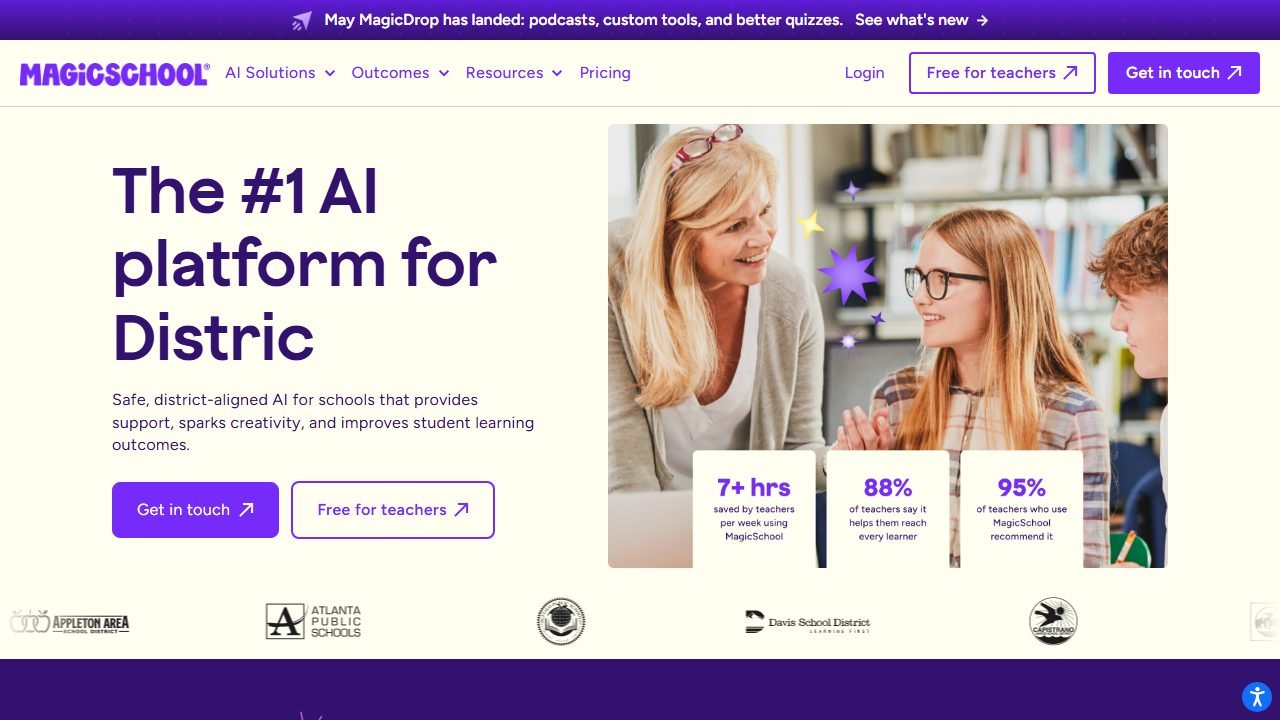
MagicSchool is the biggest teacher AI platform in this lineup, with 80+ tools, and its Rubric Generator is one of the most polished. You pick a grade level, paste the assignment description, optionally attach a standard, and choose your point scale.
In practice, MagicSchool produced the most classroom-ready rubric of the eight. It captured the counterclaim requirement explicitly (“acknowledges and distinguishes the claim from alternate or opposing claims” appeared nearly verbatim in the top performance level), separated evidence from reasoning as distinct criteria, and wrote level descriptors that actually described observable differences rather than swapping adjectives. The level 2 descriptor for organization, for example, named the specific failure: transitions present but relationships between claim and evidence unclear. That is the kind of language you can point to in a student conference.
Editing needed: about 5 minutes, mostly trimming wordy descriptors. Export to Google Docs and Word is one click, and the output table survives the export cleanly.
Pricing: the free tier gives you all tools with limited generations, and output history only keeps your last five generations, so export anything you want to keep. Plus runs $8.33/month billed annually or $12.99 month to month. For a full platform walkthrough, see our MagicSchool AI review.
Who it’s for: any teacher who wants the best first draft with the least prompting effort.
One honest limitation: the five-generation history cap on the free plan is easy to trip over. We lost an early rubric draft because we generated a few other resources before exporting it.
2. CoGrader: best when the rubric feeds into grading
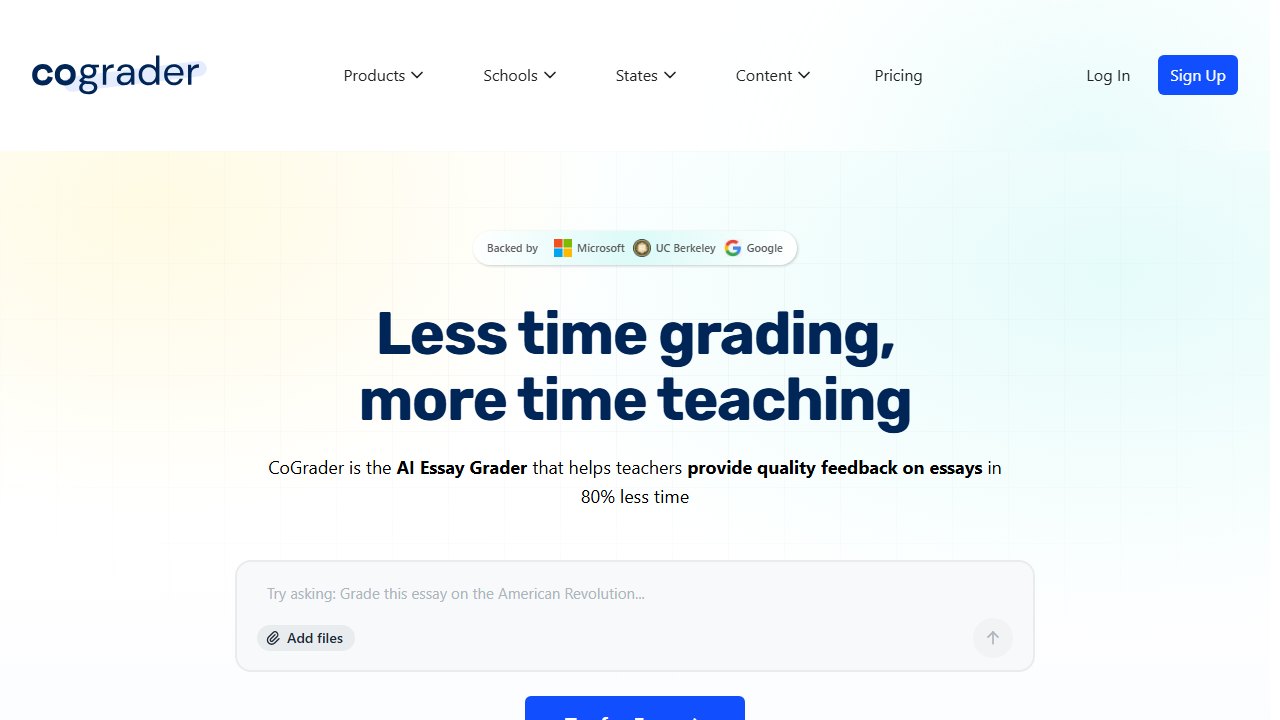
CoGrader is primarily an AI essay grading platform, but its free rubric builder stands on its own, and it comes with a genuinely useful head start: 30+ pre-built rubrics covering Common Core, STAAR, CAASPP, Florida B.E.S.T., New York Regents, and AP Lang, AP Lit, and APUSH.
For our bake-off prompt, we reviewed both paths. The pre-built Common Core argumentative rubric for grade 8 was the single most standards-faithful rubric in the entire test, unsurprising since it was hand-aligned rather than generated. The AI builder’s fresh generation was solid too: it caught the counterclaim requirement and produced tight, gradeable descriptors, though its conventions criterion was thinner than MagicSchool’s.
CoGrader’s real differentiator is what happens next. The rubric you build becomes the scoring instrument for CoGrader’s AI-assisted grading, so criteria definitions directly shape the feedback students get. If your endgame is faster essay grading, building the rubric here saves you re-entering it later. The scoring side is a different topic, covered in our CoGrader review and our grading tools roundup.
Pricing: the rubric builder and pre-built library are free for individual teachers, and the free plan covers up to 100 student submissions a month on the grading side. Standard is $15/month billed annually; school and district plans are quoted.
Who it’s for: ELA and history teachers who grade essays at volume and want one rubric to serve both creation and scoring.
One honest limitation: it is essay-shaped. For a lab report or project rubric, the pre-built library offers little, and the builder felt tuned for writing tasks.
3. Kira: free, standards-aware, inside a full platform
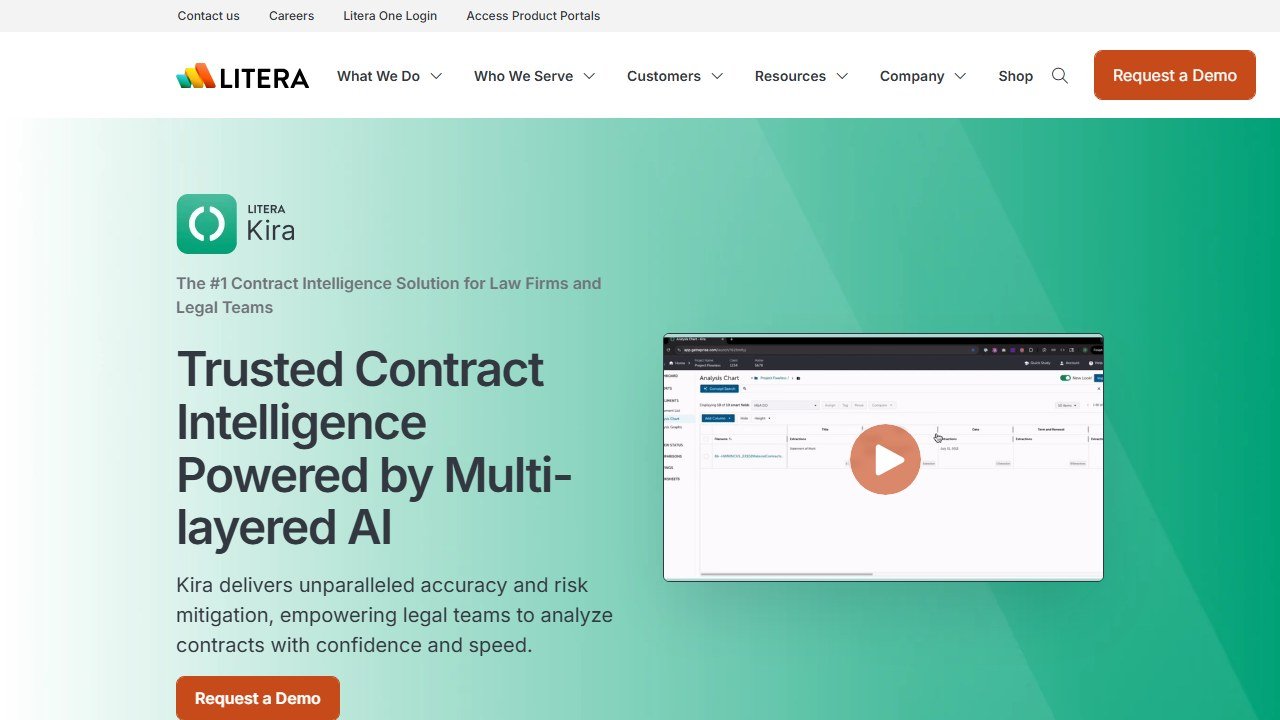
Kira is an AI teaching platform with a 20+ tool library, and its Rubric Generator was the surprise of our test. You input assignment type, grade level, and learning goals, and Kira generates a formatted rubric with customizable performance levels from “Beginning” to “Exceeds Expectations.”
On our W.8.1 prompt, Kira passed the counterclaim check and produced descriptors that were noticeably student-friendly, shorter sentences, plainer verbs, the kind of rubric you could hand directly to 8th graders as a self-assessment checklist. The trade-off: its criteria were slightly less granular than MagicSchool’s (evidence and reasoning came bundled as one row until we split them manually).
Rubrics are fully editable and can be exported or connected to student assignments and feedback tools inside Kira’s platform, so there is a light feeds-into-workflow story here too, though it only pays off if you adopt Kira more broadly.
Pricing: free for teachers and students. Districts pay a bespoke rate for analytics.
Who it’s for: teachers who want a free, low-friction generator with student-readable language, or schools already evaluating Kira as a platform.
One honest limitation: Kira is the youngest platform in this list, and its rubric tool has fewer formatting controls than CK-12’s. We could not select a single-point format directly.
4. CK-12 Rubric Designer: most format flexibility, completely free
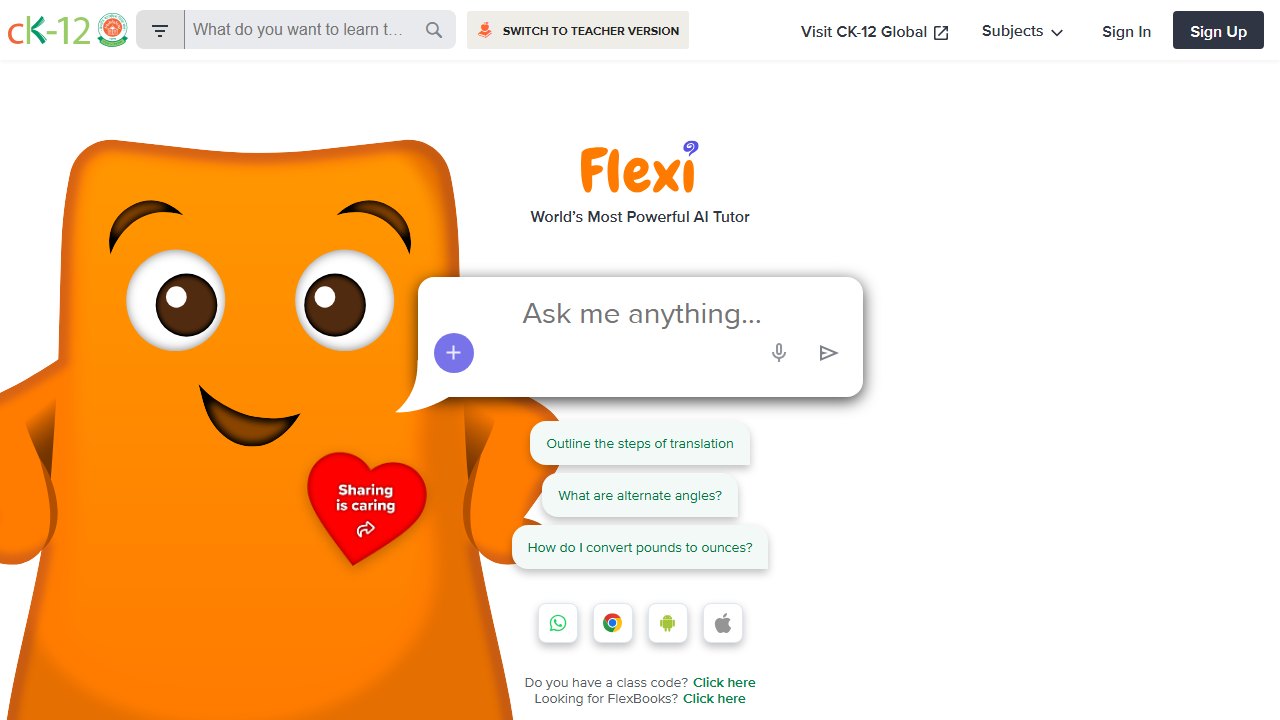
CK-12 is a funded nonprofit, which means every tool it ships, including the Rubric Designer, is completely free with no generation caps and no paid tier waiting behind a door.
The Rubric Designer’s standout feature is format choice: holistic, analytic, or single-point rubrics from a menu, the only tool in practice to offer all three explicitly. Single-point rubrics have a strong evidence base for student feedback, and if that is your preferred format, CK-12 is the shortest path to one. You can also define your own criteria and weighting rather than accepting whatever the AI proposes.
On the bake-off prompt, CK-12’s analytic output was good but not top-tier: it initially missed the counterclaim requirement and produced it only after we added “must address counterclaims per W.8.1” to the input. Descriptor quality was solid once regenerated. Editing needed: about 10 minutes.
Pricing: free. All of it. You can even use the tools without an account, though signing up lets you save your work.
Who it’s for: teachers who care about rubric format (especially single-point), and anyone allergic to freemium caps.
One honest limitation: standards alignment is the weakest of the top four. It needed explicit nudging to honor the standard we cited, where MagicSchool and CoGrader caught it from the standard code alone.
5. Eduaide: solid rubrics inside a resource-generation workflow
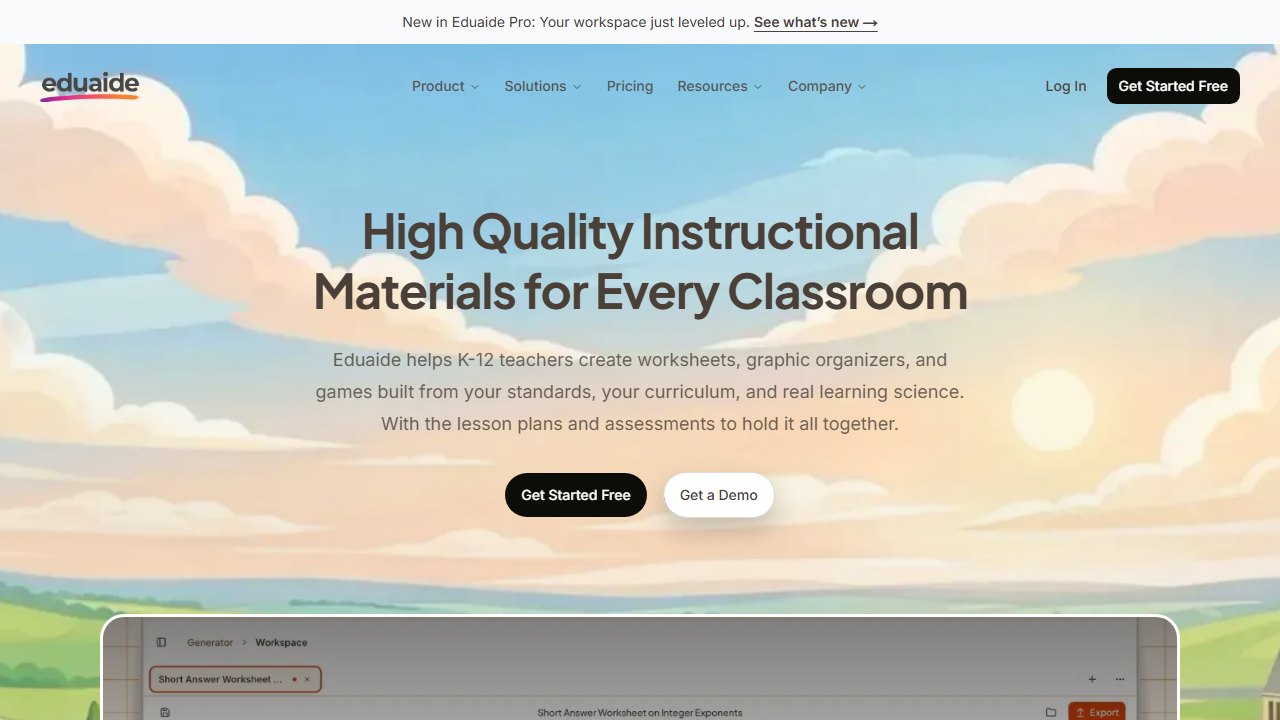
Eduaide is a resource-generation workbench with well over 100 resource types, rubrics among them. If you already draft lessons, worksheets, and exit tickets in Eduaide, generating the matching rubric in the same session is genuinely convenient, and the rubric can reference the assignment you just built.
Our W.8.1 rubric from Eduaide was competent: correct criteria set, counterclaim captured on the first try, four distinct levels. The descriptors ran wordier than MagicSchool’s and needed a trim for 8th-grade readability, and the raw output formatting required more cleanup after export than the top four tools.
Pricing: the free tier allows 15 generations per month, and Pro is $5.99/month, one of the cheapest paid plans in teacher AI. But note what that cap means here: a rubric plus two revisions is 3 of your 15 monthly generations. If rubrics are all you need, a dedicated free tool is more practical; if you generate everything in Eduaide, Pro is cheap.
Who it’s for: existing Eduaide users, and teachers who want one subscription covering lesson resources and rubrics together.
One honest limitation: the 15-generation free cap is the tightest in this roundup, and regenerating to fix a weak descriptor burns quota fast.
6. Brisk Teaching: rubrics without leaving Google Docs
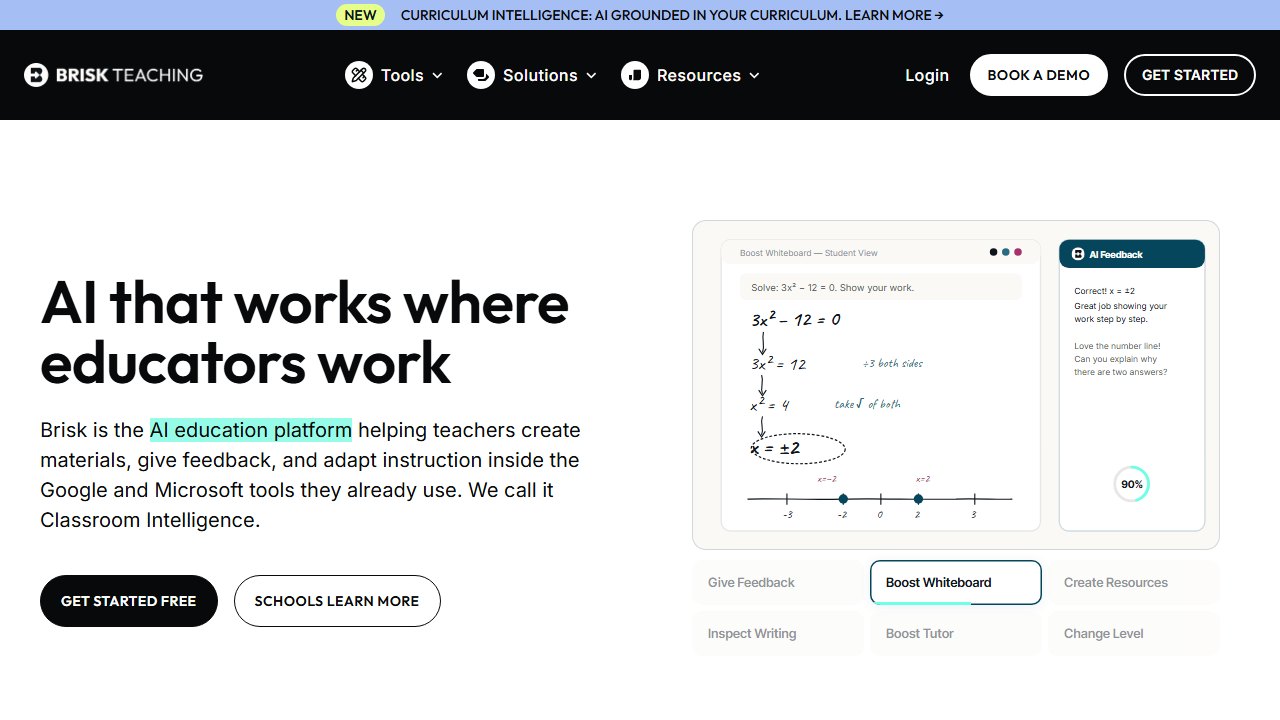
Brisk Teaching takes a different angle: it is a Chrome extension that works inside the tabs you already have open, and rubric creation is one of its 23 free tools. Highlight or open your assignment in Google Docs, invoke Brisk, and it drafts the rubric right there, no separate platform, no copy-paste.
That workflow is the pitch, and it works. Our bake-off rubric landed directly in a Google Doc as a formatted table, instantly shareable to Google Classroom. Content quality was mid-pack: Brisk caught the argumentative essential structure but treated counterclaim thinly on first generation (“addresses other viewpoints” without the distinguish-the-claims language of W.8.1), and we edited two descriptors for specificity.
Pricing: the rubric tool sits within Brisk’s 23 free tools; a paid upgrade exists for power features. We cover the full extension, including its feedback and leveling tools, in our Brisk AI review.
Who it’s for: Google Workspace schools where teachers live in Docs and Classroom all day.
One honest limitation: because Brisk generates in-context rather than from a structured form, you get less control over criteria count and level labels up front, so expect to shape the output after generation rather than before.
7. Kuraplan: fastest zero-friction rubric on the internet
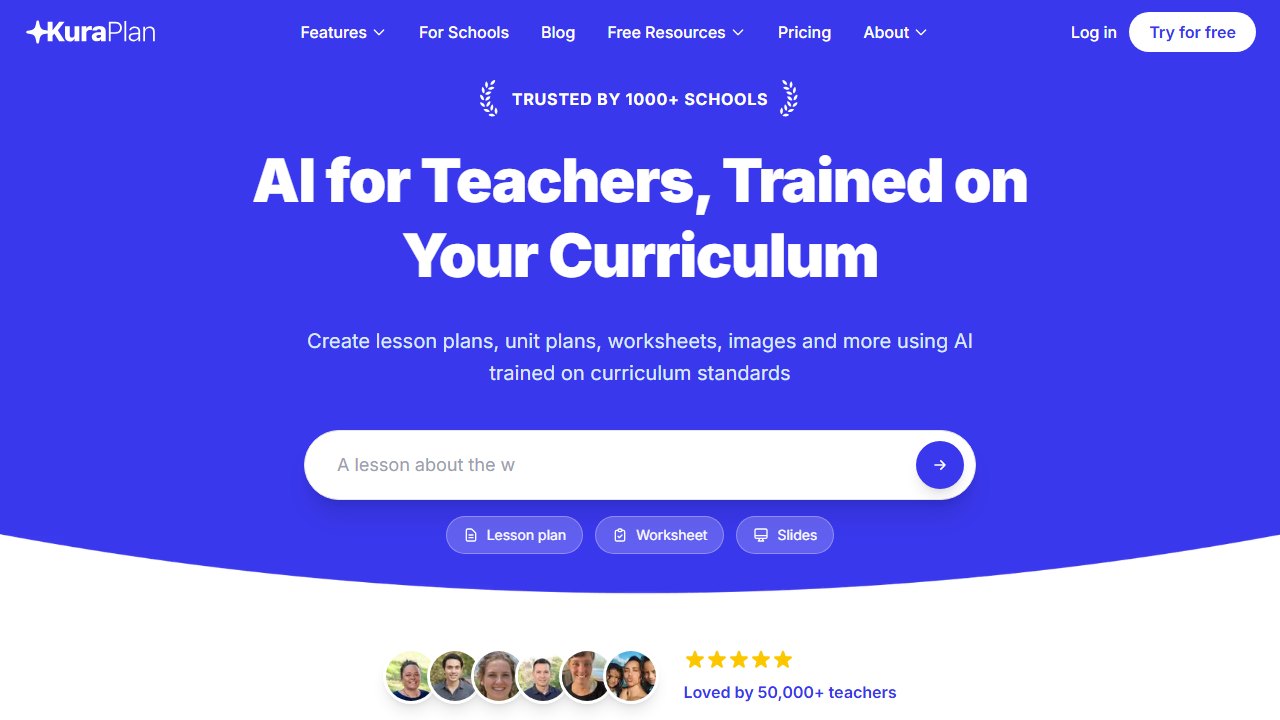
Kuraplan is an AI lesson-planning platform, but its standalone rubric generator deserves its slot here for one reason: zero friction. No signup, no credit card, no watermark. You are typing your assignment within seconds of landing on the page, work saves locally in your browser, and export is a print-ready PDF or a clipboard copy that pastes cleanly into Google Docs, Word, Canvas, or Schoology. You can even switch the AI off and build manually.
On output quality, Kuraplan sat mid-table. Our W.8.1 rubric had sensible criteria and clean formatting, but it missed the counterclaim requirement on first generation and its level descriptors leaned generic (“strong evidence” vs “adequate evidence”) until we edited them. As a first draft it is fine; as a standards-alignment tool it trails the leaders.
Like CoGrader, Kuraplan has a feeds-into-grading story: inside the full platform, rubrics connect to its AI grading features. The standalone free tool, though, is pure creation.
Pricing: the rubric generator is free forever with unlimited use. The full platform runs a free tier, Pro at $9/month, and a Schools tier at $99/teacher/year.
Who it’s for: the teacher who needs a decent rubric in the next four minutes and refuses to create another account.
One honest limitation: browser-local saving means your rubrics do not follow you across devices, and clearing your browser data clears your rubric history with it.
8. ChatGPT: the baseline every tool has to beat
We included ChatGPT as the control. If a dedicated rubric tool cannot beat a general chatbot, it has no reason to exist, and verified US K-12 educators can use ChatGPT for Teachers free through June 2027, which makes the baseline effectively free for most American teachers.
Given our full detailed prompt, ChatGPT produced a genuinely good rubric: counterclaim captured, four distinct levels, and it was the only tool that unprompted added a note distinguishing “claim” from “thesis” in 8th-grade terms. The catch is that “given our full detailed prompt” is doing heavy lifting. The dedicated tools produced comparable output from a two-line form entry; ChatGPT needed the standard code, level count, criteria list, and format spelled out. Give it a lazy prompt and you get a lazy rubric.
The bigger gaps are workflow: output arrives as a markdown table that needs reformatting for handouts, there is no standards library, no export button, no pre-built bank, and no grading hand-off.
Who it’s for: teachers who enjoy prompt control and want one AI for everything, per our broader roundup of the best AI tools for teachers.
One honest limitation: consistency. Regenerating the same prompt produced noticeably different rubrics run to run, which matters if your department wants a common rubric.
Verdict: which rubric generator should you use?
For most teachers, start with MagicSchool’s Rubric Generator: it delivered the most classroom-ready, standards-faithful rubric in our same-assignment bake-off with the least editing. If you grade essays at volume, build in CoGrader instead, so the rubric you create becomes the rubric that scores, and lean on its 30+ pre-built state and AP rubrics. Want single-point or holistic formats, or simply zero caps forever? CK-12’s Rubric Designer is free without asterisks. And if you need a rubric in the next five minutes with no account, Kuraplan’s no-signup tool gets it done.
Whatever you choose, budget 5 to 10 minutes to edit the middle performance levels before students see it. AI writes excellent “excellent” descriptors. The craft is in the middle of the scale, and for now, that part is still yours. Several of these tools also appear in our best free AI tools for teachers roundup if budget is the deciding factor.

Written by
FazFaz is the founder of AIToolsBakery. Some tools here are tested hands on. Others are assessed from vendor documentation and pricing verified on the live page, and every review says which one it is. Sponsors can buy a position in a guide. They cannot buy the score, the criticism, or silence about a better option.
How we test and how we make money →