A job description is the first thing a candidate reads and the last thing most hiring teams put real effort into. The result is thousands of near-identical postings stuffed with jargon, boilerplate, and quietly exclusionary language that shrinks the applicant pool before a single resume arrives. AI job description generators exist to fix both halves of that problem: they cut the writing time from an hour to a few minutes, and the good ones actively improve the quality, clarity, and inclusivity of what you publish. That second half is where the category earns its keep, because a faster way to write a bad JD is not progress.
The trap is treating these tools as interchangeable “type a title, get a paragraph” boxes. They are not. Some are bias-optimization engines built to measure and rewrite language against hiring outcomes. Some generate the draft from the actual intake conversation with the hiring manager, so the JD reflects the real role instead of a generic template. Some are built to standardize and de-bias thousands of postings at enterprise scale, and some are general-purpose LLMs that will happily draft anything if you bring the structure yourself. This ranking sorts them by what they are genuinely best at, with honest notes on where each one falls short.
Top pick: Textio is the best AI job description generator overall in 2026 for teams that care about inclusive language and measurable bias detection. Metaview is the best for building a JD from the real intake call, Workable’s free generator is the best ATS-integrated free option, and ChatGPT is the most flexible general-purpose choice.
Faz says: Before you shop, decide which problem you actually have. If your postings are fine but slow to write, almost any generator on this list will help, so pick the free one that lives in your ATS. If your applicant pool is thin or skewed, you have a language problem, not a speed problem, and you want a bias-optimization tool like Textio, Datapeople, or Ongig that measures the words against outcomes. Buying a speed tool to fix a quality problem is the most common mistake here, and it just lets you publish the same weak JD faster.
Saru says: This ranking draws on each vendor’s official product and pricing pages, published feature documentation, third-party review aggregates, and published product walkthroughs, current to 2026. Most of these tools price by quote or bundle the generator into a larger platform, and the free ones change their limits often, so every figure here is a starting point. Confirm current pricing and free-tier limits on the vendor’s own site before you commit, and always read an AI-drafted JD yourself before it goes live.
How We Ranked These
A job description generator earns its place by improving what you publish, not just by producing text quickly. We weighted six things:
1. Output quality out of the box. How usable the first draft is before a human touches it, including structure, specificity, and tone, matters more than raw speed. A draft you have to rewrite completely saved you nothing.
2. Bias and inclusivity tooling. The strongest differentiator in this category. We separated tools that genuinely measure and rewrite exclusionary language from tools that just generate clean-sounding copy with no inclusivity layer at all.
3. Grounding in the real role. A generic prompt produces a generic JD. We rewarded tools that pull from the actual intake conversation, your existing postings, or real language analytics, so the output reflects the specific job.
4. Workflow fit. A generator is only useful where you work. We looked at ATS integration, whether the tool pushes the JD into a posting and hiring flow, and whether it connects the JD to interviews and scorecards.
5. Scale. A solo recruiter writing five JDs a year and an enterprise standardizing five thousand have different needs. We noted which tools are built for volume and governance versus one-off drafting.
6. Cost and transparency. Free, freemium, quote-based, or bundled. We flagged what you actually get free and where the real cost sits, because “free generator” often means a lead magnet for a paid platform.
The Best AI Job Description Generators at a Glance
| Tool | Best for | Bias tooling | Workflow fit | Starting price |
|---|---|---|---|---|
| Textio | Inclusive language and bias detection | Very high | Standalone plus integrations | Quote-based |
| Metaview | JD from the real intake call | Medium | Interview and intake capture | Quote-based, free tier |
| Ongig | Optimization and branding at scale | High | Enterprise, ATS-connected | Quote-based |
| Workable | Free ATS-integrated option | Low to medium | Native to Workable ATS | Free generator |
| Datapeople | Analytics-driven language guidance | High | In-editor, ATS-connected | Quote-based |
| Hireguide | JD plus structured interview kit | Medium | Interview workflow | Free tier, then paid |
| ChatGPT | Flexible general-purpose drafting | None native | Bring your own | Free, paid tiers |
1. Textio: Best for Inclusive Language and Bias Detection
Textio is the tool that built this category’s serious end. It is not a “generate a paragraph” box; it is an augmented-writing platform that scores your job description as you write and rewrites the language toward wording that draws a broader, stronger applicant pool.
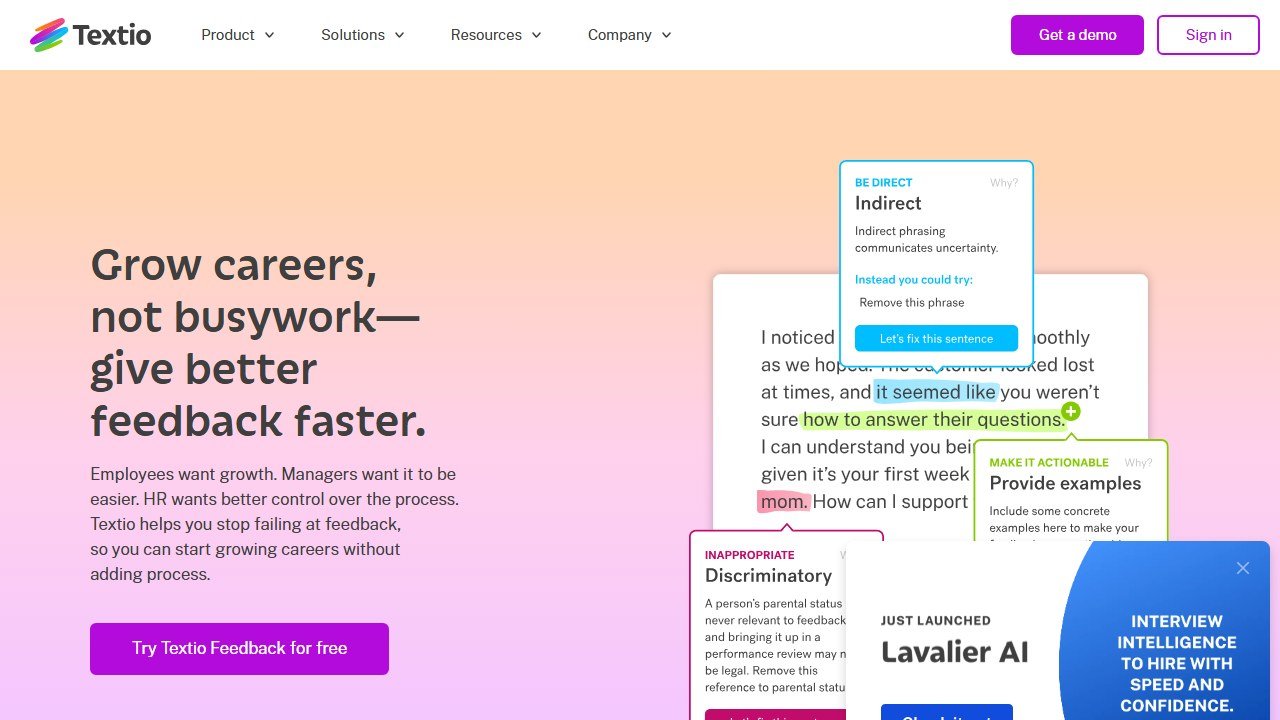
How it works. You draft or paste a JD and Textio analyzes it in real time, highlighting phrases that tend to narrow the response, gendered or age-coded wording, corporate jargon, and tone that skews the pool, and suggests concrete alternatives. The guidance is built on language patterns measured against real hiring outcomes rather than a static list of banned words, which is what separates it from a simple flagging tool.
Standout strength. Bias detection and inclusive-language rewriting with evidence behind it. Textio’s recommendations are grounded in outcome data, so the changes are aimed at moving a real metric, not just cleaning up optics. For any team where a thin or skewed applicant pool is the actual problem, this is the most substantive tool on the list.
Pricing. Quote-based and positioned for teams and enterprises rather than solo recruiters, reflecting its role as a platform rather than a one-off drafting toy. Expect pricing to scale with seats and usage.
Best for. Mid-market and enterprise talent teams that want to measurably improve inclusivity and apply-rate across many postings, and that treat language quality as a hiring lever worth investing in.
Where it falls short. It is the most expensive way to solve the problem, and it is overkill for a small team writing a handful of roles a year. It also assumes you already have a draft or a role in mind; it optimizes language rather than inventing a full JD from a bare title.
2. Metaview: Best for Generating a JD From the Actual Intake Call
Metaview attacks the root cause of bad job descriptions: the JD is usually written from a template and a vague memory of the kickoff, not from the real conversation about what the role needs. Metaview flips that by generating the draft from the intake call itself.
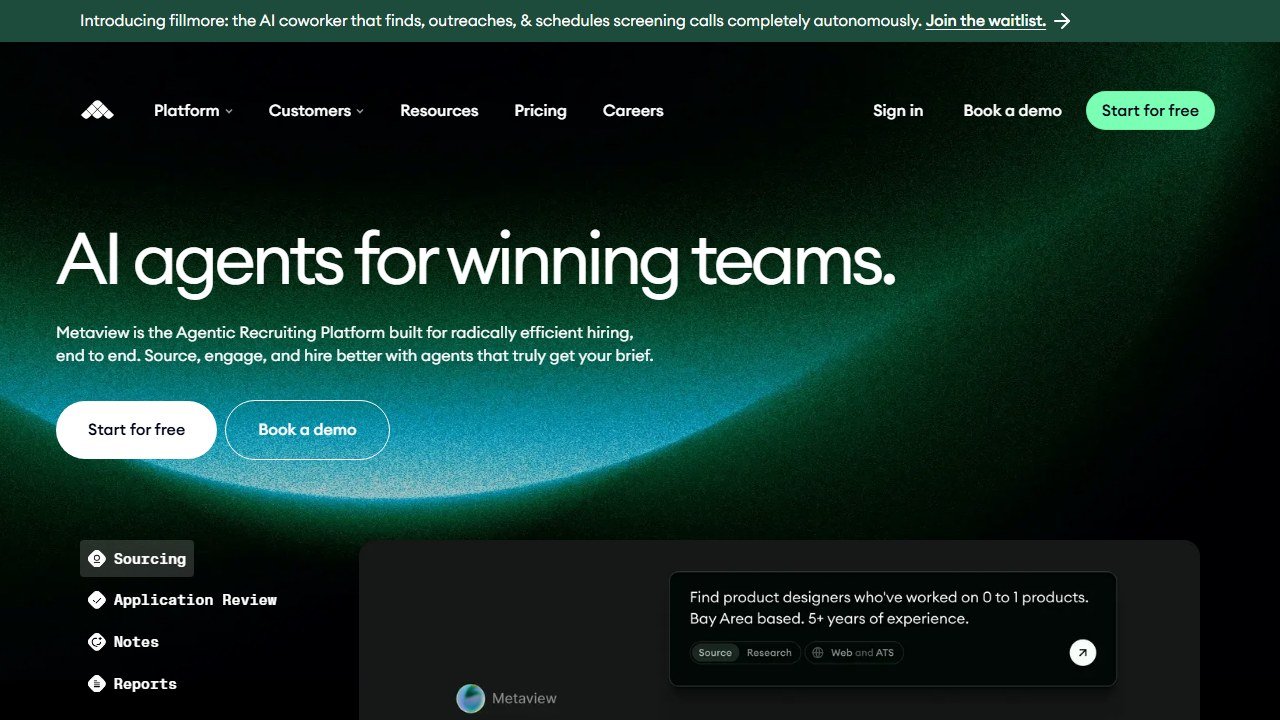
How it works. Metaview captures and transcribes recruiting conversations, including the intake or kickoff call between recruiter and hiring manager, and uses that recording to produce a job description grounded in what was actually said about the role, the must-haves, the team, and the context. Instead of prompting a model with a job title, you feed it the real discussion.
Standout strength. Fidelity to the actual role. Because the JD is built from the hiring manager’s own words, it captures specifics a generic prompt never would, and it cuts the back-and-forth where recruiters guess at requirements and get sent back to redraft. It fits naturally into teams that already run structured intake conversations.
Pricing. Quote-based, with a free entry point available for its interview-intelligence product. The JD generation sits within that broader conversation-capture platform, so the value is highest for teams already using it to capture interviews and intakes.
Best for. Recruiting teams that run real intake calls and want the JD, and later the interview notes, to flow from the same source of truth rather than from disconnected templates.
Where it falls short. Its inclusivity and bias tooling is not the deep, outcome-scored layer that Textio or Datapeople offer, so pair it with a language check if de-biasing is a priority. And the intake-call workflow only pays off if you actually record structured kickoff conversations; teams that skip that step lose the main advantage.
3. Ongig: Best for JD Optimization, Branding, and Bias Flags at Scale
Ongig is built for the enterprise problem: not writing one great JD, but standardizing tone, branding, and inclusivity across hundreds or thousands of postings that many people wrote in many styles.
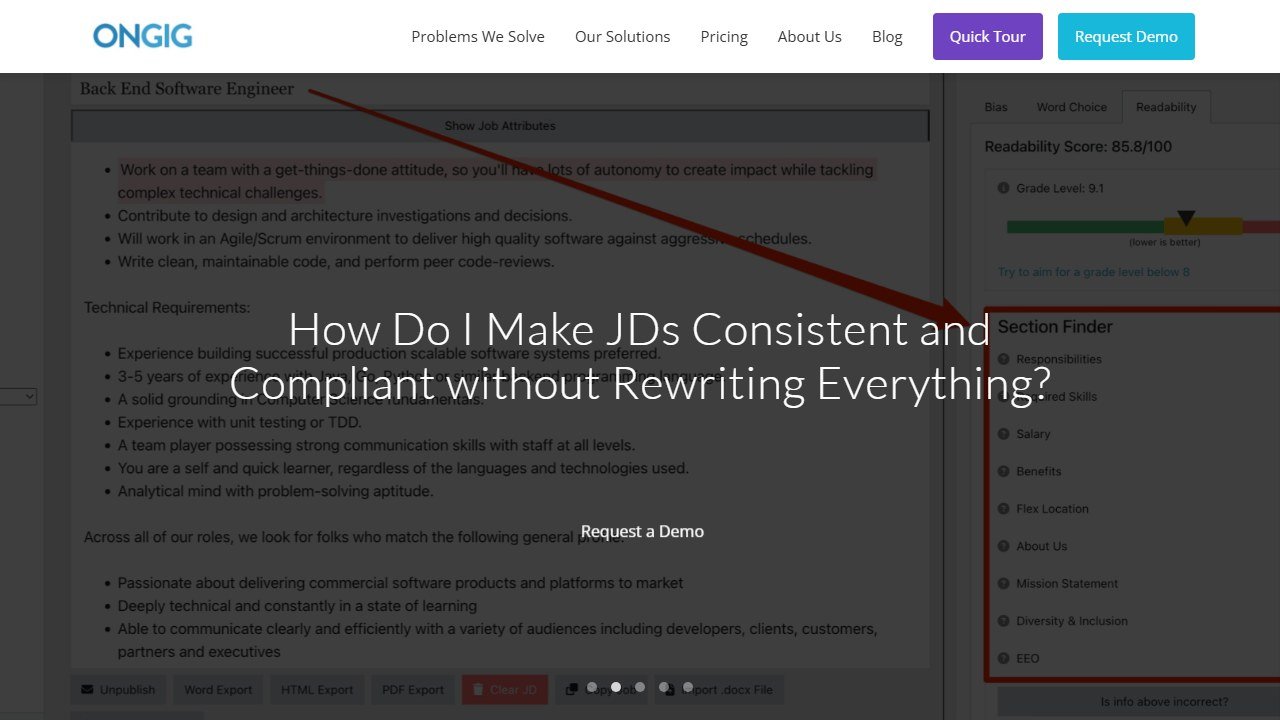
How it works. Ongig’s Text Analyzer scans job descriptions for exclusionary language, readability problems, and off-brand tone, and flags them against your standards, while its broader platform improves how postings look and perform on the careers site. It is designed to run across a large, messy library of existing JDs and bring them into line.
Standout strength. Governance at scale. Where Textio optimizes the individual writer’s draft, Ongig is strong at enforcing consistency and inclusivity across an entire organization’s postings, with branding and media enhancements that make the published JD more engaging. For a large talent team managing brand and compliance, that breadth is the draw.
Pricing. Quote-based and oriented to mid-market and enterprise buyers, reflecting its role as an organization-wide platform rather than an individual tool.
Best for. Larger talent and employer-branding teams that need every posting to hit the same bar on tone, inclusivity, and brand, and that manage a high volume of roles across departments.
Where it falls short. It is more than a solo recruiter or small team needs, and the value depends on volume; if you publish a few roles a year, you will not use the scale features you are paying for. Like the other analysis-first tools, it improves and standardizes JDs more than it invents them from nothing.
4. Workable JD Generator: Best Free ATS-Integrated Option
Workable’s job description generator is the pragmatic pick for teams that want a genuinely free tool that does not leave them stranded once the JD is written. It generates the draft and then flows straight into an actual hiring workflow.
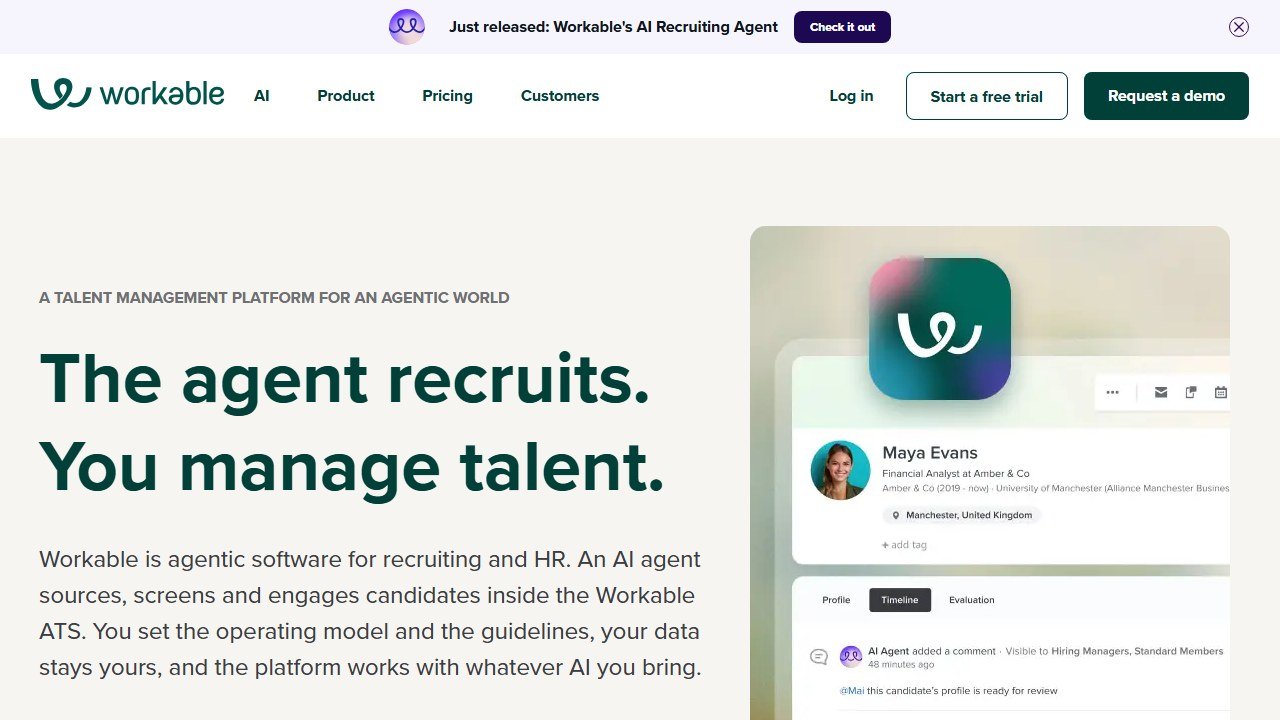
How it works. You enter a job title and a few details, and the free generator produces a structured job description, backed by Workable’s large library of templates covering hundreds of roles. Because it is part of the Workable applicant tracking system, the JD you generate can move directly into posting, distribution, and candidate management rather than living in a separate document.
Standout strength. Free plus connected. Plenty of tools are free and plenty are integrated, but the combination is what makes this useful: you get a clean starting draft at no cost, and if you are a Workable customer, it slots into the same system that will post the role and track applicants. The template breadth also means you rarely start from a blank page.
Pricing. The generator itself is free to use. The wider Workable ATS is a paid product, commonly starting around $149 per month as of 2026 and scaling by team size and features, but you do not need to pay to use the generator.
Best for. Small and mid-sized teams that want a fast, free, structured draft, especially those already using or considering Workable as their ATS, so the JD and the hiring workflow live in one place.
Where it falls short. Its inclusivity tooling is light compared with Textio, Datapeople, or Ongig; it produces clean, well-structured copy but is not a serious bias-optimization engine. The output is a solid template starting point rather than a role-specific draft grounded in your actual intake conversation.
5. Datapeople: Best for Analytics-Driven JD Language Guidance
Datapeople sits close to Textio in intent, real-time language guidance to widen and strengthen the pool, but leans hardest into analytics, surfacing data-driven suggestions as you write inside your existing hiring workflow.
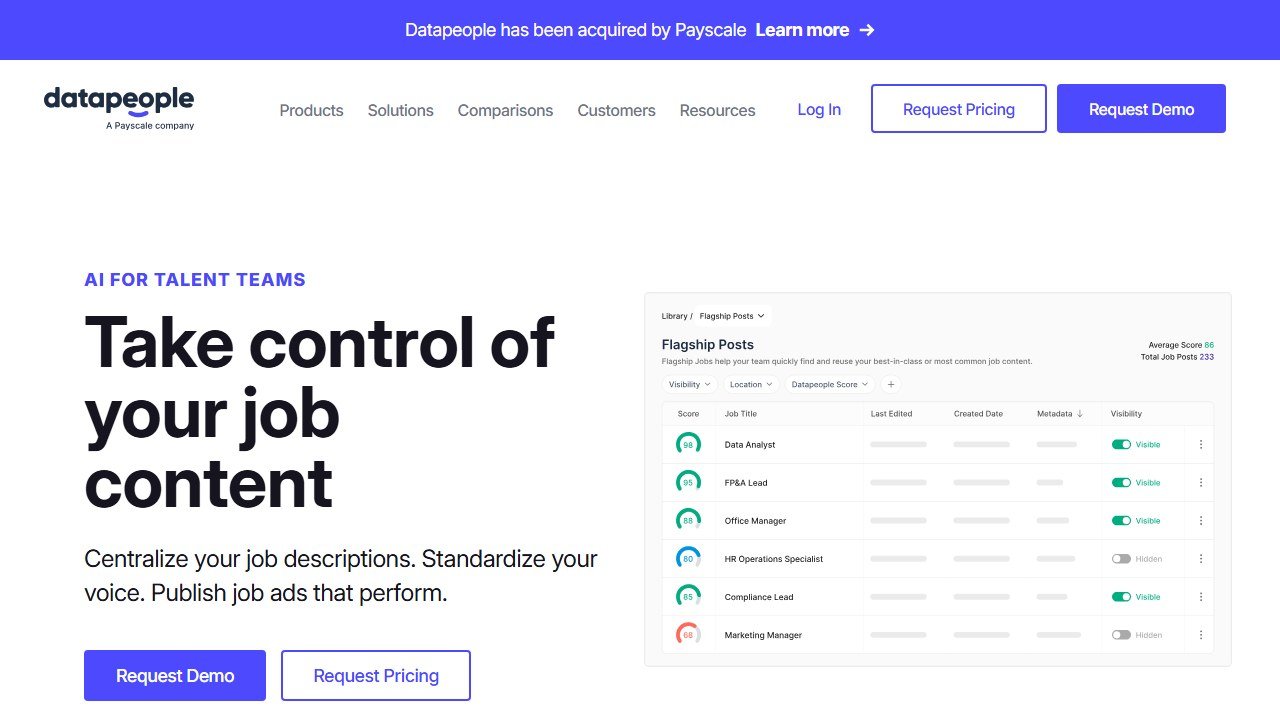
How it works. Datapeople analyzes your job post as you edit it and offers real-time recommendations grounded in language analytics drawn from a large corpus of job postings and their outcomes. It flags wording that tends to reduce or skew applications, clarifies vague requirements, and nudges the post toward language associated with better response, working inside the JD editor rather than as a separate destination.
Standout strength. Evidence-based, in-the-flow editing. The suggestions are tied to measurable patterns in how candidates respond to language, and because the guidance appears while you write and connects into the recruiting workflow, it changes the draft before it ships rather than auditing it afterward. For data-minded talent teams, that analytics grounding is the appeal.
Pricing. Quote-based and aimed at teams and organizations rather than individuals, consistent with its positioning as a recruiting-analytics and language platform.
Best for. Talent teams that want measurable, analytics-backed language guidance built into the writing process, and that value data-driven recommendations over a purely template-driven generator.
Where it falls short. Like Textio, it is an optimization layer more than a from-scratch generator, so it assumes you are already writing the post. It is also a paid platform investment that a very small team writing occasional roles will struggle to justify.
6. Hireguide: Best for Pairing the JD With a Structured Interview Kit
Hireguide’s angle is that a job description should not end at the posting. It generates the JD and the matching interview plan together, so the criteria you advertise are the criteria you actually assess against.
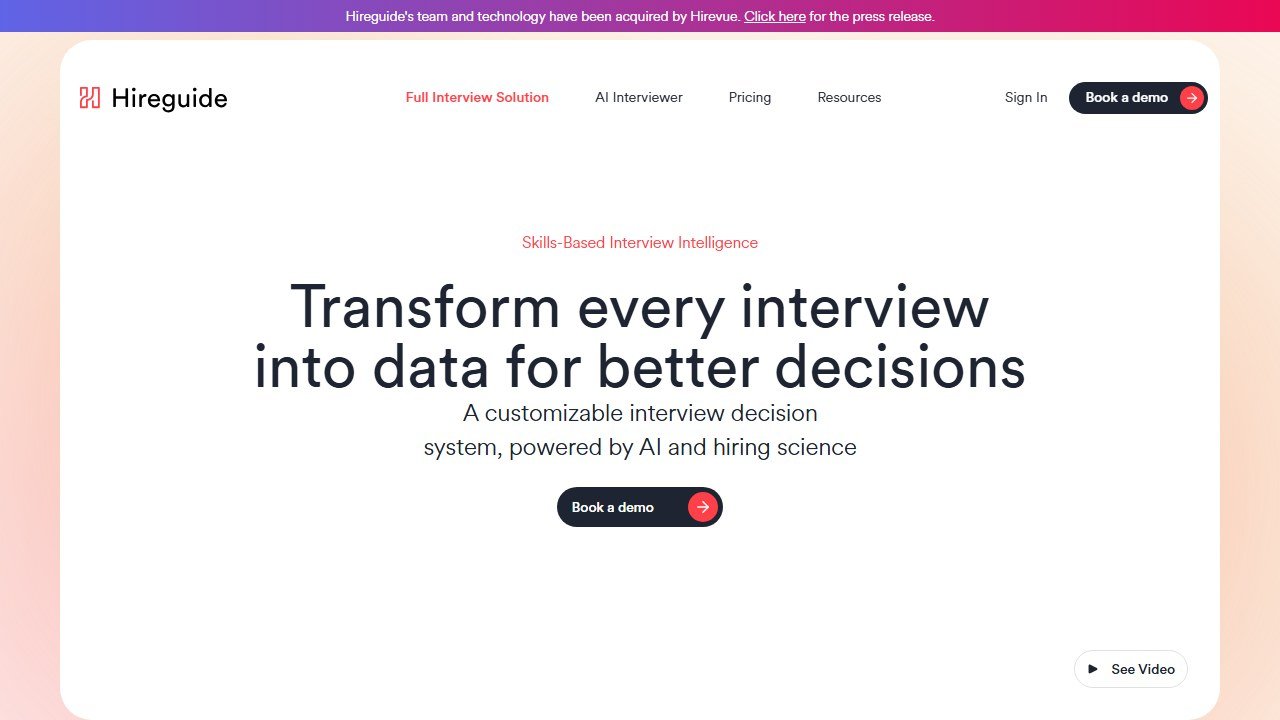
How it works. Hireguide helps you build a structured hiring process, and its AI can generate a job description alongside the interview questions and scorecards tied to the role’s requirements. The result is a JD that connects directly to a consistent, structured interview kit, keeping the definition of the role coherent from posting to evaluation.
Standout strength. Continuity from JD to interview. Most generators stop at the posting; Hireguide’s value is linking the description to a structured, fair interview process, which improves consistency and reduces the gut-feel hiring that inconsistent interviews produce. For teams trying to build structured hiring, generating both artifacts from one place is a real workflow win.
Pricing. Offers a free tier to start, with paid plans for teams that need the fuller structured-interview platform. Confirm current tier limits on the site, as freemium boundaries shift.
Best for. Teams standardizing their hiring who want the job description and the interview kit to come from the same structured definition of the role, rather than writing the JD in one tool and the interview guide in another.
Where it falls short. As a pure JD generator it is narrower than the language-optimization specialists, and its bias tooling is not as deep as Textio’s or Datapeople’s. Its strength is the JD-to-interview link, so if you only want a description and have no interest in structured interviews, most of its value goes unused.
7. ChatGPT: Best Flexible General-Purpose Free Option
ChatGPT is the default many teams already reach for, and for low-volume hiring it is a legitimately good answer: fast, free at the entry tier, and endlessly flexible if you bring the structure yourself.
How it works. You prompt ChatGPT with the role, the level, the must-have skills, the company context, and the tone you want, and it drafts a complete job description in seconds. Because it is a general-purpose model, you can iterate freely, ask it to tighten, shorten, adjust tone, translate, or rewrite for a different seniority, in a way a fixed-template generator cannot match.
Standout strength. Flexibility and zero friction. There is no setup, no seat to buy for the free tier, and no template you have to fit inside. A good prompt with real detail about the role produces a strong first draft, and you can shape it conversationally until it fits. For a team writing the occasional role, that is often all they need.
Pricing. Free at the base tier, with paid plans (commonly around $20 per month as of 2026 for the individual paid tier) that add more capable models and higher limits. For occasional JD writing, the free tier is usually enough.
Best for. Low-volume teams, founders, and small businesses that write job descriptions occasionally and want a fast, free, flexible draft they will personally review and edit.
Where it falls short. No native bias or inclusivity layer, no hiring-outcome data behind its suggestions, and no workflow integration, the JD lands in a chat window, not your ATS. Output quality depends entirely on your prompt, and it can produce generic or subtly biased language if you do not guide it and review it. For high volume or where inclusivity is a measured priority, a dedicated tool is the safer choice.
How to Choose the Right JD Generator
Skip the feature lists and answer three questions. They will narrow seven options to one or two.
What is your actual problem, speed or quality? If writing JDs is just slow and the output is fine, use a free tool that lives where you work: Workable’s generator if you are on that ATS, or ChatGPT if you are not. If your applicant pool is thin or skewed, that is a language and inclusivity problem, and you want Textio, Datapeople, or Ongig, tools that measure and rewrite the words against outcomes.
How much do you hire, and do you need governance? A small team writing a few roles a year should not buy an enterprise platform; a free generator plus a careful human read is enough. An organization standardizing hundreds of postings across departments needs the scale and consistency of Ongig or Textio, where enforcing one bar across many writers is the whole point.
Where should the JD connect? If you want the description to flow into posting and candidate tracking, an ATS-integrated generator like Workable’s keeps it in one system. If you want the JD tied to how you actually interview, Hireguide generates the description and the interview kit together. If you want the JD to reflect the real role, Metaview builds it from the intake call itself.
One rule applies to every option: read the AI-drafted JD yourself before it goes live. These tools remove the blank page and, at the top end, measurably improve the language, but none of them know your team, your comp, or your context the way you do. The generator writes the draft; you are still responsible for what you publish. If you want the full method rather than a tool shortlist, our guide to how to write job descriptions with AI walks through the prompts and pitfalls step by step.
Verdict
The best AI job description generator in 2026 is the one that fixes your actual problem. Textio is the strongest overall for teams that treat inclusive, high-apply-rate language as a hiring lever, with outcome-grounded bias detection no free tool matches. Metaview wins when you want the JD to reflect the real role by building it from the intake call, and Ongig owns the enterprise job of standardizing and de-biasing thousands of postings at once. Datapeople is the analytics-driven optimization pick, Hireguide is the choice when the JD should connect to a structured interview kit, and Workable and ChatGPT cover the free end, one integrated into an ATS, one endlessly flexible for low-volume teams.
Name your problem first, speed or quality, volume or one-off, and the shortlist falls out of it. Then read the draft before you publish, every time. For the step-by-step method, see our guide to how to write job descriptions with AI. For where JD tooling fits in the wider stack, see our best AI recruiting software guide and our best AI tools for HR pillar.
Also in this guide series: How to Write Job Descriptions With AI (2026): Workflow, Prompts and Pitfalls, Rippling vs Deel (2026): Which Global HR Platform Wins?, Greenhouse vs Lever (2026): Which ATS Fits Your Hiring Motion?, Deel Review (2026): Global Payroll and EOR, Tested, Rippling Review (2026): The Workforce Platform Uniting HR, IT and Payroll, Best AI Tools for Staffing Agencies (2026): Agency ATS, CRM and Sourcing Ranked, Best HRIS Software (2026): All-in-One HR Platforms Ranked by Company Size and Best Applicant Tracking Systems (2026): Ranked by Team Size and Hiring Motion.

Written by
FazFaz is the founder of AIToolsBakery. Some tools here are tested hands on. Others are assessed from vendor documentation and pricing verified on the live page, and every review says which one it is. Sponsors can buy a position in a guide. They cannot buy the score, the criticism, or silence about a better option.
How we test and how we make money →