A point-of-sale system is the one piece of restaurant technology you cannot fake your way around. It rings in every order, moves tickets to the kitchen, splits the check, and holds the data that every other tool reads from. Pick the wrong one and you feel it on every shift, not once a month. So this ranking is organized the way you should actually shop: by service type and by the real all-in cost, not by whoever has the loudest homepage.
The honest truth of 2026 is that there is no single best restaurant POS, because a fast-casual counter, a fine-dining floor, and a three-location group need different things. What there is, is a best POS for each situation, and a set of traps (headline “free” plans, processing fees, proprietary hardware) that catch operators who shop on sticker price. Below, each system is placed where it wins, with the numbers that decide the bill.
Top pick: Toast is the best overall restaurant POS in 2026 for full-service restaurants, thanks to restaurant-built hardware and the deepest ecosystem. Square for Restaurants is the best pick for small and growing spots that want a free, predictable plan, and SpotOn is the best value for full-service, with AI cost analysis included.
Faz says: Ignore the monthly software price on its own. In restaurant POS, payment processing is usually the bigger number, and the systems that advertise $0 per month make it back on your processing rate. Before you sign anything, ask for the effective rate on your real card volume and multiply it out. A “free” POS that costs you an extra half percent on a million dollars a year is not free, it is $5,000. That single calculation reorders most people’s shortlist.
How We Ranked These
A POS is judged on daily reliability and true cost, not feature-sheet length. We weighted four things:
1. Fit to service type. Full-service, quick-service, and multi-location have different needs. We placed each system where it genuinely fits rather than forcing one winner across all of them.
2. Real all-in cost. Software price plus processing plus hardware plus per-employee fees. We flag the effective number, because processing usually dominates the bill.
3. Reliability under pressure. Offline mode, hardware durability, and speed at the table or counter matter more on a Friday night than any dashboard.
4. What it feeds. The POS is the source of truth for online ordering, scheduling, and cost tools. Clean data out matters as much as the sale itself.
Comparison Table
| POS | Best for | Software from | Processing note |
|---|---|---|---|
| Toast | Full-service, multi-location | $0 Starter Kit, then $69/mo, then custom | Not published on any tier |
| Square for Restaurants | Small and growing | $0, then $49 or $149/mo per location | 2.4% to 2.6% + 15c, published per tier |
| SpotOn | Value full-service + AI cost | ~$99/mo + $3/employee | From 1.99% + 25c on some plans |
| TouchBistro | Independent, tableside | Quote-based | Processor-dependent |
| Lightspeed Restaurant | Multi-location reporting | $69 to $399/mo | Processor-dependent |
| Clover | Quick-service, cafes | Varies by reseller | Reseller-dependent, read the terms |
1. Toast: Best Overall for Full-Service
Toast is built for restaurants and only restaurants, and it shows in the hardware. The terminals and handhelds are durable, the kitchen display system is genuinely good, and commission-free online ordering is baked in. For full-service and multi-location operators, the depth of the ecosystem is the draw: the POS, KDS, payroll, loyalty, and reporting all live together.
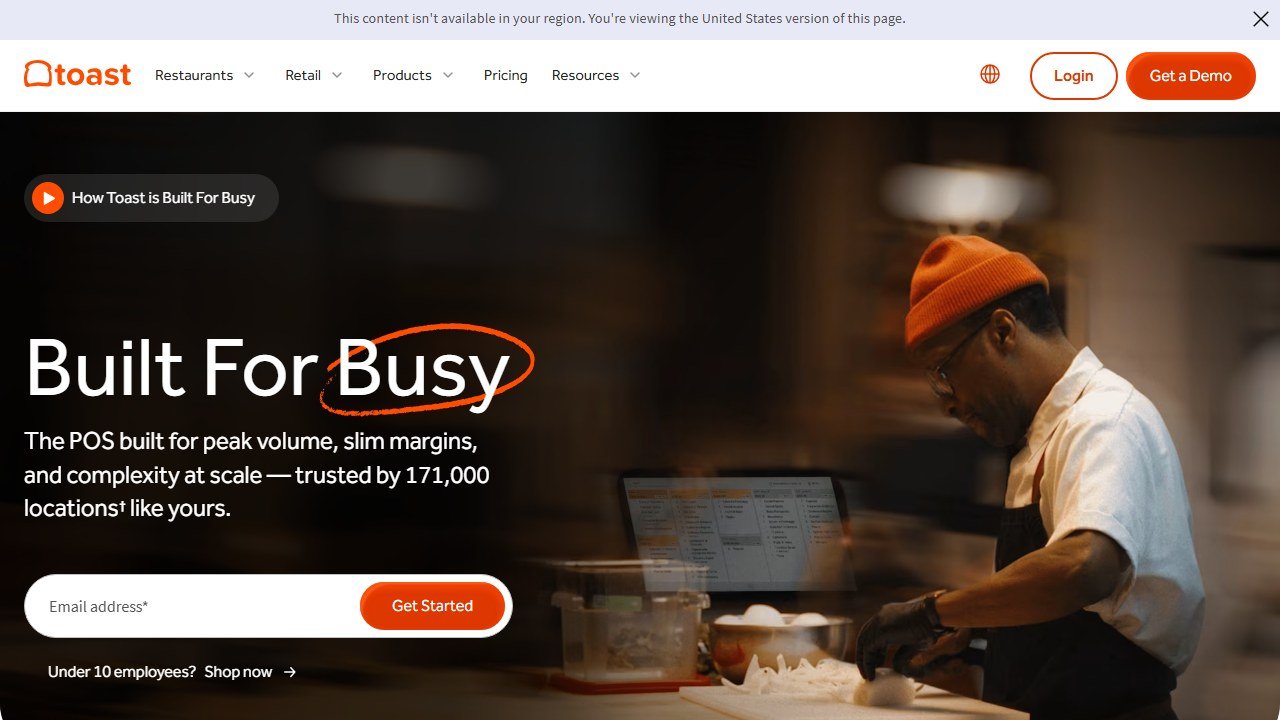
Cost is the honest caveat, and it is harder to pin down than it should be. Toast publishes software at $0 for the Starter Kit and $69 a month for Point of Sale, but it publishes no payment processing rate on any tier. We checked pos.toasttab.com/pricing on 5 August 2026 and the page says only “Simple, flat rate”. Since processing is the largest cost a restaurant carries, usually many times the software fee, Toast’s real monthly bill cannot be calculated from public information. Ask for the card-present rate, the online rate and the per-transaction amount in writing before you compare it against anything. For the right restaurant that is fair value for replacing several tools. For a small counter it is more than you need.
Best for: full-service and growing multi-location restaurants.
Watch out for: the $0 headline versus the real all-in monthly cost.
2. Square for Restaurants: Best for Small and Growing
Square for Restaurants is the easiest system to start on and the most predictable to budget. There is a genuinely free plan, paid plans from $69 per month per location, and pricing that does not surprise you. In head-to-head testing it is consistently the simplest to learn, with clear signposting and dual iPad and Android support.
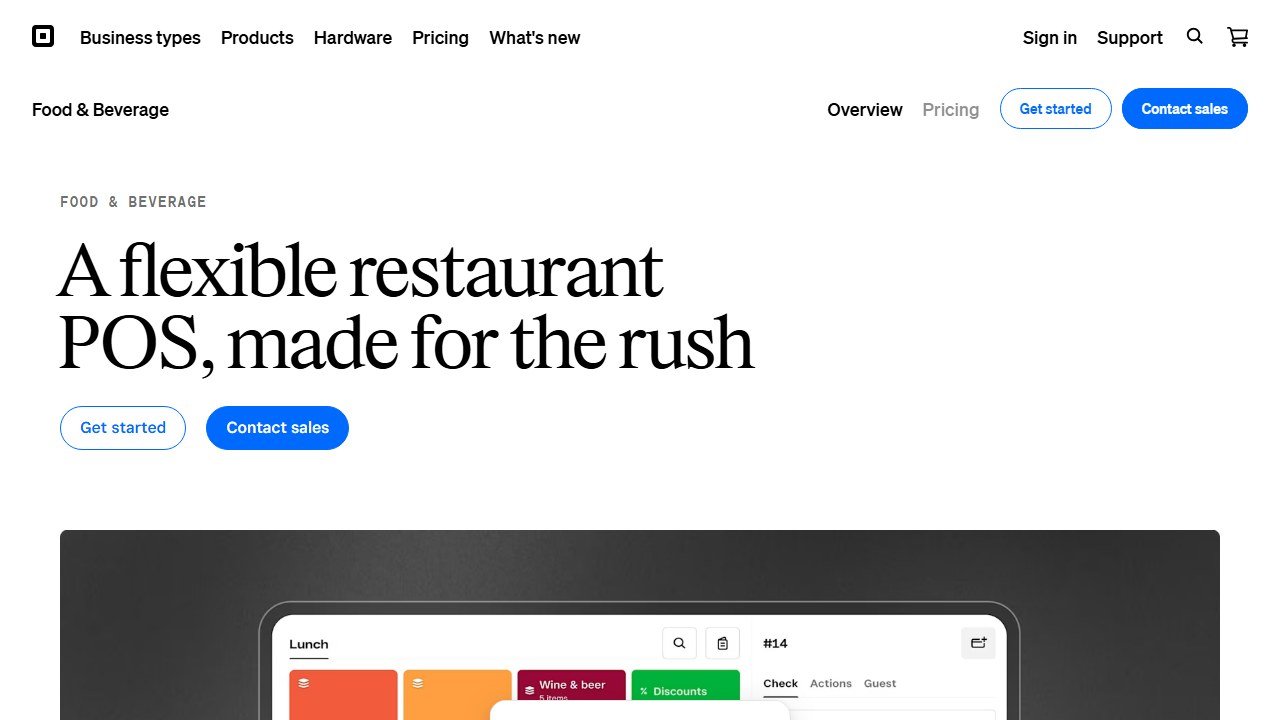
The trade-off is depth. Square lacks some advanced controls that full-service operators lean on, like recipe costing and ingredient-level tracking, which matter once your inventory gets complex. For a single-location or growing restaurant that wants to be running today without a big commitment, that is an easy trade.
Best for: small, single-location, and growing restaurants that want simple and predictable.
Watch out for: missing advanced cost and inventory controls for complex operations.
3. SpotOn: Best Value Full-Service, With AI Cost Control
SpotOn delivers full-service POS (tableside ordering, QR order and pay, online ordering, labor, reservations, loyalty) at a lower base than Toast, with Counter Service around $99 per month plus $3 per employee. G2 named it the number one restaurant POS for Winter 2026. Its standout is Profit Assist, an AI profit-and-loss tool that flags where margin is leaking, with SpotOn reporting an average 4.3 percent cost saving for restaurants using it.
That AI cost insight is rare at this price and is the reason SpotOn punches above its tier.
Best for: full-service restaurants that want strong features plus real cost analysis without a separate back office.
Watch out for: proprietary Windows hardware adds to the setup cost.
4. TouchBistro: Best iPad POS for Independents
TouchBistro runs on iPad and iOS, widely regarded as the gold standard for fast, reliable front-of-house. The hybrid cloud design includes a built-in offline mode, so a dropped internet connection does not stop service, which cloud-only systems handle badly. For independents under roughly $500K in annual revenue, it often beats Toast on value.
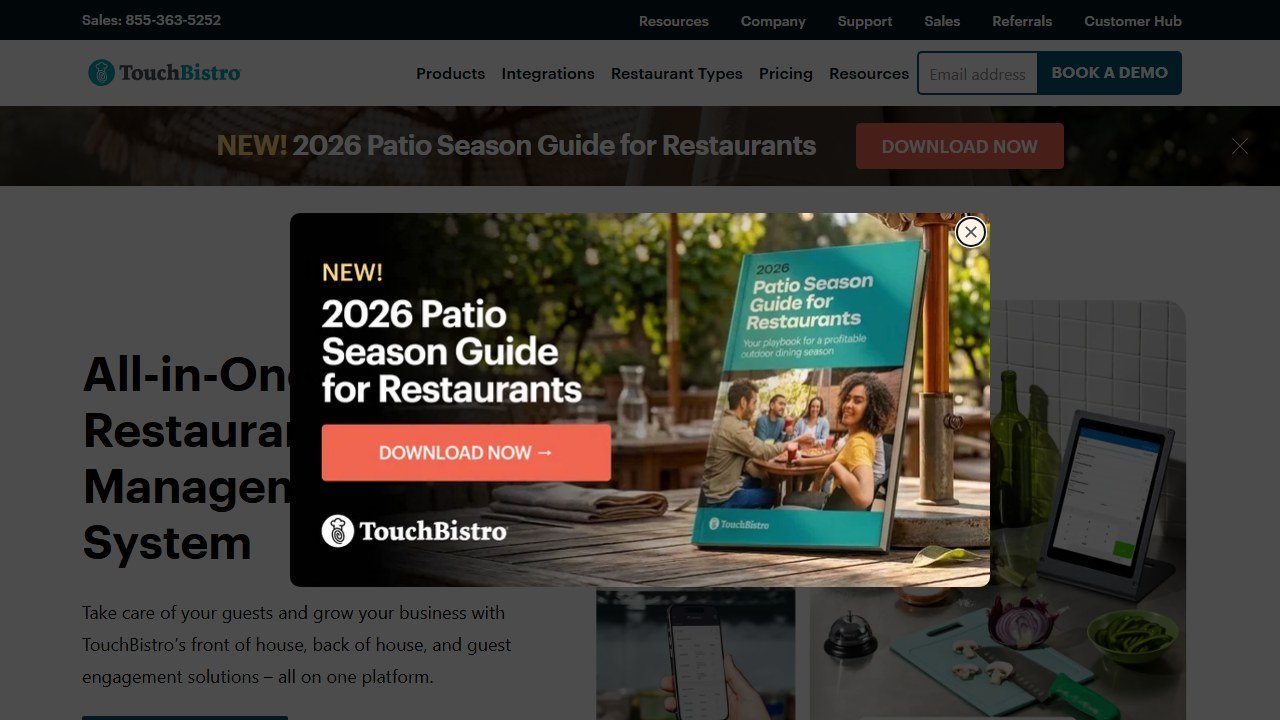
Best for: single-location, tableside-heavy restaurants that prize speed and reliability.
Watch out for: more front-of-house focused than a full back-office suite.
5. Lightspeed Restaurant: Best for Multi-Location Reporting
Lightspeed Restaurant runs from $69 per month (Basic) up to $399 (Premium), and earns its place on reporting and inventory depth: menu-item profitability, server performance, real-time dashboards, and strong ingredient-level tracking. If you manage several locations and want to compare them like a portfolio, Lightspeed gives you the numbers.
Best for: multi-location operators who run on their reports.
Watch out for: more setup than a plug-and-play single-location POS.
6. Clover: Best Hardware Flexibility for Quick-Service
Clover is strong on hardware and reporting, with sales breakdowns by item, category, time, and employee that help quick-service and cafe operators tune the menu and the schedule. The important caution is that Clover is often sold through banks and resellers, so the pricing and processing terms vary a lot by who you buy from. Read the contract closely.
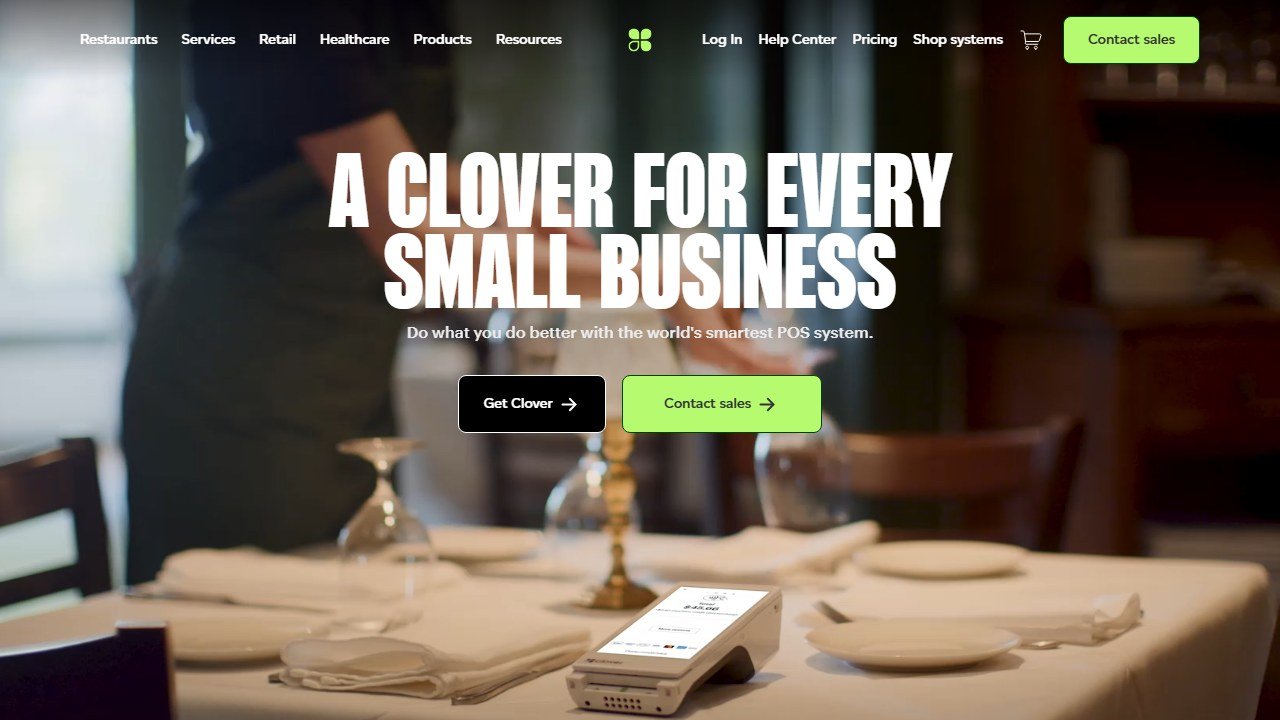
Best for: quick-service, cafes, and counters that want flexible hardware and solid reporting.
Watch out for: reseller-dependent pricing and processing; the terms are not uniform.
How to Pick the Right POS for Your Restaurant
Match the system to your service model first. Full-service and multi-location: start with Toast for the deepest ecosystem, or SpotOn if you want strong features plus AI cost insight at a lower base. Small or growing single location: Square for Restaurants is the fast, predictable, low-commitment start. Independent tableside floor: TouchBistro for iPad speed and offline reliability. Reporting-driven multi-location group: Lightspeed. Quick-service or cafe wanting hardware flexibility: Clover, with the contract read carefully.
Then do the processing math before you sign. Multiply the effective rate against your real card volume and add software, hardware, and per-employee fees. That all-in number, not the monthly sticker, is what you are actually choosing between, and it reorders most shortlists.
The POS is also the foundation the rest of your stack reads from, so pick one that exports cleanly to the tools you will add next. For the systems that sit on top of it, see our best AI restaurant inventory management software, best restaurant online ordering systems, and best restaurant scheduling software guides. The two most-compared systems get a full head-to-head in Toast vs Square for Restaurants, and the broader platform view is in our best restaurant management software guide.
Verdict
For most full-service restaurants, Toast is the best restaurant POS in 2026, with the caveat that you should know the real all-in cost before you sign. Square for Restaurants is the smartest start for small and growing spots that want free and predictable, and SpotOn is the value champion that also brings AI cost analysis to the floor.
Beyond those, match the tool to the job: TouchBistro for a fast independent iPad floor, Lightspeed for multi-location reporting depth, and Clover for hardware-flexible quick-service, contract read carefully. Whatever you choose, run the processing math first, because that number, not the monthly sticker, is what you are really buying.
For the full platform picture around the POS, see our best restaurant management software guide and the best AI tools for restaurants pillar.
More AI tool guides worth reading: AI Tools for Cafes and Coffee Shops, AI Tools for Hotels and AI Tools for Restaurant Marketing.

Written by
FazFaz is the founder of AIToolsBakery. Some tools here are tested hands on. Others are assessed from vendor documentation and pricing verified on the live page, and every review says which one it is. Sponsors can buy a position in a guide. They cannot buy the score, the criticism, or silence about a better option.
How we test and how we make money →