Labor is one of the two costs that decide whether a restaurant makes money, and the schedule is where you control it. Over-staff a slow Tuesday and you burn margin; under-staff a busy Friday and you lose sales and torch morale. Good scheduling software does more than fill a grid: it forecasts demand from your sales data, keeps you compliant on breaks and overtime, handles the messy human parts (swaps, no-shows, availability), and increasingly manages tips. The best tools turn scheduling from a weekly chore into an actual labor-cost lever.
This ranking weighs restaurant fit first, because a generic scheduler that does not understand sales-driven labor forecasting or tip pooling will leave money on the table. Below, the tools are placed by who they serve, from restaurant-specific platforms to free options for small teams to enterprise labor suites, with honest notes on cost and where the AI genuinely helps.
Top pick: 7shifts is the best restaurant scheduling software in 2026 because it is built restaurant-first, with AI labor forecasting from real-time sales data, tip management, and POS integration, trusted by more than 55,000 restaurants. Homebase is the best free option for small teams, and HotSchedules is the best for enterprise operations.
Faz says: The feature that separates real restaurant scheduling from a generic shift app is sales-driven labor forecasting. A grid that lets you drag names onto shifts is easy to build, and half the market does exactly that. The tools worth paying for pull your actual sales data in and tell you how many people you need for next Friday based on what happened on past Fridays. That is the difference between scheduling and labor control, and it is the first thing I would demo. If it cannot forecast from your POS, it is a calendar, not a labor tool.
How We Ranked These
Scheduling software earns its keep by lowering labor cost and admin time, not by looking pretty. We weighted four things:
1. Sales-driven forecasting. The tools that pull POS sales to forecast the labor you need attack cost at the source. This is the biggest separator in the category.
2. Restaurant-specific features. Tip management, break and overtime compliance, and shift swaps handle the realities of restaurant labor that generic apps miss.
3. Real cost and free tiers. Prices range from free to enterprise. We flag the model and free options so small teams can start without spend.
4. Ease and adoption. A schedule your staff actually check and use, from their phones, beats a powerful tool nobody opens. Mobile-first design matters.
Comparison Table
| Tool | Best for | AI forecasting | Price from |
|---|---|---|---|
| 7shifts | Restaurants of all sizes | Yes, from POS sales | Free to $134.99/location/mo |
| Homebase | Small single-location teams | Basic | Free for one location |
| HotSchedules | Enterprise, large operations | Yes, deep | Quote-based |
| Sling | Budget, communication-heavy | Limited | Free tier available |
| When I Work | General-purpose scheduling | Limited | Paid tiers |
If you are planning staffing levels across many locations rather than building this week’s rota, the demand forecasting side is covered in our AI workforce planning and forecasting tools guide.
What These Schedulers Actually Cost
Scheduling software splits into two pricing models that are not directly comparable, and almost every comparison of this category prints them side by side as if they were. Some vendors charge per location, so the price is flat no matter how many people you roster. Others charge per user, so the bill grows with every hire. Below is what each system published on 5 August 2026.
| Tool | Model | Published price | Notable add-ons |
|---|---|---|---|
| 7shifts | Per location | Comp free, Essentials $39.99, then $79.99 and $134.99 per location per month | Payroll $39.99/location/mo plus $6 per employee paid, free on the top plan. Tip management $14.99/location/mo. Task management $12.99/location/mo |
| Homebase | Per location | Basic free for one location, Essentials $30, All-in-One $120 per location per month. Paying annually saves 20% | Payroll $39/mo plus $6 per employee paid. Tip Manager $25/location/mo. Background checks $30 each |
| Sling | Per user | Free tier, Premium $2.00 per user per month, Business $4.00 per user per month. Annual billing drops these to $1.70 and $3.40 | Not published separately |
| When I Work | Per user | Essentials $2.50, Pro $5.00, Premium $8.00 per user per month | Not published separately |
| HotSchedules (Fourth) | Quote only | No public pricing. The pricing link redirects to a contact form | Not published |
Note the correction: 7shifts has repriced since many comparisons of this category were written. The tiers formerly sold as Entree at $34.99 and The Works at $76.99 no longer exist under those names or those numbers. If you are reading a guide that still quotes them, it has not been checked recently.
Per Location or Per User: Where the Crossover Sits
This is the calculation that actually decides the purchase, and no vendor publishes it because the answer depends on your headcount rather than on their feature list.
Take the two most comparable top tiers. Homebase All-in-One is $120 per location per month however many staff you have. When I Work Premium is $8 per user per month. Divide $120 by $8 and the crossover is 15 employees. Roster fewer than 15 and the per-user model is cheaper. Roster more and the flat per-location fee wins, and it keeps winning by more with every additional hire.
The same arithmetic at the entry level tells a different story. 7shifts Essentials is $39.99 per location. Sling Business is $4.00 per user. That crossover lands at 10 users. Below ten staff, Sling costs less. Above it, the per-location fee is the cheaper structure.
The practical implication is that headcount, not features, should be your first filter. A 40-cover cafe with 8 part-timers and a 200-cover restaurant with 45 staff are shopping in genuinely different halves of this market, even though every roundup hands them the same list. If you are under ten employees, start with the per-user tools and the free tiers. If you are over twenty, the per-location tools will almost certainly be cheaper, and the gap widens fast.
One caveat that cuts against the flat-fee tools: per-location pricing multiplies if you run more than one site. Two locations on Homebase All-in-One is $240 a month, not $120. Run the same arithmetic per site rather than across the group.
1. 7shifts: Best Restaurant-Specific Scheduler
7shifts is the category leader for a reason: it is built for restaurants and nothing else, and more than 55,000 restaurants and a million-plus professionals use it. Its auto-scheduling and forecasting pull real-time sales data from your POS to project the labor you need, so the schedule reflects demand rather than guesswork. It also automates tip management, syncing with sales and time punches to distribute tips fairly, with a daily tip-payout feature that deposits credit-card tips at clock-out.
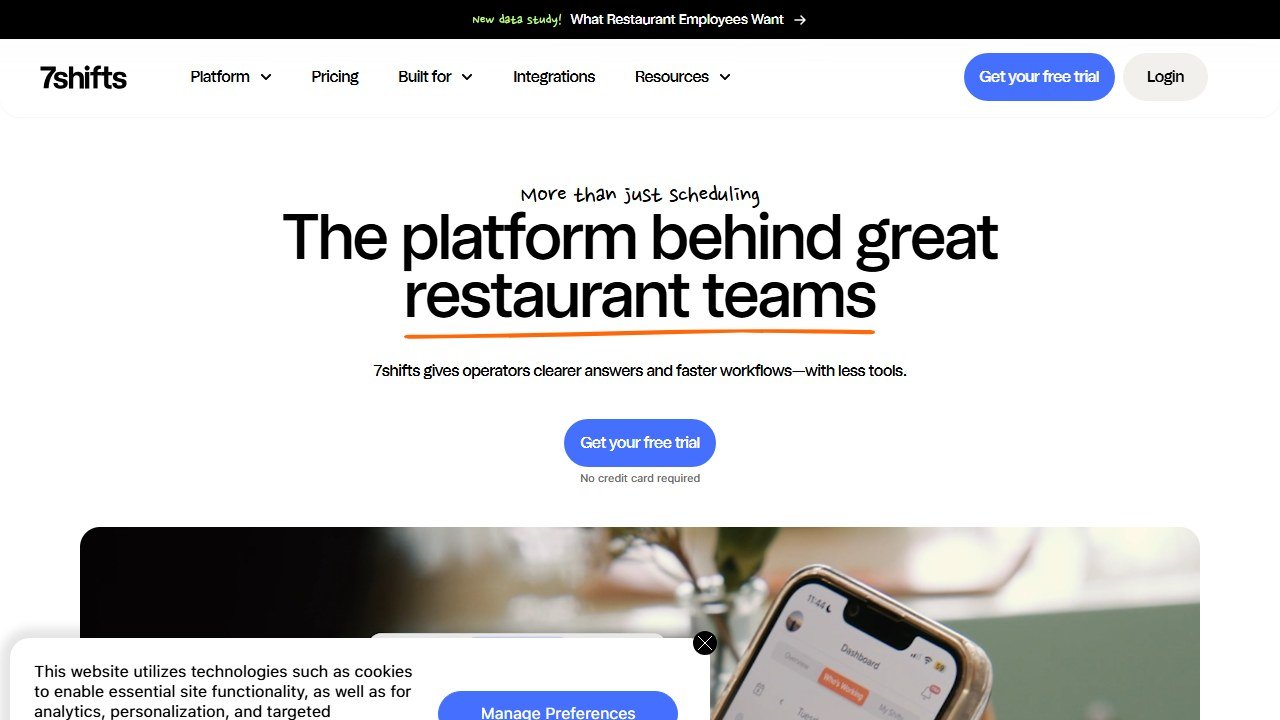
Pricing is genuinely accessible: a free Comp tier, Essentials at $39.99 per location per month, and two higher tiers at $79.99 and $134.99 per location per month, with a free trial. Payroll is a separate $39.99 per location per month plus $6 for each employee paid, though it is included at no extra cost on the top plan. Tip management adds $14.99 and task management $12.99, both per location per month. These figures were read from the 7shifts pricing page on 5 August 2026, and they replace an earlier Entree and The Works structure that the vendor has since retired. For most restaurants, from a single independent to a growing group, 7shifts is the strongest all-round pick. See our full 7shifts review for the detailed look.
Best for: restaurants of any size that want restaurant-specific forecasting, tips, and scheduling.
Watch out for: the best forecasting features live on the paid tiers.
2. Homebase: Best Free Option for Small Teams
Homebase is the go-to when budget is the hard constraint. It offers free scheduling, time tracking, and team messaging for a single location, which covers the essentials for a small restaurant or cafe. It is more general-purpose than 7shifts and lighter on restaurant-specific forecasting, but for a small team that mainly needs to build schedules, track hours, and message staff without paying, it is hard to beat at free.
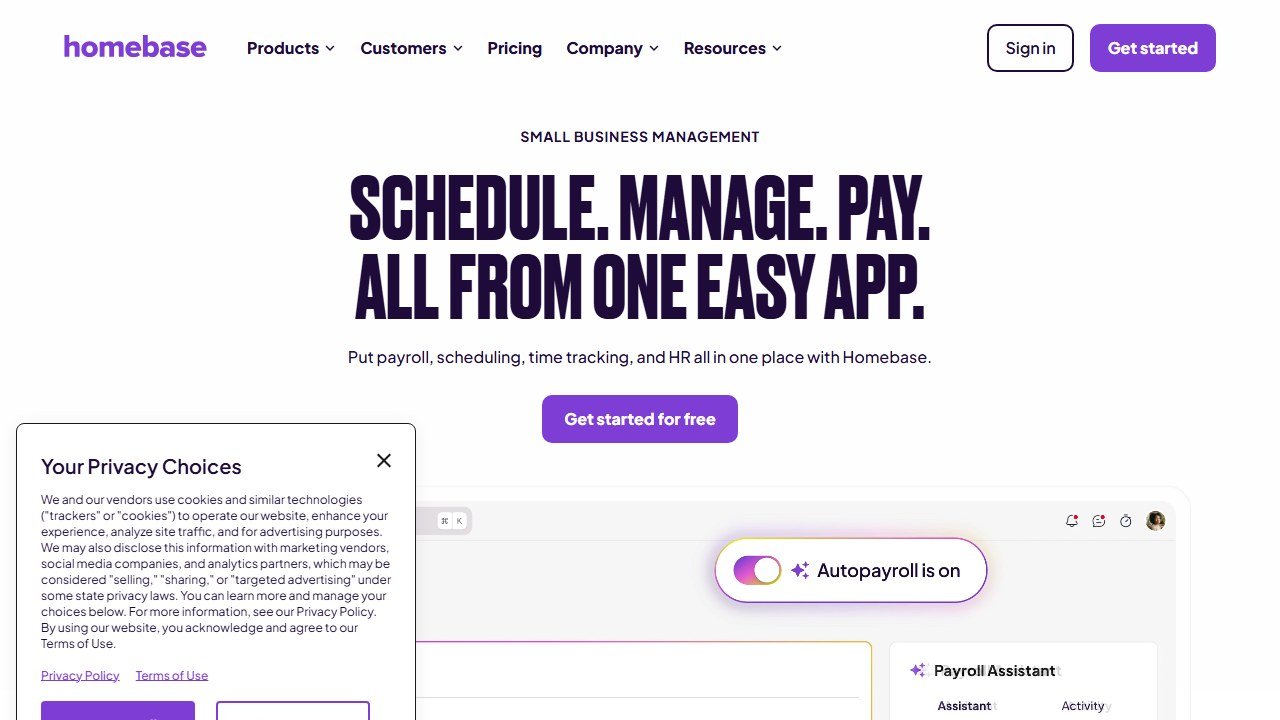
Best for: small, single-location restaurants that want solid scheduling at no cost.
Watch out for: lighter on sales-driven labor forecasting than restaurant-first tools.
3. HotSchedules: Best for Enterprise Operations
HotSchedules, part of the Fourth platform, is the enterprise choice for large and complex operations. It brings deep labor management, forecasting, and compliance tooling built for big teams and multi-unit groups, and integrates into Fourth’s wider workforce and inventory suite. For a single independent it is more than needed, but for a large chain that treats labor as a serious line item, its depth is the draw.
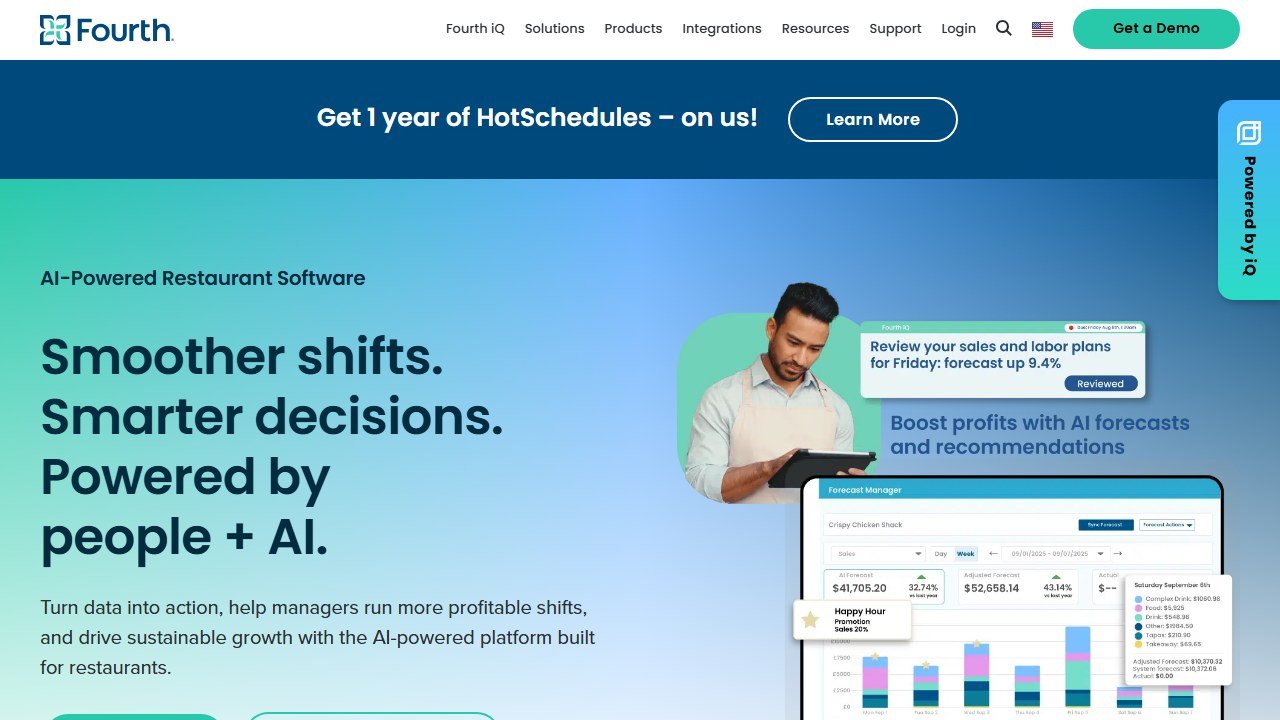
Best for: enterprise and large multi-location operations with complex labor needs.
Watch out for: overkill and heavier setup for small restaurants.
4. Sling: Best Budget Scheduler With Strong Communication
Sling pairs simple shift planning with strong team communication, and has a free tier that makes it attractive for cost-conscious operators. Its messaging and shift-management features are its strength, keeping a team coordinated without a big spend. It is lighter on restaurant-specific forecasting, so it fits teams whose priority is straightforward scheduling plus good communication.
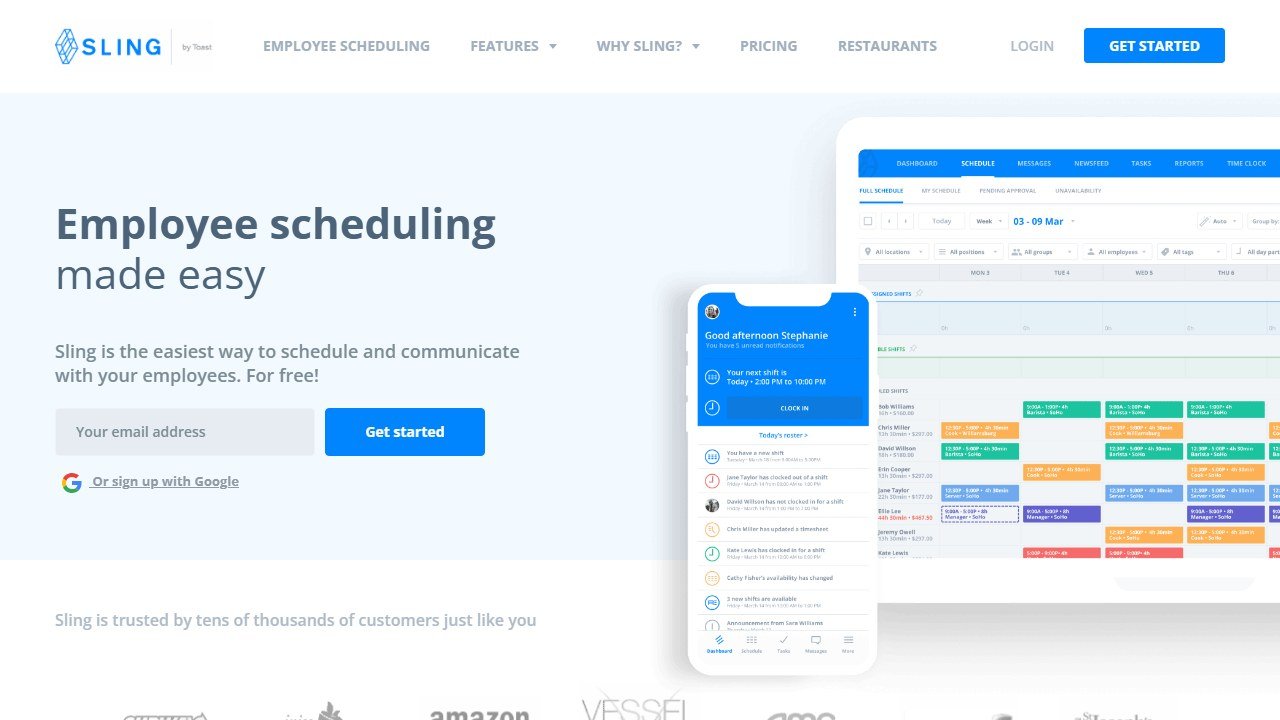
Best for: budget-conscious teams that value shift communication and simple planning.
Watch out for: limited sales-driven forecasting compared with restaurant-first tools.
5. When I Work: Best General-Purpose Scheduler
When I Work is a clean, easy, general-purpose scheduling and time-tracking tool that works well across industries, including restaurants. Its strength is simplicity and a good mobile experience, so staff actually use it. It lacks the deep restaurant-specific forecasting and tip tooling of 7shifts, but for a restaurant that wants a straightforward, well-designed scheduler, it is a solid choice.
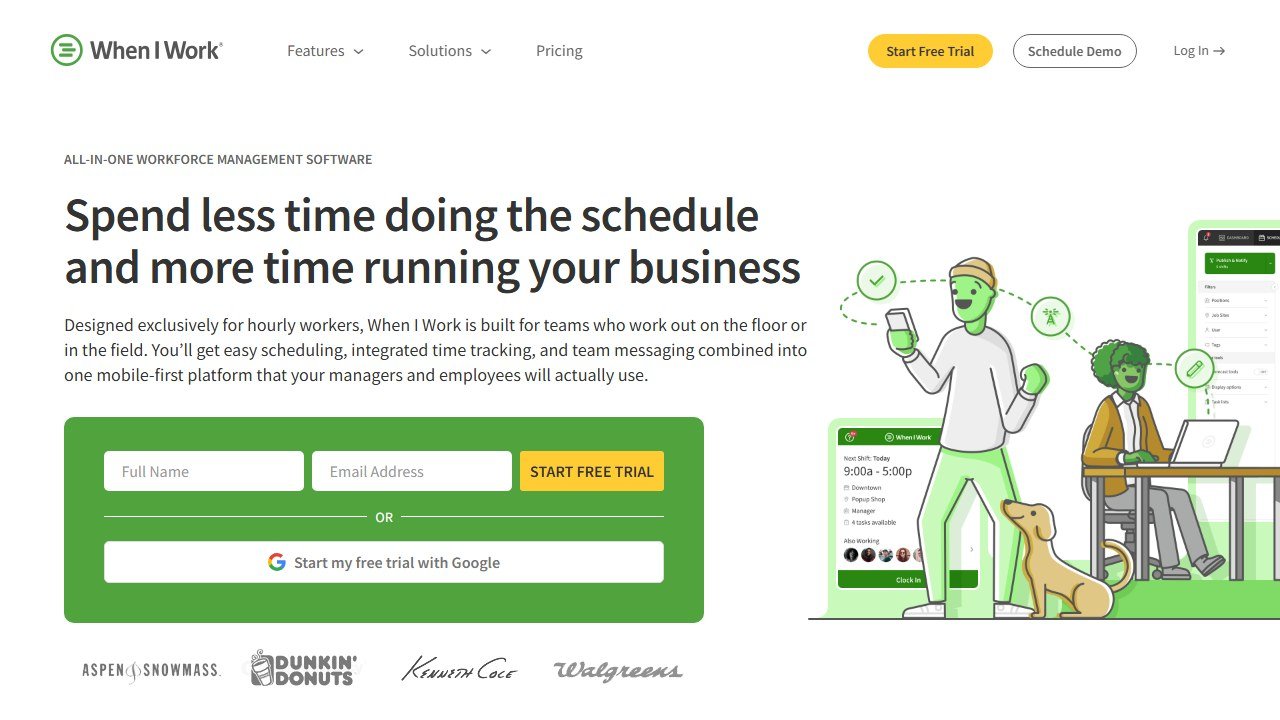
Best for: restaurants wanting a simple, polished, general scheduling tool.
Watch out for: fewer restaurant-specific features than the specialists.
How to Choose
Lead with your size and your appetite for labor forecasting. If you want the schedule to actually lower labor cost using your sales data, plus tip management, 7shifts is the best restaurant-first pick for almost everyone, and it has a free tier to start. If budget is the constraint and your team is small and single-location, Homebase gives you free scheduling, time tracking, and messaging. If you are a large or enterprise operation, HotSchedules brings the depth. Sling and When I Work are good simpler options when communication or general ease matters more than restaurant-specific forecasting.
Whatever you choose, demo the forecasting against your POS before you commit, and pick a mobile-first tool your staff will genuinely open. A schedule nobody checks does not save labor.
Scheduling controls one of the two costs that move margin. For the other, see our best AI restaurant inventory management software guide, and for the systems these plug into, our best restaurant POS systems and best restaurant management software roundups. The full stack is in our best AI tools for restaurants pillar.
Verdict
7shifts is the best restaurant scheduling software in 2026, because it is built restaurant-first, forecasts labor from your real sales data, handles tips, and scales from a free plan to unlimited teams. For most restaurants, it is the pick.
The alternatives fit specific cases: Homebase for a free small-team start, HotSchedules for enterprise depth, and Sling or When I Work for simpler, communication-led or general-purpose scheduling. Demo the sales-driven forecasting before you commit, because that is what turns a schedule into real labor control.
For the full stack, see our best AI tools for restaurants pillar.
More AI tool guides worth reading: 7shifts Review, Toast vs Square for Restaurants and AI Phone Answering for Restaurants.
More AI tool guides worth reading: AI Tools for Cafes and Coffee Shops, AI Tools for Hotels and AI Tools for Restaurant Marketing.
Also in this guide series: Slang.ai Review (2026): The Voice AI That Answers Every Restaurant Call, OpenTable vs Resy vs SevenRooms (2026): Which Reservation System Wins?, Best AI Phone Answering Services for Restaurants (2026), Best Restaurant Online Ordering Systems (2026): Ranked by Real Cost, Best AI Restaurant Inventory Management Software (2026), Best Restaurant POS Systems (2026): Compared and Ranked by Service Type and Best Restaurant Management Software (2026): Ranked by What You Actually Run.

Written by
FazFaz is the founder of AIToolsBakery. Some tools here are tested hands on. Others are assessed from vendor documentation and pricing verified on the live page, and every review says which one it is. Sponsors can buy a position in a guide. They cannot buy the score, the criticism, or silence about a better option.
How we test and how we make money →