Synthesia helped a lot of L&D teams realize that an AI avatar reading a script could replace a film crew, a studio, and three weeks of scheduling. It is a genuinely good product. But a year or two into using it, the same complaints keep surfacing from training teams: the per-seat pricing climbs fast once more than one instructional designer needs access, the cheaper tiers watermark or restrict output, the studio-grade “custom” avatars sit behind a four-figure annual add-on, and the features that actually matter for corporate learning (SCORM export, one-click translation at scale, interactive branching) tend to live in the opaque, custom-quoted Enterprise tier. On top of that, the avatars can still read a little stiff, and the content moderation has a reputation for flagging legitimate compliance, medical, and HR videos with little explanation or recourse.
If you build training for a living, none of that is fatal on its own, but together it is enough to make you look around. The good news is that the AI-video market in 2026 is crowded with capable competitors, and several of them were built specifically for the learning-and-development buyer rather than the marketing team. This guide ranks the seven strongest Synthesia alternatives for AI training video, judged on the things that matter to instructional designers: SCORM export, in-video quizzing and branching, language coverage, avatar quality, and a pricing model that does not punish you for adding seats. We weighted real L&D features heavily, so the tools that can drop a tracked, interactive module into your LMS rank above the ones that just make a nice talking head.
Quick answer: Colossyan is the best Synthesia alternative for interactive, branching training video, with HeyGen the strong runner-up for realistic avatars and language reach, and Vyond best for animated scenario-based training. Pick by whether you need interactivity, realism, or animation.
How we scored these tools
Before the list, a note on how we score. Each tool gets a rating out of 5 built from five weighted criteria that matter to training teams, not to marketers. SCORM export and LMS delivery carry the most weight, because a training video that cannot report a completion to your LMS is just a video. In-video interactivity (quizzes, branching, decision points) is next, because that is what turns a passive watch into an assessable module. Then come language and localization coverage, avatar or visual quality, and finally pricing model and per-seat fairness. A tool can have gorgeous avatars and still score in the middle of the pack if it cannot deliver a tracked, interactive module, and that weighting is exactly why the ranking below looks different from a general “best AI video” list.
A quick word on how we work. AIToolsBakery is an independent AI-tools review site. We are not owned by, funded by, or partnered with any of the companies in this list, and we earn nothing if you sign up for any of them. We do run sponsored posts elsewhere on the site, but those are always clearly labelled as sponsored and a payment has never changed a score or a ranking. This post is not sponsored by anyone. Every verdict below is ours, based on the vendors’ own live pricing, feature, and documentation pages, checked in July 2026 and cited so you can re-check them yourself. Where a claim is the vendor’s rather than something we could confirm on a public page, we say so.
Comparison table
| Tool | Score | Best for | SCORM / interactivity | Pricing model |
|---|---|---|---|---|
| Colossyan | 4.7/5 | Interactive branching training | SCORM export plus native branching and quizzes on paid tiers | Per-seat SaaS, free tier, mid-range paid plans |
| HeyGen | 4.5/5 | Realistic avatars with L&D features | SCORM export plus quizzes and branching on Business tier | Per-seat SaaS, credit-based premium avatars |
| Vyond | 4.2/5 | Animated scenario-based training | SCORM export (Enterprise), no native in-video quizzing | Per-seat SaaS, higher entry price |
| DeepBrain AI Studios | 4.0/5 | Compliance and onboarding at scale | SCORM export on standard paid plans | Per-seat SaaS, mid-range entry price |
| VEED | 3.7/5 | Quick subtitled training clips | SCORM export on Business tier | Per-seat SaaS, avatars on Pro and up |
| Descript | 3.5/5 | Editing and repurposing training content | No native SCORM, no in-video quizzing | Per-seat SaaS, free tier |
| Elai | 3.4/5 | Interactive video on a published price | Branching and quizzes on Team, SCORM export listed as Enterprise | Per-seat SaaS, free tier, $29/mo Creator |
The 7 best Synthesia alternatives
1. Colossyan: best for interactive branching training
Score: 4.7/5
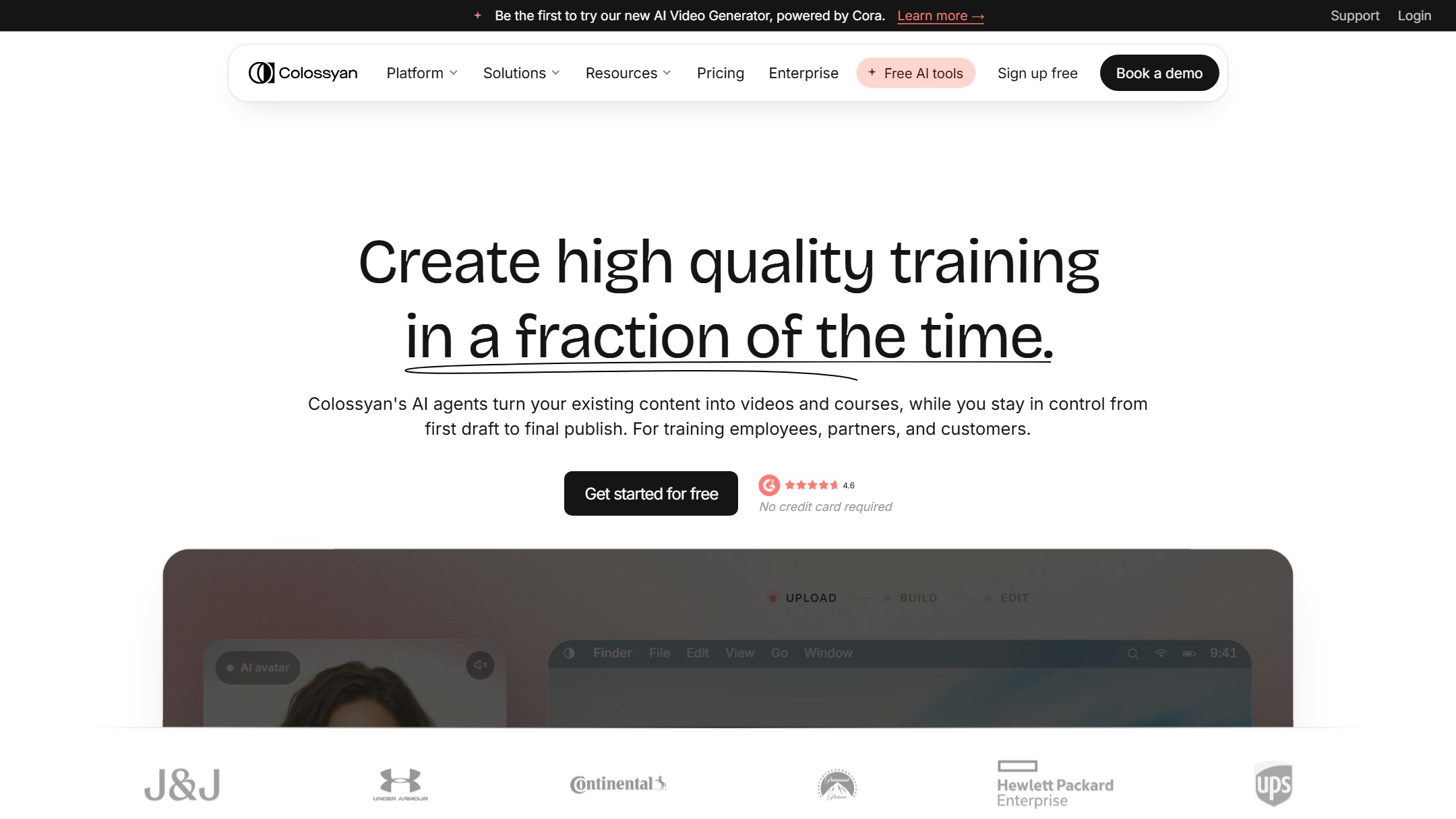
If you are leaving Synthesia specifically because you build training, Colossyan is the tool to look at first. Where most AI-video platforms treat L&D as a side use case bolted onto a marketing product, Colossyan was built training-first, and it shows in the feature set. You can generate a presenter-led video, then add branching scenarios and in-video quizzes, then export the whole thing as a SCORM package that drops straight into your LMS with tracking intact. That combination, avatar video plus genuine interactivity plus LMS-ready output, is exactly what corporate learning teams keep asking for and rarely get in one tool.
The interactivity is the headline. You can embed quiz questions directly inside a video so the playback pauses, the learner answers, and the module either continues or branches to remedial content based on the response. Question types include multiple choice, true or false, and scenario-based prompts, which is enough to build a real “choose what you would do next” compliance or soft-skills scenario rather than a passive watch-and-forget clip. That is the difference between a video and a course, and Colossyan lets you build the latter without a separate authoring tool.
The supporting features are strong too. There is a library of several hundred AI avatars and voices, document-to-video generation that turns a PDF or a slide deck into a first draft, and localization across more than 100 languages with all content types translated together rather than piecemeal. Because edits regenerate from the script, you can update a policy line or a product name across an entire course without re-recording anything, which is a real maintenance win for training that changes every quarter.
In practice, the workflow that sells most teams is the document-to-course path. You drop in an existing slide deck or a policy PDF, Colossyan drafts a presenter-led video scene by scene, you add a knowledge-check quiz after each section and a branch that routes a wrong answer back to a refresher scene, and you export a SCORM package. What lands in your LMS is a module that reports completion and quiz scores, not a passive clip you have to bolt a separate assessment onto. For a compliance team that has to prove who understood the anti-bribery policy, not just who pressed play, that reporting trail is the entire point, and it is the single biggest reason Colossyan beats the more avatar-focused tools for training specifically.
Strengths for training teams. Native in-video quizzing and branching, SCORM export for LMS delivery, document-to-course generation, 100-plus-language localization without forcing you onto the top tier, and avatar-consent and compliance workflows aimed at enterprise governance. This is the most complete L&D toolkit in the category.
Honest weaknesses. Avatar realism is good and improving but is not quite at the absolute photoreal top of the market, where HeyGen currently leads. The minutes allowance on the entry paid tier is modest, so high-volume teams will need a higher plan. And the depth of the interactivity tooling means a slightly steeper learning curve than a pure talking-head generator.
Pricing model. A per-seat SaaS subscription with a free tier to test, a low-cost individual Starter plan, and mid-range Pro and Business plans that unlock unlimited minutes, custom avatars, and the advanced interactivity and SCORM features. The L&D essentials are not locked behind an opaque custom quote, which is a pointed contrast with Synthesia. See the official site at colossyan.com. For a deeper look, read our Colossyan review and our head-to-head Synthesia vs Colossyan comparison.
2. HeyGen: best for realistic avatars with L&D features
Score: 4.5/5
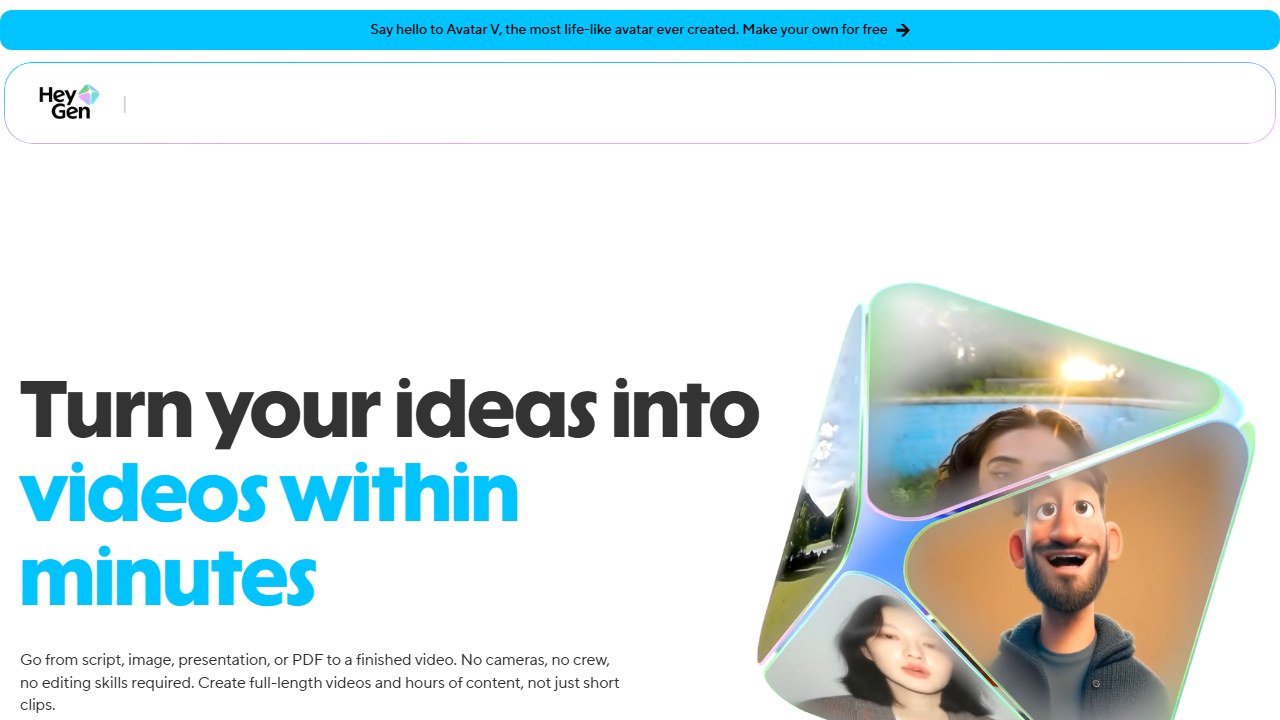
HeyGen is the tool to pick if avatar realism is your top priority and you still need real training features rather than just marketing clips. Its avatar models are widely regarded as the most lifelike in the category right now, with full-body motion, timing-aware hand gestures, natural blinks and micro-expressions, and lip-sync that holds up across dozens of languages. If your objection to Synthesia was that the presenter looked stiff and slightly uncanny, HeyGen is the most direct upgrade on that single axis.
What makes it more than a pretty face for L&D buyers is the Business tier, which adds SCORM export and LMS integration alongside the ability to layer quizzes, branching logic, clickable links, and decision points onto a video. That turns HeyGen from a talking-head generator into a legitimate training-production platform that can publish tracked modules into systems like Workday Learning or Cornerstone. It is not quite as training-native as Colossyan, the interactivity feels more like a capable add-on than the core of the product, but it is genuinely there and it works.
Language coverage is a standout, with translation and lip-sync dubbing across more than 175 languages and dialects, which is the widest documented reach of any tool here. A single English source video can become localized Spanish, Mandarin, or French in minutes, with the avatar’s mouth re-synced to the new audio. For global training teams that maintain the same course in a dozen markets, that alone can justify the switch.
The realism matters more than it sounds for certain training. For customer-facing onboarding, executive messages, or any video where the presenter is meant to feel like a real person rather than an obvious synthetic narrator, the uncanny-valley stiffness that drives people away from Synthesia is exactly what HeyGen’s Avatar IV and digital-twin models are built to fix. You can also clone a real spokesperson, a CEO or a head of L&D, from a short clip and have them “present” a whole library of modules in languages they do not speak, which is a powerful trick for building trust in distributed training programs.
Strengths for training teams. Best-in-class avatar realism, 175-plus-language translation with lip-sync, SCORM export and LMS integration on Business, and in-video interactivity. Strong fit for customer-facing or onboarding content where a believable presenter matters.
Honest weaknesses. The most realistic Avatar IV generation consumes premium credits per minute, so heavy use can get expensive in a way that is harder to predict than a flat minutes allowance. The SCORM and interactivity features are gated to the Business plan, and that plan carries a meaningful per-seat cost plus per-additional-seat charges. The interactivity is less deep than Colossyan’s.
Pricing model. A per-seat SaaS subscription with Creator and Pro tiers for individuals and small teams, and a higher-priced Business tier (plus a per-additional-seat fee) that unlocks SCORM, SSO, and the L&D features. Premium photoreal avatar minutes run on a credit system on top of the subscription. Official site: heygen.com. Our full HeyGen vs Synthesia comparison digs into the realism and pricing trade-offs in detail.
3. Vyond: best for animated scenario-based training
Score: 4.2/5
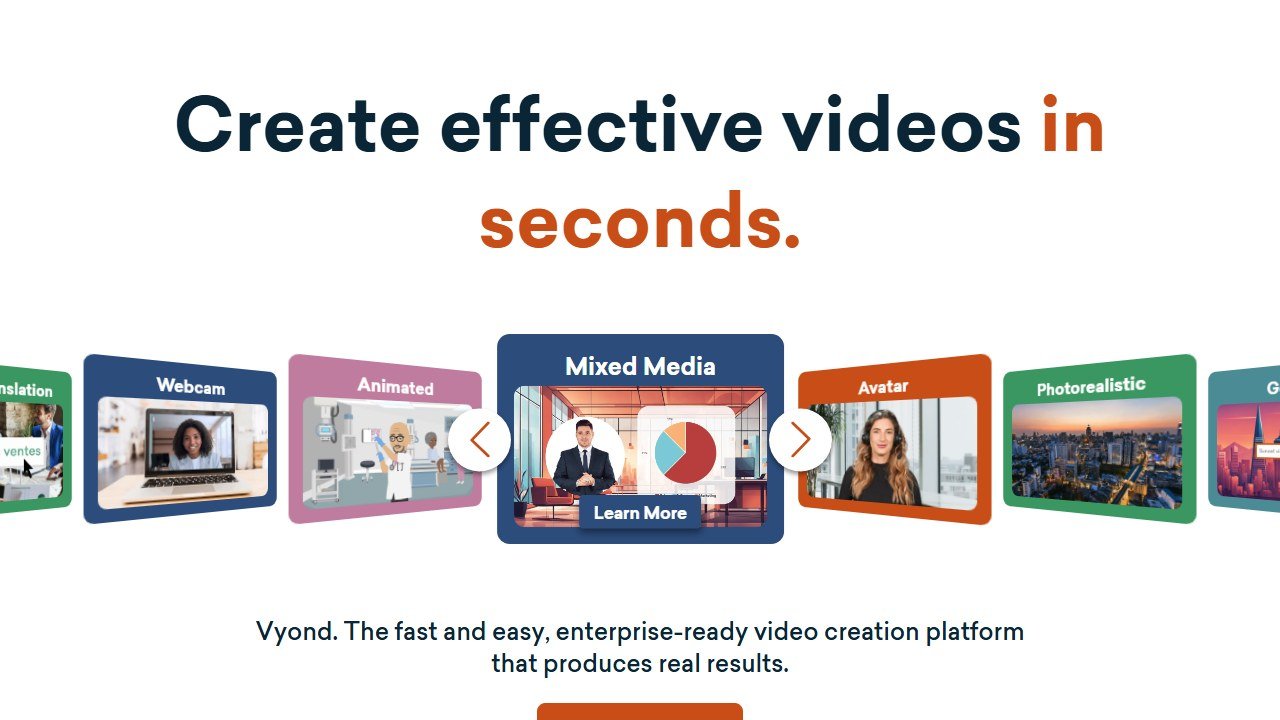
Vyond is the outlier on this list, and deliberately so. Instead of photoreal AI avatars, it produces animated characters in several styles, and that turns out to be a genuine advantage for certain kinds of training. Compliance scenarios, conflict-resolution role-plays, “what would you do” workplace situations, and anything where a realistic human face would feel awkward or where you want to avoid implying a specific real person all play to animation’s strengths. With a 15-year track record and a deep character and scenario library, Vyond is the strongest animated training tool on the market, full stop.
The 2026 product blends that animation heritage with AI generation. Vyond Go creates a first draft from a text prompt, an uploaded document, or a pasted URL, while Vyond Studio gives you full timeline editing for the kind of precise, scenario-driven storytelling that animated training relies on. For instructional designers who already think in terms of characters, scenes, and branching narratives on paper, the workflow maps neatly onto how they work.
The L&D caveats are real, though. Vyond supports SCORM by exporting videos as SCORM packages for LMS tracking, but that capability is restricted to its custom-priced Enterprise tier, so mid-sized teams pay a premium to get LMS-ready output. And critically, Vyond does not offer native in-video interactivity like quizzes or branching without reaching for third-party tools. You get a beautifully animated linear video, not an interactive module out of the box.
There is a reason animation still wins for sensitive subjects. A photoreal avatar acting out a harassment scenario or a difficult patient conversation can feel uncomfortable or even inappropriate, and casting a real-looking face risks implying the behavior belongs to a specific person. An animated character sidesteps all of that while still carrying the emotional beats of the scene, which is why so many compliance, ethics, and soft-skills programs reach for Vyond over avatar tools. If your training leans heavily on “here is a tricky situation, watch how it plays out,” Vyond’s library of characters, expressions, and settings gives you more storytelling range than any talking head on this list.
Strengths for training teams. The best animated, scenario-based storytelling in the category, a huge character and style library, AI generation from prompts and documents, and an avatar-free approach that suits compliance and role-play content. SCORM export is available for LMS tracking.
Honest weaknesses. No photoreal avatars if that is what you wanted. No native in-video quizzing or branching, so true interactivity needs external tooling. SCORM is gated behind Enterprise pricing, and the entry price is the highest among the mainstream options here.
Pricing model. A per-seat SaaS subscription with a relatively high entry point and tiers rising through Professional, Enterprise, and Agency. SCORM export sits in the upper, custom-quoted Enterprise band. Official site: vyond.com.
4. DeepBrain AI Studios: best for compliance and onboarding at scale
Score: 4.0/5
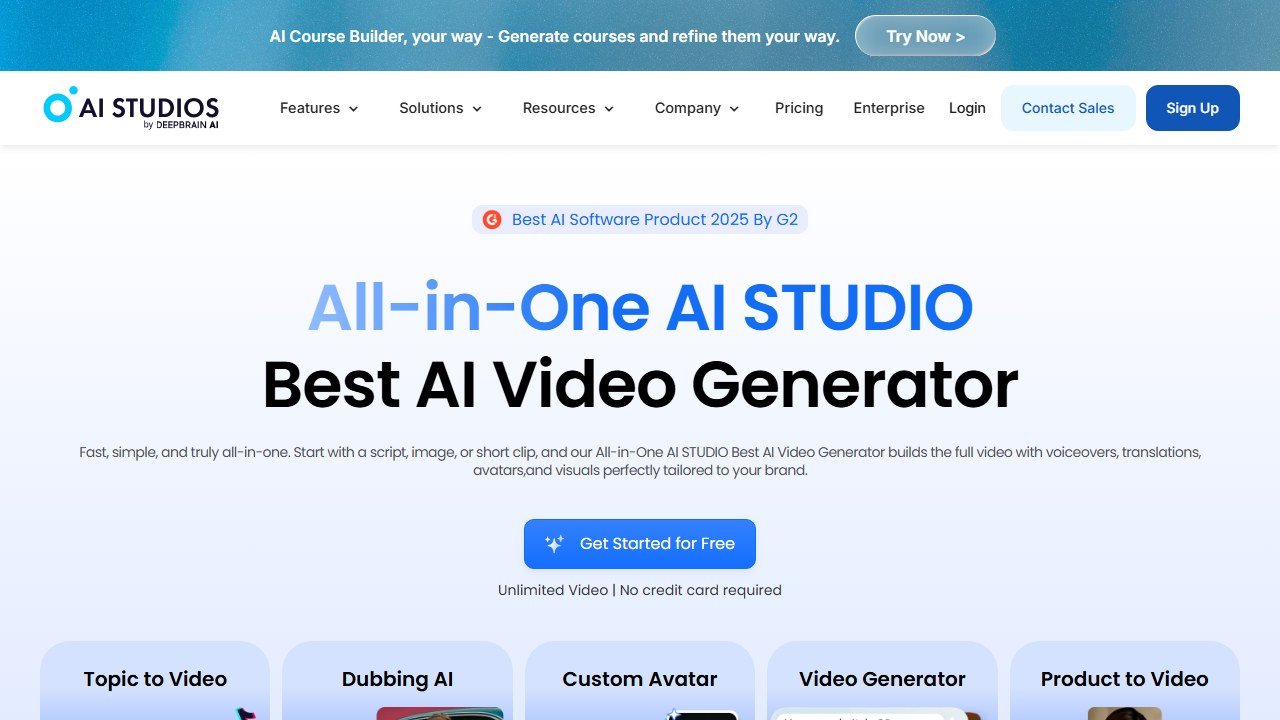
DeepBrain AI Studios deserves more attention from training buyers than it usually gets, largely because it does the unglamorous but important thing well: it puts SCORM export on its standard paid plans rather than burying it in a custom enterprise quote. For an L&D team that simply needs to push a steady stream of tracked, broadcast-quality avatar videos into an LMS for onboarding and compliance, that pricing decision alone makes it a serious contender against both Synthesia and the pricier alternatives here.
The core product is a clean all-in-one environment for generating avatar videos from a script, with lifelike digital humans and natural voiceovers across more than 110 languages. Top tiers add unlimited videos, 4K export, and account management. It is squarely aimed at formal corporate use, onboarding, compliance, and policy training, where you value consistency, polish, and reliable LMS delivery over creative flourish or deep interactivity.
Where it falls behind the leaders is interactivity. DeepBrain is fundamentally a high-quality talking-head and digital-human generator with strong localization and SCORM support, but it does not match Colossyan’s native branching and quizzing. If your training is mostly “deliver this information clearly, track that people completed it, and do it in many languages,” DeepBrain covers that comprehensively. If your training needs decision points and assessment baked into the video, you will want one of the top two.
Where it earns its place is the math. A common pattern is a mid-sized team that needs to localize a fixed onboarding curriculum into ten or fifteen markets and have every viewing recorded against an employee record. Tools that gate SCORM behind an enterprise contract make that a procurement project. DeepBrain lets you do it on a standard subscription, so the cost of being LMS-compliant stays predictable and you are not negotiating a custom quote just to get a completion report. For high-volume, low-interactivity, heavily localized training, that is a genuinely strong value position that gets overlooked because the brand markets less aggressively in Western L&D circles.
Strengths for training teams. SCORM export on standard plans rather than enterprise-only, 110-plus-language coverage, lifelike digital humans, 4K output, and a clear focus on compliance and onboarding workflows. Good value for tracked, localized, linear training at volume.
Honest weaknesses. Limited native in-video interactivity compared with the top two. Avatar realism is solid but trails HeyGen. The interface and ecosystem feel less polished and less L&D-tailored than Colossyan’s, and the brand is less familiar to Western procurement teams.
Pricing model. A per-seat SaaS subscription with a mid-range entry price, scaling to higher tiers that add unlimited videos, 4K, and support. SCORM is available on standard paid plans, which is the key differentiator. Official site: aistudios.com.
5. VEED: best for quick subtitled training clips
Score: 3.7/5
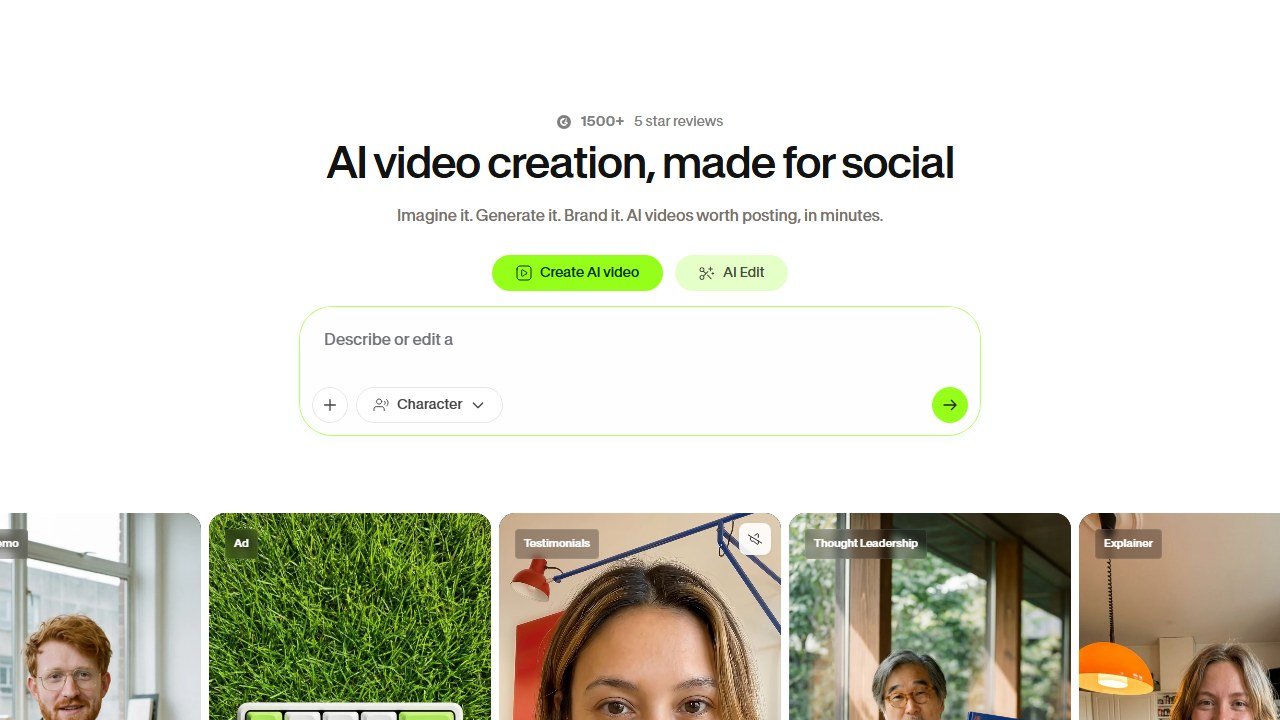
VEED is the pragmatic browser-based choice for teams that need to turn out a high volume of short, clean, well-captioned training and how-to clips without a heavy learning curve. It started life as an online video editor and grew AI features on top, and that heritage shows: the subtitle and caption tooling is among the best browser-based options anywhere, fast and accurate across more than 100 languages, with style control and export to SRT, VTT, and TXT or burned-in directly. For accessibility-conscious training, where captions are mandatory, that is a real strength.
On top of the editor, VEED offers AI avatars that generate talking-head videos from a script with synced lip movements, so you can produce a presenter-led clip when you need one. And on the L&D side, the Business tier includes SCORM and LMS integrations alongside SSO-protected video pages, collaboration, and built-in analytics, which is enough to deliver and track training modules properly.
The honest framing is that VEED is a capable all-rounder rather than a training specialist. The avatars are decent but not at the realism level of HeyGen, and there is no native in-video quizzing or branching, so it does not build interactive modules the way Colossyan does. Its sweet spot is fast, subtitled, editable training and product clips, repurposed for multiple channels, with SCORM delivery available when you need it.
Where VEED shines is the long tail of small training jobs that never justify opening a heavyweight authoring tool. The “how do I reset my password” clip, the two-minute new-feature walkthrough, the quick safety reminder, captioned and on-brand and out the door in under an hour. Because it lives entirely in the browser and the captioning is genuinely excellent across more than 100 languages, it is also a strong accessibility-first choice for organizations that must caption every internal video by policy. Think of VEED as the tool your team actually reaches for when the deadline is today, with SCORM and analytics on Business for the times those quick clips need to be tracked like real training.
Strengths for training teams. Excellent multilingual subtitles and captions, an easy browser-based editor, AI avatars when you want a presenter, and SCORM plus LMS integration and analytics on the Business tier. Great for high-volume short-form and accessibility-first content.
Honest weaknesses. No native quizzing or branching interactivity. Avatar realism lags the leaders. Avatars require the Pro tier or higher, and SCORM is gated to the Business tier, whose first-seat price is on the higher side with per-additional-seat fees.
Pricing model. A per-seat SaaS subscription with a free entry point, AI avatars unlocking on the Pro tier, and SCORM and LMS integration on the higher-priced Business tier (first seat plus per-additional-seat pricing). Official site: veed.io.
6. Descript: best for editing and repurposing training content
Score: 3.5/5
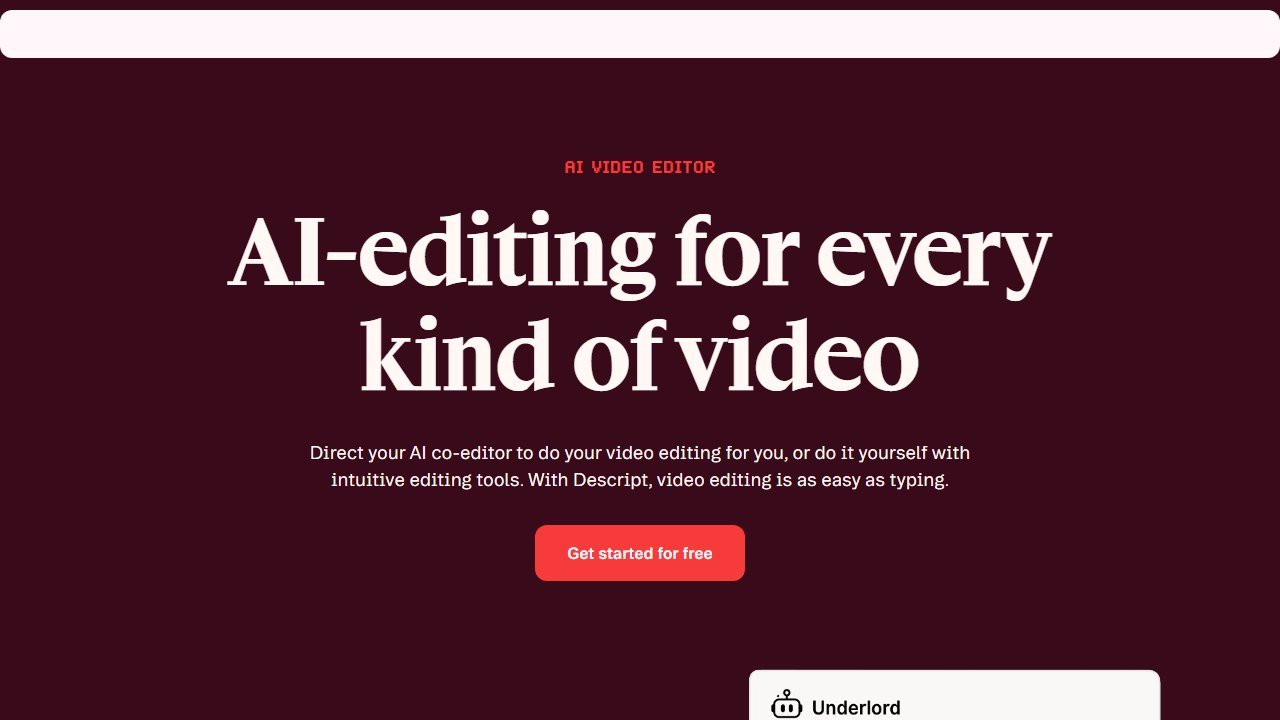
Descript earns its place not as an avatar-video generator but as the best tool here for editing, polishing, and repurposing the training content you already have. Its signature trick is editing video by editing text, you delete a word in the transcript and the video cuts to match, which makes trimming a long recorded session, a webinar, or an SME interview dramatically faster than a traditional timeline editor. For training teams sitting on hours of raw recorded footage, that is a genuine workflow superpower.
The 2026 version leans hard into AI. Overdub voice cloning recreates a presenter’s voice from a few minutes of audio (with added emotional control), the Underlord agent can draft scripts, summarize recordings, and pull out highlight clips, and generative B-roll fills visual gaps from a single sentence. The repurposing tooling is excellent: turn a long-form training session into captioned vertical shorts for internal social or microlearning, publish to multiple channels, and keep one source of truth. There are also 35-plus stock AI avatars and custom avatars from a photo if you do need a presenter.
The reason it sits in the lower half of a training-focused list is simple: Descript is not built for the LMS pipeline. There is no native SCORM export and no in-video quizzing or branching, so it does not produce tracked, assessable training modules on its own. Think of it as the production and repurposing layer that pairs with a dedicated L&D tool, not a replacement for one.
The realistic role for Descript in an L&D stack is upstream of delivery. A subject-matter expert records a rambling 40-minute screen-share explaining a process. Descript transcribes it, you cut the dead air and the tangents by deleting text, Underlord drafts a clean summary and pulls the three or four moments worth keeping, and you export polished segments that then go into Colossyan or your LMS as the raw material for a structured module. For teams whose biggest bottleneck is turning messy expert knowledge into usable footage rather than generating avatars, that editing speed is worth more than another talking-head generator would be.
Strengths for training teams. Best-in-class text-based editing for recorded sessions and SME interviews, powerful repurposing into shorts and microlearning, voice cloning and AI script and summary tooling, and basic AI avatars when needed. Superb for getting more mileage out of existing footage.
Honest weaknesses. No native SCORM export and no in-video quizzing or branching, so it is not a standalone LMS training tool. Avatars are a secondary feature and not photoreal. Heavy AI features can push you toward the higher tiers.
Pricing model. A per-seat SaaS subscription with a free tier to start and Hobbyist, Creator, and Business plans that scale editing minutes, AI features, and collaboration. Official site: descript.com.
7. Elai: best for interactive video on a published price
Score: 3.4/5
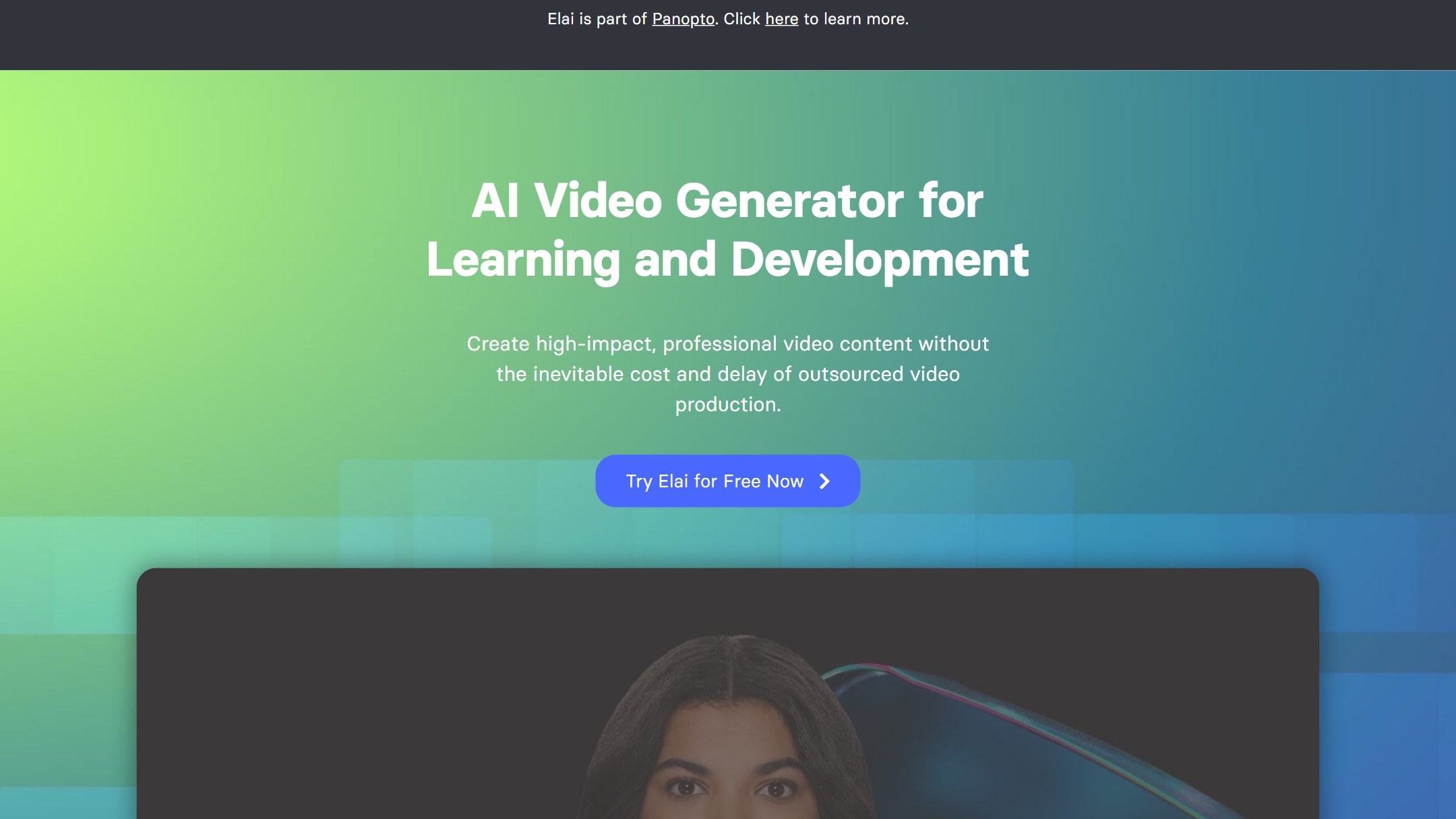
Elai is the most L&D-native product on this list after Colossyan, and it says so on the tin: the homepage headline is “AI Video Generator for Learning and Development” rather than anything about marketing reach. It converts a slide deck, a document, or a URL into a presenter-led draft, then lets you layer interactivity on top. Ownership note, because it changes who you are buying from: Elai was acquired by the video-learning platform Panopto in October 2024, and the site now carries an “Elai is part of Panopto” banner and a “powered by Panopto” mark in the logo.
The interactivity is the reason it earns a place. On the Team plan you get branching, buttons, hotspots, multi-select, and both text and image quizzes, which is a genuinely deep authoring set for a tool at this price. The Creator plan drops that to text-based quizzes only. Elai also lists more than 80 AI avatars, voice cloning across 28 languages, and coverage of 75-plus languages and 450-plus accents, all vendor-stated figures from its own marketing pages rather than something we can verify from outside.
Now the arithmetic that decides it for most training teams. Creator is $29 a month, or $23 a month billed annually, which comes to $276 a year for 15 minutes of video a month. Team is $125 a month, or $100 billed annually, which is $1,200 a year for 50 minutes a month and three editor seats. Fifty minutes a month is 600 finished minutes a year, so the Team plan works out at $2 per finished minute before anyone has re-recorded a single scene. If your training library is short, high-value modules, that is fine. If you are producing a long onboarding curriculum, the minutes ceiling, not the sticker price, is the number that will bite.
The bigger catch for this specific ranking is SCORM. Elai does export SCORM packages, but its own Enterprise page lists SCORM export as an Enterprise feature, and it does not appear on the Free, Creator, or Team tiers on the pricing page. In a ranking that weights LMS delivery above everything else, a tool whose tracked-output feature has no published price sits below the tools that print theirs, however good the authoring is.
Strengths for training teams. Genuinely deep interactivity on a self-serve plan, including branching and hotspots that most rivals reserve for enterprise tiers. Document, deck, and URL to video conversion aimed at exactly the L&D workflow. Broad language and voice coverage. A real free tier for evaluation, even at one minute a month.
Honest weaknesses. SCORM export is listed as Enterprise only, so the LMS-tracking use case has no published price. The minutes allowances are tight at every self-serve tier. The avatar library is smaller than Synthesia’s or HeyGen’s. And post-acquisition, the roadmap now answers to Panopto’s platform strategy, which is worth asking about if you are signing a multi-year deal.
Pricing model. Per-seat SaaS with published tiers: Free at $0 for 1 minute a month, Creator at $29 a month or $23 billed annually, Team at $125 a month or $100 billed annually with 3 editor and 3 guest seats, and a custom-quoted Enterprise tier with unlimited minutes and seats. Figures read from elai.io/pricing in July 2026. See the official site at elai.io.
How to choose
The right Synthesia alternative depends almost entirely on what kind of training you actually build, so start there rather than with the avatar demo reel.
If you build interactive courses that need to land in an LMS with tracking, pick Colossyan. Native branching, in-video quizzes, and SCORM export on transparent paid tiers make it the only tool here that produces a genuine interactive training module end to end. This is the default recommendation for most L&D teams leaving Synthesia, and the reason it tops the list. If your KPIs are completion rates and assessment scores, this is the fit.
If avatar realism is your single biggest gripe with Synthesia and you still need L&D features, pick HeyGen. You get the most lifelike presenter in the category, the widest language coverage, and SCORM plus interactivity on the Business tier. Just budget for the premium-credit model on the most realistic avatars, and accept that the interactivity is a capable add-on rather than the core of the product.
If your training is scenario-driven and a real human face would feel wrong, pick Vyond. Compliance role-plays, conflict scenarios, and “what would you do” content are where animation beats avatars. Just plan for Enterprise pricing if you need SCORM, and accept that native in-video quizzing is not on the menu.
If you mainly need tracked, localized, linear training at volume without paying enterprise prices for SCORM, pick DeepBrain AI Studios. It is the value play for onboarding and compliance at scale, with SCORM on standard plans and broad language support.
If your need is fast, captioned, accessibility-first clips, pick VEED. It is the quickest path to clean subtitled training and how-to videos in the browser, with SCORM available on Business when you need to deliver and track them.
If you are sitting on hours of recorded sessions and webinars, pick Descript. It is the best editing and repurposing layer, not an LMS tool, so pair it with one of the delivery platforms above rather than treating it as a standalone training solution.
If you want deep interactivity without an enterprise contract, look at Elai. Branching, hotspots, and image quizzes land on its self-serve Team plan. Just confirm what SCORM export costs before you commit, because that one sits on the Enterprise tier.
A few cross-cutting checks worth running before you commit. Confirm where SCORM lives in the pricing, because several tools gate it behind their top tier, which can quietly double your real cost. Test the per-seat math against your actual number of designers and reviewers, since per-seat pricing is what makes Synthesia expensive in the first place and some alternatives repeat the pattern. Run your real scripts through a free trial to judge avatar quality and moderation behavior on your specific content, especially if you produce compliance, medical, or HR material that strict moderation tends to flag. And if interactivity matters at all, verify whether quizzing and branching are native or require a third-party tool, because that distinction separates a video from a course. For the broader toolkit beyond video, our guides to the best AI instructional design tools and the best AI corporate training tools cover authoring, assessment, and delivery in more depth.
Our verdict
For the L&D buyer who wants an AI avatar or video tool instead of Synthesia, Colossyan is the best overall choice and our top pick at 4.7 out of 5. It is the one tool here that was clearly built training-first, and it is the only one that delivers native branching, in-video quizzing, and SCORM export together on transparent, non-enterprise pricing. If you measure training by completion and assessment data rather than view count, it is the most direct upgrade from Synthesia you can make, and it sidesteps the per-seat cost creep and locked-away features that drive teams to look elsewhere in the first place.
HeyGen is the strong runner-up at 4.5 out of 5, and the better pick if avatar realism and language reach are your priorities and you are comfortable with the Business tier and its credit model for premium avatars. Beyond the top two, the choice gets situational fast: Vyond at 4.2 for animated scenario training, DeepBrain AI Studios at 4.0 for tracked, localized training at value pricing, VEED at 3.7 for quick captioned clips, Descript at 3.5 as the editing and repurposing layer, and Elai at 3.4 for deep interactive authoring on a published price, provided you can live with SCORM sitting on its Enterprise tier.
Whichever way you lean, do the same homework before you switch: trial your own scripts, check exactly where SCORM and interactivity sit in the pricing, and run the per-seat math against your real team size. Synthesia is a fine product, but for training specifically, the field has caught up and, in Colossyan’s case, pulled ahead on the features that actually decide whether a video becomes a course. If you want the full context on what you are leaving, our Synthesia review lays out exactly where it still shines and where these alternatives now beat it.
Tools mentioned in this guide

Written by
FazFaz is the founder of AIToolsBakery. Some tools here are tested hands on. Others are assessed from vendor documentation and pricing verified on the live page, and every review says which one it is. Sponsors can buy a position in a guide. They cannot buy the score, the criticism, or silence about a better option.
How we test and how we make money →Frequently Asked Questions