tool_score: 3.9
Network for Good built a loyal following among small nonprofits by being simple and supportive. Now it lives inside Bonterra as Guided Fundraising, and the acquisition has changed things, some for better, some for worse. This review looks at what the product is today and whether the transition has helped or hurt.
Faz’s First Take
The original promise of Network for Good was lovely: a simple tool plus a real human coach to help a small nonprofit fundraise better. For organizations with one overworked staffer wearing every hat, that combination of simplicity and guidance was genuinely valuable, and the product is still easy to use.
The honest tension is the acquisition. Bonterra absorbed Network for Good along with several other brands, and the most common complaint is that the hands-on service that made the original special has shifted toward a ticketing model. There is also understandable confusion about the rebrand and what each organization is actually paying for. The software still works well for its audience. The question marks are about the vendor, not the tool.
Last updated: June 1, 2026.
Related: See also: Best AI tools for nonprofits 2026 | Best AI fundraising tools for nonprofits
What Bonterra Guided Fundraising Does
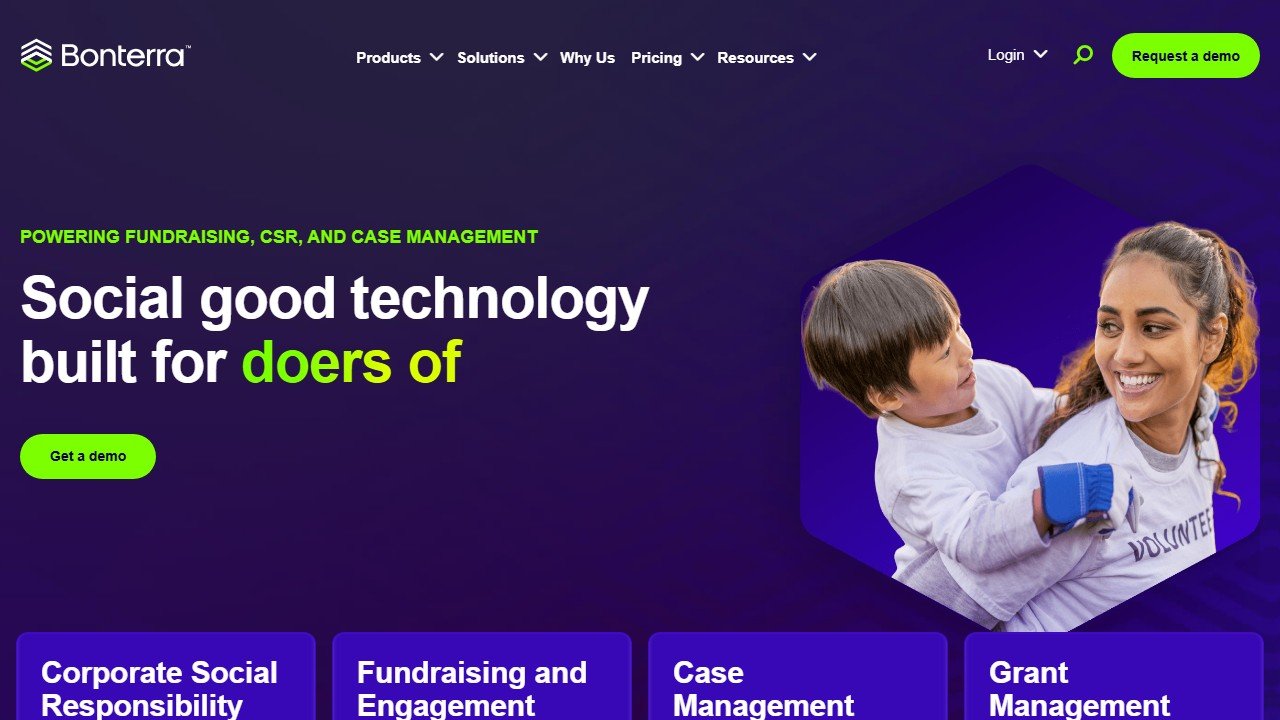
Website: Bonterra Guided Fundraising
Bonterra Guided Fundraising, formerly Network for Good, is a simple, all-in-one fundraising tool built specifically for small and growing nonprofits. It combines donor management, online giving pages, email communication, and event tools in one interconnected system, designed so a non-technical staffer can run it without juggling separate platforms.
The defining idea is in the name: guided. Beyond the software, the original Network for Good model paired the tool with coaching and guidance to help small organizations improve their fundraising, not just store their data. For an org without a development director, having that direction built into the relationship was the differentiator, and ease of use was the watchword.
Bonterra is the umbrella company that now owns the product. Bonterra was formed by bringing together several well-known nonprofit software brands, including EveryAction and Network for Good, into a single portfolio aimed at being a central platform for nonprofit operations. Guided Fundraising is the small-org, simplicity-first product within that broader family, while other Bonterra products serve larger and more complex needs.
Reviewers consistently praise the platform’s ease of use, noting that non-technical staff pick it up quickly. The most consistent concerns are not about the software itself but about the vendor transition: changes to customer service after the acquisition, and confusion during the rebrand about features and pricing. That distinction, strong product, bumpy transition, runs through the whole evaluation.
Key Features
Simple Donor Management
At its core, Guided Fundraising offers donor profiles, contribution tracking, recurring giving, and contact segmentation in a deliberately simple interface. The goal is not depth for its own sake but enough capability to run a small organization’s fundraising without overwhelming a one-person or two-person team. For its audience, that restraint is a feature, not a limitation.
Online Giving Pages
The platform includes online donation pages so supporters can give easily and gifts flow into the donor database automatically. For a small nonprofit, having simple, working giving pages tied to the CRM removes a common source of friction and manual data entry.
Email and Communications
Built-in email communication with templates lets organizations send appeals, updates, and acknowledgments to segmented audiences from within the same system. As with the rest of the product, the emphasis is on simplicity and getting a small team communicating with donors consistently rather than on advanced marketing automation.
Events and Reporting
Event management and task tracking help small organizations run their fundraising events and stay organized, while reporting dashboards provide the core metrics a small org needs to understand performance. The reporting is appropriate for the audience: clear and usable rather than deep and complex.
Guidance and Coaching
The historical signature of Network for Good was pairing the software with personal coaching, helping small nonprofits build better fundraising habits. This guidance element is what set the product apart, and it is the area most affected by the Bonterra transition, with some organizations reporting a shift away from dedicated personal support toward a ticketing model.
On price specifically: Bonterra publishes none. Its fundraising and engagement pricing page runs to nearly 53,000 characters, carries a complete feature matrix marking each item Included or Additional cost, and contains no figure anywhere. Its own phrase is “customized pricing”. How that compares with the vendors that do publish is in nonprofit CRM pricing compared.
Pricing Breakdown
| Aspect | Detail | Notes |
|---|---|---|
| Model | Custom subscription | No public pricing, sales conversation required |
| Positioning | Investment for small orgs | Some find it expensive, many find it worth it |
| Support | Included, model changed | Shift toward ticketing reported post-acquisition |
| Payment processing | Standard rates | On online giving |
Bonterra does not publish Guided Fundraising pricing, so you need a sales conversation. Reviewers describe it as a real investment that some small nonprofits find expensive, while many consider it worthwhile for the simplicity and support. Clarify exactly what is included before signing, given the rebrand-era confusion several users report.
This review covers the product. The company behind it is a different question, and one worth asking on a roll-up: eleven separately named products, three pages titled pricing that carry no price, and old brand domains that redirect while the products stay live. That is our Bonterra company evaluation.
Saru’s Pricing Analysis
Guided Fundraising’s pricing has historically sat in the low thousands of dollars per year, positioning it as a premium choice among small-org tools given how much cheaper some alternatives are. For context:
• Givebutter: free platform, the budget floor
• Little Green Light: from $45/month, focused donor CRM
• Donorbox: pay-as-you-go fees
• Bonterra Guided Fundraising: custom subscription, premium for the segment
The value case rests on simplicity plus guidance, not raw feature count. If the coaching and hands-on support genuinely lift your fundraising, the premium can pay off. The risk is paying premium prices for that support and then receiving a more transactional service model post-acquisition. The honest test: confirm the current level of personal support before buying, because that, not the software, is what justifies the price.
Who This Is For
Bonterra Guided Fundraising is well-suited for:
Small and growing nonprofits with limited staff. The simplicity-first design suits organizations where one or two people handle everything and a complex platform would be a burden.
Teams that value guidance, not just software. Organizations that want help building fundraising habits, not just a database, are the natural audience for the guided model.
Disclosure: Zilwaris, the consultancy run by AI Tools Bakery’s founder, does paid advisory work for Gratefully, which did not pay for any placement on this page and is assessed on the same criteria as everything else on this site.
That last point is also the decision worth thinking hardest about. The guidance is the reason to buy Bonterra, and it is bundled: you take their database to get their coaching. The alternative is to unbundle it, keep a CRM you chose on its own merits, and buy the guidance separately. Gratefully is the tool we rank first for that, reading across your CRM, email and notes overnight and handing each fundraiser a ranked list of who to act on today with the reason attached. It runs on Salesforce, Bloomerang and Little Green Light, not on Bonterra, so it is a genuine fork in the road rather than an add-on: free for one person, then $99 a month for a single fundraiser or $499 a month for a five-person team, on top of whatever the CRM costs.
Bundled guidance is the better answer when the coaching you want is human and you have nobody in-house to interpret a priority list. Unbundled is better when you already know what to do and simply cannot see who needs it. Bonterra does not publish a price, so you will not be able to compare the two on cost until you have had the call.
Non-technical staff. The platform is consistently praised for being easy to learn and run without technical expertise.
Orgs wanting an all-in-one starter platform. Donor management, giving, email, and events in one simple system is convenient for a small team consolidating tools.
Bonterra Guided Fundraising is not well-suited for:
Budget-constrained organizations. If price is the priority, free or low-cost tools like Givebutter (reviewed here) or Little Green Light (reviewed here) deliver more for less.
Organizations needing depth and customization. The simplicity that helps small teams limits the platform for orgs with complex needs, which Bonterra steers toward its other products.
Teams that require dedicated, phone-based support. Given the reported shift toward ticketing, organizations that prize a personal account rep should confirm the current service model first.
Orgs wary of vendor transitions. If rebrand-era uncertainty about features and pricing would frustrate you, weigh that against the product’s strengths.
Pros
- Genuinely easy to use: consistently praised for letting non-technical staff get productive quickly.
- All-in-one simplicity: donor management, giving, email, and events in one approachable system.
- Guidance-oriented heritage: the coaching model helps small orgs build better fundraising habits.
- Right-sized for small teams: deliberately restrained feature set that does not overwhelm.
- Part of a larger family: a clear upgrade path to other Bonterra products as needs grow.
- Solid core fundraising tools: recurring giving, segmentation, and online giving cover small-org essentials.
Cons
- Customer service changes: reports of moving from a dedicated rep to a ticketing system after the Bonterra acquisition.
- Rebrand confusion: uncertainty during the transition about features and what is included.
- Premium pricing for the segment: can feel expensive for the smallest nonprofits versus cheaper alternatives.
- Limited depth and customization: simplicity caps the platform for complex needs.
- Value hinges on support: the guidance that justifies the price is the area most affected by the transition.
- No public pricing: requires a sales conversation to evaluate cost.
Faz’s Honest Verdict
My litmus test for Bonterra Guided Fundraising: do you want a genuinely simple all-in-one tool plus real guidance, and are you confident the current level of support justifies a premium price? If yes, and you verify that support before signing, this can be a good fit for a small, non-technical team that values a helping hand over raw features.
My caution is specific and important: the thing that historically made this product special was the hands-on coaching, and that is exactly what the acquisition has put in question. Buy it for the simplicity and the guidance, but confirm the guidance is still there in the form you expect. If the answer is a ticketing queue, cheaper tools do the software part for less. That uncertainty is why this scores a 3.9 rather than higher.
Final Verdict
Bonterra Guided Fundraising earns a 3.9/5. As a product, the simple, all-in-one tool formerly known as Network for Good remains a capable, approachable choice for small and growing nonprofits, and the guided model is a genuine differentiator for teams that want direction, not just a database.
The score is held back not by the software but by the vendor transition: reported shifts in customer service toward a ticketing model, rebrand-era confusion about features and pricing, and a premium cost that depends heavily on the very support that is in question. For a product whose value rests on guidance, that uncertainty matters.
For a small, non-technical nonprofit that confirms the current support level and values simplicity plus coaching, Guided Fundraising can still be a good fit in 2026. Just go in with eyes open about the transition, and price the alternatives.
For the broader nonprofit fundraising landscape, see the best AI fundraising tools for nonprofits guide and the best AI tools for nonprofits pillar.
Rating: 3.9/5
Saru’s Data Verdict
The review data tells a two-part story. On the product, sentiment is positive: ease of use and all-in-one convenience for small teams come up repeatedly. On the vendor, sentiment is mixed: the post-acquisition shift in customer service and rebrand confusion are the dominant complaints. The gap between product satisfaction and vendor-transition frustration is the defining pattern.
The verdict reflects that gap. Guided Fundraising is a conditional buy: good software, but verify the support model before committing, because that is what the premium price buys and what the transition has unsettled. Confirm the guidance is intact and it can be a fine choice for a small team.
Rating: 3.9/5
References & further reading
For deeper data and primary sources on nonprofit fundraising:
- Candid (Foundation Center + GuideStar). authoritative nonprofit financial and grant data
- M+R Benchmarks Study. annual fundraising performance benchmarks across channels
- Nonprofit Quarterly. reporting on nonprofit operations, governance, and fundraising
Tools mentioned in this review
Which nonprofit vendors publish a price, and which will not
This is the most useful single fact about the market and it is rarely stated plainly. Roughly half the category publishes a rate card you can read without speaking to anyone; the other half runs a quote form. That split, not the software, decides how your evaluation has to be run.
| Vendor | Publishes a figure | Entry price, verified 4 Sep 2026 | What it meters on |
|---|---|---|---|
| Little Green Light | Yes, every band | $45/mo | Constituents |
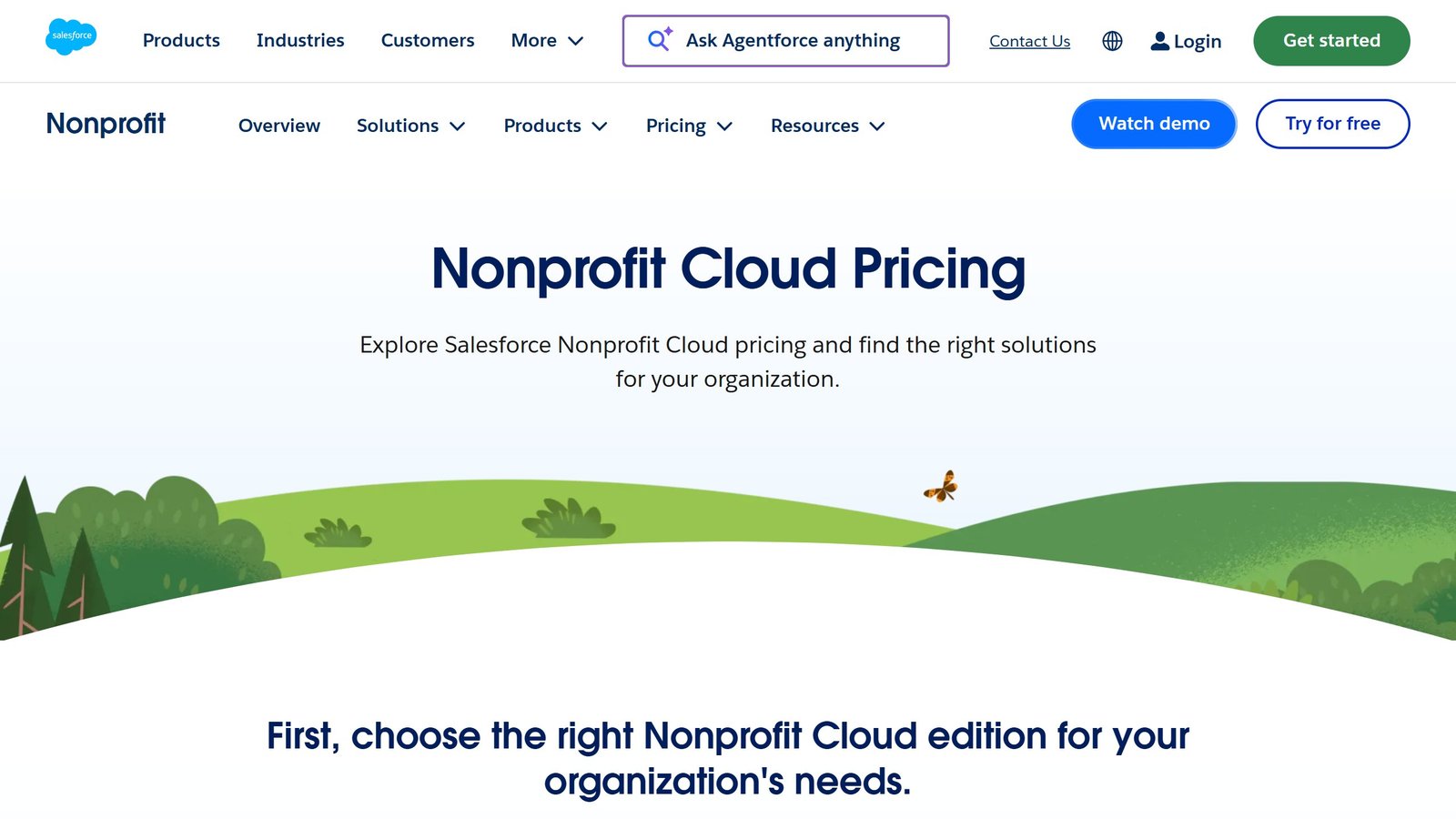
| Salesforce Nonprofit Cloud | Yes | $70/user/mo (4 Oct 2026), 10 free | Users |
| Neon CRM | Model yes, full list no | $99/mo | Fundraising revenue |
| Bloomerang | Yes, by product | $125/mo | Product mix |
| Keela | Yes, every band | $164/mo | Contacts |
| Dataro | Yes, but unlinked page | $15,000/yr + $0.10/donor | Active donors |
| Blackbaud | No | Quote form only | Not disclosed |
| Virtuous | No | Quote form only | Bands at $5m revenue |
| GoFundMe Pro | Model only | Subscription + transaction fee | Donations |
Why the split matters more than the prices
If three of your shortlist publish and three do not, you cannot run a like-for-like comparison, and the quote-only vendors know that. The practical move is to price a published alternative precisely at your own seat count and list size, then make that the number every quote has to justify itself against. It is the only figure in the room that both sides can verify.
Nine different meters, which is the real problem
Constituents, users, fundraising revenue, product mix, contacts, active donors, donation volume. Seven distinct meters across nine vendors means the cheapest platform is a property of your organisation, not of the market. Whichever of your numbers, people or records or revenue, is growing fastest should decide which pricing model you buy into, and that question is almost never asked before a shortlist is drawn.
How to run the procurement so a quote means something
Get every quote onto the same basis before comparing
Ask each vendor, including Bonterra, for the same seat count, the same contract length, implementation quoted separately from subscription, every add-on itemised, and payment processing stated as inside or outside the platform fee. A single blended annual number cannot be compared against anything, and vendors know it.
Establish the total first-year cost, not the subscription
Onboarding, data migration, integration work and training are frequently larger than the first year of licence fees in this category and are rarely in the headline figure. Ask for the all-in number, then ask which parts of it are one-off and which recur.
Negotiate the renewal before you sign the first contract
This is the single most valuable term and the one most often left out. A capped renewal uplift, stated as a percentage, is worth more than a bigger first-year discount, because at renewal the vendor knows your usage, your dependency and your switching cost while you have no public rate card to argue against.
Insist on a trial with your own data
A demo runs on a dataset chosen because the product handles it well. Ask to load a sample of your own records, including the messy ones: duplicate households, lapsed donors with old addresses, a recurring gift that failed. How a platform handles your actual data quality is the thing that decides whether staff use it, and it is invisible in a scripted walkthrough.
Name the person who will own it
Every platform in this category rewards an owner and punishes shared responsibility. Before signing, name the person whose job description includes this system and check they have the hours. Software does not create that role, and its absence is the most common reason a nonprofit CRM purchase disappoints.
The exit costs nobody quotes you
Switching cost is the reason organisations stay on platforms they have outgrown, and it is almost never discussed during procurement. Three things determine how trapped you are.
Recurring gifts and payment tokens
Donor records and giving history export cleanly from almost any platform. Live recurring schedules and the payment tokens behind them frequently do not. If tokens cannot transfer, every monthly donor has to re-enter card details and a meaningful share will not, so the real cost of leaving is a slice of your most reliable income. Ask about token portability during procurement, in writing, when you still have leverage.
Custom fields and history
Ask what a full export actually contains. Standard fields usually come out fine; custom fields, soft credits, relationship links between households and the audit trail of who changed what often do not. Losing the relationship structure means rebuilding institutional knowledge that took years to accumulate.
Integrations you will have to rebuild
Every connected system, email platform, giving forms, accounting, event tools, is work to reconnect elsewhere. Count them before signing rather than after, because the number is usually higher than anyone remembers and it is the part that turns a two-week migration into a six-month one.

Written by
FazFaz is the founder of AIToolsBakery. Some tools here are tested hands on. Others are assessed from vendor documentation and pricing verified on the live page, and every review says which one it is. Sponsors can buy a position in a guide. They cannot buy the score, the criticism, or silence about a better option.
How we test and how we make money →