You hit a ball, it leaks right, and you have no idea why. Was it the face? The path? Your lead wrist cupping at the top? Standing on the range with a bucket of balls and a vague feeling that something is off is the most common way amateur golfers waste an hour. The promise of an AI golf swing analyzer is simple: point a phone (or strap on a sensor), make a swing, and get a number and a picture instead of a feeling.
We reviewed seven of the most talked about options on a real range over several sessions, with a mix of a mid handicap and a near scratch player, plus phone cameras of different ages. This roundup is about what each one actually does when you are sweaty, the light is bad, and you just want to know if your shoulder turn improved.
A note on who we are. AIToolsBakery is independent. We sell none of these apps and take no cut if you buy one. Search for “best golf swing analyzer” and you mostly get the vendors talking about themselves or affiliate lists ranking whoever pays the highest commission. We are neither. Pricing and features in golf software change fast, so treat every number here as a starting point and confirm the current price on the vendor page before you pay.
The 30-second answer: Want true 3D body data from a phone? Sportsbox AI. Coaching workflow and pro comparison? V1 Golf or OnForm. Lead wrist angles, the data most slices live in? HackMotion (a sensor, not an app alone). On-course strategy and stats? Arccos. Free GPS plus light tips? SwingU.
Quick answer: Sportsbox AI gives real 3D swing data from a single phone camera, OnForm is the best coaching platform with 3D added, and V1 Golf has the deepest pro comparison library. Use them to see yourself clearly and track one change at a time; leave the diagnosis to a coach.
First, sort the jobs these apps actually do
“Swing analyzer” gets used for four different jobs that have almost nothing to do with each other. Buy the wrong category and you will be disappointed no matter how good the app is.
The first job is 3D motion capture: turning a 2D phone video into a model of how your body moves, with real angles for hip turn, shoulder turn, sway, and lift. The second is 2D video review: high frame rate capture, drawing lines on the screen, and comparing your swing side by side with a tour pro. The third is sensor-based measurement: a physical device that reads something a camera struggles to see, like the exact angle of your lead wrist. The fourth is on-course data: tracking real shots during a round to tell you where you are actually losing strokes, which has nothing to do with your swing on camera.
Most golfers think they want number one and actually need number four. Decide which job you are buying before you read the prices.
Sportsbox AI: the real 3D data, from one camera
Sportsbox AI is the one that genuinely earns the “AI” label for most golfers. It is markerless and sensor free: you record one slow motion swing from the face on angle, and it builds a 3D model that spits out measurements coaches normally need a multi thousand dollar studio to capture. Hip sway, hip turn, chest bend, lead arm, you can track a specific number, set a goal around it, and watch it change session to session.
In testing, the value was in the goal feature. Instead of drowning in metrics, you pick one fault, say too much early hip sway, and the app shows that single number after every swing. That is far more useful than a wall of data you cannot act on.
Pricing is qualitative here because tiers shift, but the free version lets you analyze a small number of swings per month with limited measurements, and the paid plan (in the region of a hundred dollars per year when we looked) unlocks unlimited swings and the full data set. The honest limitation: it reads the body, not the club or the ball. It will tell you your hips slid, but it will not trace your ball flight or tell you the clubface was open. It is a body movement tool, full stop.
OnForm: the coaching platform with real 3D added
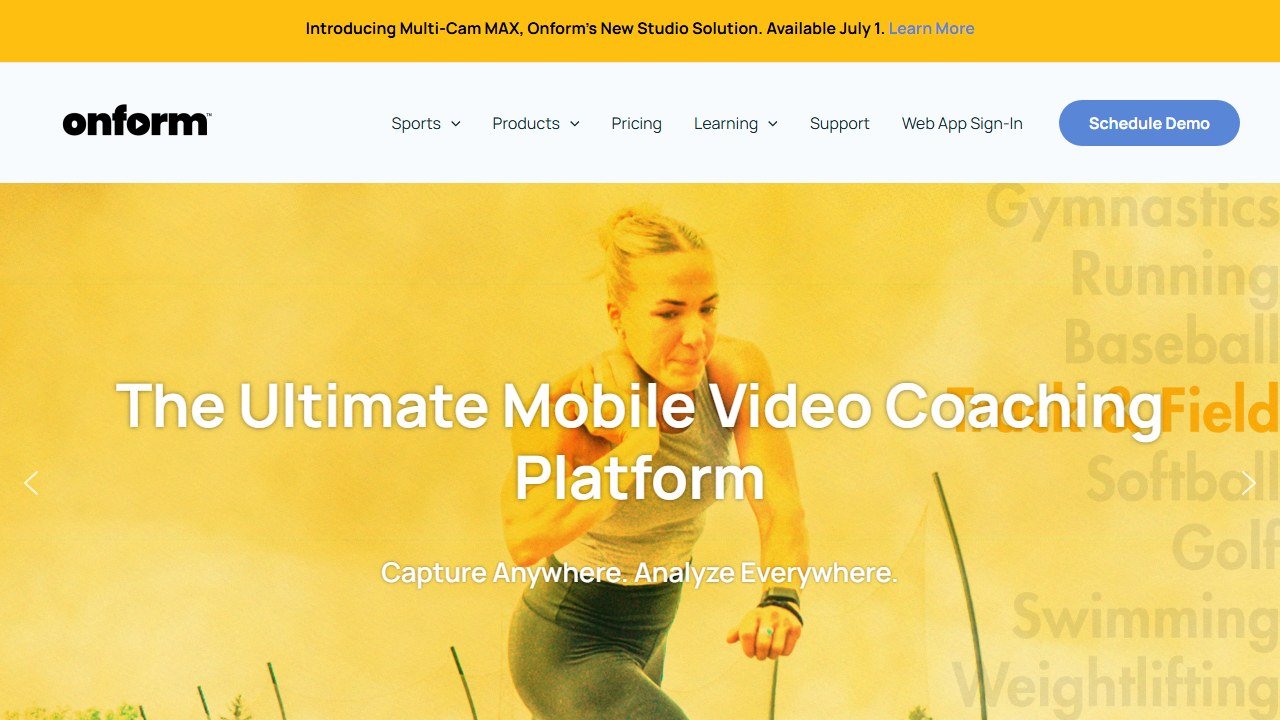
OnForm started as a video analysis app built for coaches, and that is still its center of gravity. You get high frame rate capture (up to 240fps), auto swing detection so you are not fumbling to start recording, drawing tools, voiceover, multi cam, and easy sharing with a coach. In 2026 it also added markerless 3D motion capture from a single phone, putting it on the same field as Sportsbox for body metrics like torso and hip rotation, bend, lift, and sway.
We found OnForm strongest when there is a human on the other end. If you take lessons, your pro can record, mark up, voice over, and send the clip back, all inside one tidy workflow. For pure solo use it is excellent for recording and comparing, and the 3D feature is a real bonus.
Pricing is subscription based and aimed partly at coaches, so confirm the current student tier on their site. The honest limitation: OnForm is a measurement and communication platform, not an AI that scolds you. It will not tell you, unprompted, what is wrong with your swing. It shows you yourself clearly and gives a coach the tools to explain it.
V1 Golf: the pro comparison library
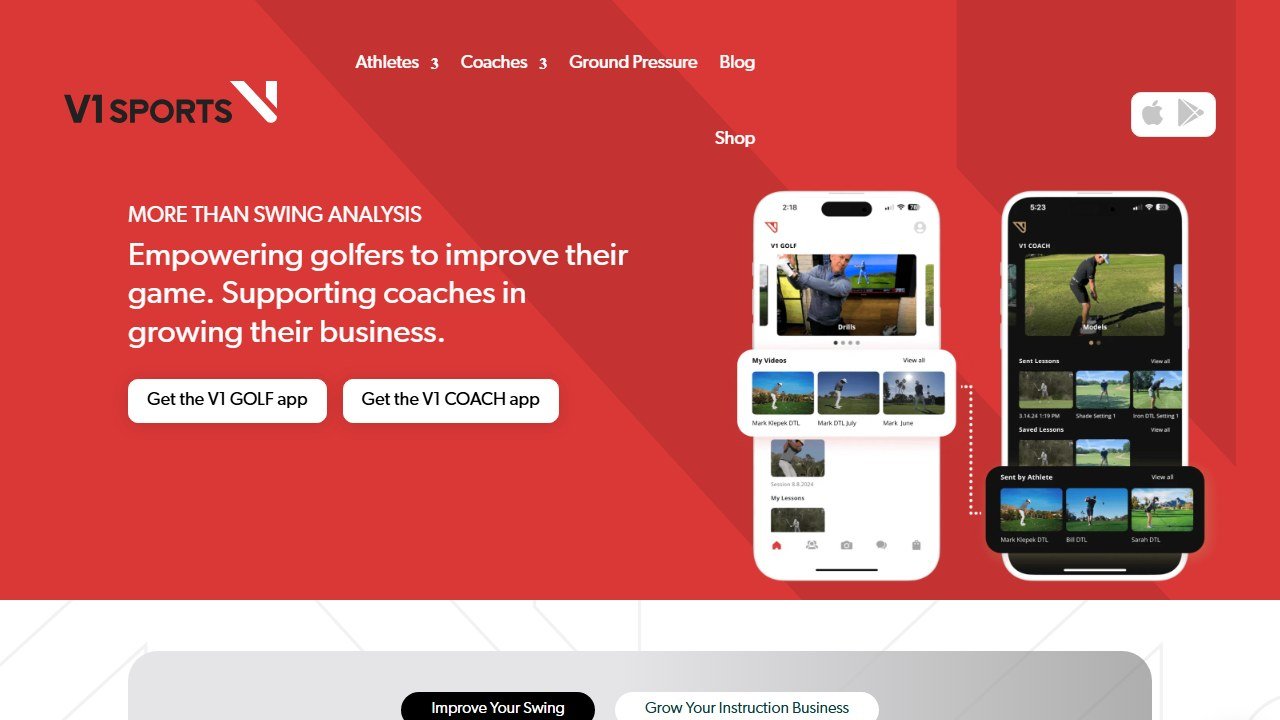
V1 Golf is the long running name in 2D swing analysis, and its calling card is the library of PGA Tour swings for side by side comparison. You record, the app can auto trim to the swing, and you line yourself up next to a pro at matched positions. It has added skeletal tracking and key frame detection, and it connects you to real V1 certified coaches for paid lessons.
This is the app for the visual learner who improves by mimicking. Seeing your over the top move next to a tour pro’s shallow transition, frame matched, clicks for a lot of people in a way that a number never will.
Pricing has a free tier for basic recording and comparison, with paid features and lessons on top, so check current rates before committing. The honest limitation: despite the skeleton overlays, V1 does not have coaching AI that diagnoses your fault. It is a brilliant mirror and comparison tool, not a brain that says “your problem is X, do drill Y.”
HackMotion: the wrist data most slices live in
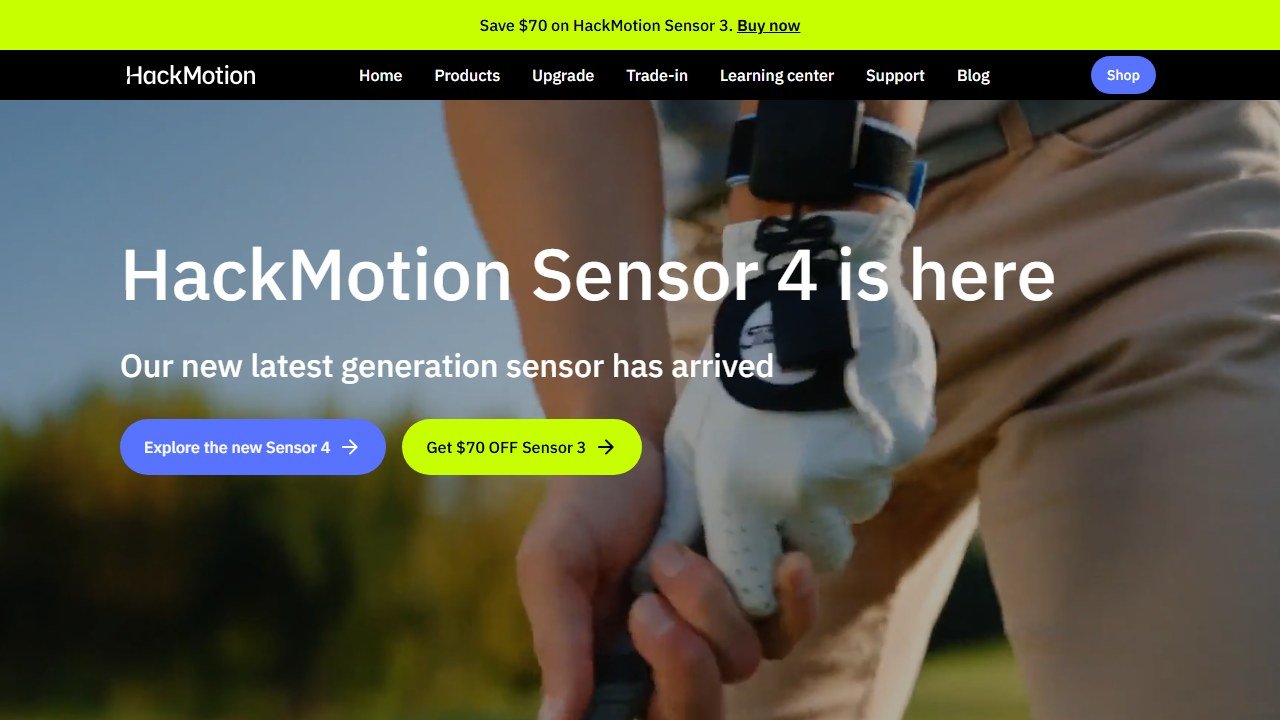
HackMotion is not a camera app, it is a wrist sensor, and we include it because for a huge slice of golfers (literally, slicers) the answer is hiding in wrist angles a camera cannot see well. You strap a small sensor to your lead wrist and hand, and it reads flexion, extension, and rotation through the whole swing, with live audio feedback so you can train a position in real time. Casting, cupping, a clubface that is wide open at the top, this is the tool that puts a number on all of it.
In use, the live feedback tone is the standout. You can groove a flatter lead wrist at the top by sound alone, no screen needed, which is genuinely hard to do any other way.
Pricing is hardware, not a subscription: the core sensor sits in the few hundred dollars range, with pricier Plus and Pro tiers for putting and advanced metrics, and a lifetime app license rather than a recurring fee. Confirm current pricing and tier differences on their site. The honest limitation: it only measures the wrist. It is the deepest tool here for one specific (and very common) cause of bad shots, and silent about everything else. Reviewers agree it rewards a committed, data driven golfer and frustrates a casual one.
SwingU: the free GPS app with light AI extras
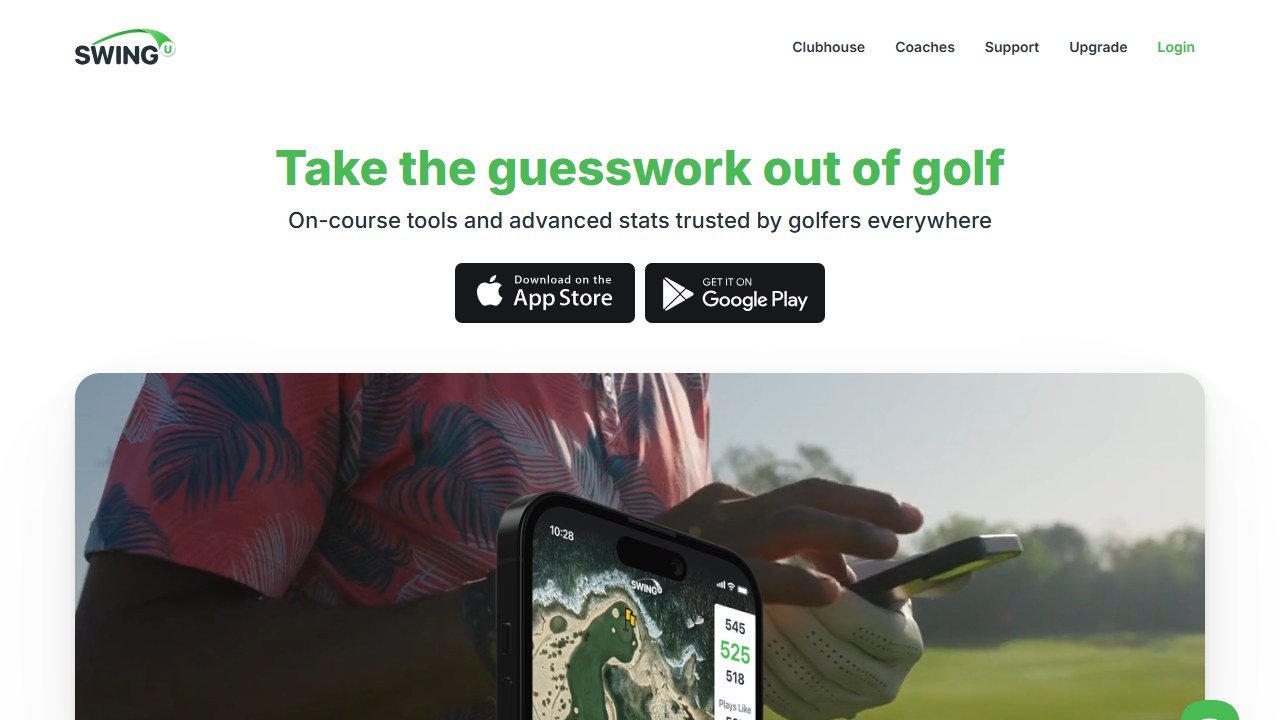
SwingU is the odd one out and earns its place by being the free starting point millions already have. Its core is a GPS rangefinder for tens of thousands of courses, and it layers in AI flavored extras: yardages adjusted for conditions, strokes gained style stats, and a basic swing analyzer in the higher tiers.
We list it for the golfer not ready to spend, who wants distances on course and a little structure without buying hardware or a serious analysis subscription. The free GPS alone is worth the install.
Pricing has a genuinely usable free tier, with a paid plan unlocking the deeper stats and analysis features, so check what sits behind the paywall now. The honest limitation: SwingU is primarily a course management and GPS app. Its swing analysis is light compared to Sportsbox, OnForm, or V1. Treat it as a generalist that does GPS very well and swing work as a side feature.
Arccos Caddie: the on-course data engine

Arccos answers the fourth job, the one most amateurs ignore. It is not about your swing on camera at all. Smart sensors screw into the butt of each grip, pair with the app, and automatically log every shot you hit during a real round. From that it builds strokes gained analytics, smart club distances, and an AI caddie (built with Microsoft, trained on a very large shot dataset) that recommends club and strategy on each tee, adjusted for wind and elevation.
In testing this is the most humbling tool here, because it shows where you actually lose strokes, often the wedges and putting, not the driver you obsess over. It changes practice priorities more than any swing overlay.
Pricing is hardware plus a subscription, so factor both and confirm current rates on their site. The honest limitation: Arccos will not fix your swing. It tells you where the leaks are and what to play, but the mechanics are still on you. It is a strategy and stats engine, not a coach.
Golf AI: the camera-first auto-coaching newcomer
Golf AI represents the newer wave: a phone camera app that tries to close the gap the others leave open, actually telling you what is wrong rather than just measuring. You record a swing and it returns automated analysis with detected faults and suggested drills, leaning on pose estimation and a coaching layer on top of the data.
We include it as the category to watch in 2026. When auto diagnosis works, it is the closest thing to a coach in your pocket, and it is cheaper and faster than booking a lesson.
Pricing is typically a low cost subscription with a limited free trial, so confirm before paying. The honest limitation, and it applies to every auto coaching app right now: the diagnosis is only as good as the camera angle, the lighting, and the model’s training. Feed it a bad face on video in poor light and it will confidently tell you the wrong thing. Treat the advice as a strong hypothesis to test, not gospel.
The 7 apps compared
| App | What it does best | Best for | Price or free tier |
|---|---|---|---|
| Sportsbox AI | True 3D body data from one phone camera | The golfer chasing a specific body movement fix | Free tier (a few swings per month), paid around $100 per year |
| OnForm | 2D video plus added 3D, built for coaching | Anyone who takes lessons or wants a clean workflow | Subscription, confirm student tier |
| V1 Golf | Side by side comparison with PGA Tour swings | The visual learner who improves by mimicking | Free basic tier, paid features and lessons |
| HackMotion | Lead wrist angles via sensor with live audio | Slicers and casters with a wrist fault | Hardware, few hundred dollars, lifetime license |
| SwingU | Free GPS plus light AI stats and analysis | The golfer not ready to spend yet | Strong free tier, paid for deeper features |
| Arccos | Automatic on-course shot tracking and AI caddie | Players who want to know where strokes actually go | Hardware plus subscription |
| Golf AI | Camera-based auto diagnosis and drills | Trying coaching-style feedback without a lesson | Low-cost subscription, limited free trial |
A lean way to start
You do not need to buy three of these. Try this order before spending real money.
- Film your swing in your phone’s slow motion mode, face on and down the line, in good light. Two angles, three swings each.
- Watch them back honestly. Most faults are visible to the naked eye once you actually look.
- If you want body numbers, start with the free tier of Sportsbox AI and pick one goal, not ten.
- If you take lessons, ask whether your coach uses OnForm or V1 and just use what they use.
- If your misses are a slice or fat shots, that points at the wrist. HackMotion is the targeted (paid) next step.
- If you score worse than your swing looks, your problem is on course. Arccos, not a swing app, is the answer.
What these apps still cannot do
Be clear eyed about the limits before you spend. None of these is a swing coach. The best of them measure brilliantly and the newest ones offer a hypothesis, but not one can watch you, understand your body and your goals, and adjust a plan over months the way a good human teacher does.
They also cannot see what they are not built to see. A 3D body app is blind to your clubface. A wrist sensor is silent about your hips. A video app shows you the fault but rarely names the cause. The skeleton overlay so many of them draw is a picture, not a diagnosis, and the difference matters.
And they depend entirely on input quality. Bad lighting, a wobbly phone, the wrong angle, or a poorly fitted sensor will produce confident, wrong numbers. Garbage in, garbage out applies to AI as much as anything.
Use these tools to see yourself clearly and to track one change at a time. That is where they genuinely earn their money. For the actual diagnosis and the plan, a few lessons with a real coach, ideally one who already uses one of these apps, will beat any subscription. If you are building a broader training habit, our guides to the best AI workout apps and to AI pose correction apps for home workouts cover the same camera-based form tech for the gym, and the best AI running coach apps roundup applies the same honest lens to another precision sport. Coaches evaluating tools for clients should start with our best AI tools for personal trainers guide, and recovery between range sessions matters too, which is why we wrote up the best AI sleep coach apps for athletes.
Where a fitness app should stop and a professional should start
This category sits close to health advice without being health care, and the distinction matters for the reader rather than for the vendor.
Nutrition tools estimate, they do not measure
Calorie and macro figures from photo recognition or database lookup carry meaningful error, both in portion estimation and in the underlying food data. That is fine for tracking a trend over weeks, which is what most people need. It is not fine as a basis for aggressive restriction, and anyone with a history of disordered eating should be pointed away from precise daily tracking rather than towards a better tracker.
Wearable recovery scores are directional, not diagnostic
Sleep staging, readiness and recovery metrics from consumer wearables are useful for spotting your own patterns over time and unreliable as absolute measurements on any given night. Use them to notice a fortnight of poor sleep. Do not use them to decide whether a symptom needs attention, and be wary of any app that encourages that reading.
Anything involving pain, pregnancy, injury or a medical condition needs a human
Postpartum training, rehabilitation, cardiac conditions, hypermobility, pregnancy and any current injury all need individual clinical assessment. An app can support a programme a professional has designed, and it cannot design one safely from a questionnaire. The good tools in these areas say so plainly on their own marketing; treat the ones that do not as a warning.
What a coach should check before recommending anything
Whether the app claims to diagnose or treat, what it does with health data, and whether it has any mechanism for escalating a red flag. If a client tells the app about chest pain during exercise, what happens? Most consumer tools have no answer to that, which is exactly why the coach relationship is the safety layer rather than the software.

Written by
FazFaz is the founder of AIToolsBakery. Some tools here are tested hands on. Others are assessed from vendor documentation and pricing verified on the live page, and every review says which one it is. Sponsors can buy a position in a guide. They cannot buy the score, the criticism, or silence about a better option.
How we test and how we make money →Frequently Asked Questions