Flashcards used to mean an afternoon of hand typing every card before you could study a single one. In 2026 that bottleneck is mostly gone. You drop in a lecture PDF, a set of class notes, or a recorded lecture, and an AI spits back a deck in under a minute. The catch is that “spits back a deck” and “spits back a deck worth studying” are two very different things, and the gap between them is exactly where most roundups stop looking.
We went deeper. Generating cards is only half the job of a flashcard app. The other half is the scheduling engine that decides when you see each card again, because that schedule is what actually moves facts into long term memory. A tool can have gorgeous auto generation and a recall engine that barely qualifies as spaced repetition, or a world class scheduler and zero AI. So we scored every app on both axes: how good the auto generated cards were from a real lecture PDF, and how serious the spaced repetition engine is underneath. This guide ranks the strongest eight, covering both the classic flashcard apps and the new wave of AI generators.
Why does the recall engine matter so much? Because the research on spaced repetition is overwhelming. A 2026 meta analysis spanning more than 21,000 learners found a large effect for spaced repetition compared with standard study methods, and the gap widens the longer the retention window. Cramming gets you to Friday’s quiz. A real scheduling algorithm gets you to the final, the board exam, or the conversation in a foreign language a year from now. That is the difference an engine makes, and it is invisible in a screenshot, which is exactly why most roundups skip it and just count features. A deck of a thousand beautifully generated cards with no scheduler behind it is a thousand cards you will review at the wrong times and forget anyway.
A note on how we work. AIToolsBakery is independent. We are not owned by any flashcard company, we buy or use the free tier of everything we test, and we earn nothing if you sign up for any tool here. When a post is sponsored we label it clearly at the top, and a sponsorship never changes a score or a ranking. This post is not sponsored. The order below is what our research produced, full stop.
The short answer: Knowt is the best all rounder because it pairs genuinely usable AI generation from PDFs and lectures with real spaced repetition, all on a free tier. If long term recall is the whole point, Anki’s FSRS engine is unbeaten, but you bring your own cards. Pick by which half matters more to you.
Quick answer: Knowt is the best AI flashcard app for most students, pairing free AI generation with real spaced-recall study. Anki wins for serious long-term retention, and Mindgrasp for lecture- and PDF-heavy courses. Quizlet stays the polished mainstream pick if you accept paying for shallower AI.
How we reviewed
We fed the same artifact to every tool that accepts uploads: a dense 14 page biology lecture PDF with diagrams, a bulleted slide deck, and a 40 minute recorded lecture where a transcript was supported. Then we judged two things separately. First, the auto generated cards: were they atomic (one fact per card), did they avoid vague prompts like “describe the process,” did they hallucinate, and did they capture the actually testable points rather than filler. Second, the recall engine: what algorithm schedules reviews, how much control you get, and whether the free tier lets you study seriously or just demos the idea. Scores run 0 to 5 and reflect the blend of both, weighted by who the tool is for.
A few specifics on the generation axis, because “good cards” is doing a lot of work in that sentence. We marked a tool down when it produced compound cards that crammed three facts into one prompt, because those break the one fact per card principle that makes recall measurable. We marked it down for vague front sides that a student could “pass” without actually knowing anything. We checked for hallucination by spot reading cards against the source PDF, since a confidently wrong card is worse than no card at all. And we looked at coverage: did the tool pull the genuinely testable points, the definitions, the mechanisms, the cause and effect relationships, or did it pad the deck with trivia from the title slide and the references section. The best generators here got the balance right with almost no editing. The weakest needed a cleanup pass before the deck was safe to study.
On the recall axis, we cared about three things. The algorithm itself, since a true spaced repetition scheduler that models forgetting beats a simple “show it again in a day” loop. The amount of control, because serious students want to set a retention target and tune intervals while casual ones want sensible defaults. And whether the free tier lets you actually study a full deck over weeks, not just preview the feature for a session before a paywall appears. A tool can advertise spaced repetition and still hide the useful version behind a subscription, and we noted that wherever it happened.
Comparison table
| Tool | Score (X/5) | Best for | AI generation | Pricing model |
|---|---|---|---|---|
| Knowt | 4.7/5 | Best free all rounder | Strong (PDF, notes, video) | Free core, paid tier for higher upload limits |
| Anki | 4.6/5 | Serious long term recall | None native (FSRS scheduling) | Free desktop and Android, one time paid iOS app |
| Mindgrasp | 4.4/5 | Lecture and PDF heavy study | Excellent from long documents and video | Free trial, monthly subscription tiers |
| Quizlet | 4.1/5 | Polished mainstream studying | Good (Magic Notes), gated to paid | Free basic, subscription for AI and study modes |
| Brainscape | 4.0/5 | Confidence based, curated decks | Good, gated to Pro | Free tier, monthly or annual Pro subscription |
| StudyFetch | 3.8/5 | All in one study workspace | Strong, broad input support | Free tier with caps, subscription tiers |
| NoteGPT | 3.5/5 | Fast no signup generation | Good, very low friction | Free generation, subscription for higher limits |
| Revisely | 3.2/5 | Quick cards from any file | Good generation, no scheduler | Free generation, subscription for advanced features |
1. Knowt: best for students who want AI generation and real recall in one free app
Score: 4.7/5
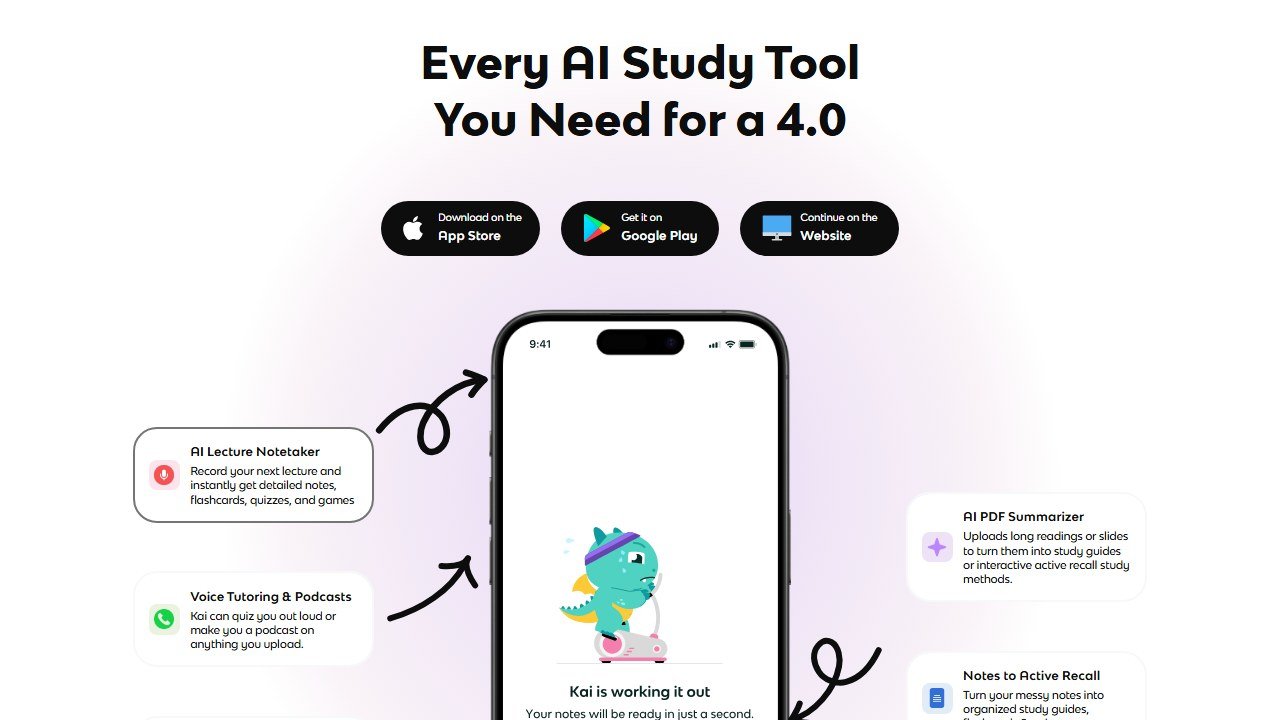
Knowt is the tool that most directly answers the question this guide is built around. It is the rare app that does both halves well and gives most of it away. You upload a PDF, paste notes, or import a video or lecture, and Knowt generates a flashcard set plus a summary and practice questions. In our PDF test the cards came back atomic and mostly accurate, with sensible question prompts rather than the bloated “explain everything about X” cards that weaker generators produce. It correctly pulled the testable facts out of the biology lecture and skipped the throat clearing intro slides.
What pushes Knowt to the top is that it does not stop at generation. It ships a dedicated Spaced Repetition study mode that builds an optimized review schedule for long term retention, alongside a Learn mode for cramming a near term exam, a Practice Test mode, and a matching game. So you can generate a deck from your lecture and then actually study it correctly inside the same app, which is exactly the workflow most of the AI generators leave half finished. It is also widely positioned as the leading free Quizlet alternative, and after testing it the positioning is fair.
The reason this single app workflow matters is friction. Every extra step between “I have a lecture” and “I am studying the right cards at the right time” is a step where a tired student quits. With most generators you produce a deck, then export it, then import it into a second app to get real scheduling, and each handoff is a chance to give up. Knowt collapses that into one place. You also get the choice of mode per deck, which is smarter than it sounds: Learn mode is the right tool the night before a quiz, while Spaced Repetition mode is the right tool eight weeks out from a final. Picking the wrong mode for the wrong moment is a common, quiet mistake, and Knowt at least puts both in front of you. The Practice Test mode is also a genuine retrieval exercise rather than passive rereading, which is the kind of effortful recall the learning science consistently rewards.
Strengths: Genuinely usable AI generation from PDFs, notes, and video. A real spaced repetition mode rather than a token one. An unusually generous free tier that covers unlimited card creation, AI generation, and study modes. Clean import path from existing Quizlet sets.
Weaknesses: The recall engine, while real, is not as battle tested or as tunable as Anki’s FSRS. Heavy uploaders will hit processing or upload limits on the free tier. Generation quality on messy handwritten scans is less reliable than on clean PDFs.
Pricing: The core experience including unlimited flashcards, AI generation, and study modes is free. A premium subscription tier exists for higher upload limits and priority processing, billed monthly. Most students never need to pay. Official site: knowt.com.
2. Anki: best for serious long term recall
Score: 4.6/5
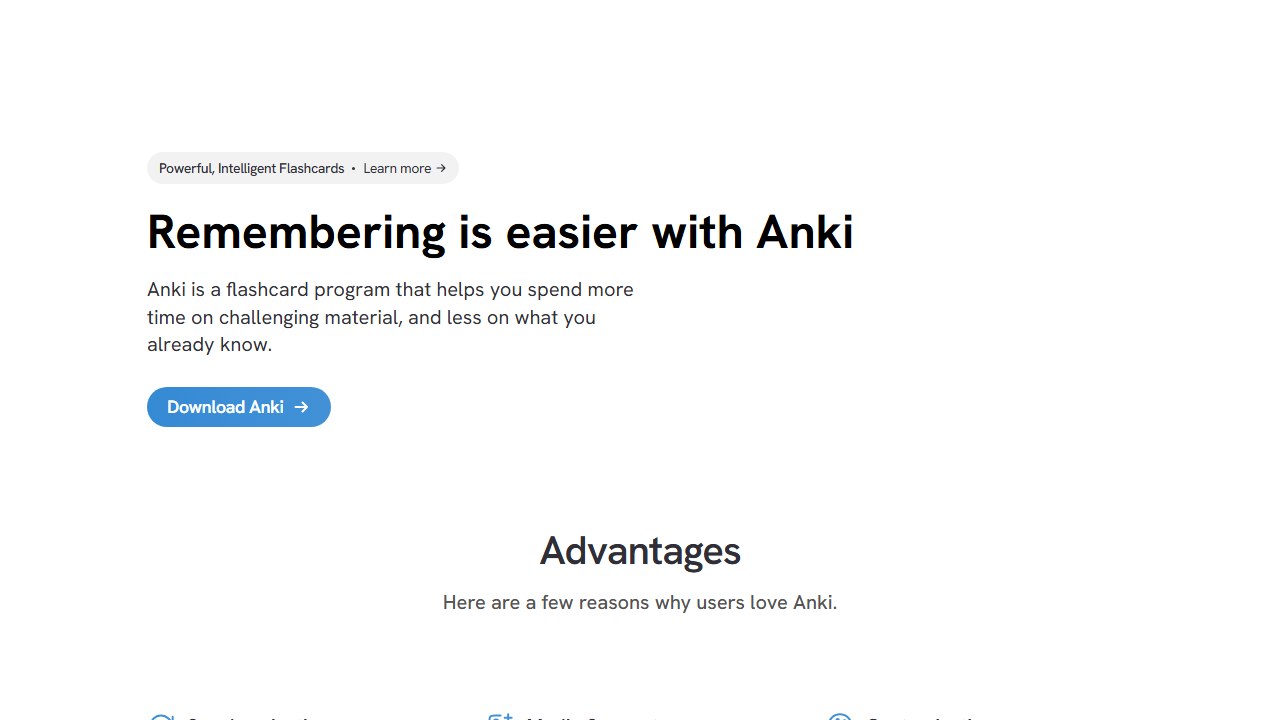
Anki is the recall benchmark every other app is quietly measured against. It has no native AI generation, so on our auto generation axis it scores effectively zero, and that single gap is the only thing keeping it out of the top spot. On the other axis, the recall engine, nothing here comes close. Anki now ships FSRS, the Free Spaced Repetition Scheduler, a modern algorithm built on a memory model that tracks the difficulty, stability, and retrievability of every card. It is backed by published research and large scale community data, it runs entirely on your own device, and you can set a target retention rate and let the scheduler optimize review counts around it. For high stakes, multi year material this is the most effective scheduler available, full stop.
The trade off is effort and taste. Anki is open source, infinitely extensible through add ons, and completely free on desktop and Android, but it is also famously plain and assumes you are willing to make or import your own cards. You can bridge the AI gap easily: generate cards in one of the tools above or below, export to CSV, and import into Anki to study them on the best engine in the category. That two app workflow is what a lot of serious medical and language students actually run.
It is worth understanding why FSRS is such a step up, because it explains why so many high stakes studiers tolerate Anki’s rough edges. Older spaced repetition used a fixed formula that nudged intervals up or down based only on whether you got a card right. FSRS instead models three properties of each individual memory: how hard the card is for you, how stable the memory currently is, and how likely you are to recall it right now. From those it predicts the exact moment your recall probability drops to your chosen target, say ninety percent, and schedules the review there. The practical payoff is fewer reviews for the same retention, or higher retention for the same number of reviews. Over a deck of several thousand cards studied across a year, that efficiency compounds into hours saved every week. No other tool on this list exposes that level of control, and because it runs locally and is open source, there is no subscription gate sitting between you and the best engine in the category.
Strengths: The strongest spaced repetition engine in the category by a clear margin, now powered by FSRS. Free on desktop and Android. Open source, private, runs locally, endlessly customizable through add ons and shared decks.
Weaknesses: No built in AI card generation at all. A steep, unfriendly learning curve. Dated interface. The official iOS app is a paid one time purchase, which surprises newcomers.
Pricing: Free on Windows, Mac, Linux, and Android, with free AnkiWeb cloud sync. The official iOS app, AnkiMobile, is a one time paid purchase that helps fund the free versions and sync servers. No subscription. Official site: apps.ankiweb.net.
3. Mindgrasp: best for lecture and PDF heavy courses
Score: 4.4/5
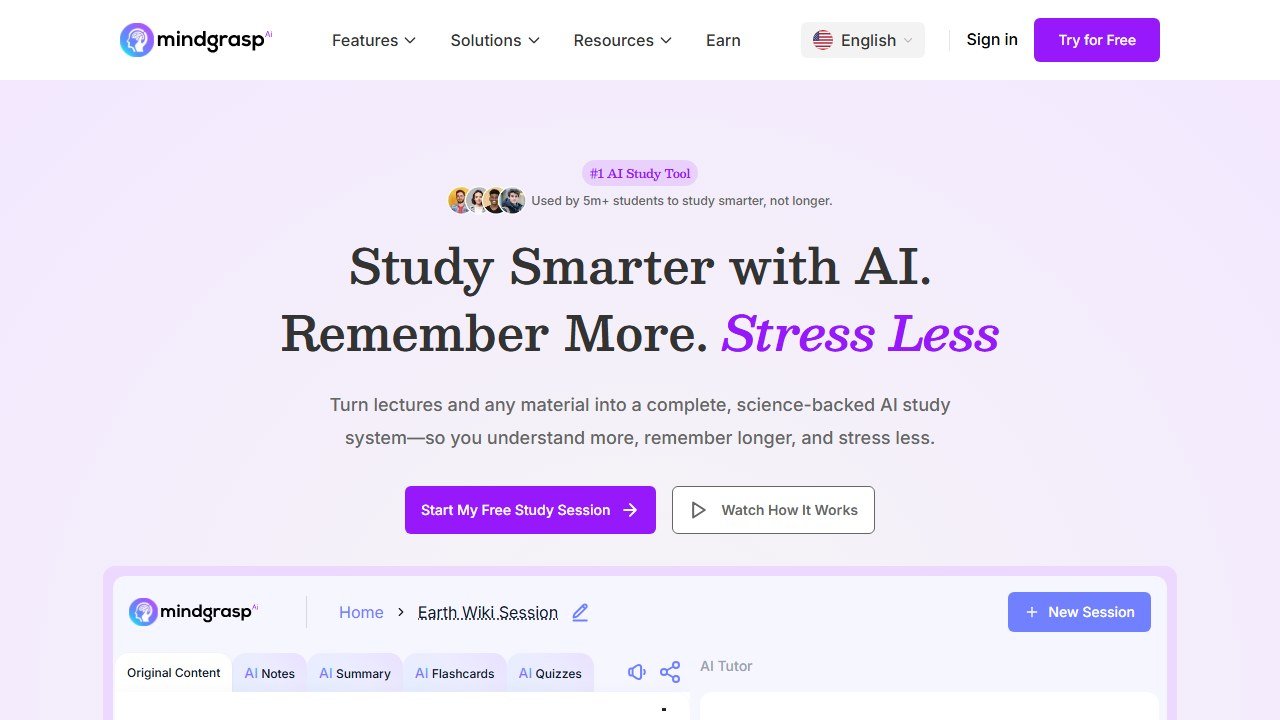
If your study life is mostly long documents and recorded lectures, Mindgrasp generated the best cards in that exact scenario. You upload notes, PDFs, slide decks, images, lecture handouts, YouTube videos, or audio, and it analyzes the content and produces flashcards automatically with no manual setup. In practice it handled the 40 minute lecture audio and the long PDF better than anything else, pulling clean, atomic, accurate cards from material that tripped up the lighter generators. It also produces summaries, adaptive quizzes, and study guides from the same upload, so it functions as a full study workspace rather than just a card maker.
On recall, Mindgrasp includes its own built in spaced repetition system, which is real but more lightweight than a dedicated FSRS implementation. The smart move it enables is exporting your generated cards as CSV for Anki import, which lets you use Mindgrasp purely as the generation layer and Anki as the recall engine. That combination is genuinely strong. The reason it sits at third rather than higher is that the whole experience is subscription gated after a trial, so it is the best paid generator here rather than the best free one.
The standout in practice was how Mindgrasp handled length and mess. Most generators degrade as the source grows: feed them a 40 page reading and they either summarize the first few pages and quit, or they produce a bloated deck full of near duplicate cards. Mindgrasp held its quality across the full document, and it was the only tool that turned the recorded lecture audio into a usable deck without us first cleaning up a transcript by hand. For a student whose week is three hour lectures and chapter long PDF readings, that resilience is the whole value proposition. The CSV to Anki export is also more important than it sounds, because it means you are never locked in: you can let Mindgrasp do the heavy lifting of reading your materials, then own your cards forever in the strongest free engine available. That escape hatch is part of why we rank it above the more polished but more closed Quizlet.
Strengths: The best AI generation we saw from long PDFs and lecture audio or video. Broad input support including audio. Built in spaced repetition plus clean CSV export to Anki. Doubles as a summarizer and quiz generator.
Weaknesses: Core features are behind a paid subscription after the trial. The native recall engine is lighter than Anki’s. Less useful if your material is short or you only need a handful of cards.
Pricing: Subscription model with monthly tiers after a free trial, ranging from a basic plan up to a higher tier with larger limits. No permanent free study tier. Official site: mindgrasp.ai. For more study tools in this space see our guide to the best AI tools for students.
4. Quizlet: best for polished mainstream studying
Score: 4.1/5
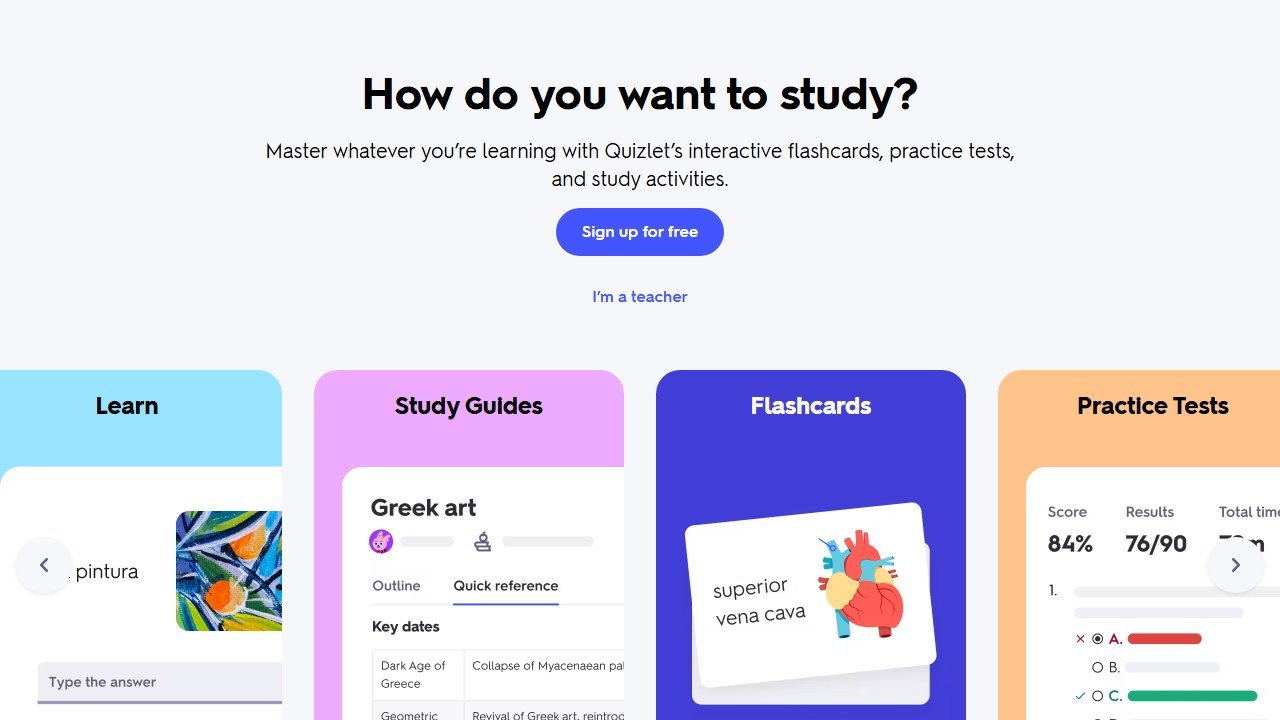
Quizlet is the app most students already know, and for good reason: it is polished, huge, and easy. Its AI generator, Magic Notes, turns uploaded PDFs or pasted text into flashcards and quizzes instantly. In practice Magic Notes was solidly good but not class leading. It produced clean, well formatted cards quickly, but on the dense lecture PDF it skewed shallow compared to Knowt and Mindgrasp, capturing surface vocabulary more reliably than deeper conceptual relationships. It is the safe, frictionless choice rather than the deepest one.
On recall, Quizlet’s Learn mode applies adaptive scheduling that is effective for exam prep but is more of an adaptive practice system than a true long interval spaced repetition scheduler in the Anki sense. The bigger consideration in 2026 is that the things that make Quizlet shine, including Magic Notes and the better study modes, sit behind the paid Quizlet Plus subscription. The free tier still works for basic flashcards, but the AI and the best modes are gated. For a head to head against an AI tutor approach, see our Khanmigo vs Quizlet comparison.
The thing Quizlet still does better than almost anyone is the social and library side. There is a very good chance that for a common course, an introductory psychology unit, a standard anatomy module, a popular language, someone has already built and shared a high quality set, and Quizlet’s search will surface it instantly. For a lot of students that means zero generation work at all, which is a different and legitimate way to solve the “making cards” problem. Where it falls short for our purposes is depth and ownership. The shared sets vary wildly in quality, the recall scheduling is tuned for the next test rather than the next year, and your study lives inside Quizlet’s ecosystem rather than in a portable deck you control. It is the right pick if you value polish, familiarity, and a huge content library over a best in class engine, and if you are comfortable paying for the AI half.
Strengths: The most polished and beginner friendly experience here. Enormous library of existing user made sets. Magic Notes generation is fast and clean. Strong mobile apps and study game modes.
Weaknesses: AI generation runs shallower than the best dedicated tools. Recall is adaptive practice rather than true long interval spaced repetition. Magic Notes and the best modes are paywalled.
Pricing: Free basic flashcards and studying. Magic Notes AI and the advanced study modes require the Quizlet Plus subscription, billed monthly or annually. Official site: quizlet.com.
5. Brainscape: best for confidence based studying and curated decks
Score: 4.0/5
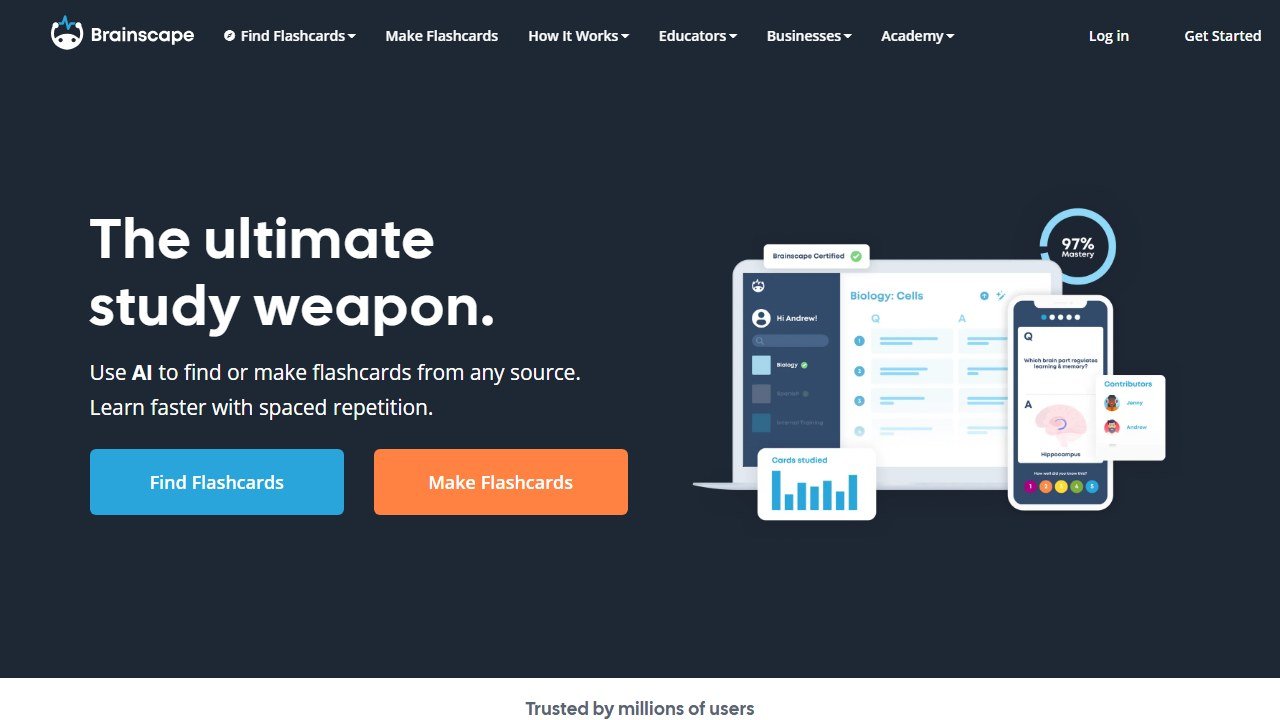
Brainscape takes a different philosophical line on recall, and it is a defensible one. Instead of an algorithm silently deciding when you see a card, you rate your own confidence on each card from 1 to 5, and the cards you rate lowest come back soonest. The company calls this Confidence Based Repetition, or CBR, and it leans on the idea that self rated confidence, combined with the act of rating itself, drives deeper processing and better spacing of intervals. In practice it feels more hands on and motivating than a black box scheduler, and for some students that engagement is worth more than a theoretically optimal interval.
On generation, Brainscape’s Pro tier unlocks AI flashcard creation, and it produced clean, well structured cards in testing, comparable to Quizlet’s output. Brainscape is also known for its large library of professionally curated and expert vetted decks, which is a real advantage if you would rather study a vetted deck than generate your own. The two gates are that both the AI generation and the unlimited features sit behind the Pro subscription, and that CBR, while effective, is a manual self rating system rather than the data driven FSRS approach the recall purists prefer.
Strengths: A distinctive, engaging Confidence Based Repetition system that some learners retain better with. Large library of expert curated decks. Clean AI generation on the Pro tier. Polished cross platform apps.
Weaknesses: AI generation and unlimited use require Pro. CBR relies on honest self rating, which not everyone does well. Less appealing if you want a fully automated, hands off scheduler.
Pricing: Free tier with limits. A Pro subscription, billed monthly or annually, unlocks unlimited AI generation, private decks, richer media, and additional study modes. Official site: brainscape.com.
6. StudyFetch: best as an all in one study workspace
Score: 3.8/5
StudyFetch wants to be the whole study environment, not just a flashcard maker. You upload course materials, including PDFs, slide decks, YouTube videos, or imports from Canvas, Quizlet, and Google Docs, and it generates flashcards, quizzes, and study materials, all orbiting an AI tutor called Spark.E that answers questions grounded in your actual uploaded slides and textbook excerpts. The flashcards generate automatically from your materials and use spaced repetition scheduling, with cloze deletions and multiple choice formats mixed in. The scheduler analyzes your performance on each card and adjusts review intervals, reviewing mastered cards less and struggling ones more.
In testing, generation was strong and the breadth of input sources is genuinely useful if your materials live across several platforms. The recall engine is a real adaptive spaced repetition system, more serious than a token one but still not as tunable or as proven as FSRS. It sits mid pack here mostly because the value is spread across a whole workspace rather than concentrated in best in class cards, and because the useful limits arrive quickly on the free tier, pushing you to a subscription.
Where StudyFetch earns its place is the integration story. If your school runs on Canvas and you already have notes in Google Docs and old sets in Quizlet, the ability to pull all of it into one workspace and have Spark.E answer questions grounded in those exact materials is a real time saver. The cards, quizzes, and tutor all draw from the same uploaded corpus, so you are not juggling four tabs. The flip side is that a suite is rarely the very best at any one thing. The flashcards are good but not as sharp as a specialist’s, and the recall engine, while adaptive, is a convenience feature inside a larger product rather than the product itself. If you want one tool to live in all semester and you value the AI tutor as much as the cards, it is a strong choice. If cards plus recall is all you need, the more focused tools do that part better.
Strengths: Broad input support including Canvas and Quizlet imports. A grounded AI tutor, Spark.E, alongside the cards. Real adaptive spaced repetition with mixed card formats. Good fit if you want one workspace for everything.
Weaknesses: The free tier caps usage fast. The recall engine is solid but not best in class. Being an all in one suite means the flashcards are not quite as refined as a specialist’s.
Pricing: Free tier with a small number of AI tutor conversations and limited study sets. Paid subscription tiers, billed monthly, unlock higher limits and full features. Official site: studyfetch.com.
7. NoteGPT: best for fast, no signup generation
Score: 3.5/5
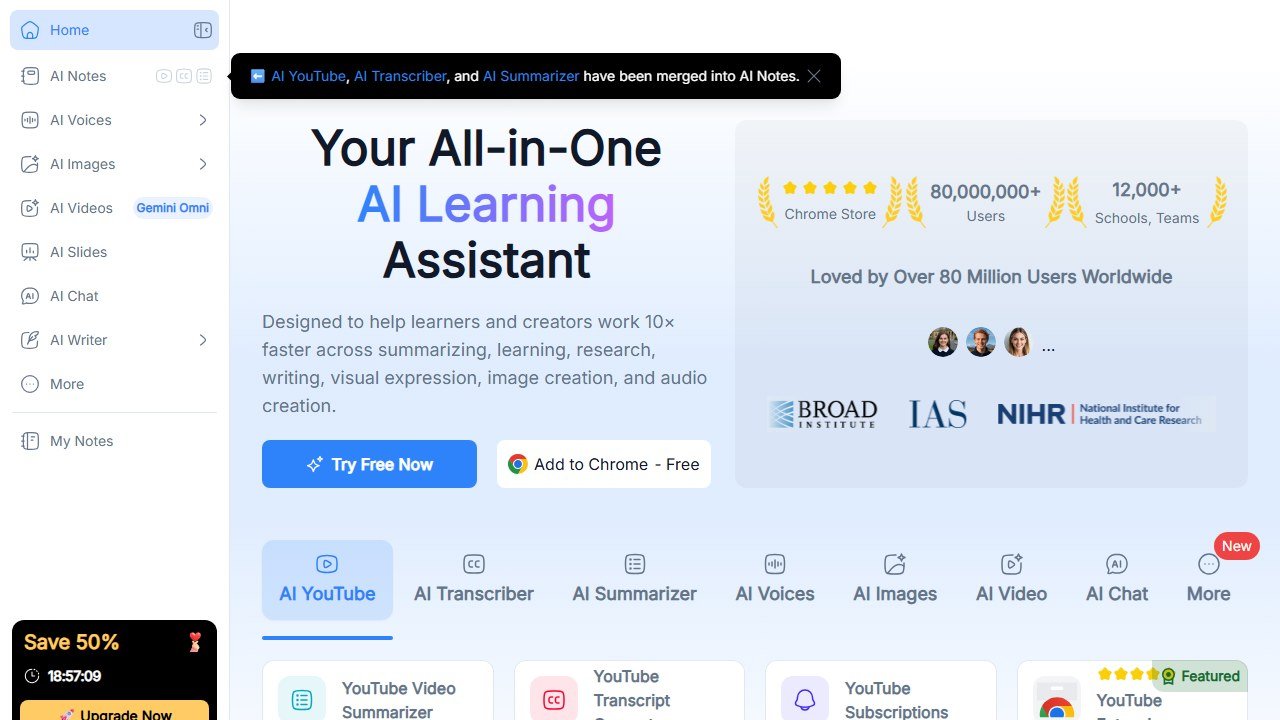
NoteGPT is the tool to reach for when you just need cards out of a document right now with zero ceremony. Its AI flashcard maker generates cards from text, images, audio, PDFs, slide decks, and videos, and the basic generation works free with no account required, which is a genuinely low friction starting point. It is part of a broader AI learning assistant that also makes summaries, mind maps, and slides, so it is more of a Swiss Army knife than a study system. In practice the cards were good for a quick draft, accurate and reasonably atomic, though slightly more generic than the specialists produced on the same PDF.
The reason it lands here rather than higher is the recall side. NoteGPT is built around generation and summarization, not a serious long term spaced repetition engine. It is excellent at the “turn this into cards in thirty seconds” job and weaker at the “schedule these cards across the next six months” job. The natural pattern is to generate in NoteGPT, then export and study elsewhere, ideally Anki, if retention matters.
Strengths: Very low friction, with free generation and no account needed to start. Broad input support including audio and video. Doubles as a summarizer and mind map maker. Genuinely fast.
Weaknesses: No serious built in spaced repetition for long term recall. Cards run a touch generic versus specialists. Higher usage and best features require a subscription.
Pricing: Free generation with no signup for basic use. A subscription, billed monthly, raises limits and unlocks premium features. Official site: notegpt.io.
8. Revisely: best for quick cards from any file format
Score: 3.2/5
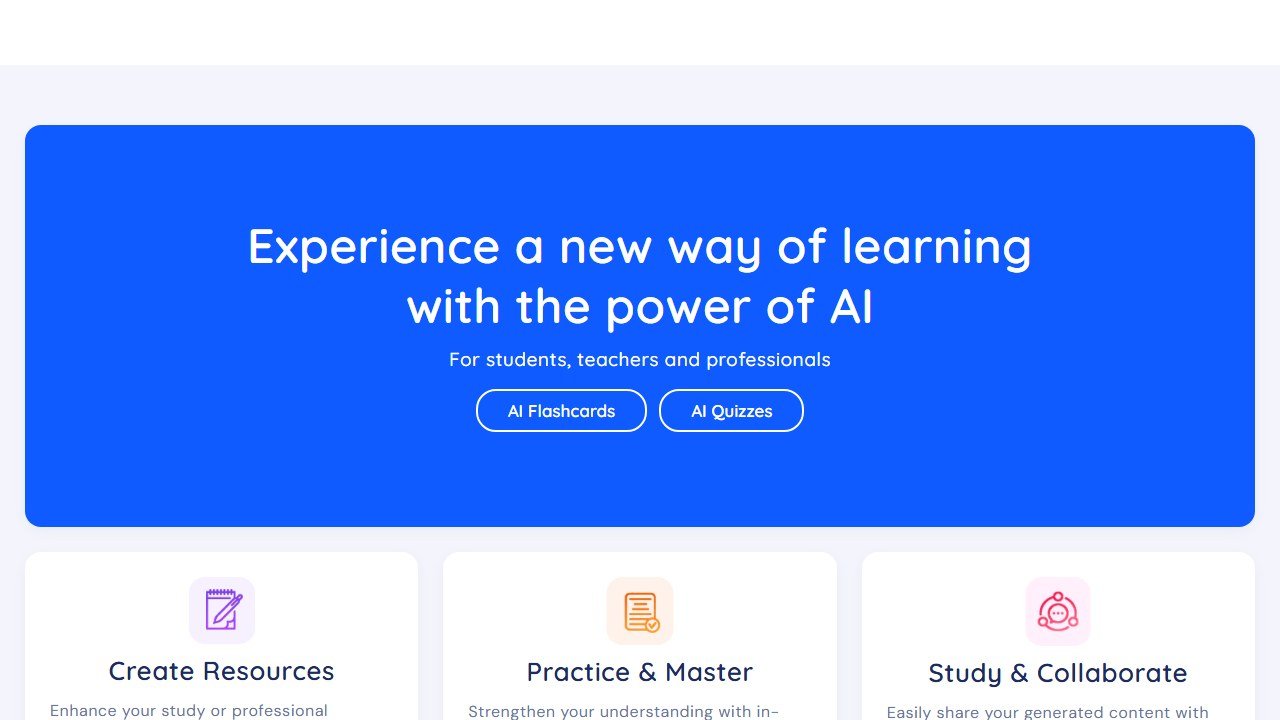
Revisely rounds out the list as a clean, capable generator with an honest limitation. It turns pictures, notes, PDFs, slide decks, and other documents into flashcards quickly, and it offers a few learning modes once the cards exist, including an exam mode and a one click quiz generator. The generation itself is fine: in testing it produced usable cards from the PDF, comparable to the other lighter generators, and the file format flexibility is a real plus if you study from photos of handwritten notes.
The reason it sits at the bottom of this particular list is that Revisely generates cards but does not schedule them over time. It is free for text to card generation, but it does not include a real spaced repetition scheduler, which is half of what this guide is about. So it is a strong generation only tool: great for quickly producing a deck, less so for the long term recall job. As with NoteGPT, the sensible workflow is to generate here and study the cards in an app with a proper engine. Full access to the quiz generator and bulk creation also moves you to a paid plan.
Strengths: Flexible input from photos, PDFs, and slides. Fast, clean generation. Multiple learning modes and a quick quiz generator. Free for basic text to card generation.
Weaknesses: No real spaced repetition scheduler, which is the biggest single gap on this list. Advanced features and bulk creation require a subscription. Best used alongside a dedicated recall app rather than alone.
Pricing: Free for basic flashcard generation. A subscription, billed monthly, unlocks the full quiz generator, bulk creation, and advanced AI materials. Official site: revisely.com.
What about the AI generators versus the classics
Running this test back to back made the split in the category obvious. The classic apps, Anki and Brainscape and to a degree Quizlet, were built recall first. Their scheduling is mature and the AI generation is either bolted on later, gated, or absent. The new AI generators, Mindgrasp and NoteGPT and Revisely, were built generation first. They turn a lecture into cards beautifully and then either hand you a lightweight scheduler or none at all. Knowt and StudyFetch are the two that most seriously tried to do both in one place, which is exactly why Knowt won.
The practical implication is that for many serious students the best setup is two tools, not one. Generate cards with the strongest generator for your material, usually Mindgrasp for heavy PDFs and lectures or Knowt for everyday notes, then study them on the strongest engine, which is Anki with FSRS, via a CSV export. If you would rather live in a single app, Knowt is the closest thing to having both halves done well for free.
Where the figures on this page come from
Every price here was read from the vendor’s own pricing page on 4 September 2026 and carries that date, because education pricing changes with the school year and a claim without a date is not checkable.
The pages we read
Chalkie publishes free, US$6.65 and US$12.99 a month with yearly equivalents. Khanmigo publishes $44 a year. MagicSchool publishes a free plan and Plus at $12.99 a month. Curipod publishes free and from $24 a month with a 21% yearly saving. CoGrader publishes free at 100 submissions a month and $15 a month billed annually. Brisk Teaching publishes a free teacher plan at $0.
The ones we could not read
SchoolAI publishes tier names with no figures. Gradescope now sits on a Turnitin domain and is institution-quoted. We could not read a figure for Diffit, Quizlet, Photomath or Gauth either. That is not evidence they publish nothing, and we do not present it as such. Treat any figure for those six from elsewhere as unverified.
What we do not do
We do not carry a figure we cannot source to the vendor. Where a number circulates and cannot be traced, we say so and withdraw it rather than repeating it with a hedge.
How to choose
Start by deciding which half of the job is your bottleneck.
If your problem is making cards, because you are drowning in lecture PDFs and recorded classes, prioritize generation. Mindgrasp gives the best cards from long, messy source material, NoteGPT is the fastest for a quick free draft, and Knowt is the best free generator that also lets you study the result properly.
If your problem is remembering cards, because you already have decks but facts keep slipping, prioritize the engine. Anki with FSRS is the strongest and most controllable scheduler in the category, Knowt’s spaced repetition mode is the best free engine that is also pleasant to use, and Brainscape’s Confidence Based Repetition suits people who study better when they rate themselves and stay engaged.
If you want one app to do everything for free, Knowt is the answer. If you want the best possible long term retention and do not mind running two tools, generate anywhere and study in Anki. If you live inside Quizlet already and want AI, Quizlet Plus is a reasonable upgrade, just know the generation runs shallower than the specialists. Students who also want conversational tutoring alongside cards should look at our roundup of the best AI tutoring apps.
Budget shapes this too. Knowt, Anki on desktop and Android, and the free tiers of NoteGPT and Revisely mean you can build a complete, effective study system for nothing. The paid tools, Mindgrasp, Quizlet Plus, Brainscape Pro, and StudyFetch, earn their subscriptions mainly through better generation, higher limits, and convenience, not through a fundamentally better recall science than free FSRS already offers.
It also helps to match the tool to your subject. Volume heavy, fact dense fields like medicine, law, and language learning reward the strongest engine, so they point toward Anki, with generation done in Mindgrasp or Knowt and exported in. Conceptual subjects where understanding matters more than raw recall, like much of the humanities, are better served by fewer, deeper cards and by the practice test and quiz modes in Knowt, Quizlet, or StudyFetch, which push you to reason rather than just recognize. And if your material arrives as photos of a whiteboard or scribbled notes rather than clean PDFs, prioritize a generator that handles images well, where Revisely and Knowt are reasonable starting points. The point is that there is no single winner for every student, which is why this list scores eight tools rather than crowning one.
One last habit worth building regardless of tool: read your generated cards before you trust them. AI generation in 2026 is good, but it is not flawless, and a single hallucinated card studied a hundred times is a fact you will confidently get wrong on the exam. A two minute skim to delete the duplicates, fix the vague prompts, and catch any confident nonsense is the highest return five minutes in your whole study workflow. The best tools here make that cleanup minimal. None of them make it unnecessary.
Flashcards are one piece of a study system. Our guide to the best AI tools for studying and summarizing covers the rest of the workflow, from summarizing lectures to spaced review.
Our verdict
After feeding the same lecture PDF, slide deck, and recorded lecture to all eight, the ranking holds up because so few tools take both halves of the job seriously. Knowt wins overall because it is the only free app that generates genuinely usable cards and then schedules them with real spaced repetition, all in one place. Anki remains the recall champion and the tool we would trust for anything high stakes and long term, with the single asterisk that you must bring or import your own cards. Mindgrasp is the one to pay for if your study life is dominated by long PDFs and lectures, since its generation from heavy source material was the best we reviewed.
The rest are good with caveats. Quizlet is the polished mainstream pick if you accept paying for shallower AI, Brainscape is the engaged self rater’s choice, StudyFetch is the all in one workspace, and NoteGPT and Revisely are excellent fast generators that you should pair with a real recall engine rather than rely on alone. The biggest takeaway is the one most roundups miss: a flashcard app is only as good as the weaker of its two halves, so test both before you commit your semester to one.
For a closer look, see our Brisk AI review.
For a closer look, see our Diffit AI review.

Written by
FazFaz is the founder of AIToolsBakery. Some tools here are tested hands on. Others are assessed from vendor documentation and pricing verified on the live page, and every review says which one it is. Sponsors can buy a position in a guide. They cannot buy the score, the criticism, or silence about a better option.
How we test and how we make money →Frequently Asked Questions