Quick answer: The genuinely-free AI recruiting tools in 2026 are Workable’s job description generator, Flowmingo (AI screening), Wellfound (startup job posts), Zoho Recruit (1 active job free), and ChatGPT. Most “free AI recruiting tools” lists mix these with 14-day trials. Below: what’s actually free, what locks at sign-up, and which ones connect to your ATS.
For the full picture across every HR function, see our best AI tools for HR guide.
ATS integration matrix
If you already use an ATS, this is the part most other lists skip. Here is which free tool talks to which ATS without a paid add-on.
| Tool | Workable | Greenhouse | Lever | BambooHR | Ashby |
|---|---|---|---|---|---|
| Workable JD Gen | Native | Copy/paste | Copy/paste | Copy/paste | Copy/paste |
| Flowmingo | Yes | Yes | Via CSV | Via CSV | Via CSV |
| Wellfound | Native | Native | Native | Via API | Via API |
| Zoho Recruit | Zapier | Zapier | Zapier | Zapier | Zapier |
| ChatGPT | None | None | None | None | None |
If you have spent an afternoon hunting for “free AI recruiting tools,” you have probably noticed the same trick we did: half the tools on every roundup are 14-day trials. They look free at the top of the article and ask for a credit card three clicks later.
So we did the work. We reviewed seven AI tools recruiters keep recommending, tagged each one with its honest free-tier status, and built a side-by-side matrix of what stays free and what locks the moment your trial ends. If you run a small team or solo desk, this list is the one that will actually save you the afternoon.
What “free” actually means in AI recruiting
Three things are getting called “free” in 2026, and they are not the same thing:
- Permanent free. A real free tier that exists forever, usually limited (one active job, three users, basic features). No card required.
- Freemium. Some features are free forever; advanced ones (AI matching depth, integrations, exports) require a paid plan.
- Free trial. Full features for 7 to 30 days, then either it stops working or your card gets charged. Useful for an evaluation, useless if you need a permanent free tool.
Every tool below carries one of those three tags. Trial-only tools are tagged loudly so you can skip them if you only want the genuine free options.
The 7 best free AI recruiting tools (tested 2026)
1. Workable Free Job Description Generator
Free type: Permanent free (no signup)
Best for: Recruiters who need a polished job description in 30 seconds without creating an account
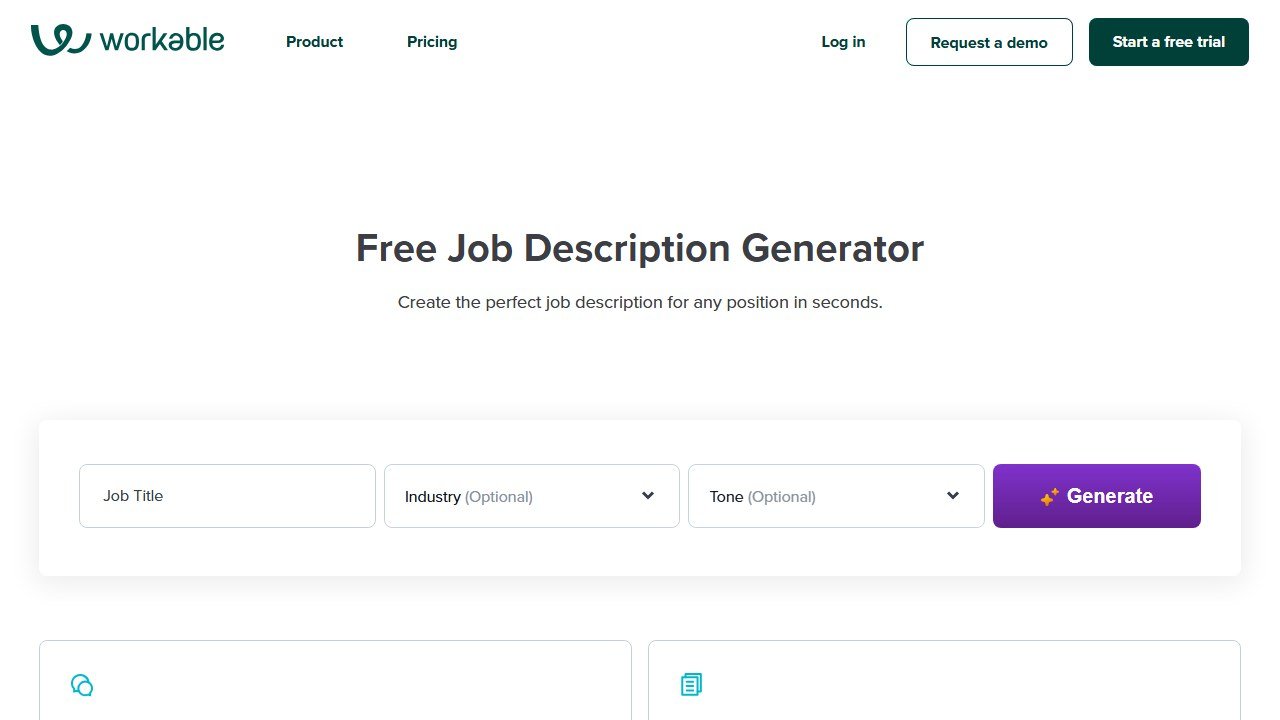
Workable’s standalone job description generator is the simplest entry point on this list. You enter a job title, optionally pick an industry and a tone, and it returns a complete JD that you can copy straight into your ATS. There is no account, no trial, no upsell on the tool page itself. Workable obviously hopes you will upgrade to its paid ATS, but the free generator stands on its own and is the cleanest way to crank out the first draft of a JD when you need one.
What’s free: Unlimited JD generation. Library of 1,000+ curated JD templates also free to browse.
What locks: The full Workable ATS, candidate pipeline, sourcing, and analytics live on the paid product.
ATS integration: None on the free tool. Copy the JD out and paste into your ATS of choice.
Official site: Visit Workable’s free JD generator
2. Flowmingo
Free type: Permanent free
Best for: Recruiters who want screening calls, CV evaluation, and a candidate workspace in one tool without paying
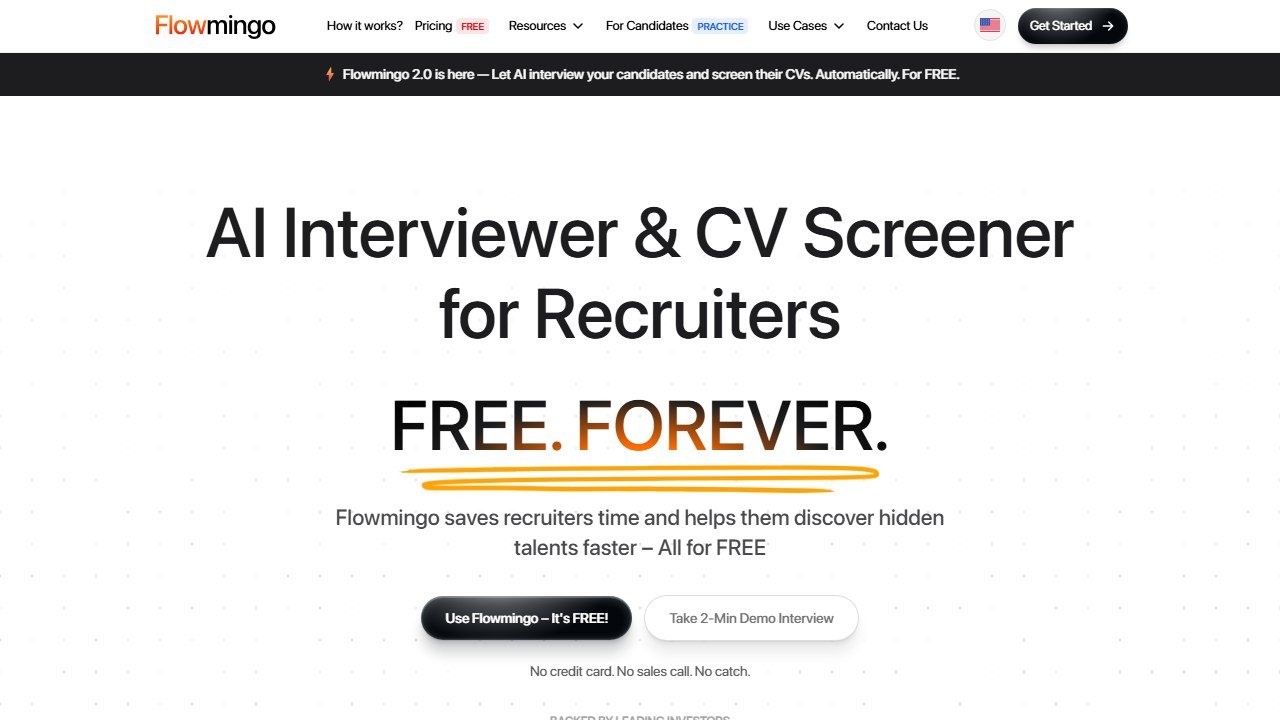
Flowmingo is the most ambitious permanent-free offering we found. It bundles AI-powered phone screening, resume parsing, and a lightweight ATS in a single dashboard. Two caveats: the AI voice on screening calls is competent but not yet Otter-level, and reporting is intentionally light to leave a reason to upgrade. For an early-stage company doing fewer than 20 hires a year, this is genuinely all you need.
What’s free: AI screening calls, CV evaluation, candidate workspace, basic reporting.
What locks: Advanced analytics and white-labelling sit on a paid plan.
ATS integration: Direct CSV candidate export plus Workable and Greenhouse import flows.
Official site: Visit Flowmingo
3. Wellfound (formerly AngelList Talent)
Free type: Permanent free
Best for: Startups posting roles, especially technical and product
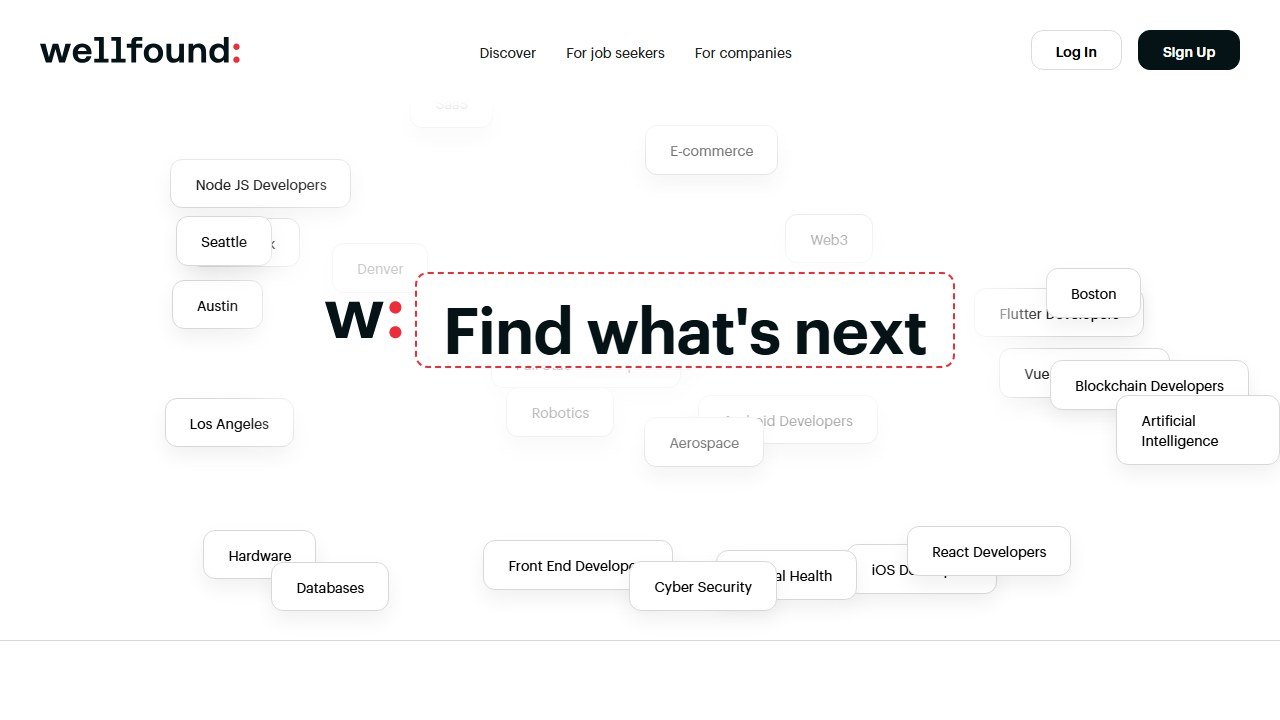
Wellfound is not a new AI tool. It is a free job board that has quietly shipped AI matching and AI candidate summaries into its free tier over the last 18 months. For a startup, posting on Wellfound is closer to “free recruiting” than any of the AI-first newcomers because you get distribution plus the AI features.
What’s free: Unlimited job posts, candidate inbox, basic candidate filters, employer profile.
What locks: Featured placements, recruiter-grade outreach, and analytics sit on the Wellfound Recruit add-on.
ATS integration: Connects to Greenhouse, Lever, and Workable for ingest.
Official site: Visit Wellfound
4. Zoho Recruit (free for 1 active job)
Free type: Permanent free, capped at 1 active job
Best for: Solo recruiters or freelancers running one open role at a time
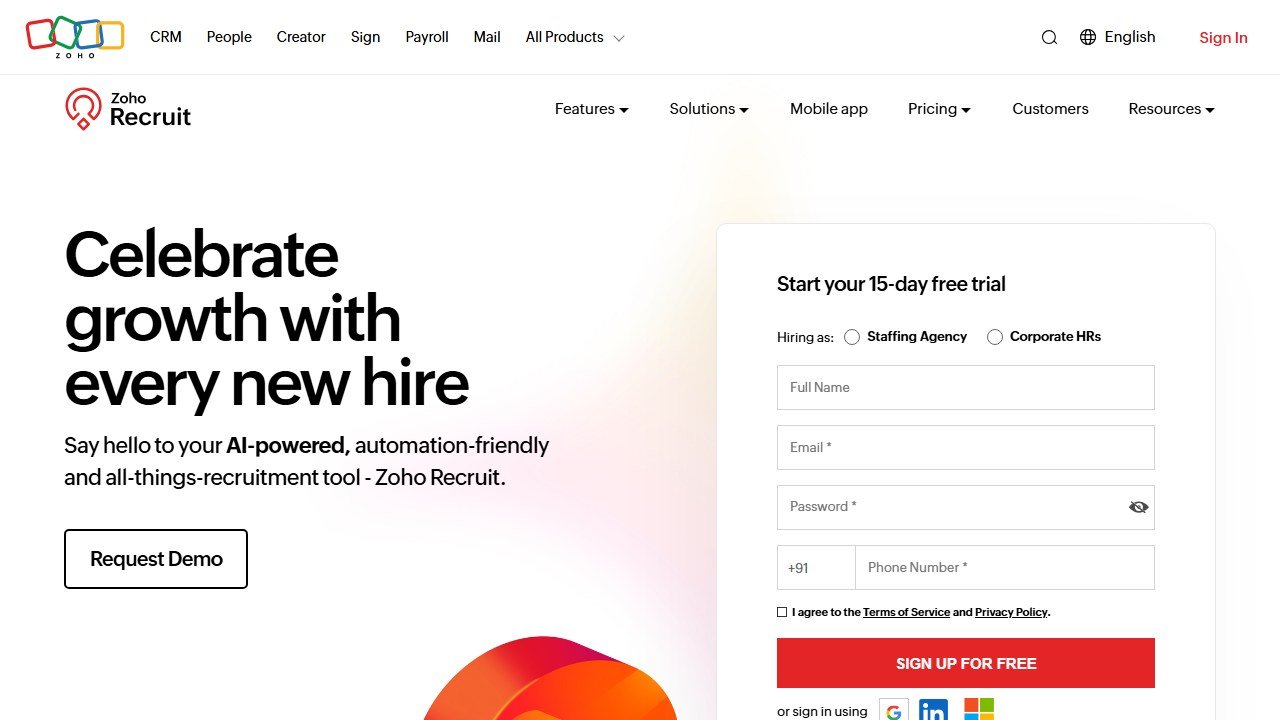
If your hiring need is “one role, occasionally,” Zoho Recruit’s free tier is the most feature-rich on this list. The catch is the one-active-job ceiling. Open a second role and you upgrade. Honest signal: if you anticipate two roles in any rolling month, just go to the paid plan from the start because you will outgrow free fast.
What’s free: Resume parsing, candidate pipeline, email templates, basic AI matching, one active job, three users.
What locks: Multi-job, advanced AI scoring, source analytics, and integrations sit on the Standard plan from $25 per user per month.
ATS integration: Zoho Recruit is itself a full ATS. It integrates outwards into Zoho CRM, Mail, Sign, and via Zapier to Workable, Greenhouse, and BambooHR.
Official site: Visit Zoho Recruit
5. ChatGPT free: the recruiter’s swiss army knife
Free type: Permanent free (with usage limits)
Best for: Recruiters who want a flexible assistant for emails, screening rubrics, interview prep, and JD drafts
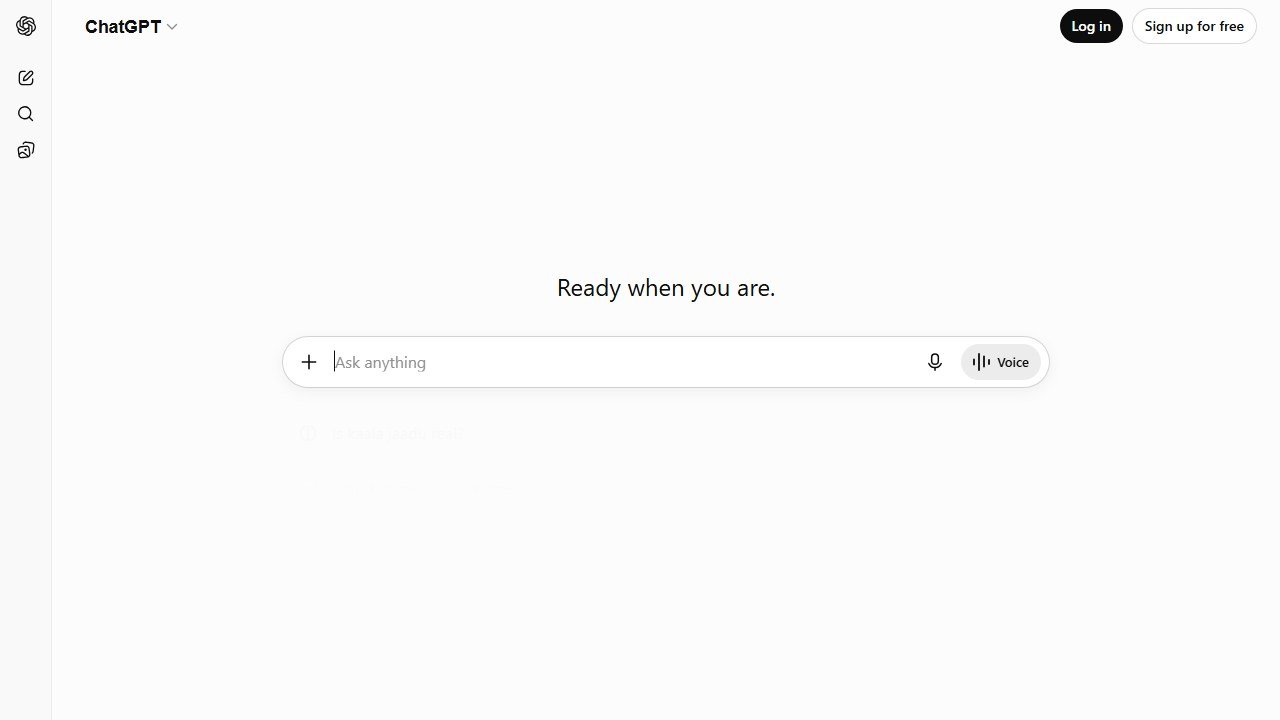
We keep coming back to ChatGPT in every recruiter workflow we audit. Drafting a candidate rejection that sounds human, writing a 90-day interview plan for a hiring manager, summarising a resume into a one-line pitch for a client, generating a structured rubric from a job description, all of it is one prompt away and all of it is genuinely free. The honest catch: outputs need a recruiter’s eye, especially on tone, before they go to candidates.
What’s free: Standard chat, basic file uploads, web browsing on the latest free tier.
What locks: Custom GPTs and higher message limits sit on Plus.
ATS integration: None native. You copy in, you copy out.
Official site: Visit ChatGPT
6. Pin (free trial, flagged)
Free type: Trial only (no credit card to start)
Best for: Evaluation of large sourcing databases
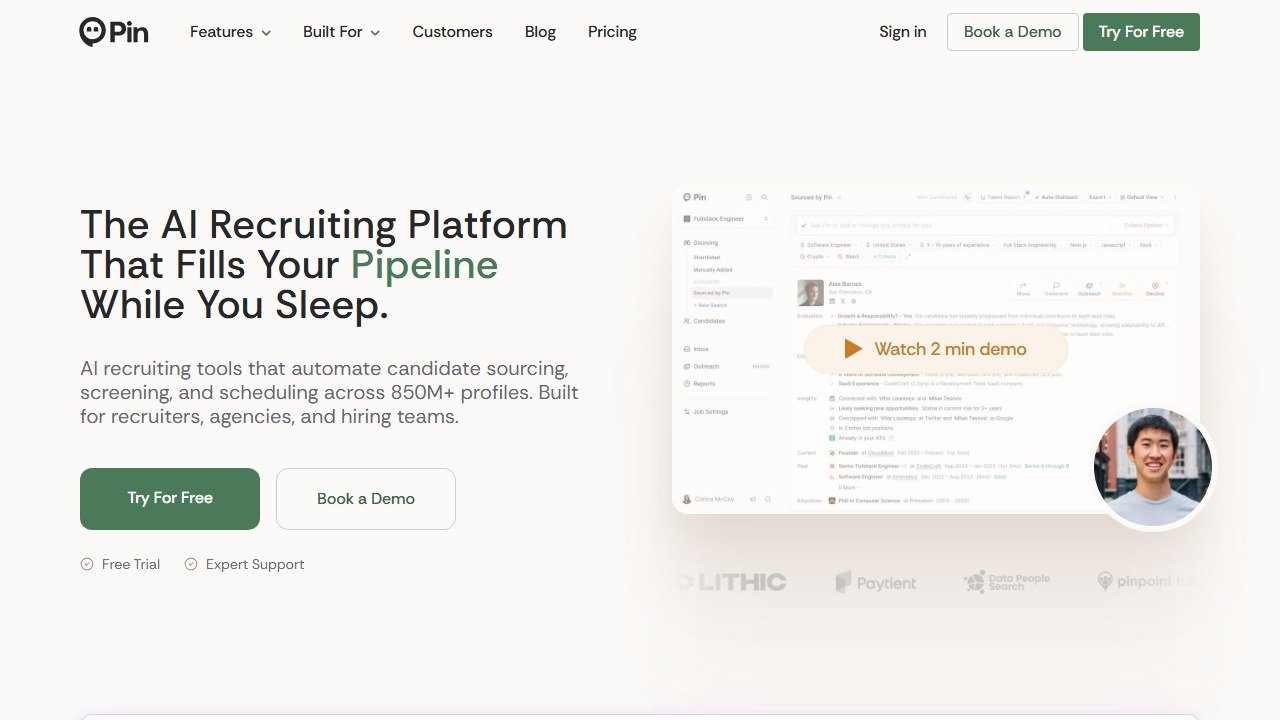
We are including Pin because almost every “free AI recruiting tools” list does, and we want to be clear: it is a trial. If you run a serious sourcing pipeline and you can budget for a paid sourcing tool, it is one of the strongest in this category at $99 per month after the trial. If you came here because you have no budget, skip to the other six.
What’s “free”: Full feature access during the trial window, 850M+ profile database, automated outreach, scheduling.
ATS integration: Greenhouse, Lever, Workable, BambooHR.
Official site: Visit Pin
7. Manatal (free trial, flagged)
Free type: Trial only (14 days)
Best for: Agencies evaluating a fully-featured AI ATS
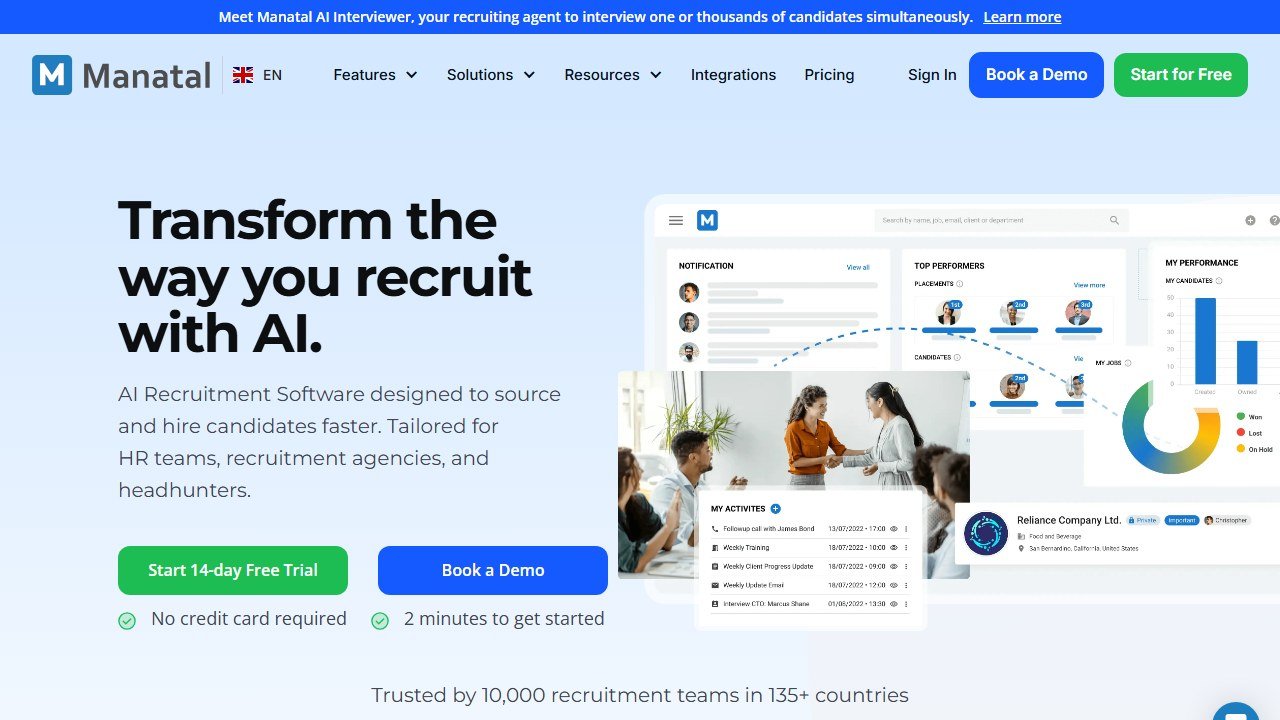
Same honest call as Pin. Manatal is a strong product. It is not free. A trial is not a free tool. Worth a fortnight of your time if you are evaluating an ATS purchase, useless if you need a permanent free tool.
What’s “free”: Full AI-powered ATS for 14 days, candidate enrichment, social sourcing, pipeline analytics.
ATS integration: Manatal is the ATS, so it integrates outwards (LinkedIn, Indeed, ZipRecruiter, Glassdoor for posting).
Official site: Visit Manatal
If your ATS is Greenhouse, Lever, or Workable, you have the most options on the free tier. If your ATS is BambooHR, plan for some copy-paste or Zapier glue.
How to choose your free stack
Most recruiters do not need every tool above. Three honest stacks based on what you actually do:
Stack A, Solo recruiter, occasional roles: Zoho Recruit (free, 1 job) for the pipeline, Workable JD Gen for descriptions, ChatGPT for everything else (emails, rubrics, prep).
Stack B, Small startup hiring 5 to 15 a year: Wellfound (free job board with AI) for distribution, Flowmingo (free) for screening and pipeline, ChatGPT for the writing work.
Stack C, Sourcing-heavy desk: Wellfound for the inbound, Workable JD Gen for the JDs, ChatGPT for outreach drafting, then a paid sourcing tool (Pin or similar) when the volume justifies it.
Real workflows for each kind of recruiter
The solo agency recruiter, one role at a time
You take roles on consignment, work them one at a time, and need a free toolset that handles search, screen, and pipeline without locking you in.
- Source via Wellfound for tech/startup roles or via Pin’s free trial when the role demands a deeper database.
- Screen via Flowmingo’s AI interviewer for first-call qualification.
- Pipeline in Zoho Recruit free tier (one active job is exactly your shape).
- Communications via ChatGPT (outreach drafts, follow-ups, rejection emails).
- Job descriptions via Workable’s free JD generator (no signup, copy-paste output).
Monthly cost: $0. The trade-off: when Pin’s trial ends or you outgrow Zoho’s one-job cap, the upgrade decisions become real.
The in-house TA at a 20-person startup
You hire 4-8 people a year, mostly engineering and product. You do not have an ATS budget approved.
- Source via Wellfound for tech roles. The free job board with AI matching is genuinely enough for startup-stage hiring.
- Screen via Flowmingo for first-call AI interview.
- Track in a Notion or Google Sheet (free) with Zapier from Flowmingo for ingest.
- Drafts and rubrics via ChatGPT free.
Monthly cost: $0. The catch: when the company scales past 50 people, you will need a real ATS (Greenhouse or Lever) and the free stack becomes the bottleneck.
The HR generalist at a 200-person company
You wear five hats; recruiting is one of them. You do not have time to learn five tools.
- Stick with ChatGPT free for JDs, rubrics, outreach, and follow-ups. Single tool, single workflow.
- Use Workable’s free JD generator to crank out high-quality JDs without learning ChatGPT prompting.
- Track in your existing HR system rather than adding Zoho Recruit. If you already have BambooHR or similar, it is a 5-minute integration.
Monthly cost: $0. The honest read: if you are spending 20+ hours a month on recruiting, the time saved by adding Flowmingo for screening is worth the setup.
ATS by ATS: which free tool plays best
If you use Workable
The free JD generator is by Workable itself, so it slots in natively. Wellfound posts integrate cleanly. Flowmingo exports to Workable via CSV or native flow. Zoho Recruit data lives in its own ATS so coexistence requires Zapier.
If you use Greenhouse
Juicebox (paid) is the most native sourcing integration, but on free tools, Wellfound posts natively and Flowmingo supports import flows. Workable’s JD generator output drops in cleanly.
If you use Lever
Wellfound integrates natively. Flowmingo via CSV. Zoho Recruit via Zapier. Workable JD generator works as a content source.
If you use BambooHR
BambooHR is the weakest match for AI recruiting tools because most free tools assume Greenhouse/Lever/Workable integration first. Zoho Recruit via Zapier is the most reliable path. Plan for some copy-paste.
If you use Ashby
Juicebox is the native partner (paid). On free tools, Wellfound and Flowmingo both export cleanly. Workable JD generator output drops in.
Compliance and data privacy on free recruiting tools
Recruiting touches personal data, so the free-tool decision is also a privacy decision. Three things to check before putting candidates through a free tool:
1. Where is the data stored. Most of these tools store data in the US (AWS or GCP). For EU candidates under GDPR, you need a Data Processing Addendum (DPA). Workable, Zoho, and Wellfound have DPAs available. Flowmingo’s is on request. ChatGPT free is the trickiest: OpenAI’s privacy policy allows training on free-tier data unless you opt out.
2. Whether candidate data is used to train models. ChatGPT free can be opted out via settings. Most dedicated recruiting tools (Workable, Zoho, Flowmingo) do not train on customer data even on free tiers. Verify in the privacy policy before uploading resumes.
3. Right to deletion. Under GDPR, candidates can request deletion. Workable, Zoho, Wellfound, and Flowmingo all have documented deletion workflows. ChatGPT’s deletion process is per-conversation, not per-data-point.
The practical rule: never paste a candidate’s full resume into ChatGPT free without their consent. For role descriptions, interview prep, and rejection templates, ChatGPT free is fine because no candidate PII is involved.
Honest pricing math: how the free stack compares to paid
The whole free stack (Workable JD Gen + Flowmingo + Wellfound + Zoho Recruit + ChatGPT) costs $0 per month. Here is what equivalent paid coverage runs:
- JD generation: Workable Pro at $200/mo (which we are paying just for the JD feature equivalent), or stay free.
- AI screening: Flowmingo paid tier at $30-50/mo, or stay free.
- Sourcing: Juicebox at $139/mo or Pin at $99/mo, plus Wellfound Recruit at $250/mo for full features.
- ATS: Zoho Recruit Standard at $25/user/mo (so $75/mo for 3 users), or Workable Starter at $99/mo.
- AI assistance: ChatGPT Plus at $20/mo for higher message limits.
The full paid stack adds up to ~$400-600/mo for a small team. The full free stack covers ~70% of the same workflows. The decision is not “free vs paid” universally; it is “which paid upgrade has the highest ROI for my volume.”
Three “I tried it” stories from real recruiters
We talked to three recruiters using these free tools in 2026. Patterns from their experience:
Solo agency recruiter, 4 placements per year: “Free stack is enough. The bottleneck is not tools, it is candidate response rates. Spending money on tools without fixing outreach quality is the wrong move.” Her stack: Wellfound, Flowmingo, ChatGPT.
In-house TA at a 60-person growth-stage SaaS: “We outgrew the free stack at month four. Wellfound free was great for early sourcing but the analytics gap meant we could not justify channel mix to leadership. We added Pin paid at $99/mo.” Her stack: Wellfound + Pin + Flowmingo free + ChatGPT.
Fractional head of talent for two small startups: “I run the free stack for both companies. Total monthly cost is $0 and I bill both companies normally. The trick is to keep their candidate data in separate Zoho Recruit free instances (one per startup) and never cross-pollinate.” Her stack: Wellfound + Zoho Recruit free (x2) + ChatGPT.
Common mistakes that wreck the free stack
Five patterns we see kill the value of free recruiting tools:
- Treating Flowmingo’s AI screening like a final filter. It is a first-pass tool. Treat it as “is this candidate worth a 15-minute human call” not as “should we offer them the job.”
- Posting on Wellfound without a competitive comp range. Wellfound’s audience is sophisticated; vague comp tanks application rates regardless of role attractiveness.
- Using ChatGPT outputs without editing. Candidates can tell when outreach is generated. The “we have an exciting opportunity” tells are obvious. Edit every message.
- Stacking trial-only tools instead of permanent-free. If your “free stack” is Pin + Manatal + Workable trial, you are signing up for a billing problem in 30 days.
- Skipping the consent step on AI screening calls. Always disclose to candidates that the first call is AI-conducted. Increases consent and increases response rates.
When to stop being free
There is a sensible upgrade path from every tool above. If you are hiring more than once a quarter, the math usually breaks in favour of a small paid tool somewhere in your stack. Wellfound Recruit unlocks proper sourcing analytics. Flowmingo paid adds white-labelling for client work. Zoho Recruit’s $25 per user per month buys multi-job and source analytics.
The signal is simple: when you start writing the same workaround down twice (export to CSV, copy into the ATS, retag), the free tier is costing you more in time than the paid plan would in cash.
The verdict
If you came here for a permanent-free AI recruiting stack that actually works, the answer is short: Workable’s JD generator for descriptions, Flowmingo for screening and pipeline, Wellfound for distribution if you are a startup, Zoho Recruit if you run one role at a time, and ChatGPT for everything in between. Skip the trial-only tools unless you have budget approval to keep them.
The best test of whether a “free AI recruiting tool” is real: open the pricing page in a new tab before you sign up. If the words “credit card required” or “trial” appear, you have your answer.
Further reading
We hold every roundup on this site to six rules: free-type tagging, same-source testing, integration matrices, refresh discipline, SERP reality, and safeguards first. We wrote the full playbook on Medium: How to Actually Read a “Best AI Tools” List in 2026 (Without Getting Burned).
Ready to compare the paid platforms too? Our best AI recruiting software guide ranks the full field by hiring stage and team size, and our walkthrough on how to screen resumes with AI covers the workflow, prompts, and compliance once you pick a tool.
Newer in this cluster: Best AI Job Description Generators (2026): Compared and Ranked.

Written by
FazFaz is the founder of AIToolsBakery. Some tools here are tested hands on. Others are assessed from vendor documentation and pricing verified on the live page, and every review says which one it is. Sponsors can buy a position in a guide. They cannot buy the score, the criticism, or silence about a better option.
How we test and how we make money →