Search for the best cold email software and most of what ranks is written by a cold email, mailbox or data company putting itself first. The lists quote starting prices and stop there. None of the ones we read does the arithmetic a buyer actually needs: how many mailboxes your volume requires, what those mailboxes cost, and which AI features are billed on top of the plan.
This guide does that arithmetic. We priced one setup across nine tools, one user reaching 5,000 new contacts a month, from each vendor’s own pricing page. Then we worked out what that volume really needs, because the honest answer is not the setup most buyers imagine.
How we put this together. We have not used these tools ourselves; this is a research-based comparison. Every price, limit and feature below comes from the vendor’s own pricing page, help centre or blog, read on 9 October 2026, and we link to each source. Prices are in US dollars and exclude tax. Nothing here is a test result. For the deeper cost per email maths, see our Smartlead pricing and Instantly pricing breakdowns.
The setup most roundups imply does not exist
Say you want to reach 5,000 new contacts a month with a three-step sequence. That is about 15,000 emails a month, or roughly 680 every working day.
Instantly’s own guidance works on about 30 cold emails per inbox per day. At that rate, five mailboxes send about 150 a day, or around 3,300 a month. That covers about 1,100 new contacts on a three-step sequence, not 5,000. To reach 5,000 you need roughly 20 to 25 warmed mailboxes, each on a domain that is not your main one.
Two things follow. First, tools that charge per mailbox or per user get expensive fast at real volume, while tools with unlimited mailboxes on a flat fee do not. Second, the mailboxes themselves are never in the headline price. Vendors that sell them charged $4.50 to $12 per mailbox per month on 9 October, plus $12 to $18 a year per domain. At 20 mailboxes, that is roughly $90 to $240 a month on top of the software.
What the vendors charge for the reference setup
| Tool | Cheapest plan that fits | Billed monthly | Billed yearly (per month) | Mailboxes |
|---|---|---|---|---|
| lemlist | $69 | $55 | Unlimited senders | |
| Smartlead | Pro | $94 | $78 | Unlimited |
| Instantly | Hypergrowth | $97 | $77.60 | Unlimited |
| Reply.io | Email Volume, 5,000 active contacts | $99 per user | $89 per user | Unlimited, under fair use |
| Saleshandy | Pro | $99 | $76 | Unlimited |
| Snov.io | Pro S | $99 | about $74 | Unlimited warm-up accounts |
| Apollo.io | Basic | $65 per seat | $49 per seat | Not stated on pricing page |
| Hunter | Growth | $149 | $104 | 10 connected accounts |
| Woodpecker | 8,000 contacted prospects | $159 | about $106 | Unlimited |
Software only, read on 9 October 2026. Mailboxes, domains and tax are extra. “Fits” means the cheapest plan that allows 5,000 new contacts a month.
Where the AI is billed separately
Most of these tools now sell AI that writes sequences or answers replies. On several, that AI is not in the plan price.
- Instantly charges 5 credits per AI-generated reply, from a separate credits plan that starts at $47 a month.
- Reply.io sells its Jason AI SDR as a separate product: $1,500 a month on annual billing or $2,500 month to month at 5,000 contacts.
- Saleshandy includes AI credits once, not monthly: 500 on Pro.
- Apollo‘s AI research uses data credits, which do not roll over.
- Smartlead says on its own comparison page that its SmartAgents are “included on all plans at no extra cost”.
How we chose and ordered these
Every tool here had to send cold email sequences from your own mailboxes and include AI for writing, replies or campaign building. We ordered them by how much the AI touches real work, the cost at the reference setup, and how many add-ons that setup needs. Writing coaches, list builders and LinkedIn-first tools are covered at the end. None of these vendors paid for placement on this page.
1. Instantly: flat fee, unlimited mailboxes, AI replies by the credit
Instantly prices outreach on volume, not seats, and every outreach plan includes unlimited email accounts and unlimited warmup. Growth is $47 a month, or $37.60 billed yearly, but caps you at 1,000 uploaded contacts, so the reference setup needs Hypergrowth at $97 a month or $77.60 yearly, which allows 25,000 contacts and 125,000 emails a month.
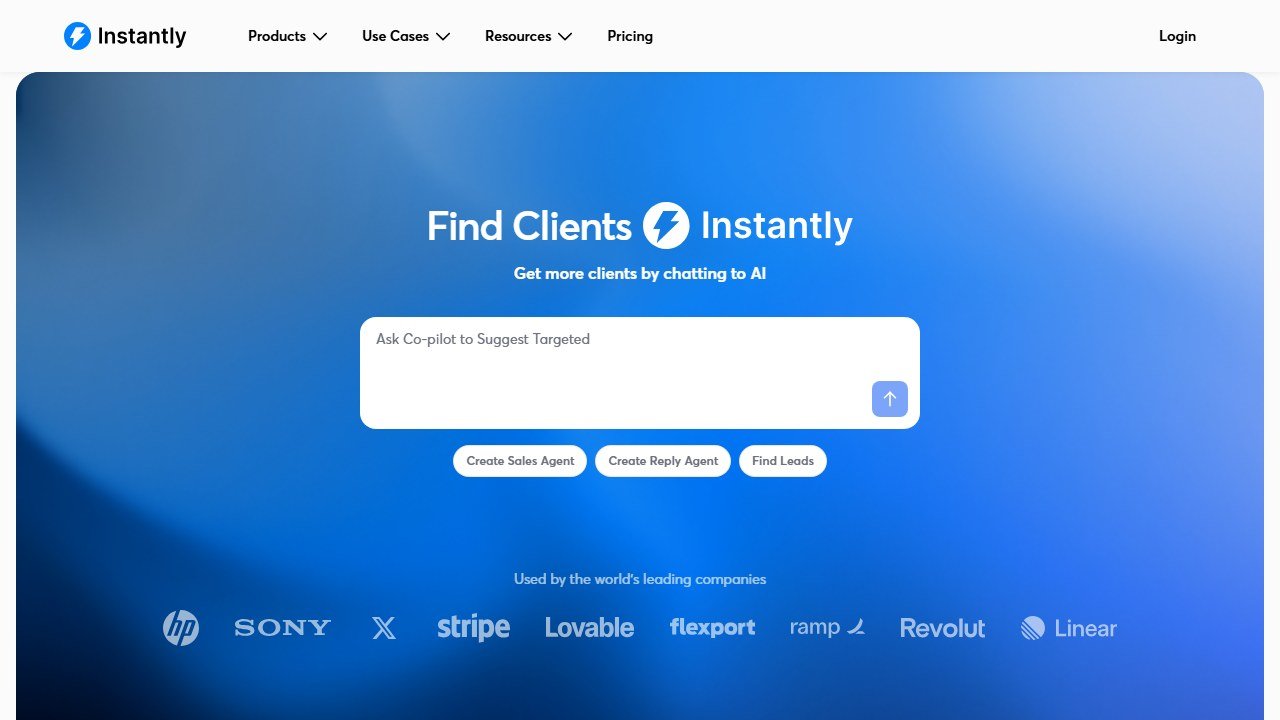
Its AI Reply Agent says it responds to interested prospects “in under 5 minutes”, handles objections and books meetings, with a human-in-the-loop or autopilot mode. Each generated reply costs 5 credits, and credits come from a separate plan from $47 a month. One compliance note: Instantly’s help centre shows the one-click unsubscribe header is a checkbox you turn on per campaign, not a default.
Last year its changelog announced free sending domains for a year and 80% off the first month of eligible credit plans, from 27 November to 1 December 2025.
Choose it if you want to scale mailboxes on a flat fee. Skip it if you want AI replies included in the base price.
2. Smartlead: built for agencies
Smartlead also offers “unlimited email accounts at no extra cost”. Base, at $39 a month, caps you at 2,000 contacts, so the reference setup needs Pro at $94 a month or $78 yearly, with 30,000 contacts and 90,000 emails. Agencies can add client workspaces at $29 a month each, and Smartlead sells its own mailboxes from $4.50 a month.
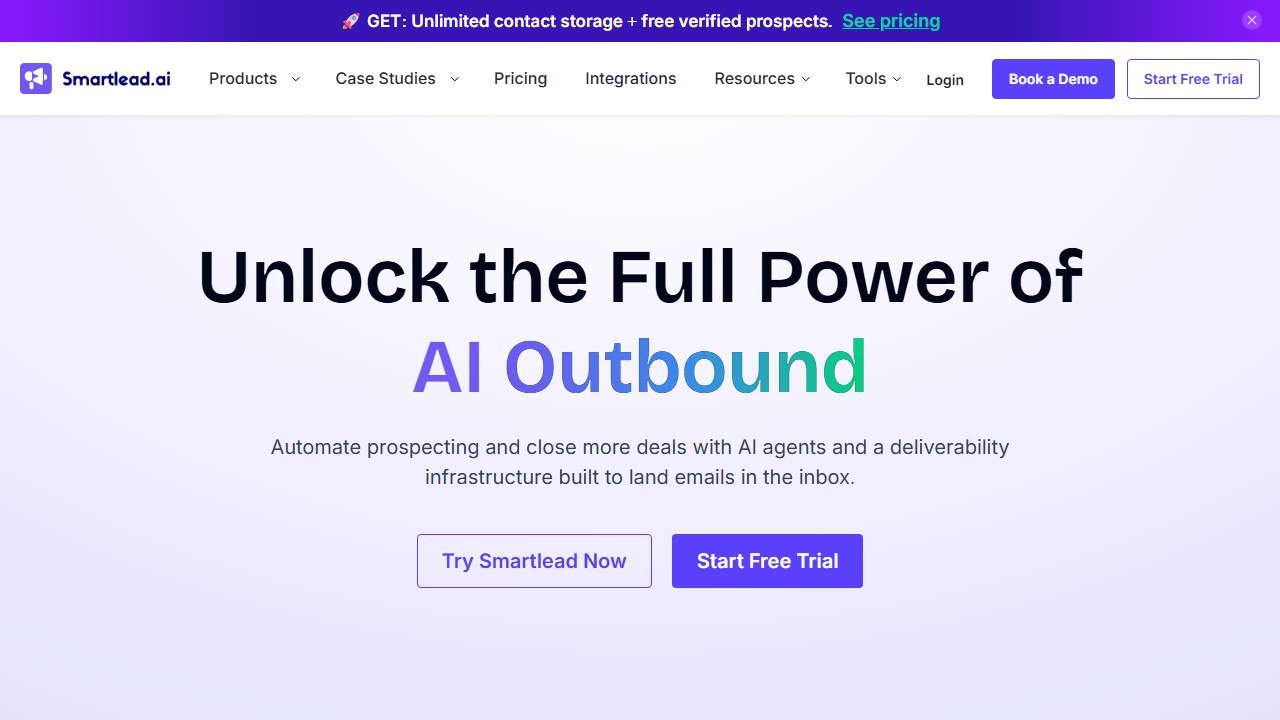
On its comparison page, Smartlead says SmartAgents, which handle replies, escalate hot leads and update your CRM, are included on all plans at no extra cost, along with 2,000 prospecting credits a month. Its pricing page itself does not list them, so confirm before you rely on it. Its help centre and blog also disagree on whether the unsubscribe header is added automatically.
Choose it if you run outbound for several clients. Skip it if you want the simplest setup for one company.
3. lemlist: the cheapest fit, with an AI agent that asks first
lemlist‘s Email plan is $69 a month or $55 billed yearly, with “unlimited users and email senders”, 50,000 emails a month and lemwarm warmup included. That makes it the cheapest plan here that fits the reference setup. Note that its FAQ says pricing is “based on the number of users”, which contradicts the Email card, so confirm the basis on a call. The Multichannel plan, with LinkedIn, calls and SMS, is $109 or $87 per user and limits each user to five senders.
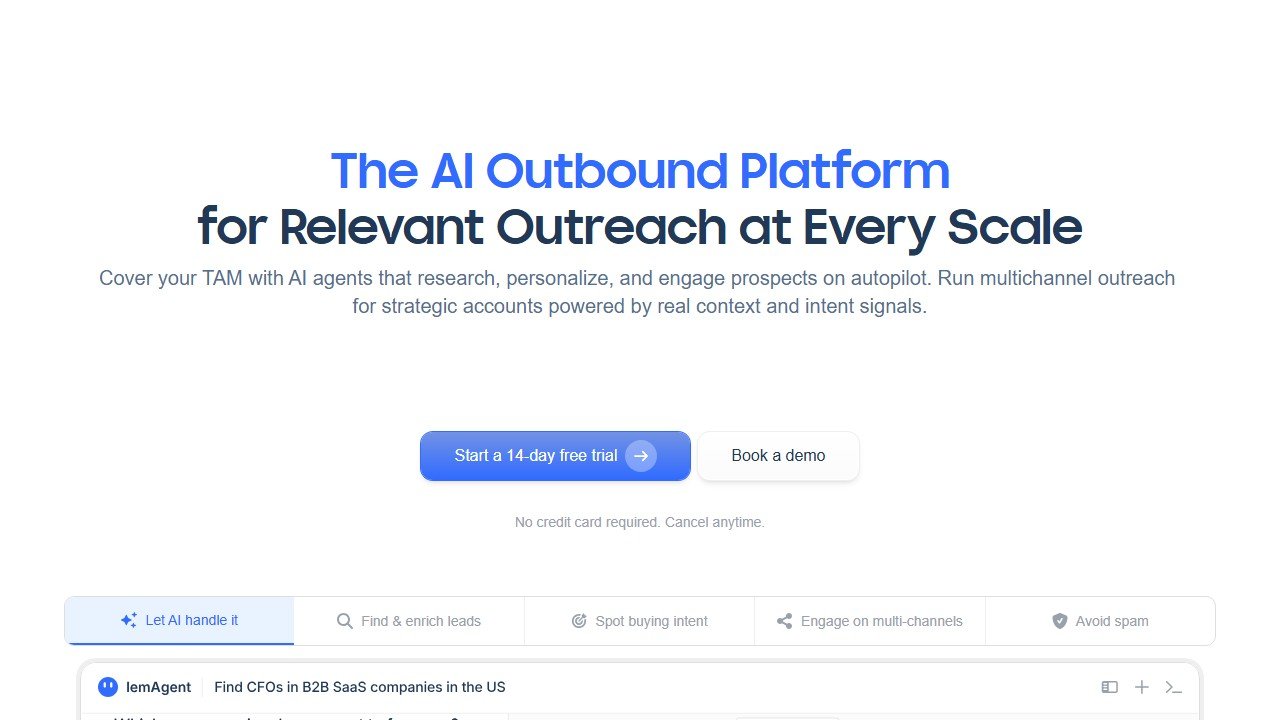
Its lemAgent builds a whole campaign from a chat, finding buyers, enriching them and writing the sequence, and lemlist says “nothing launches without your approval.” Its sending policy makes an unsubscribe link mandatory in every campaign.
Choose it if you want a capable, low-cost start with the option to add LinkedIn later. Skip it if you need multichannel for a large team on a budget.
4. Reply.io: a full AI SDR, at a very different price
Reply.io prices its Email Volume plans by active contacts, meaning people who receive a first email that month. At 5,000 active contacts it is $99 a month per user, or $89 yearly, with mailboxes and warmup included under a fair usage policy. Multichannel starts at $89 per user a month on yearly billing, and LinkedIn is a $69 a month add-on.
The headline AI is Jason AI SDR, which Reply says “handles everything from finding prospects to sending personalized messages and managing responses.” It is priced separately: at 5,000 contacts, $1,500 a month on annual billing or $2,500 month to month, more than ten times the base plan. Its Black Friday 2025 offer was 40% off annual plans with code REPLY40 and 25% off Jason AI, until 5 December 2025.
Choose it if you want AI to run outbound end to end and can pay for it. Skip it if you only need a sequencer.
5. Saleshandy: budget pick with lead credits included
Saleshandy Pro is $99 a month or $76 yearly, with 30,000 active prospects, 100,000 emails, unlimited email accounts and warmup, and 4,000 lead finder credits a month. Its AI generates a full sequence and writes variants, using one-time AI credits, 500 on Pro. Last year its blog offered 50% off annual plans with code BFCM50, from 17 November to 1 December 2025.
Choose it if you want sending and lead data in one low bill. Skip it if you want AI reply handling.
6. Apollo.io: the database and the sequencer together
Apollo is primarily a contact database with sequencing built in. Basic is $65 per seat a month, or $49 yearly, with data credits that pool across the team and do not roll over. AI research and lead scoring use those credits, and lead scoring starts on Professional at $99 or $79. Its pricing page lists a deliverability suite and warmup, but not how many mailboxes each seat can connect.
Choose it if you need data and sending from one vendor. Skip it if you already have a list.
7. Woodpecker: pay by contacted prospect
Woodpecker prices on the number of prospects you contact each month, with unlimited email accounts and team members. There is no 5,000 tier, so the reference setup needs the 8,000-prospect tier at $159 a month, or about $106 billed yearly, which includes 16 warmups and 300 lead finder credits. Its AI writes emails and detects interest levels in replies.
Choose it if your volume is uneven month to month. Skip it if you want the lowest price at steady volume.
8. Snov.io: find and verify, then send
Snov.io combines an email finder and verifier with campaigns. Pro S is $99 a month, or about $74 yearly, with 5,000 credits, 25,000 recipients and unlimited warm-up accounts. Its AI covers email writing and reply analysis, and it sells ready-made Google mailboxes at $5 a month.
Choose it if list building and verification are your bottleneck. Skip it if you need advanced AI agents.
9. Hunter: verified email first
Hunter is best known for finding and verifying emails, and its campaigns are simpler than the tools above. The reference setup needs Growth at $149 a month or $104 yearly, with 10,000 credits and 10 connected accounts; credits reset monthly. Its AI is a writing assistant, with no reply handling.
Choose it if you send small, carefully verified campaigns. Skip it if you need volume.
What we left out, and why
Mailshake prices per user and its plan cards and FAQ disagree on how many mailboxes you get. QuickMail’s pricing page lists no AI features. La Growth Machine is LinkedIn-first and priced per identity in euros. Clay is a list builder rather than a sender, from $167 a month. Lavender, which we featured in earlier versions of this page, is a writing coach that sits alongside these tools rather than a sending platform. If you are emailing people who signed up to hear from you rather than cold prospects, you need a different kind of tool: see our guide to AI email marketing tools.
Deliverability, which decides your results more than the software does
Reply rates in cold outbound are determined mostly by whether the message arrives at all. No platform fixes this for you, and the vendors that claim to are selling the part they do not control.
Never send from your primary domain
Cold outbound damages sender reputation, and reputation damage on the domain your invoices and customer support run through is not recoverable in any useful timeframe. Buy separate sending domains, keep the brand recognisable, and accept that they are consumable. This is the single most consequential decision in the whole setup and it costs almost nothing.
Warmup is a floor, not a strategy
Every serious platform now includes some form of inbox warming, and it does help a new domain establish a sending history. What it does not do is compensate for a bad list or a message nobody wants. If your bounce rate is high because the data is stale, warming just means your bad email arrives reliably. Fix the list first.
Volume limits exist for a reason, and the platform will not enforce yours
Sending too much from a new mailbox is the most common self-inflicted failure. Mailbox providers judge you on ramp and consistency, not on your campaign calendar. Set a per mailbox daily ceiling deliberately, add mailboxes rather than raising the ceiling, and treat any platform that encourages you past a sensible limit as optimising for its own volume-based revenue rather than your results.
Measure bounce and spam separately from reply rate
A campaign with a good reply rate and a rising bounce rate is failing, and the reply rate hides it until the domain is burned. Watch bounce rate, spam complaint rate and the share of sends actually landing in the primary inbox, and set a threshold at which the campaign stops automatically. Most teams learn this after losing a domain rather than before.
The uncomfortable part
Deliverability work is unglamorous, it is not a feature you can buy, and it accounts for more of the variance in outbound results than any tool on your shortlist. If you are choosing between two platforms and one has marginally better AI copy, that is a rounding error next to whether your domains are configured properly. Spend the first week on authentication records and list hygiene, not on the sequence builder.
The sender rules you cannot ignore
Google’s sender guidelines require bulk senders to authenticate with SPF, DKIM and DMARC, keep spam complaints below 0.3%, and offer one-click unsubscribe for commercial mail, honoured within 48 hours. Microsoft introduced similar requirements for Outlook in 2025. Check whether your tool adds the one-click unsubscribe header by default; on Instantly it is a per-campaign setting.
Which cold email tool should you pick?
If you are a founder sending for one company
Instantly for unlimited mailboxes on a flat fee, or lemlist for the lowest price that fits 5,000 contacts.
If you run outbound for clients
Smartlead, with client workspaces and its own mailbox service.
If you want AI to run outbound for you
Reply.io’s Jason AI SDR, if the budget is there. Instantly’s AI Reply Agent is the pay-as-you-go alternative.
If you also need the contact data
Apollo for data and sequencing in one, or Saleshandy for a budget bundle.
Where the figures on this page come from
Every price here was read from the vendor’s own pricing page on 9 October 2026, not from an aggregator. We do not carry a figure we cannot source to the vendor, and every price carries the date we read it, because in this market a claim without a date is not checkable. Earlier versions of this page used figures read on 4 September 2026; several have changed since, most notably Reply.io’s, which is now priced by active contacts.
Waiting for a sale? Our AI tools Black Friday deals page tracks Black Friday and Cyber Monday offers on sales and outreach tools, each checked on the vendor’s own site.
The bottom line
The software is the cheap part of cold email. Pick a tool whose pricing does not punish you for adding mailboxes, budget for the mailboxes and domains themselves, and treat AI replies as a cost you pay per use unless the vendor says otherwise in writing. Then spend your first week on authentication and list quality, not on the sequence builder.
For the bigger picture, see our best AI sales tools pillar and best AI SDR tools. To write the emails themselves, read how to write cold emails with AI, and for lists, our best AI lead enrichment tools guide.

Written by
FazFaz is the founder of AIToolsBakery. Some tools here are tested hands on. Others are assessed from vendor documentation and pricing verified on the live page, and every review says which one it is. Sponsors can buy a position in a guide. They cannot buy the score, the criticism, or silence about a better option.
How we test and how we make money →