Six weeks after a knee scope, the in-person sessions stop and the real work begins: the daily home exercises nobody watches you do. That is exactly where most rehab quietly falls apart. You half remember the angles, you cheat the reps when it hurts, and you have no idea whether you are progressing or just going through the motions. A new class of AI physical therapy apps tries to fill that gap, using your phone camera to watch your form, count clean reps, and flag when your hip is hiking or your knee is caving in.
We are AIToolsBakery, and we are independent. We sell none of these apps, we take no cut from any of them, and we are not the vendor or the affiliate list you usually land on for this search. If you Google “ai physical therapy app,” the front page is owned by the companies themselves selling their own programs, or by roundups that earn a commission on whatever they rank first. We are neither. Our job is to tell you which of these actually does the watching, which ones you can only get through your employer or insurer, and what every single one of them still cannot do.
One thing up front, because it matters more here than in any other fitness category we cover: these apps are tools, not clinicians. None of this is medical advice, and an app is not a substitute for a licensed physical therapist. If you have an active injury, post surgical restrictions, or new or worsening pain, get a real professional to look at you first. Use these to do the work better between visits, not to skip the visits.
The 30-second answer: For employer or insurer coverage, check Hinge Health, Sword Health, or Kaia Health first, often free to you. For real-time camera form feedback you can use today, Kemtai and Exer Health lead. For clinic-prescribed home programs, Phzio fits. None replace a licensed physical therapist. Confirm coverage and pricing on each vendor page.
Quick answer: Hinge Health and Sword Health lead for guided home rehab with clinician support (usually via an employer or health plan), while Kaia and Kemtai use your camera for form feedback. The best app is the one that helps you do your prescribed program consistently between appointments, not a replacement for a PT.
How we judged these apps
There are dozens of “PT apps,” but most are just video libraries with a timer. The ones worth your time do at least one of four real jobs, and the best do several. We organized this roundup around those jobs so you can match an app to what you actually need.
- Motion tracking and form feedback. Does the camera actually watch you and correct your form in real time, or does it just play a video and trust you?
- Guided exercise libraries. Are the programs built and adjusted by clinicians, or are they generic stock routines?
- Pain and progress tracking. Does it log your pain, range of motion, and adherence so you and a clinician can see the trend?
- Access model. Can you just download it and pay, or do you only get it through an employer or health plan? This is the single most confusing part of the category, and we call it out for every app.
If you are coming from general training rather than rehab, our best AI workout apps guide covers the consumer fitness side, and AI pose correction apps for home workouts covers form tracking for exercise rather than recovery.
Hinge Health

Hinge Health is one of the largest digital MSK (musculoskeletal) programs in the United States, and the catch is right there in how you get it: it is almost always provided through your employer or health plan, not sold to you directly. If your benefits include it, the program is typically free to you.
What you get is a structured program for back, knee, hip, neck, shoulder, and other joint pain, built around app-guided exercise therapy with computer vision that uses your phone or tablet camera to track movement and give feedback. The strong part of Hinge is the wraparound human care: many members get access to a physical therapist and a health coach, not just the app. That combination is what separates it from a pure software product.
The limitation is access itself. You cannot reliably buy Hinge Health as an individual off the street. If your employer does not offer it, this one is simply off the table for now, and that is worth knowing before you get attached to it. Coverage and the exact features in your plan change, so confirm what is included on the official page.
Pricing: typically no cost to you when offered through an employer or health plan, not generally available self-pay. Check eligibility at hingehealth.com.
One limit: access depends entirely on your benefits, not on your wallet.
Sword Health

Sword Health sits in the same employer and insurer lane as Hinge, and it leans hard on the clinical side. The model pairs you with a licensed clinician, often a Doctor of Physical Therapy, who builds and adjusts your program, while the app uses motion technology to track your sessions at home. Historically Sword has used a sensor based approach to capture movement, which some people find more precise than camera only tracking, though the experience varies by program.
The appeal is that it feels closer to actual care than to an app you are left alone with. A real clinician owns your plan, reviews your data, and changes the program as you progress. For people recovering from something specific, that human accountability is the difference between finishing a program and abandoning it in week two.
The limitation, again, is the access model. Sword is sold to employers and health plans, so whether you can get it comes down to your benefits, not your decision. Pricing to you is usually nothing when covered, but it is not a consumer download. Verify availability and what is included on the vendor page.
Pricing: typically free to you through an employer or health plan, not a direct consumer purchase. Confirm at swordhealth.com.
One limit: clinician driven and excellent for that, but you are dependent on your employer offering it.
Kaia Health

Kaia Health is the third of the big employer and insurer programs, and its calling card is the Motion Coach, which uses your device’s front facing camera to watch your exercises and give corrective feedback without any wearables or sensors. It covers a broad set of body regions, from lower back and neck to hip, knee, and pelvic health, and blends guided exercise with relaxation and pain education rather than exercise alone.
What we like is the multimodal approach. Chronic pain is rarely just a strength problem, and Kaia’s mix of movement, breathing, and education reflects that better than a pure exercise app. Many members also get a health coach, which adds the human layer that software alone cannot provide.
The familiar catch applies. Kaia partners with health plans and employers to offer the program at no cost to members, and it is generally not sold on a self-pay basis. So once more, your access hinges on your benefits. Confirm current availability and coverage on the official site, because these arrangements shift.
Pricing: generally no cost through a health plan or employer, not currently self-pay. Check kaiahealth.com.
One limit: camera only tracking is convenient, but you still need your benefits to include it.
Kemtai
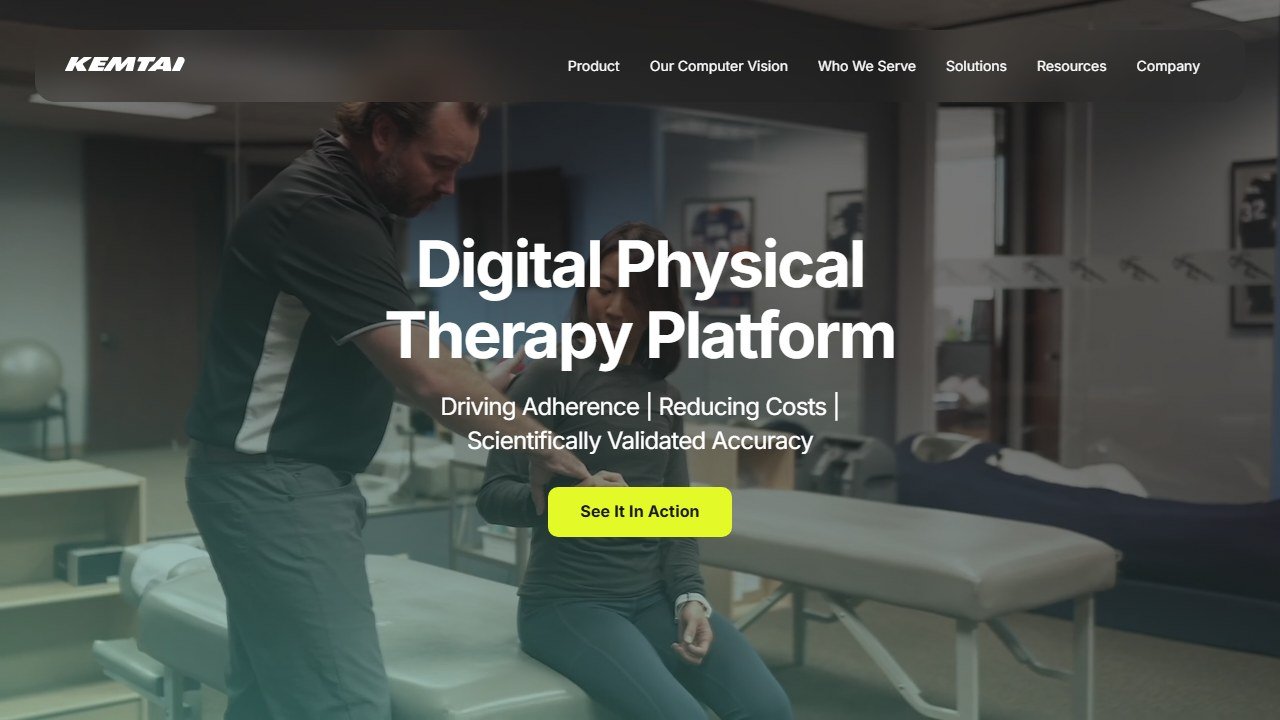
Kemtai is where the category opens up for people without the right benefits, because it is a computer vision platform built to be embedded by clinics, health systems, and digital health providers rather than gated purely behind big employer deals. Its standout is the depth of its tracking: the technology analyzes a large number of points on the body to give instant audio and visual corrections on form, posture, and range of motion, rep by rep, using just a camera.
For sheer form feedback quality, Kemtai is one of the most serious efforts we have looked at. It turns any camera device into something that watches every repetition and tells you when your alignment slips, which is exactly the job that home rehab usually lacks. It also shares your performance back to the prescribing clinician, so the home work is visible rather than invisible.
The limitation is that Kemtai is primarily a business to business platform. You typically reach it through a provider, clinic, or partner program rather than as a standalone consumer app you grab from the store. So the right question is not “can I buy it” but “does my clinic or platform use it.” Confirm how to access it on the vendor page.
Pricing: delivered through clinics, providers, and health platforms rather than direct retail, so cost depends on the partner. See kemtai.com.
One limit: you usually get it via a provider, not as a solo download.
Exer Health
Exer Health is the most clinically formalized of the camera based options here. It is an FDA registered motion AI app that measures range of motion, mobility, and strength using the phone camera, watching points on the body across a wide range of movements. Because it is built around objective measurement, it is designed to support Remote Therapeutic Monitoring, which is how a clinic can actually bill for and track your home progress over time.
The strength is precision and accountability. Rather than just guiding you through reps, Exer is oriented around measuring you: capturing range of motion numbers and movement quality that a clinician can review. For anyone whose recovery is defined by hitting specific mobility milestones, that measurement focus is genuinely useful, and the regulatory registration signals a higher bar than a typical fitness app.
The limitation is that Exer is built primarily for the provider and clinical workflow. The patient app exists, but it shines when a clinic is prescribing and monitoring through it, not when you are freelancing on your own. As always, confirm exactly how you can access it and what it costs through your provider on the official site.
Pricing: typically accessed through a clinic or provider using it for remote monitoring, cost varies by program. Details at exer.ai.
One limit: measurement focused and provider oriented, less of a grab and go consumer app.
Phzio
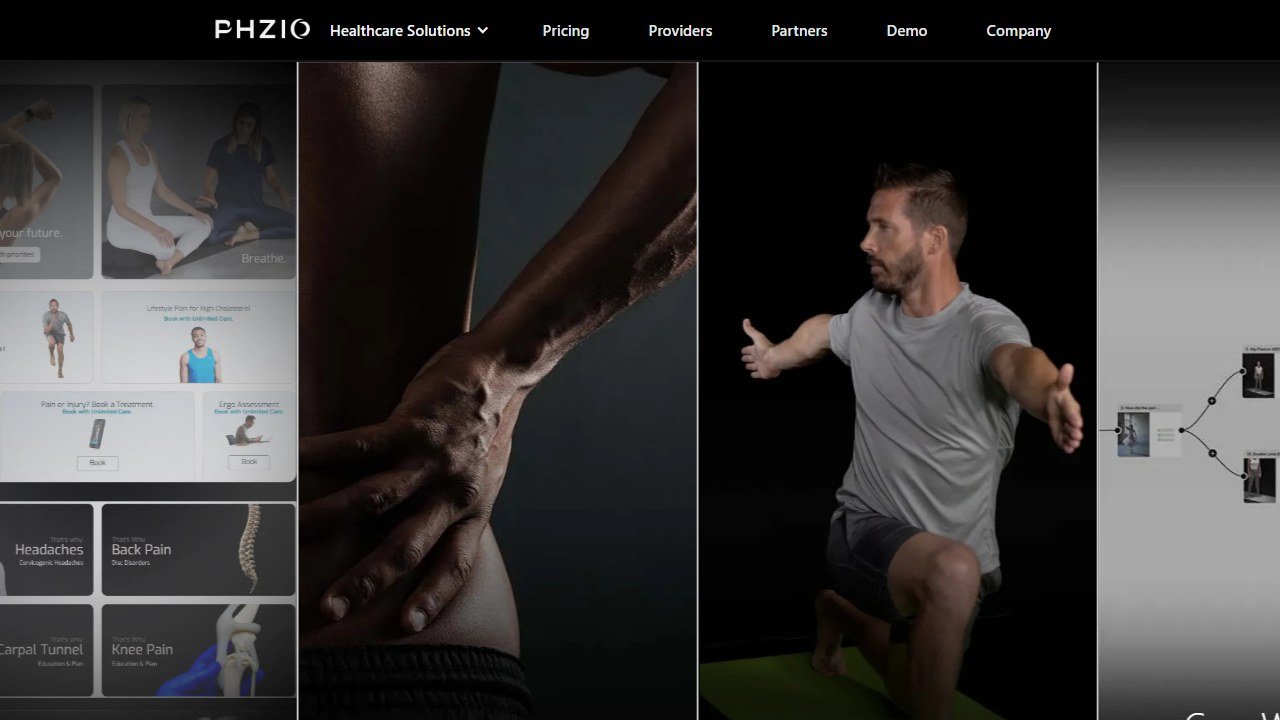
Phzio takes a different angle. Instead of leading with AI motion tracking, it is a telehealth platform that lets physical therapists run live and on demand sessions with patients at home, prescribe treatment protocols through a dashboard, and monitor adherence. It is closer to “your clinic, online” than to “an AI watching your form,” and for many people that human supervision is the point.
What we appreciate is the directness of the model. A real therapist prescribes your protocol, you follow the videos, and the clinician can monitor and adjust. For people who want a known human in the loop rather than an algorithm scoring their reps, that is reassuring, and it keeps the relationship with an actual licensed professional front and center.
The limitation is that the AI form feedback is not the headline here the way it is with Kemtai or Exer. You are getting structured tele rehab and monitoring rather than rep by rep computer vision correction. And like the clinical platforms above, you reach it through a participating practice. Confirm what your clinic offers and any cost on the vendor page.
Pricing: delivered through participating physical therapy practices, cost depends on the clinic and your coverage. See phzio.com.
One limit: strong on tele rehab and monitoring, lighter on real-time AI form correction.
Quick comparison
One table, so you can scan the tradeoffs at a glance. Pricing here is qualitative on purpose, because it changes constantly and depends heavily on your employer, insurer, or clinic. Always confirm on the vendor page before you commit.
| App | What it does best | Best for | Price or access |
|---|---|---|---|
| Hinge Health | Full MSK program plus human PT and coach | Employees whose benefits cover it | Usually free via employer or plan |
| Sword Health | Clinician built plans with motion tracking | People who want a real DPT in the loop | Usually free via employer or plan |
| Kaia Health | Camera Motion Coach plus pain education | Chronic pain, multimodal approach | Usually free via employer or plan |
| Kemtai | Deep real-time camera form feedback | Form correction via a clinic or platform | Through providers and partners |
| Exer Health | FDA registered motion measurement | Tracking range of motion milestones | Through a clinic or provider |
| Phzio | Live tele rehab and protocol monitoring | A real therapist supervising remotely | Through participating practices |
If your recovery involves balance, strength, and staying active long term, our AI workout app for seniors guide pairs well with home rehab, and for the strength rebuilding phase after you are cleared, best AI personal trainer apps for beginners is a gentler on ramp than a hardcore lifting app.
A lean way to start
You do not need to test all six. Here is the fastest honest path.
- Check your benefits first. Log into your employer or health plan portal and search for MSK, physical therapy, or the three big names. If Hinge, Sword, or Kaia is covered, start there, because it is usually free and includes human care.
- If nothing is covered, ask your clinic. Ask your physical therapist whether they prescribe through a platform like Kemtai, Exer, or Phzio. Provider access often beats anything you can sign up for alone.
- Confirm what tracking you actually get. Camera form feedback, sensor tracking, and plain video libraries are very different. Ask which one you are paying for.
- Use it daily for two weeks, then reassess. Adherence is the whole game in rehab. If an app does not get you to do the work, the fanciest AI in the world is wasted.
What these apps still cannot do
Here is the honest close, and please read it before you decide.
None of these apps can diagnose you. They cannot feel your joint, watch your gait across a room, put hands on a stiff segment, or notice the small compensation pattern that a trained clinician catches in person. Camera based motion tracking is genuinely impressive, but it estimates your movement from video, which means lighting, clothing, camera angle, and small frame can all skew what it reports. Treat rep counts and range of motion readouts as helpful guidance, not as precise clinical measurement.
They also cannot tell you when to stop. An app will happily cue your next rep even if you are pushing through pain that signals a problem. That judgment, when to progress, when to back off, when something is wrong, belongs to a licensed physical therapist who knows your history and your surgery.
So the right frame is simple. The best AI physical therapy app is the one that helps you do your prescribed home program more consistently and with better form between real appointments. It is a coach for the boring daily work, not a replacement for care. This article is not medical advice. If you have an injury, post surgical restrictions, or new, severe, or worsening pain, stop and consult a licensed physical therapist or your doctor. Use the technology to support that relationship, never to skip it.
How consumer fitness apps are priced, and why the figures are hard to pin down
Consumer training apps behave differently from coaching platforms, and it makes them genuinely harder to compare honestly.
Most of them price through the app stores
We attempted to read pricing pages for several of the best known consumer apps on 4 September 2026, including Fitbod, Dr. Muscle, Hevy, Whoop and Oura, and could not extract a rate from any of them with the same method that read every coaching platform above. That is largely because subscriptions are sold inside the app rather than on the web, so the price you see depends on your store, your region and sometimes your device. We will not quote a figure we could not source.
What that means for any price you read elsewhere
Treat every specific consumer app price on the internet, including in comparison articles, as unverified unless it names a date and a source. Store pricing also changes by country and moves with local currency, so a figure that was right in one market can be wrong in yours by a wide margin. The reliable move is to open the app store listing on your own device before deciding.
The one that does publish clearly
JuggernautAI publishes on the web: $34.99 a month or $349.99 a year, with a two week free trial, which works out at roughly two months free on the annual plan. That is at the premium end of consumer training apps and it is aimed at serious strength athletes rather than general fitness, which is the honest framing for whether it is expensive.
Free trials in this category are short and auto-renewing
Two week and one month trials are the norm and almost all of them convert automatically. If you are testing several apps, note the conversion dates somewhere other than the app itself. This is mundane advice and it is the single most common way people end up paying for three training apps they stopped opening in February.

Written by
FazFaz is the founder of AIToolsBakery. Some tools here are tested hands on. Others are assessed from vendor documentation and pricing verified on the live page, and every review says which one it is. Sponsors can buy a position in a guide. They cannot buy the score, the criticism, or silence about a better option.
How we test and how we make money →Frequently Asked Questions