Nonprofit discount pages are a minefield of secondhand claims. Half the “AI tools for nonprofits” listicles we checked repeat discount percentages that do not appear anywhere on the vendor’s own site, and a few cite programs that quietly ended years ago. When your comms budget is measured in hundreds of dollars a month, not thousands, a made-up 75% discount is not a harmless error. It is a budget line that explodes on renewal.
So we did the boring thing. In July 2026 we opened every vendor’s official nonprofit or pricing page, confirmed what the discount actually is, and noted exactly how you claim it. Where we could not verify a discount, we say so plainly instead of repeating the internet’s favorite number. The result is the verified nonprofit discount stack for communications work: writing, email, newsletters, and PR. We also ran the total monthly cost for a realistic 2-person comms team, because “up to 60% off” means nothing until it is a dollar figure next to the other dollar figures. To plan what goes to whom and when, see our guide to building a donor communication plan, including the email and texting rules.
Every discount, verified on the official page
Here is the full roundup at a glance. The “verified discount” column is what the vendor’s own site says as of July 2026, not what aggregator listicles claim.
| Tool | Comms job | Verified nonprofit discount (July 2026) | How to claim it |
|---|---|---|---|
| Canva Nonprofits | Design, visual storytelling, branded templates | Canva Pro free, one team up to 50 members | Apply on Canva’s nonprofit page with registration docs |
| ChatGPT Business | Drafting, editing, brainstorming, PR prep | 20% off via Goodstack; up to 75% off for large Business/Enterprise deployments | Verify nonprofit status through Goodstack |
| Grammarly | Editing, tone, consistency across writers | No nonprofit-specific discount verified | Standard pricing; ask sales, get anything in writing |
| Jasper | Long-form campaign copy, brand voice | 20% off | Email hey (at) jasper.ai with nonprofit documentation |
| Mailchimp | Email marketing and newsletters | 15% off paid plans for verified 501(c)(3)s | Contact billing support with verification |
| Constant Contact | Email and event communications | Prepay discount: 20% off 6 months or 30% off 12 months, Standard/Premium only | Prepay as a registered nonprofit |
| Hootsuite | Social copy via OwlyWriter AI (scheduling covered elsewhere) | Up to 60% off Standard/Advanced via TechSoup | Validate through TechSoup, not Hootsuite direct |
| Buffer | AI Assistant for social copy (scheduling covered elsewhere) | 50% off all plans | Apply at buffer.com/nonprofit-request |
One flag before we go tool by tool: the “Hootsuite 75% off” figure you will see repeated across nonprofit blogs does not match Hootsuite’s official program. The real offer is up to 60% via TechSoup on Standard and Advanced plans. We dug into that discrepancy in detail in our social media companion post.
What this post covers (and what it deliberately does not)
Scope matters here, so let us draw the line. This roundup covers the writing side of nonprofit communications: drafting, editing, email, newsletters, and PR. If you are looking for scheduling, caption generation, short-form video, or social design tools, we cover that entire lane separately in our guide to the best AI tools for nonprofit social media, including the verified discounts for Later, Loomly, Planable, and the rest of the scheduling stack. Buffer, Hootsuite, and Canva appear in both posts because they straddle the line, but here we look at them strictly through the writing and content workflow lens. And if you came here for donor-facing tools, those live in our best AI fundraising tools for nonprofits roundup instead.
How we verified
For each tool we loaded the official nonprofit program page or pricing page in July 2026 and recorded the discount as stated by the vendor. We did not accept aggregator claims, Reddit threads, or other listicles as sources. Where a vendor has no published nonprofit discount, we write “no published figure” rather than guessing. List prices in the cost table below are the vendor-published rates at draft time; always confirm on the pricing page before you sign, because vendors reprice more often than they update their FAQ.
1. Canva Nonprofits: the free anchor of the stack
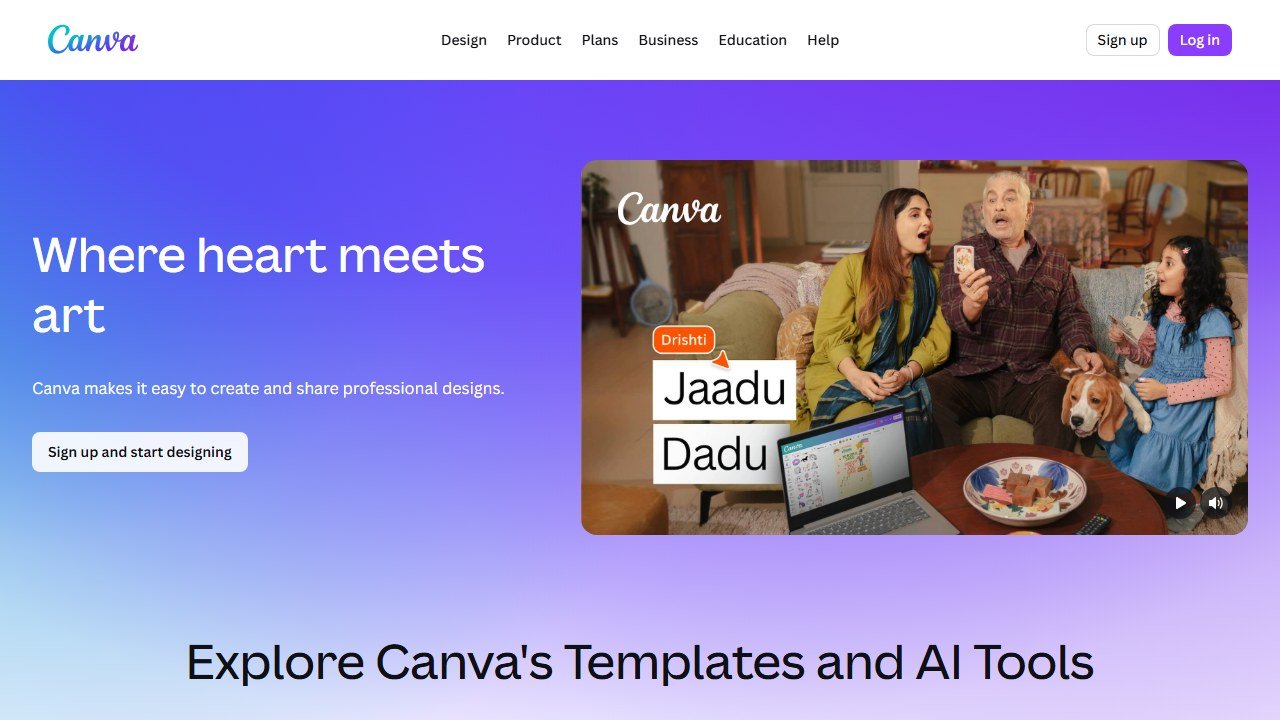
Canva is the one tool on this list where the nonprofit deal is not a discount but a full waiver. Canva Nonprofits gives eligible registered nonprofits Canva Pro free for one team of up to 50 members, verified on Canva’s official nonprofit page in July 2026. That includes the Magic Studio AI suite: Magic Write for drafting copy inside designs, Magic Media for image generation, background removal, brand kits, and the full premium template library.
In practice, Canva earned its spot in a comms stack for the connective work: turning a board update into a one-page visual, resizing a newsletter header into six social crops in one click, and keeping two writers on the same fonts and colors without a designer in the loop. Magic Write is not going to replace your drafting tool, but for short captions, headline variants, and filler copy inside a layout, it saves the tab-switch to ChatGPT.
Pricing: Canva Pro is free for eligible nonprofits, one team, up to 50 members. At list, Pro normally runs about $120 per person per year, so a 2-person team is saving roughly $240 a year here alone.
Who it is for: every nonprofit comms team, full stop. There is no budget case against a free Pro tier.
One honest limitation: eligibility review can take a while, and some organization types (notably some fiscal sponsorships) hit friction in verification. Apply before you need it, not the week of your campaign launch.
2. ChatGPT Business: the drafting engine, 20% off via Goodstack
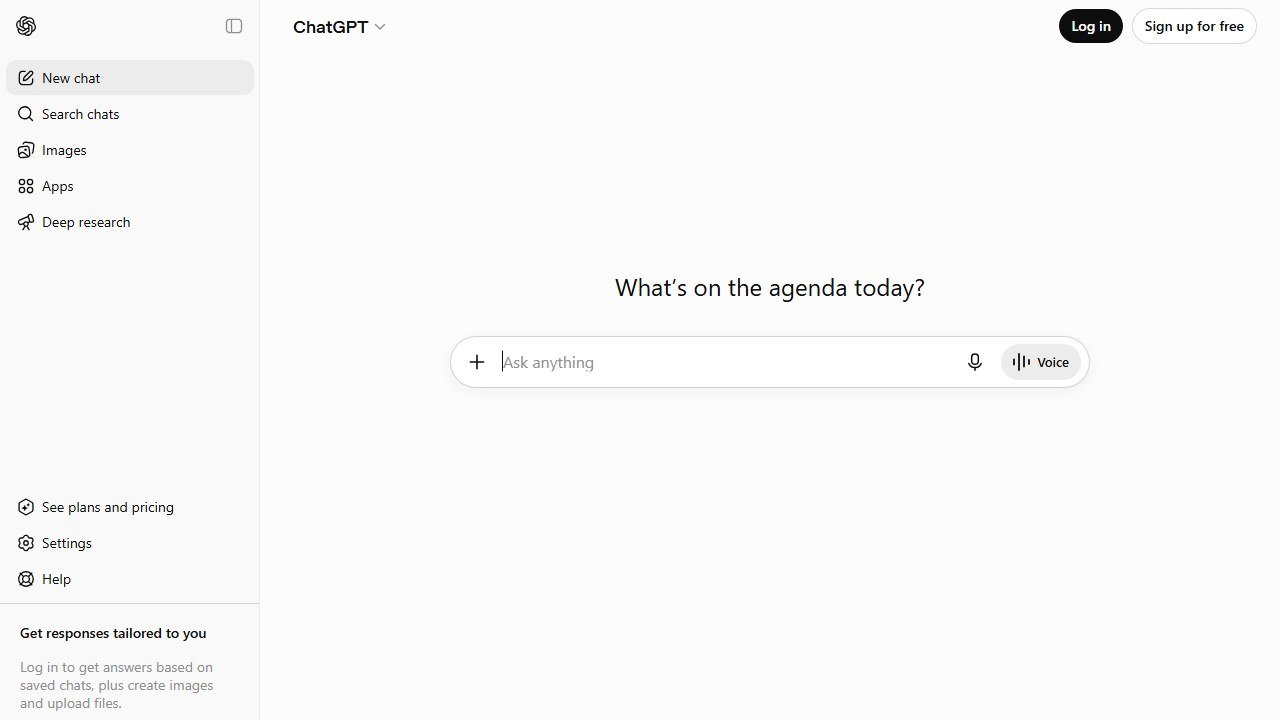
ChatGPT Business is where most of the actual writing happens in a modern comms workflow: first drafts of appeal emails, press releases, talking points, grant-adjacent boilerplate, and the endless “make this shorter and warmer” editing passes. The Business tier matters over the free tier for one reason nonprofits should care about: workspace controls and the data posture that comes with a business agreement, so your donor stories and internal drafts are not casually pasted into a consumer account.
The verified deal: OpenAI offers a 20% nonprofit discount on ChatGPT Business, validated through Goodstack, and up to 75% off Business or Enterprise for large deployments. We confirmed both on OpenAI’s official nonprofit page in July 2026. The 75% tier is real but aimed at big rollouts, so a 2-person team should budget around the 20% figure.
In practice, the practical wins were speed on formats you write repeatedly. A monthly newsletter that took a morning now takes an hour: outline from bullet points, draft, then a human pass for voice and facts. The human pass is not optional. Donor names, program stats, and quotes must come from you, verified, every time.
Pricing: ChatGPT Business lists at $25 per user per month billed annually ($30 monthly). With the 20% nonprofit discount, two seats land at about $40 per month.
Who it is for: any team drafting more than a few pieces a week. It is the highest-leverage line in the budget after free Canva.
One honest limitation: it will confidently invent statistics and quotes if you let it. Treat every number in a draft as unverified until a human sources it.
3. Grammarly: the editor, with no verified nonprofit discount
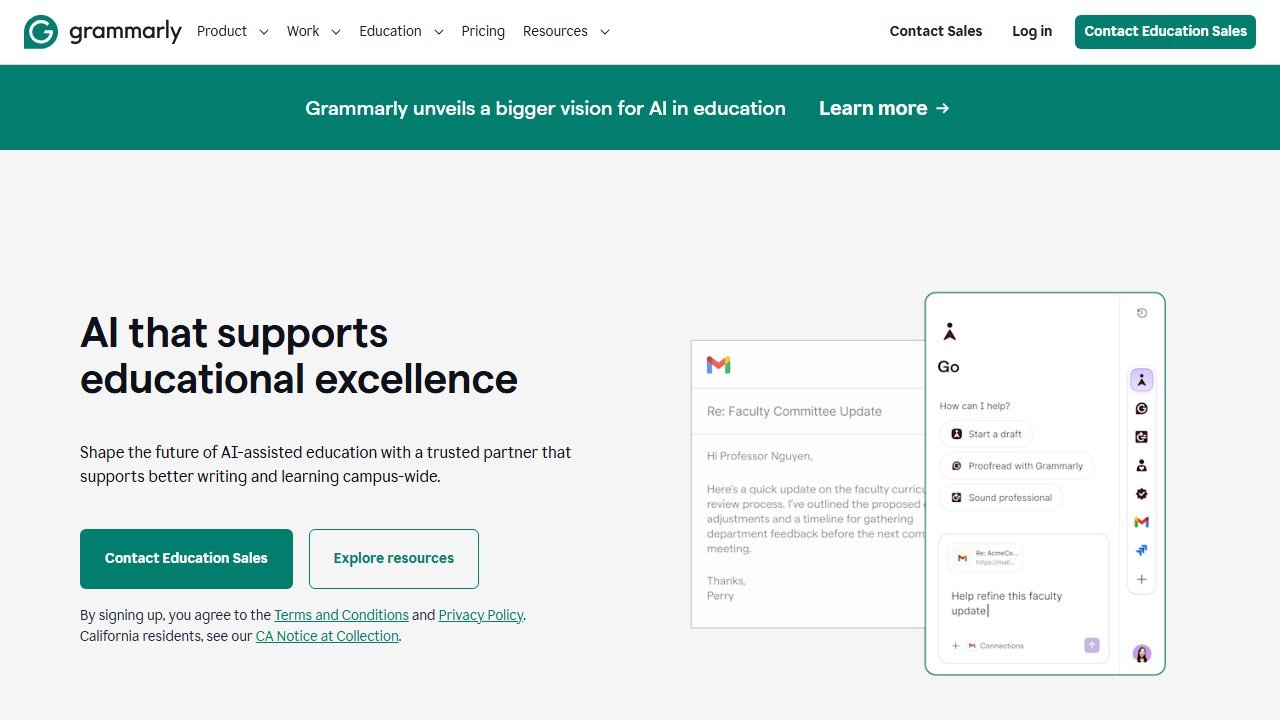
Grammarly is the quality gate. When two or three people write under one organizational voice, Grammarly’s tone detection, consistency checks, and style guide features catch the drift that individual proofreading misses. The AI rewrite suggestions have gotten genuinely useful for the classic nonprofit problem of paragraphs that are grammatically fine but emotionally flat.
Now the part other listicles get wrong: we could not verify a nonprofit-specific discount for Grammarly. As of July 2026 there is no published nonprofit program or discount figure on Grammarly’s official pages. You will find blog posts claiming otherwise, but none of them link to an official source, and we do not repeat numbers we cannot trace. If a nonprofit rate exists through a sales conversation, get it in writing; for budgeting purposes, assume standard pricing.
In practice, Grammarly earned its seat as the last pass before anything ships: the send-to-2,000-donors email, the press release, the annual report copy. It catches the typo that ChatGPT introduced and you both read past four times.
Pricing: no nonprofit discount verified. Grammarly Pro lists at roughly $12 per member per month billed annually, so budget about $24 per month for a 2-person team at standard rates.
Who it is for: teams where more than one person writes public-facing copy and consistency is slipping.
One honest limitation: it is the only paid tool in our core stack with no verified nonprofit pricing, which stings at renewal. If the budget is genuinely tight, the free tier catches basic errors and you lean harder on ChatGPT for rewrites.
4. Jasper: brand-voice copy at scale, 20% off by email
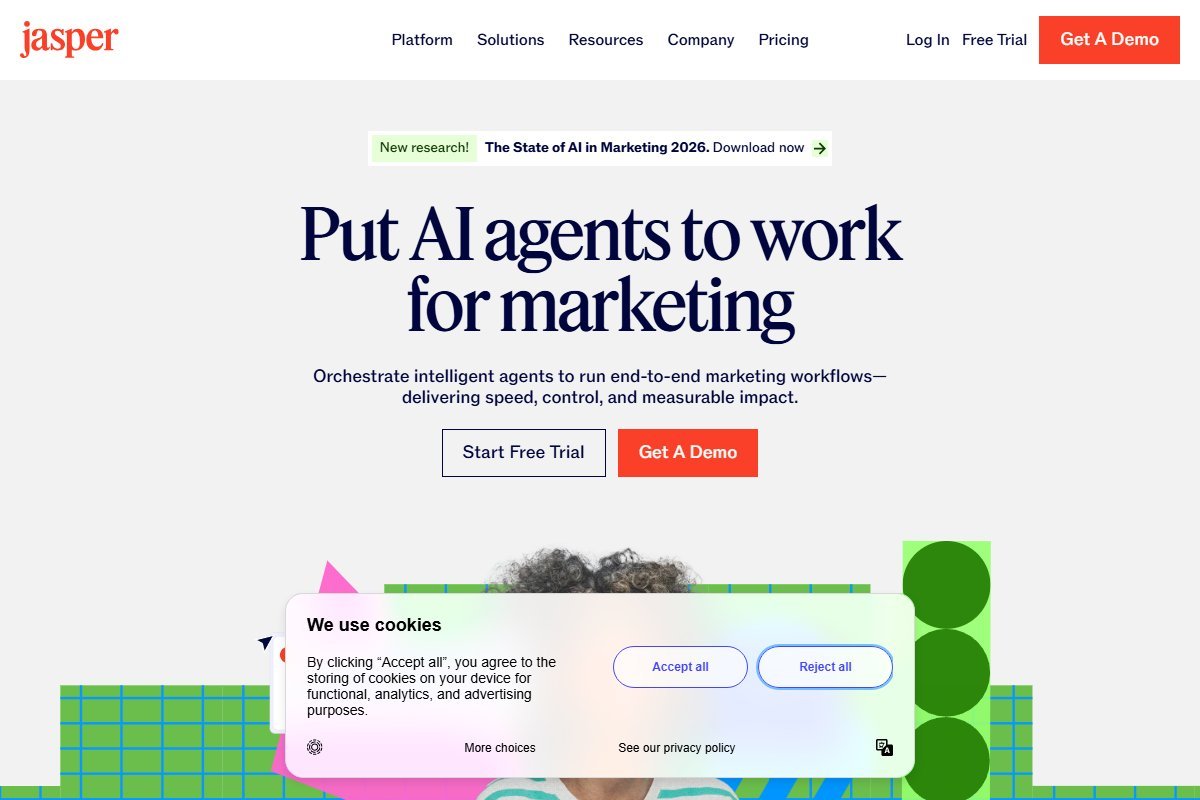
Jasper is the specialist option: a purpose-built AI writing platform with brand voice training, campaign templates, and team workflows. Where ChatGPT is a blank page, Jasper is a production line. You load your style guide and past materials into its brand voice feature, and drafts come out sounding recognizably like your organization instead of like a chatbot.
The verified deal: Jasper offers a 20% nonprofit discount, applied by emailing hey (at) jasper.ai with your nonprofit documentation. That email-to-apply flow is unusual, and it means the discount will not appear at checkout. Send the email first, then subscribe.
In practice, Jasper made the most sense for campaign bursts: a giving-day push needing 15 coordinated pieces (emails, landing page copy, ad variants, thank-you sequences) in one consistent voice. For that job it beat raw ChatGPT because the voice held steady across every asset without re-prompting. For everyday one-off drafting, the extra cost over ChatGPT Business is hard to justify.
Pricing: Jasper’s Creator plan lists at $39 per seat per month billed annually ($49 monthly). With the 20% nonprofit discount, two seats come to about $62 per month. Confirm current list rates on Jasper’s pricing page, as it has repriced before.
Who it is for: comms teams running frequent multi-asset campaigns who need voice consistency more than raw drafting help.
One honest limitation: it overlaps heavily with ChatGPT Business, and at nonprofit budgets most 2-person teams should pick one, not both. Jasper is the add-on you earn your way into, not the starting point.
5. Mailchimp: email and newsletters, 15% off for 501(c)(3)s
Mailchimp remains the default answer for nonprofit email, and the AI features have matured into things a small team will actually use: subject line suggestions with performance predictions, generative email copy in the builder, send-time optimization, and content optimizer feedback on drafts. For a comms person juggling the newsletter alongside six other jobs, the AI assists shave real minutes off every send.
The verified deal: Mailchimp offers a 15% discount on paid plans for verified 501(c)(3) organizations, confirmed on Mailchimp’s official pages in July 2026. You claim it by contacting billing support with your verification documents; it does not apply automatically.
In practice, the standout was the reporting loop. Mailchimp’s AI-flagged insights (“this segment opens in the evening”, “this subject style underperforms for you”) turned into concrete changes in practice, which is more than most AI dashboard widgets manage. Pair it with the retention thinking in our guide to AI tools for donor retention and the newsletter stops being a broadcast and starts being a program.
Pricing: paid plans scale with contact count. The Standard plan, where the useful AI features live, starts around $20 per month at the entry contact tier; the verified 15% nonprofit discount brings that to roughly $17 per month. Your real cost depends on list size, so price your actual contact count before committing.
Who it is for: nonprofits with a growing list who want AI-assisted email without an enterprise platform.
One honest limitation: contact-based pricing punishes messy lists. An unsegmented list full of dead addresses inflates your bill every month, so clean before you migrate.
6. Constant Contact: the prepay-discount alternative
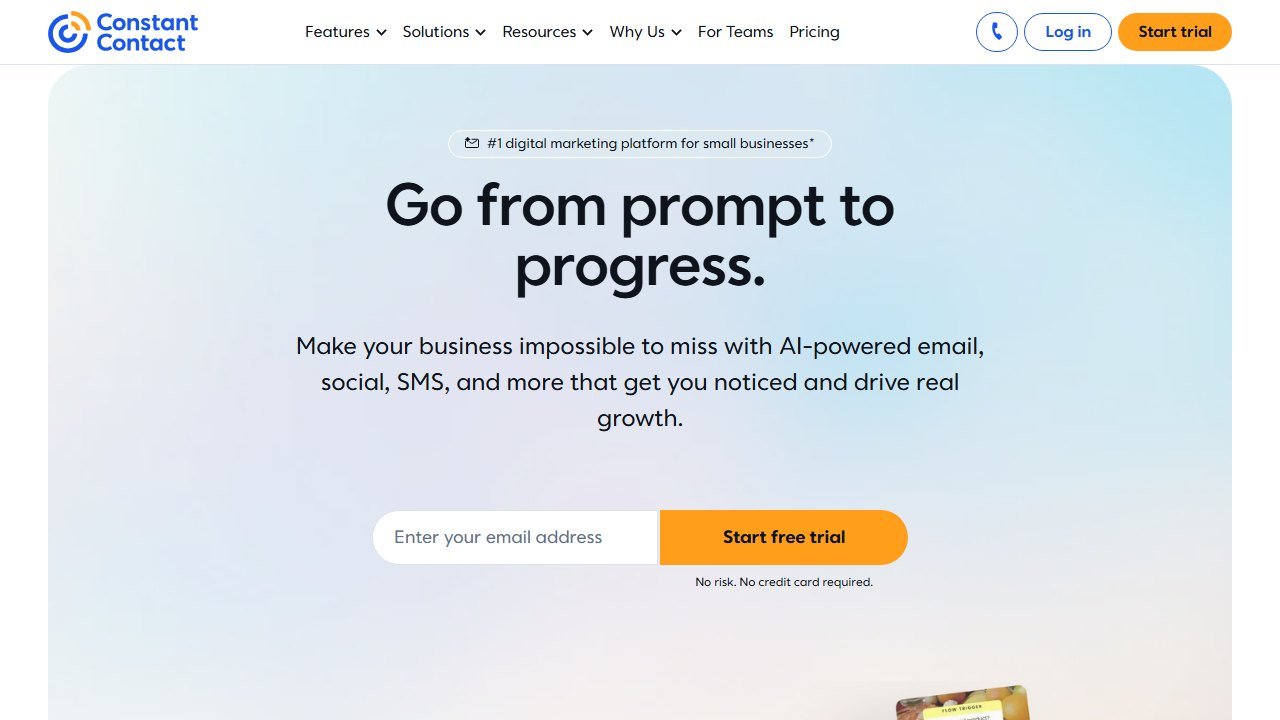
Constant Contact is the other serious nonprofit email contender, and its discount structure is genuinely different: instead of a flat percentage, nonprofits get a prepay discount of 20% off for 6 months or 30% off for 12 months, verified on Constant Contact’s official pages in July 2026. Two catches, both important: it applies to Standard and Premium plans only, and you must prepay, which is a cash-flow decision for a small org.
The AI side includes campaign content generation, subject line help, and automation suggestions. In practice it felt a half-step behind Mailchimp’s AI polish, but the gap is narrower than it was, and Constant Contact’s event tooling is stronger, which matters for organizations whose comms calendar revolves around galas, walks, and volunteer days.
The math question is simple: at 30% off prepaid annually versus Mailchimp’s 15%, Constant Contact can come out cheaper for the same list size if you can front the cash. Run both against your actual contact count.
Pricing: the Standard plan starts around $35 per month at the entry contact tier. With the verified 30% discount on a 12-month prepay, that is roughly $24.50 per month effective. The Lite plan is cheaper but excluded from the nonprofit discount.
Who it is for: event-heavy nonprofits, and orgs that can prepay a year to capture the deeper discount.
One honest limitation: prepaying locks you in. If the platform is not working for you at month four, that 30% discount becomes the reason you are stuck until month twelve.
7. Hootsuite: OwlyWriter AI, and the 75% myth
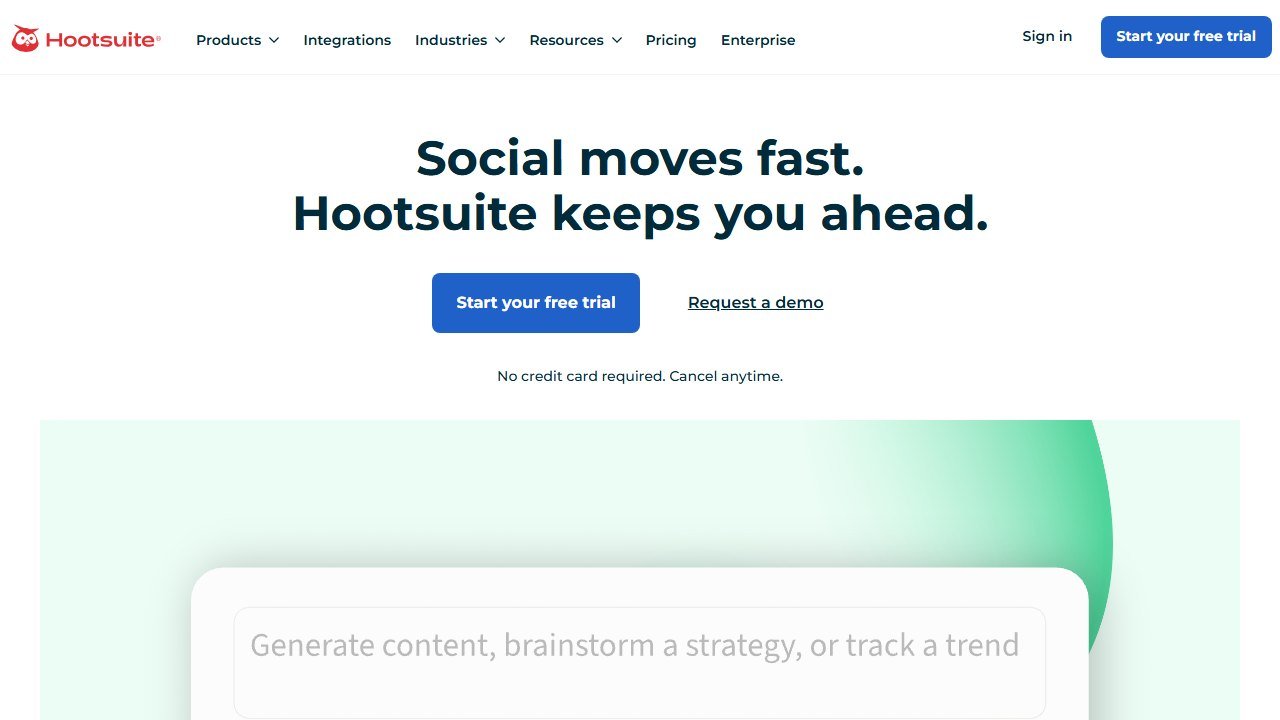
Hootsuite is primarily a scheduling platform, and full scheduling coverage lives in our social media tools guide. It earns a slot here for one reason: OwlyWriter AI, its built-in copy generator, is a legitimate writing tool for the social slice of a comms job, turning a blog post or press release into platform-shaped copy variants without leaving the dashboard.
The verified deal, and the correction: Hootsuite’s nonprofit discount is up to 60% via TechSoup on Standard and Advanced plans, with OwlyWriter AI included. The “75% off” figure circulating in nonprofit listicles does not match Hootsuite’s official program pages as of July 2026. If your budget spreadsheet has 75% in it, fix it now, because the renewal invoice will not honor a blog post’s arithmetic.
In practice, OwlyWriter was best at repurposing: feed it the newsletter you already wrote and get a week of post drafts to edit down. As original drafting it is thin compared to ChatGPT.
Pricing: up to 60% off Standard and Advanced via TechSoup; you validate through TechSoup rather than buying direct. Because the discount is “up to” and plan-dependent, confirm your exact rate in the TechSoup catalog before budgeting.
Who it is for: nonprofits already committed to Hootsuite for scheduling who want the copy assist bundled in.
One honest limitation: if you only need writing help, Hootsuite is the wrong purchase. The AI is a feature of a scheduler, not a standalone writing tool.
8. Buffer: the honest 50%, with an AI Assistant included
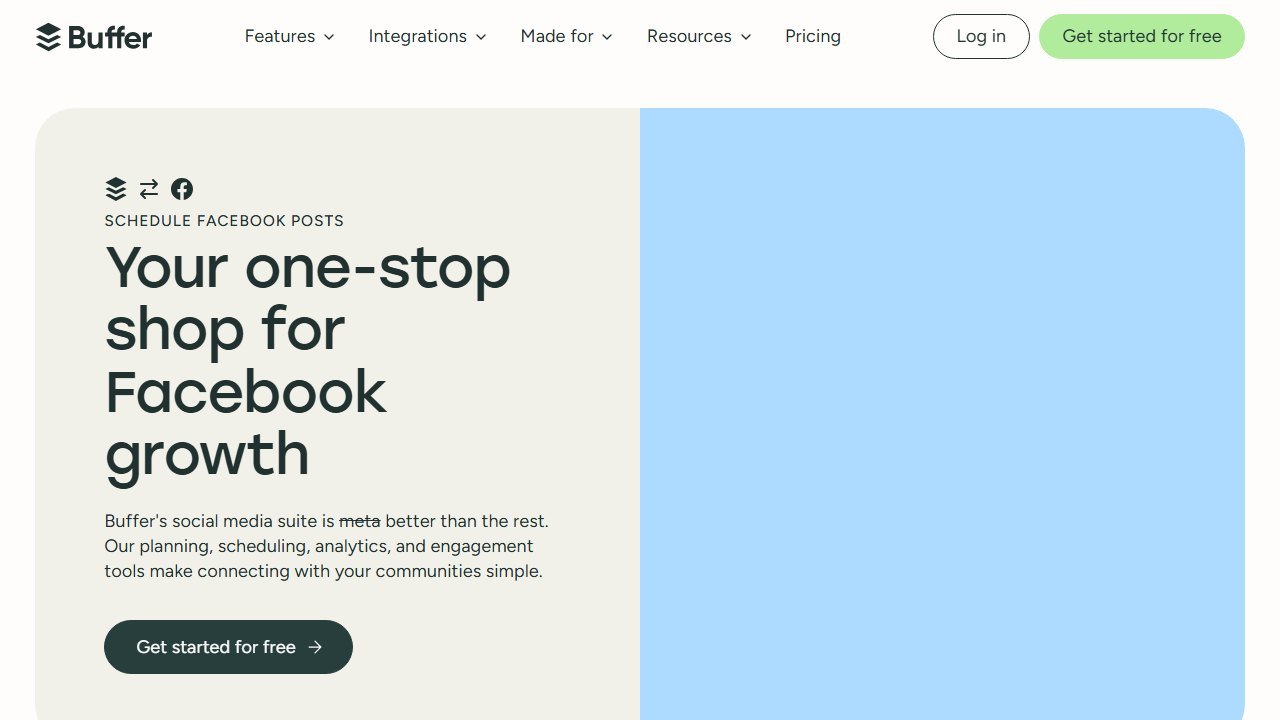
Buffer closes the list with the cleanest discount on it: a flat 50% off all plans for nonprofits, applied via buffer.com/nonprofit-request, verified on Buffer’s official pages in July 2026. No “up to”, no plan restrictions, no third-party validation portal. Send your documentation, get half off everything.
Like Hootsuite, Buffer is fundamentally a scheduler, and we rank the scheduling side in the social media companion post. Its writing relevance is the built-in AI Assistant, which drafts, rephrases, and repurposes post copy inside the composer. In practice it was pleasantly restrained: better at tightening and reformatting your words than generating from nothing, which for brand-sensitive nonprofit voice is arguably the right default.
Pricing: Buffer’s paid plans are priced per social channel (Essentials at about $6 per channel per month at list). With the verified 50% nonprofit discount, a typical 5-channel setup runs around $15 per month. Confirm current per-channel rates on Buffer’s pricing page.
Who it is for: small teams that want the simplest possible discount paperwork and a light AI assist on social copy.
One honest limitation: the AI Assistant only works on social copy inside Buffer. It contributes nothing to your email, PR, or long-form work, so it cannot anchor a comms stack on its own.
What a 2-person comms team actually pays per month
Here is the number the discount percentages have been hiding. This table prices a realistic 2-person nonprofit communications team with every verified discount applied. List prices are vendor-published rates at draft time (July 2026); email platforms are priced at their entry contact tier, so scale those lines to your actual list size.
| Tool | List price, 2 seats | Discount applied | Monthly cost after discount |
|---|---|---|---|
| Canva Pro (Nonprofits) | ~$20/mo | 100% (free program) | $0 |
| ChatGPT Business | $50/mo (annual billing) | 20% via Goodstack | $40 |
| Grammarly Pro | $24/mo (annual billing) | None verified | $24 |
| Mailchimp Standard (entry tier) | from $20/mo | 15% for 501(c)(3)s | from ~$17 |
| Core stack total | ~$114/mo | ~$81/mo | |
| Optional: Jasper Creator, 2 seats | $78/mo (annual billing) | 20% via hey (at) jasper.ai | +$62 |
| Optional: Buffer, 5 channels | ~$30/mo | 50% | +$15 |
| Optional: Constant Contact Standard (instead of Mailchimp) | from $35/mo | 30% (12-month prepay) | from ~$24.50 |
Roughly $81 per month buys a 2-person team professional design, a serious drafting engine, an editing gate, and AI-assisted email. The verified discounts are doing about $33 per month of work in that total, or around $400 a year, which is real money at nonprofit scale. If you are a solo communicator at a smaller org, our best AI tools for small nonprofits guide trims this stack down further.
How this goes wrong in practice, and the warning signs
Four failure patterns account for most of what we hear from organisations a year after purchase. All four are visible early if you know the shape.
The pilot that never ends and never scales
One enthusiastic person runs a tool brilliantly for eighteen months. They leave, and it stops the same week. The warning sign is that nobody else has ever produced the output, and the fix is procedural rather than technical: a second person runs it once a quarter, in the same way, from written steps. If the process only exists in one head, you did not buy a system, you rented a habit.
Output nobody acts on
Scores are generated, reports are produced, and the work continues exactly as before. This is usually a sequencing failure: the tool was chosen before anyone agreed what decision it would change. The test is simple and worth applying before purchase. Name the meeting where the output gets used and the person who will be holding it. If you cannot, the output has no destination.
Trust lost to one visible error
A tool rates a long-standing donor as low potential, a gift officer sees it, and the credibility of every other score goes with it. Almost always the cause is a data structure issue rather than the model: a soft credit missing, a household split, a migration boundary hiding the giving history. Expect this in the first month, plan for who investigates it, and make sure the first person to see an odd score has somewhere to take it other than the corridor.
The cost that arrives in year two
Year one is discounted, implementation is one-off, and the renewal is negotiated by somebody who was not in the original procurement. Uncapped renewals, mid-term expansion at list price, and processing fees growing with your success are the three lines that move. All three are fixable in the first contract and effectively unfixable later, which is why the terms matter more than the discount.
The common thread
None of these is a software failure. Every one is a decision that was not made, or was made by default, before anything was installed. The organisations that get value from this category are not the ones that picked the best product; they are the ones that named an owner, agreed what would change, and wrote down what failure would look like.
A sequence that works, in the order it has to happen
The order matters more than the choices. Most of the expensive mistakes in this category come from doing step four before step two.
First, name the owner and get the hours
Every system in this category rewards an owner and punishes shared responsibility. Before evaluating anything, name the person whose job description will include it and confirm where the hours come from. If the answer is “we will fit it in”, the project has already failed and the software will be blamed. This is not a formality; it is the highest-correlation predictor of whether a nonprofit technology purchase delivers.
Second, establish what you can export
Pull a real export from your current system before you shortlist. Not a screenshot of the export screen, the actual file. What comes out, in what format, with which fields, is the constraint every later step inherits, and it is common to discover that the thing you assumed was in the database is in somebody’s spreadsheet. Two hours here reprices the whole project.
Third, run a small test with real records
Fifty to two hundred of your own records, chosen to include the messy ones: a household with two donors, a lapsed major donor, a donor-advised fund gift, a failed recurring schedule. Have the person who knows those donors best read the output. Their reaction in ten minutes is worth more than a month of vendor references, and it is the only stage that reliably catches a tool that is confidently wrong about your particular data shape.
Fourth, decide the meter before you decide the vendor
Constituent-priced, seat-priced, revenue-priced and contact-priced platforms produce wildly different bills for the same organisation. Salesforce is free at ten seats and $14,400 a year at thirty. Little Green Light is $45 a month at 2,500 constituents and rises with the list regardless of headcount. Work out which of your numbers is growing fastest, then shortlist the vendors whose meter is the one growing slowest.
Fifth, and only now, negotiate
With an owner, a known export, a tested output and a chosen meter, a quote is a comparison. Without them it is a guess, and the vendor is better at guessing than you are. The order is the leverage.
Verdict: start with the free anchor, add the 20%, skip the myths
If we were building a nonprofit comms stack from zero in 2026, the order is clear. Apply for Canva Nonprofits today, because free Pro for up to 50 people is the single best deal in this entire category. Add ChatGPT Business through Goodstack for the verified 20% off and let it carry your drafting. Put Grammarly on the output gate at standard pricing, since no nonprofit discount exists to wait for. Then pick your email platform on math, not vibes: Mailchimp’s flat 15% versus Constant Contact’s 30% prepay, priced against your real contact count.
Add Jasper only when campaign volume proves the need, and handle the scheduling layer through the verified discounts in our nonprofit social media tools guide. Above all, budget from official pages, not from listicles. The gap between “75% off” and the real 60%, or between an invented Grammarly discount and the truth, is exactly the kind of surprise a nonprofit budget cannot absorb. Every number in this post traces to a vendor page we loaded in July 2026, and when one of them changes, the renewal invoice will tell you before we can. Check the page, keep the receipt, and enjoy the roughly $400 a year the real discounts save you. For the wider toolkit beyond comms, our best AI tools for nonprofits roundup covers the whole landscape, and the fundraising-specific stack lives in best AI fundraising tools for nonprofits.

Written by
FazFaz is the founder of AIToolsBakery. Some tools here are tested hands on. Others are assessed from vendor documentation and pricing verified on the live page, and every review says which one it is. Sponsors can buy a position in a guide. They cannot buy the score, the criticism, or silence about a better option.
How we test and how we make money →