If you run social media for a nonprofit, you have probably seen the same recycled claim in a dozen listicles: “Hootsuite gives nonprofits 75% off!” We went looking for that number on Hootsuite’s official nonprofit page and on TechSoup, where the program actually lives. It is not there. The real, official figure is up to 60% off Standard and Advanced plans, validated through TechSoup.
That one stale stat convinced us to do this roundup differently. Instead of copying discount claims from other blogs, we checked every nonprofit discount in this post against the vendor’s own official page in July 2026. Where a program exists but the vendor publishes no percentage, we say “unverified” instead of inventing a number. Your budget spreadsheet deserves real figures.
One scope note before we start: this post covers the social media half of a nonprofit comms stack, meaning scheduling, AI captions, short-form video, and social design. Email, newsletters, and PR writing tools live in our companion guide to the best AI tools for nonprofit communications. A few tools (Canva, Buffer, Hootsuite) appear in both, but here we focus on the social workflow and the discount math.
Every nonprofit discount in this post, verified
Here is the table we wish existed when we started budgeting. “Verified” means we confirmed the discount on the vendor’s official page or its official TechSoup listing in July 2026. “Unverified” means a program or a claim exists somewhere, but no official percentage is published, so do not budget around one.
| Tool | Best for | Standard starting price | Nonprofit discount | Status | How to claim |
|---|---|---|---|---|---|
| Buffer | Scheduling + AI captions on a budget | Free plan; paid from $6/mo per channel | 50% off all plans and products | Verified | buffer.com/nonprofit-request |
| Hootsuite | Larger teams, unified inbox | Standard and Advanced plans | Up to 60% off Standard/Advanced | Verified (not 75%) | TechSoup validation |
| Canva Nonprofits | Social design + Magic Studio AI | Canva Pro (paid for everyone else) | 100% free, team up to 50 | Verified | Canva nonprofit application |
| Loomly | Approval workflows, boards | Paid plans | 50% off for life | Verified | Submit determination letter |
| Later | Instagram/TikTok visual planning | Paid plans | Program exists, % not published | Unverified % | Apply via help.later.com |
| Planable | Client-style content approval | Free tier; paid plans | Discount code, % not published | Unverified % | Email hello (at) planable.io |
| Predis.ai | AI-generated post batches | Lite from $32/mo | No published program | Unverified | Ask sales directly |
| Ocoya | AI copy + image gen, cheap entry | From $15/mo | No published program | Unverified | Ask sales directly |
| CapCut | Short-form video editing | Free tier | No nonprofit program needed for free tier | Unverified (paid tiers) | n/a for free tier |
About that “Hootsuite 75% off” claim
This deserves its own section because the wrong number is everywhere. Multiple nonprofit resource roundups, some on high-traffic sites, state that Hootsuite offers nonprofits 75% off. We checked the two places that would actually know: Hootsuite’s official nonprofit program page and the TechSoup catalog that administers the discount.
Both say the same thing: eligible nonprofits get up to 60% off Hootsuite Standard and Advanced plans, validated through TechSoup. The “up to” matters too, because the exact rate depends on the plan you pick. Nowhere on an official channel could we find 75%.
Our best guess is that the 75% figure is either a relic of an older program or a copy-paste error that got laundered through years of listicles. Either way, if your budget assumes 75% and the invoice arrives at 60%, that gap is real money for a small org. Budget on 60%, and if TechSoup quotes you better on the day, enjoy the surprise.
How we picked these 9
We limited the list to tools that do real work in a nonprofit social workflow: scheduling and publishing, AI caption and post generation, short-form video, and social-first design. We scored on four things: whether the AI features are genuinely useful (not a chatbot bolted onto a scheduler), whether the nonprofit pricing is honest and claimable, how fast a two-person team gets value, and whether the tool plays nicely with the rest of a nonprofit stack. If you are building the broader toolkit beyond social, start with our overview of the best AI tools for nonprofits.
1. Buffer: best overall for most nonprofits
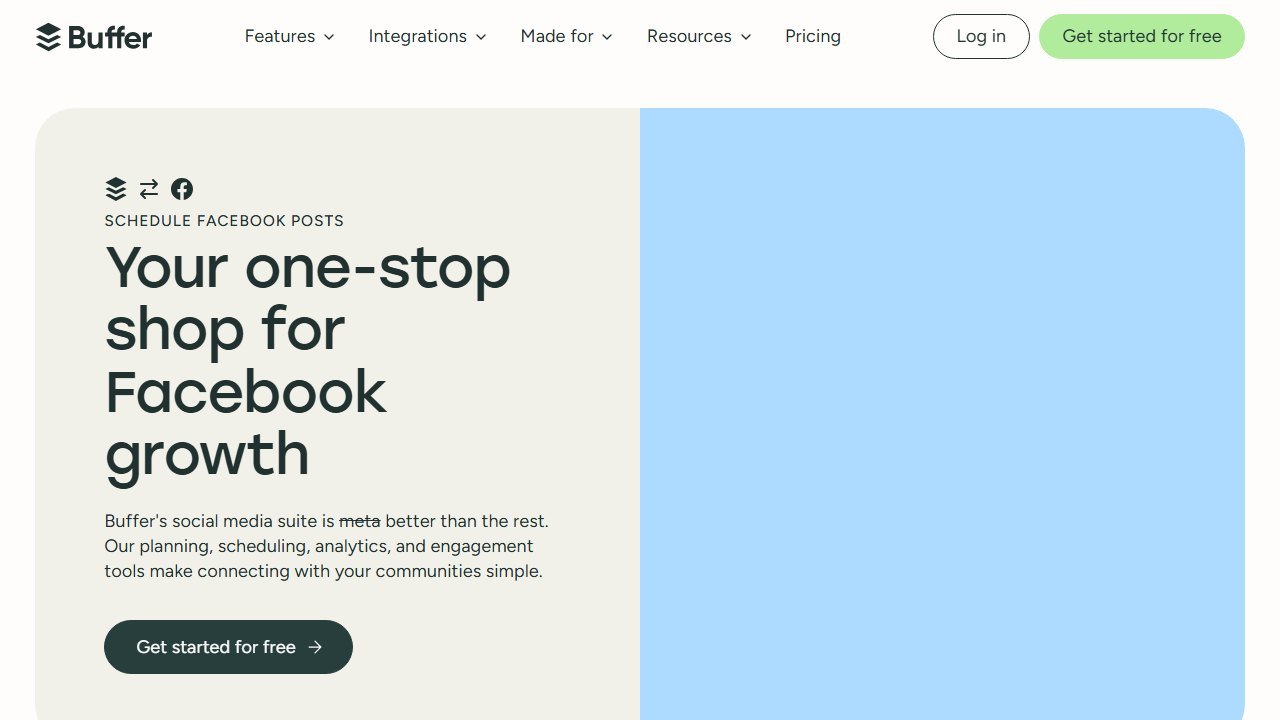
Buffer is the tool we recommend first to almost every nonprofit social team, and the discount is a big part of why: an official 50% off all plans and all products, claimed through the form at buffer.com/nonprofit-request. No marketplace middleman, no plan restrictions, just half price across the board.
The product itself has quietly become a solid AI workhorse. Buffer’s AI Assistant drafts posts, rewrites them per platform (a caption that works on LinkedIn rarely works on Instagram), generates variations for testing, and repurposes long content into post series. In practice, the repurposing flow was the standout: we fed it a 900-word program update and got a usable week of posts in under ten minutes, needing only tone edits and a stat check.
Pricing: there is a genuinely useful free plan (3 channels, limited scheduled posts), and paid plans start at $6 per month per channel before the discount, so $3 per channel per month after the nonprofit rate. For a typical org running 4 channels, that is around $12 per month. That is hard to argue with.
Who it is for: small to mid-size nonprofits, volunteer-run orgs graduating from posting manually, and any team where budget is the binding constraint.
One honest limitation: Buffer is a publishing tool first. Its inbox and listening features are thin compared with Hootsuite, so if community management (replying to DMs and comments across platforms from one screen) is your main pain, Buffer alone will not solve it.
2. Hootsuite: best for larger teams, at the real 60%
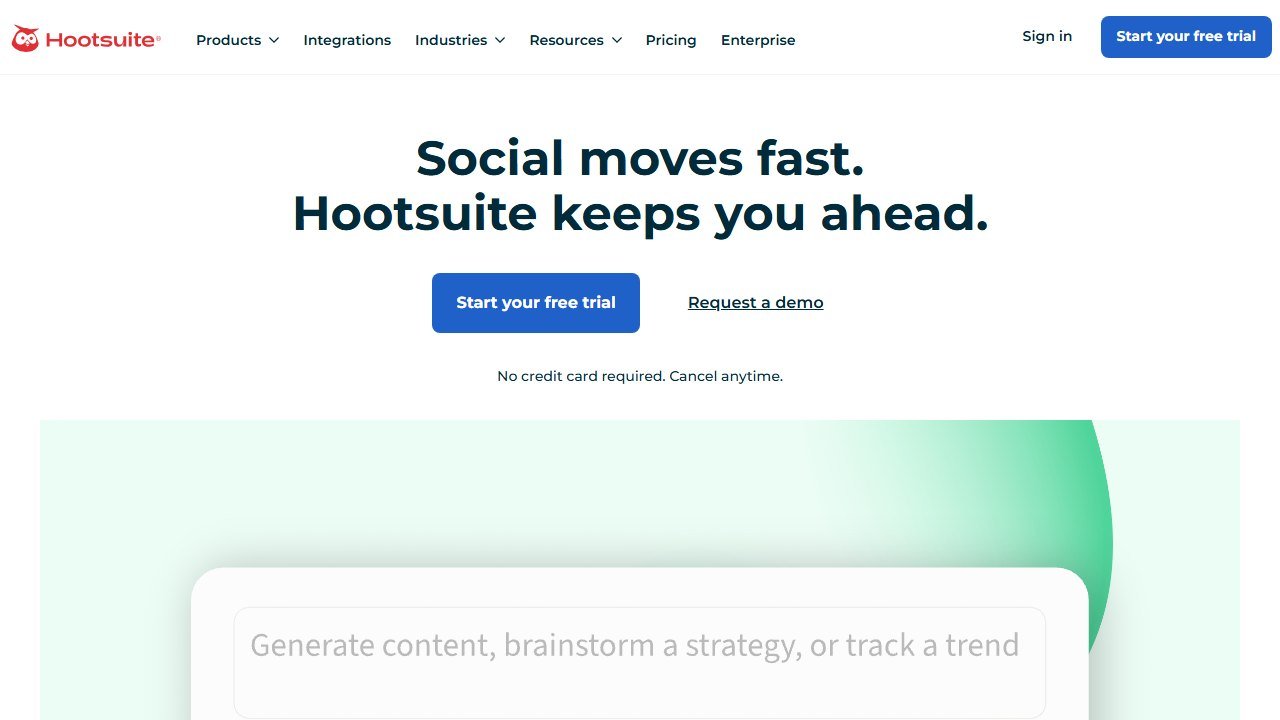
Hootsuite is the heavyweight here: unified social inbox, team permissions, serious analytics, and OwlyWriter AI, its built-in generator for captions, content ideas, and repurposed posts. OwlyWriter is included on the discounted Standard and Advanced plans, so nonprofits are not locked out of the AI layer.
In practice, Hootsuite earns its price when the team is bigger than two people. The unified inbox alone can save a comms manager an hour a day during a campaign, and the approval workflows keep well-meaning board members from publishing unreviewed posts. OwlyWriter’s caption drafts were serviceable rather than brilliant, but its “repurpose top post” feature, which rewrites your best performers into new variants, produced some of our better-performing test posts.
Pricing: the verified nonprofit deal is up to 60% off Standard and Advanced plans via TechSoup validation, as covered above. Ignore the 75% claims. Even at 60% off, Hootsuite will usually cost more than Buffer at 50% off, so run the math on your actual channel count and seat count.
Who it is for: nonprofits with 3 or more people touching social, orgs juggling many profiles across chapters or programs, and teams that live in the inbox.
One honest limitation: it is overkill for a one-person social team. If you do not need the inbox and permissions, you are paying (even discounted) for machinery you will not use.
3. Canva Nonprofits: best design tool, and it is actually free
Canva is the best verified deal on this list, full stop: eligible nonprofits get Canva Pro free for one team of up to 50 members. That includes Magic Studio, Canva’s AI suite: Magic Write for copy, Magic Design for generating on-brand layouts, background remover, Magic Resize for adapting one graphic to every platform’s dimensions, and AI image generation.
For social work specifically, the killer combination is Brand Kit plus Magic Resize. Set your colors, fonts, and logo once, and every volunteer produces graphics that look like your org made them. Then one Instagram post becomes a story, a LinkedIn banner, and a Facebook post in two clicks. In practice, that pipeline cut design time for a mid-month campaign from an afternoon to under an hour.
Pricing: free for verified nonprofits, up to 50 team members. Everyone else pays for Pro, which makes this the rare discount that is a genuine 100%.
Who it is for: literally every nonprofit on this list should apply. There is no scenario where free Canva Pro does not help a social team.
One honest limitation: Canva does not schedule to every platform reliably, and its content planner is basic. Treat it as your design studio and pair it with Buffer or another scheduler for publishing.
4. Loomly: best approval workflow, 50% off forever
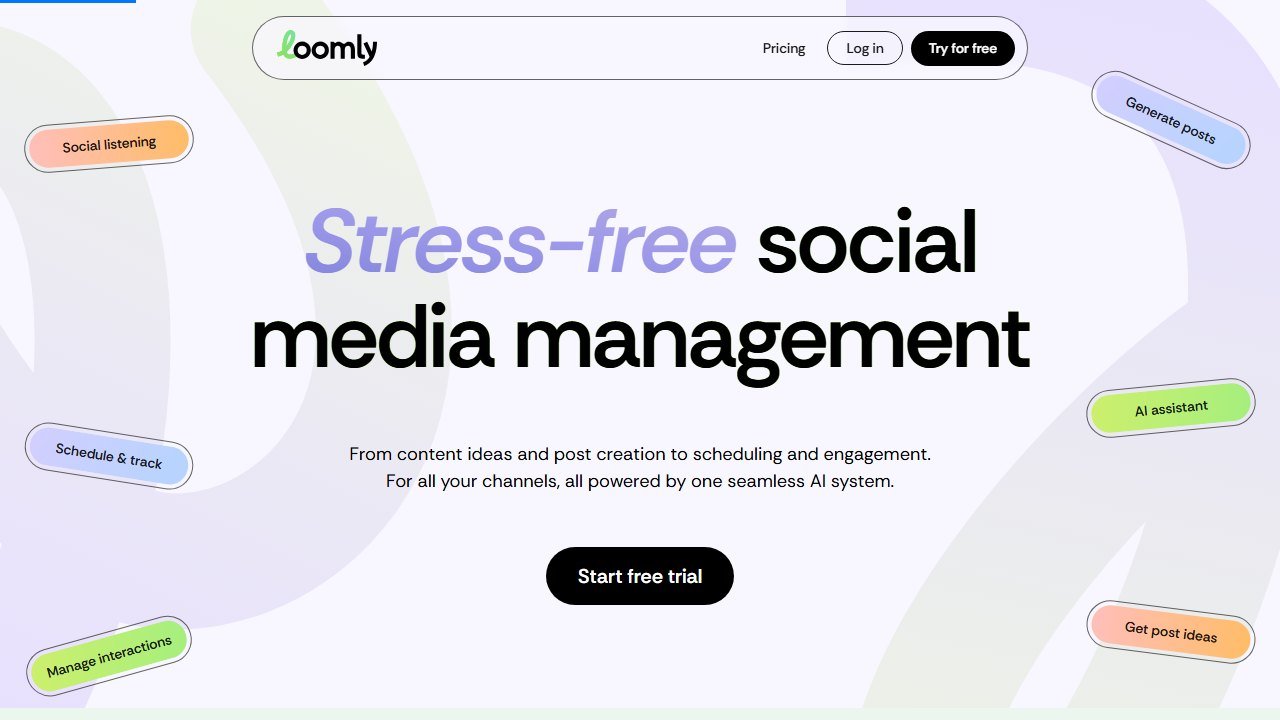
Loomly is built around a calendar-and-approval workflow: every post moves through draft, review, and approved states, with comments attached to the post rather than lost in email threads. Its AI features generate post ideas from trending topics and dates, draft copy, and optimize text per platform.
The nonprofit angle is unusually good: Loomly offers a 50% lifetime discount, claimed by submitting your IRS determination letter. “Lifetime” is the word to notice. Most vendors discount the first year and quietly renew you at full price; Loomly’s rate stays put.
In practice, Loomly’s post ideas feature was more useful for nonprofits than we expected, surfacing awareness days and observances (volunteer week, giving days, health awareness months) that map naturally onto nonprofit calendars. The AI copy is average, but the workflow is the point.
Pricing: paid plans with the verified 50% lifetime nonprofit discount. Check current base rates on loomly.com, as tiers scale with users and social accounts.
Who it is for: nonprofits where posts need sign-off, such as healthcare, education, or anywhere legal or leadership reviews content, and teams tired of approval-by-email-thread.
One honest limitation: analytics are lighter than Hootsuite’s, and there is no unified inbox to speak of. Loomly manages the calendar, not the conversation.
5. Later: best for Instagram-first orgs, discount unverified
Later started as an Instagram scheduler and it still shows, in a good way: the visual planner lets you drag posts around a grid preview of your feed, and its TikTok and Reels support is among the best in this group. Later’s AI writes captions, generates hashtag suggestions, and recommends posting times from your engagement history.
If your nonprofit’s audience lives on Instagram and TikTok (youth-focused orgs, animal shelters, arts nonprofits), Later’s visual-first workflow beats the text-first schedulers. In practice, the best-time-to-post suggestions were the concrete win, nudging a test account’s posting window two hours later and measurably improving reach within a month.
Pricing: Later runs an official Non-Profit Program, applied for through its help center at help.later.com. But the discount percentage is not published anywhere official, so we cannot tell you the number, and neither should anyone else. Apply, get the current rate in writing, then compare it against Buffer’s guaranteed 50%.
Who it is for: visual-first orgs where Instagram and TikTok drive engagement and the feed aesthetic matters.
One honest limitation: the unpublished discount makes budgeting annoying, and Later’s strength drops off on LinkedIn and Facebook, where its features feel like an afterthought.
6. Planable: best free tier for collaboration, discount unverified
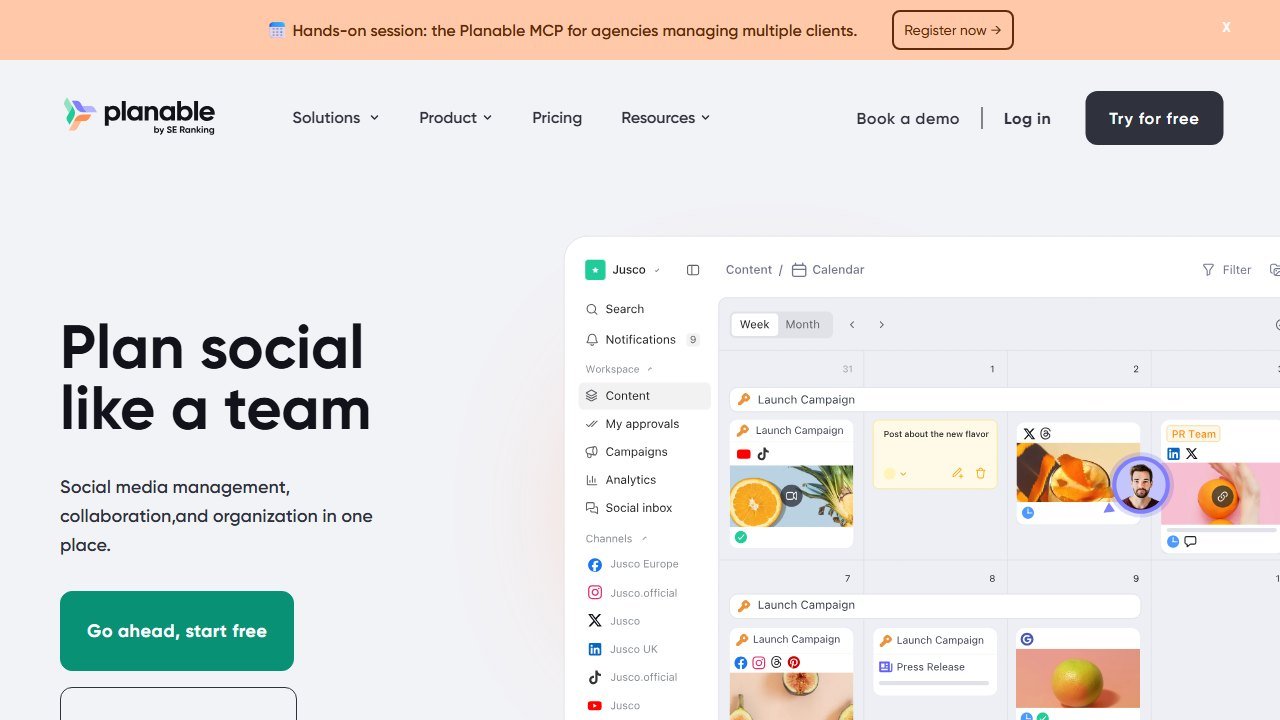
Planable looks like the inside of a social feed: posts are previewed exactly as they will appear, and teammates comment and approve in context. Its AI assistant drafts, rewrites, expands, and adjusts tone inside the composer. For getting a skittish approver comfortable (“this is exactly what it will look like”), nothing here beats it.
Planable’s free tier includes a limited number of posts, which is genuinely enough for a tiny org to trial the workflow indefinitely. For paid plans, Planable offers a nonprofit discount code when you email hello (at) planable.io with your documentation, but like Later, no percentage is published officially, so treat any specific number you read elsewhere as unverified.
Who it is for: teams where approval friction is the bottleneck and stakeholders want to see the post, not a spreadsheet row describing it.
One honest limitation: Planable is a planning and approval layer, not an analytics or inbox tool. You will still need reporting elsewhere, and the unpublished discount means a sales conversation before you can budget.
7. Predis.ai: best for generating post batches, no verified discount
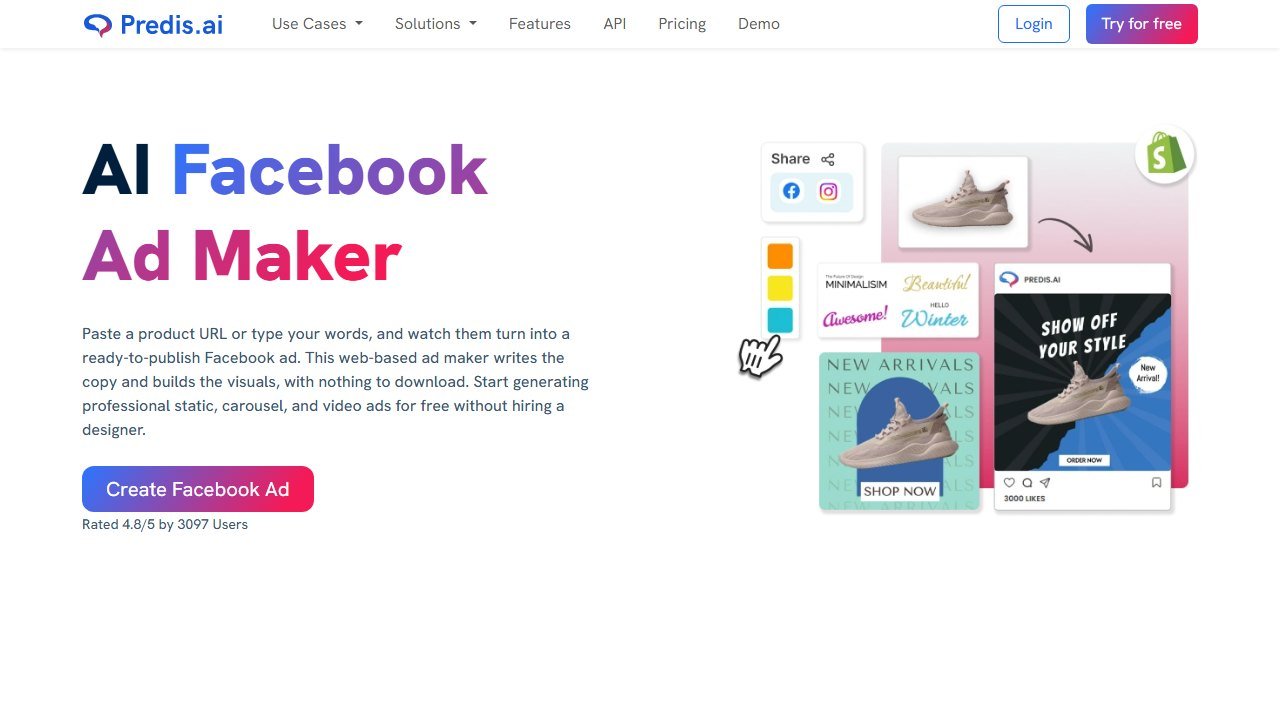
Predis.ai flips the workflow: instead of you writing a post and AI polishing it, you give Predis a topic or a URL and it generates the whole post, meaning image or video creative, caption, and hashtags, in your brand colors. It is the closest thing on this list to a content team in a box.
In practice, the output quality was a step below what a good designer produces in Canva, but the speed is absurd: 15 usable post drafts from one program page in a few minutes. For a nonprofit with no designer and no time, “good enough, published consistently” beats “great, published rarely.”
Pricing: the Lite plan starts at $32 per month and includes 60 AI-generated posts, with a free trial to test output quality on your brand first. We found no published nonprofit discount, and we are not going to invent one; if you want a nonprofit rate, ask their sales team directly and get it in writing.
Who it is for: orgs with zero design capacity that need consistent output, and teams feeding multiple platforms from thin source material.
One honest limitation: the AI-generated creative has a recognizable template look. Use it for the routine 80% of your calendar and save human design (or free Canva Pro) for campaigns that matter.
8. Ocoya: cheapest AI entry point, no verified discount
Ocoya bundles AI copywriting, image generation, and scheduling into one tool starting at $15 per month, which makes it the cheapest paid all-in-one here. It works on a credit system: plans include monthly credits spent on AI generations, and its Travis AI writes captions in 26+ languages, a real asset for nonprofits serving multilingual communities.
In practice, Ocoya’s caption quality was comparable to Buffer’s AI Assistant, and the built-in image generation saved a tool-switch for quick posts. The interface is busier than Buffer’s, but the core loop (generate, edit, schedule) is fast once learned.
Pricing: from $15 per month, credit-based, and note there is no permanent free tier, only a trial. No nonprofit discount is published anywhere official, so budget the full rate unless their team confirms otherwise in writing.
Who it is for: budget-capped orgs that want AI generation and scheduling in one bill, and multilingual comms teams.
One honest limitation: the credit model punishes heavy months. If a campaign spikes your AI usage, you can hit the ceiling mid-month, exactly when you need the tool most. Watch your credit burn during your first campaign.
9. CapCut: best free short-form video editor
Short-form video is where nonprofit engagement lives in 2026, and CapCut is how small teams make it without an editor on staff. The free tier covers the essentials with AI assists: auto-captions (non-negotiable for accessibility and silent scrolling), script-to-video generation, background removal, AI-suggested cuts, and one-tap resizing between TikTok, Reels, and Shorts formats.
In practice, auto-captions alone justify the install: accurate enough that a two-minute testimonial video needed under five minutes of caption cleanup. The template library also does a lot of lifting, turning raw phone footage from an event into something publishable in half an hour.
Pricing: the free tier is genuinely usable for nonprofit short-form work. Paid Pro tiers unlock more AI features and assets, and we found no published nonprofit discount on those, so assume full price. Most small orgs will not need Pro immediately.
Who it is for: every org that has committed to Reels, TikTok, or Shorts, which in 2026 should be most of you.
One honest limitation: CapCut is owned by ByteDance, and some grant-funded and government-adjacent nonprofits have data-governance policies that restrict ByteDance software. Check your policies (and your funders’ policies) before standardizing on it.
Building the stack: what we would actually buy
For a typical two-person nonprofit social team, our July 2026 stack looks like this: Canva Nonprofits (free) for design, CapCut (free) for short-form video, and Buffer at the 50% nonprofit rate for scheduling and AI captions. For an org running 4 channels, that whole stack lands around $12 per month. Swap Buffer for Hootsuite at the 60% TechSoup rate when the team grows past three people or the inbox becomes the job, and add Loomly if approvals are your bottleneck. For a wider comparison of the same tools outside nonprofit discounts, see our guide to AI social media schedulers, priced for the same five accounts.
If you are a very small or volunteer-run org, the free tiers of Buffer and Planable plus free Canva and CapCut cost exactly nothing, and we have more zero-budget picks in our guide to the best AI tools for small nonprofits.
Two reminders as you build. First, this post deliberately stops at the social workflow: for AI email, newsletter, and PR writing tools (Mailchimp, Constant Contact, Jasper, and the rest, with their discounts verified the same way), see the companion piece on the best AI tools for nonprofit communications. Second, social exists to feed your mission funnel, so make sure the links you post lead somewhere that converts; our roundups of the best AI fundraising tools for nonprofits and AI tools for donor retention cover that end of the pipeline.
The governance questions that decide whether this is safe, not just whether it works
Donor data is among the most sensitive a small organisation holds: names, addresses, giving capacity, sometimes health or family circumstances captured in a contact report. Four areas decide your exposure, and all four are answerable in writing before anything connects.
Training, which is the question most often answered vaguely
Ask directly whether your data is used to train or improve any model, including in aggregated or anonymised form, and whether that applies to subprocessors as well as the vendor. “We do not train on customer data” and “we do not train foundation models on customer data” are different sentences and the second leaves room for a great deal. Get the answer as a contract term, not a sales assurance, because only one of those survives a change of ownership.
Subprocessors, and the ones behind the one you are buying
Most tools in this category are built on a model provider they did not write. Ask for the current subprocessor list, where each one processes data geographically, and how you are notified when it changes. A vendor that cannot produce this list in a day does not have it, which tells you what you need to know about the rest of their programme.
Retention and deletion, stated in days
Ask how long prompts, outputs and uploaded records are retained, whether retention differs for logs and support tickets, and what deletion actually means: removed from live systems, removed from backups, or flagged. Then ask for the deletion timeline in days. A vendor that will commit to a number in the contract is a different proposition from one that describes a process.
Individual rights, which are yours to honour and theirs to enable
If a donor asks what you hold on them, or asks you to delete it, you are the one who has to answer. Ask how the vendor supports a subject access request or an erasure request, how long it takes, and whether inferences the tool generated about that person are included. Inferred capacity ratings and propensity scores are data about a person even though the person never supplied them, and a tool that cannot surface or delete them puts the obligation back on you with no way to meet it.
The three answers that should end the conversation
A refusal to put the training answer in writing. An inability to name the subprocessors. And a claim that the model cannot be wrong, or that its outputs need no human review before a gift officer acts on them. The first two are governance failures you can see from outside; the third is a vendor telling you they do not understand their own product, and it is the most reliable single signal in the category.
How to tell whether any of this actually worked
The failure mode in this category is not a tool that breaks. It is a tool that runs for a year while nobody can say whether it changed anything. Decide the measurement before you deploy, because after deployment every number is contested.
Pick a baseline you already have, not one you will start collecting
Whatever you measure, you need last year of it, and you need it from a source that was not touched by the project. Gift counts by segment, retention rate by cohort, average gift by channel, and the number of qualified visits per officer are all usually recoverable from the CRM for prior years. A metric that only starts on go-live day cannot show improvement, only activity, and activity is what makes a board sceptical.
Measure the decision, not the output
A propensity model that produces ten thousand scores has produced nothing. What matters is whether the list an officer worked was different from the list they would have worked anyway, and whether that difference showed up in outcomes. The cleanest version is a holdout: take a segment the model ranks highly, work half of it, and leave the other half in the normal rotation. It is unglamorous, it takes two quarters, and it is the only evidence that survives a hostile question.
Retention is the metric that moves last and matters most
Acquisition responds to activity within weeks. Retention responds over a giving cycle, which for most organisations means twelve to eighteen months before a change is legible. Report it, but say plainly at the outset when it will become meaningful, so that a flat number at six months is understood as expected rather than as failure.
Count the hours the thing was supposed to save
Most of the honest value in this category is time rather than income: research that took ninety minutes taking fifteen, a report that took a day taking an hour. Time is measurable if you measure it before, and unprovable if you do not. Ask the two or three people whose work will change to record how long the task takes them this month, before anything is installed. It is the cheapest evaluation you will ever run and almost nobody does it.
Agree in advance what would make you stop
Write down, before purchase, the result at twelve months that would mean you do not renew. Naming it converts a renewal from a default into a decision, and it is the single most effective discipline against the pilot that quietly becomes permanent. If nobody can name a result that would end it, the evaluation was never real.
Verdict
Buffer is the pick for most nonprofits: the 50% discount is real, claimable in minutes, and the AI Assistant plus a clean scheduler covers 90% of what a small team needs. Canva Nonprofits is not optional, it is free. Hootsuite earns its spot for bigger teams at the genuine 60% TechSoup rate, and Loomly’s 50%-for-life is the sleeper deal for approval-heavy orgs.
And the meta-lesson: verify the discount on the official page before it goes in your budget. The 75% Hootsuite myth has survived years of copy-paste because nobody clicked through. Now you know better.

Written by
FazFaz is the founder of AIToolsBakery. Some tools here are tested hands on. Others are assessed from vendor documentation and pricing verified on the live page, and every review says which one it is. Sponsors can buy a position in a guide. They cannot buy the score, the criticism, or silence about a better option.
How we test and how we make money →