Small firm legal AI has a pricing problem: the tools that rank hardest in Google are the ones that hide their prices, and most “best AI for lawyers” roundups are written by a vendor that ranks itself first. If you run a firm of 1 to 10 attorneys with no IT department, you do not need a market map. You need to know what each tool costs per seat, per month, before you get on a sales call.
That is this page. We built it exclusively around published pricing wherever it exists, flagged every reported or unverified figure, and did the math on what a real 3-lawyer firm actually pays for a full stack. One scope note before we start: this is the budget-first guide for firms of 1 to 10 attorneys. If you want the full market map across every firm size and practice area, including the enterprise platforms we deliberately excluded here, that lives in our pillar guide to the best AI tools for lawyers. You will not find Harvey, Luminance, or any contract lifecycle management platform below, because none of them are realistically buyable at small-firm scale.
The per-seat cost master table
This is the centerpiece of the page. Every figure is monthly, annual billing where the vendor offers it, and the status column tells you whether the number comes from the vendor’s own pricing page (verified July 2026) or from third-party reporting. Anything not marked “Published” should be treated as a starting point for negotiation, not a fact.
| Tool | Job | Per-seat monthly cost | Pricing status |
|---|---|---|---|
| Briefpoint | Discovery drafting | $150 per attorney (annual) | Published |
| Gavel | Document automation | $83 to $417 per firm plan (annual) | Published |
| Smith.ai | AI receptionist | Starts around $95 per firm | Semi-published (final quote form-gated) |
| Paxton AI | Research and drafting | $499, or $2,999 per year (about $250 effective) | Published |
| Clearbrief | Citation-checked legal writing | $300, or $300 per brief | Semi-published (via LawNext directory) |
| MyCase | Practice management + AI | $50 / $100 / $130 (annual) | Published |
| Clio | Practice management + AI | “Starting at $49”; legacy tiers $49 to $149 | Gated (legacy figures reported) |
| CoCounsel | Research and doc analysis | Roughly $104 to $639, configuration-dependent | Configurator (third-party derived) |
| Spellbook | Contract drafting in Word | Roughly $99 to $149 entry | Not published (reported) |
| Smokeball | Practice management + Archie AI | Roughly $49 to $149 by firm size and contract | Configurator (entry figures conflict) |
Three tools publish real per-seat numbers with no forms and no sales calls: Paxton, Gavel, and Briefpoint. MyCase publishes a full plan grid. Everyone else makes you work for the number, which is exactly why we flag pricing status as its own column. In a category where vendors increasingly gate prices behind lead forms, publication itself is a buying signal.
What a 3-lawyer firm actually pays: three stack scenarios
Per-seat prices in isolation hide the real question, which is what the whole stack costs once every lawyer is licensed. Here is the honest math for a 3-attorney firm on annual billing, using published figures where they exist and flagging everything else.
Scenario 1: the lean litigation stack (about $845 per month). MyCase Pro at $100 per user for 3 users is $300. Briefpoint Rainmaker at $150 per attorney for 3 attorneys is $450. Smith.ai’s AI Receptionist starting around $95 covers the firm’s phones. Total: roughly $845 per month, and every line item except the Smith.ai final quote comes from a published price sheet. This stack handles case management, document drafting for discovery, and intake without a single sales call.
Scenario 2: the research-heavy stack (about $1,100 to $1,600 per month). Same MyCase Pro base at $300. Add one Paxton seat at the $2,999 annual rate, which works out to about $250 per month, for the partner who does the research. Then CoCounsel through the Thomson Reuters self-serve configurator, which third-party testing in June 2026 put anywhere from $104 to $639 per user per month depending on content bundle, jurisdiction, and term length. License it for 2 of your 3 lawyers at a mid-range configuration and you add roughly $550 to $1,000. Total: $1,100 to $1,600 per month, with the CoCounsel line doing all the variance.
Scenario 3: the transactional stack (about $700 to $900 per month). MyCase Basic at $50 per user for 3 users is $150, since transactional work leans less on the AI-heavy Pro tier. Gavel Standard at $210 per month automates your document assembly firm-wide. Spellbook for 2 drafting attorneys at the reported $99 to $149 entry range adds roughly $200 to $300, and we stress that Spellbook does not publish pricing, so treat that as an estimate to verify on your demo call (our Spellbook pricing breakdown covers why third-party estimates for it diverge so widely). Total: roughly $700 to $900 per month.
The pattern across all three: the practice management layer is the cheap, predictable part. The specialist tool is where budgets swing, which is why we rank the specialists with published prices at the top of this list.
1. Briefpoint: discovery drafting at a flat published price
What it does
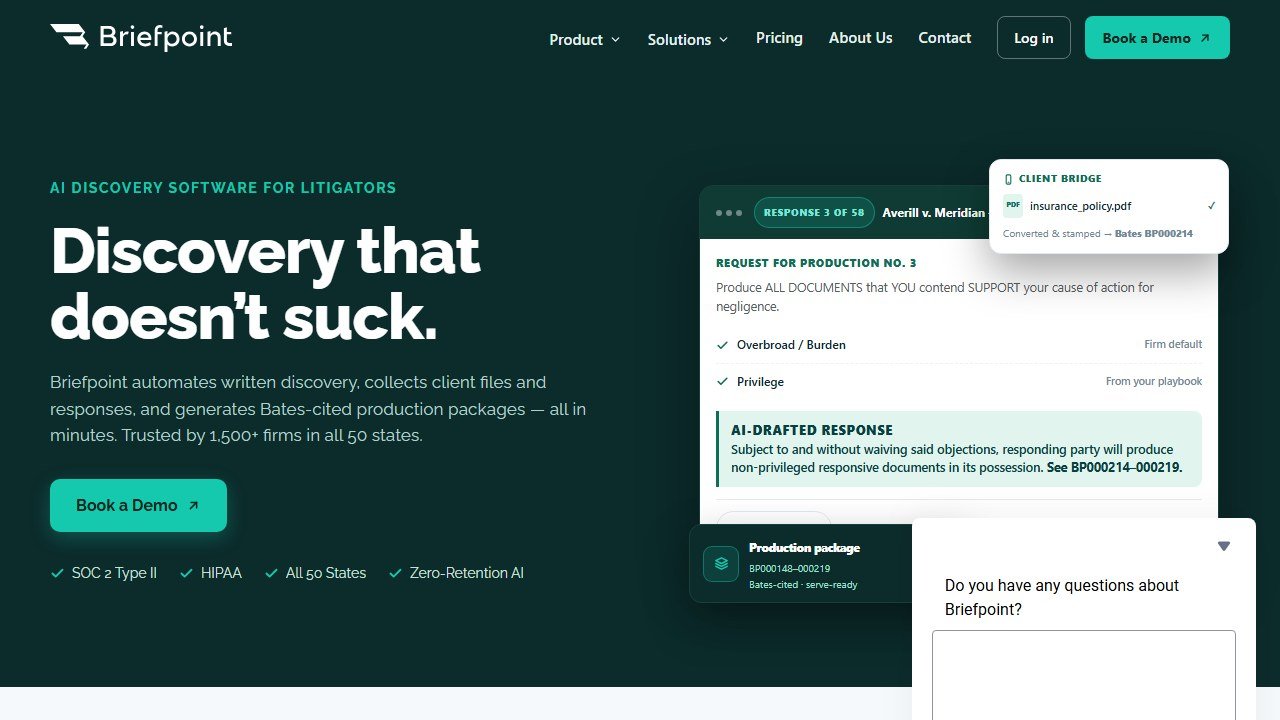
Briefpoint drafts discovery documents: responses and requests for interrogatories, requests for production, and requests for admission. You upload the incoming discovery, it builds the response shell with objections, and you fill in the substance. It is a narrow tool that does one expensive job.
In practice, the time savings were concentrated exactly where small litigation shops bleed hours. A response set that took an associate 90 minutes of formatting and boilerplate came out of Briefpoint in minutes, leaving only the substantive answers to write. It will not draft your motion practice, and it does not pretend to.
Pricing
The Rainmaker plan is $150 per month per attorney, billed annually, with unlimited documents and no per-case fees (verified on briefpoint.ai, July 2026). That flat, published, unlimited structure is rare in legal AI and makes budgeting trivial.
Who it is for
Litigation firms of any size from solo up, where discovery volume is steady. If your practice is transactional, skip it entirely.
One honest limitation
It is discovery-only. You are paying $150 per attorney for one workflow, so the math only works if that workflow is a real weekly time sink.
2. Gavel: document automation with real published tiers
What it does
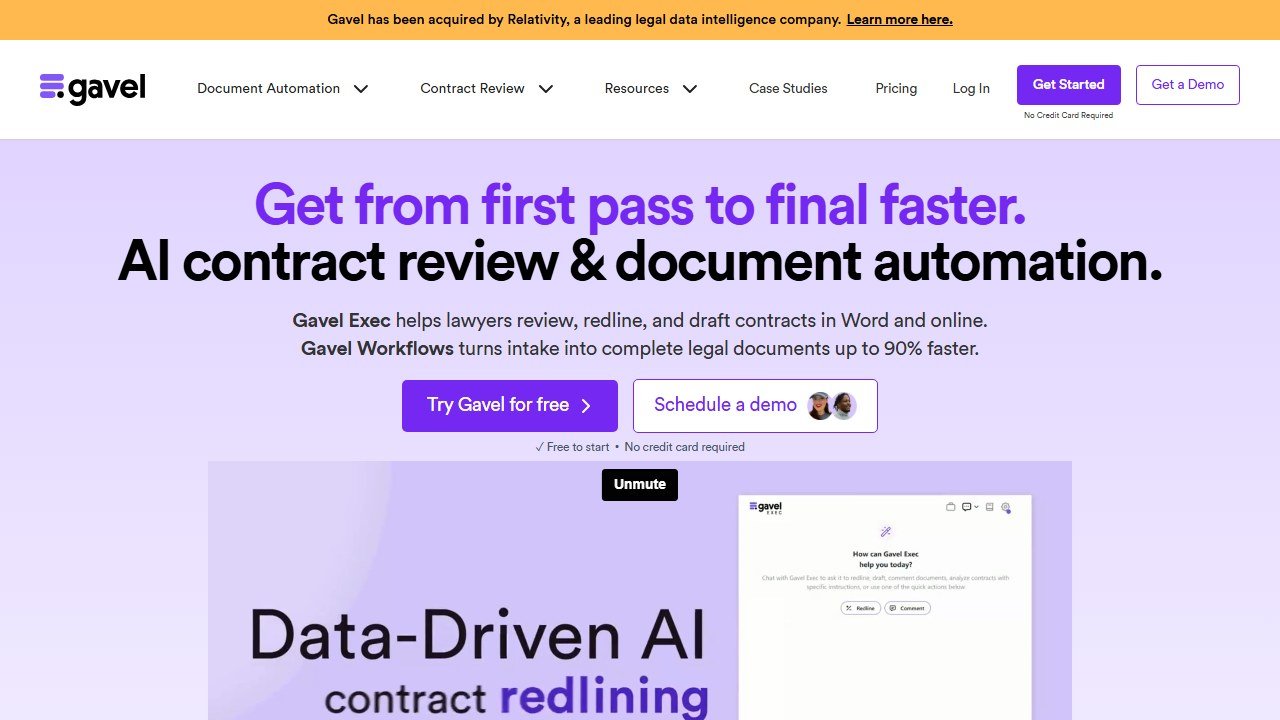
Gavel turns your repeat documents into automated workflows: client-facing intake forms that generate finished documents from templates. Estate planning packages, demand letters, engagement agreements, immigration forms, anything you produce more than a few times a month.
We reviewed the workflow builder against a multi-document estate package and the conditional logic held up well. Client answers a questionnaire, the full document set generates, and nothing gets retyped. Gavel was acquired by Relativity in June 2026, and operations are continuing as normal, so it remains fully buyable.
Pricing
Published on gavel.io as of July 2026: Lite $83 per month, Standard $210, Pro $290, Scale $417, all on annual billing, with a 7-day trial and no card required. Note these are platform plans rather than per-seat prices, which works in a small firm’s favor. Gavel Exec, the separate Word drafting add-in, is reported at around $145 per user per month on annual billing, and we flag that figure as reported, not published.
Who it is for
Any small firm with document-heavy repeat work. Estate planning, family law, and immigration practices get the fastest payback. It pairs naturally with the broader category we cover in our guide to legal document automation software.
One honest limitation
Setup is real work. Building a solid workflow takes hours per template, so the payoff arrives over months, not the first week.
Gavel’s fastest payback tends to come in estate planning, where document volume is relentless. If that is your practice, our guide to the best AI tools for estate planning attorneys covers the full EP stack, including what Gavel’s Relativity acquisition means for small firms.
3. Smith.ai: the AI receptionist that answers when you are in court
What it does
Smith.ai answers your phones with an AI receptionist that handles intake, qualifies leads, books consultations, and hands off to humans when needed. For a solo or small firm, missed calls are missed clients, and this is the cheapest fix in this entire roundup.
In practice, the AI agent handled routine intake questions cleanly and the escalation to a human receptionist was smooth. Call summaries land in your inbox and sync with the major practice management platforms, including Clio and MyCase.
Pricing
The AI Receptionist starts around $95 per month for roughly 30 calls, with per-call rates of about $1.60 to $3.25 depending on tier and overage around $2.40 per call. Exact current numbers are form-gated, so treat “starts around $95” as the planning figure. The human-staffed receptionist plans start at $292.50 per month.
Who it is for
Every firm on this list, honestly. It is the one tool here that pays for itself with a single captured client.
One honest limitation
Complex or emotional callers still need a human, and the per-call overage math can surprise you in a heavy month. Watch your call volume for the first quarter.
4. Paxton AI: transparent-pricing legal research and drafting

What it does
Paxton AI is an AI legal assistant covering research, drafting, and document analysis, aimed squarely at solos and small firms rather than BigLaw. It is the transparent-pricing anchor of the research category: while enterprise research platforms hide everything behind demos, Paxton puts its number on the page.
In practice, Paxton handled state-law research questions with citations we could verify, and its drafting assistant produced usable first passes on motions and letters. It is not Westlaw, and it does not claim to be, but for the price of a few billable hours a month it covers a striking amount of ground.
Pricing
Published on paxton.ai as of July 2026: Individual at $499 per user per month, or $2,999 per user per year, which works out to about $250 effective monthly, with a 7-day trial. Enterprise is custom. That annual discount is the steepest on this page.
Who it is for
Solos and small litigation firms that cannot justify a Westlaw-plus-CoCounsel bundle but need real research capability. See our full ranking of AI legal research tools for how it stacks against the heavyweights.
One honest limitation
The monthly price is steep if you skip annual billing, and its research library depth trails the Westlaw ecosystem in specialized practice areas.
5. Clearbrief: citation checking that lives in Word

What it does
Clearbrief checks your legal writing against the record and your cited authority inside Microsoft Word, building hyperlinked tables of authority and flagging citations that do not say what your brief claims they say. It also generates hyperlinked versions of filings that some judges now actively prefer.
For a small firm without a second set of associate eyes, this is the closest thing to an automated cite check.
Pricing
$300 per user per month for the Solo and Small Teams tier, or $300 per brief on a pay-as-you-go basis, with Enterprise custom. These figures are semi-published via the LawNext directory rather than a self-serve pricing page, so confirm on your call. The per-brief option is unusual and genuinely useful for low-volume filers.
Who it is for
Appellate and motion-heavy litigators. The per-brief pricing makes it viable even for a solo who files something substantial a few times a year. It slots into the broader toolkit we cover in AI tools for legal writing.
One honest limitation
It is a verification and hyperlinking layer, not a drafting engine. You still write the brief.
6. MyCase: the published-price practice management pick
What it does
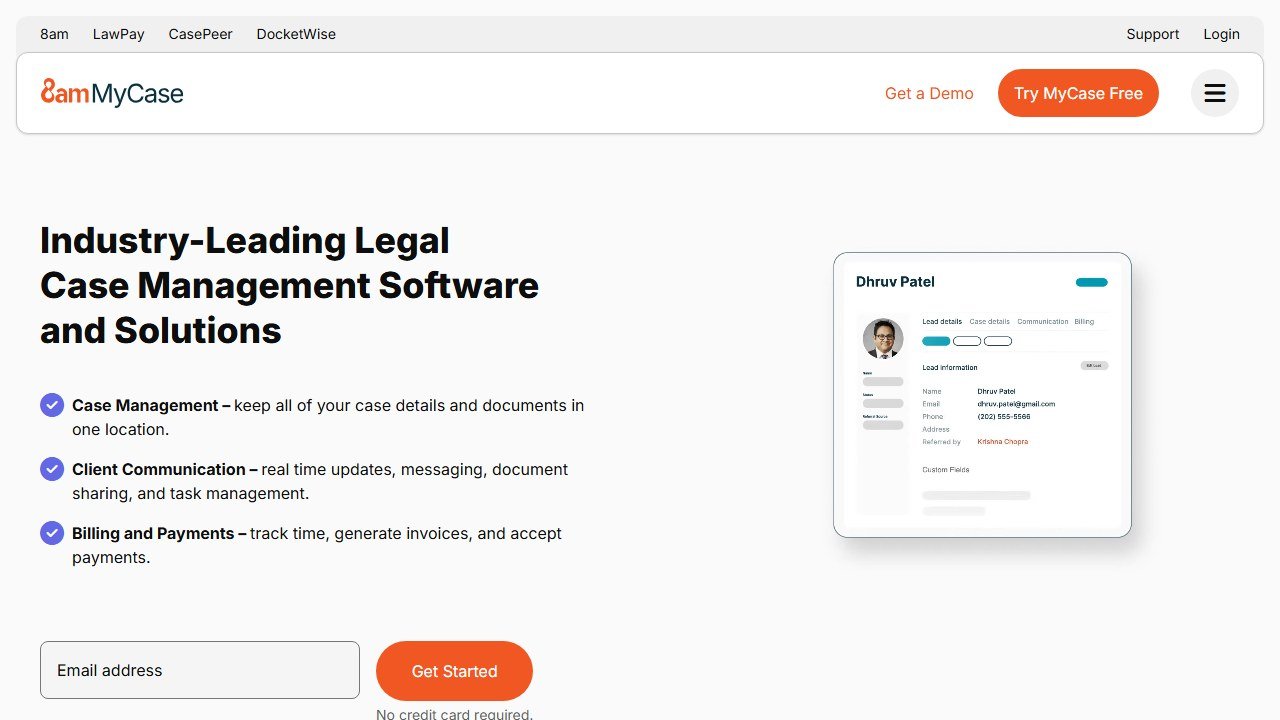
MyCase is full practice management: matters, billing, client portal, and the 8am IQ AI layer, which adds a writing assistant and document assistant on Pro and above, with case and discovery assistants (including OCR at 5,000 pages per user per month) reserved for Advanced.
In practice the AI features are genuinely integrated rather than bolted on, and the fact that every price sits on a public page puts MyCase ahead of half this market on trust alone.
Pricing
Published on mycase.com as of July 2026: Basic $50 per user per month, Pro $100, Advanced $130, all annual billing (monthly runs $60, $120, and $150). The catch to know: 8am IQ AI requires Pro or higher, so the real AI-inclusive floor is $100 per user.
Who it is for
Small firms that want practice management and AI from one vendor at a knowable price. For the full category ranking, see our guide to the best legal practice management software.
One honest limitation
The best AI features are gated to Advanced at $130, and the per-user OCR cap means document-heavy firms may hit the 5,000-page ceiling and pay $30 per extra 5,000 pages firm-wide.
7. Clio: still excellent, but the prices went behind a form
What it does
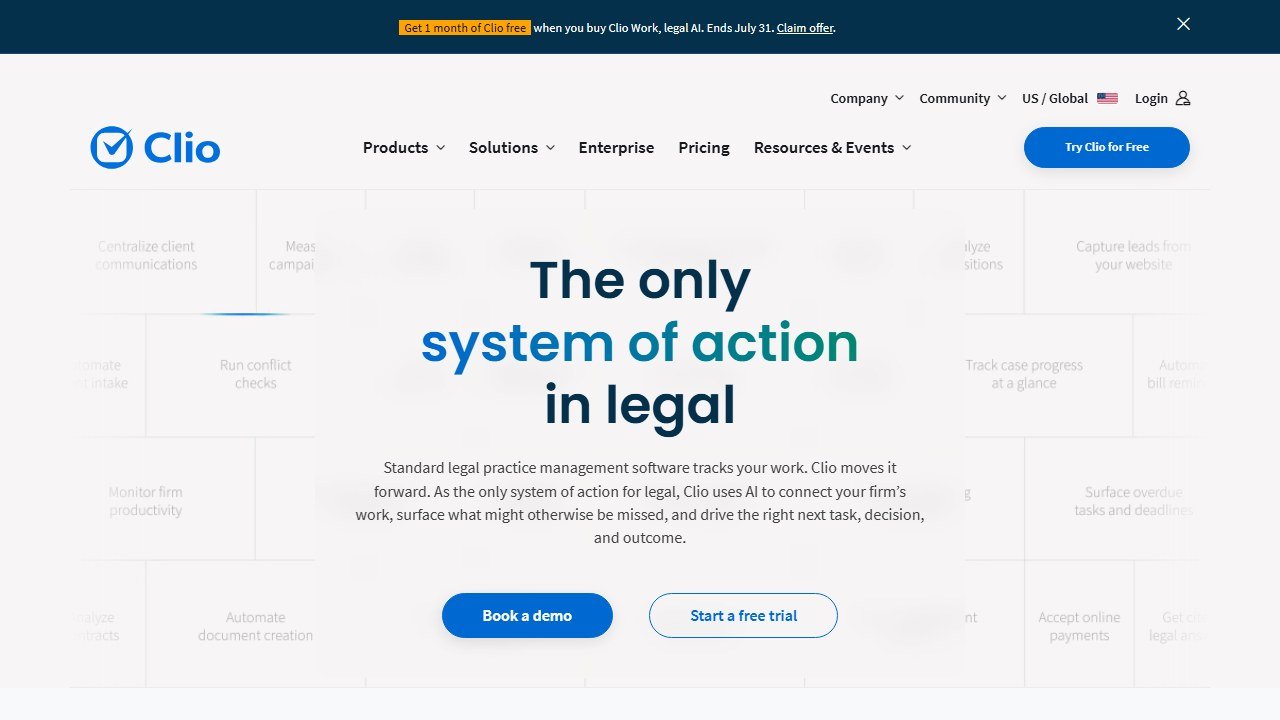
Clio remains the biggest name in small-firm practice management, and its 2026 AI story is substantial: the Manage AI assistant (successor to Clio Duo) handles plans, scheduling, drafting, and billing tasks, while Clio Work brings the Vincent AI research platform and a billion-document library from the completed vLex acquisition into the ecosystem.
The capability is real. The budgeting picture, though, got worse this year, which matters a lot for the audience of this page.
Pricing
As of July 2026, clio.com/pricing shows only “Starting at $49/user” for EasyStart, with Essentials, Advanced, and Expand prices gated behind a lead form. The last publicly listed tiers, now reported figures only since Clio no longer publishes them, were EasyStart $49, Essentials $89, Advanced $109, and $149 for the tier now renamed Expand, per user per month on annual billing. The Manage AI add-on is reported at $39 to $59 per user per month, and that figure is unverified. Clio Work pricing is demo-only. We reconcile all of this, with dates, in our full Clio pricing breakdown.
Who it is for
Firms that want the deepest app ecosystem in legal practice management and are willing to negotiate. Get every line item in writing.
One honest limitation
You can no longer budget for Clio from its own website. For a 3-lawyer firm comparing stacks on a Saturday, that is a genuine step backward, and it is why MyCase ranks above it here despite Clio’s broader platform.
8. CoCounsel: enterprise-grade research, small-firm configurator

What it does
CoCounsel is Thomson Reuters’ legal AI, historically GPT-4 based via the Casetext acquisition and with its next generation built on Anthropic’s Claude Agent SDK, grounded in the Westlaw and Practical Law libraries. The reason it makes a small-firm list at all: TR runs a self-serve online configurator for firms of up to 10 attorneys, which is precisely the ceiling of this page’s scope.
In practice, its document analysis and research grounding were the strongest of anything here, which is what Westlaw citations buy you.
Pricing
Not published officially. Third-party configurator testing from June 2026 put the range at roughly $104 to $639 per user per month depending on content bundle, jurisdictions, and contract term, with 3-year terms discounting around 18 percent. The widely quoted $225 per user per month figure is an unofficial aggregator number for a doc-only tier TR no longer names, so do not anchor on it. Full plan-by-plan math lives in our CoCounsel review.
Who it is for
Small litigation firms that need authoritative, citable research and can absorb the widest price band on this page.
One honest limitation
The Westlaw dependency is the real cost story: the case-law research features require the Westlaw-inclusive tiers, and that is where the configurator numbers climb fast.
9. Spellbook: contract drafting in Word, price on request
What it does
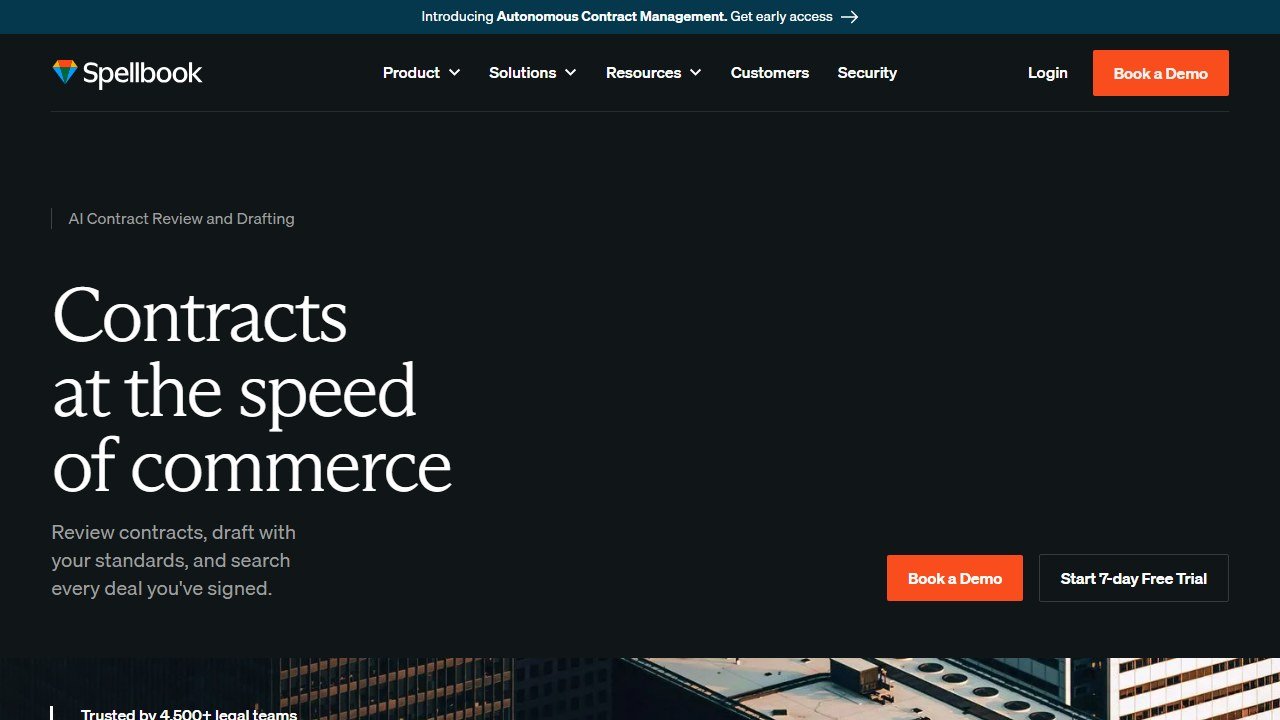
Spellbook is a Microsoft Word add-in for contract review and drafting: redlining suggestions, clause benchmarking, playbooks, and the Associate agent for multi-document work. For a small transactional practice, it is the most natural on-ramp to contract AI because it lives where you already draft.
We found the review suggestions strong on standard commercial agreements, and the 7-day self-serve trial means you can validate it against your own contracts before anyone calls you.
Pricing
Not published. Spellbook.com/pricing offers only custom quotes. Third-party estimates put entry tiers at roughly $99 to $149 per user per month, and we label every one of those figures as reported, because the third-party estimates for Spellbook diverge more than for any other tool in this roundup. Our Spellbook pricing guide documents just how far the sources disagree and what actually drives the quote.
Who it is for
Transactional solos and small firms drafting contracts weekly. The trial-first buying motion suits a no-IT-department firm well.
One honest limitation
The pricing opacity itself. You cannot put Spellbook in a budget spreadsheet without a demo call, which costs it points on a page built around published prices.
10. Smokeball: strong automation, contract-shaped pricing
What it does
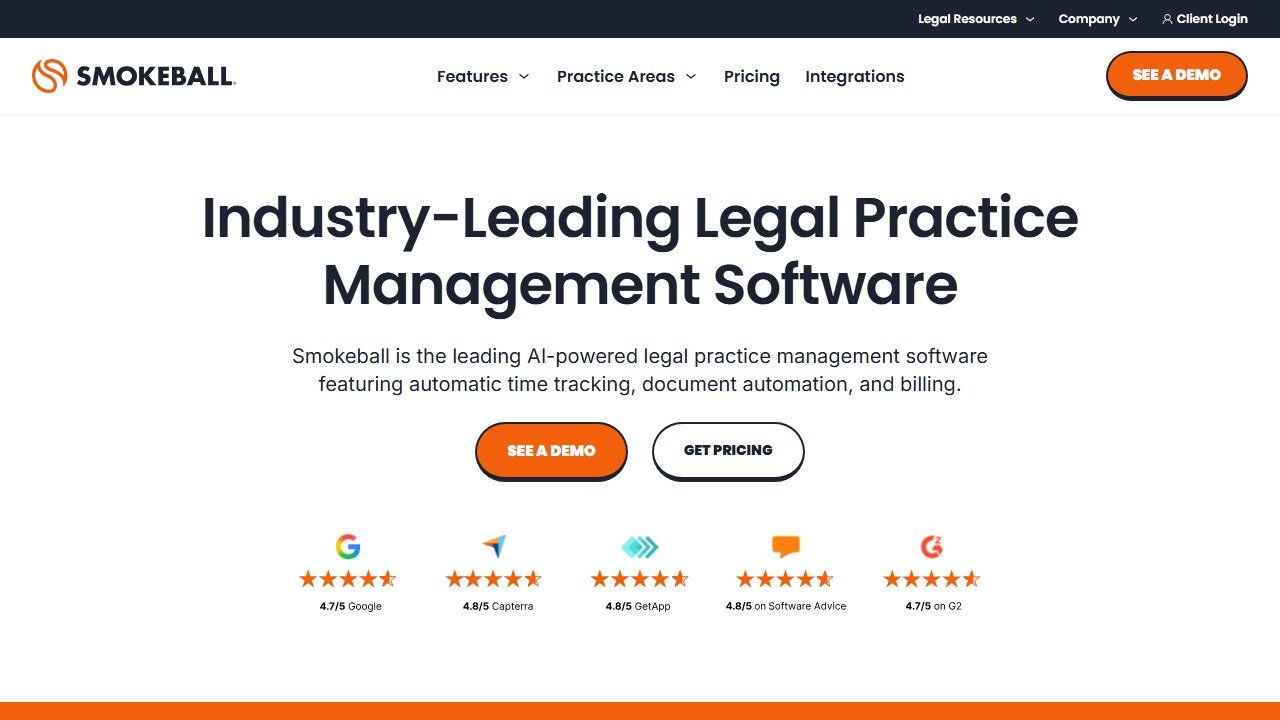
Smokeball is practice management with unusually deep document automation and automatic time tracking, plus Archie, its AI matter assistant, along with AI-powered intake and client communication features on higher tiers.
The automatic activity capture is genuinely differentiated: it logs your work in Word and Outlook without timers, which for a small firm that underbills is a quiet revenue recovery tool.
Pricing
Configurator-based and the murkiest on this page: the official site shows “From $149/mo” at the default firm-size selector, third parties report entry tiers around $49 to $89 per user per month, and the honest summary is roughly $49 to $149 per user per month depending on firm size and a 12-to-36 month contract, with the Archie-inclusive Grow and Prosper+ tiers custom-quoted. There is no month-to-month option.
Who it is for
Small firms, especially in family law, conveyancing, and estates, that will use the document automation heavily and are comfortable with a term contract.
One honest limitation
The AI you are probably shopping for, Archie, only exists on the quote-gated upper tiers, and the 12-to-36 month lock-in is the longest commitment in this roundup.
Verdict: build the stack from published prices outward
If we were spending a small firm’s money in 2026, we would start with the three tools that publish real numbers and offer trials: Briefpoint for a litigation shop, Gavel for a document-heavy practice, and Smith.ai for the phones, with Paxton on the annual plan as the research seat. That gets a 3-lawyer firm a working AI stack for well under $1,000 a month with almost no negotiation risk. Layer MyCase or Clio underneath as the management backbone, and reach for CoCounsel or Spellbook only when the specific job justifies the sales call. And when your firm outgrows this page’s 10-attorney ceiling, the enterprise tier of this market, the Harveys and the CLM platforms, is mapped in our full guide to the best AI tools for lawyers.
Newer in this cluster: Clio Review (2026): Is the Legal Practice Management Leader Worth It?.
How we reached this verdict: this guide is research-based. We compare each tool against its published documentation, pricing pages and terms, and we do not claim hands-on testing we have not done.

Written by
FazFaz is the founder of AIToolsBakery. Some tools here are tested hands on. Others are assessed from vendor documentation and pricing verified on the live page, and every review says which one it is. Sponsors can buy a position in a guide. They cannot buy the score, the criticism, or silence about a better option.
How we test and how we make money →