Search for AI tools for school librarians and you mostly get paid PD courses, association PDFs, and slide decks from conference talks. Useful for theory. Useless when you have 40 minutes before a fourth-grade class arrives and a weeding report due to your principal by Friday.
So we did what those results do not: we actually ran the tools. We organized this roundup the way your week is actually organized, by job. Collection development and cataloging. Readers advisory. Research instruction. Programming and promotion. And the admin micro-tasks that eat your afternoons. Most picks are free, because library budgets are what they are. Where a tool costs money, we give the verified figure or tell you plainly that pricing is quote-only.
If you also teach or co-teach, our broader roundup of the best AI tools for teachers covers the classroom side. This post stays in the library.
The 10 tools at a glance
| Tool | Best library job | Free tier | Paid pricing |
|---|---|---|---|
| NotebookLM | Research instruction, source-grounded answers | Yes, full core product | Free |
| Follett Destiny AI | Catalog reporting, collection analysis | No | District license, quote-based |
| MagicSchool | Readers advisory, family comms | Yes | Paid Plus tier available |
| STORM | Research topic exploration, pre-search modeling | Yes, entirely free | Free |
| Perplexity | Teaching source evaluation, citation-first search | Yes | Paid Pro tier available |
| Diffit | Leveling texts for mixed-grade research groups | Yes, free core | $14.99 Premium |
| Canva for Education | Displays, posters, programming materials | Free for K-12 | Free for verified educators |
| Brisk | Web-based instruction materials, feedback | Yes, 23 free tools | Paid tiers available |
| Eduaide | Admin micro-automations, library lesson resources | 15 generations/mo | Pro $5.99/mo |
| ChatGPT for Teachers | Drafting, correspondence, general assistant | Free for verified US K-12 educators | Free through June 2027 |
How we picked, and what the ALA says
Before ranking anything, we anchored on the profession’s own guidance. In September 2025, AASL and ALA Editions published Leveraging AI in School Libraries: From Basics to Best Practices, the first book-length AI guidance aimed squarely at school librarians. Its throughline matches what we found in testing: AI belongs in the library when it protects student data privacy, gets evaluated for bias before deployment, supports AASL standards-based instruction, and handles routine tasks so the librarian can do the human work. It also pushes librarians to lead their building’s conversation on citation and academic integrity in the AI era, rather than waiting for a policy to land on them.
We used those criteria as our filter. Every pick below is teacher-facing or librarian-facing by default. Nothing here requires handing a general chatbot to a nine-year-old.
Collection development, cataloging, and reporting
Follett Destiny AI
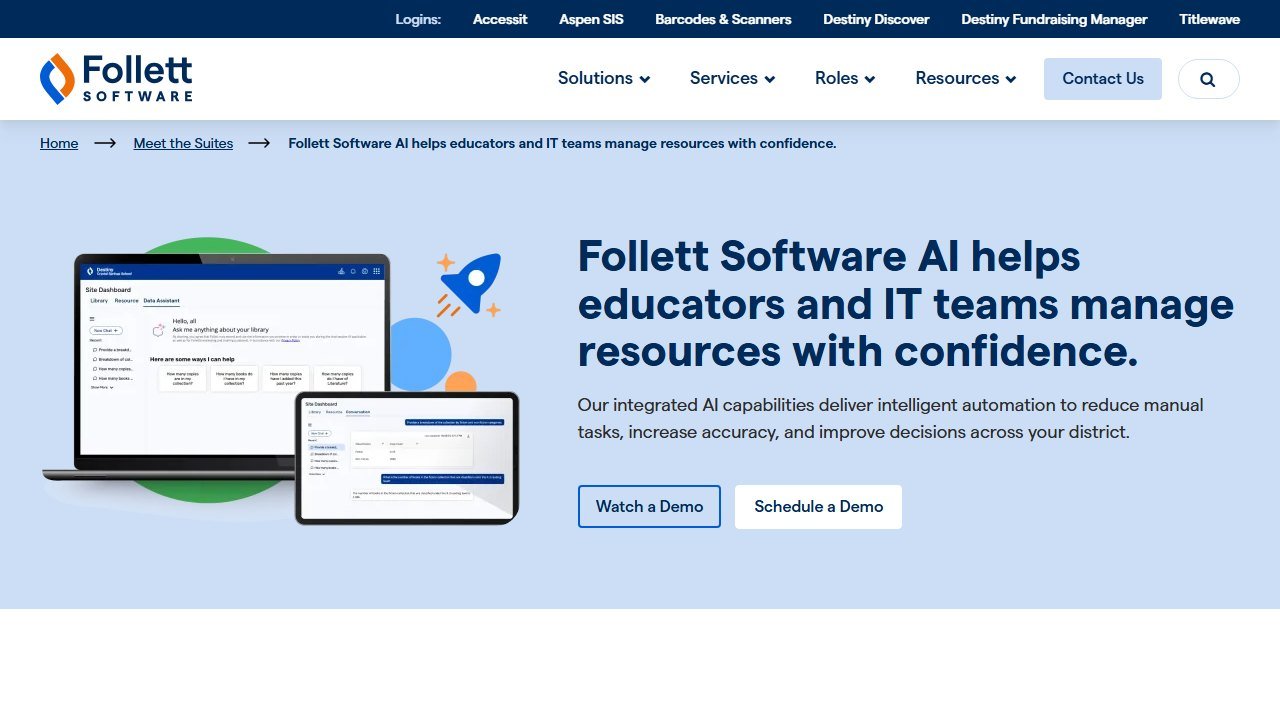
If your library runs on Destiny Library Manager, and statistically it probably does, this is the most consequential AI feature on this list. Follett Software built a Library AI Assistant directly into Destiny, and it does the one thing no general chatbot can: it answers questions about your actual collection and circulation data.
In practice that means conversational reporting. Instead of clicking through Destiny’s report builder, you type a plain-English question: which titles circulated most in October, which students have overdue items past 30 days, how has graphic novel circulation trended this year. The assistant builds the report and can export results to CSV. Follett’s own materials describe responses landing in a few seconds, and in practice simple circulation queries did come back near-instantly, while more layered questions took a couple of tries at rephrasing.
The collection-development side is where it earns its keep. The assistant can surface gaps in your collection by genre and demand, flag high-demand titles you are short on, and generate weeding, purchasing, and inventory worklists from real usage data. Follett estimates the assistant saves library teams 3 to 7 hours a week, and while we always treat vendor time-savings claims with a raised eyebrow, the report-builder hours it replaces are real. Follett has since extended the same AI layer to Destiny Resource Manager and its Aspen student information system, so if your district runs the wider Follett stack, the assistant follows you.
Pricing: Follett Destiny AI is part of the Destiny platform, licensed at the district level. Pricing is quote-based through Follett, so there is no public number we can print.
Who it is for: any librarian already on Destiny. This is not a reason to switch systems, but if the platform is already in your building, turning on the AI assistant is the single highest-leverage move in this post.
One honest limitation: it only knows your Destiny data. It will not recommend titles from outside your catalog, evaluate book reviews, or help with instruction. It is a data analyst, not a librarian, and the natural-language layer occasionally needs a reworded question before it maps your intent to the right report.
Research instruction and inquiry
NotebookLM
NotebookLM is our top overall pick because it solves the exact problem librarians spend careers teaching around: unsourced claims. You upload sources, up to about 50 per notebook, including PDFs, Google Docs, websites, and YouTube links, and NotebookLM answers questions only from those sources, with inline citations pointing back to the exact passage.
For research instruction, that changes the demo you can give. We built a notebook from six vetted sources on the Dust Bowl, then had it answer student-style questions. Every answer carried numbered citations we could click through in front of a class, which turns “always check where the answer came from” from a lecture into a live demonstration. When we asked it something the sources did not cover, it said so instead of improvising. That refusal behavior is precisely what you want students to see.
It also earns its place on the librarian side of the desk. Load your district’s AI policy, your collection development policy, and your challenged-materials procedure into one notebook and you have a searchable, citable reference for the next tense email. The audio overview feature, which turns sources into a podcast-style discussion, made a genuinely good hook for a middle-school research kickoff in practice.
Pricing: free with a Google account. Google Workspace for Education environments may gate access by age and admin settings, so check with your IT team before planning student-facing use.
Who it is for: every librarian who teaches research, which is to say every librarian.
One honest limitation: it is only as good as the sources you feed it. Students can just as easily ground it in three garbage blog posts, so the source-selection lesson still has to come first. It summarizes and synthesizes; it does not judge quality.
STORM
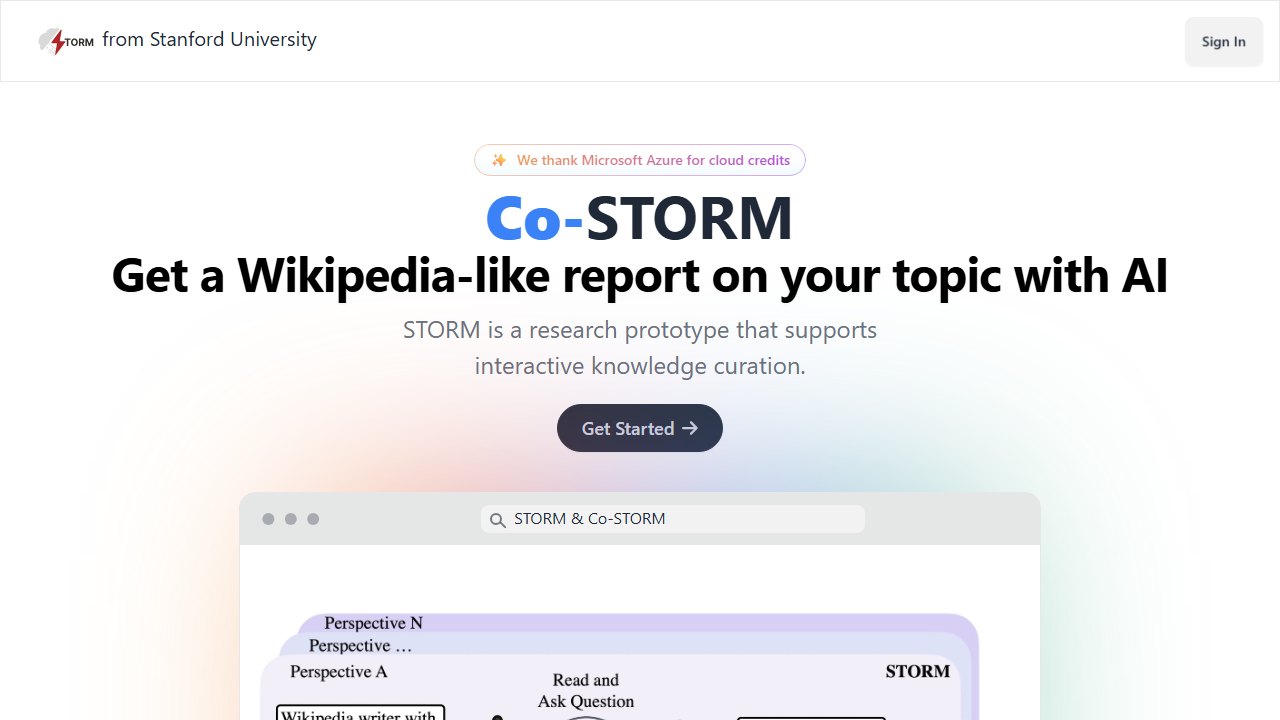
STORM is a free research tool from Stanford that generates a long, Wikipedia-style report on any topic, complete with an outline, sections, and a reference list of real, linked web sources. Give it a topic and it runs multi-perspective research questions against the open web, then drafts a structured article with citations.
In practice, a topic like “history of school libraries in the United States” produced a multi-section report with dozens of linked references in a few minutes. The quality is genuinely useful as a pre-search tool: it shows students what the shape of a topic looks like, what the subtopics are, and which sources exist, before they start their own searching. We have started describing it to teachers as an instant background-reading generator.
For instruction, the interesting move is critique. Have students generate a STORM report on their topic, then evaluate it: which sources are strong, which are weak, what did it miss, where would a database beat the open web. That maps directly onto the inquiry standards you already teach, and it is a more honest AI lesson than pretending students will not use generators at all. Pair it with our guide to the best AI tools for students if you are building a full research unit.
Pricing: completely free. It is a Stanford research preview, with a sign-in and no paid tier.
Who it is for: librarians teaching upper-middle and high school research, and anyone who needs fast structured background on an unfamiliar topic before a purchasing decision.
One honest limitation: it is a research prototype, and it behaves like one. Availability can wobble, generation can take several minutes, and source quality is whatever the open web offers, so reports on contested topics need the same skepticism you would teach for any web source.
Perplexity
Perplexity is an AI answer engine that cites its sources by default, every answer, every time, with numbered footnotes linking to the live pages. That single design decision makes it the most teachable general AI search tool for a library context.
We use it in two ways. First, as a librarian’s quick-reference desk: verification questions, publisher lookups, and “is this book actually part of that series” checks resolve in seconds with sources you can click. Second, as a source-evaluation teaching object. Put a Perplexity answer on the projector and walk the class through the footnotes: which citations actually support the claim, which are tangential, which come from sites you would never let into a bibliography. In our sessions, students found at least one weak citation per answer, which is exactly the lesson.
Pricing: the free tier covers standard searches and is enough for reference-desk use. A paid Pro tier adds heavier usage and model options; we are not printing a figure here since plans shift, so check their pricing page.
Who it is for: librarians who want a cited alternative to handing students a bare chatbot, and reference work where you need the receipt, not just the answer.
One honest limitation: citations are not endorsements. Perplexity will confidently cite mediocre SEO content when that is what the web offers, and students can mistake the presence of footnotes for the presence of quality. The evaluation lesson does not become optional; it becomes the point.
Readers advisory and reading support
MagicSchool
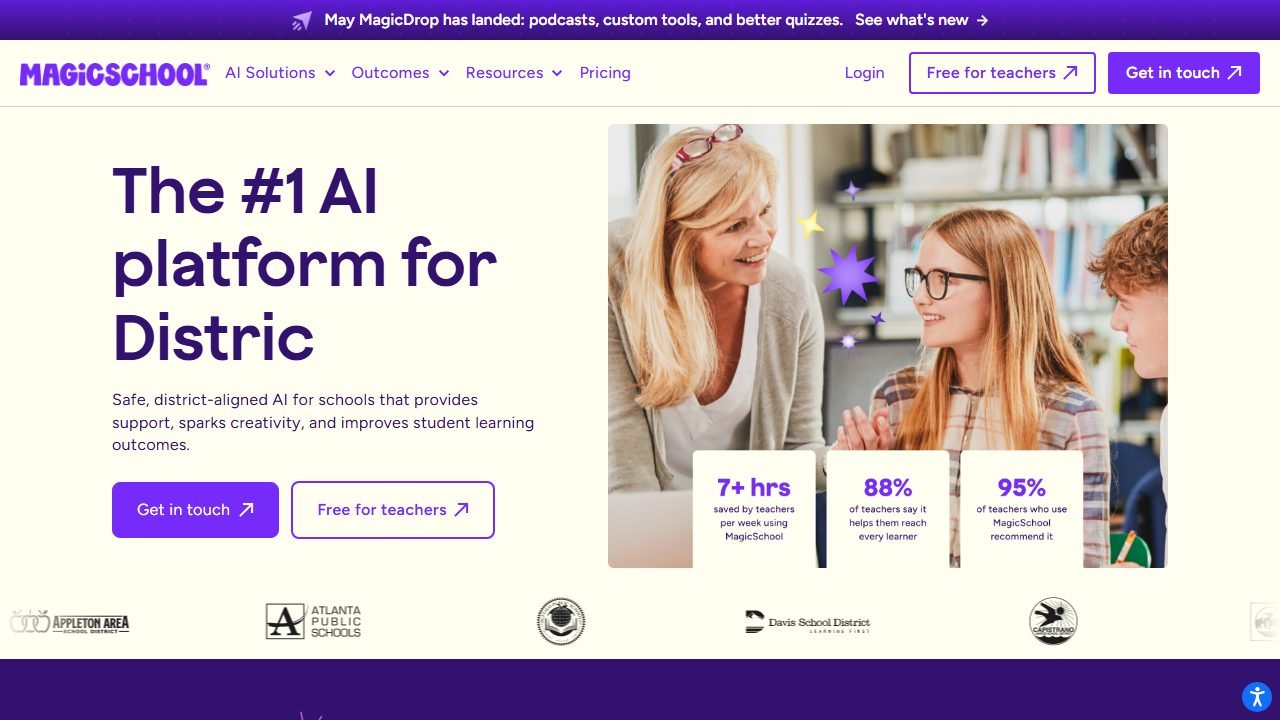
MagicSchool is the biggest education-specific AI platform, with dozens of purpose-built tools, and several of them map neatly onto library work. The book suggestion and readers-advisory style tools give you a fast starting point when a student says “I liked Wings of Fire, what next”: in practice the suggestions were solid mainstream picks that we then checked against our actual shelves, which is the correct workflow. The text leveler and translation tools help with reading support and multilingual family communication, and the email and newsletter tools handle library announcements at volume.
The honest framing: MagicSchool will not replace your readers-advisory judgment, and its suggestions skew toward well-known titles. But as a first-pass generator that you curate, it removes the blank-page problem from a dozen weekly tasks. We covered the full platform in our MagicSchool AI review if you want the deep version.
Pricing: a generous free tier covers individual educator use. A paid Plus tier and school plans exist; pricing varies by plan and district size, so we will not quote a number here.
Who it is for: librarians who also teach, run programming, and communicate with families, which is most of the job description.
One honest limitation: book suggestions come from the model’s training, not from a live catalog or review database, so always verify a recommendation exists in the form it describes and actually sits at the right reading level before handing it to a student.
Diffit
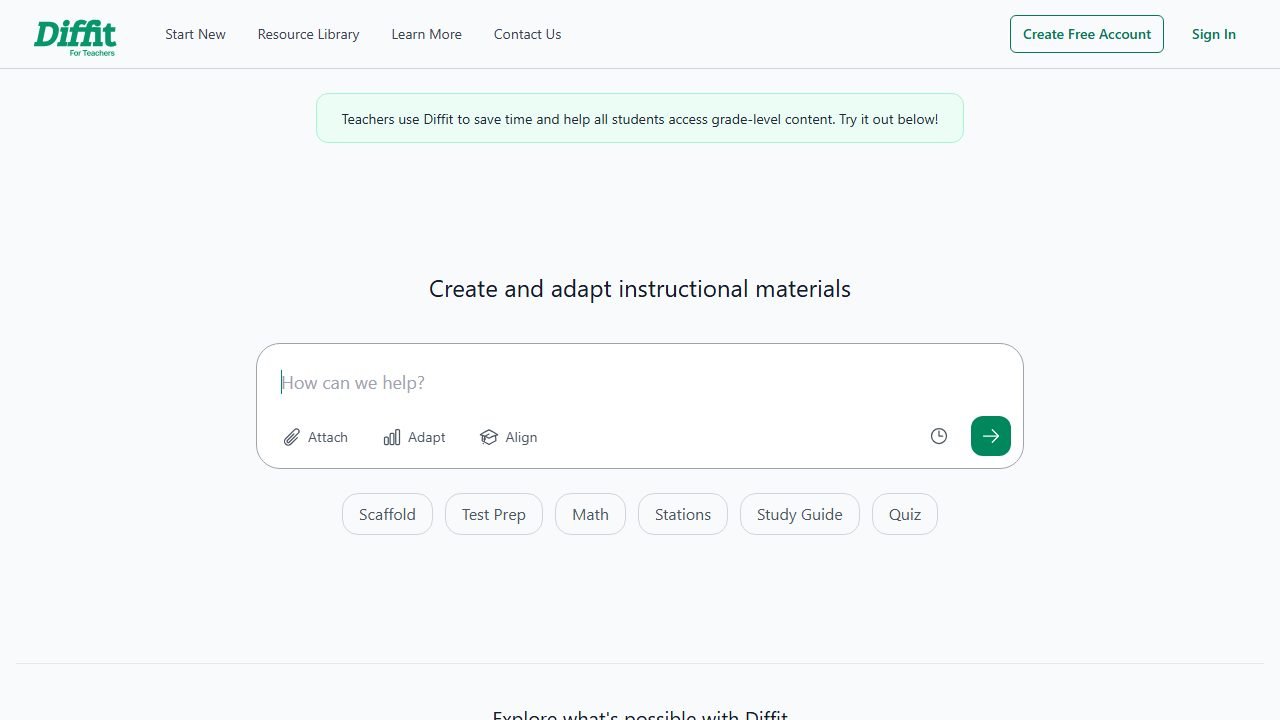
Diffit takes any text, article, or topic and re-levels it for different reading levels, generating adapted passages plus vocabulary and comprehension questions. For a librarian, the killer use case is mixed-grade research groups: one primary source or article, instantly readable by your fifth graders and your struggling seventh graders alike.
In practice, we fed it a public-domain primary source and had leveled versions for three grade bands in under two minutes, each with vocabulary support. It also translates adapted texts, which quietly makes it one of the best family-engagement tools here: send the same reading home in a family’s home language. Our full Diffit review has the detailed leveling comparisons.
Pricing: the free core covers the essential leveling workflow. Premium is $14.99 and adds export and customization features.
Who it is for: librarians supporting research units across grade levels, and anyone serving multilingual families.
One honest limitation: leveled adaptations are paraphrases, and paraphrasing a primary source changes it. For document-analysis lessons where the original wording is the point, use Diffit for scaffolding alongside the original, not instead of it.
Programming, displays, and promotion
Canva for Education
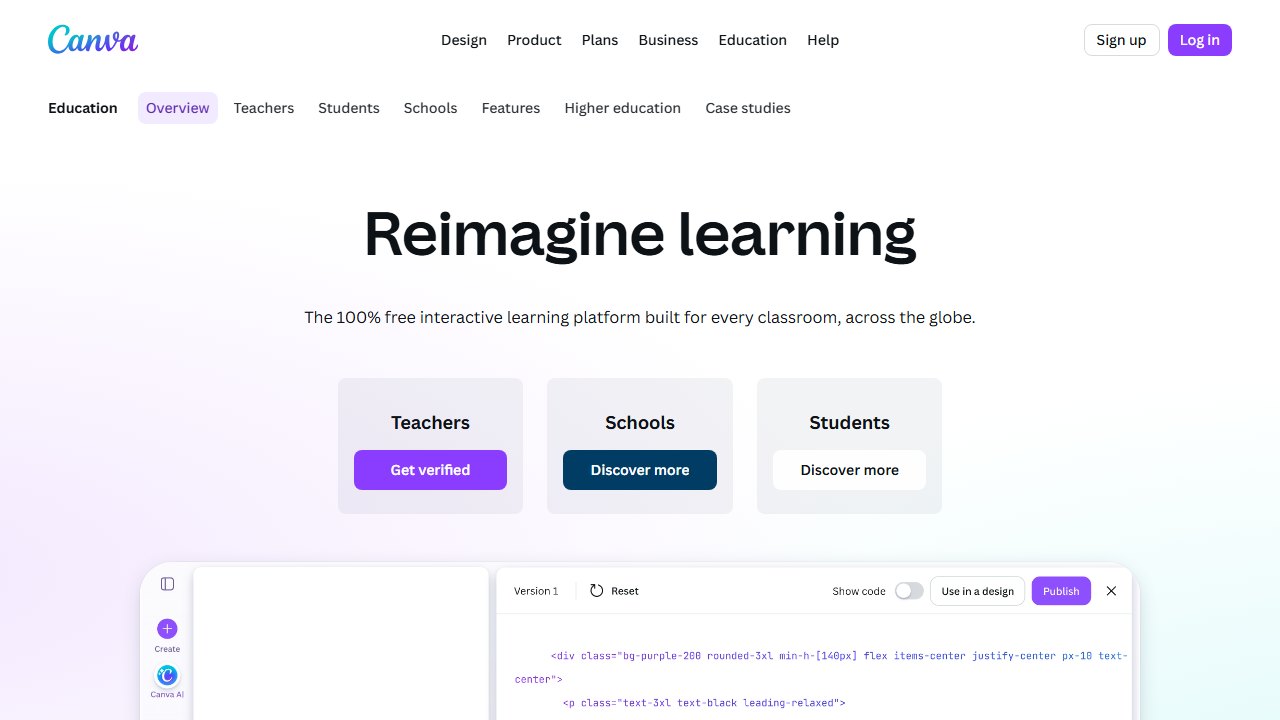
Canva for Education is free for verified K-12 educators, and its AI features have grown into a real production suite: text-to-image generation for display art, Magic Write for drafting copy, background removal, and one-click resizing of the same design into a poster, a newsletter banner, and a social post.
Book displays and library programming are visual jobs, and this is where Canva pays rent. In practice, we produced a themed reading-month poster set, matching shelf talkers, and a family newsletter header in about twenty minutes, using AI image generation for the base art and templates for the layout. Nothing else on this list turns programming ideas into printed material that fast.
Pricing: free for K-12 teachers and schools, including features that sit behind the paid tier for everyone else. Verification requires proof of educator status.
Who it is for: every librarian who makes displays, signage, newsletters, or event promotion, which again is all of them.
One honest limitation: AI-generated art needs a disclosure habit and a quality check. Text inside generated images still comes out mangled often enough that you should add titles and lettering in Canva itself, not in the image prompt.
Brisk
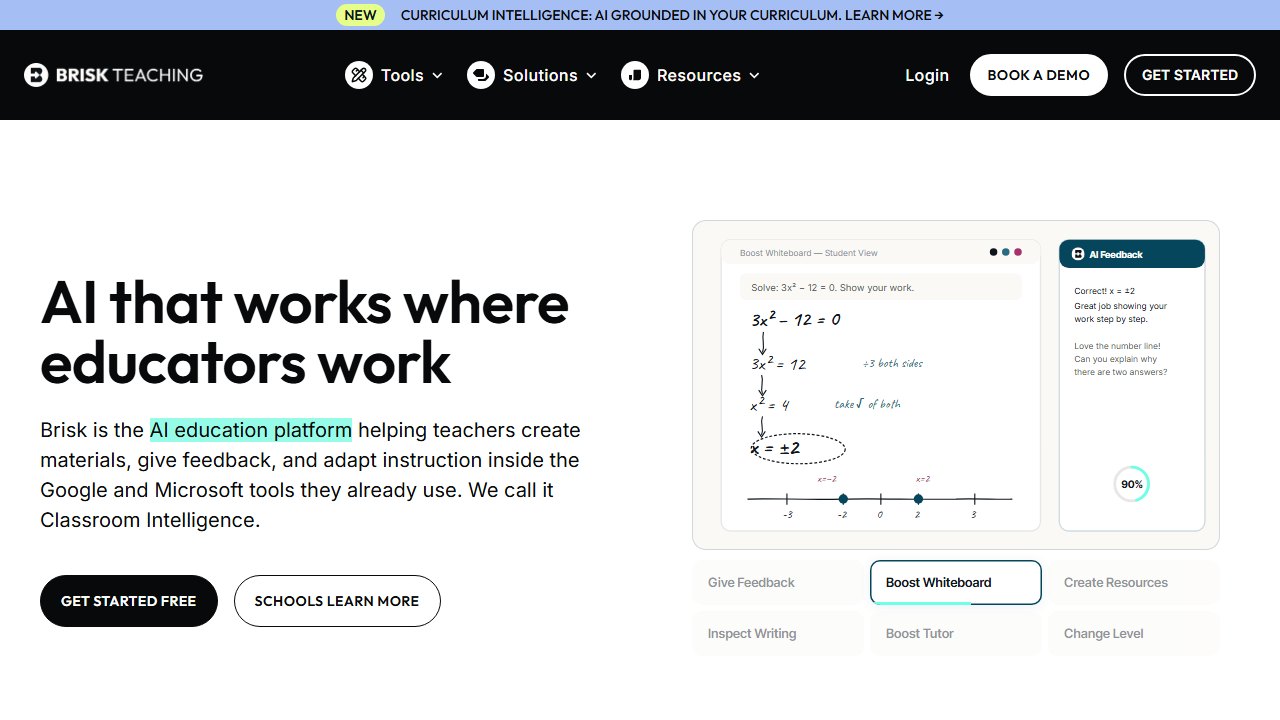
Brisk Teaching is a Chrome extension that layers AI tools over whatever you are already looking at: a website, a Google Doc, a YouTube video. For librarians, that on-the-page design is the draw. Find a strong article for a research unit, and Brisk can generate a leveled version, discussion questions, or a graphic organizer from it without copy-pasting anything anywhere.
We lean on it for turning found web content into instruction materials in one step, and for quick feedback on student research drafts in Google Docs. It offers 23 free tools on the free tier, which covers the library use cases comfortably. The full breakdown is in our Brisk AI review.
Pricing: 23 tools free. Paid tiers add volume and premium features; see their site for current plan pricing.
Who it is for: librarians who live in Chrome and Google Workspace and want AI at the point of need instead of in another tab.
One honest limitation: it is Chrome-only, and it inherits whatever your district’s extension policy is. If your IT department locks down extensions, Brisk needs an approval conversation before it needs a lesson plan.
Admin micro-automations
Eduaide
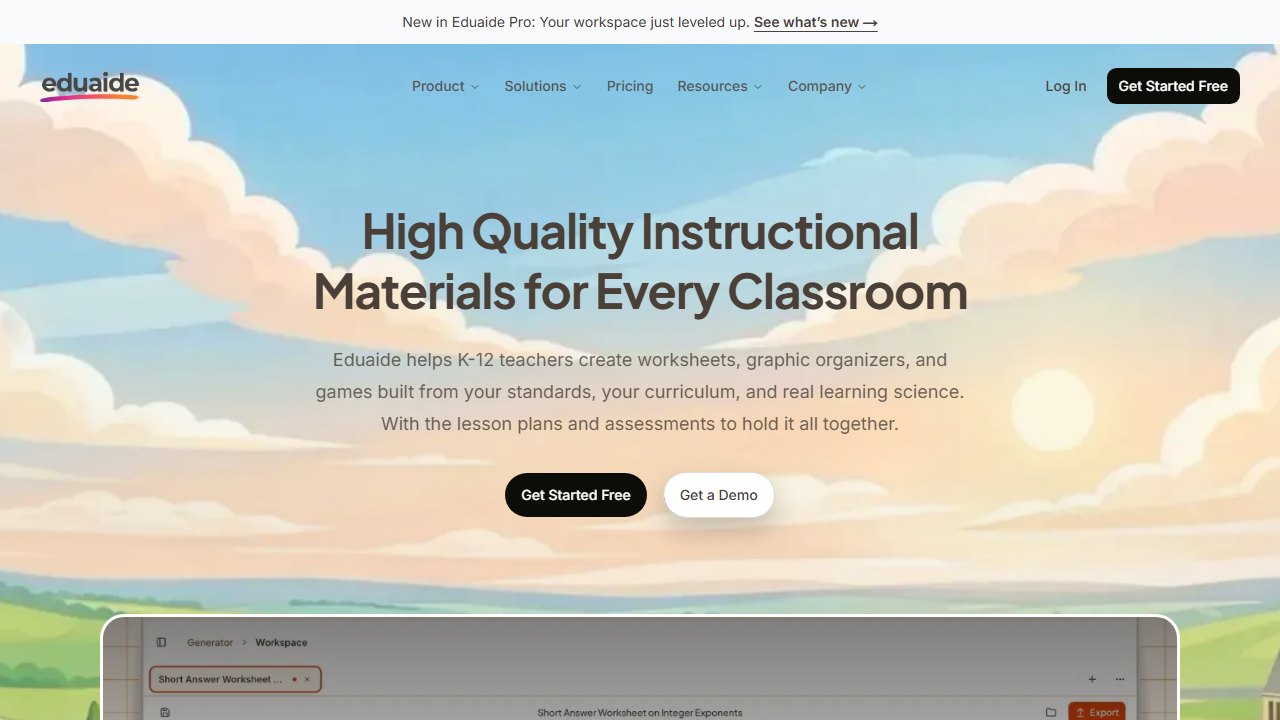
Eduaide is a resource-generation workbench with over a hundred generators, and for librarians its value is the long tail of small administrative and instructional artifacts: orientation scavenger hunts, database how-to handouts, parent letters about overdue policies, library skills bell-ringers, rubric drafts for research products.
In practice, a library-orientation activity that would have taken an evening to write took about ten minutes to generate and edit. The workspace model, where you refine and remix outputs rather than regenerating from scratch, suits the way library documents get reused year over year.
Pricing: free tier includes 15 generations per month. Pro is $5.99 per month, one of the cheapest paid steps in education AI.
Who it is for: librarians who produce lots of small documents and want one workbench for all of them.
One honest limitation: 15 free generations a month sounds like more than it is. In practice, one planning session burned through the allotment, so treat the free tier as an extended trial and budget the $5.99 if it sticks.
ChatGPT for Teachers
OpenAI’s ChatGPT for Teachers gives verified US K-12 educators, school librarians included, free access through June 2027, in a workspace designed for education use. It is the generalist on this list: correspondence, meeting summaries, grant-application drafts, book-club discussion questions, policy-language drafting, and the hundred other small writing tasks nobody builds a dedicated tool for.
The librarian-specific angle is drafting under constraints. A reconsideration-request response, a budget justification memo, a diplomatic reply to a book-challenge email: these are high-stakes documents where a strong first draft that you then rewrite in your own voice saves real time and stress. We would never send its output unedited, and neither should you, but as a drafting partner for administrative prose it is unmatched on this list.
Pricing: free for verified US K-12 educators through June 2027. Verification runs through OpenAI’s education program.
Who it is for: every certified school librarian in the US, given the price of zero.
One honest limitation: it is a general chatbot with all that implies. It will invent book titles, misremember publication details, and produce confident wrong answers about your specific district policies. Use it for prose, not for facts, and never paste student PII into it.
The all-free librarian stack
If your budget is exactly zero dollars, you can still cover the whole job: NotebookLM for research instruction and policy reference, STORM for topic exploration, Canva for Education for displays and promotion, the free tiers of MagicSchool and Brisk for advisory and materials, and ChatGPT for Teachers for drafting. Add Follett Destiny AI only if your district already licenses Destiny. For exact free-tier limits across the wider education toolbox, our roundup of the best free AI tools for teachers has the verified numbers.
Verdict
Start with whichever tool matches the job that hurts most. If reporting and collection analysis eat your week and you run Destiny, turn on Follett Destiny AI and reclaim the report-builder hours. If research instruction is your core, build your first NotebookLM notebook this week and put STORM in front of your next upper-grade class as an evaluation exercise. If programming and promotion are the crunch, Canva for Education is free and immediate.
And take the ALA’s September 2025 guidance seriously on the leadership point. Someone in your building is going to define how AI gets used, cited, and questioned. The person who already teaches source evaluation for a living is the right someone. That is you.

Written by
FazFaz is the founder of AIToolsBakery. Some tools here are tested hands on. Others are assessed from vendor documentation and pricing verified on the live page, and every review says which one it is. Sponsors can buy a position in a guide. They cannot buy the score, the criticism, or silence about a better option.
How we test and how we make money →