Most “AI tools for teachers” roundups treat science teachers as an afterthought. You get the same generic lesson-plan generators, a paragraph about ChatGPT, and zero acknowledgment that your job involves bunsen burners, NGSS performance expectations, and lab reports full of handwritten stoichiometry.
So we built this roundup differently. We also included the virtual-lab layer that teacher roundups almost always skip, because a chemistry teacher without a fume hood has different needs than an English teacher.
One ground rule before we start: no AI tool on this list should write your lab safety protocol unsupervised. We flag this per tool below, and we cover it in depth in the lab-safety section. If you teach a different subject or want the broader landscape, our best AI tools for teachers roundup covers the general-purpose picks.
The 8 tools compared
| Tool | Best for | NGSS 3D output | Free tier | Paid pricing |
|---|---|---|---|---|
| MagicSchool | Lab plans, 5E lessons, 3D assessments | Yes, strongest in practice | Yes, core tools | Plus $8.33/mo billed annually, $12.99/mo monthly |
| Eduaide | Lab handouts and materials variety | Partial, standards-tagged | 15 generations/mo | Pro $5.99/mo |
| Labster | 3D virtual labs, 300+ simulations | Sims mapped to standards | No meaningful free tier | Quote-based school licensing |
| PraxiLabs | Budget virtual labs with AI assistant | Not NGSS-native | 3 full experiments | From $6.99/mo, $44.99/yr individual |
| Chalkie | NGSS-aligned lecture slides fast | Partial, standards-tagged | 5 resources/wk | Pro $80/yr |
| Diffit | Leveling dense science texts | N/A, differentiation tool | Yes, core features | Premium $14.99 |
| Gradescope | Grading handwritten scientific notation | N/A, grading tool | Basic individual tier | Institutional, quote-based |
| CK-12 | Free curriculum + Flexi AI tutor + sims | Content aligned, tutor is open-ended | Everything, completely free | None, 100% free |
How we reviewed: the three-dimensionality bar
NGSS is not a topic list. A real NGSS assessment asks students to do something (SEP) with core content (DCI) through a lens like patterns or energy flow (CCC). Most AI generators fail this quietly: they produce a perfectly formatted quiz on photosynthesis, tag it “HS-LS1-5,” and call it aligned. That is a topic-tagged worksheet, not a three-dimensional assessment.
Our test: we fed each generator the same prompt, a performance task for HS-PS1-4 (chemistry, energy changes in reactions), and scored the output on whether it required students to develop a model or analyze data (SEP), addressed bond energy explicitly (DCI), and framed the task around energy and matter as a crosscutting concept (CCC). We repeated the run for a biology standard (HS-LS2-4) to check consistency.
We also logged free-tier walls as we hit them, verified every price on the vendor’s pricing page in July 2026, and ran our standard hands-on workflow checks: real prep tasks, real student-facing outputs, real grading piles.
1. MagicSchool: the strongest science-specific generator set
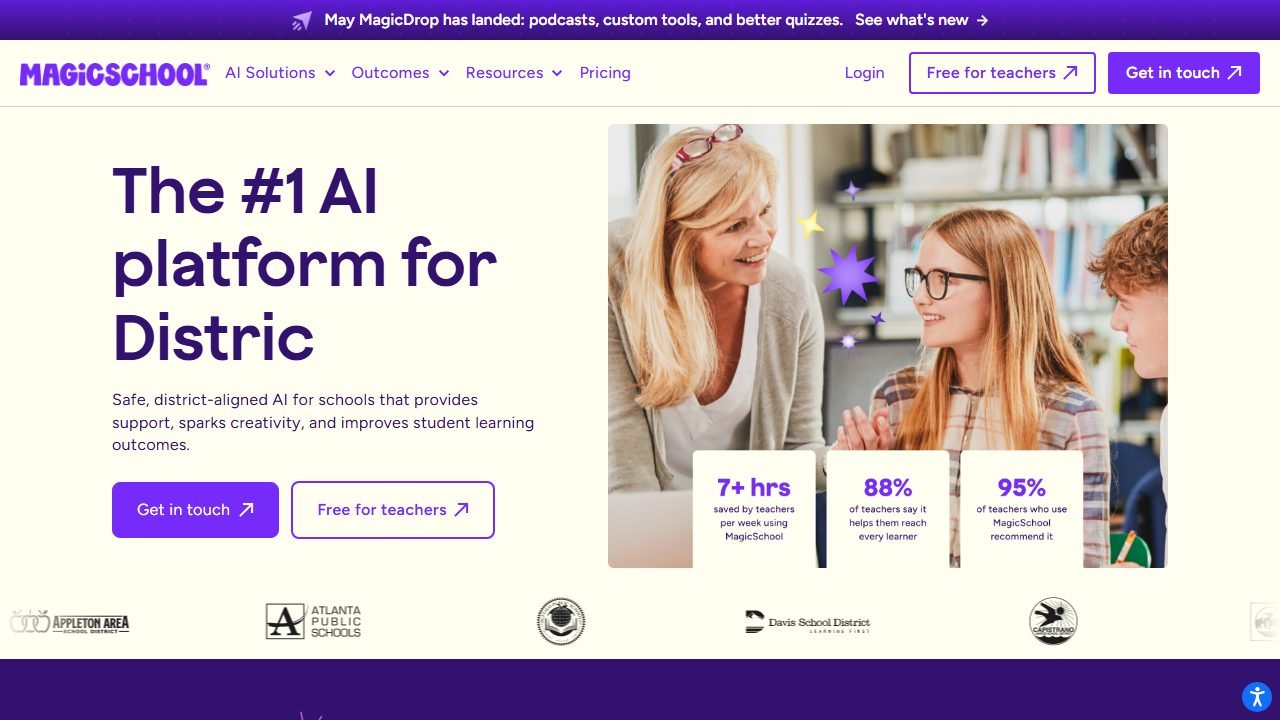
MagicSchool is the biggest name in teacher AI platforms, with 60+ tools, and it earns the top spot here for a specific reason: it is the only platform we reviewed with a dedicated Three-Dimensional Science Assessment Generator, plus a Science Lab Generator and a 5E Model lesson planner built for how science teachers actually structure instruction.
What it does. You pick a tool, enter your grade level, standard, and topic, and it drafts the resource. The Science Lab Generator outputs a structured lab plan with objectives, materials list, step-by-step procedure, and safety notes. The 5E generator builds Engage-Explore-Explain-Elaborate-Evaluate lesson sequences. The 3D assessment tool asks for your performance expectation and builds tasks around all three dimensions.
Hands-on observations. In our HS-PS1-4 bake-off, MagicSchool was the only generator whose output required students to construct an energy diagram from provided calorimetry data and explain the result in terms of bond breaking and forming. That is a genuine SEP (analyzing data, developing models) wired to the DCI, with energy and matter framing. The biology run (HS-LS2-4) held up too: it asked students to build a quantitative model of energy flow across trophic levels rather than label a pyramid. Outputs still needed 10 to 15 minutes of teacher revision, mostly tightening rubric language, but the skeleton was legitimately three-dimensional both times. Our full MagicSchool review covers the wider platform.
Pricing. The free tier covers the core tool library for individual teachers with usage caps. Plus runs $8.33 per month billed annually, or $12.99 billed monthly, and removes limits while adding output history, AI editing, and full AI Slides.
Who it’s for. Any high school science teacher who wants one platform for labs, lessons, and assessments, especially if NGSS alignment gets audited in your building.
Honest limitation. The Science Lab Generator’s safety notes are generic. In our chemistry lab run it flagged goggles and gloves but did not mention specific hazards of the exothermic reaction it had just designed. Verify every safety line against Flinn or your district protocol before running the lab.
2. Eduaide: the materials machine on a budget
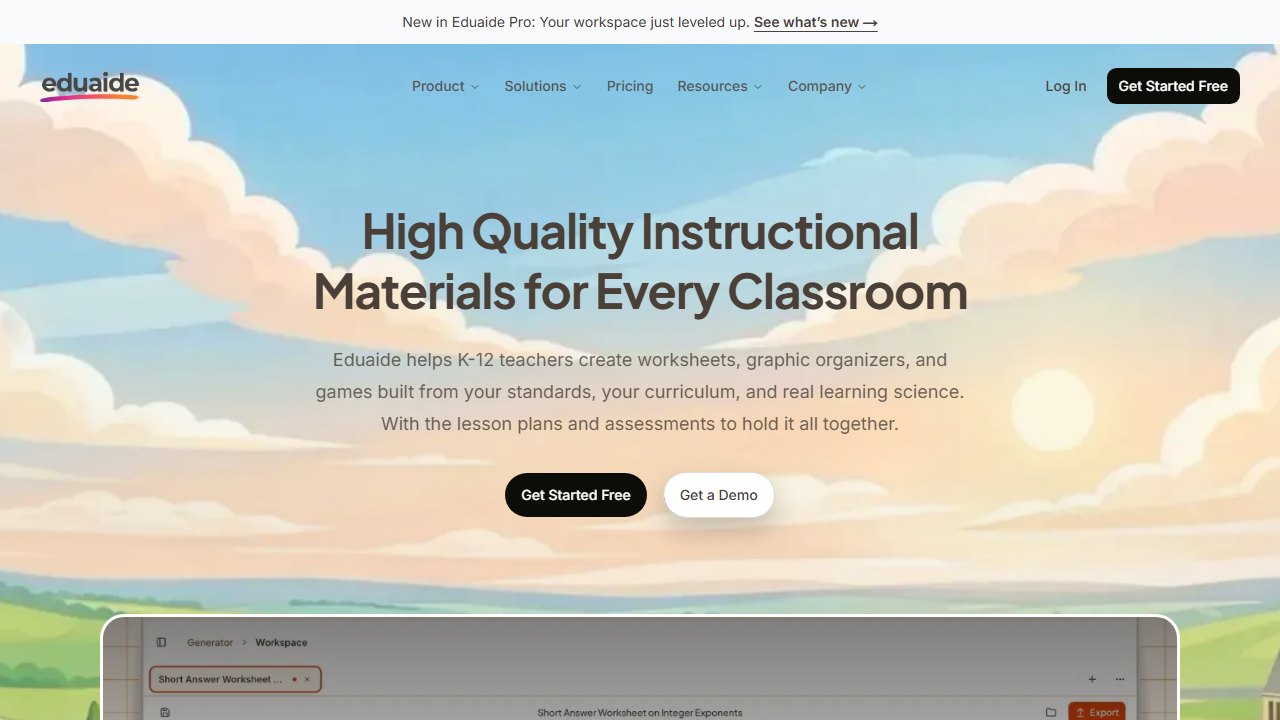
Eduaide is a resource-generation platform with a huge variety of output types, and its lab and materials generators make it a strong second engine for science prep.
What it does. Eduaide organizes generation around resource types: lab activities, guided notes, bell ringers, Frayer models, station activities, and dozens more. You can pipe one output into another, for example turning a lab handout into a follow-up exit ticket, which suits the multi-artifact reality of a lab day: pre-lab reading, procedure sheet, data table, analysis questions.
Hands-on observations. In practice, Eduaide’s strength was breadth per prep. From a single topic input (equilibrium, grade 11), we generated a pre-lab vocabulary sheet, a station activity, and analysis questions in under 10 minutes. On the 3D test it landed mid-pack: standards tagging was accurate, and outputs occasionally included a genuine data-analysis task, but neither bake-off output integrated a crosscutting concept without us explicitly prompting for it. Treat it as standards-tagged rather than three-dimensional out of the box.
Pricing. Free tier gives 15 generations per month. Pro is $5.99 per month, the cheapest unlimited plan on this list.
Who it’s for. Teachers who burn through lots of varied handouts, warm-ups, and station materials and want the lowest-cost unlimited generator.
Honest limitation. The 15-generation free cap disappears fast in science, where one lab day can eat 4 generations. Budget for Pro if this becomes your main tool.
3. Labster: the virtual lab heavyweight
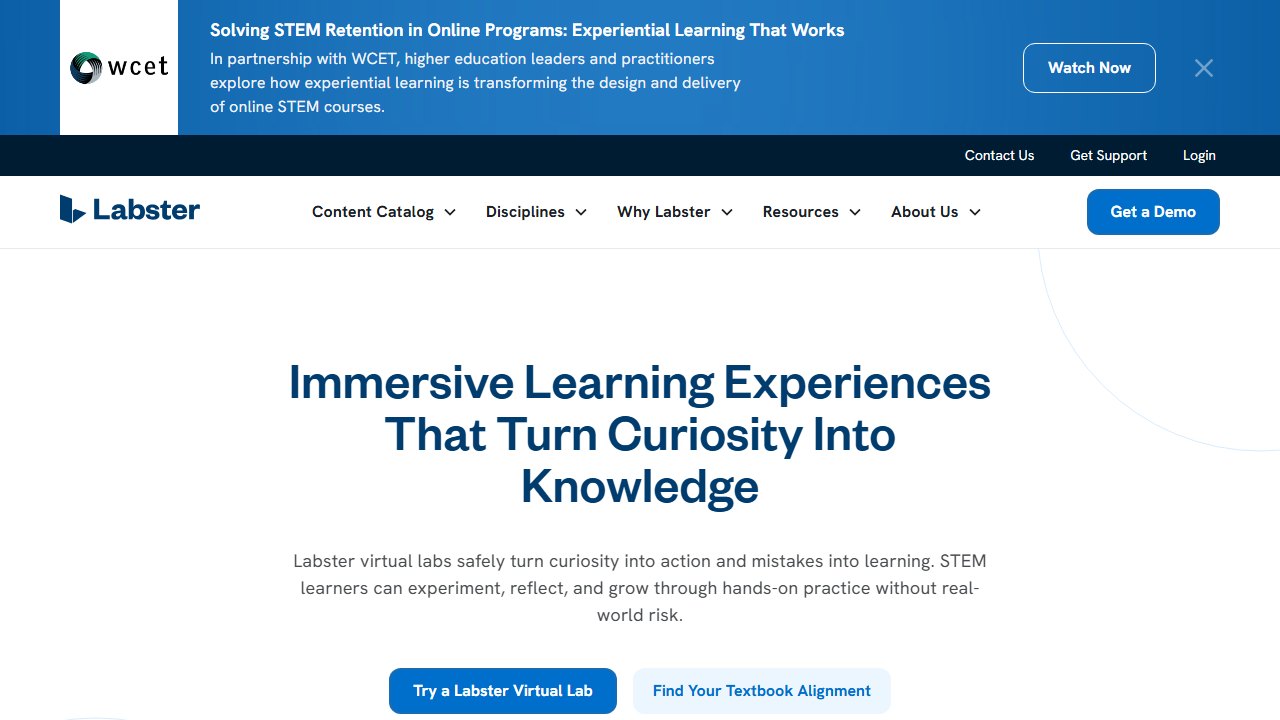
Labster is the tool the generic teacher roundups skip, and for lab-course teachers it can matter more than any worksheet generator. It offers 300+ 3D interactive simulations across biology, chemistry, and physics, with an AI assistant layered into the experience, so students can run a PCR, titration, or gene-editing protocol that your physical lab could never afford or safely host.
What it does. Students work through game-like 3D lab scenarios in a browser: they select equipment, follow or troubleshoot protocols, make mistakes safely, and answer embedded quiz questions. Teachers get dashboards showing completion and quiz performance, and simulations map to course standards.
Hands-on observations.The fidelity is the selling point: students handle virtual glassware in a sequence that mirrors real bench work, and wrong moves produce realistic consequences rather than an error popup. Embedded questions check understanding mid-protocol, which beat our expectations for keeping students honest. Setup was the friction: getting a class roster connected through an LMS took us noticeably longer than any generator tool on this list.
Pricing. School licensing is seat-based and quote-only; Labster does not publish flat school prices, so ask for a quote scoped to concurrent students per semester. There is no meaningful free tier for classroom use.
Who it’s for. Chemistry and biology teachers whose physical lab budget, space, or safety constraints rule out the experiments their standards actually expect, and schools that can fund a site license.
Honest limitation. Quote-only pricing puts it out of reach for an individual teacher paying out of pocket, and a simulation still cannot teach the hand skills of real glassware. Use it to extend your lab program, not replace it.
4. PraxiLabs: virtual labs for real-world budgets
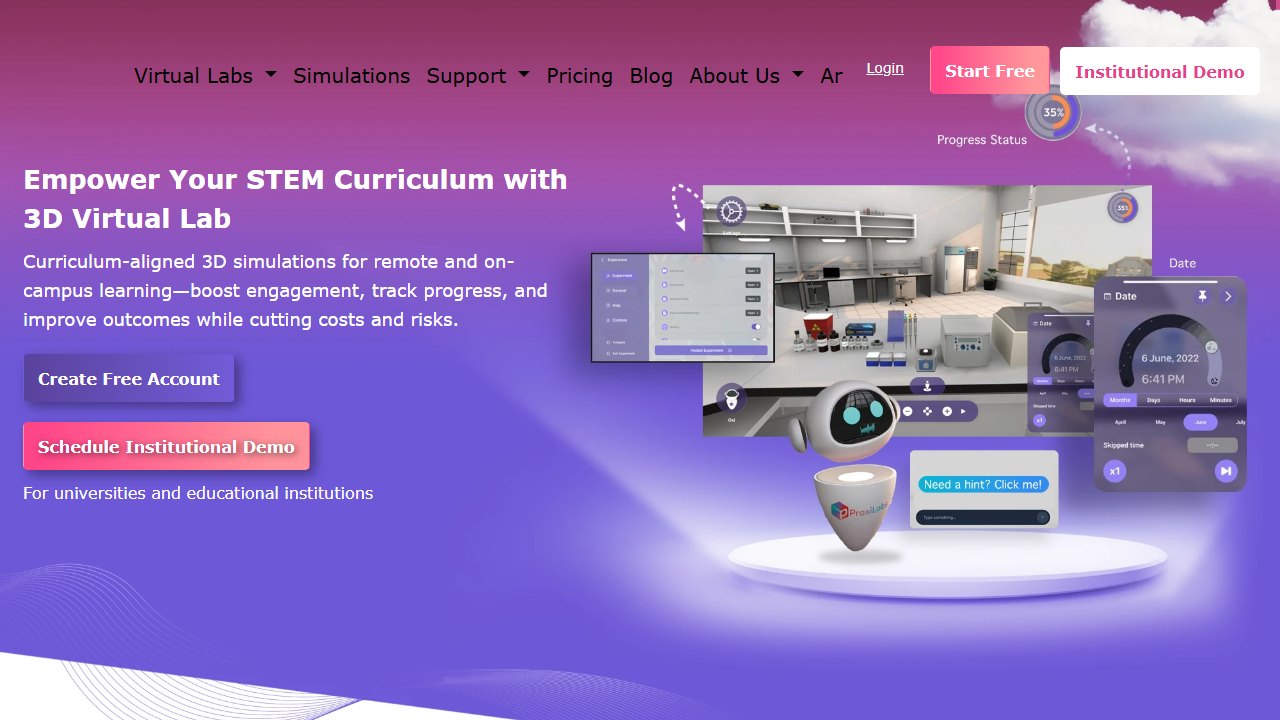
PraxiLabs is the budget answer to Labster: 210+ virtual science experiments with an AI lab assistant called Oxi that gives real-time hints and feedback while students work.
What it does. Browser-based simulations across chemistry, physics, and biology, available in English and Arabic. Oxi, the built-in AI assistant, watches what the student does in the sim and offers hints, model answers, and personalized feedback tied to their actions. Teachers can link assessments directly to specific simulations.
Hands-on observations. The sims are less cinematic than Labster’s, closer to interactive diagrams than 3D game environments, but the core mechanics are sound and Oxi genuinely responded to our mistakes: when we mis-sequenced a spectrophotometry step, the hint referenced the actual step we botched rather than serving a canned tip. For the price difference, that is a real AI feature, not marketing. Coverage skews toward chemistry and biology; physics teachers will find thinner pickings.
Pricing. Free plan includes 3 full experiments, enough to genuinely evaluate it. Individual plans start around $6.99 per month, roughly $29.99 per semester, or $44.99 per year for full access. Institutional licensing is quote-based.
Who it’s for. Teachers who want virtual labs this school year without a district procurement cycle. At $44.99 per year, a single teacher can just buy it.
Honest limitation. The catalog is not NGSS-native. You will map simulations to your performance expectations yourself, and the polish gap versus Labster is visible if students have seen both.
5. Chalkie: NGSS-aligned slides in minutes
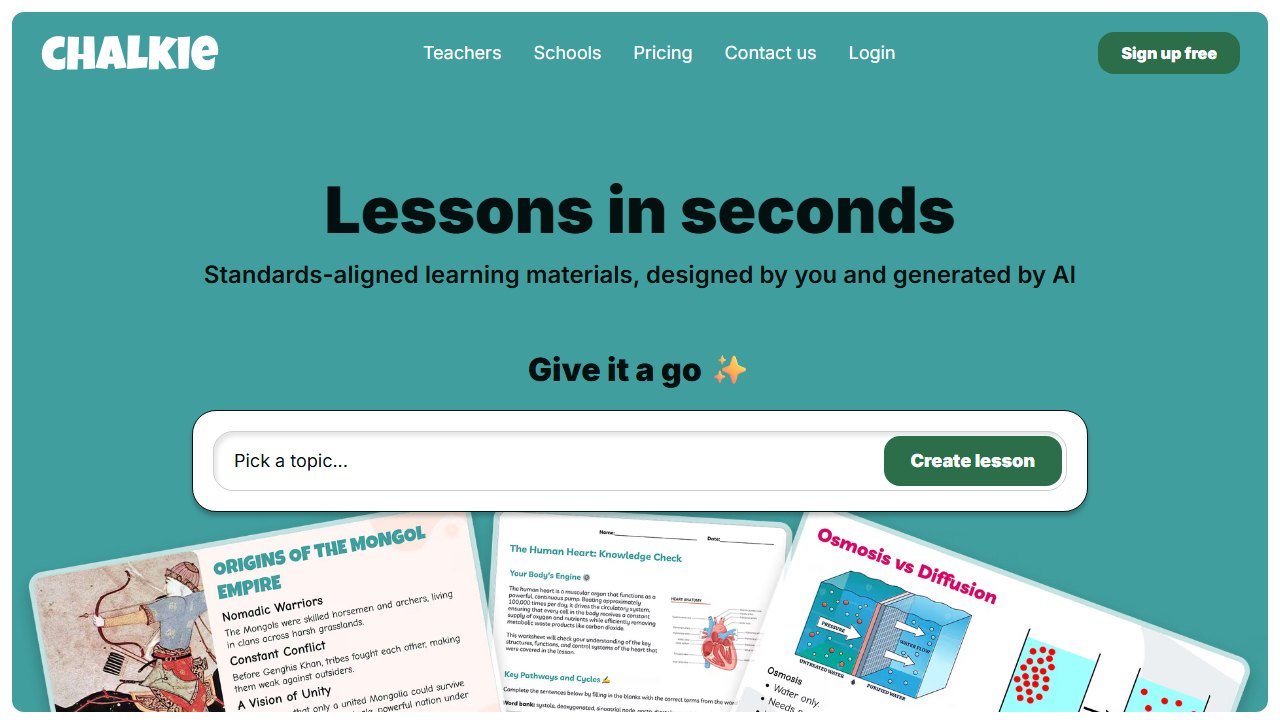
Chalkie closed a $4M funding round in March 2026 and reports 500K teachers on the platform, and its pitch is narrow and useful: turn a topic and a standard into a ready-to-teach slide deck plus supporting resources, aligned to Common Core, NGSS, or TEKS.
What it does. You give it a topic, grade, and standards framework, and it generates lecture slides, guided notes, and activities. For science teachers, the NGSS alignment option is the draw: decks come tagged to your selected performance expectations.
Hands-on observations. Our HS-PS1-4 deck came out clean and classroom-ready in about two minutes: correct sequencing from prior knowledge to bond-energy calculations, a decent embedded check-for-understanding every few slides. On the 3D test it behaved like Eduaide: accurate standards tagging, solid DCI coverage, but the tasks leaned recall-and-explain rather than practice-driven. We rewrote two slides to add a data-analysis prompt. As a lecture-prep accelerant it saved us the better part of an evening per unit. We cover the platform in full in our Chalkie review.
Pricing. Free tier is 5 resources per week. Pro is $80 per year.
Who it’s for. Teachers who lecture from slides and are tired of building decks at 10 pm. The 5-per-week free tier is genuinely usable for one prep.
Honest limitation. Chalkie makes presentation materials, not labs or assessments with any depth. It is a complement to MagicSchool or Eduaide, not a replacement.
6. Diffit: leveling dense science texts
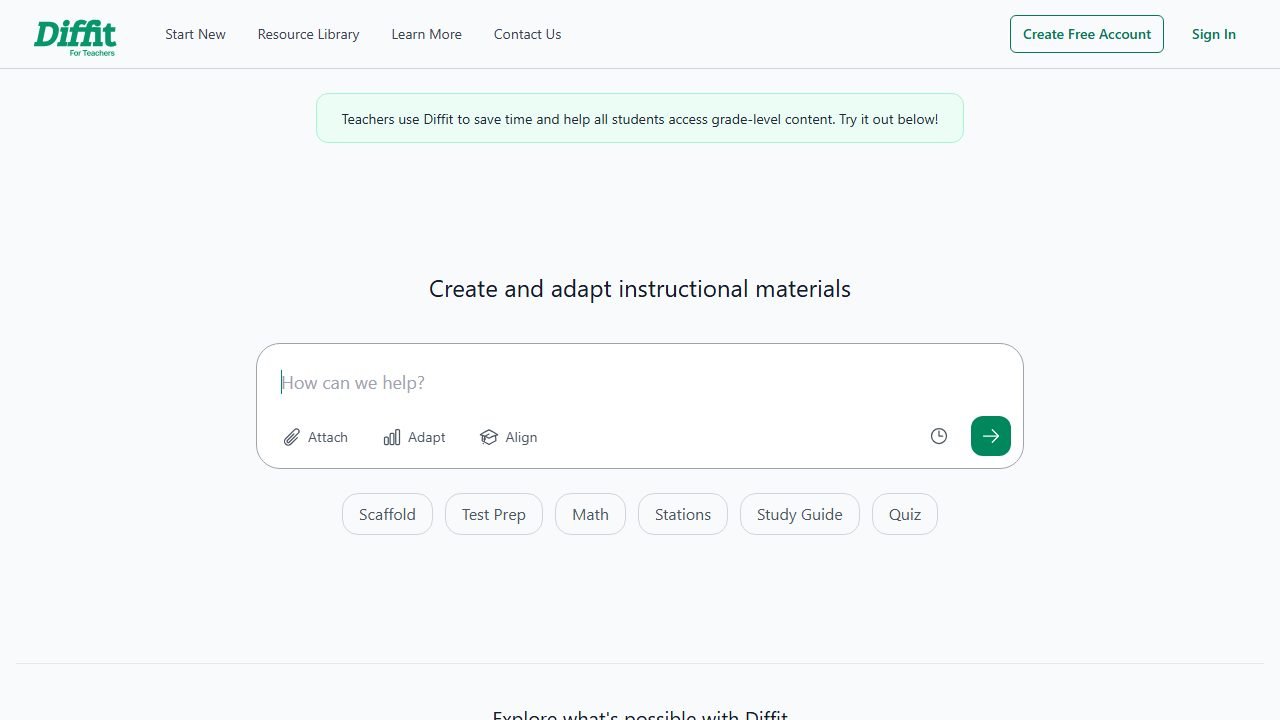
Diffit solves a problem every science teacher hits weekly: the reading you want to assign, a journal summary, a textbook passage, an article on CRISPR, is written three levels above half your roster.
What it does. Paste a text, URL, or topic, and Diffit rewrites it at your chosen reading level, then generates vocabulary lists, comprehension questions, and short-answer prompts to match. For science, that means one anchor phenomenon article can serve your honors section and your sheltered ELL section on the same day.
Hands-on observations. We fed it a 1,200-word article on mRNA vaccines and asked for grade 6 and grade 10 versions. Both preserved the causal chain (the science stayed correct, which is the failure mode we watch for in summarizer tools), while sentence complexity and vocabulary dropped appropriately. The auto-generated questions skewed comprehension-only, so we still wrote our own analysis questions. Full details in our Diffit review.
Pricing. The core leveling features are free. Premium is $14.99 and adds export and customization conveniences.
Who it’s for. Any science teacher with a wide reading-level spread, which in a typical high school science classroom means everyone.
Honest limitation. Simplification can flatten nuance. In our grade 6 output, “the immune system can overreact” lost a qualifier that mattered. Skim every leveled text before it hits student desks.
7. Gradescope: AI-assisted grading that reads scientific notation
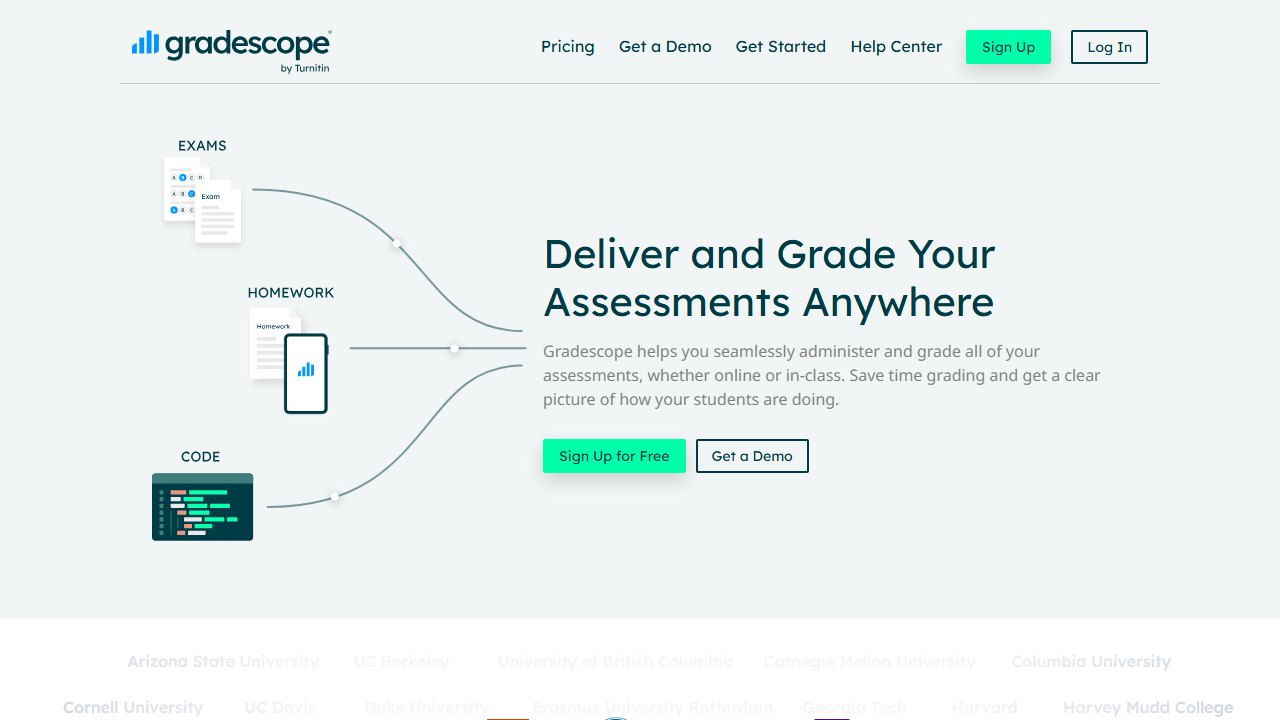
Gradescope is the grading pick for science specifically because of what your grading pile looks like: handwritten free-response, sketched free-body diagrams, stoichiometry work shown in pencil. Most AI graders only handle typed text. Gradescope was built for scanned handwritten work.
What it does. Students or teachers scan paper assessments, and Gradescope’s AI-assisted answer grouping clusters similar responses so you grade the cluster once instead of 50 papers individually. Rubrics are dynamic: change a point value mid-grading and it re-applies everywhere.
Hands-on observations. On a scanned stack of chemistry quizzes, the answer grouping was the single biggest time-saver in this roundup: our short-answer question collapsed into a manageable set of answer groups, and grading the stack took roughly a third of our usual time. Handwriting recognition on numeric and symbolic work was solid; messy multi-line derivations sometimes needed manual regrouping. If grading is your main bottleneck, our best AI grading tools roundup compares the whole category.
Pricing. A basic tier is free for individual instructors and covers PDF submissions and rubric grading. The AI-assisted features sit behind institutional licensing, which is quote-based.
Who it’s for. Science teachers drowning in handwritten assessments, at schools willing to license it institutionally.
Honest limitation. The AI answer grouping that makes it special is not in the free individual tier. Without an institutional license you get a good rubric-grading workflow, not the AI magic.
8. CK-12: the fully free stack with Flexi AI
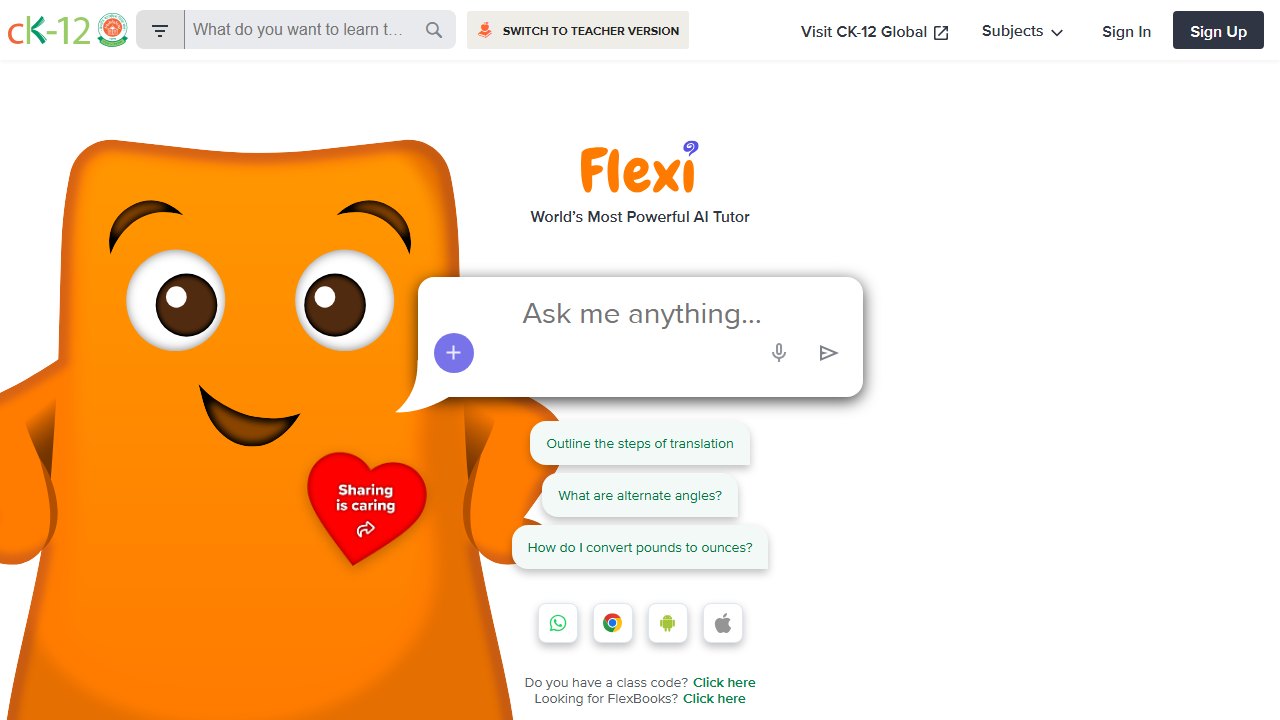
CK-12 Foundation is the only entry on this list where the answer to “what does it cost” is simply: nothing. It pairs a complete free science curriculum (FlexBooks) with built-in interactive simulations and Flexi, a free AI tutor and teacher assistant for math and science.
What it does. FlexBooks give you customizable digital textbooks with embedded videos, practice questions, and simulations. Flexi answers student science questions 24/7 with interactive examples, and on the teacher side helps generate materials and personalize practice with AI-driven feedback.
Hands-on observations. We used Flexi as a student would, asking it to explain Le Chatelier’s principle after getting a practice question wrong. It walked through the concept with a relevant example and pointed to an embedded simulation rather than just restating the textbook, which is the behavior you want from a tutor layer. As a teacher assistant it is more constrained than MagicSchool, but the integration is the point: content, practice, sims, and AI help live in one free ecosystem your students can also use at home without accounts costing anyone anything.
Pricing. Completely free. No paid tiers, no usage caps that we hit.
Who it’s for. Teachers in districts with zero software budget, and anyone who wants a student-facing AI tutor without a procurement conversation.
Honest limitation. Flexi is an open-ended tutor, not an NGSS assessment engine. You will still need a generator tool for three-dimensional performance tasks, and the interface feels utilitarian next to the venture-funded platforms.
The lab-safety caveat: verify against Flinn and NSTA, every time
Here is the section the vendor blogs will not write. Several tools on this list generate lab procedures with safety notes attached, and in practice those notes were consistently generic: goggles, gloves, ventilation. What they missed were the specifics: incompatible chemical pairings, quantity limits, disposal requirements, and the difference between a demo-only procedure and a student-run one.
Our rule, and we suggest you adopt it: an AI-generated lab does not go in front of students until you have checked it against the Flinn Scientific safety data sheets for every chemical involved and the NSTA safety guidelines for your discipline. AI is a drafting assistant here, not a safety officer. No tool we reviewed is certified for safety review, none accepts liability, and the one time a generated procedure quietly pairs the wrong reagents is the time that matters.
A word about PhET: great, free, and not AI
You will see PhET Interactive Simulations in almost every science-teacher tool list, so let’s be precise: PhET is not an AI tool. It is a free, University of Colorado Boulder library of interactive physics, chemistry, biology, and math simulations, and it belongs in your toolkit anyway.
The best use we found is pairing it with the generators above: run a PhET sim as your Explore phase, then have MagicSchool’s 5E planner build the surrounding lesson, or use Eduaide to generate the data-collection worksheet students fill in while driving the sim. Free non-AI sim, AI-generated scaffolding around it. That combination outperformed either piece alone in our planning workflow, and it costs nothing.
What these tools actually cost, vendor by vendor
Education software prices unlike anything else, because the buyer is often a teacher paying personally while the vendor is really selling to a district. That produces a free tier that is genuinely usable and an enterprise tier with no published figure. Here is each alternative to best ai, read at source on 4 September 2026.
Chalkie, the most completely published rate card here
Chalkie publishes a free plan at US$0.00 a month covering five full lessons or activity sheets every seven days, then US$6.65 a month at US$79.80 paid yearly, and US$12.99 a month at US$155.88 yearly. Its annual toggle is marked as three months free and the arithmetic holds. Publishing the free tier’s exact limit, five resources per week rather than a vague “limited”, is rarer than it should be and worth rewarding.
Khanmigo, the cheapest paid option in this guide
Khanmigo publishes $44 a year, saving $4 against monthly billing, which works out around $4 a month. That is an order of magnitude below most of this category and reflects its position as a non-profit-backed product tied to an existing content library rather than a general purpose teacher toolkit. Judge it on whether that library matches your curriculum, because the price is not the deciding factor at that level.
MagicSchool and Curipod, free tiers with paid steps
MagicSchool publishes a free plan and Plus at $12.99 a month billed monthly, with a lower per user rate billed annually and volume-based discounts on district Enterprise licences that are quoted rather than published. Curipod publishes free at $0 a month and paid from $24 a month, with a yearly toggle marked as saving 21% and stated as $60 off against monthly. Both make the teacher tier genuinely usable, which is the commercial model rather than generosity.
CoGrader, where the free tier has a hard number on it
CoGrader publishes a free plan covering 100 student submissions a month with rubric building and FERPA compliance, then $15 a month billed annually. A hundred submissions is roughly three or four class sets, which makes the free tier a real trial for one teacher and clearly insufficient for a department. That is an honest place to draw the line and it lets you test properly before spending anything.
The ones that publish nothing, and what that tells you
Brisk Teaching publishes a free teacher plan at $0 but we could not read figures for its paid tiers. SchoolAI publishes tier names, Free Trial, Pro and Scale, with no figures attached, which is district-quoted pricing by design. Gradescope now sits on a Turnitin domain and its page is headed “Gradescope for Your Institution” with no rates. We also could not read pricing for Diffit, Quizlet, Photomath or Gauth. We are not claiming those publish nothing; a failed read is not evidence of absence.
Verdict: build a stack, not a subscription pile
For most high school science teachers, the winning stack looks like this: If your students are already using solver apps for chemistry or physics homework, our guide to AI chemistry and physics solver apps shows which ones show their steps and which only give answers.
- Core generator: MagicSchool. The only tool that passed our NGSS three-dimensionality test consistently, with lab and 5E generators built for science. Start free; Plus at $8.33 per month if you hit the caps.
- Virtual labs: Labster if your school will pay, PraxiLabs if it won’t. $44.99 per year out of pocket gets a real AI-assisted sim library.
- Differentiation: Diffit free tier. Level one anchor text for every reader in the room.
- Free everything: CK-12. Curriculum, sims, and the Flexi AI tutor at exactly $0.
Add Chalkie if slide decks are your bottleneck and Gradescope if your school licenses it and handwritten grading is eating your weekends. If budget is the whole constraint, our strictly free roundup, best free AI tools for teachers, maps the exact free-tier limits, and our best AI lesson planning tools guide goes deeper on the planning layer.
And whatever you generate: the standards check is yours, the safety check is yours. The AI saves you the blank page. The professional judgment was never for sale.
How we reached this verdict: this guide is research-based. We compare each tool against its published documentation, pricing pages and terms, and we do not claim hands-on testing we have not done.

Written by
FazFaz is the founder of AIToolsBakery. Some tools here are tested hands on. Others are assessed from vendor documentation and pricing verified on the live page, and every review says which one it is. Sponsors can buy a position in a guide. They cannot buy the score, the criticism, or silence about a better option.
How we test and how we make money →