Grading is the part of teaching nobody talks about until it eats their weekend. A single problem set across 200 students can mean days of marking the same partially-correct derivation over and over, trying to stay consistent on point 47 the way you were on point 1. Gradescope, now owned by Turnitin, pitches itself as the cure: scan or upload student work, let AI cluster the similar answers, grade each cluster once, and apply that judgment to everyone in it. For large STEM classes, handwritten exams, and code, it has become close to a default at research universities.
We spent time inside Gradescope across handwritten math, a coding assignment, and a bubble-sheet exam to see whether the AI grouping actually holds up, where it quietly needs a human, and what the licensing reality is for an instructor who is not backed by a campus contract. This is a hands-on, scored review, not a feature-list rewrite of the marketing page.
A note on independence: we are AIToolsBakery, an independent review site. We do not sell Gradescope, we do not resell Turnitin licenses, and we earn nothing if you adopt it. When a post on this site is sponsored, it is labelled as sponsored and a sponsorship never changes a verdict or a score. This review is not sponsored. As far as we can tell, it is one of the few Gradescope reviews on the web not written by Turnitin or one of its partners.
The verdict in 30 seconds: Gradescope is the strongest AI-assisted grading tool we have reviewed for large STEM and handwritten classes. Answer-group clustering delivers real, hours-saved time savings, but it assists rather than replaces you, and full AI features need an institutional license. Solo instructors get a thin free tier. Score: 4.4 out of 5.
What Gradescope is

Website: Gradescope
Gradescope is a grading and assessment platform built for the work most LMS gradebooks handle badly: marking student responses themselves, at scale, consistently. You create an assignment, collect submissions on paper or digitally, and grade against a rubric where each point and deduction is a reusable item rather than a number you retype.
It handles four broad assignment types. Scanned handwritten work covers exams and problem sets, including fixed-template worksheets and variable-length problem sets where students write freeform. Programming assignments accept any language and can run an autograder against test cases or be graded by hand. Bubble sheets are graded automatically against an answer key. Online assignments support multiple choice, short answer, checkboxes, and file uploads submitted directly in the browser.
The rubric is the heart of it. Because every point adjustment is a defined rubric item, you can change a deduction halfway through grading and Gradescope reapplies it to every student already marked with it. That alone removes a real source of unfairness in large-class grading, where the rubric you finish with rarely matches the one you started with.
How the AI grading actually works (Answer Groups)
This is the feature that sells Gradescope, so it deserves a precise description. For supported question types, Gradescope analyzes submitted answers and proposes Answer Groups: clusters of responses it judges to be effectively the same. Instead of grading 200 papers one by one, you review the groups, confirm or correct the clustering, grade one representative answer per group, and that grade flows to every student in it. A class of 200 can collapse into a handful of distinct answers you actually have to think about.
Two things matter here, and Gradescope is honest about both in its own guides. First, the answer grouping does not use generative AI. It reads handwriting, including English text and math notation such as fractions and integral signs, and clusters by similarity. It is pattern recognition, not a language model writing feedback. Second, and this is the part marketing tends to mute, the AI forms suggested groups for your review. It does not autonomously assign final grades. You confirm the groups, you catch the answer that got mis-clustered, you decide the points.
In our, the clustering was genuinely good on clean, convergent answers. Numeric responses, short derivations, and tidy handwriting grouped accurately, and the time savings were immediate and large. It got shakier exactly where you would expect: messy handwriting, long freeform proofs with many valid paths, and answers that are partially right in idiosyncratic ways. Those still demand that you open groups and split or reassign them. The honest summary is that the AI removes the repetitive bulk of grading and leaves you the judgment calls, which is the right division of labor but is not the hands-off autograder some people imagine.
What it grades well (handwritten, code, STEM)
Gradescope is strongest where the work is structured and the classes are big. Handwritten math and physics are its home turf: the handwriting recognition is solid on standard notation, and the answer grouping shines when hundreds of students converge on the same final result. Engineering, chemistry, statistics, and quantitative economics all fit the same pattern.
For code, the programming-assignment workflow supports any language and can wire up an autograder that runs student submissions against test cases, then layer manual rubric grading on top for style or partial credit. It is competent, though dedicated coding-grading tools push further on automated testing and inline feedback, which we get into below.
Bubble sheets are the quiet workhorse: print Gradescope-compatible sheets, scan them, and multiple-choice exams grade themselves against the key with per-question analytics out the other end. The analytics across all types are a real asset for STEM instructors. Per-question and per-rubric-item breakdowns surface which concept the class actually missed, which is the kind of signal that should change your next lecture.
Where it is weaker by design: heavily essay-driven humanities grading. Gradescope can do it through online assignments and rubrics, but the answer-group advantage largely evaporates when every response is unique prose. If your grading is mostly long argumentative writing, the time-savings pitch does not apply to you the way it applies to a calculus midterm.
Science departments lean on this strength the most. Our guide to the best AI tools for high school science teachers covers what to pair with it in the classroom.
Pricing and the licensing catch
This is the single most important thing to understand before you get excited, and it is where most reviews are vague. Gradescope pricing is institution-led. Turnitin does not publish a public price list. Institutional licenses are custom-quoted per campus, typically on a per-student-per-year basis at roughly a dollar or two per student at scale, depending on enrollment and features. For the current model and to get an actual quote, point your department at the Gradescope pricing and get-started page rather than trusting any specific dollar figure you read online, including ours.
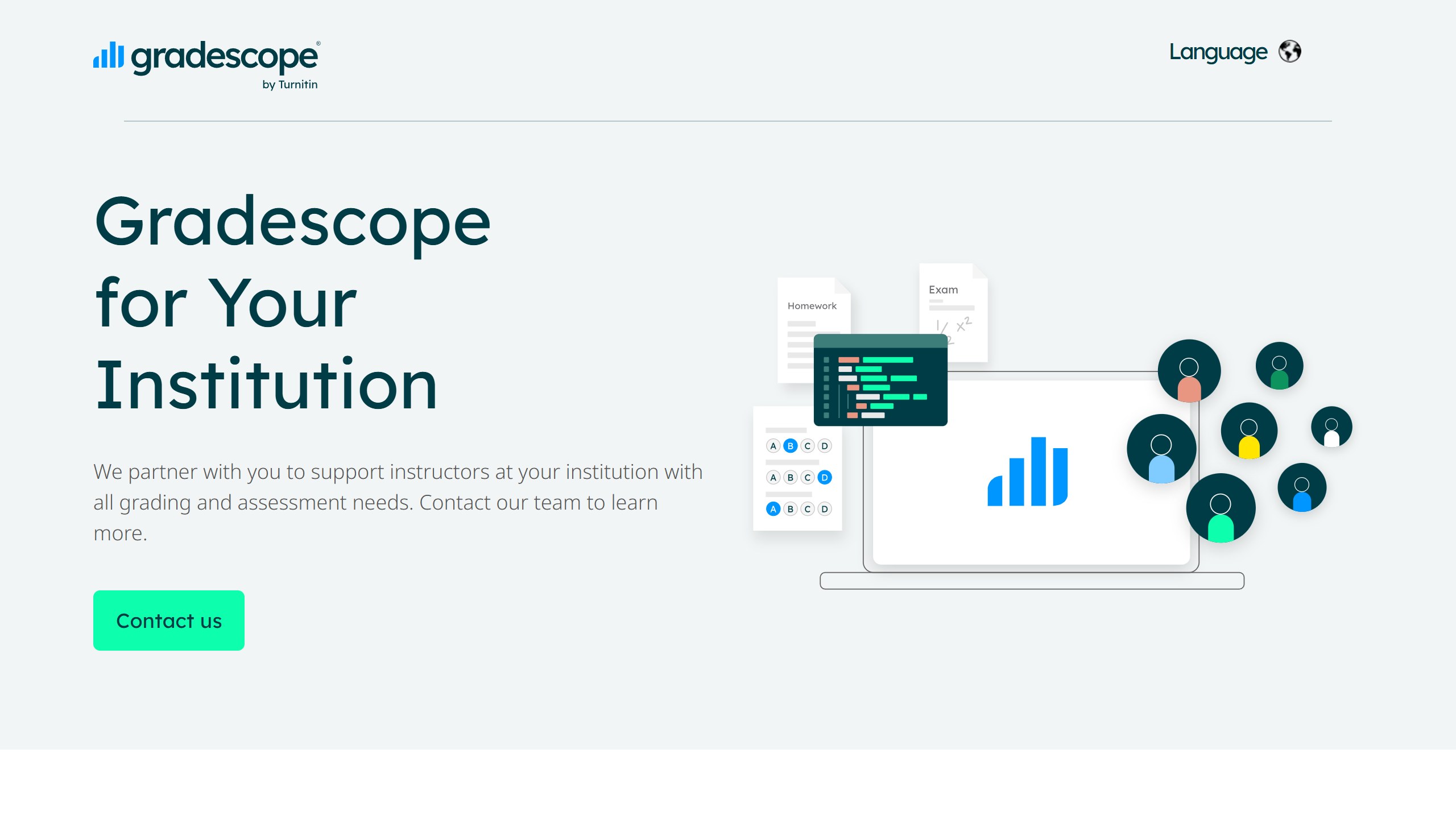
The catch has two parts. First, the AI answer-grouping and AI-assistance features that make Gradescope worth talking about require an institutional license or an institutional trial. They are not in the free path. Second, the individual-instructor route is weak. There is a free tier an individual teacher can sign up for, suitable for testing the interface or running a small class on basic manual grading, but it does not include the AI grouping that is the whole point, and an individual cannot simply buy the full product as a personal subscription. Turnitin positions its subscriptions for institutions, not direct individual purchase.
The practical consequence: if your campus already has Gradescope, you are in great shape and should use it. If it does not, a solo instructor or adjunct cannot meaningfully unlock the AI features alone, and you are looking at an internal advocacy project to get IT and procurement to license it. That friction is real and it is the biggest mark against an otherwise excellent tool.
Gradescope vs the alternatives
Gradescope is not the only grading platform, and the right pick depends heavily on what you grade. Here is how it stacks up against the main contenders.
| Tool | Best for | AI grouping | Code grading | Licensing | Notes |
|---|---|---|---|---|---|
| Gradescope | Large STEM, handwritten exams, mixed formats | Yes (clusters similar answers, needs human review) | Yes (autograder plus manual) | Institutional license for AI features; thin free tier | Strongest all-rounder, Turnitin-owned, analytics are excellent |
| CodeGrade | Programming and CS courses | No (focused on code) | Yes, deeper: automated tests, live feedback, GitHub integration | Has a free autograding path plus paid tiers | Beats Gradescope on pure coding workflows |
| Crowdmark | Scanned paper exams, collaborative grading | No | Limited | Institutional, broad LMS integration | Direct rival on paper-based grading for big classes |
| LMS-native grading (Canvas etc.) | Simple assignments already in your LMS | No | Basic | Included with LMS | Fine for small or low-stakes work, no answer grouping |
The short read: for broad STEM and handwritten grading at scale, Gradescope is the leader. If you teach pure programming, CodeGrade goes deeper on automated testing and feedback. If you are paper-heavy and want collaborative grading, Crowdmark is the closest direct competitor. And if your needs are simple, your existing LMS gradebook may be enough. Gradescope integrates with Canvas through the modern LTI 1.3 standard, so it can live inside your LMS rather than replacing it, and it works alongside other LMS platforms institutions commonly run.
For a wider field, see our roundup of the best AI grading tools, our Cograder review, and our broader guide to the best AI tools for teachers.
And if your bigger problem is writing the rubric in the first place, see our bake-off of the best AI rubric generators.
Pros and cons
What we liked:
- Real, large time savings on big STEM and handwritten classes. The answer-group workflow is not a gimmick.
- Consistent, rubric-driven grading. Retroactive rubric changes reapply to everyone, which improves fairness.
- Strong handwriting and math-notation recognition for clustering.
- Excellent per-question and per-rubric analytics that actually inform teaching.
- Handles handwritten work, code, bubble sheets, and online assignments in one place.
- Clean Canvas LTI 1.3 integration and compatibility with major LMS platforms.
What held it back:
- AI answer-grouping requires an institutional license. The free tier is thin.
- The individual-instructor path is weak. Solo teachers and adjuncts cannot unlock the AI features alone.
- The AI assists, it does not grade autonomously. You still review groups and catch mis-clustered answers.
- Setup has a learning curve, especially building good rubrics and scanning workflows the first time.
- Weakest fit for essay-heavy humanities grading, where answer grouping offers little.
- Turnitin ownership means pricing is opaque and quote-driven.
Who should use it
Gradescope is close to a no-brainer if you teach large STEM, engineering, or quantitative courses with handwritten exams or problem sets, and your institution already holds a license. The time you save scales directly with class size and answer convergence, and the analytics are a genuine bonus.
It is a strong but more situational pick for coding-heavy courses, where CodeGrade may serve you better on automated testing, and for paper-exam-heavy programs, where Crowdmark competes directly. It is a poor fit for an individual instructor with no institutional backing who wants the AI features tonight, and a weak fit for grading that is mostly long-form essays.
If you are deciding for a whole department, the question is not whether Gradescope is good. It is. The question is whether your grading is structured enough to benefit from answer grouping and whether you can get it licensed.
Our verdict
Gradescope earns a 4.4 out of 5. It is the most capable AI-assisted grading platform we have reviewed for large STEM and handwritten classes, the answer-group clustering produces real and substantial time savings, and the rubric system and analytics raise both consistency and teaching insight. We held it back from a higher score for two honest reasons: the AI features that justify it are locked behind institutional licensing with only a thin free tier for individuals, and the AI assists rather than grades, so it still needs a human in the loop on every messy or partially-correct answer. Neither is a flaw in the grading itself. Both are real constraints on who can actually benefit. If your campus has it and you teach quantitative subjects at scale, adopt it without hesitation. If you are a solo instructor without a license, temper your expectations and start the procurement conversation early. Final score: 4.4 out of 5.
Student data, and the questions a school has to ask before anything is switched on
This is the part of education technology where getting it wrong has consequences beyond a wasted subscription, and it is mostly answerable in writing before adoption.
Know which law you are under before you evaluate
In the United States, student education records sit under FERPA, and services aimed at under-13s bring COPPA into scope, which requires verifiable parental consent for personal information collected from children. Schools outside the US will have their own regime. The practical effect is the same: the school, not the vendor, carries the obligation, so the vendor questions exist to let you meet it.
Ask whether student work trains the model
This is the single question to get in writing. Ask whether student inputs and outputs are used to train or improve any model, including in aggregated or anonymised form, and whether that binds subprocessors too. “We do not train on your data” and “we do not train foundation models on your data” are different sentences. Get it as a contract term, because a sales assurance does not survive a change of ownership.
Ask who else touches the data
Most tools here are built on a model provider they did not write, so student work reaches a third party. Ask for the current subprocessor list, where each processes data, and how you are notified when it changes. A vendor that cannot produce that list within a day does not have one, which tells you enough about the rest of their programme.
Ask what happens at the end of a school year
Retention and deletion, stated in days rather than described as a process. What is deleted when a student leaves, when a class is archived, when the contract ends. Ask whether deletion means removed from live systems, removed from backups, or flagged. A vendor that will commit to a number in the contract is a different proposition from one that describes an approach.
The one many schools miss: inferences about a child
If a tool generates a reading level, a predicted grade, a behaviour flag or an ability estimate, that is data about a student the student never supplied. Ask whether those inferences are covered by your export, your deletion request and your access request, because a parent asking what the school holds on their child is asking about those too.
How to tell whether it actually helped
Education software is unusually prone to being judged on enthusiasm, because the immediate experience of a good tool is genuinely pleasant. That is not the same as it having worked.
Teacher time is the measurable win, and the honest one
Most of the real value here is hours, not outcomes. Ask two or three colleagues to record how long planning, resource creation and marking take across one normal week, before anything is introduced. It takes minutes, it is the only way the saving is ever provable, and it is unrecoverable afterwards. A tool that returns two hours a week to a teacher has earned its place without needing to claim anything about attainment.
Be sceptical of attainment claims, including your own
Attainment moves slowly, is affected by everything, and is nearly impossible to attribute to one tool inside a single year. If a vendor claims a grade improvement, ask what the comparison group was. If you are tempted to claim one internally, ask yourself the same question. Reporting a time saving you can evidence is worth more than an outcome claim you cannot.
Watch adoption in week six, not week one
Novelty carries any classroom tool through the first fortnight. The number that matters is how many teachers are still using it after half term, and whether it survived a busy assessment period. If usage collapses in the first genuinely hard week, the tool added work rather than removing it, whatever the initial reaction was.
Decide in advance what would end it
Write down before purchase what the end of the year would have to look like for you not to renew. It converts renewal from a default into a decision, which matters in a category where the per teacher cost is small enough to stop noticing.
Where the figures on this page come from
Every price here was read from the vendor’s own pricing page on 4 September 2026 and carries that date, because education pricing changes with the school year and a claim without a date is not checkable.
The pages we read
Chalkie publishes free, US$6.65 and US$12.99 a month with yearly equivalents. Khanmigo publishes $44 a year. MagicSchool publishes a free plan and Plus at $12.99 a month. Curipod publishes free and from $24 a month with a 21% yearly saving. CoGrader publishes free at 100 submissions a month and $15 a month billed annually. Brisk Teaching publishes a free teacher plan at $0.
The ones we could not read
SchoolAI publishes tier names with no figures. Gradescope now sits on a Turnitin domain and is institution-quoted. We could not read a figure for Diffit, Quizlet, Photomath or Gauth either. That is not evidence they publish nothing, and we do not present it as such. Treat any figure for those six from elsewhere as unverified.
What we do not do
We do not carry a figure we cannot source to the vendor. Where a number circulates and cannot be traced, we say so and withdraw it rather than repeating it with a hedge.

Written by
FazFaz is the founder of AIToolsBakery. Some tools here are tested hands on. Others are assessed from vendor documentation and pricing verified on the live page, and every review says which one it is. Sponsors can buy a position in a guide. They cannot buy the score, the criticism, or silence about a better option.
How we test and how we make money →