Last refreshed: 20 May 2026: added ADDIE-stage matrix for instructional designers
The 10 AI tools by ADDIE stage (for instructional designers)
Instructional designers are over-asked and under-tooled. You are expected to do needs analysis, write learning objectives, build the course, design the video, write the assessment, and prove ROI. This matrix maps each AI tool to the ADDIE stage where it actually saves time, so you can pick the right tool for the step you are on, not for a generic “best of.”
| ADDIE Stage | Best AI Tool | What it does for an instructional designer |
|---|---|---|
| Analysis | ChatGPT + Claude | Needs analysis, learner persona drafts, gap diagnostics from a brief |
| Design | MagicSchool, Diffit | Learning objectives, differentiated content, lesson plans |
| Development | Articulate 360 AI Assistant | Course building, branching scenarios, scenario generation |
| Implementation | Synthesia, Vyond | Video lessons, AI avatars, multilingual delivery |
| Evaluation | Otter, Murf | Audio analysis, learner-response transcription, voiceover for assessments |
How instructional designers actually use these in 2026
A real day-in-the-life for an ID using the stack above:
- Analysis (30 min): Use ChatGPT to draft a learner persona and a gap analysis from the manager’s brief.
- Design (1 hour): Use MagicSchool to draft learning objectives and Diffit to differentiate content for ESL and IEP learners.
- Development (2 hours): Articulate 360 AI Assistant builds the branching scenarios from your draft.
- Implementation (30 min): Synthesia generates the video lessons with AI avatars in three languages.
Total: 4 hours for a 90-minute training module that used to take 3 days. The work is in knowing which tool to pick at each stage and editing what each gives you.
Instructional designers spend too much time on production and not enough on learning design. Storyboarding, formatting SCORM packages, recording voiceovers, translating content into six languages. The actual design thinking gets squeezed into whatever hours are left.
The best AI tools for instructional design in 2026 are iSpring Suite AI (best for PowerPoint-based course authoring), Synthesia (best for AI training videos), and Colossyan (best for interactive branching scenarios). iSpring wins for teams converting existing slide decks into SCORM. Synthesia leads for video-heavy multilingual training. Full 10-tool breakdown below.
Faz says: Instructional design has always been a balancing act. You want courses that actually teach something, but you also need to hit deadlines, stay on budget, and keep stakeholders happy. AI is not replacing the instructional designer. It is replacing the grunt work that eats your week: writing first drafts, generating voiceovers, translating content, building quiz banks. The tools in this list handle the production side so you can focus on the pedagogy. We compared all 10 on AI features, SCORM support, and pricing, and ranked them by what matters to L&D professionals. For the full picture of every AI tool we have reviewed for corporate training, see our best AI tools for corporate training roundup.
Related: Best AI roleplay tools for corporate training
Quick Verdict: Best AI Instructional Design Tools at a Glance
| If you need… | Go with |
|---|---|
| PowerPoint-based SCORM authoring | iSpring Suite AI |
| AI avatar training videos | Synthesia |
| Interactive branching scenario videos | Colossyan |
| Modern responsive web courses | Articulate Rise AI |
| Collaborative SME-driven course creation | 360Learning |
| Enterprise AI content at scale | Docebo Shape |
| Course creation + selling for SMBs | LearnWorlds |
| Workforce upskilling with AI skills intelligence | Degreed |
| SME authoring with AI roleplay practice | Easygenerator |
| Rapid authoring inside Echo360 | Echo360 EchoInk (formerly Knowbly) |
Short on time? iSpring Suite AI is the best pick for most L&D teams that already have training content in PowerPoint. It converts existing slides into interactive SCORM courses with AI-generated quizzes, voiceovers, and translations. If your priority is video-based training, start with Synthesia instead.
How AI Is Changing Instructional Design
The instructional design workflow has not changed much in two decades. Analyze, design, develop, implement, evaluate. ADDIE still works. What has changed is the speed at which each phase can execute.
AI compresses the development phase most dramatically. A 2024 Brandon Hall Group survey found that organizations using AI in L&D reported 40% faster content development cycles. Translation that used to take weeks now takes minutes. Voiceover recording sessions that required studio time and talent coordination happen inside a browser tab. Quiz generation from existing content that consumed hours of manual effort runs in seconds.
The global corporate e-learning market hit $21.6 billion in 2024, according to Mordor Intelligence, and is projected to reach $36.6 billion by 2029. That growth is driven partly by AI tools that lower the cost and complexity of producing training content. Smaller teams can now produce output that previously required dedicated production staff.
Saru says: The numbers tell the story. Articulate reports that its AI features help designers build courses 9x faster than manual methods. Synthesia users create training videos in 140+ languages without hiring a single voice actor. 360Learning’s AI course generator converts raw documents into structured courses in minutes. These are not incremental improvements. They represent a fundamental shift in what a small L&D team can produce.
But faster production only matters if the learning outcomes hold up. The best tools in this list balance speed with pedagogical quality: built-in assessments, branching scenarios, spaced repetition, and analytics that show whether learners actually retained something.
How We Evaluated These Tools
Saru says: Every tool was tested against the same criteria, weighted for instructional design workflows:
| Criteria | What we looked at |
|---|---|
| AI feature depth | Content generation, quiz building, translation, voiceover, script writing |
| SCORM/xAPI support | Export formats, LMS compatibility, pass/fail logic |
| Course quality | Interactivity, assessments, branching, multimedia support |
| Pricing transparency | Clear pricing vs. enterprise-only quotes |
| Scalability | Single author vs. team collaboration vs. enterprise deployment |
| Time saved | How much of the output is production-ready without heavy editing |
We signed up for free trials or demo accounts where available, tested AI content generation features, and evaluated the SCORM output in a test LMS environment. Pricing was verified directly from vendor websites as of April 2026.
The 10 Best AI Tools for Instructional Design in 2026
1. iSpring Suite AI. Best for PowerPoint-Based Course Authoring
| Best for | L&D teams with existing slide decks that need SCORM conversion |
|---|---|
| Price | $770/yr (Suite), $970/yr (Suite Max with AI + collaboration) |
| Free trial | 14 days, no credit card |
| SCORM support | SCORM 1.2, SCORM 2004, xAPI |
| Key strength | PowerPoint-native workflow with 310,000+ training assets |
| Key weakness | Desktop application, not fully cloud-based |
| Website | ispringsolutions.com |
What It Does
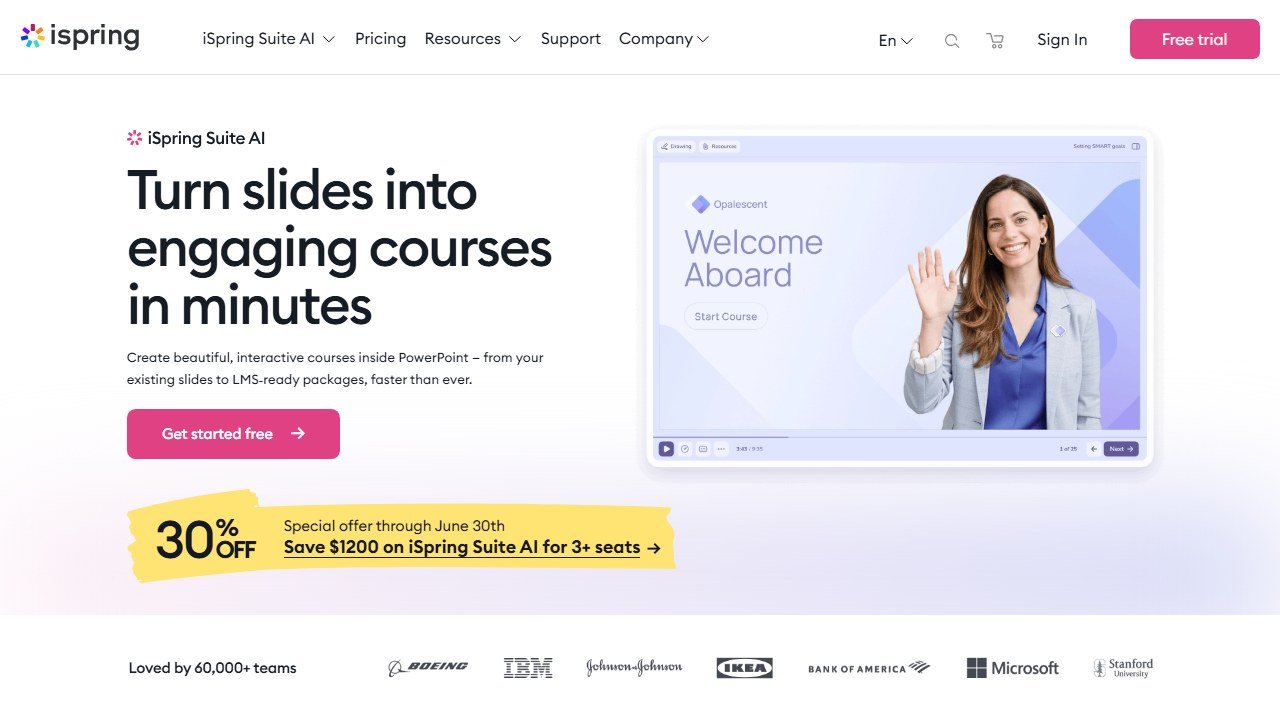
iSpring Suite AI turns PowerPoint into a full course authoring environment. You build your content in PowerPoint, the tool you already know, and iSpring adds interactive layers on top: quizzes, dialogue simulations, screencasts, and SCORM packaging. The AI assistant generates course outlines, writes content from prompts, creates quiz questions from your slides, and produces voiceovers in 50+ languages.
The 310,000+ asset library includes characters, backgrounds, icons, and templates that save hours of visual design work. You drag in a character, set an expression, and build a dialogue simulation without touching a design tool.
AI Features
The AI assistant in iSpring Suite Max handles four core tasks. It generates course outlines from a topic description. It writes slide content and speaker notes. It creates assessment questions matched to your learning objectives. It produces AI voiceovers with natural-sounding speech in 50+ languages.
Translation is where the AI saves the most time for global teams. A 30-slide course that would take a human translator a week to localize across five languages can be machine-translated and reviewed in a single afternoon.
Who This Is For
- L&D teams sitting on hundreds of PowerPoint training decks that need modernizing
- Organizations that want SCORM courses without learning a new authoring tool
- Solo instructional designers who need a one-stop production suite
- Global companies that need rapid multilingual course deployment
Pricing
iSpring Suite runs $770/year per author for the core authoring toolkit. iSpring Suite Max, which adds the AI assistant and team collaboration features, costs $970/year per author. iSpring Cloud (browser-based with AI) is $720/year per author. All plans include a 14-day free trial with no credit card required.
Pros
- PowerPoint-native means zero learning curve for most L&D teams
- 310,000+ asset library covers characters, backgrounds, icons, and templates
- AI translation across 50+ languages saves weeks on global rollouts
- SCORM 1.2, 2004, and xAPI output works with any compliant LMS
Cons
- Desktop application requires installation (not fully browser-based)
- Per-author annual pricing adds up for larger teams
- Less modern interface compared to web-native competitors like Articulate Rise
Faz says: If your organization has 500 PowerPoint training decks collecting dust on a shared drive, iSpring is the fastest path to turning them into interactive SCORM courses. The AI assistant handles the tedious conversion work. You handle the learning design decisions that actually matter.
Read our full iSpring Suite review for a deeper look.
2. Synthesia. Best for AI Avatar Training Videos
| Best for | L&D teams producing training videos at scale across multiple languages |
|---|---|
| Price | Free (limited) / Starter $18/mo (annual) / Creator $64/mo (annual) / Enterprise custom |
| Free trial | Free plan with 1,200 credits/mo |
| SCORM support | Yes, SCORM export for LMS delivery |
| Key strength | 230+ AI avatars, 140+ languages with lip-sync, SOC 2 + ISO 42001 compliance |
| Key weakness | Strict content moderation can block legitimate healthcare/biotech content |
| Website | synthesia.io |
What It Does
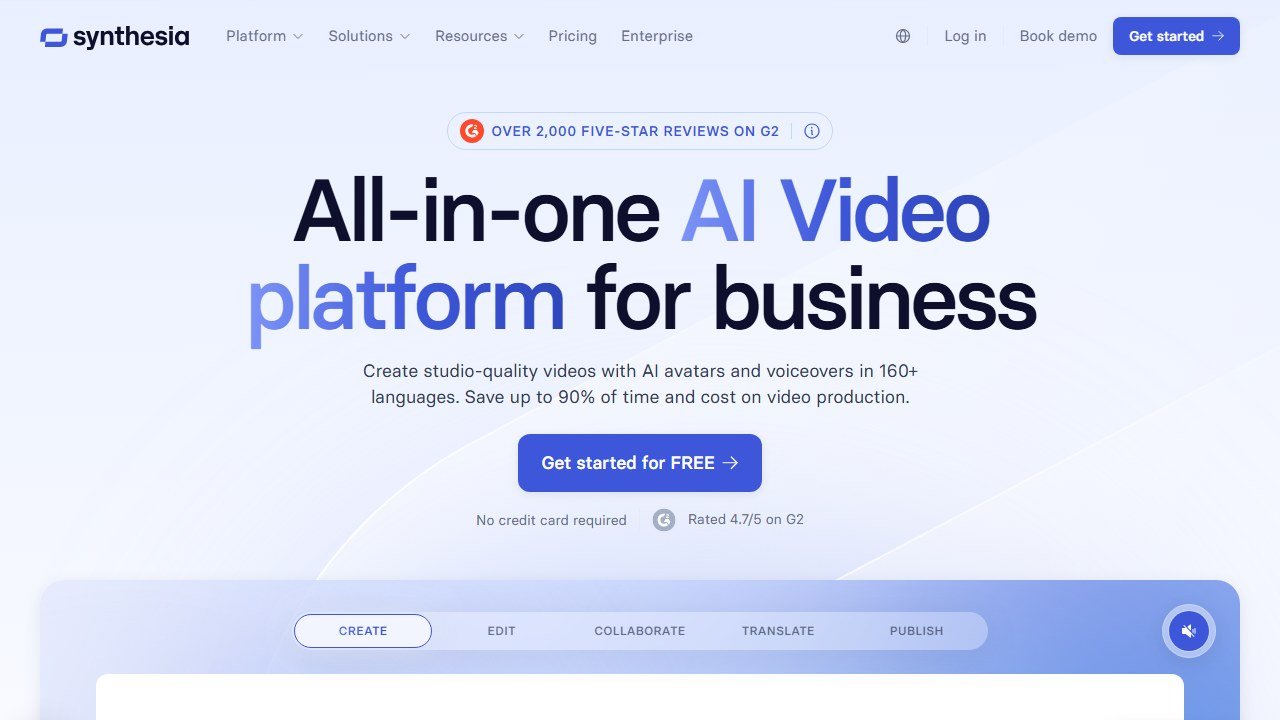
Synthesia creates training videos using AI avatars instead of live actors. You type a script, pick an avatar, choose a language, and the platform generates a professional-looking video. No camera, no studio, no voiceover talent. The 230+ stock avatars cover diverse appearances and presentation styles. Custom avatars (your own likeness or a company spokesperson) are available at $1,000/year.
For instructional designers, the key feature is SCORM export. You can embed Synthesia videos directly into your LMS as trackable learning objects with completion data flowing back to your reporting dashboard.
AI Features
The AI script assistant helps write and refine video scripts. Auto-translation handles 140+ languages with matched lip-sync, meaning the avatar’s mouth movements align with each language. Interactive video elements include branching paths, calls to action, and chapter navigation. The PowerPoint import feature converts existing slide decks into narrated video courses.
Synthesia reports that 90% of Fortune 100 companies use the platform. The compliance story is strong: SOC 2 Type II, ISO 27001, and ISO 42001 (the company was the first AI video platform to earn that certification).
Who This Is For
- Global L&D teams needing training videos in dozens of languages
- Organizations replacing expensive video production with AI-generated content
- Compliance teams producing policy and procedure videos at scale
- Instructional designers who want video without production overhead
Pricing
The free plan includes 1,200 credits per month (roughly 3 to 10 minutes of video), 9 avatars, and 1 editor seat. Starter costs $29/month ($18/month on annual billing). Creator costs $89/month ($64/month annual) and adds 180+ avatars plus 5 personal avatars. Enterprise pricing is custom. Custom studio avatars run $1,000/year as an add-on.
G2 rating: 4.7/5 based on 2,375 reviews. Capterra: 4.6/5 (313 reviews).
Pros
- 140+ languages with lip-synced avatars eliminates voiceover coordination
- SCORM export integrates directly with major LMS platforms
- Strongest compliance certifications in AI video (SOC 2, ISO 27001, ISO 42001)
- Free plan lets you test before committing budget
Cons
- Avatar movements still feel somewhat stiff compared to real video
- Content moderation can be overly strict, blocking legitimate medical or biotech training
- Custom avatars are expensive at $1,000/year per avatar
- Longer videos render slowly
Read our full Synthesia review for a deeper look.
3. Colossyan. Best for Interactive Branching Scenario Training
| Best for | L&D teams building scenario-based training with choose-your-path branching |
|---|---|
| Price | Starter $19/mo (annual) / Business $70/mo/user (annual) / Enterprise custom |
| Free trial | 5 minutes of free video |
| SCORM support | SCORM 1.2, SCORM 2004 with pass/fail logic; xAPI on Enterprise |
| Key strength | Interactive branching videos with built-in quizzes and knowledge checks |
| Key weakness | Lip-sync quality falls below Synthesia on complex scripts |
| Website | colossyan.com |
What It Does
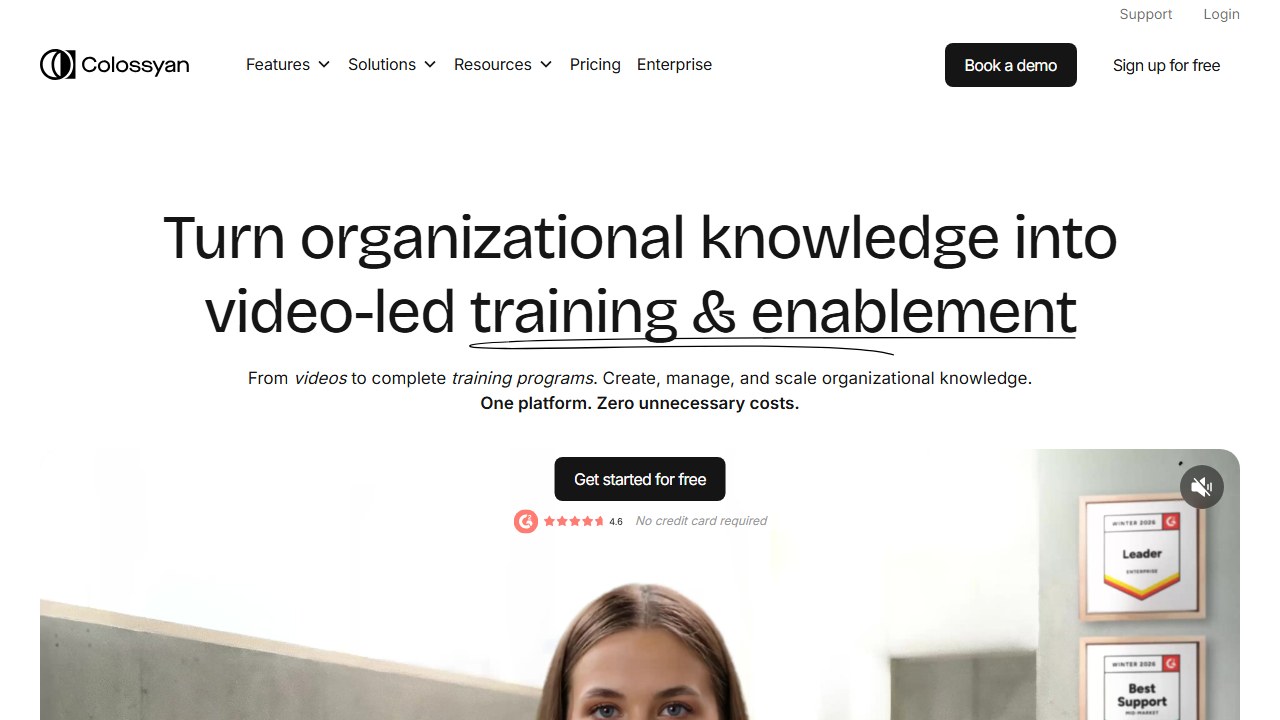
Colossyan creates AI avatar videos with a training-first focus. The standout feature is interactive branching: you build choose-your-own-adventure scenarios where learners make decisions and see different outcomes. Combined with built-in quizzes and knowledge checks, this creates engaging scenario-based training without any video production skills.
The SCORM export includes pass/fail logic, so your LMS can track not just completion but whether the learner passed the embedded assessments. This matters for compliance training where a simple “watched the video” completion is not enough.
AI Features
AI script generation creates training scripts from prompts. Auto-translation covers 70+ languages with avatar lip-sync. Conversation mode supports multi-avatar dialogues for realistic workplace scenario videos. The brand kit feature maintains visual consistency across all training videos with your company colors, logos, and fonts.
Colossyan reports 600% year-over-year growth, with customers including Novartis, Vodafone, Cisco, and Porsche. Total funding stands at $28.2 million following a $22 million Series A in February 2024.
Who This Is For
- Compliance teams that need pass/fail tracking on video-based training
- L&D designers building soft skills training with realistic workplace scenarios
- Organizations that want branching scenarios without hiring a video production team
- Teams needing multilingual training video deployment
Pricing
Starter costs $19/month on annual billing and includes 10 minutes of video with 70+ avatars. Business runs $70/month per user (annual) with 30 minutes, 170+ avatars, interactive videos, and auto-translations. Enterprise is custom-priced and adds 200+ avatars, SCORM export, SAML SSO, and API access. Custom avatars cost $1,000/year.
G2 rating: 4.6/5 based on 488 reviews. Capterra: 4.4/5 (10 reviews).
Pros
- Interactive branching creates engaging scenario-based training
- SCORM with pass/fail logic supports compliance requirements
- Built-in quizzes and knowledge checks reduce the need for separate assessment tools
- SOC 2 Type II, ISO 27001, and ISO 42001 compliance
Cons
- Lip-sync quality does not match Synthesia on longer or more complex scripts
- Rendering is slow (a 1-minute video can take 7 minutes to generate)
- Limited template library compared to larger competitors
- Credits burn quickly on the Starter plan
Read our full Colossyan review for a deeper look.
4. Articulate Rise AI. Best for Modern Responsive Web Courses
| Best for | Instructional designers building clean, responsive web-native courses |
|---|---|
| Price | $1,449/yr per author |
| Free trial | 30-day free trial |
| SCORM support | SCORM 1.2, SCORM 2004, xAPI |
| Key strength | AI builds responsive courses up to 9x faster than manual authoring |
| Key weakness | Higher price point with no free tier |
| Website | articulate.com |
What It Does
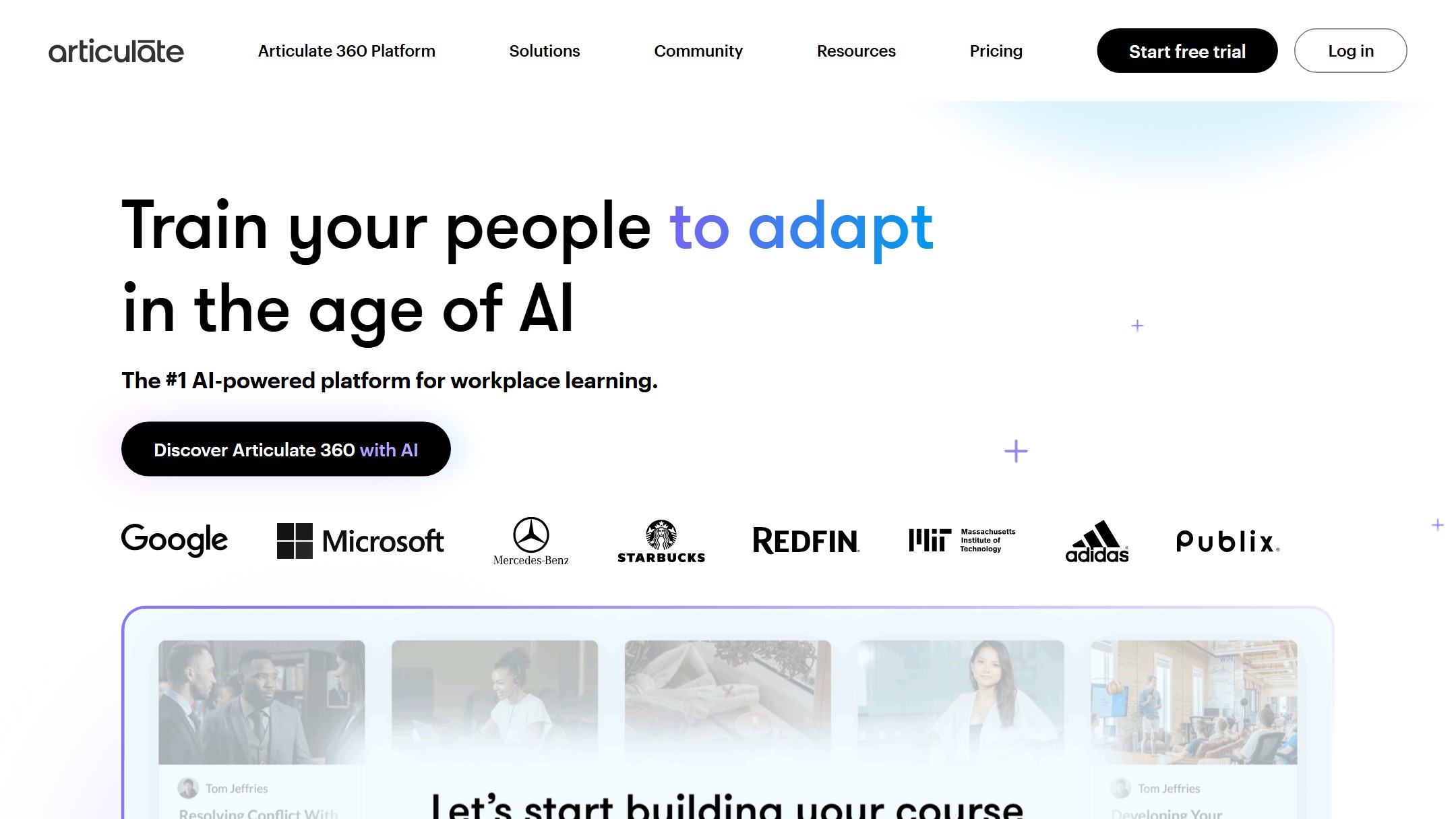
Articulate Rise AI is the web-based course authoring tool in the Articulate 360 suite. It produces responsive courses that look polished on desktop, tablet, and mobile without any manual responsive design work. The AI course builder takes a topic, learning objectives, or a document upload and generates a structured course with text blocks, interactions, knowledge checks, and multimedia placeholders.
Articulate claims its AI features help designers build courses 9x faster than fully manual methods. The platform earned a G2 satisfaction score of 99 out of 100, making it one of the highest-rated authoring tools in the category.
AI Features
The AI course builder generates complete course structures from a brief or uploaded document. AI-assisted content writing fills in lesson text and descriptions. Smart suggestions recommend interactions and assessment types based on your content. The platform supports team collaboration with review workflows, comments, and version history.
Rise courses are inherently mobile-responsive. Every block, interaction, and assessment adapts to the learner’s screen size automatically. This eliminates the dual-build problem that plagues tools requiring separate desktop and mobile versions.
Who This Is For
- Instructional designers who value clean, modern course aesthetics
- Teams building courses that must work across desktop, tablet, and mobile
- Organizations already invested in the Articulate ecosystem (Storyline, Review)
- L&D departments that need collaboration features for review cycles
Pricing
Articulate 360 (which includes Rise AI, Storyline 360, Review 360, and other tools) costs $1,449/year per author. There is no free tier, but a 30-day free trial is available. Volume discounts apply for teams.
Pros
- AI builds structured courses up to 9x faster than manual authoring
- Automatically responsive courses work on every device without extra effort
- G2 satisfaction score of 99/100 reflects strong user approval
- Part of the Articulate 360 suite with Storyline for advanced interactions
Cons
- $1,449/year is steep for solo designers or small teams
- No free tier limits accessibility for budget-constrained organizations
- Less flexible than Storyline for complex custom interactions
- AI-generated content still requires significant human review for quality
Faz says: Rise AI is the tool I would hand to someone who says “I need a course built by Friday.” The AI gets you to a solid first draft fast. The responsive output means you do not have to worry about how it looks on different devices. The trade-off is that $1,449/year price tag, which only makes sense if you are building courses regularly.
5. 360Learning. Best for Collaborative SME-Driven Course Creation
| Best for | Organizations where subject matter experts, not just L&D, create courses |
|---|---|
| Price | From $8/active user/mo (Team plan) |
| Free trial | Demo available |
| SCORM support | SCORM import/export supported |
| Key strength | Collaborative authoring that turns SMEs into course creators with AI assist |
| Key weakness | Per-learner pricing adds up quickly at scale |
| Website | 360learning.com |
What It Does
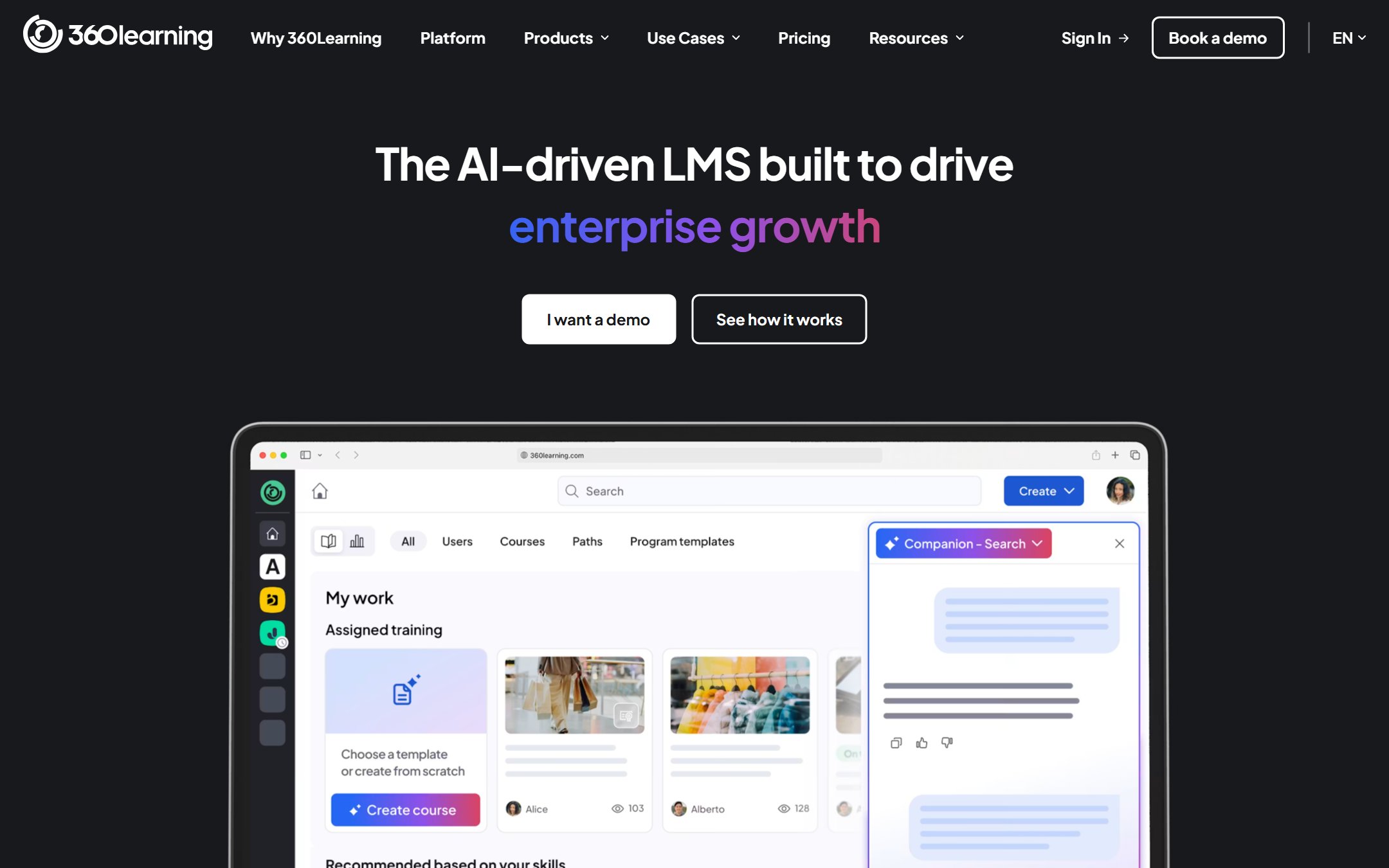
360Learning flips the traditional instructional design model. Instead of L&D teams building all courses, SMEs across the organization author their own training with AI assistance. The platform combines an LMS with collaborative authoring tools, so the same system that delivers courses also lets experts create them.
The AI course generator converts uploaded documents, PDFs, and presentations into structured courses. SMEs upload their knowledge, the AI organizes it into learning modules, and L&D reviews the output before publishing. This “collaborative learning” approach addresses the biggest bottleneck in most L&D operations: waiting for subject matter experts to make time for knowledge transfer.
360Learning serves 1,700+ organizations. Mitsubishi Electric reported 99% learner satisfaction and a 65% reduction in training costs after implementing the platform.
AI Features
AI course generation transforms raw documents into structured courses with sections, key points, and assessment questions. AI skill tagging automatically categorizes content for skills-based learning paths. The platform integrates with Workday, SAP SuccessFactors, Microsoft Teams, Slack, Zoom, and LinkedIn Learning.
The hybrid LMS/LXP approach means learners get both assigned compliance training and self-directed learning recommendations in one interface.
Who This Is For
- Organizations that want subject matter experts to create courses without L&D bottlenecks
- Companies with distributed expertise that needs capturing and standardizing
- L&D teams looking for an LMS and authoring tool in one platform
- Mid-market to enterprise organizations with 100+ learners
Pricing
The Team plan starts at $8 per active user per month. Larger deployments run $10 to $18 per learner per month with custom quotes. Value-for-money scores on Capterra lag slightly at 4.3/5, suggesting that per-learner costs can feel high for larger organizations.
G2 rating: 4.6/5 based on 580 reviews. Capterra: 4.7/5 (482 reviews).
Pros
- SME-driven authoring eliminates the knowledge transfer bottleneck
- AI converts documents into structured courses in minutes
- Hybrid LMS/LXP reduces the need for separate delivery and authoring platforms
- Strong integration ecosystem (Workday, SAP, Teams, Slack)
Cons
- Per-learner pricing compounds quickly for organizations with thousands of users
- Requires cultural buy-in from SMEs who may resist creating content
- Less suited for solo instructional designers working independently
- Advanced features locked behind higher pricing tiers
6. Docebo Shape. Best Enterprise AI Content Creation Engine
| Best for | Enterprise L&D departments needing AI-powered content at scale |
|---|---|
| Price | Enterprise pricing, typically $1,000+/mo |
| Free trial | Demo available |
| SCORM support | Full LMS with SCORM support |
| Key strength | AI Video Presenter creates training videos from text prompts |
| Key weakness | Enterprise-only pricing excludes smaller organizations |
| Website | docebo.com |
What It Does
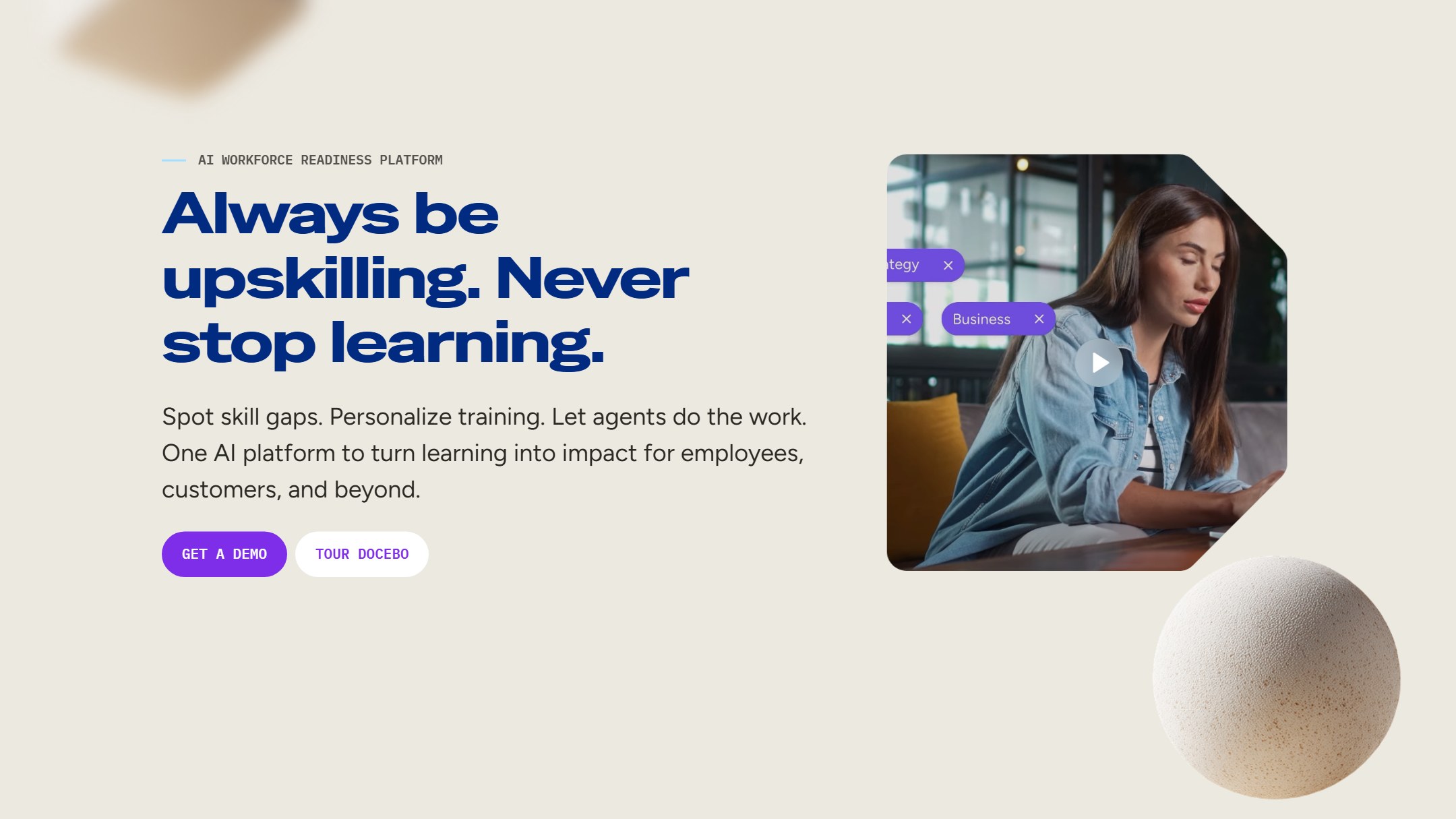
Docebo Shape is the AI content creation engine within the Docebo Learn LMS. It generates training content from prompts, uploaded documents, or URLs. The AI Video Presenter feature creates talking-head training videos from text, similar to Synthesia but integrated directly into the LMS. This means you create, deliver, and track content in one platform.
Docebo serves enterprise clients and positions Shape as the AI layer that accelerates content production for large L&D teams. The company reports that its platform supports millions of learners across its customer base.
AI Features
Shape generates microlearning modules, assessments, and full courses from text prompts or document uploads. The AI Video Presenter creates avatar-based training videos without external tools. Auto-tagging and content recommendations use AI to connect content with skills frameworks. Deep analytics track learner engagement, completion, and knowledge retention.
The platform supports content in multiple languages and integrates with enterprise HR systems for automated learning path assignment based on role, department, or skill gaps.
Who This Is For
- Enterprise L&D departments with 1,000+ learners
- Organizations that want content creation and delivery in one platform
- Teams that need AI video without subscribing to a separate video tool
- Companies with complex compliance and reporting requirements
Pricing
Docebo operates on enterprise pricing, typically starting at $1,000+ per month depending on user count and feature requirements. There is no self-serve pricing page. Contact sales for a custom quote and demo.
G2 rating: 4.3/5 based on 746 reviews.
Pros
- AI content creation integrated directly into the LMS eliminates tool switching
- AI Video Presenter removes the need for a separate video platform
- Enterprise-grade analytics and compliance reporting
- Skills framework integration for targeted learning paths
Cons
- Enterprise-only pricing makes it inaccessible for SMBs or small teams
- G2 rating of 4.3/5 is lower than most competitors on this list
- Implementation complexity typical of enterprise LMS platforms
- Requires significant onboarding and admin training
Saru says: Docebo’s G2 rating of 4.3/5 across 746 reviews places it below the other tools on this list. The reviews consistently praise the AI features but flag the learning curve for administrators. If your organization has the resources for proper implementation, Shape’s integrated approach, creating and delivering content in one system, eliminates the content pipeline friction that plagues teams juggling multiple tools.
7. LearnWorlds. Best for Course Creators and SMBs
| Best for | Course creators, coaches, and small businesses selling training online |
|---|---|
| Price | From $29/mo (Starter) |
| Free trial | 30-day free trial |
| SCORM support | SCORM import supported |
| Key strength | 38 AI functions with 200+ education-specific prompts |
| Key weakness | Built for selling courses, not enterprise L&D compliance workflows |
| Website | learnworlds.com |
What It Does
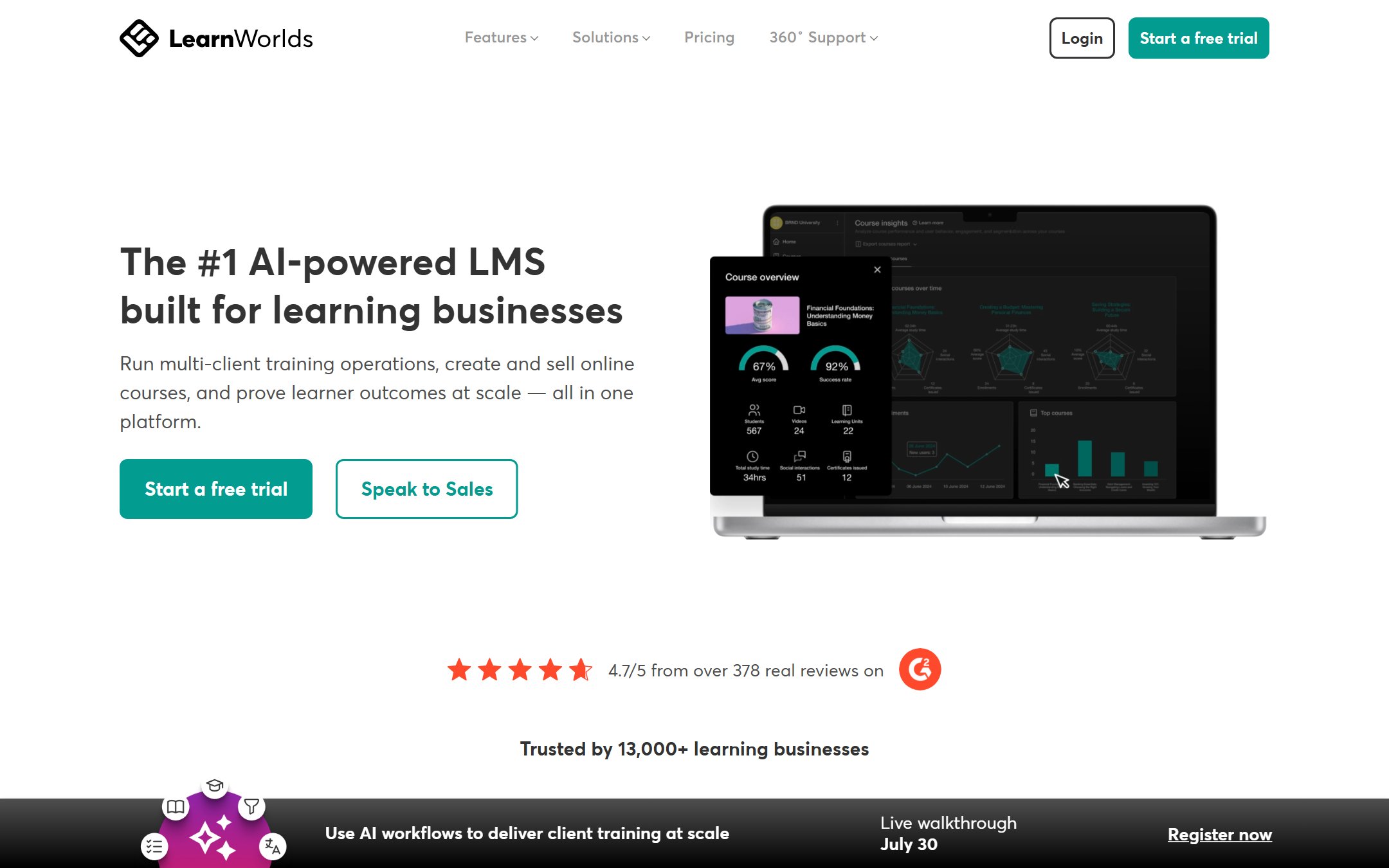
LearnWorlds is a course creation and selling platform with 38 AI functions baked into the authoring workflow. It serves course creators, coaches, consultants, and SMBs that want to build and sell training content. The platform powers 15,000+ schools globally.
Unlike enterprise-focused tools on this list, LearnWorlds combines course authoring with marketing, sales pages, checkout, and community features. You build a course and sell it from the same platform. The 200+ education-specific AI prompts help generate course outlines, lesson content, quiz questions, and marketing copy.
AI Features
The 38 AI functions span course creation (outlines, lesson content, assessments), learner engagement (discussion prompts, feedback), and marketing (course descriptions, sales copy, email sequences). AI-assisted video with interactive overlays lets you add questions, notes, and branching directly on top of video content.
The course builder supports multimedia lessons, SCORM imports, certificates, and gradebooks. White-label options let you brand the learning experience completely.
Who This Is For
- Independent course creators monetizing their expertise
- Coaches and consultants building training programs for clients
- SMBs that need internal training without enterprise LMS complexity
- Organizations that want to sell courses externally as a revenue stream
Pricing
Starter costs $29/month and includes 1 admin, unlimited courses, and basic features. Pro Trainer runs $79/month with additional AI features and advanced analytics. Learning Center costs $249/month with white labeling, bulk actions, and API access. High Volume and Corporate plans have custom pricing.
Pros
- 38 AI functions cover course creation, engagement, and marketing in one platform
- 200+ education-specific prompts guide AI output for better learning content
- All-in-one: build, sell, and deliver courses without separate tools
- 30-day free trial with no credit card required
Cons
- Designed for course selling, not corporate L&D compliance workflows
- SCORM import but limited SCORM export options
- Marketing features are noise if you only need internal training
- Smaller community compared to Articulate or 360Learning
8. Degreed. Best for Workforce Upskilling at Scale
| Best for | Large enterprises building AI-driven skills intelligence and upskilling programs |
|---|---|
| Price | Approximately $10-15/user/mo (enterprise quotes) |
| Free trial | Demo available |
| SCORM support | Integrates with LMS content via SCORM |
| Key strength | AI skills intelligence maps learning to workforce capability gaps |
| Key weakness | Enterprise-only, no self-serve option for small teams |
| Website | degreed.com |
What It Does
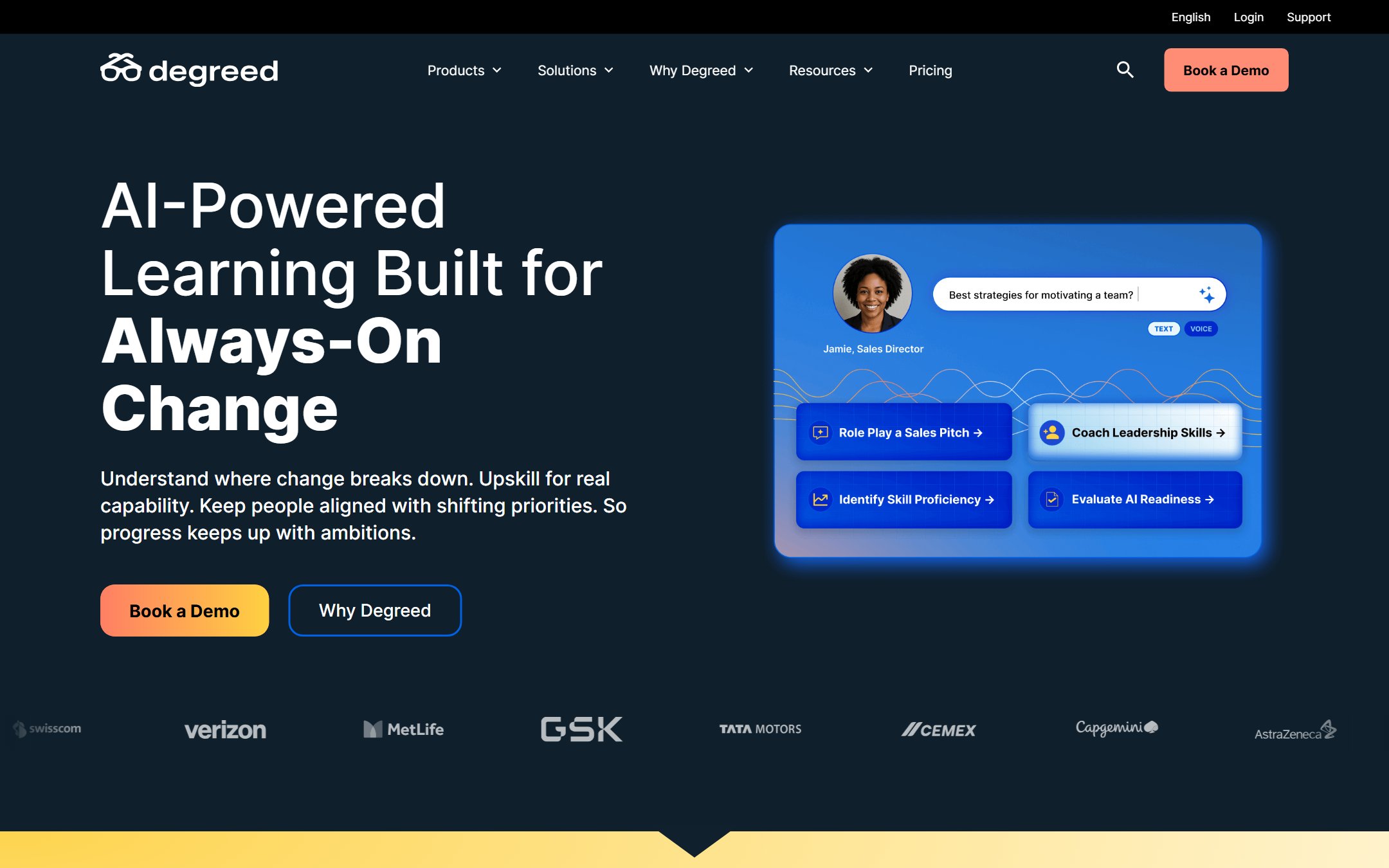
Degreed is a Learning Experience Platform (LXP) that uses AI to connect learning content with workforce skills data. Instead of just delivering courses, Degreed maps organizational skill gaps, recommends targeted learning paths, and tracks skill development over time. The platform aggregates content from internal libraries, third-party providers (LinkedIn Learning, Coursera, Udemy), and custom-built courses into a unified learning experience.
Degreed reports that 1 in 3 Fortune 50 companies use the platform. The Maestro feature adds AI-powered roleplay for practice-based learning, where employees rehearse real workplace scenarios with an AI coach that provides instant feedback.
AI Features
AI skills intelligence analyzes workforce data to identify skill gaps and recommend learning paths. Maestro delivers AI roleplay simulations for soft skills, sales, leadership, and customer service scenarios. Content recommendations use machine learning to surface the most relevant learning resources from across all connected providers. Skill assessments track progress from awareness through proficiency.
The platform integrates with HR systems (Workday, SAP SuccessFactors) to align learning data with talent management, succession planning, and internal mobility programs.
Who This Is For
- Fortune 500 companies building skills-based talent strategies
- CHROs and CLOs who need workforce skill gap analysis at an organizational level
- L&D teams that aggregate content from multiple providers into one experience
- Organizations investing in internal mobility and career pathing
Pricing
Degreed operates on enterprise pricing, approximately $10 to $15 per user per month depending on scale and feature requirements. Contact sales for a custom quote.
Pros
- AI skills intelligence turns learning data into workforce strategy insights
- Maestro AI roleplay adds practice-based learning to the platform
- Aggregates content from dozens of third-party providers into one interface
- Deep HR system integrations for skills-based talent management
Cons
- Enterprise-only pricing and sales process excludes smaller organizations
- Implementation requires significant data integration and configuration
- Content creation is not the primary focus; relies on third-party and imported content
- ROI depends on organizational maturity around skills frameworks
Faz says: Degreed is not a course authoring tool. It is a skills intelligence platform that happens to deliver learning. If your organization’s biggest problem is “we have too much content and no idea what skills our workforce actually has,” Degreed solves that. If you just need to build a SCORM course by Thursday, look elsewhere on this list.
9. Easygenerator. Best for SME Authoring with AI Roleplay Practice
| Best for | Subject matter experts creating e-learning without instructional design skills |
|---|---|
| Price | Subscription-based (contact for pricing) |
| Free trial | Available |
| SCORM support | SCORM 1.2, SCORM 2004, xAPI |
| Key strength | EasyCoach AI roleplay feature lets learners practice conversations with AI |
| Key weakness | Pricing not publicly listed |
| Website | easygenerator.com |
What It Does
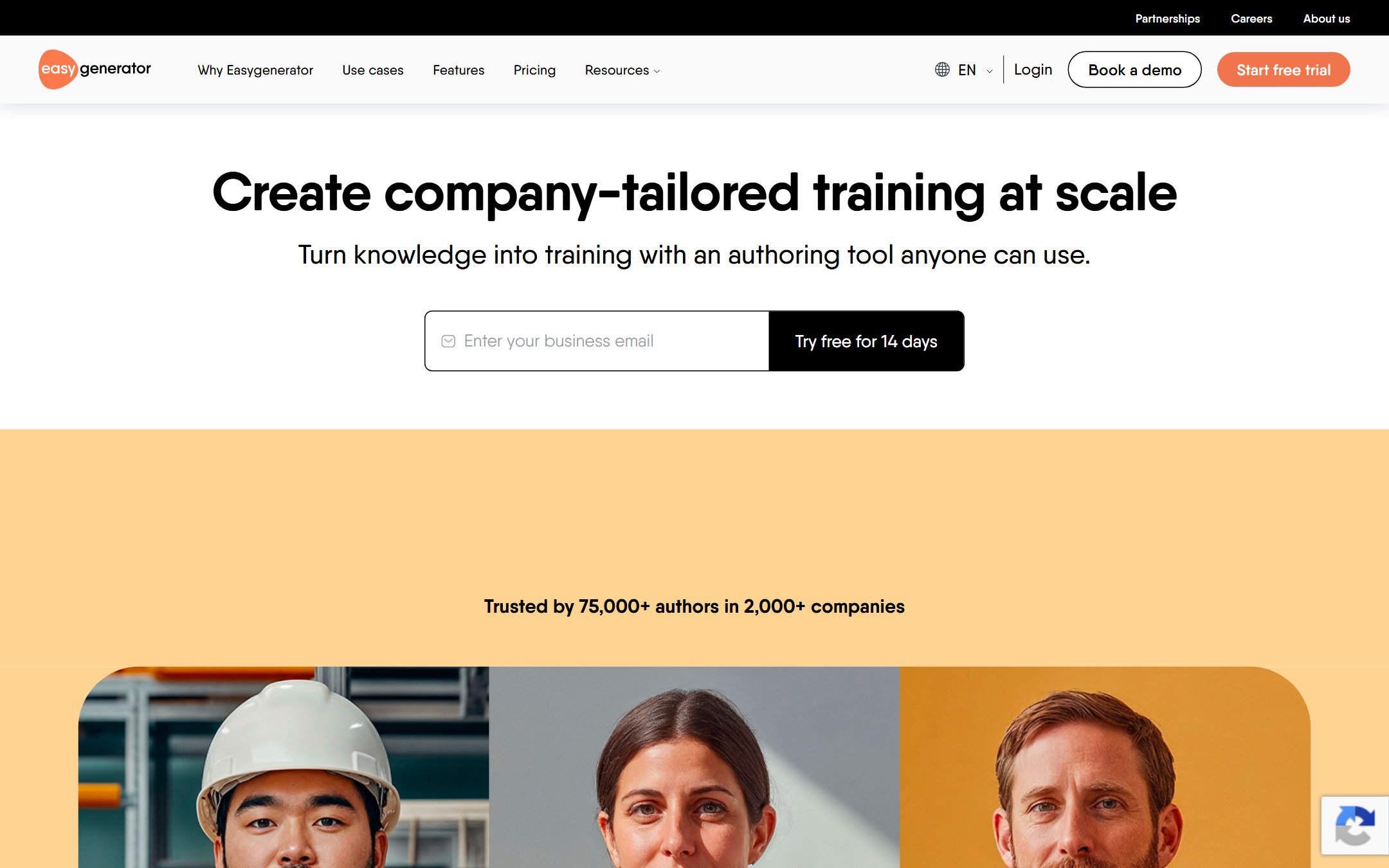
Easygenerator is an e-learning authoring tool designed for subject matter experts, not instructional designers. The interface is intentionally simple: SMEs create courses using drag-and-drop blocks without needing to understand learning design theory. The platform handles the pedagogical structure behind the scenes.
The standout feature is EasyCoach, an AI roleplay function where learners practice real workplace conversations with an AI character. You define the scenario (a difficult customer call, a performance review, a sales pitch), set the success criteria, and learners practice until they get it right. The AI provides feedback on their responses in real time.
AI Features
AI content generation creates course drafts from uploaded documents or topic descriptions. EasyCoach AI roleplay builds practice scenarios where learners interact with AI characters in realistic conversations. AI-assisted quiz generation creates assessment questions from course content. Translation support helps localize courses for global teams.
The platform supports SCORM 1.2, SCORM 2004, and xAPI exports, making the courses compatible with any standard LMS.
Who This Is For
- Organizations that want SMEs to create training without L&D involvement
- Teams that need practice-based learning with AI roleplay
- Companies with distributed expertise that needs to be captured quickly
- L&D departments that want to scale course production by empowering non-designers
Pricing
Easygenerator uses subscription-based pricing. Contact the vendor for current rates. A free trial is available to test the platform before committing.
Pros
- EasyCoach AI roleplay adds practice-based learning to authored courses
- Designed for SMEs, not instructional designers, lowering the creation barrier
- Full SCORM/xAPI support for LMS delivery and tracking
- Drag-and-drop simplicity reduces onboarding time for new authors
Cons
- Pricing not publicly listed, which complicates budget planning
- Less powerful than Articulate or iSpring for complex interactive content
- EasyCoach is a feature within the platform, not a standalone roleplay tool
- Smaller market presence compared to established authoring competitors
10. Knowbly (Now Echo360 EchoInk). The Budget Pick That Went Enterprise
| Best for | Teams already in the Echo360 ecosystem that want rapid authoring plus delivery |
|---|---|
| Price | Custom quote via Echo360 |
| Free trial | Demo via Echo360 sales |
| SCORM support | SCORM 1.2, SCORM 2004 |
| Key strength | Proven rapid-authoring engine, now paired with Echo360 distribution and analytics |
| Key weakness | The old $395/yr self-serve price is gone; everything is quote-based |
| Website | echo360.com |
What Happened to Knowbly
Knowbly earned its slot on lists like this as the budget pick: cloud-based rapid authoring with SCORM 1.2 and 2004 output at $395 per author per year, the lowest sticker in the category. That tool no longer exists as a standalone product. Knowbly Learning Systems was acquired by Turning Technologies in 2020, Turning Technologies became part of Echo360, and the authoring engine was relaunched as EchoInk inside the Echo360 platform. As of July 2026, knowbly.com is literally a parked domain with a for-sale page on GoDaddy. If a roundup still points you there with a $395 price tag, it has not been updated in a long time.
What It Does Now
EchoInk keeps the parts that made Knowbly likable: no-code, drag-and-drop authoring in the browser, interactive elements, assessments, and SCORM packaging for LMS delivery. Echo360 has added automated quality checks that flag design, structure, and file errors before publish, real-time collaboration between subject matter experts and instructional designers, and responsive design previews for mobile. Content distributes through the wider Echo360 platform with its analytics layer attached.
Who This Is For
- Organizations already running Echo360 for lecture capture or engagement that want authoring under the same contract
- Teams that value built-in QA checks and SME collaboration over advanced interactivity
- Buyers comparing full authoring-plus-delivery bundles rather than a standalone authoring tool
Pricing
Custom quotes only, through Echo360’s contact flow. There is no public pricing and no self-serve signup. Any $395/year figure you see quoted for Knowbly is stale pre-acquisition pricing. If a low self-serve price is what brought you to this entry, iSpring’s per-author license and Easygenerator’s subscription tiers are the realistic budget routes in 2026.
Pros
- Mature rapid-authoring engine with a decade of development behind it
- Automated design and file QA before publish
- Real-time SME collaboration built in
- Distribution and analytics through the Echo360 platform
Cons
- The budget positioning is dead: quote-only pricing with no self-serve path
- Three brand names in six years (Knowbly, Turning, EchoInk) makes documentation and community threads confusing
- Only makes sense bundled with Echo360; standalone buyers should look elsewhere
Master Comparison Table
| Tool | Best For | Price From | SCORM | AI Highlights | G2 Rating |
|---|---|---|---|---|---|
| iSpring Suite AI | PowerPoint-based authoring | $770/yr | 1.2, 2004, xAPI | Content gen, quiz gen, voiceover, 50+ lang translation | Listed |
| Synthesia | AI training videos | Free / $18/mo | Yes | 230+ avatars, 140+ languages, interactive video | 4.7/5 (2,375) |
| Colossyan | Branching scenario videos | $19/mo | 1.2, 2004, xAPI (Enterprise) | Branching, quizzes, 70+ lang, multi-avatar | 4.6/5 (488) |
| Articulate Rise AI | Responsive web courses | $1,449/yr | 1.2, 2004, xAPI | 9x faster course building, auto-responsive | 99/100 (G2) |
| 360Learning | Collaborative SME authoring | $8/user/mo | Import/export | Doc-to-course AI, skill tagging | 4.6/5 (580) |
| Docebo Shape | Enterprise AI content | ~$1,000+/mo | Full LMS | AI Video Presenter, auto-tagging, skill mapping | 4.3/5 (746) |
| LearnWorlds | Course creators/SMBs | $29/mo | Import | 38 AI functions, 200+ prompts | Listed |
| Degreed | Workforce upskilling | ~$10-15/user/mo | Via integrations | Skills intelligence, Maestro AI roleplay | Listed |
| Easygenerator | SME authoring + roleplay | Subscription | 1.2, 2004, xAPI | EasyCoach AI roleplay, doc-to-course | Listed |
| Knowbly (Echo360 EchoInk) | Rapid authoring via Echo360 | Custom quote | 1.2, 2004 | AI content gen, templates | Listed |
Verdict
The right AI instructional design tool depends on your starting point.
If you have PowerPoint decks that need to become SCORM courses, iSpring Suite AI is the fastest path. The PowerPoint-native workflow means your team already knows the tool. AI handles the translation, voiceover, and quiz generation that used to eat weeks of production time.
If video is your primary training medium, Synthesia wins for straightforward training videos in multiple languages, while Colossyan wins for interactive branching scenarios with pass/fail tracking.
If you want SMEs creating courses without L&D bottlenecks, 360Learning or Easygenerator turn subject matter experts into course authors with AI assistance.
If budget is your biggest constraint, be careful with lists that still recommend Knowbly at $395/year: that self-serve price died when the product became Echo360 EchoInk, and knowbly.com is now a parked domain. The realistic budget routes in 2026 are iSpring’s per-author license and Easygenerator’s subscription tiers. Synthesia’s free plan lets you test AI video without any upfront cost.
If you are solving a workforce skills problem, not just a content problem, Degreed connects learning to organizational skill gaps at an enterprise scale.
Faz says: The tools are better than they have ever been. The hard part is not finding an AI tool for instructional design. The hard part is picking the one that matches how your team actually works. Start with the problem you are solving, not the feature list. Every tool on this list does impressive things. Only one or two will fit your workflow.
For the full picture of every AI tool we have reviewed for corporate training, see our best AI tools for corporate training roundup.
More AI tool guides worth reading: 7 Best AI Sales Roleplay Tools for Practice and Coaching and Best AI Sales Training Software.
More AI tool guides worth reading: Best AI Workforce Planning Tools, Best AI Negotiation Training Tools for Sales Teams and Best AI Tools for Manufacturing Safety Training.
Tools mentioned in this guide
- MagicSchool
- Diffit
- Synthesia
- Colossyan
- iSpring Suite
- Articulate
- 360Learning
- Docebo
- LearnWorlds
- Degreed
- Easygenerator
- Echo360 EchoInk
- ChatGPT
- Claude
Deep-dive reviews of every instructional design tool in this guide
For honest, in-depth reviews of the individual tools mentioned:
- Synthesia review, the AI video creation platform reviewed for course content
- Colossyan review, the AI video alternative compared head-to-head with Synthesia
- iSpring Suite review, the SCORM-friendly authoring tool reviewed in depth
For more on the tools above, see our Articulate Rise 360 review, the head-to-head Articulate vs iSpring Suite comparison, and the best Synthesia alternatives for training video.

Written by
FazFaz is the founder of AIToolsBakery. Some tools here are tested hands on. Others are assessed from vendor documentation and pricing verified on the live page, and every review says which one it is. Sponsors can buy a position in a guide. They cannot buy the score, the criticism, or silence about a better option.
How we test and how we make money →