The AI interior design space is loud, and almost every “best tools” list you will find is written by one of the tools being ranked. This one is not. We assessed these the way a working designer would weigh them, stage by stage, from each tool’s real capabilities and pricing to what designers report in practice.
The best AI tools for interior designers in 2026 are Spacely (fastest client-ready renders), Collov (best virtual staging), Coohom (best 2D-to-3D planning), Interior AI (best for early ideation), Planner 5D (best floor-plan-to-3D), Prome AI (best proposal variety), Midjourney (best mood and concept imagery), and Canva (best client presentations). No single tool wins. Build a small stack across capture, planning, rendering, and presentation.
Faz says: I have watched interior designers lose entire evenings to rendering software that fights them at every step. So when AI tools started promising “client-ready renders in seconds,” my first reaction was the usual one: show me. After digging into how these platforms actually work, what they charge, and what working designers report, the honest answer is that the picture has genuinely gotten good, fast, and cheap. The judgment behind the picture has not, and that is still where a designer earns the fee. This guide is built around that line.
Saru says: How this guide was built: 14 tools shortlisted, 8 selected. The assessment draws on each tool’s official documentation and demos, feature comparison, and verified user reviews on G2 and Capterra, current to 2026. Pricing checked against official pricing pages and rounded. We have not independently lab-tested every render, so treat tool-specific claims as research-based and confirm current pricing before subscribing, since these tools change plans often.
Quick verdict: best AI tools for interior designers at a glance
| If you need… | Go with | Rough price |
|---|---|---|
| Fastest client-ready renders | Spacely | Free trial (credits), paid from ~$13/mo |
| Best virtual staging | Collov | Free trial, paid from ~$16/mo |
| 2D drawing to 3D render | Coohom | Free trial, paid from ~$25/mo |
| Early ideation from a photo | Interior AI | From ~$19/mo |
| Floor plan to interactive 3D | Planner 5D | Free tier, paid from ~$10/mo |
| Most proposal variety | Prome AI | Free tier, paid from ~$9/mo |
| Mood and concept imagery | Midjourney | From ~$10/mo |
| Client presentations and marketing | Canva | Free tier, paid from ~$15/mo |
Short on time? If you only adopt one tool this quarter, make it Spacely or Collov for rendering, because that is where AI saves a designer the most hours. If your bottleneck is layout rather than imagery, start with Planner 5D.
Why AI changed the interior design workflow, not the job
The shift in 2026 is not that AI designs rooms. It is that AI removes the friction between a client’s request and a presentation they can react to. A mood that used to take a half-day of sourcing and a render that used to take hours in CAD now take minutes. That compresses the part of the job clients never paid for anyway, the production, and leaves more time for the part they do pay for: taste, spatial judgment, sourcing, and project management.
The designers winning with these tools are not the ones generating the most images. They are the ones who picked two or three tools, learned them properly, and slotted them into a real workflow. Everyone else is paying for software they open twice a month.
There is a useful parallel here with how AI landed in outdoor design. We saw the same pattern testing the best AI landscaping tools and garden design tools: the render is brilliant, the buildable reality is the designer’s job. Interior work is no different, and several of these tools cross over both worlds.
The five stages interior designers actually hire AI for
Strip away the marketing categories and a designer’s AI use collapses into stages of a real project. The right tool depends entirely on which stage is slowing you down.
1. Capture and ideate. Turn a brief or a photo into directions to react to.
2. Plan and lay out. Floor plans, furniture placement, the buildable bones.
3. Visualize and render. The client-facing money shot.
4. Present and pitch. Mood boards, decks, and the proposal that closes the job.
5. Market the practice. Social content and listings that win the next client.
Stage 1: capture and ideation
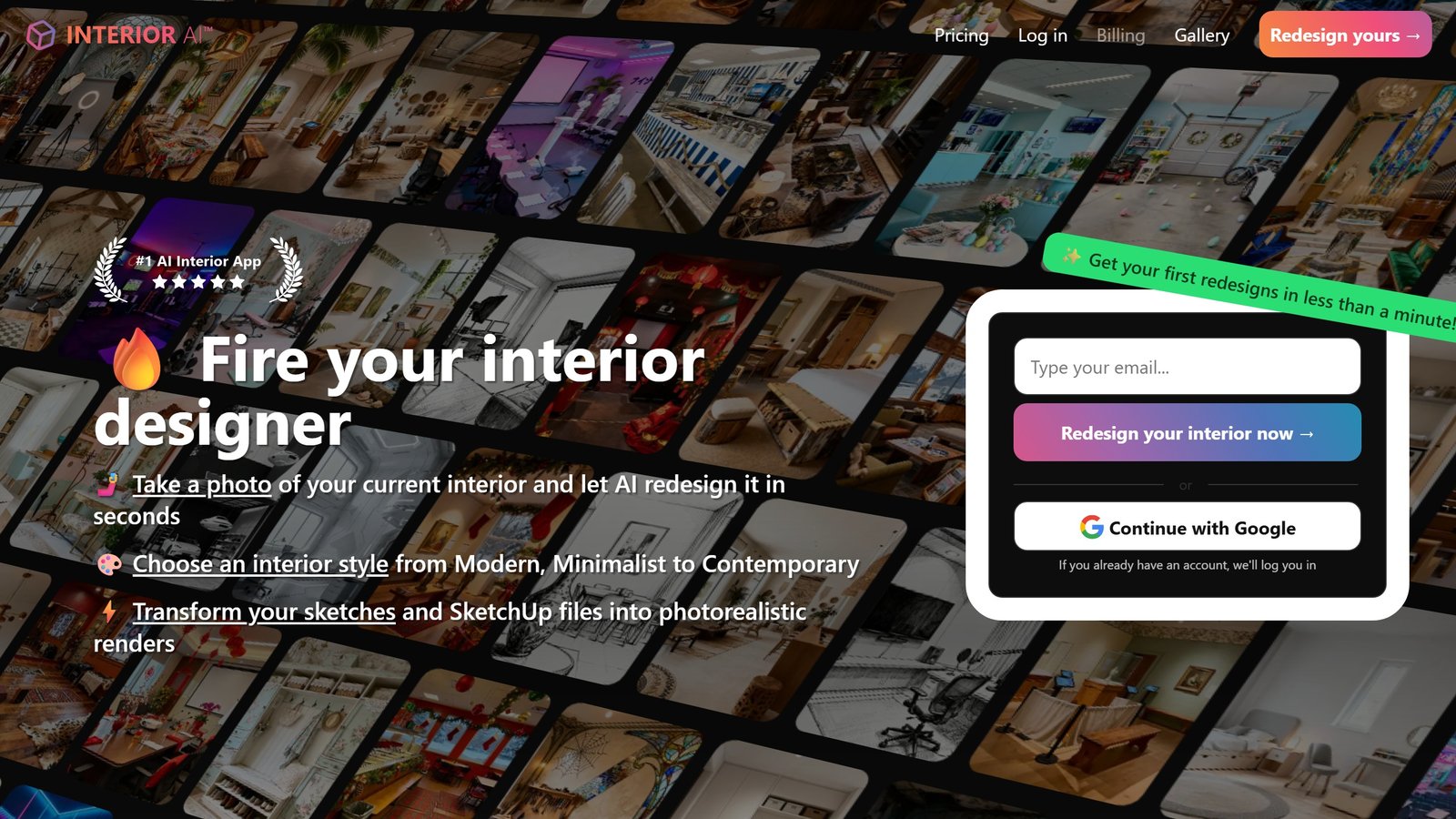
This is where you go from a blank brief to something a client can point at. Interior AI is the strongest here for working from an existing room photo: feed it the space, choose a style such as minimalist or warm modern, and it returns styled directions in seconds. It is ideation, not a buildable plan, so treat the output as a conversation starter.
Midjourney sits alongside it for pure concept and mood imagery. It does not understand your actual room, but for evocative direction-setting and mood boards, nothing matches its image quality. Skip it if you need your real space respected; reach for it when you need to sell a feeling.
Field note Test any ideation tool with a hard room, not the sunny open-plan loft in their demo. A narrow north-facing room with an awkward radiator and a single window tells you which tools actually reason about the space and which just paste a pretty style over it.
Stage 2: planning and layout
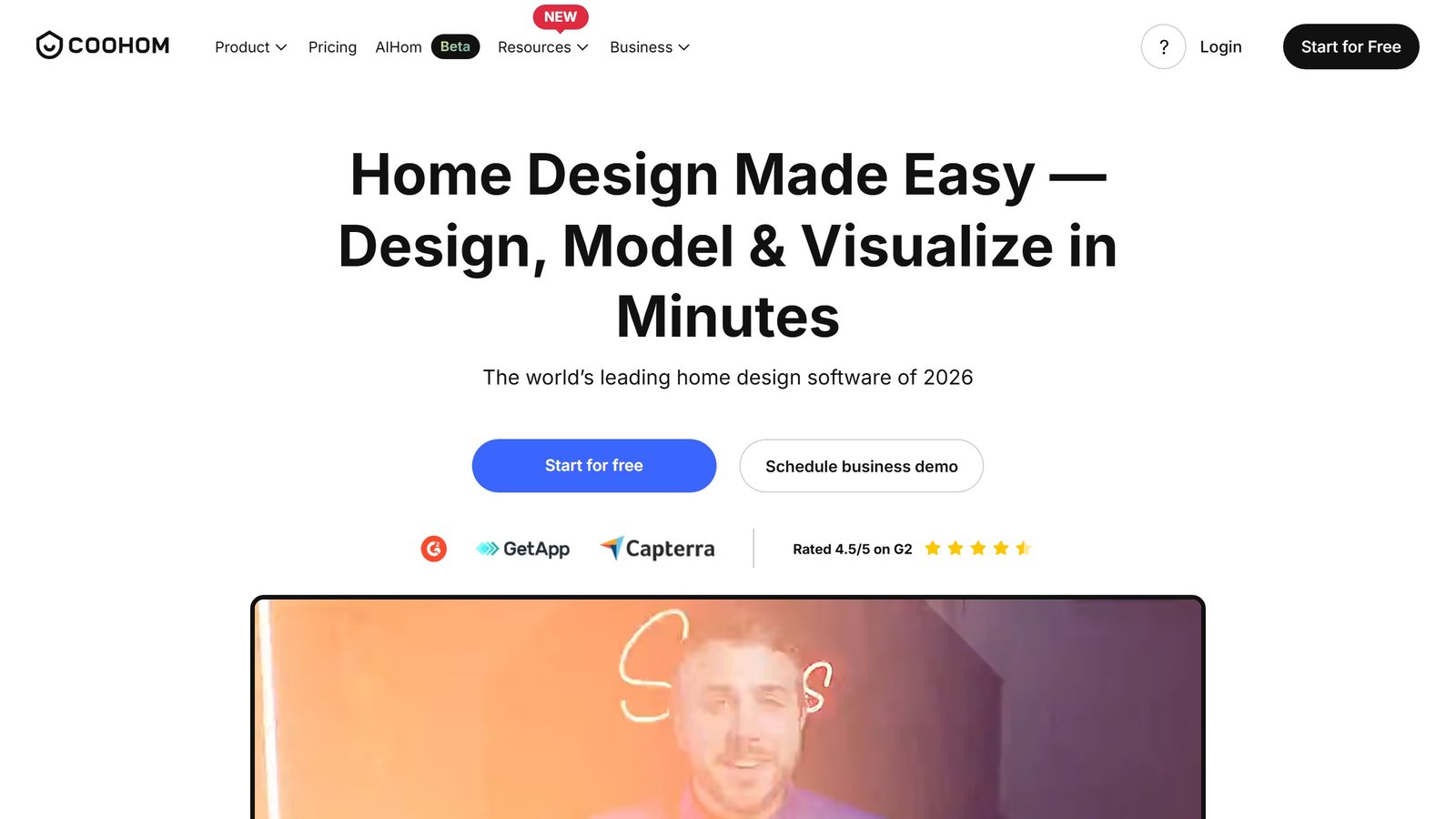
Imagery without a workable layout is decoration. Coohom turns 2D drawings into 3D renders and lets you plan in both views, which makes it strong for designers who think in floor plans first. Planner 5D is the friendlier option, with AI floor-plan recognition that can turn a photo of a plan into an interactive 3D model and a large furniture library for spatial layout. We cover it in depth in our full Planner 5D review, and it is the tool in this SERP we have looked at most closely.
This stage is where AI is weakest at the things that matter structurally: clearances, traffic flow, and code. Use the layout as a fast first pass, then apply your own judgment on what actually works in the space.
Stage 3: visualization and rendering
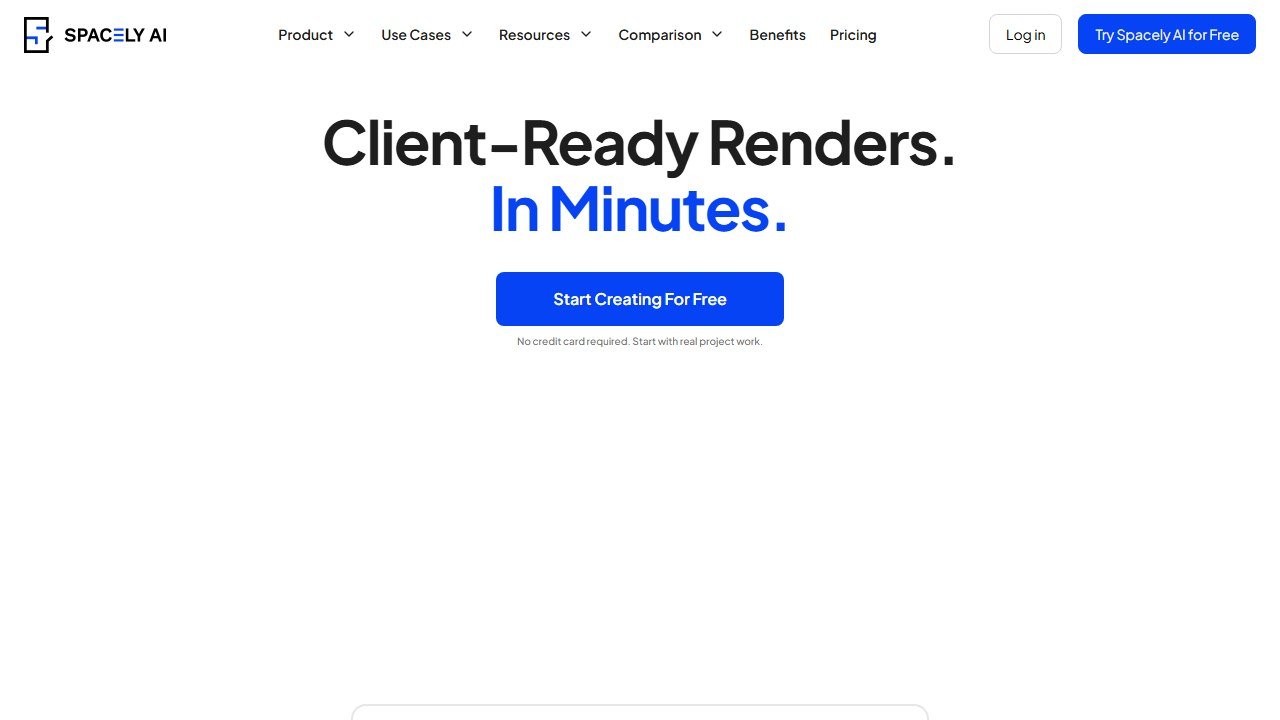
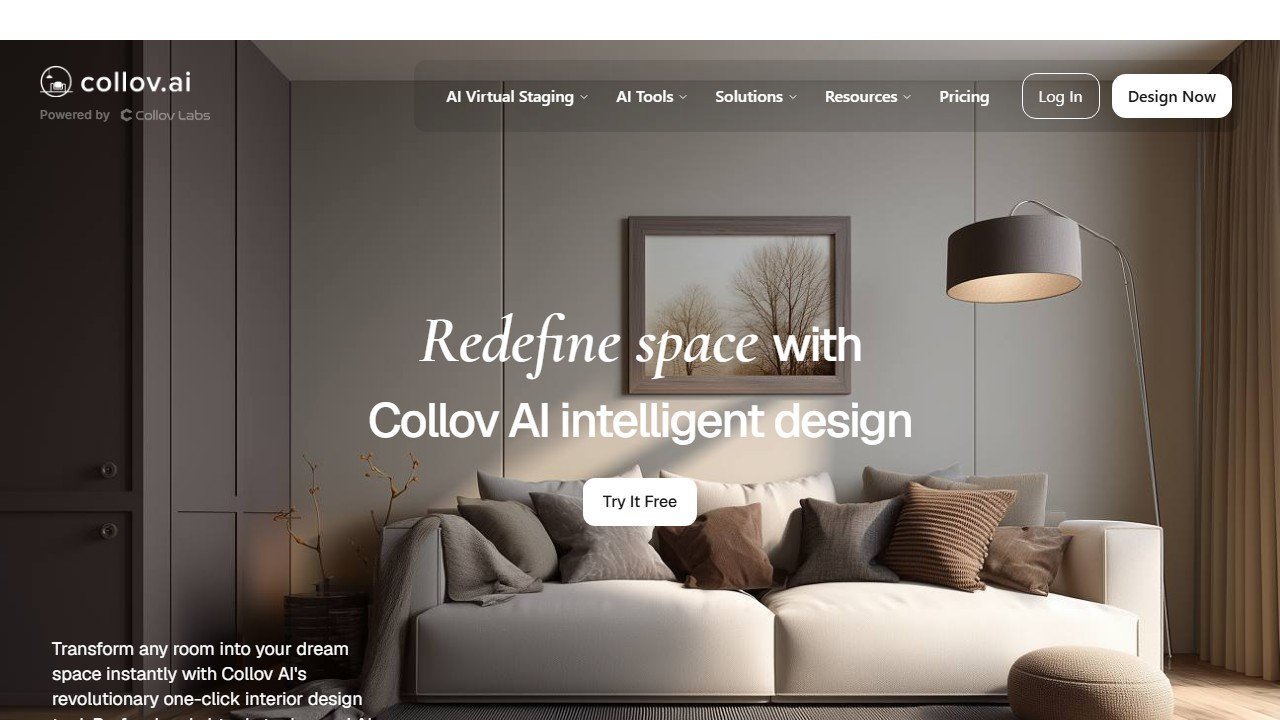
The client-facing money shot, and where AI saves a designer the most time. Spacely is built for client turnaround: adjust lighting, materials, furniture, and layouts while keeping your existing work intact, so you can respond to a client without rebuilding files. Collov leans into 3D room renders and virtual staging, with a brush tool that lets you draw on an image and prompt specific changes (“a leather armchair here”), which makes it the pick for real-estate staging work. Prome AI is the versatile all-rounder for generating a spread of proposal directions from sketches or prompts in a few clicks.
Field note Every AI render needs a reality pass before it reaches a client. The model optimizes for a beautiful picture, not a buildable one, so it will happily float a pendant with no ceiling support or scale a sofa that will never fit through the door. Your value is catching that before the client falls in love with it.
Stage 4: presentation and the pitch
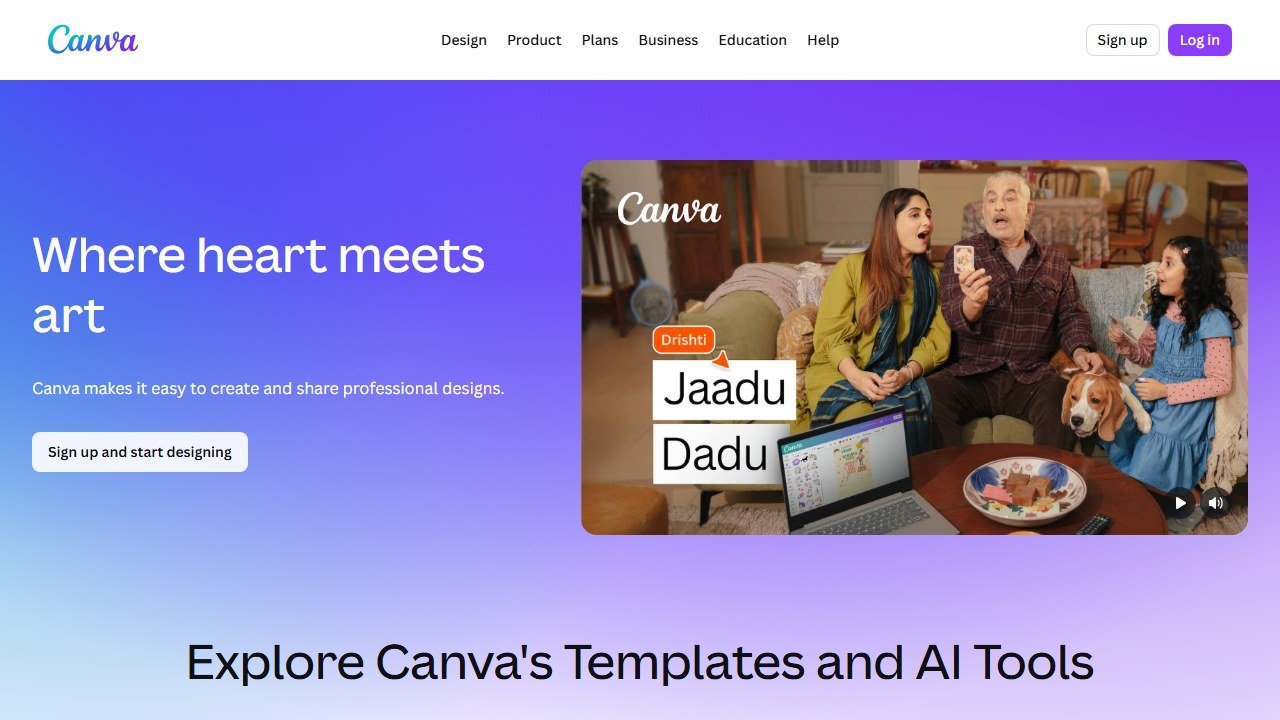
A great render still has to be packaged to win the job. Canva has become the quiet workhorse here, with AI-assisted templates for mood boards, presentation decks, and proposals that pull your renders into something client-ready in minutes. It will not design your room, but it shortens the gap between “I have the visuals” and “I have a proposal that closes.”
Stage 5: marketing the practice
The same tools that build the work also feed the pipeline. Canva and Midjourney cover most social and portfolio content, and Collov’s staging output doubles as listing imagery for designers who work with real-estate clients. The point of this stage is not more posting. It is turning the work you already produced into the next inquiry.
The interior designer’s AI decision matrix
Pick the stage slowing you down most, then start with one tool. The fast version:
| Workflow stage | Start with | Rough price | Best for |
|---|---|---|---|
| Ideation from a photo | Interior AI | From ~$19/mo | Early client direction |
| Mood and concept | Midjourney | From ~$10/mo | Selling a feeling |
| Floor plan to 3D | Planner 5D | Free, paid ~$10/mo | Layout-first designers |
| 2D drawing to 3D | Coohom | Free trial, ~$25/mo | Plan-driven workflows |
| Fast client renders | Spacely | Free trial, ~$13/mo | Tight client turnaround |
| Virtual staging | Collov | Free trial, ~$16/mo | Real-estate staging |
| Proposal variety | Prome AI | Free, paid ~$9/mo | Many directions fast |
| Client presentation | Canva | Free, paid ~$15/mo | Decks and mood boards |
Saru says: Pricing is approximate and pulled from public vendor pages in 2026. Plans and names change often in this category, so confirm the current tier on the vendor site before you subscribe.
What this costs a working practice
The software is cheap relative to the billable hours it returns. Most of these run a free tier plus a paid plan in the range of a modest monthly subscription, and a designer rarely needs more than two or three of them. The real return is not the subscription saved, it is the rendering and ideation hours handed back to client work, plus the faster pitch cycle that closes jobs while enthusiasm is high.
The cost to watch is the wrong kind of trust: pasting an AI render into a client proposal without the reality pass, then having to walk back a promise the space cannot deliver. Used well, AI does not just speed up the pretty picture. It frees you to spend judgment where judgment is the product.
What AI still cannot do for an interior designer
It cannot stand in the room and feel how the afternoon light falls. It cannot know the client says “minimalist” but means “cozy.” It cannot judge whether a vintage piece is worth the sourcing effort, manage a contractor, or hold a project together when the schedule slips. It produces the picture, and the picture is genuinely valuable, because for many clients the picture was the missing piece. The gap between a beautiful render and a room that works for the people living in it is filled by taste, spatial judgment, and care. AI gets you to the starting line faster than anything before it. It does not run the project.
Related design guides
- Planner 5D review, the planning tool in this list, tested in depth
- Best AI landscaping tools, the outdoor-design counterpart
- Best AI garden design tools, with a focus on plant-database depth
- Neighborbrite review and Dreamzar review, two design visualizers we reviewed
What the AI tool category cannot replace in interior design
Interior designers in 2026 still own three workflow zones that AI cannot meaningfully replace. Zone one: client discovery (understanding what a client actually wants, which is rarely what they say in the first meeting). Zone two: procurement (negotiating with vendors, managing lead times, coordinating delivery). Zone three: on-site supervision (the contractor questions that never stop and the field decisions that need real-time judgment). AI accelerates the visualization and ideation phases of a project, but the procurement and project management work is still 60 to 70 percent of total project hours and 100 percent human.
One last note on building an AI interior design practice
The interior designers winning in 2026 use AI to triple their iteration speed in the conceptual phase, then return to traditional craft for procurement and site supervision. Build a tool stack that reflects that split: one or two AI tools for visualization and mood boards, traditional CRM and project management for the operational work, and your own taste and judgment for the strategic decisions. The AI accelerates production; it does not replace the designer’s eye that clients are actually paying for.
The 2026 verdict for interior designers
The strongest 2026 interior design AI stacks combine one fast visualization tool (Spacely or Collov) with traditional CRM and project management. Solo designers benefit from cheaper tools; firms with multiple designers benefit from Coohom or other team-grade platforms. The case against any single tool: interior design still requires the client relationship, procurement, and site supervision work that AI does not replace. The AI accelerates production; clients pay for the designer’s eye.
More AI tool guides worth reading: Virtual Staging AI vs Collov, ApplyDesign Review and Virtual Staging AI Review.
Tools mentioned in this guide

Written by
FazFaz is the founder of AIToolsBakery. Some tools here are tested hands on. Others are assessed from vendor documentation and pricing verified on the live page, and every review says which one it is. Sponsors can buy a position in a guide. They cannot buy the score, the criticism, or silence about a better option.
How we test and how we make money →